ScreenSnap ProvsShottr
Two Mac-native screenshot tools with gradient backgrounds — but very different capabilities.
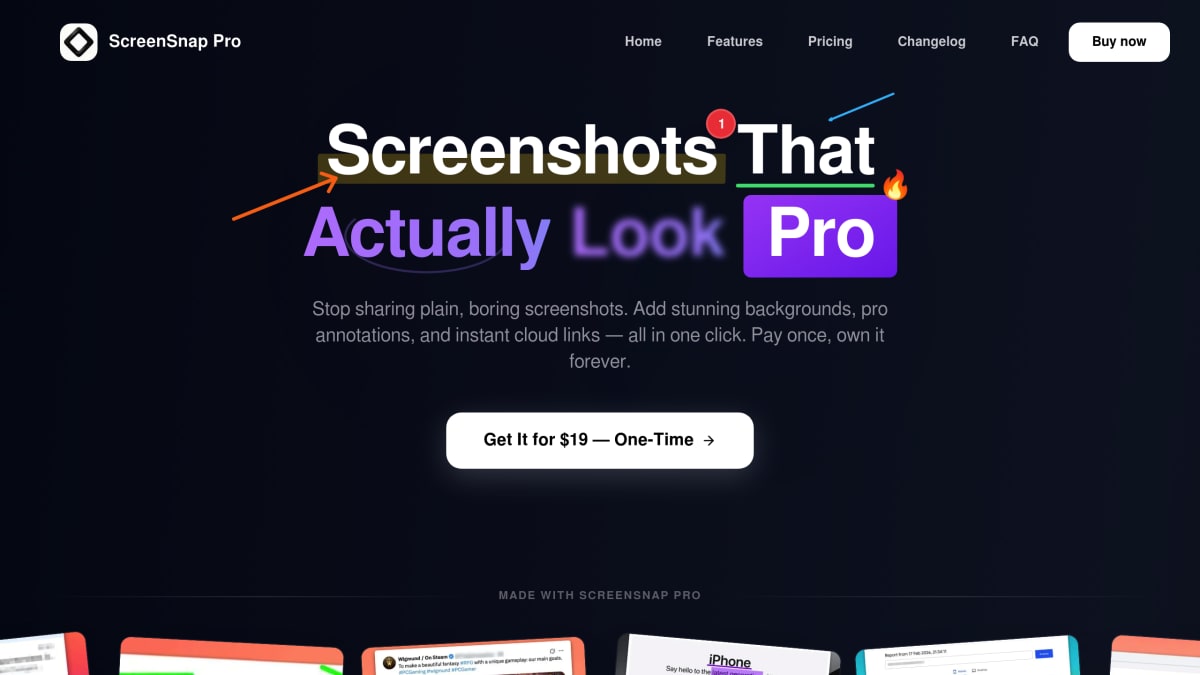
ScreenSnap Pro
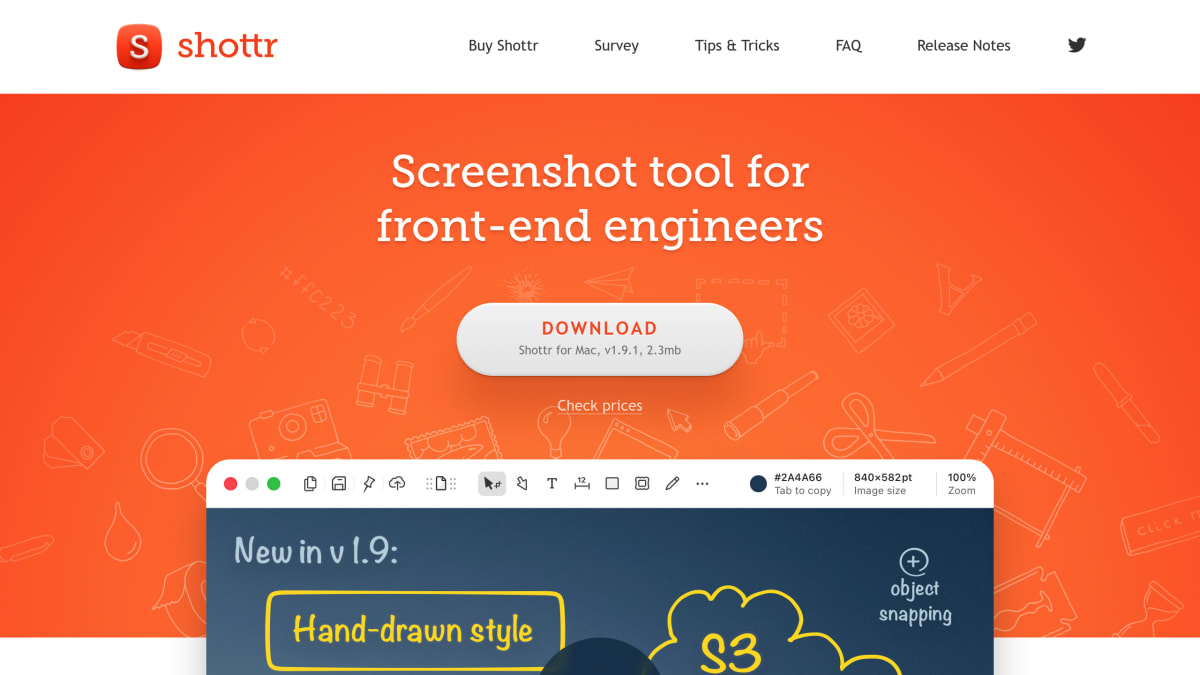
Shottr
Feature-by-Feature Breakdown
Every capability, compared honestly.
ScreenSnap Pro Wins
Key advantages over Shottr
- 1Video recording — Shottr can't record at all
- 2GIF recording built in
- 3Unlimited cloud storage and instant sharing
- 4More annotation tools (15 vs Shottr's basics)
- 5Pin screenshot and Quick Access Overlay
Shottr Wins
Where Shottr edges ahead
- 1Free tier available (no payment needed)
- 2Scrolling capture in Pro ($8)
- 3Pixel measurement tool for designers
- 4Magnifier tool for precise work
- 5Lighter weight — extremely minimal
Shottr is a great free option for basic screenshots with its backdrop tool and measurement features, but it can't record video or GIFs, has no cloud sharing, and its annotation tools are limited. ScreenSnap Pro at $29 gives you the full package: video + GIF recording, 160+ backgrounds, 15 annotation tools, OCR, and unlimited cloud sharing. If you need more than just screenshots, ScreenSnap Pro is worth the upgrade.
Choose ScreenSnap Pro if…
You need more than static screenshots: video and GIF recording, 160+ ready-made gradient backgrounds, OCR, and cloud sharing built in — plus you'd rather pay $29 once than juggle a free tier with feature gates.
Choose Shottr if…
You only ever take static screenshots, you want a free tool, or you specifically need Shottr's pixel measurement and magnifier features for design and pixel-perfect work — and you don't need video, GIF, or cloud sharing.
Frequently Asked Questions
Honest answers about ScreenSnap Pro vs Shottr.
- Is ScreenSnap Pro better than Shottr?
- ScreenSnap Pro is better if you need video recording, GIF capture, cloud sharing, or 160+ gradient backgrounds — Shottr can't do any of those. Shottr is better if you only take static screenshots, want a free tool, or need pixel measurement and magnifier features for design work.
- Is Shottr really free?
- Shottr's basic tier is free, but scrolling capture and a few advanced features are gated behind a $8 Pro license. ScreenSnap Pro is $29 once with everything included — no free-tier feature gates.
- Does Shottr record video or GIFs?
- No. Shottr is screenshot-only — no video recording, no GIF capture. ScreenSnap Pro records both, including system audio, microphone, and screen video.
- Which is faster?
- Both are Mac-native and feel snappy. Shottr's UI is slightly more minimal because it does less. ScreenSnap Pro's Quick Access Overlay keeps capture and recording one click away without slowing you down.