ScreenSnap ProvsSnagit
A lightweight $34 one-time app for Mac and Windows vs TechSmith's $39-a-year subscription heavyweight.
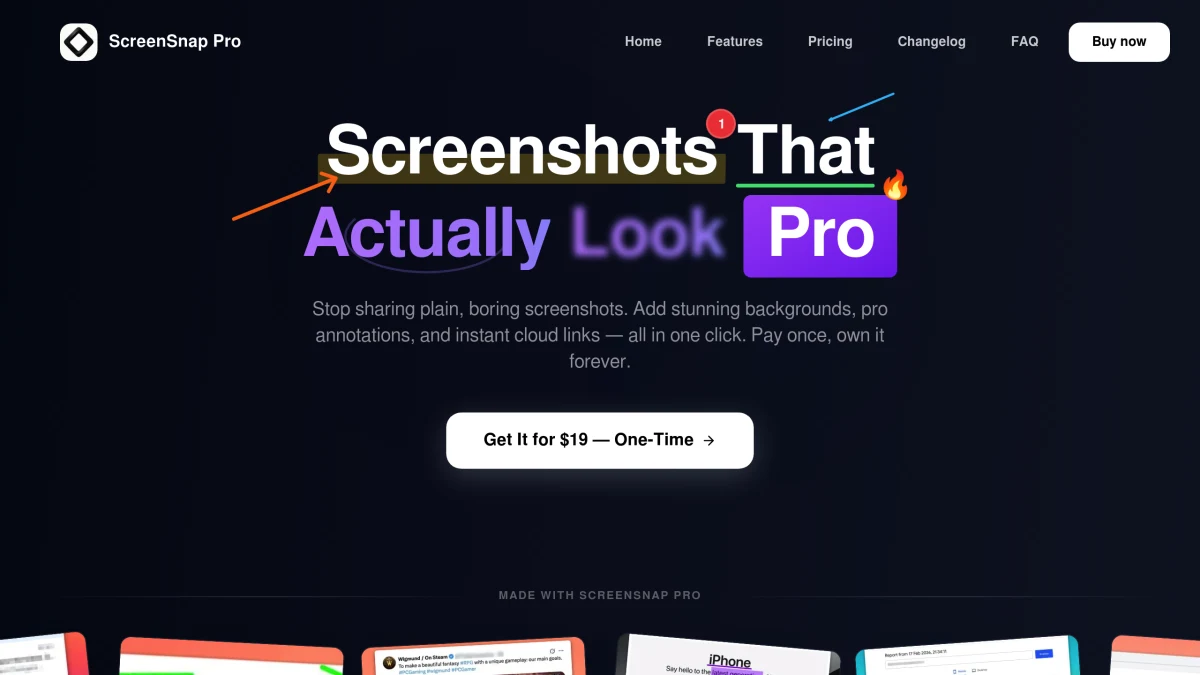
ScreenSnap Pro
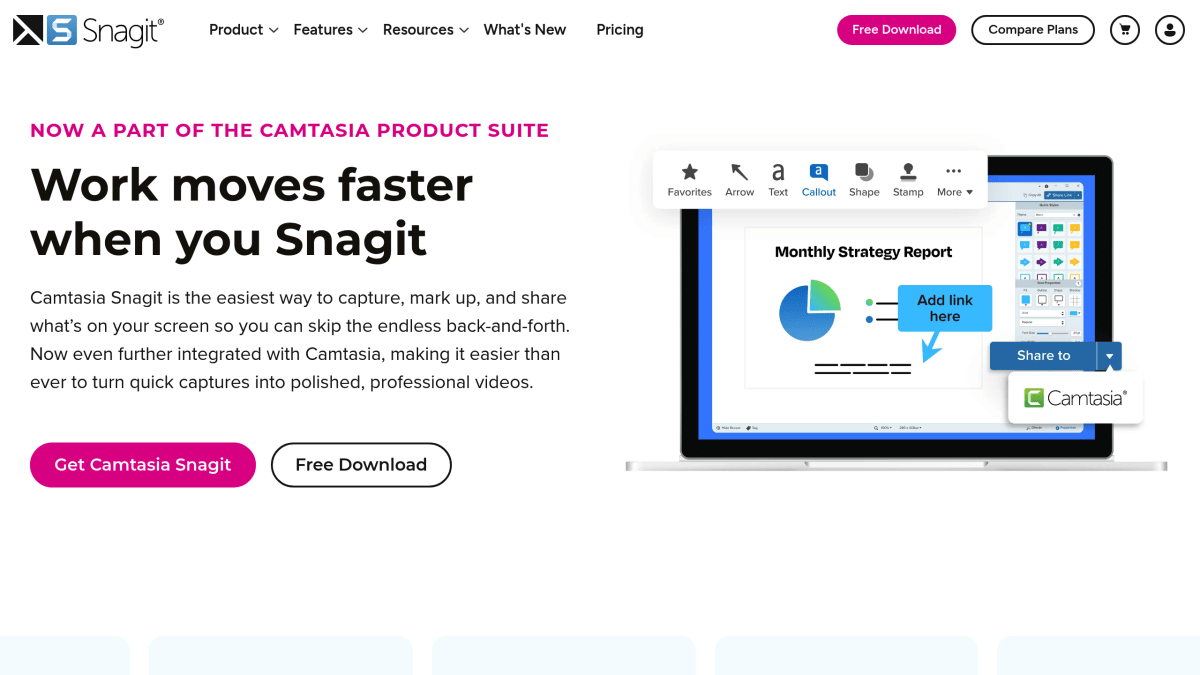
Snagit
Feature-by-Feature Breakdown
Every capability, compared honestly.
ScreenSnap Pro Wins
Key advantages over Snagit
- 1One-time $34 vs Snagit's $39 every year
- 2500+ gradient backgrounds (Snagit has none)
- 3Lightweight and fast — Snagit feels heavy
- 4Unlimited cloud storage included free
- 5Modern, clean UI vs Snagit's dated interface
Snagit Wins
Where Snagit edges ahead
- 1Cross-platform: works on Mac and Windows
- 2Scrolling capture for full-page screenshots
- 3Templates and presets for consistent branding
- 4Enterprise and team management features
- 5Longer track record — established since 1990
Snagit is a veteran screenshot tool with cross-platform support and enterprise features, but it is now a $39-per-year subscription, so it gets expensive over time and feels bloated. ScreenSnap Pro is a one-time $34 purchase, includes 500+ backgrounds Snagit doesn't have, and ships with unlimited cloud storage. If you're a Mac user who values speed and simplicity over enterprise features, ScreenSnap Pro is the smarter choice.
Choose ScreenSnap Pro if…
You want a fast, modern desktop app for Mac and Windows that you pay for once ($34) instead of every year, with 500+ gradient backgrounds and unlimited cloud sharing built in. Best for solo creators, indie devs, and small teams that don't need enterprise admin features.
Choose Snagit if…
You're in a corporate or training environment that needs scrolling capture, reusable templates, team management, SSO, and cross-platform support across Mac and Windows, and you're prepared to pay for that depth every year ($48 per user per year on the Business plan).
Frequently Asked Questions
Honest answers about ScreenSnap Pro vs Snagit.
- Is ScreenSnap Pro better than Snagit?
- For most Mac users, yes. It's faster, cheaper over time ($34 once vs $39 per year), and includes 500+ gradient backgrounds plus unlimited cloud sharing that Snagit doesn't. Snagit is better if you specifically need scrolling capture, reusable templates, or enterprise team features.
- How much cheaper is ScreenSnap Pro than Snagit?
- Snagit is subscription-only since Snagit 2025: $39 per user per year for individuals, with new versions included while you keep paying. ScreenSnap Pro is $34 one-time with lifetime updates included. Over three years Snagit costs $117 against $34 total for ScreenSnap Pro, and Snagit's total grows by another $39 every year after that.
- Does ScreenSnap Pro work on Windows like Snagit does?
- Yes. ScreenSnap Pro now runs on both macOS and Windows, with one license that activates on a Mac and a PC. Snagit is also cross-platform; the difference is price and weight, not OS coverage.
- Does ScreenSnap Pro have scrolling capture?
- Not in-app. Snagit scrolls a native window and stitches the result; ScreenSnap Pro cannot. For web pages it works differently: paste a URL into Full-Page Website Capture and it returns the entire page, lazy-loaded images and all. That covers most long captures. For scrolling inside an application window, Snagit is the better pick.
More Comparisons
See every feature on the screenshot tool overview.