ScreenSnap Pro vs Shottr: Honest Comparison (2026)
Choosing between ScreenSnap Pro and Shottr? Both are excellent Mac screenshot apps, but they're built for different users.
The short answer: ScreenSnap Pro is best for content creators who need beautiful screenshots with cloud sharing and GIF recording. Shottr is best for developers who need pixel measurements, OCR, and prefer a free or low-cost tool.
Let's dig into the details so you can make the right choice.
TL;DR: Quick Verdict
Choose ScreenSnap Pro if you:
- Share screenshots frequently (cloud links are a game-changer)
- Create content for social media, docs, or marketing
- Need GIF recording for tutorials and demos
- Want polished screenshots with gradient backgrounds
- Prefer one-time pricing with no nag screens
Choose Shottr if you:
- Need pixel-perfect measurements for UI/design work
- Want OCR text recognition from screenshots
- Need scrolling capture for long pages
- Prefer a free tool (with occasional upgrade prompts)
- Don't need cloud sharing or GIF recording
Both apps are fast, lightweight, and well-designed. The right choice depends on your workflow.
Quick Comparison Table
| Feature | ScreenSnap Pro | Shottr |
|---|---|---|
| Price | $39 one-time | Free / $12 one-time |
| Cloud Sharing | ✅ Built-in instant links | ❌ No (S3 in paid tier) |
| GIF Recording | ✅ Yes | ❌ No |
| Gradient Backgrounds | ✅ 150+ options | ✅ Yes (v1.8+) |
| Annotation Tools | ✅ 15 tools | ✅ 8+ tools |
| Pixel Measurements | ✅ Yes | ✅ Yes (more advanced) |
| Color Picker | ✅ Yes | ✅ Yes (more formats) |
| Blur/Pixelate | ✅ Yes | ✅ Yes |
| OCR Text Recognition | ❌ No | ✅ Yes |
| Scrolling Capture | ❌ No | ✅ Yes |
| Pin Screenshots | ✅ Yes | ✅ Yes |
| Quick Access Overlay | ✅ Yes | ❌ No |
What is ScreenSnap Pro?
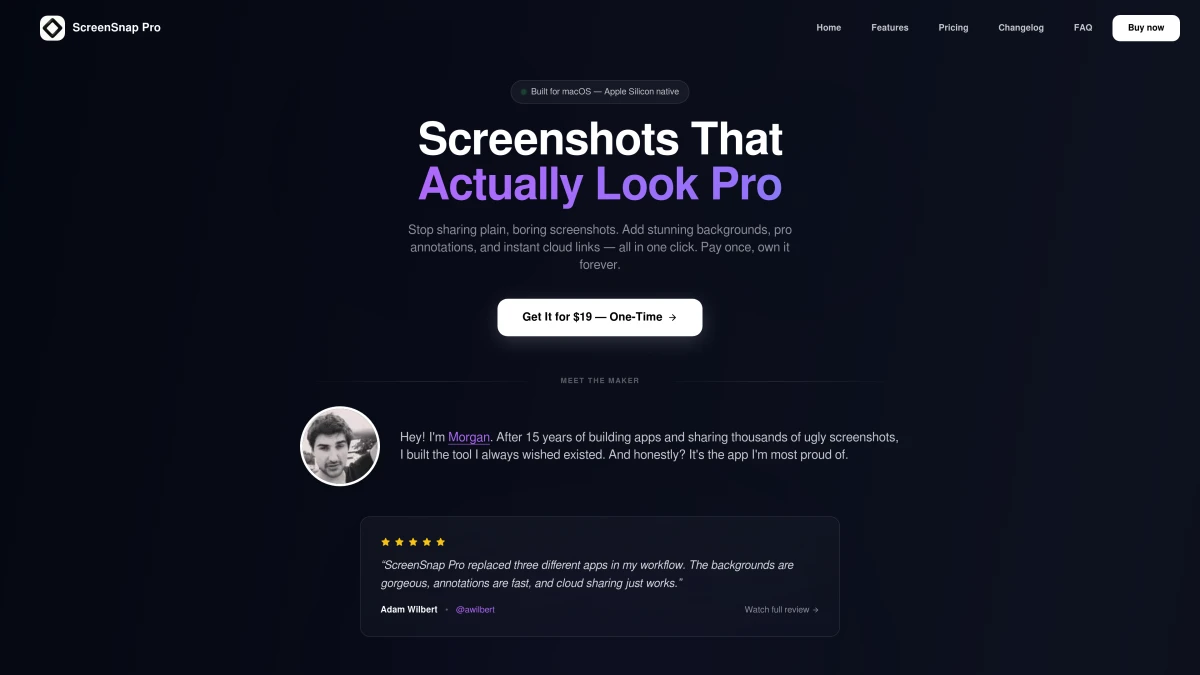
ScreenSnap Pro is a professional screenshot app built for content creators, marketers, and anyone who shares screenshots regularly. Its standout features are instant cloud sharing (get a link in one click), GIF recording, and 500+ wallpapers that make plain screenshots pop.
Target audience: Content creators, marketers, support teams, developers who share demos.
Philosophy: Beautiful output + fast sharing = less friction when communicating visually.
What is Shottr?
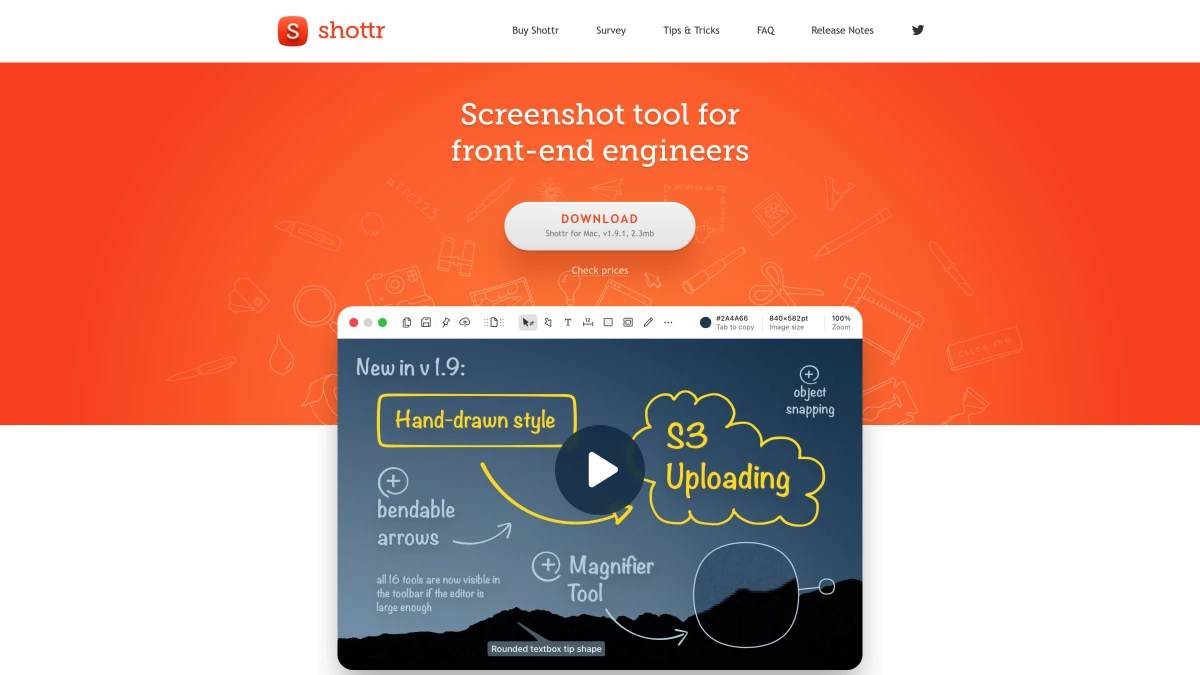
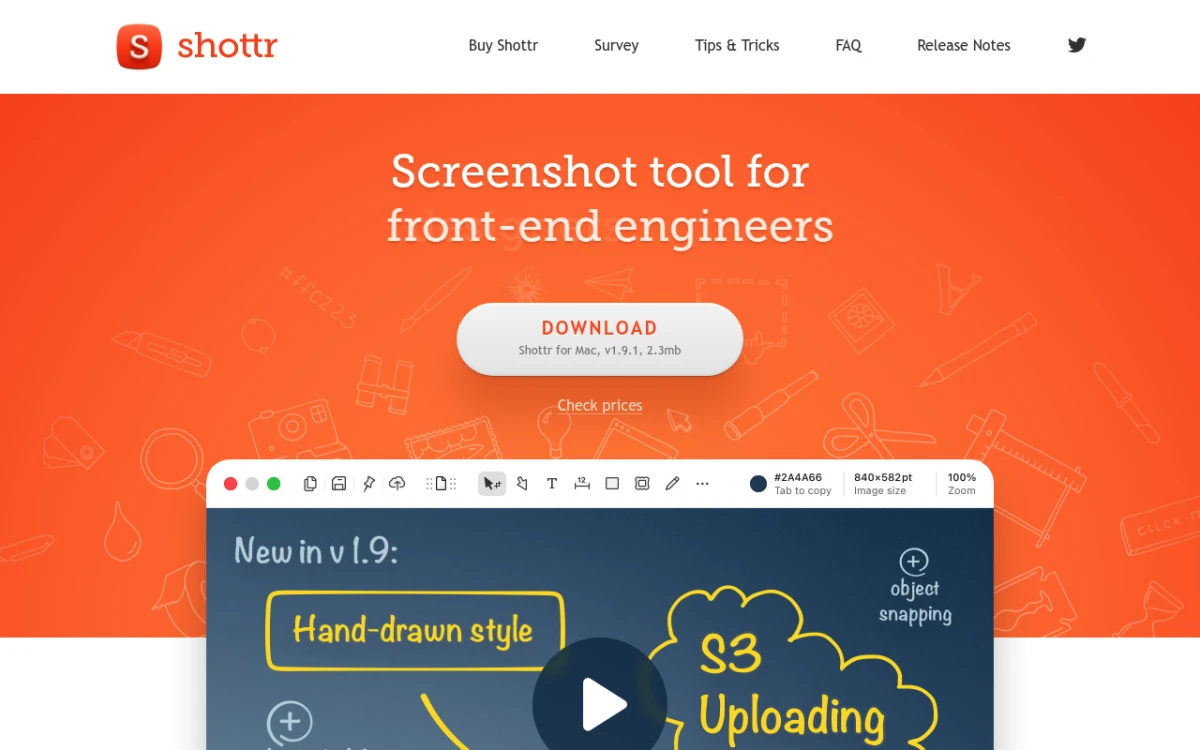
Shottr is a screenshot tool built by a developer for developers. It focuses on pixel-perfect precision: measurements, color picking in multiple formats (including OKLCH and APCA), OCR, and scrolling capture. The app is incredibly lightweight (~3MB) and fast.
Target audience: Developers, UI designers, QA engineers, anyone who needs precise measurements.
Philosophy: Function over form, with powerful tools in a minimal package.

Tired of plain screenshots? Try ScreenSnap Pro.
Beautiful backgrounds, pro annotations, GIF recording, and instant cloud sharing, all in one app. Pay $39 once, own it forever.
See pricing and featuresFeature-by-Feature Comparison
Cloud Sharing
ScreenSnap Pro: Cloud sharing is built into the core workflow. Capture a screenshot, and with one click you have a shareable link. No file attachments, no uploads to third-party services, no waiting. The link goes to your clipboard instantly. This is the killer feature for anyone who shares screenshots in Slack, Discord, email, or documentation.
Shottr: No built-in cloud sharing in the free tier. The paid version (v1.9+) added S3 upload support, but you need to configure your own S3 bucket. For most users, this means saving files locally and uploading manually.
Winner: ScreenSnap Pro. Cloud sharing is seamless and requires zero setup. Shottr's S3 integration is powerful but requires technical configuration.
GIF Recording
ScreenSnap Pro: Record your screen directly to GIF format. Perfect for bug reports, feature demos, tutorials, and documentation. No separate video recording + conversion step. Just record and share. Combined with cloud upload, you can share a GIF demo link in seconds.
Shottr: No GIF recording. You'll need a separate tool like GIPHY Capture, Kap, or the native macOS screen recorder + conversion.
Winner: ScreenSnap Pro. GIF recording is a workflow game-changer. Check out our complete guide to recording GIFs on Mac for more details.
Screenshot Beautification
ScreenSnap Pro: 500+ wallpapers built in. One click transforms a plain screenshot into something visually striking. Great for social media, presentations, and documentation that needs to look professional.
Shottr: Added backdrop tool in v1.8 (September 2024) with gradient backgrounds, shadows, and rounded corners. It's a newer feature but works well.
Winner: Tie. Both now offer gradient backgrounds. ScreenSnap Pro has more presets out of the box; Shottr gives you more customization control.
Annotation Tools
ScreenSnap Pro: 15 annotation tools including arrows, shapes, text, blur, pixelate, highlighter, emojis, and numbered steps. The Quick Access Overlay puts these tools at your fingertips immediately after capture.
Shottr: 8+ annotation tools including arrows, shapes, text, blur, freehand drawing, highlighter, and spotlight. Recently added hand-drawn style annotations and bendable arrows (v1.9).
Winner: Tie. Both have comprehensive annotation suites. ScreenSnap Pro's overlay workflow is faster; Shottr's bendable arrows and hand-drawn style are unique.
Developer Tools (Measurements, Colors, OCR)
ScreenSnap Pro: Basic pixel measurements and color picker. Gets the job done for general use.
Shottr: This is where Shottr shines. Pixel-perfect measurements with rulers and guides, color picker supporting HEX, RGB, HSL, OKLCH, and APCA contrast ratios. OCR text recognition extracts text from any screenshot. These are serious developer tools.
Winner: Shottr. If you need precise measurements, color formats beyond HEX, or OCR, Shottr is significantly more capable.
Scrolling Capture
ScreenSnap Pro: Not available. You'll need to stitch multiple screenshots manually or use a different tool.
Shottr: Full scrolling capture for long web pages, documents, and chat conversations. One of the few free Mac apps with this feature.
Winner: Shottr. Scrolling capture is essential for certain workflows, and Shottr does it well.
Performance
ScreenSnap Pro: ~15MB app size. Instant capture with no perceptible lag. Lives in the menu bar without consuming noticeable resources.
Shottr: ~3MB app size. Extremely lightweight and fast. Optimized to the extreme.
Winner: Shottr (marginally). Both are fast, but Shottr's tiny footprint is impressive. In practice, you won't notice a difference.
Pricing Breakdown
ScreenSnap Pro Pricing
- One-time purchase: $39
- Includes: All features, cloud sharing, lifetime updates
- No subscription. No nag screens. Pay once, own forever.
Shottr Pricing
- Free tier: Full functionality with occasional upgrade prompts after 30 days
- Basic tier: $12 one-time (removes prompts, commercial license)
- Friends Club: $25 one-time (experimental features, priority support)
Cost Over Time
| Timeframe | ScreenSnap Pro | Shottr (Free) | Shottr (Basic) |
|---|---|---|---|
| Year 1 | $39 | $0 | $12 |
| Year 2 | $39 | $0 | $12 |
| Year 3 | $39 | $0 | $12 |
Both are one-time purchases, with no subscription trap. Shottr is cheaper (or free), but ScreenSnap Pro's cloud sharing and GIF recording may justify the price difference depending on your needs.
Who Should Choose What
Choose ScreenSnap Pro if you:
- Share screenshots constantly. Cloud links eliminate the attach-upload-wait cycle
- Create tutorials or demos. GIF recording is built in
- Want beautiful output. 500+ wallpapers, polished design
- Value your time. The Quick Access Overlay workflow is incredibly fast
- Hate nag screens. One purchase, zero interruptions
Choose Shottr if you:
- Need pixel measurements. Shottr's measurement tools are best-in-class
- Work with colors professionally. OKLCH, APCA, and multiple color formats
- Need OCR text extraction. Grab text from any image
- Capture long pages. Scrolling capture works great
- Want free or cheap. Hard to beat $0-12 for this feature set
- Prefer ultra-minimal apps. 3MB and lightning fast
FAQ
The Verdict
Our Pick: It depends on your primary use case.
For content creators, marketers, and anyone who shares screenshots: ScreenSnap Pro wins. The cloud sharing workflow is unmatched: capture, click, paste link. GIF recording is icing on the cake. The $39 price pays for itself in saved time.
For developers, designers, and precision work: Shottr wins. The measurement tools, OCR, scrolling capture, and color format support are genuinely best-in-class. And it's free (or $12 for the full experience).
For a broader comparison including other tools like CleanShot X and Snagit, see our best screenshot apps for Mac roundup.
If you can only pick one:
- Sharing-heavy workflow → ScreenSnap Pro
- Measurement-heavy workflow → Shottr
- Want everything → Get both (they coexist fine)
Ready to try ScreenSnap Pro?
Download ScreenSnap Pro: one price, yours forever. 30-day money-back guarantee.

Morgan
Indie DeveloperIndie developer, founder of ScreenSnap Pro. A decade of shipping consumer Mac apps and developer tools. Read full bio
@m_0_r_g_a_n_