ScreenSnap ProvsLightshot
A polished $34 Mac tool vs a free cross-platform app with ads and privacy concerns.
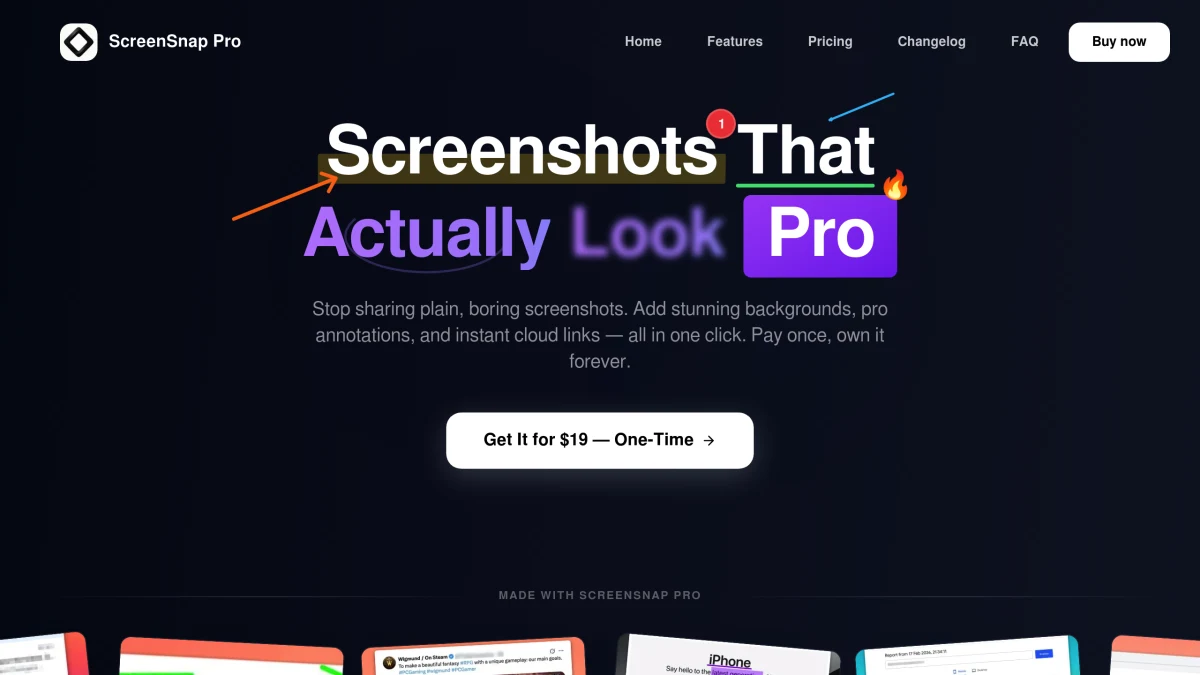
ScreenSnap Pro
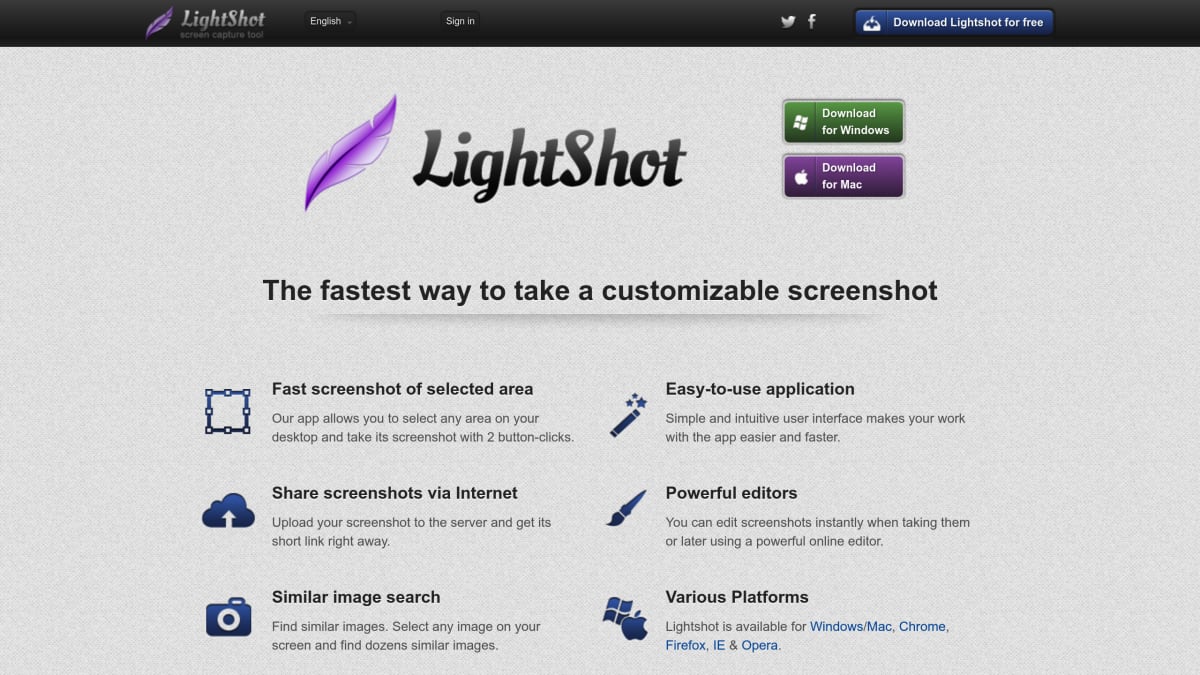
Lightshot
Feature-by-Feature Breakdown
Every capability, compared honestly.
ScreenSnap Pro Wins
Key advantages over Lightshot
- 1Video and GIF recording (Lightshot has neither)
- 2500+ gradient backgrounds for polished screenshots
- 317 annotation tools vs Lightshot's basic set
- 4Private, unlimited cloud storage (no public URLs)
- 5OCR text extraction
- 6No ads, no privacy concerns
Lightshot Wins
Where Lightshot edges ahead
- 1Completely free to use
- 2Cross-platform (Mac + Windows)
- 3Browser extension for quick web captures
- 4Dead-simple, with almost no learning curve
Lightshot is fine for quick, basic screenshots, but it comes with ads, privacy concerns (images can be publicly accessible on prntscr.com), and zero advanced features. ScreenSnap Pro at $34 is a massive upgrade: video + GIF recording, 500+ backgrounds, OCR, 17 annotation tools, and private cloud sharing. If your screenshots matter at all, ScreenSnap Pro is worth every penny.
Choose ScreenSnap Pro if…
Your screenshots ever leave your laptop, for clients, work, social, or marketing. You want private cloud links (not public prntscr.com URLs), 500+ backgrounds, video + GIF recording, and zero ads.
Choose Lightshot if…
You only need a free, dead-simple tool for casual personal screenshots, you're fine with public URLs and ads, and you specifically need a Windows + Linux + Mac app with a browser extension.
Frequently Asked Questions
Honest answers about ScreenSnap Pro vs Lightshot.
- Is Lightshot safe to use?
- Lightshot is functional, but its default cloud (prntscr.com) makes uploaded images publicly accessible by URL, sometimes appearing in third-party gallery sites. ScreenSnap Pro uses private, signed cloud links that aren't publicly listable.
- What does ScreenSnap Pro do that Lightshot can't?
- Video recording, GIF recording, 500+ gradient backgrounds, OCR text extraction, Pin Screenshot, Quick Access Overlay, 17 annotation tools, and private cloud sharing. Lightshot doesn't include any of them.
- Is it worth paying $34 instead of using free Lightshot?
- If you take more than a few screenshots a week, yes. ScreenSnap Pro replaces Lightshot, a video recorder, a GIF tool, a backgrounds editor, and a cloud sharing service, all for one $34 payment with no ads or privacy tradeoffs.
- Does ScreenSnap Pro have a browser extension like Lightshot?
- Not today. ScreenSnap Pro is a desktop app for macOS and Windows. If a browser extension is critical, Lightshot has it; if you'd rather have a faster, ad-free desktop experience with private sharing, ScreenSnap Pro wins.
More Comparisons
See every feature on the screenshot tool overview.