ScreenshotsThat
ActuallyLookPro
Stop sharing plain, boring screenshots. Add stunning backgrounds, pro annotations, and instant cloud links — all in one click. Pay once, own it forever.
See the Difference
Drag the slider to compare a plain screenshot with one enhanced by ScreenSnap Pro.
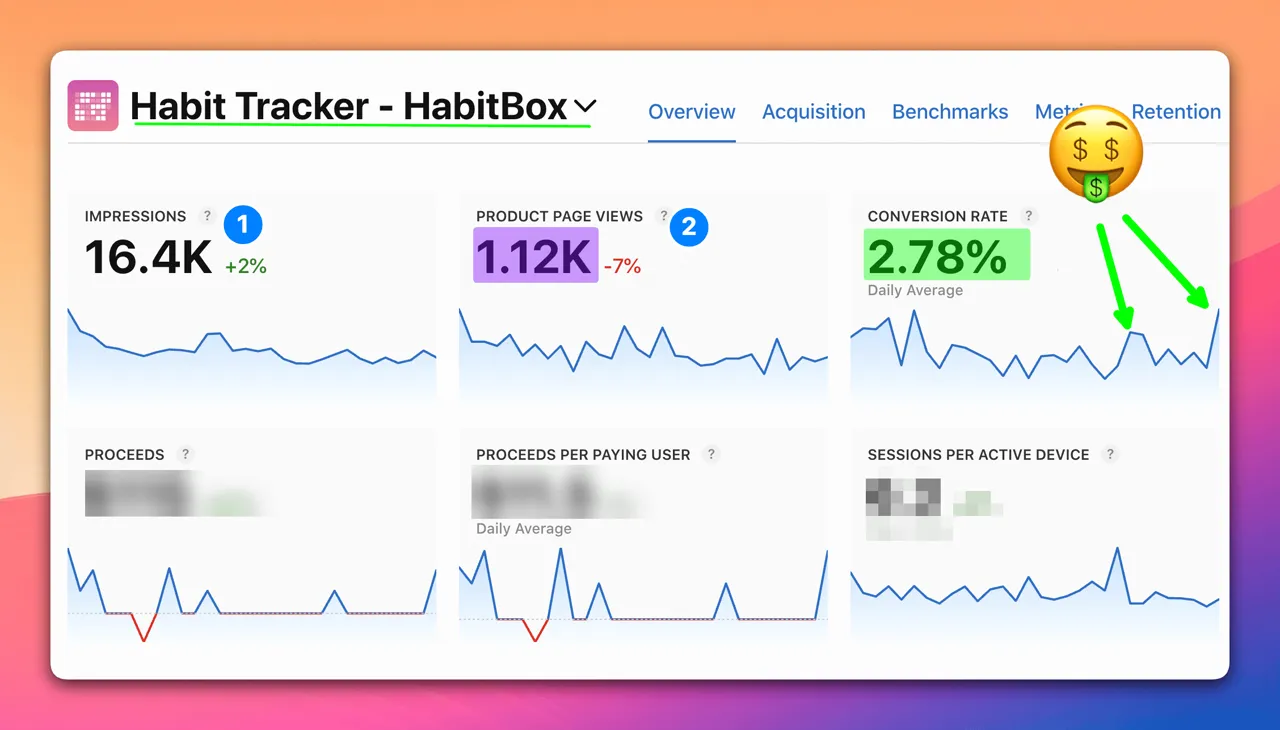
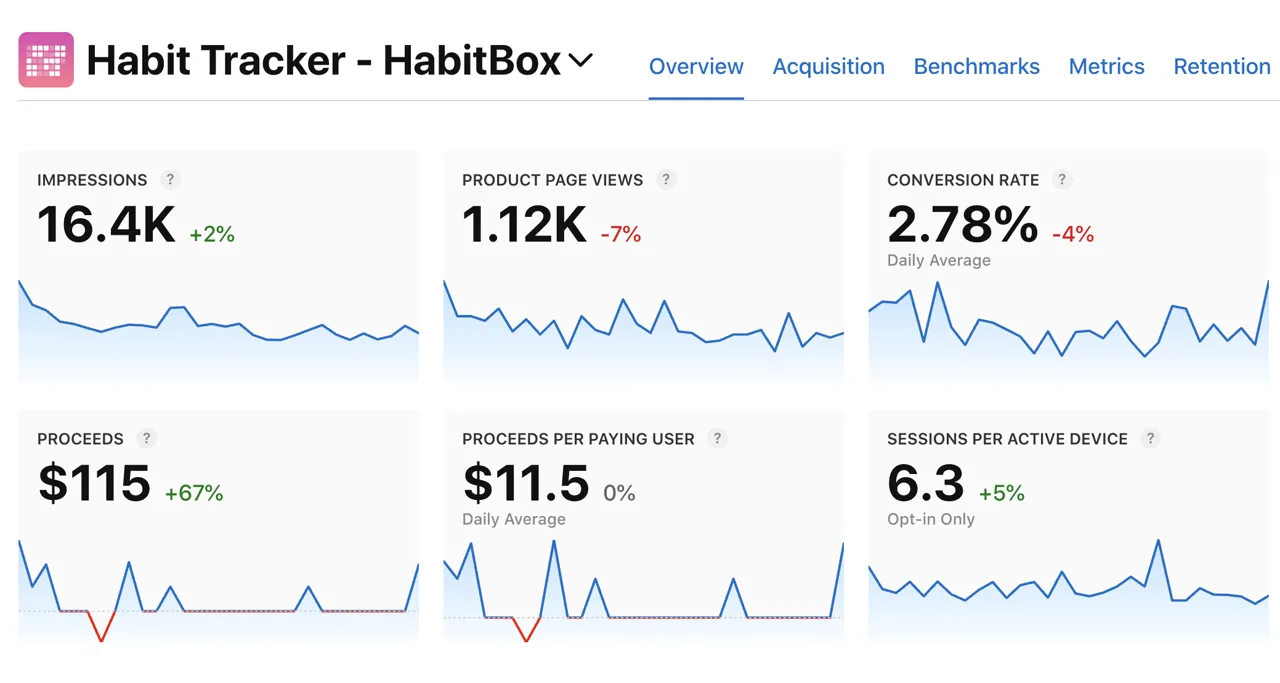

Hey! I'm Morgan. After 15 years of building apps and sharing thousands of ugly screenshots, I built the tool I always wished existed. And honestly? It's the app I'm most proud of. Check out what one of my first customers says about the app.
“ScreenSnap Pro replaced three different apps in my workflow. The backgrounds are gorgeous, annotations are fast, and cloud sharing just works.”
Everything You Need, Nothing You Don't
From capture to share in seconds. Professional-grade tools designed for developers, designers, and creators who demand perfection.
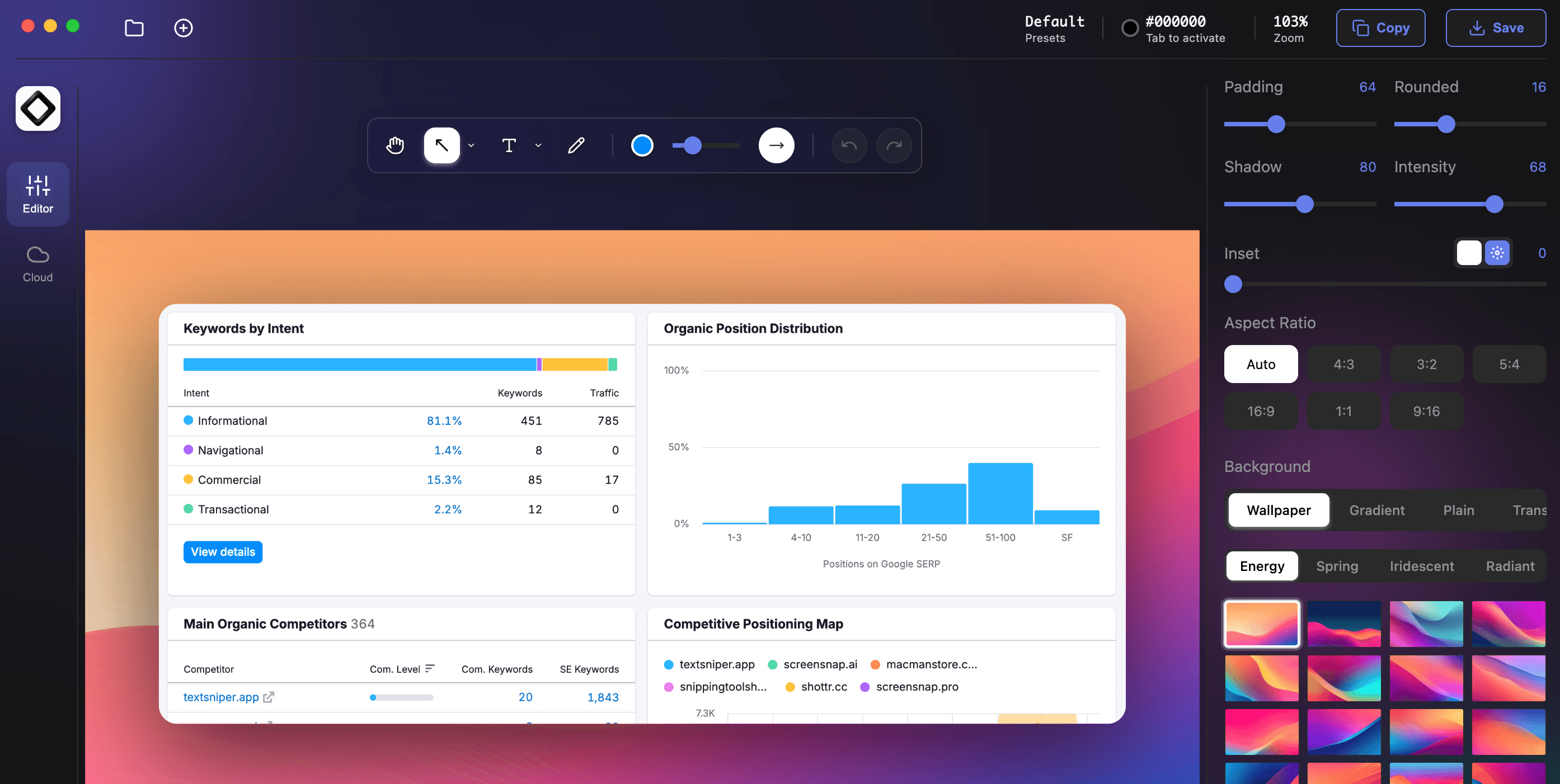
Annotate Like a Pro in Seconds
Arrows, shapes, blur, text, emojis — 15 tools to make your point impossible to miss. Communicate clearly without saying a word.
Cloud Upload
Instant cloud links — just copy and paste. No downloads needed.
Beautiful Backgrounds
160+ gradients that turn plain captures into scroll-stoppers.
Screen Recording
Capture your screen with webcam, system audio, and microphone audio as sharp video or lightweight GIFs. Record workflows, bugs, demos, and tutorials in the format that fits where you need to share them.
Quick Access Overlay
Your screenshot appears instantly. View, edit, or share — all without leaving your workflow.
Pin Screenshot
Keep screenshots always visible while you work. Perfect for tutorials and reference.
Quick Screenshot
Capture, upload, get link — all automatic. The fastest way to share what you see.
Text Extraction (OCR)
Copy text from any screenshot instantly — images, PDFs, or locked content.
Website Capture
Paste a URL, pick a device — get a clean full-page screenshot. No scrolling, no popups, no fuss.
Annotate Screenshots
Point to specific areas with customizable arrows
Screen Recording
Record any part of your screen with webcam, system audio, and microphone audio, then export it as full video or a lightweight GIF. Perfect for walkthroughs, bug reports, product demos, and tutorials that are easy to share.
Webcam Ready
Add your webcam while recording to create more personal walkthroughs and demos
Audio Sources
Capture system audio, microphone audio, or both depending on what you need to explain
Video Or GIF
Choose full video for rich recordings or compact GIFs for fast sharing anywhere
Beautiful Backgrounds
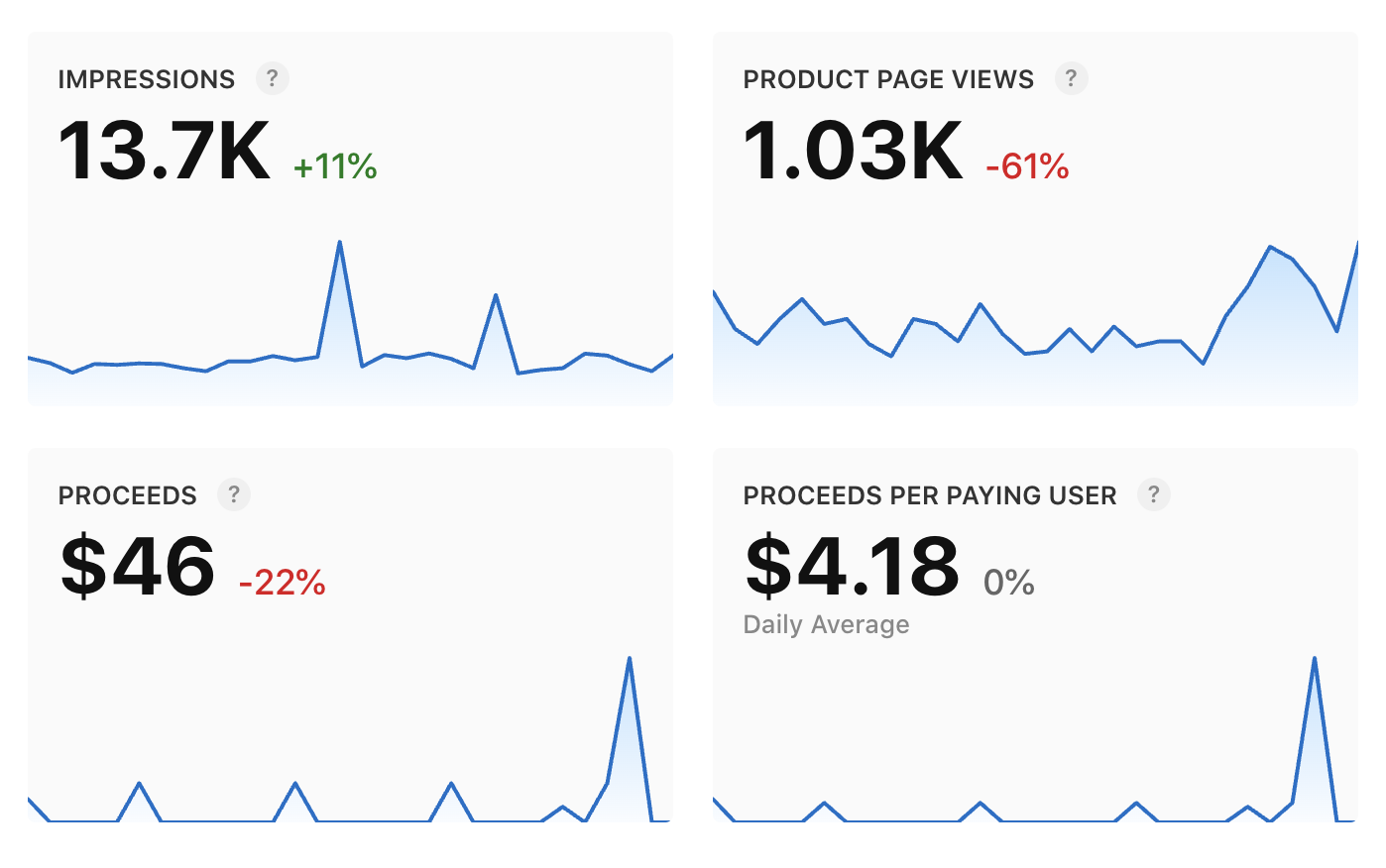
Plain screenshots are forgettable. Pick from 160+ hand-crafted gradients and make every capture stand out. Click any below to preview.
Share Instantly with Cloud
Hit capture, get a link. That fast. Drop it in Slack, email, or anywhere — no attachments needed. And if you don't want cloud? The app works perfectly without it.
Instant Share Links
Short links, ready instantly. Drop them in Slack, Discord, email - anywhere that accepts a URL.
Secure & Private
Your screenshots, protected by signed links. Only people you share with can access them.
Optional Service
Don't need cloud? No problem. The app shines with or without it. Your choice.
Lightning Fast
Blink and it's uploaded. Global CDN means your screenshots load fast everywhere.
Direct Embedding
Paste links in docs, blogs, presentations—they just work. No downloads required.
Quick Access Overlay
Your screenshot pops up the instant you capture it — drag it, edit it, or share it without breaking your flow.
Drag & Drop Screenshot
Simply drag your screenshot from the overlay to any app or folder for instant file sharing.
Edit Just Made Screenshot
Jump straight into editing mode to add annotations, backgrounds, and effects to your fresh capture.
Open Preview
View your screenshot in full size with zoom and pan capabilities for detailed inspection.
Every Screenshot You Share Is a First Impression
Make yours unforgettable. One-time purchase, lifetime updates, no subscriptions — ever.
30-day money-back guarantee · One-time purchase · No subscription
Questions? I'm Here
Got questions about ScreenSnap Pro? Drop me a line at support@screensnap.pro.