ScreenSnap ProvsGreenshot
A modern $34 Mac screenshot suite vs an aging open-source tool with a neglected Mac port.
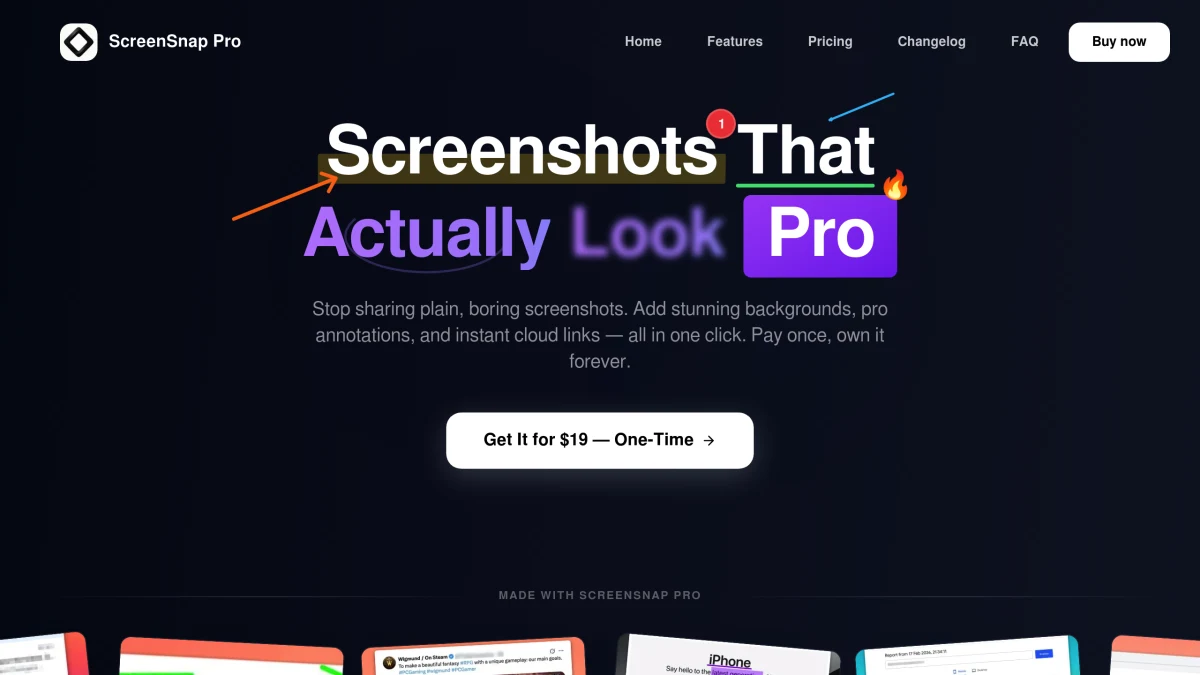
ScreenSnap Pro
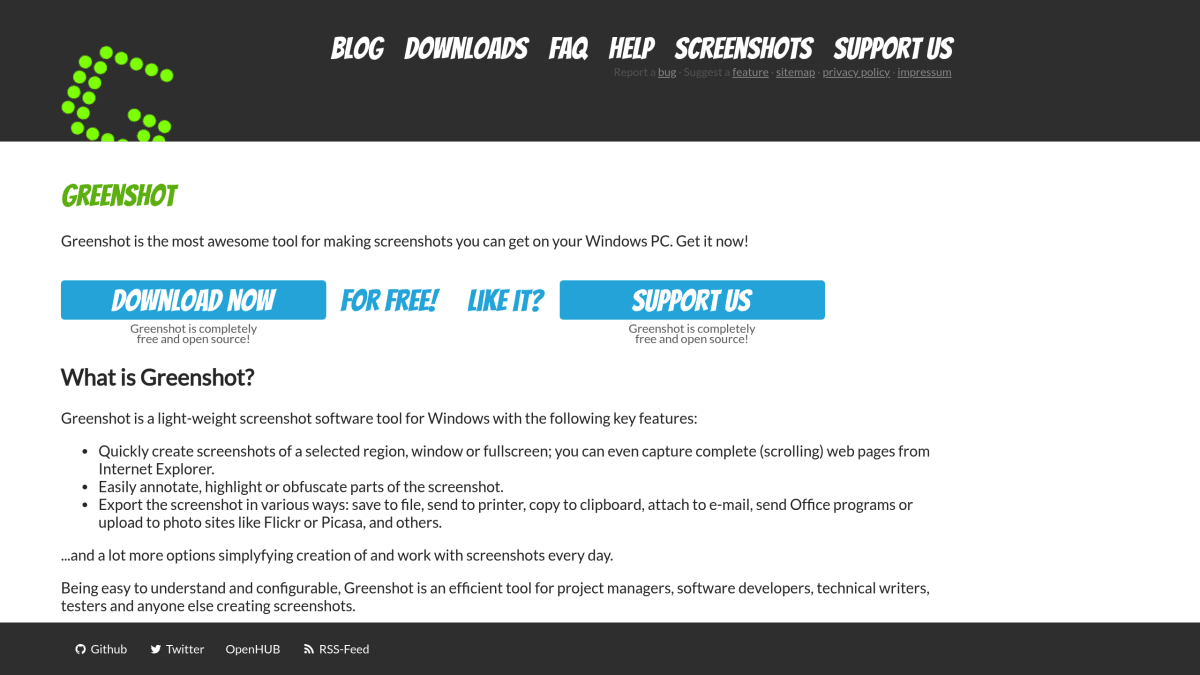
Greenshot
Feature-by-Feature Breakdown
Every capability, compared honestly.
ScreenSnap Pro Wins
Key advantages over Greenshot
- 1Video and GIF recording (Greenshot has neither)
- 2500+ gradient backgrounds for professional screenshots
- 3OCR text extraction
- 4Unlimited cloud storage and sharing
- 5Actively maintained and updated
- 6Modern, polished interface
Greenshot Wins
Where Greenshot edges ahead
- 1Free on Windows
- 2Plugin system for extending functionality
- 3Lightweight and minimal resource usage
- 4Open source (Windows version)
Greenshot is a solid free option on Windows, but its Mac version ($2.99) is outdated and rarely updated. It has no video recording, no GIF capture, no backgrounds, no OCR, and no cloud sharing. ScreenSnap Pro at $34 is a completely different class of tool: video + GIF recording, 500+ backgrounds, 17 annotation tools, OCR, and unlimited cloud. If you're on Mac, there's no contest.
Choose ScreenSnap Pro if…
You're on Mac (or both Mac and Windows) and need an actively maintained, modern tool with video + GIF recording, 500+ backgrounds, OCR, and cloud sharing, and you don't want to keep using a Mac port that hasn't seen serious updates in years.
Choose Greenshot if…
You're a Windows-only user who needs nothing more than free static screenshots with basic annotations and don't mind an open-source plugin system over polish or cloud features.
Frequently Asked Questions
Honest answers about ScreenSnap Pro vs Greenshot.
- Is Greenshot still good on Mac in 2026?
- Greenshot's Mac version ($2.99 on the App Store) hasn't been meaningfully updated in years. It still works for basic screenshots, but lacks modern features like video, GIF, OCR, backgrounds, and cloud sharing. It also isn't the same product as the actively maintained Windows version.
- What does ScreenSnap Pro do that Greenshot doesn't?
- Video recording, GIF recording, OCR text extraction, 500+ gradient backgrounds, unlimited cloud sharing, Pin Screenshot, and Quick Access Overlay. Greenshot offers none of them on Mac (or even in most of its Windows builds).
- Is Greenshot really free?
- On Windows, yes: it's free and open source. On Mac, it's a $2.99 paid App Store download from the same project. ScreenSnap Pro is $34 once with lifetime updates and includes far more features than Greenshot Mac.
- Can ScreenSnap Pro replace Greenshot on Windows?
- Yes. ScreenSnap Pro now ships on Windows alongside macOS. One $34 license activates on a Mac and a PC. You get video, GIFs, backgrounds, OCR, and cloud sharing that the free Windows Greenshot doesn't include.
More Comparisons
See every feature on the screenshot tool overview.