ScreenSnap ProvsShareX
A $34 desktop app for Mac and Windows vs a Windows-only free powerhouse. Different reach, different philosophies.
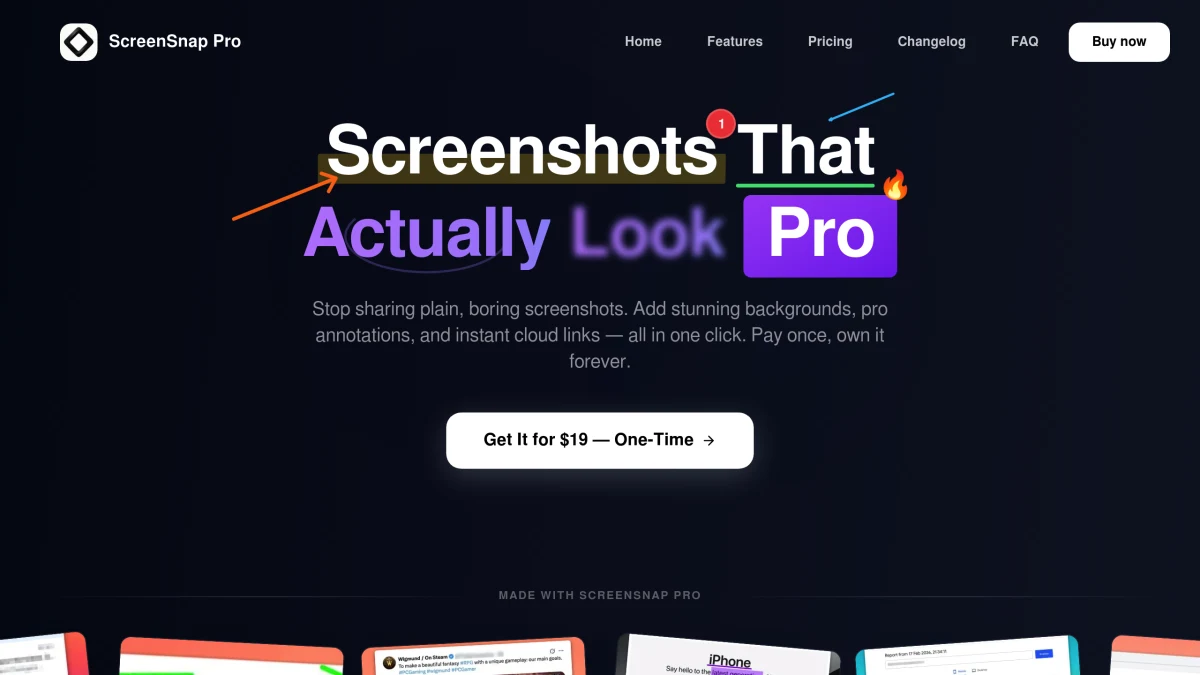
ScreenSnap Pro
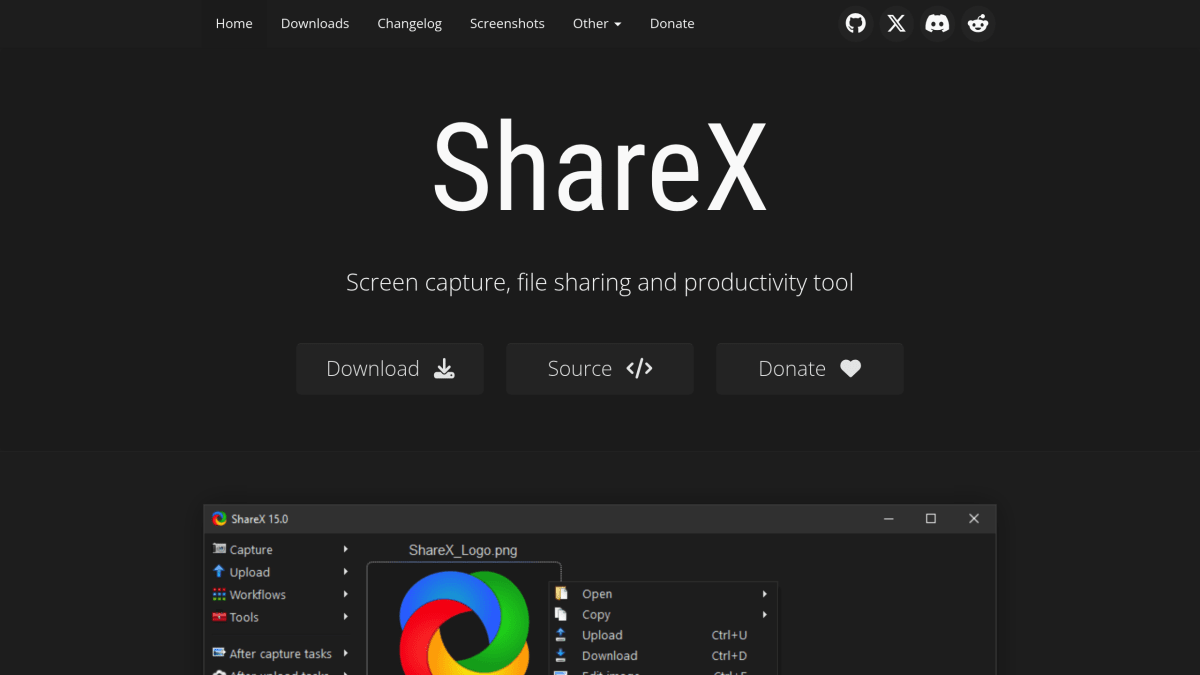
ShareX
Feature-by-Feature Breakdown
Every capability, compared honestly.
ScreenSnap Pro Wins
Key advantages over ShareX
- 1Runs on Mac and Windows, while ShareX doesn't run on Mac at all
- 2Clean, intuitive UI vs ShareX's overwhelming interface
- 3500+ gradient backgrounds built in
- 4Quick setup — productive in minutes, not hours
- 5Pin screenshot and Quick Access Overlay
ShareX Wins
Where ShareX edges ahead
- 1Completely free and open source
- 280+ upload destinations (Imgur, S3, FTP, etc.)
- 3Scrolling capture
- 4Incredibly customizable workflows
- 5Automation with hotkeys and tasks
ShareX is the ultimate power-user tool on Windows. It's free, open source, and endlessly customizable. But it doesn't exist on Mac. If you're on macOS, ShareX simply isn't an option. ScreenSnap Pro fills that gap beautifully: video + GIF recording, 500+ backgrounds, 17 annotation tools, and unlimited cloud sharing for $34. Clean UI and zero learning curve.
Choose ScreenSnap Pro if…
You're on Mac (or both Mac and Windows), or you just want a polished tool you can be productive in within minutes — with 500+ ready-made backgrounds, video + GIF recording, and cloud sharing that just works. You'd rather pay $34 than spend an afternoon learning a power-user tool.
Choose ShareX if…
You're a Windows-only power user who wants to script every step of your screenshot workflow, upload to one of 80+ destinations (FTP, S3, Imgur, custom), and you enjoy configuring tools. You don't mind a steep learning curve and a dated UI in exchange for total flexibility.
Frequently Asked Questions
Honest answers about ScreenSnap Pro vs ShareX.
- Does ShareX work on Mac?
- No. ShareX is Windows-only and there's no official Mac port. If you're on macOS, ScreenSnap Pro is the closest equivalent — fewer destinations, but a far cleaner UI and modern features like 500+ backgrounds.
- Is ScreenSnap Pro as customizable as ShareX?
- Not really, and that's the trade-off. ShareX has 80+ upload destinations and scriptable workflows; ScreenSnap Pro picks one excellent default cloud and gets you productive in minutes instead of hours. Most people don't actually need the customization.
- Why pay $34 for ScreenSnap Pro when ShareX is free?
- Two reasons. ShareX doesn't run on Mac at all. And on Windows, ScreenSnap Pro adds 500+ ready-made backgrounds, polished annotation, OCR, and a clean UI — features ShareX doesn't bundle. If you value time-to-first-screenshot over hackability, $34 is cheap.
- Can ScreenSnap Pro upload to S3, Imgur, or my own server?
- Not today. ScreenSnap Pro uploads to its own private cloud (unlimited, included in the $34). If you specifically need custom upload destinations or self-hosted endpoints, ShareX is the right pick — on Windows.
More Comparisons
See every feature on the screenshot tool overview.