8 Best Shottr Alternatives for Mac in 2026 (Free & Paid)
The best Shottr alternatives for Mac are ScreenSnap Pro for cloud sharing, GIF and video recording, CleanShot X for premium power users, and Monosnap for free cloud sharing. Each fills one of Shottr's three big gaps: no one-click cloud links, no GIF, and Mac-only. The right pick depends on your workflow.
Shottr is a tiny, fast, free screenshot tool for macOS. It nails OCR, scrolling capture, and pixel-level measurements. So why are so many Mac users looking for Shottr alternatives in 2026?
Three reasons keep coming up: no one-click cloud sharing, no GIF recording, and zero Windows support. If you hit any of those walls, you need a different tool. This guide tests the eight best Shottr alternatives for Mac so you can pick the right one in five minutes.
Why People Look for Shottr Alternatives
Shottr is genuinely great at what it does. The team built a sharp, lightweight macOS app with features power users love. But the gaps are real, and they push people toward other tools.
No One-Click Cloud Sharing
Shottr saves screenshots locally. Its web upload needs a token you request by email, or your own S3 bucket. So most people drag shots into Slack, attach them to an email, or upload them to Imgur. Tools like ScreenSnap Pro, CleanShot X and Monosnap give you a shareable link in one click. For remote teams, that workflow gap adds up fast.
No GIF Recording
Shottr captures PNG and JPG. That's it. If you need a quick screen recording (to show a bug, demo a UI, or share a workflow), Shottr can't help. You'd need a second tool like Gifski (see our Gifski alternatives for Mac guide) or a full recorder.
Mac-Only: Useless for Hybrid Teams
Shottr is macOS-only. If half your team uses Windows, screenshots and shortcuts split into two tools, two purchases, two muscle-memory patterns. Cross-platform options like ScreenSnap Pro and Monosnap solve this in one purchase.
Nagware After the First 30 Days
Shottr added a paid tier in 2023, and Basic now costs $12 one-time. The free version still works, but after 30 days it starts asking you to upgrade. Commercial use also needs a license. That's fine, since devs need to eat, but some Reddit threads describe it as nagware once you're past the first month.
No Video Screen Recording
If you ever record a longer walkthrough, demo, or tutorial, you'll need a screen recorder for Mac. Shottr doesn't record video at all.
Limited Annotation Polish
Shottr's annotations work, but they're plain. Compared to the Mac markup tools in ScreenSnap Pro or CleanShot X, Shottr feels stripped-back. That's by design, though it's a real limit if you want polished output.
To be fair: Shottr's OCR, pixel ruler, and scrolling capture are excellent. If you only need those, stick with it. The list below is for everyone else.
Quick Comparison: 8 Shottr Alternatives for Mac
| Tool | Price | Cloud Sharing | GIF Recording | Scrolling Capture | Cross-Platform | Best For |
|---|---|---|---|---|---|---|
| ScreenSnap Pro | $49 once | Yes (optional) | Yes | Yes | Mac + Windows | Screenshots + video in one app |
| CleanShot X | $35 once or $10/mo Pro | Yes (1 GB on Basic) | Yes | Yes | Mac only | Premium power users |
| Xnapper | Free (watermark) / $29.99 once | No | No | No | Mac only | Quick beautification |
| Monosnap | Free / from $3/mo | Yes (free) | Yes | No | Mac + Windows | Free cloud sharing |
| Skitch | Free | No (Evernote) | No | No | Mac only | Minimal annotation |
| Lightshot | Free | Yes (prnt.sc) | No | No | Mac + Windows | Cross-platform free |
| Snipaste | Free / PRO $8.99 | No | No | No | Mac/Win/Linux | Pin-heavy workflows |
| macOS Built-in | Free | No | No | No | Mac only | Casual default |
Read on for the full breakdown of each Shottr alternative.
#1: ScreenSnap Pro, the Best Overall Pick (Fills All Three Shottr Gaps)
Price: $49 one-time | Rating: (5/5)
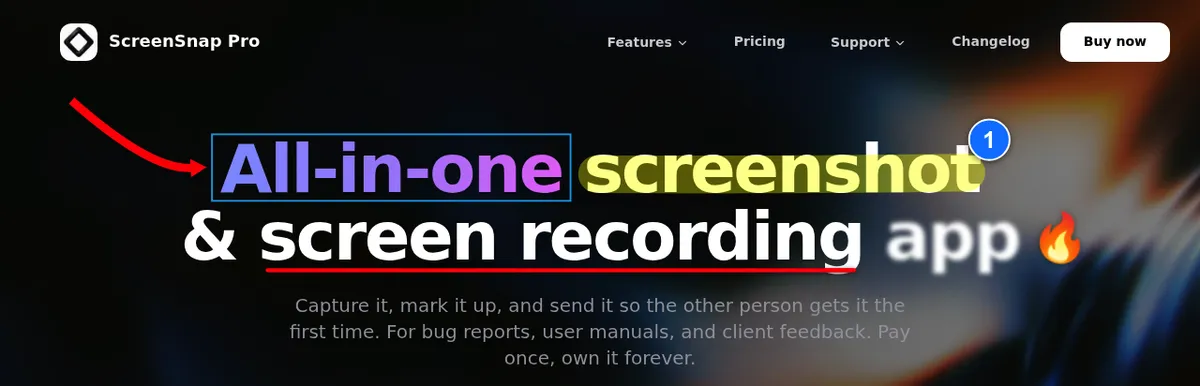
If you're leaving Shottr because of the cloud, GIF, or cross-platform gaps, ScreenSnap Pro is the cleanest upgrade. It plugs all three holes in one app, and it does so without a monthly subscription. It earns the top spot because it also adds what Shottr lacks entirely: a screen recorder and a built-in video editor, next to 17 annotation tools, all for $49 once.
Why It Beats Shottr for Upgraders
- Built-in cloud sharing. Optional, but one click gives you a shareable link
- Full-Page Website Capture. Paste any public URL and get a first-screen or full-page shot, in desktop, phone, or tablet sizes
- Scrolling Capture. Long pages, PDFs, and chats in any app, so you keep the Shottr feature you rely on
- Native GIF recording. Screen to GIF, no video conversion step
- Screen recording to MP4 at up to 60fps, with webcam, mic, and system audio (Shottr records no video at all)
- Built-in video editor. Trim, split, cut, and speed up clips on a multi-track timeline, remove silence in one click, and add auto zoom that follows your cursor
- Mac AND Windows. One license includes 2 seats, in any mix of Mac and Windows
- 500+ backgrounds with padding and shadow for instant beautification
- 17 annotation tools plus emoji, including blur, pixelate, spotlight, callout, counter, and arrows
- Built-in OCR to copy text from any screenshot (Shottr nails this too)
- No watermarks on any output
Pros
- One-time $49 with no Shottr-style upgrade nags and no monthly bills
- Lifetime updates included
- Cross-platform license (huge for hybrid Mac/Windows teams)
- Quick Access Overlay keeps you in flow
- Pin screenshot to keep references visible while you work
- 30-day money-back guarantee if it doesn't fit
Cons
- No Linux version, no browser extension, and no team workspaces
- Newer tool, so smaller user community than CleanShot X
Best For
Marketers, content creators, hybrid Mac/Windows teams, and developers who want GIF or video for bug reports. If you ever wished Shottr had "share link" or "record" buttons, this is the upgrade.
See the full feature-by-feature breakdown in our ScreenSnap Pro vs Shottr comparison.
#2: CleanShot X, the Best Premium Alternative (Scrolling Capture + Cloud)
Price: $35 one-time Basic, or $10 per user/month Pro (billed yearly) | Rating: (4.5/5)
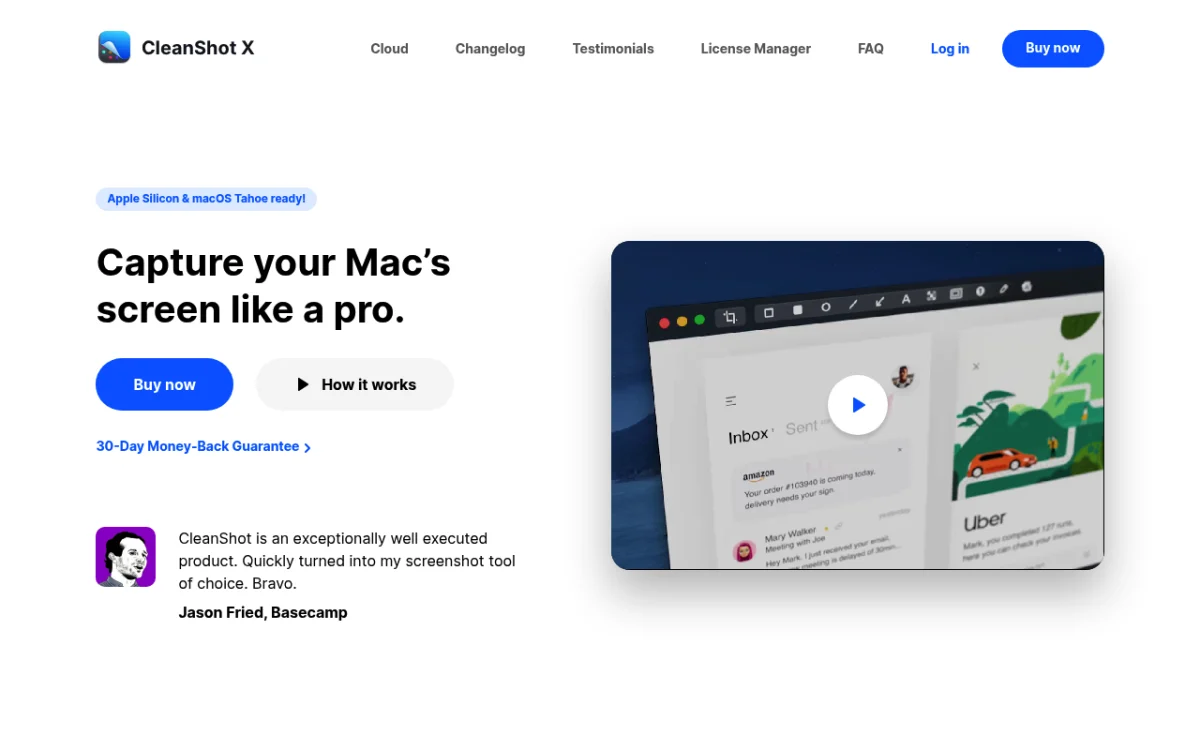
CleanShot X is a feature-rich Mac screenshot tool. If you want a wide set of premium features and don't mind paying again for updates or unlimited cloud, it's a comprehensive Shottr alternative.
Why It Beats Shottr
- Cloud sharing built-in. Self-destruct screenshots, plus custom domains and password protection on Pro
- Scrolling capture in any app. Even better than Shottr's
- Screen recording with audio (video and GIF), plus a new video editor in version 5.0
- All-window capture with auto-arrange
- Polish. The cleanest, most Mac-native UI in this list
Limitations
- Pricing math gets expensive: $35 buys 1 year of updates (renewals are $19/year), and unlimited cloud needs the $10 per user/month Pro plan
- Basic caps cloud storage at 1 GB
- Mac only, so the same Shottr-style cross-platform problem
Best For
Power users who already pay for software they love and want the most complete toolkit on macOS.
Compare them directly in our CleanShot X vs Shottr deep-dive, or check the best CleanShot X alternatives if the subscription bothers you.
#3: Xnapper, Best for Quick Beautification
Price: Free with watermark, or $29.99 one-time | Rating: (4/5)
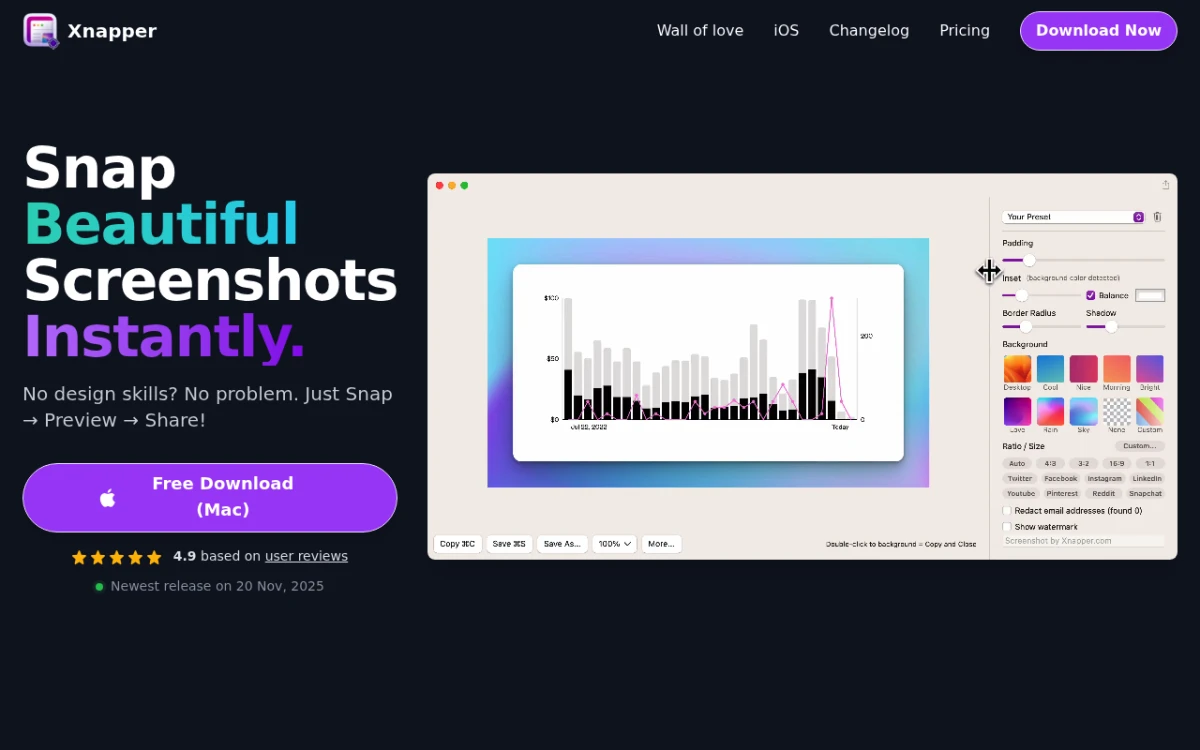
Xnapper is laser-focused on one job: making screenshots look gorgeous in seconds. Gradient backgrounds, auto-redaction, and a clean export pipeline. The free version adds a watermark, and a one-time license removes it. It's the social-media-ready Shottr alternative.
Why It Beats Shottr
- Auto-redact sensitive text (emails, credit cards, API keys) in one click
- Gradient backgrounds like the ones in ScreenSnap Pro
- One-time pricing. No subscription ($29.99 covers one Mac with a year of updates)
- Faster for "polish then post" workflows than any tool here
Limitations
- No cloud sharing in the Mac app (share links live in the separate Xnapper Web editor)
- No GIF or video recording
- Mac only, with no Windows option
Best For
Marketers, founders, and indie hackers who post screenshots to Twitter or LinkedIn daily. Read more in our Xnapper alternative for Mac breakdown.
#4: Monosnap, Best Free Option with Cloud Sharing
Price: Free (non-commercial) / paid plans from $3 per month | Rating: (4/5)
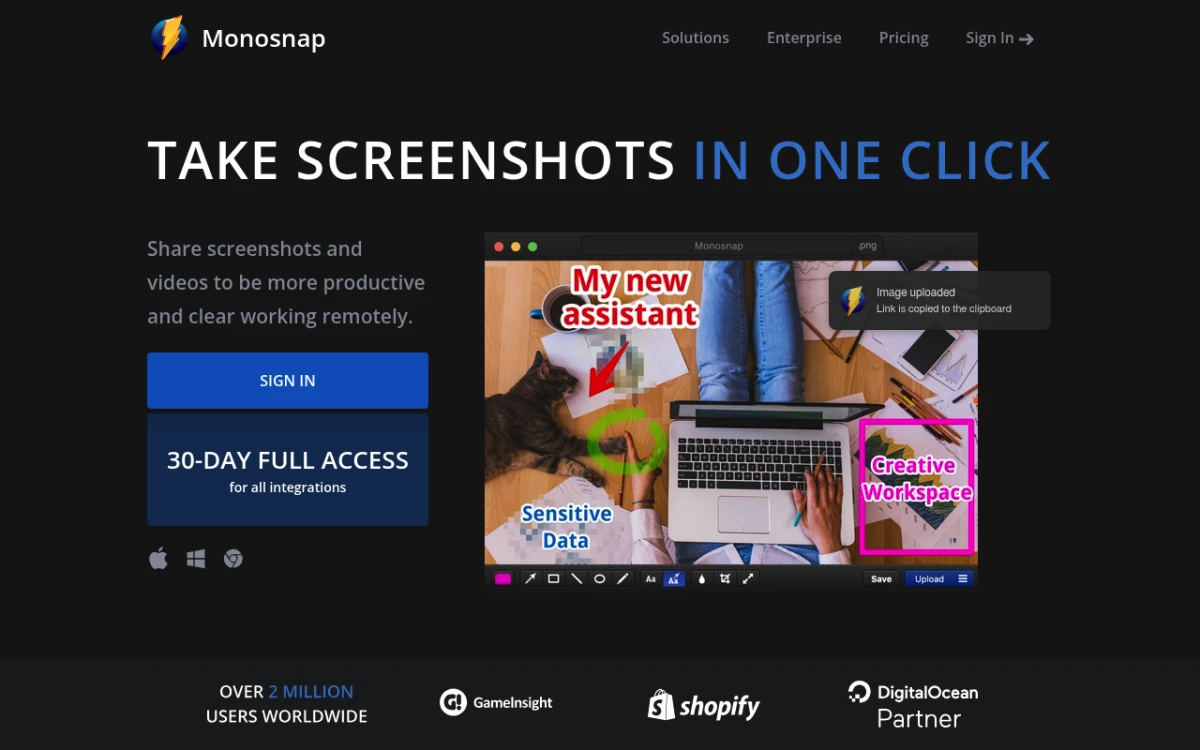
Monosnap is the free Shottr alternative that fixes the cloud problem out of the box. The free tier gives you 2GB of cloud storage, plus GIF and video recording (videos up to 5 minutes). It's also fully cross-platform.
Why It Beats Shottr
- Free cloud sharing (2GB) that gives you instant shareable links
- Cross-platform. Mac AND Windows on the same account, plus a Chrome extension
- Built-in GIF and video recording
- Decent annotation toolkit. Better than Skitch, lighter than CleanShot X
Limitations
- The free tier is for non-commercial use only. Work use needs a Commercial plan (from $10/mo or $60/yr)
- Free tier shows occasional upgrade prompts
- Paid plans are subscriptions (non-commercial from $3/mo or $30/yr), which adds up
- UI feels a bit dated next to ScreenSnap Pro or CleanShot X
Best For
Shottr users who refuse to pay anything but need cloud links for personal use. Hybrid teams can standardize on it too, but work use needs a Commercial plan. Full breakdown in our Monosnap alternative for Mac guide.
#5: Skitch, Best for Minimal Annotation Workflows
Price: Free | Rating: (3/5)
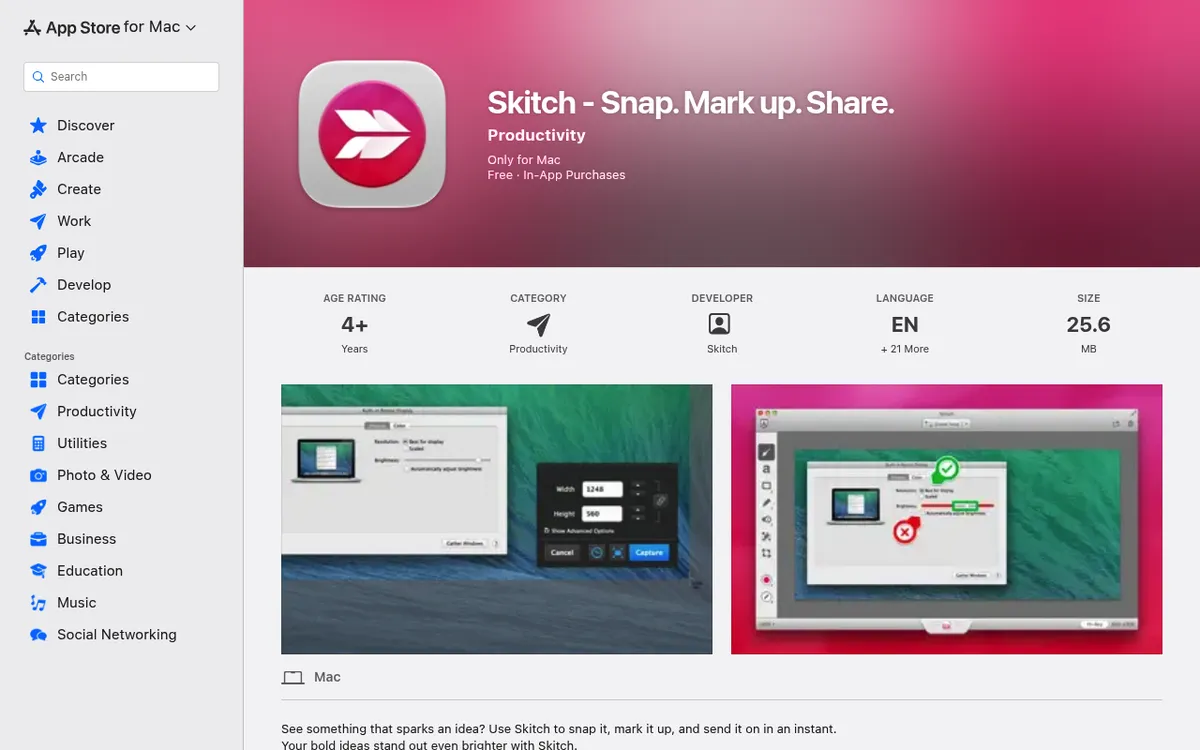
Skitch was the gold standard for simple screenshot annotation a decade ago. Evernote bought it, then mostly stopped updating it. It's still on the Mac App Store, and the workflow is dead simple.
Why It Beats Shottr
- Simplest UI of any tool in this list: capture, annotate, save
- Evernote sync if you already live there
- Free. The only in-app purchases are Evernote subscriptions
Limitations
- Effectively abandonware: the last update (version 2.9) shipped in July 2020
- No cloud sharing outside Evernote
- No GIF, no video, no OCR
- Occasional macOS compatibility hiccups
Best For
People who only need basic annotation and already use Evernote. For everyone else, the other options on this list have moved on.

Tired of plain screenshots? Try ScreenSnap Pro.
Beautiful backgrounds, pro annotations, GIF recording, and instant cloud sharing, all in one app. Pay $49 once, own it forever.
See pricing and features#6: Lightshot, Best Free Cross-Platform Pick
Price: Free | Rating: (3/5)
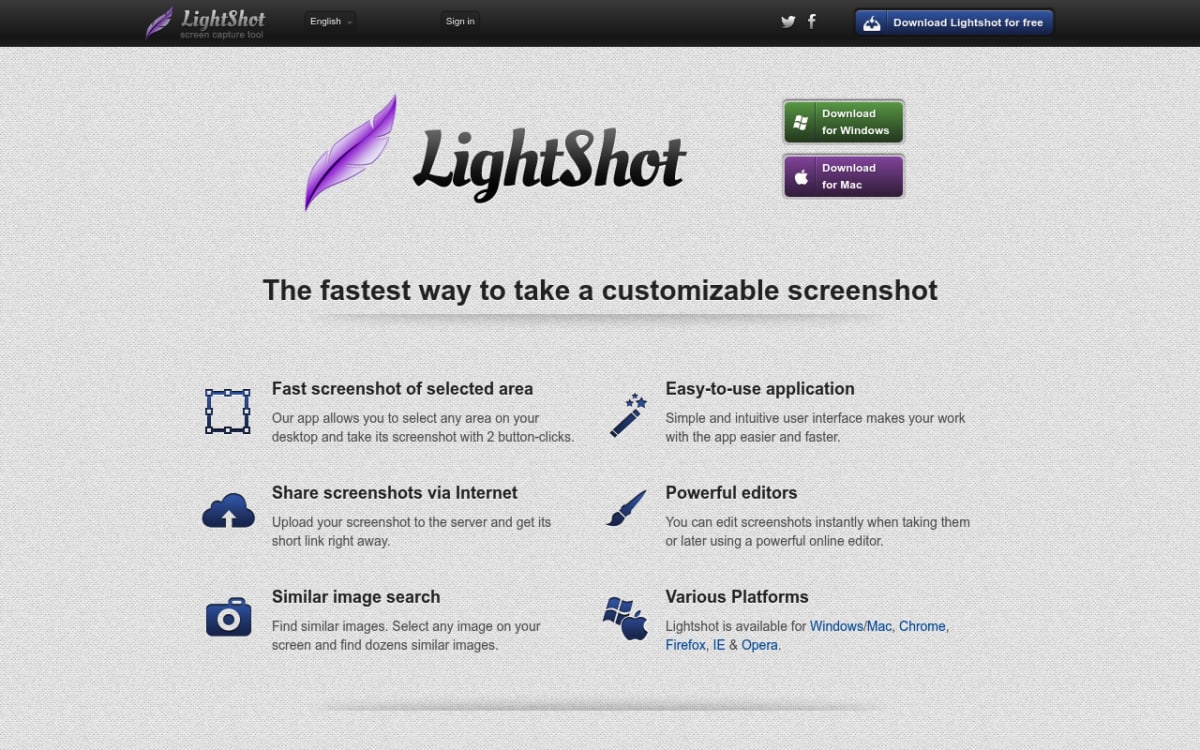
Lightshot is the small, free screenshot tool you've probably seen on a coworker's screen. It works on Mac and Windows, with instant upload to prnt.sc for a shareable URL.
Why It Beats Shottr
- Cross-platform. Mac and Windows apps, plus browser extensions
- Free cloud sharing via prnt.sc URLs
- Lightweight. Installs in seconds, runs from the menu bar
- Basic annotation good enough for most quick tasks
Limitations
- Every upload to prnt.sc is public: anyone with the short link can open it, and uploads can't be made private
- No Linux app (Linux users have to run it under Wine)
- Annotation toolkit is bare-bones
- No GIF, no video, no scrolling capture
- No OCR
Best For
Cross-platform users who need free cloud sharing and don't capture anything sensitive. See our Lightshot alternative for Mac for a deeper look at privacy tradeoffs.
#7: Snipaste, Best for Pin-Heavy Workflows
Price: Free (PRO from $8.99) | Rating: (4/5)
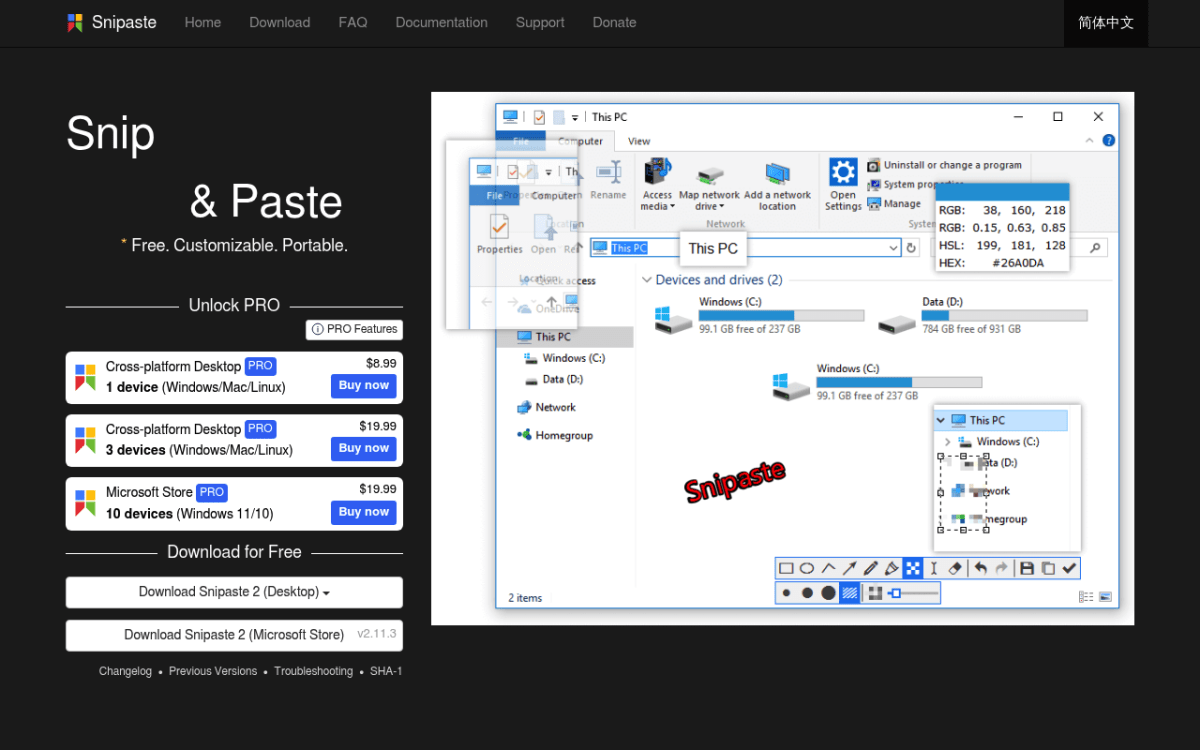
Snipaste is a cult favorite. It nails one thing Shottr does well (pinning screenshots on top of other windows) and adds clipboard history and a color picker. Free, cross-platform, and fast.
Why It Beats Shottr
- Pin screenshots anywhere on screen, like Shottr's pin
- Clipboard history. Copy multiple snippets, paste any of them
- Color picker built in
- Mac, Windows, AND Linux. Same workflow on all three
Limitations
- No cloud sharing at all
- Smaller annotation toolkit than CleanShot X or ScreenSnap Pro
- No GIF, no video, no OCR
- UI shows its Windows-first roots
Best For
Developers and translators who pin reference screenshots all day. A solid free choice if you don't need cloud or GIFs.
#8: macOS Built-in Screenshot, the Best Free Default
Price: Free (built in) | Rating: (3/5)
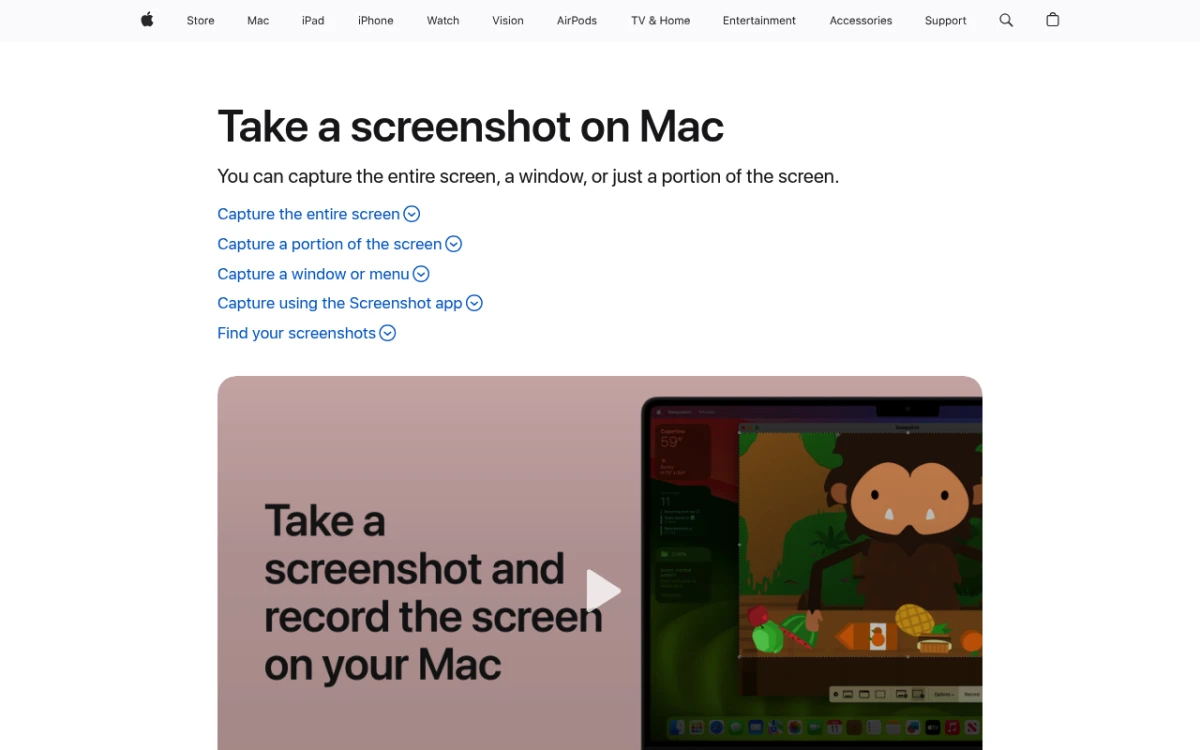
The most underrated Shottr alternative is the one already on your Mac. Cmd+Shift+5 opens the macOS Screenshot app with capture, basic recording, and Markup for annotation through Preview.
Why It Beats Shottr (Sometimes)
- Free and pre-installed. Zero setup
- Cmd+Shift+3, 4, and 5 shortcuts are muscle memory for most Mac users
- Built-in screen recording (no GIF, but MOV video works)
- Markup in Preview covers the basics
Limitations
- No cloud sharing
- No GIF, only MOV video
- Annotations are basic (arrows, text, shapes, but no blur and no counter)
- No scrolling capture, and no OCR while capturing (Live Text can copy text after you open the shot in Preview)
Best For
Casual users who only take a few screenshots a week. If Shottr feels like overkill, the built-in tool likely is enough. For everyone else, you'll want one of the picks above.
Feature Comparison: What Shottr Lacks
Here's where each Shottr alternative wins and loses, side by side.
| Feature | Shottr | ScreenSnap Pro | CleanShot X | Xnapper | Monosnap | Skitch | Lightshot | Snipaste | macOS Built-in |
|---|---|---|---|---|---|---|---|---|---|
| Cloud sharing | Token or S3 only | Yes | Yes (1 GB on Basic) | No | Yes (free) | Evernote | Yes (public) | No | No |
| GIF recording | No | Yes | Yes | No | Yes | No | No | No | No |
| Video recording | No | Yes | Yes | No | Yes | No | No | No | Yes |
| Scrolling capture | Yes | Yes | Yes | No | No | No | No | No | No |
| OCR | Yes | Yes | Yes | Yes | No | No | No | No | Live Text |
| Pin screenshot | Yes | Yes | Yes | No | No | No | No | Yes | No |
| Cross-platform | No | Yes | No | No | Yes | No | Yes | Yes | No |
| Beautification | Yes | Yes (500+) | Some | Yes | No | No | No | No | No |
| Annotations | Basic | 17 tools + emoji | Many | Few | Basic | Good | Basic | Basic | Few |
| Price model | Free/$12 | $49 once | $35 once or $10/mo | Free/$29.99 once | Free/$3mo+ | Free | Free | Free/$8.99 PRO | Free |
The takeaway: Shottr ties ScreenSnap Pro and CleanShot X on scrolling capture, OCR, and pin, but loses on one-click cloud links, GIF, video, full-page website capture, and cross-platform. If those gaps matter to you, the other tools fill them.
The 5-Year Cost of Staying with Shottr (vs. Upgrading)
"Shottr is free" is the easy answer. But factor in the workarounds (manually uploading to Imgur, switching apps for GIFs, exporting separately for Windows teammates) and the real five-year picture looks different.
| Tool | 5-Year Cost | Notes |
|---|---|---|
| Shottr (Free) | $0 | Personal use only, manual uploads, second tool for GIFs |
| Shottr (Basic) | $12 | One-time, still no GIF or video |
| ScreenSnap Pro | $49 | One-time, all gaps covered, lifetime updates |
| Xnapper | $29.99 | One-time (1 year of updates), no cloud or GIF |
| CleanShot X Basic | $35 to $111 | $35 once, plus optional $19/yr update renewals |
| Monosnap paid | $150 to $300 | $30/yr non-commercial or $60/yr commercial × 5 |
| CleanShot X Pro | $600 | $10 per user/month, billed yearly, × 60 months |
Over five years, a one-time license beats every subscription on this list. ScreenSnap Pro at $49 once covers cloud links, GIF, video recording, and Mac plus Windows, with no monthly bill.
How to Migrate from Shottr to a New Tool
Switching screenshot apps feels heavier than it is. Three steps and you're done.
Step 1: Export Your Existing Captures
Shottr saves to a folder you set in Preferences. Open Finder, find that folder, and copy it somewhere safe (or sync it to iCloud). You don't lose any old screenshots: they're just PNGs and JPGs.
Step 2: Set Up Keyboard Shortcuts
Most tools default to Cmd+Shift+1, 2, 3, or 4 for capture. If you've trained yourself on Shottr's shortcuts, remap the new app to match, or check the Mac screenshot shortcuts cheat sheet to learn the new ones. Either way, give it three days before you decide it feels wrong.
Step 3: Uninstall Shottr (or Keep It)
You can run two screenshot tools side by side. Some users keep Shottr for its pixel ruler and OCR, and use ScreenSnap Pro or CleanShot X for cloud, GIF, video, and annotations. If you want a clean break, drag Shottr from /Applications to the Trash.
Pro tip: If you sync screenshots to a cloud folder, double-check the new tool saves to the same path. Avoids the "where did that file go" panic on day one.
Which Shottr Alternative Should You Choose?
Match your main reason for leaving Shottr to the right tool.
- "I need cloud sharing + GIF recording" → ScreenSnap Pro ($49 once, both built in)
- "I need screen recording with editing" → ScreenSnap Pro (MP4 up to 60fps plus a built-in video editor)
- "I work cross-platform (Mac + Windows)" → ScreenSnap Pro or Monosnap
- "I need full-page website capture" → ScreenSnap Pro (paste any public URL)
- "I need in-app scrolling capture inside native apps" → ScreenSnap Pro or CleanShot X (both handle PDFs, Slack, Excel)
- "I want free with cloud sharing" → Monosnap (non-commercial use)
- "I just want pretty screenshots for social" → Xnapper
- "Simplest annotation, free" → Skitch
- "I'm a Shottr power user, just need GIF" → ScreenSnap Pro
- "Built-in is fine for casual use" → macOS Screenshot (Cmd+Shift+5)
If you're not sure, start with ScreenSnap Pro's 30-day money-back guarantee. If it doesn't cover the gaps that pushed you away from Shottr, you're refunded.
Frequently Asked Questions
The Bottom Line
Shottr is a brilliant free tool for one specific user: a macOS power user who needs nothing more than in-app scrolling capture for native apps, OCR, and pixel precision. If that's you, keep it.
Everyone else hits one of three walls eventually: cloud, GIF, or cross-platform. When you do, you have eight solid Shottr alternatives, ranked above by what gap you're filling.
For most upgraders, ScreenSnap Pro is the cleanest move: $49 once, no subscription, all three gaps covered, Mac and Windows in one license. You also get a screen recorder and video editor that Shottr doesn't have. No Shottr-style upgrade nags, no monthly bills. If you want free with cloud for personal use, Monosnap is the best free Shottr alternative.
Ready to upgrade? Get ScreenSnap Pro. Pay $49 once, own it forever, with a 30-day money-back guarantee.

Morgan
Indie DeveloperIndie developer, founder of ScreenSnap Pro. A decade of shipping consumer Mac apps and developer tools. Read full bio
@m_0_r_g_a_n_