Best Vidyard Alternatives 2026: 8 Tools Compared
# Best Vidyard Alternatives in 2026: 8 Async Video Tools Compared
Looking for a Vidyard alternative? You have lots of options in 2026, from cheap Loom-style tools for solo creators to full sales platforms with AI tools and CRM hooks. This guide compares 8 of the top picks by price, free tier, analytics, and sales-tool fit, so you can switch without losing the parts of Vidyard you actually used.
Why people leave Vidyard
Vidyard is a strong video tool for big teams. Sales teams use it to send prospect videos, AEs love the Salesforce link, and the analytics run deep. But it isn't for everyone.
Most teams shop for an alternative for one of four reasons:
- Price. Paid Vidyard plans start near $19 a seat and climb fast. Teams of 10+ can hit $300 a seat once you add Salesforce sync, AI tools, and team admin.
- Too complex. Vidyard's dashboard is built for revenue ops, not for the marketer who just needs a 90-second walkthrough.
- Better video editing. Tools like Tella and Loom now offer slicker editing (auto-zoom, layouts, b-roll) that Vidyard hasn't matched.
- Free-tier limits. Vidyard Free caps you at 25 videos. Once you hit that wall, you pay or move.
What Vidyard still does best: deep video stats (heatmaps, drop-off), Salesforce, HubSpot, and Outreach links, and trust signals for big security reviews. If those are must-haves, stay on Vidyard.
For everyone else, here's the full lineup.
Quick comparison table
| Tool | Best for | Starting price | Free tier | Analytics | Sales-tool integrations |
|---|---|---|---|---|---|
| ScreenSnap Pro | Solo creators + small teams | $34 one-time | N/A (paid) | None (local) | No |
| Loom | All-around async video | $15/seat/mo | Yes (25 videos) | Good | Yes (Salesforce, HubSpot) |
| Tella | Polished design-first videos | $15/seat/mo | Limited | Basic | Limited |
| ScreenPal | Cheap recording + light editing | $4/seat/mo | Yes (15 min cap) | Basic | No |
| Sendspark | AI sales personalization | $20/seat/mo | Yes | Good | Yes (deep) |
| BombBomb | Long-time sales-video tool | $33/seat/mo | Trial only | Good | Yes (CRM) |
| Hippo Video | Sales/CS with AI features | $18/seat/mo | Yes | Deep | Yes (Salesforce) |
| Dubb | Video sales platform | $32/seat/mo | Yes (limited) | Deep | Yes (CRM) |
Prices reflect public pricing pages at the time of writing. Annual billing usually gets you 15-25% off.
1. ScreenSnap Pro: one-time price for solo creators
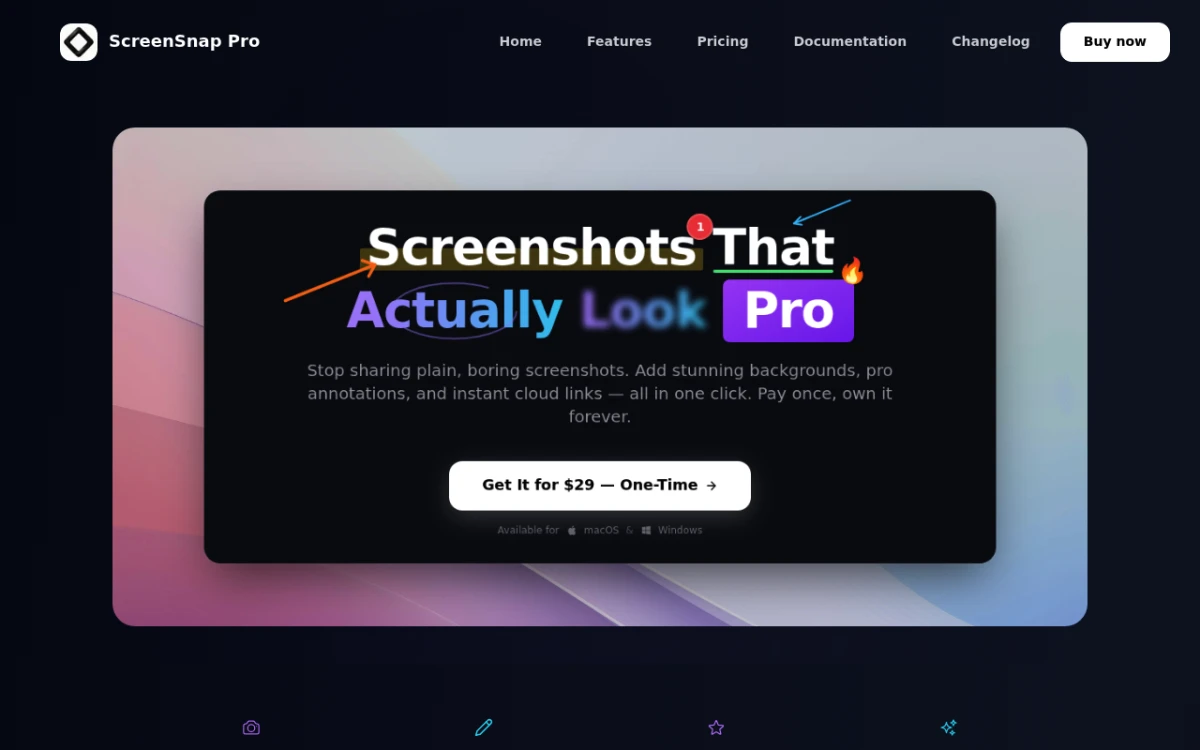
ScreenSnap Pro is the odd one out on this list. It isn't a sales tool. There's no stats dashboard, no CRM sync, no AI custom intros. It's a desktop screen recorder that captures screen, webcam, mic, and system audio, then gives you a share link or a clean MP4.
Pricing: $34 one-time. The license covers two computers (Mac or Windows). No subscription. No watermarks. Cloud is optional, so you can turn it off and keep videos local.
What it does well:
- Pay-once price, so total cost over 3 years is about one month of Vidyard Pro
- Full recording kit: screen + webcam + mic + system audio + GIF
- 15 markup tools and 500+ wallpaper backgrounds for the screenshot side
- OCR text grab for pulling copy out of any frame
- Mac and Windows from the same license
Limits:
- No video stats, meaning no heatmaps, drop-off charts, or per-recipient tracking
- No CRM or sales-tool links
- No team admin, SSO, or shared spaces
- No video editing beyond basic trim
Best fit: solo founders, freelancers, and small teams sending the odd async video: bug reports, walkthroughs, support replies. Not a Vidyard swap for a sales team that lives off video stats. If you send 2-3 videos a week and just want a clean MP4 or share link, the math works. If your AEs need to see who watched which part, stay on Vidyard or move to Sendspark.
Rating: (4.2/5)
2. Loom: the obvious Vidyard alternative
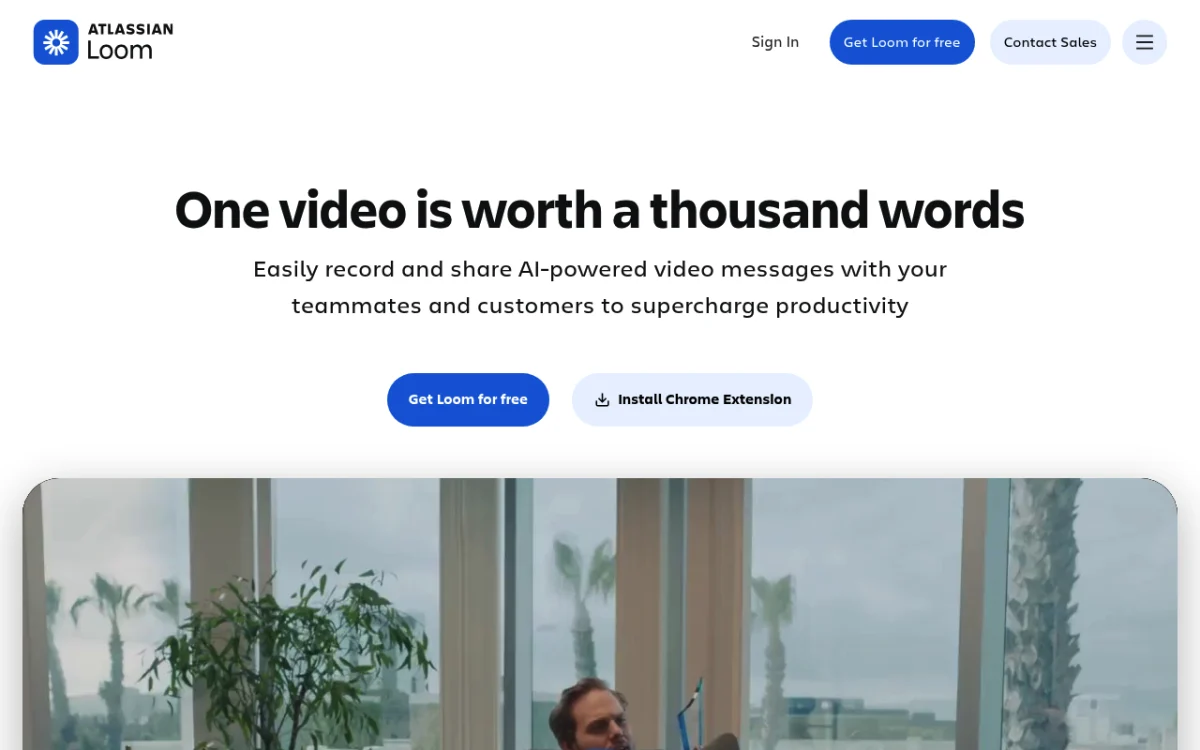
Ask any sales or marketing team for "a Vidyard alternative," and the first reply is Loom. It's the most popular async video tool for a reason.
Pricing: Free (25 videos), Business at $15 a seat per month, Enterprise on request.
What it does well:
- Fast capture on Mac, Windows, web, and mobile
- Smart edit cuts out fillers and silence on its own
- Built-in viewer tools (reactions, comments, CTAs)
- Salesforce and HubSpot links on Business and above
- AI summaries, chapters, and titles
Limits:
- The free plan caps videos at 5 minutes
- AI tools are gated behind add-ons
- Team permissions feel clunky for big teams
Best fit: marketing, product, and sales teams who want Vidyard-style video without the heavy setup. The strongest all-around pick on this list.
Rating: (4.7/5)
If you're on Windows, the best free Loom alternatives for Windows round-up has additional Windows-native picks worth checking before you commit.
3. Tella: design-first async video
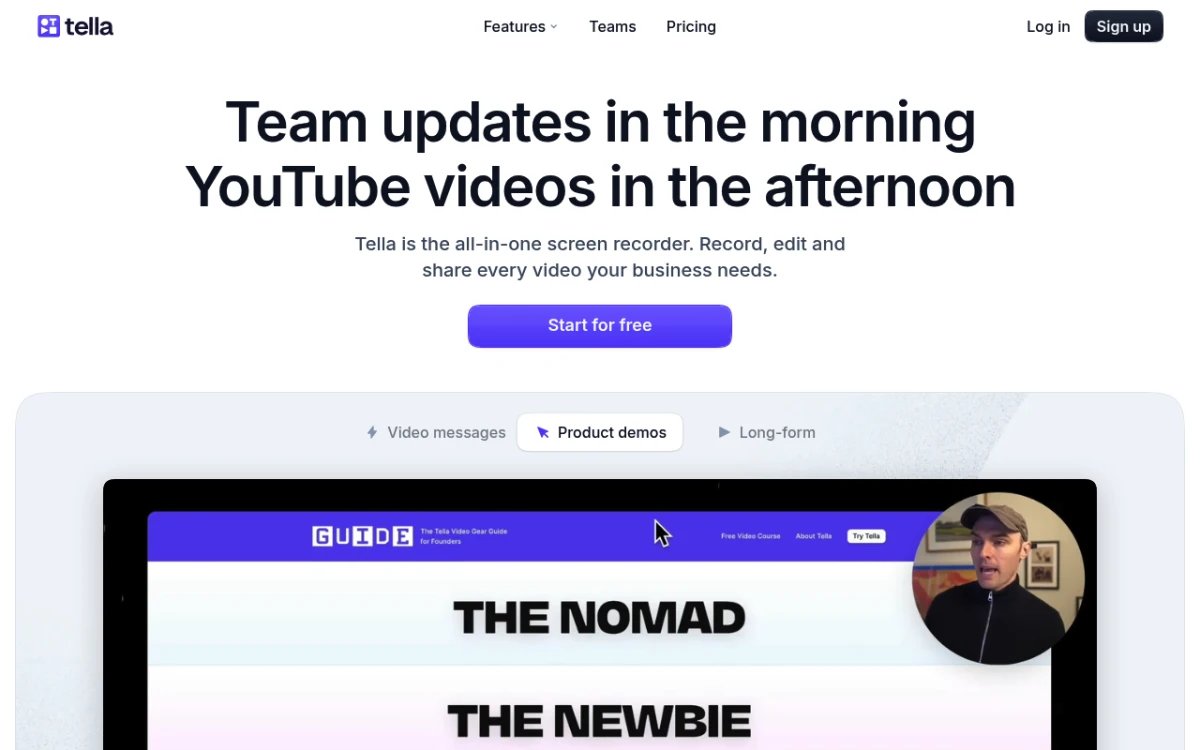
Tella is the newer kid on the block. Where Loom feels like Slack-for-video, Tella feels like a slide tool, with backgrounds, layouts, and webcam framing built in.
Pricing: Pro at $15 a seat per month, Team at $30 a seat per month. Free tier exists, with watermarks.
What it does well:
- Looks polished out of the box (backgrounds, rounded corners, clean webcam bubbles)
- Multi-clip editing on a timeline (rare in this group)
- Auto-zoom on click, so your viewer always sees what you clicked
- Browser-based recording, so no installs
Limits:
- Sales-tool links are thin next to Vidyard or Sendspark
- Analytics are basic (views, watch time, but no heatmaps)
- Mac and web focused; Windows desktop is a recent add
Best fit: founders, designers, and marketers who care about how the video looks more than how it tracks.
Rating: (4.5/5)
4. ScreenPal: cheapest paid option

ScreenPal (used to be Screencast-O-Matic) has been around forever. It quietly does most of what Vidyard does for a fraction of the price.
Pricing: Free with a 15-minute cap and watermark. Solo Deluxe at $4 a seat per month, Solo Premier at $10 a seat per month. Team plans on request.
What it does well:
- The cheapest paid plan in this list
- Light video editing built in (cuts, captions, music)
- Stock library and music included
- Works on Mac, Windows, ChromeOS, and mobile
Limits:
- Free tier puts a watermark on every video
- Sales links are basic
- The player and stats feel a step behind Loom or Vidyard
Best fit: teachers, support teams, and small shops on a budget who need volume without paying $20 a seat.
Rating: (4/5)

Tired of plain screenshots? Try ScreenSnap Pro.
Beautiful backgrounds, pro annotations, GIF recording, and instant cloud sharing, all in one app. Pay $34 once, own it forever.
See pricing and features5. Sendspark: sales-focused with AI personalization

Sendspark is the closest one-to-one Vidyard swap for a sales team. It was built for AEs and SDRs sending custom prospect videos.
Pricing: Starter at $20 a seat per month, Pro at $39 a seat per month, Team at $49 a seat per month.
What it does well:
- AI custom intros: record once, get dozens of "Hi {{firstName}}" clips
- Custom video thumbnails with the prospect's website behind your face
- Built-in Outreach, Salesloft, HubSpot, and Apollo links
- Per-recipient watch stats
Limits:
- Price climbs fast as you add seats
- Less polished for non-sales use (internal walkthroughs feel off)
- No built-in editing beyond trim
Best fit: outbound sales teams who use Vidyard for prospecting and want a cheaper, AI-first swap.
Rating: (4.5/5)
6. BombBomb: sales video, the OG
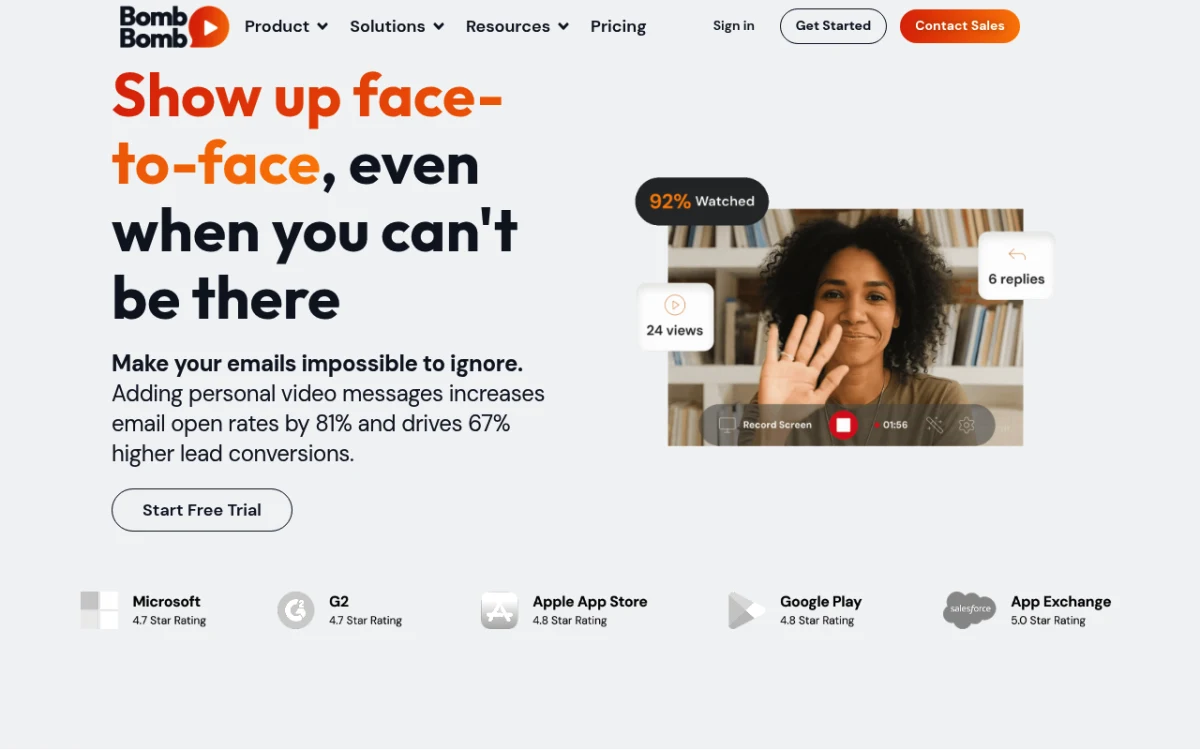
BombBomb has been doing video email since before async video was a category. Real estate agents, financial advisors, and field reps still swear by it.
Pricing: Essentials at $33 a seat per month, Plus at $59 a seat per month. No free tier, 14-day trial only.
What it does well:
- Video-in-email plays in Gmail, Outlook, and most email apps
- Strong CRM links (Salesforce, HubSpot, Zoho)
- "Prompts" feature for batch custom video sends
- Mobile-first recording
Limits:
- Higher entry price than most peers
- The UI feels dated next to Loom or Tella
- No free tier
Best fit: relationship sales (real estate, mortgage, advisory) where video email is the main channel.
Rating: (4/5)
7. Hippo Video: deep analytics for sales and CS
Hippo Video is a serious Vidyard alternative for revenue teams. It's popular outside North America and with customer-success teams that need video stats tied to accounts.
Pricing: Starter Plus at $18 a seat per month, Pro at $29 a seat per month, Teams at $58 a seat per month. Free plan with light features.
What it does well:
- Account-level stats, not just video-level
- Built-in landing page builder for video
- AI editor that turns long recordings into short clips
- Salesforce, HubSpot, and Zoho links
Limits:
- Setup is heavier, closer to Vidyard than to Loom
- The UI can feel busy with so many features
- Some pro features only on the Teams plan
Best fit: sales and CS teams who want Vidyard-grade stats at half the price.
Rating: (4.3/5)
8. Dubb: video sales platform with broadcast tools

Dubb sits in the same group as BombBomb and Sendspark, built for sellers rather than for everyone.
Pricing: Pro Solo at $32 a seat per month, Pro Team at $59 a seat per month, Premium at $99 a seat per month. Free tier with a small video cap.
What it does well:
- One-to-many video sends (with watch tracking)
- Branded landing pages per video
- CRM, calendar, and CTA links
- Built-in podcast hosting (a niche perk)
Limits:
- Top tier is pricey next to peers
- The editor works, but isn't a joy to use
- Less polished than Loom for general use
Best fit: sales teams that send video at scale and want broadcast plus 1:1 in one tool.
Rating: (4/5)
Decision framework: which one should you pick?
Eight tools is a lot. Here's how to narrow it down quickly.

Pick ScreenSnap Pro if you're a solo creator or a small team that just needs to capture and share, with no stats, no subscription, and no team setup overhead.
Pick Loom if you want the broadest tool, covering sales, marketing, product, support, and team updates all in one place. It's the safe default.
Pick Tella if the videos go to clients or leads and you need them to look polished. Designers and founders love it.
Pick ScreenPal if budget is the #1 limit and you can live without sales-tool links.
Pick Sendspark if you're an outbound sales team that lives in Outreach, Salesloft, or Apollo. The AI custom intros alone justify the price.
Pick BombBomb if you sell on relationships (real estate, mortgage, advisory) and your channel is email.
Pick Hippo Video if you want Vidyard-grade stats at half the seat cost. Strong CS pick.
Pick Dubb if you send video at scale and want landing pages plus 1:1 in one tool.
For training-content teams, our best training video software breakdown adds Camtasia, Screen Studio, and a few others worth a look.
How to migrate from Vidyard
Switching is easy if you plan it out. Here's the order I'd use.
1. Export your video library. Vidyard lets you download originals from each video's settings page. For bigger libraries, ask support for a full export and they'll send a zip. Don't skip this step. Once you cancel, the videos go away.
2. Re-host on the new tool. Most tools (Loom, Tella, Hippo Video, Sendspark) accept MP4 uploads. Bulk upload is often a paid-tier feature, so check before you commit. You can convert old video formats first if you have legacy clips to clean up.
3. Redirect tracking links. This is the part most teams miss. Vidyard share links live in old emails, Salesforce records, and decks. Set up a redirect from vidyard.com/watch/... URLs to your new host with a URL rewriter, or fix the top links by hand. Letting share links rot in old prospect inboxes will cost you reopens.
4. Audit CRM video rules. If you had Vidyard logging "watched X% of video" events into Salesforce or HubSpot, those rules need a rebuild on the new tool's webhook. Sendspark and Hippo Video both ship templates for this. Loom and Tella will need a Zapier or workflow build.
5. Run both in parallel for 30 days. Keep Vidyard active while the new tool ramps. Day-one cancels are how teams end up with broken deck links.
6. Mark up your hand-off videos. When you record migration walkthroughs for your team, mark up screenshots so the steps are clear. Our free image annotation tool handles arrows, callouts, and blur if you don't have a markup app yet.
For polished thumbnails and social previews of your new videos, the free screenshot background generator gives you the gradient-and-mockup look that makes thumbnails click.
Frequently asked questions
Bottom line
There's no single best Vidyard alternative, only a best one for your team size, budget, and main use case. Loom is the safest all-around default. Sendspark and Hippo Video are the closest swaps for sales. Tella wins on polish, ScreenPal on price, and BombBomb still owns the relationship-sales niche.
If you're a solo founder or small team and the stats dashboard was never the part you used, ScreenSnap Pro might be the easiest swap, because a one-time $34 covers screen, webcam, mic, and system audio recording on both Mac and Windows, with no subscription to renew.
Whichever tool you pick, run them side by side for a few weeks before you cancel Vidyard. Your old share links are in more places than you think.

Morgan
Indie DeveloperIndie developer, founder of ScreenSnap Pro. A decade of shipping consumer Mac apps and developer tools. Read full bio
@m_0_r_g_a_n_