Best Tella Alternatives 2026: 9 Tools (Mac & Windows)
Looking for Tella alternatives in 2026? The top picks are ScreenSnap Pro ($34 one-time, Mac and Windows), Loom (best for team async messages), and Screen Studio (best for cinematic Mac polish). ScreenSnap Pro swaps Tella's fee of $13 to $39 per user per month for a single payment that pays for itself within a few months. Loom and Screen Studio keep a subscription, but trade it for team sharing or extra polish.
Tella makes pretty async videos. But the subscription stings: $156 a year for Pro and $228 for Premium when billed annually, and about double that month to month. There's no free plan anymore, only a 7-day trial, and there are no built-in screenshot or GIF tools. Most people who shop for a Tella replacement want the same polish without the recurring bill.
This guide ranks nine real options, with current pricing, honest gaps, and a year-1 and year-3 cost table so you can see what each one really costs.
What is Tella, and why look for alternatives?
Tella is an async video tool that got popular for one big reason. It makes recordings look like a designed product, not a webcam clip. You record in the browser, the Chrome extension, or the native Mac and Windows apps. The recorder captures your screen and your face on separate tracks, then auto-zooms on clicks, adds rounded corners, and lets you swap backgrounds. The output looks like a Screen Studio demo without needing a Mac.
That polish is the draw. The price is the catch.
| Tella plan | Price (October 2026) | Tella branding on video pages | Clip length limit |
|---|---|---|---|
| Pro | $13/user/mo (annual) or $26 monthly | Yes | 6 hours |
| Premium | $19/user/mo (annual) or $39 monthly | Removable | 6 hours |
| Enterprise | Custom | Removable | 6 hours |
There's no free plan. Every account starts with a 7-day trial of Pro, no credit card required.
Billed annually, Pro is $156 a year and Premium is $228. Over three years, that's $468 and $684, and monthly billing roughly doubles both. One-time apps like ScreenSnap Pro ($34) and CleanShot X ($35) charge once.
The other reasons people shop:
- No free plan. Tella dropped its free tier. You get a 7-day trial of Pro, then you pay per user, every month or every year.
- No screenshot or GIF tools. Tella records video. If you also need annotated screenshots or short looping GIFs, you'll pay for a second tool.
- Editing lives in the browser. Tella's Mac and Windows apps are recorders. You edit and share in Tella's web app, so slow Wi-Fi makes long recordings painful. Local tools edit and render on your own machine.
- Limited offline use. Travel, conference Wi-Fi, or coffee-shop networks make a web editor shaky.
If any of those hit you, there are better tools below.
How we picked these Tella alternatives
We tested each one against five criteria a content creator or sales rep actually cares about:
- Pricing model. One-time vs. subscription, and what you really pay over three years.
- Recording polish. Auto-zoom on clicks, separate camera and screen tracks, smooth cursor, clean backgrounds.
- Output quality. 4K support, watermark-free exports, and clean audio.
- Platform support. Mac, Windows, or both. Desktop vs. browser.
- Beyond video. Screenshots, GIFs, annotations, OCR, and cloud sharing.
Two more filters cut the list: tools must work in 2026 (no abandoned apps) and must export to MP4 or GIF without a paywall on the file itself.
The 9 best Tella alternatives at a glance
Here's the full lineup with the one number most people want first: total cost over three years for a single user.
| Tool | Best for | Pricing | Platforms | 3-year cost | Standout |
|---|---|---|---|---|---|
| ScreenSnap Pro | One-time pricing | $34 one-time | Mac + Windows | $34 | Recorder, video editor and 17 annotation tools in one app |
| Loom | Team async messages | $15/seat/mo (annual) | Mac, Windows, Web, mobile | $540 | AI summaries, fast share links |
| Screen Studio | Cinematic Mac polish | $9/mo (yearly plan) | Mac only | $324 | Auto-zoom that rivals Tella |
| Sendspark | Sales outreach | From $39/mo (annual) | Web, Mac, Windows | $1,404 | AI personalization, CRM links |
| Vidyard | Enterprise analytics | Free, or $59/seat/mo (annual) | Mac, Windows, Web | $2,124 | Account-level view tracking |
| Descript | Transcript editing | $16 to $50/mo (annual) | Mac, Windows, Web | $576+ | Edit video like a Google Doc |
| CleanShot X | Mac screenshots | $35 one-time | Mac only | $35 (1 year of updates) | Best Mac screenshot suite |
| OBS Studio | Power users, free | Free | Mac + Windows + Linux | $0 | Unlimited, plugin ecosystem |
| Camtasia | Timeline editing | $179.88/yr (Essentials) | Mac + Windows | $540 | Full multi-track editor |
Now the full reviews.
1. ScreenSnap Pro: best Tella alternative for one-time pricing
Price: $34 one-time | Platforms: Mac + Windows | Rating: (4.7/5)
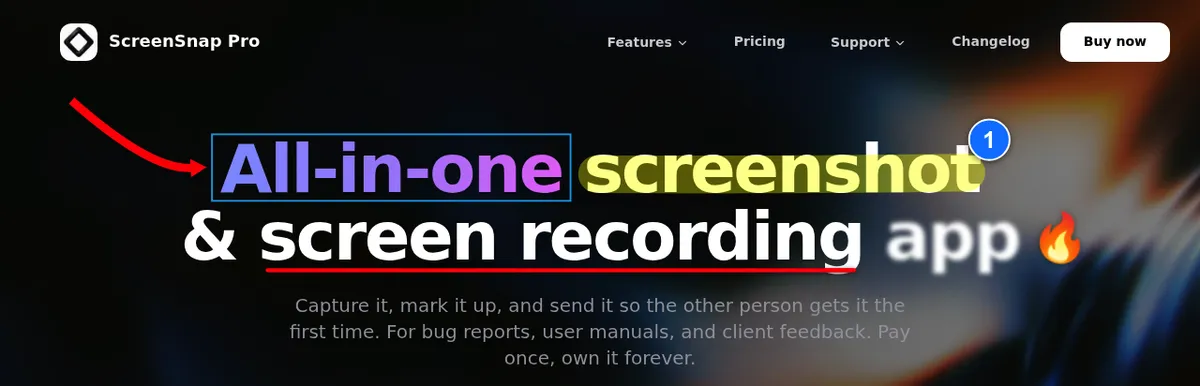
ScreenSnap Pro is the simplest pitch on this list. You pay $34 once and get 2 seats, in any mix of Mac and Windows, with lifetime updates and a 30-day money-back guarantee. No seat fees, no annual renewal, no Premium tier that holds back 60fps export and brand-free video pages.
It's also a wider toolbox than Tella. Tella records video. ScreenSnap Pro records video, GIFs, and screenshots in one app. Videos save as MP4 at up to 60fps with your webcam, mic and system audio. Then they open in a video editor with a multi-track timeline, one-click silence removal, cursor-follow auto zoom, backgrounds, a webcam overlay, and B-roll, music and voiceover tracks. Screenshots get 17 annotation tools plus emoji, 500+ backgrounds, OCR text extraction, and an optional cloud share link that you can turn off if you'd rather keep everything local.
The math is brutal for Tella. ScreenSnap Pro pays for itself within a few months against Tella Pro ($13 a month billed annually, or $26 monthly), and faster still against Premium. After that, every month is profit.
Where ScreenSnap Pro beats Tella
- No subscription. Pay once and keep lifetime updates. One license covers 2 seats, so a Mac laptop and a Windows desktop both work.
- Wider feature set. Screenshots, GIFs, video recording, a video editor, OCR, and annotations in one app. Tella is video-only.
- Desktop editing on both platforms. Record, edit and export in the same desktop app on macOS and Windows. Tella's desktop apps record, but editing happens in its web app.
- Optional cloud. Disable the cloud and ScreenSnap works fully offline. Tella needs a connection to edit and share.
- No watermarks ever. Tella Pro keeps Tella branding on your video pages until you pay for Premium. ScreenSnap Pro never brands your files.
Where Tella still wins
- Captions and subtitles. Tella transcribes in 106 languages and lets you edit and style subtitles. ScreenSnap Pro has no captions or subtitles.
- Transcript editing. Tella cuts video by editing the transcript and removes filler words. ScreenSnap Pro removes silences in one click, but it doesn't edit by transcript.
- Hosted video pages. Every Tella video gets a web page with comments, reactions, chapters, CTA buttons and viewer analytics. ScreenSnap Pro share links are for quick sharing only.
- Team workspaces. Tella has team playlists, user management and SSO. ScreenSnap Pro has no team workspace.
Who should pick ScreenSnap Pro: anyone who wants Tella's "polished capture" feel without a subscription, who also needs screenshots and GIFs in the same app, and who'd rather edit and render locally than in a browser tab. Need quick markup on a screenshot before sharing? The image annotation tool handles arrows, blur, and text in seconds.
From capture to share in seconds. Pay once, own forever.
2. Loom: best Tella alternative for team async messages
Price: Free, or $15/user/month billed annually ($18 monthly) for Business | Platforms: Mac, Windows, iOS, Android, Chrome extension | Rating: (4.5/5)

Loom is the safe pick for teams. It invented the "send a video instead of a meeting" workflow, and the Atlassian acquisition has kept it well-funded. The free tier gives you 25 videos with a 5-minute cap, which covers most casual users.
What you get on paid: unlimited videos and recording time, up to 4K quality, downloads, and the cleanest share-link flow on the list. AI titles, summaries, chapters and filler-word removal come with the Business + AI plan ($20/user/month billed annually). Drop a link in Slack and viewers play it inline without signing up.
Loom is less polished than Tella out of the box (no auto-zoom, no separate-track editing), but it's faster to send, easier to share, and built for teams of five to fifty. For more comparisons, see our Loom vs Vidyard breakdown.
Pros vs. Tella:
- A real free plan (25 videos, 5 minutes each). Tella only offers a 7-day trial.
- Mature integrations with Slack, Notion, Jira, GitHub, and Salesforce.
- Mobile apps for iOS and Android. Tella lists only Mac, Windows, web, and Chrome.
Cons vs. Tella:
- No auto-zoom or smooth-cursor effects.
- No separate camera and screen tracks.
- Loom branding on the free plan.
Annotation workflow: Loom has basic on-screen drawing during recording (arrows, circles) but no post-recording markup. For a polished annotation pass you'd export the video and use a separate editor.
3. Screen Studio: best Tella alternative for cinematic Mac polish
Price: $9/month billed yearly, or $29 monthly | Platforms: Mac only | Rating: (4.8/5)
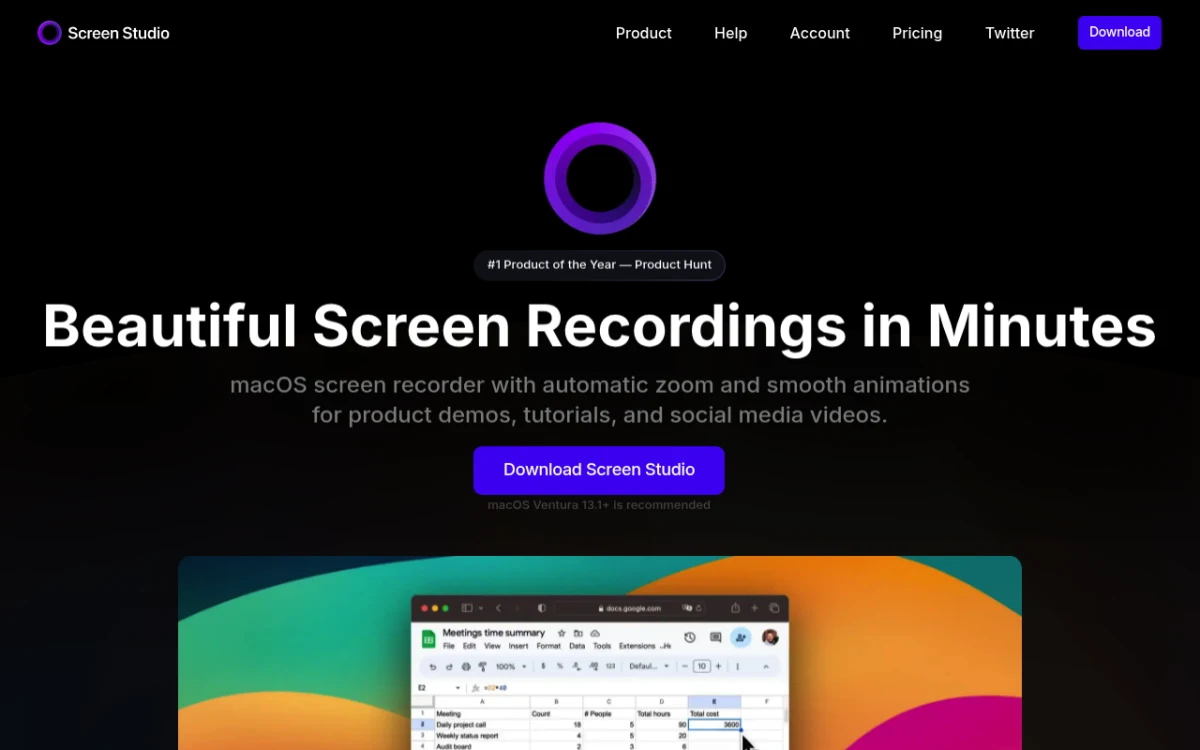
Screen Studio is the Tella alternative for people who came to Tella because of the look. It's Mac-only, and the output is the closest thing on this list to Tella's polish ceiling, and arguably better, because everything renders locally at up to 4K 60fps without a browser tab.
Screen Studio's auto-zoom is the headline. It detects clicks and zooms in smoothly, just like Tella, without you doing anything. Backgrounds, padding, rounded corners, and shadow effects all happen post-recording with a clean drag-and-drop timeline.
Screen Studio stopped selling its one-time license to new buyers in 2025, so it's now a subscription like Tella. The yearly plan works out to $108 a year, which is still less than Tella Pro billed annually ($156), and every feature is in every plan. See our Screen Studio Mac alternatives roundup and Screen Studio vs Loom deep-dive if you're on the fence.
Pros vs. Tella:
- Cheaper than Tella on the yearly plan ($9/month vs. $13).
- 4K 60fps export (no browser overhead).
- Auto-zoom on clicks is sharper than Tella's.
- Renders locally, so there is no upload and no rendering queue.
Cons vs. Tella:
- Mac only. Windows users need a different option.
- Subscription only for new buyers, since the one-time license is gone.
- Share links only cover videos up to 30 minutes.
Annotation workflow: Screen Studio doesn't do screenshot annotation, because it's video-only. Pair it with a screenshot app for full coverage.
4. Sendspark: best Tella alternative for sales outreach
Price: From $39/month billed annually (Solo) or $49 monthly, with a 7-day free trial | Platforms: Web, Chrome extension, Mac and Windows apps | Rating: (4.4/5)

Sendspark is the Tella alternative if your reason for recording is "convince this lead to book a meeting." Sendspark adds dynamic variables to videos: the prospect's name, website background, and thumbnail render on the fly per recipient, and AI voice cloning can say each name. One recording, thousands of personalized clips.
It also plugs into HubSpot, Gmail, Outlook, and LinkedIn on every plan, plus Salesforce, Outreach, and Apollo from the Growth plan ($99/month), with click and watch tracking that fires triggers in your CRM. Tella has none of this.
Pros vs. Tella:
- Personalization variables at scale.
- CRM and outreach-tool integrations native.
- Branded landing pages per recipient.
Cons vs. Tella:
- Less polished out of the box (no auto-zoom).
- Pricier than Tella: Solo starts at $39/month billed annually for one seat.
- Overkill for solo creators or internal team use.
Annotation workflow: light, just basic call-to-action buttons overlaid on the video. No drawing tools.
5. Vidyard: best Tella alternative for enterprise video analytics
Price: Free, Starter $59/seat/month billed annually ($89 monthly), custom Teams and Enterprise | Platforms: Mac, Windows, iOS, Android, Chrome and Edge extension | Rating: (4.3/5)

Vidyard is what you pick when "did the buyer committee watch my demo" is a real question. The analytics layer is the deepest on this list: heatmaps, view duration per second, account-level scoring, attribution back to closed-won deals.
The Teams plan and up unlocks CRM and marketing integrations such as Salesforce, HubSpot, Salesloft, and Marketo. Reps get a Slack ping the moment a prospect opens the video. Marketing teams tie views to pipeline.
For solo creators or small teams, Vidyard is overkill. For a 30-person sales org, it's worth the spend. Our Vidyard alternatives guide goes deeper into trade-offs.
Pros vs. Tella:
- Best-in-class viewer analytics.
- Native CRM integrations.
- AI Avatar and script-to-video for scaled outreach.
Cons vs. Tella:
- Pricier: Starter is $59/seat/month billed annually, and CRM sync needs the custom-priced Teams plan.
- Less polish out of the box.
- Enterprise feature set you won't use as a solo creator.
Annotation workflow: in-recording highlighter and click-to-action overlays. No post-recording markup pass.
6. Descript: best Tella alternative for transcript-based editing
Price: Free, or $16 to $50/month billed annually | Platforms: Mac, Windows, web | Rating: (4.6/5)
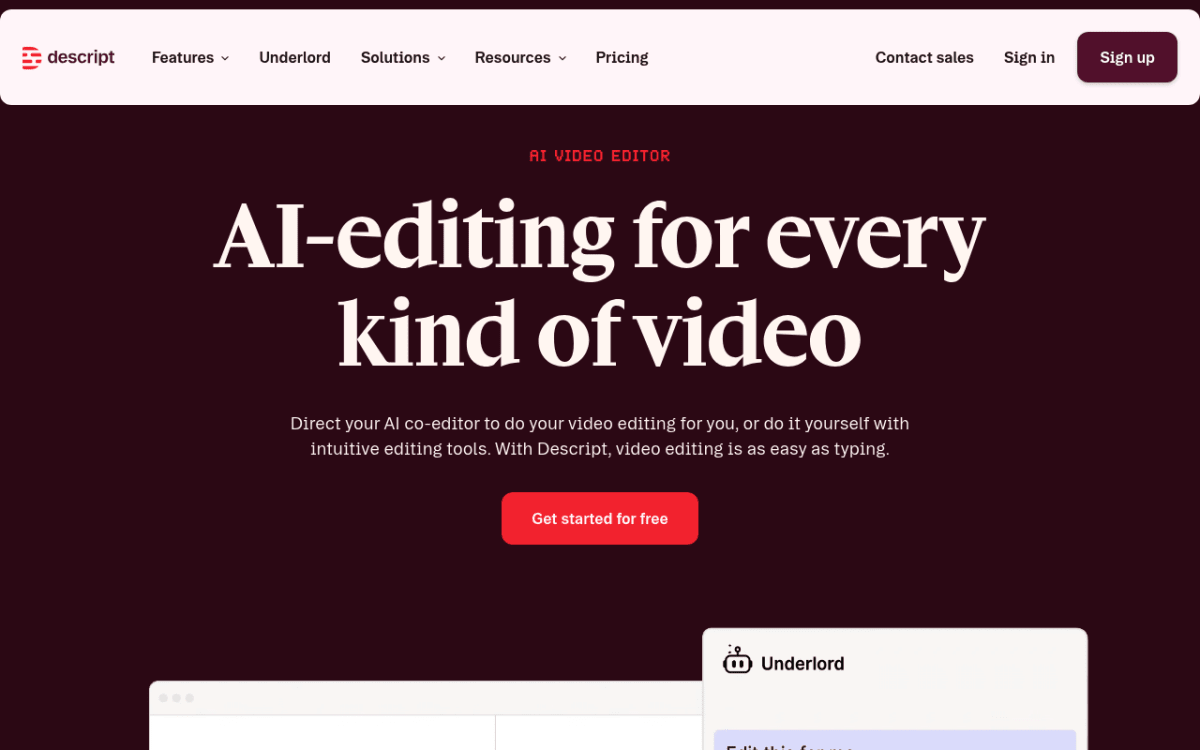
Descript flips the editing model. Instead of a timeline, you get a transcript. Delete a sentence in the transcript, and the matching audio and video disappear. Cut "um" with find-and-replace. Type new words and AI speech fills them in with a clone of your voice.
For interview content, podcasts, and any video where speech is the spine, it's faster than any timeline editor on this list. Studio Sound denoise is also excellent for poor mic conditions.
Pros vs. Tella:
- Transcript-based editing is genuinely faster for talking-head content.
- AI tools (voice clones, Studio Sound, Eye Contact) bundled in.
- Strong podcast workflow alongside video.
Cons vs. Tella:
- Doesn't capture with Tella's polish (no auto-zoom).
- Editor has a learning curve, since it's more app than recorder.
- Higher monthly cost than Tella Pro.
Annotation workflow: no markup or arrows. It's an editor, not a recorder add-on.
7. CleanShot X: best Tella alternative for Mac screenshots plus light recording
Price: $35 one-time (Basic, 1 year of updates) or $10/user/month billed annually (Pro, unlimited cloud) | Platforms: Mac only | Rating: (4.6/5)
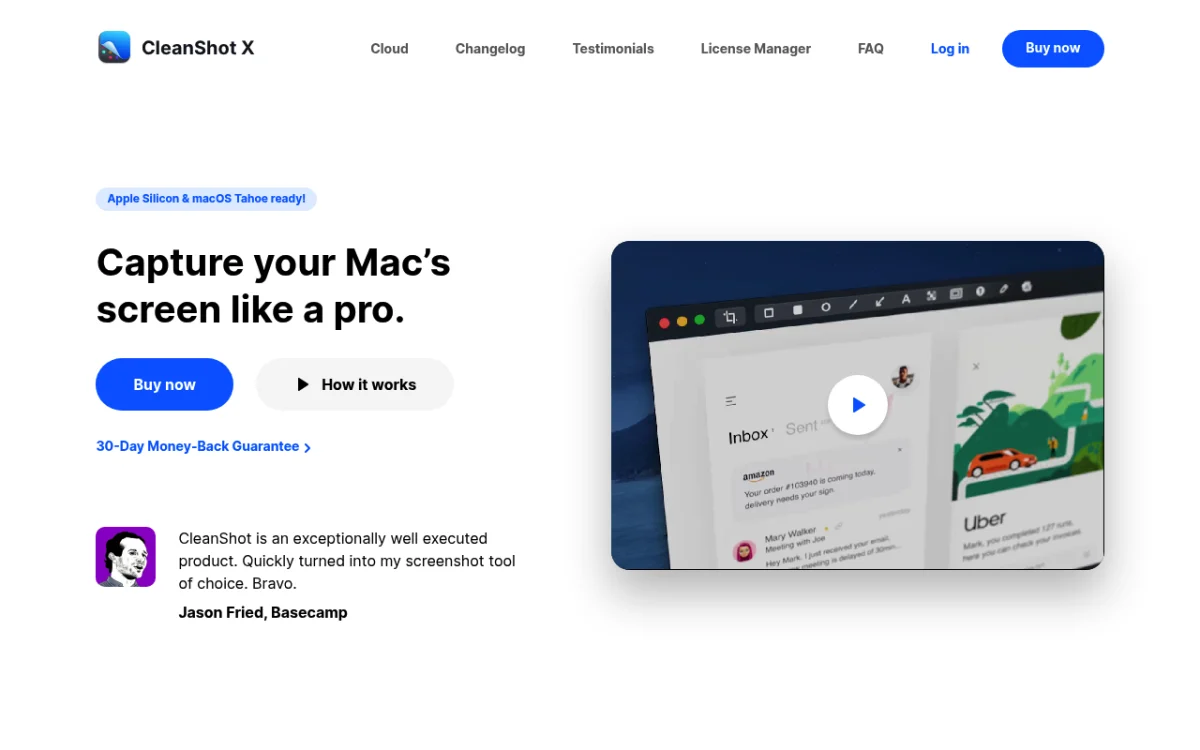
CleanShot X is closer in spirit to ScreenSnap Pro than to Tella, a Mac-native capture suite that handles screenshots first and recordings second. It's not a direct Tella replacement, but for many Mac users the real question is "do I need polished video at all, or do I just need a better capture tool?" CleanShot answers the second one.
You get screenshot capture, GIF recording, video recording, scrolling capture, and rich annotation. Version 5.0 (September 2026) added a video editor with Smart Zooms that follow the cursor, trimming, and backgrounds. The $35 Basic license covers the app forever with 1 year of updates (renewal is optional at $19/year) and 1 GB of cloud storage. Unlimited cloud is part of the Pro plan, which you can skip. For Mac-specific alternatives, see our CleanShot X alternatives roundup and the CleanShot X vs Shottr breakdown.
Pros vs. Tella:
- One-time desktop license.
- Best-in-class Mac screenshot app.
- Scrolling capture of any app window (ScreenSnap Pro only captures full web pages from a URL).
Cons vs. Tella:
- Mac only. Windows users should look at ScreenSnap Pro.
- The video editor is new, since Smart Zooms only arrived in version 5.0.
- Unlimited cloud and team features need the Pro subscription.
Annotation workflow: best on this list for screenshot markup, covering arrows, callouts, blur, text, and numbered counters. Video annotation is lighter.

Tired of plain screenshots? Try ScreenSnap Pro.
Beautiful backgrounds, pro annotations, GIF recording, and instant cloud sharing, all in one app. Pay $34 once, own it forever.
See pricing and features8. OBS Studio: best free open-source Tella alternative
Price: Free | Platforms: Mac, Windows, Linux | Rating: (4.4/5)
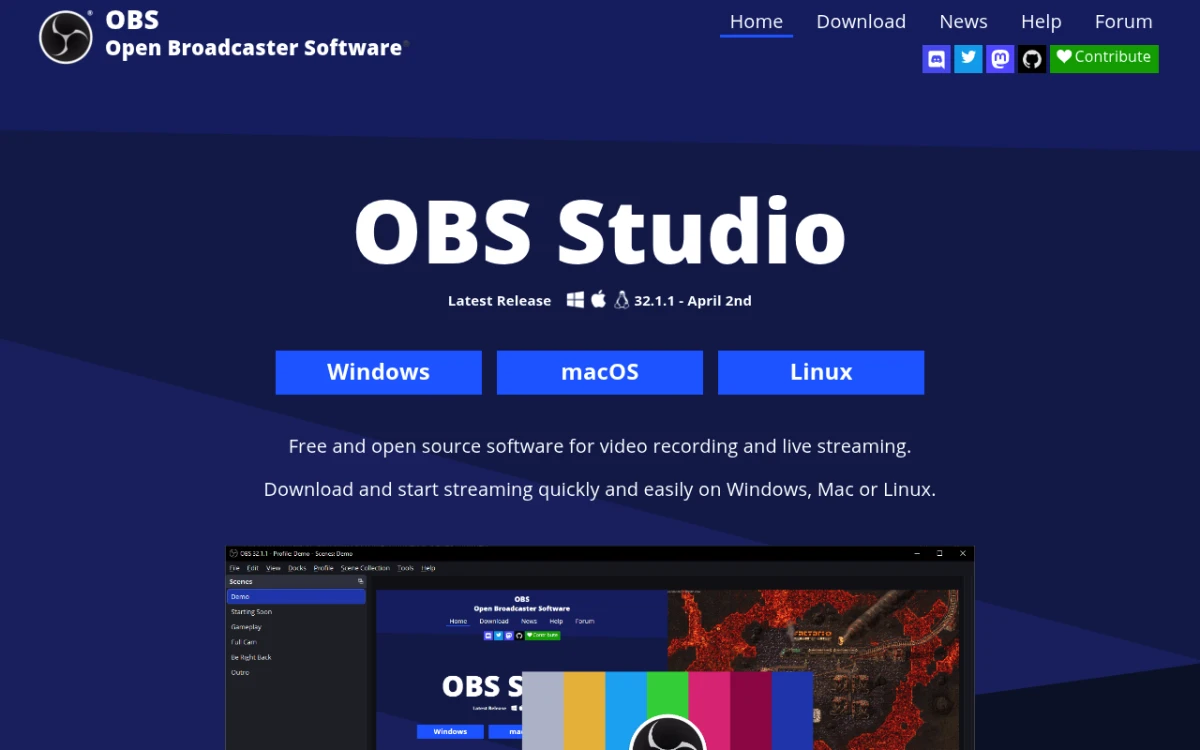
OBS Studio is what every Twitch streamer learned on, and it's a serious Tella alternative if you don't mind a steep learning curve. Free, open source, unlimited recording length, no watermark, and a plugin ecosystem that covers virtually any input.
The trade-off is real. OBS is a scene compositor, not a one-button recorder. To get a Tella-style "screen plus webcam" recording you set up a scene with two sources, configure outputs, and learn the mixer. For technical users, this is fine. For "I want to record a quick demo for my team," it's friction.
If you're on Windows specifically, our OBS Studio alternatives for Windows guide compares OBS against lighter options. The OBS vs Streamlabs breakdown covers the closest fork.
Pros vs. Tella:
- 100% free, forever.
- Unlimited recording length, no watermark.
- Most extensible, with plugins for anything.
- Cross-platform including Linux.
Cons vs. Tella:
- Steep learning curve.
- No polish features out of the box (no auto-zoom, no smooth cursor).
- No built-in editor, so trims and cuts happen in another app.
- No cloud sharing built in.
Annotation workflow: none built in, because OBS is a recorder, not an annotator.
9. Camtasia: best Tella alternative for full timeline editing
Price: From $39/year (Starter, watermarked exports), or $179.88/year for Essentials | Platforms: Mac + Windows | Rating: (4.3/5)
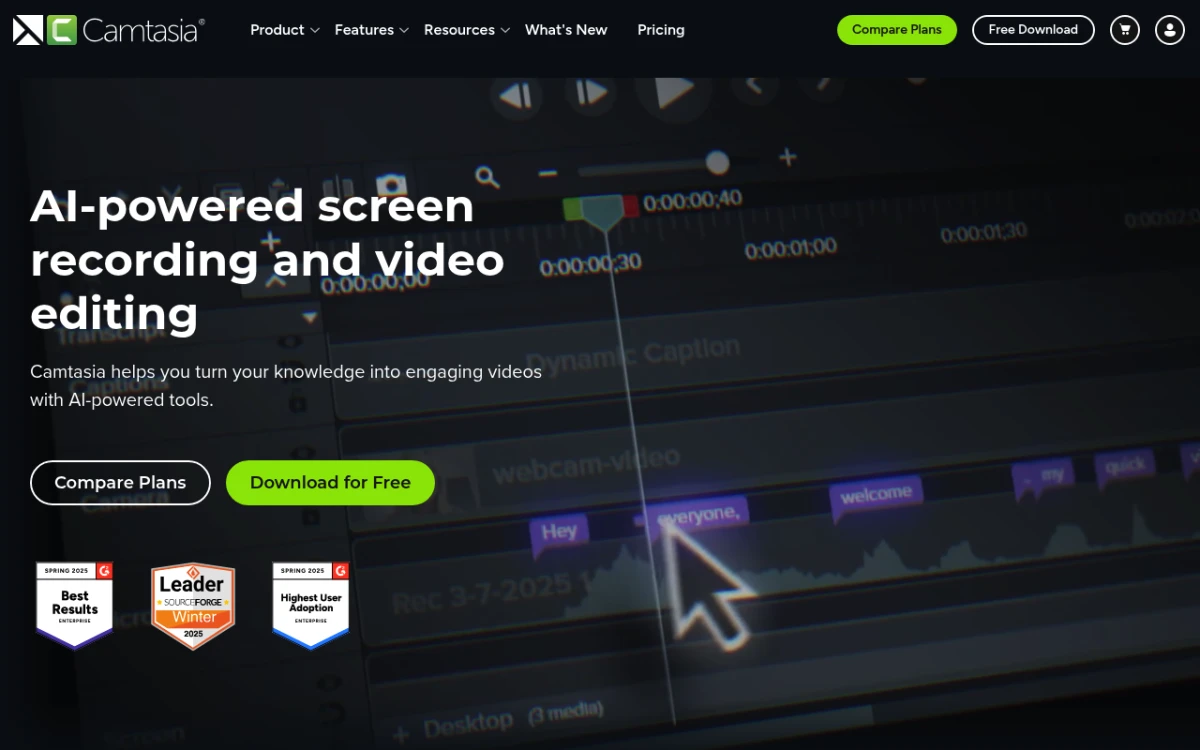
Camtasia from TechSmith is the heavyweight on this list. It records your screen, then drops the recording onto a full multi-track timeline where you can layer callouts, cursor highlights, music, captions, and transitions. The output is closer to a Snagit plus full editor than a quick capture tool.
Camtasia has been subscription only since 2025, and $179.88/year for Essentials, the cheapest plan without a watermark, is a real cost. But for course creators and tutorial-heavy teams, the timeline depth is worth it. The Snagit vs Camtasia breakdown compares the two TechSmith apps if you're choosing between them.
Pros vs. Tella:
- Full multi-track timeline.
- Best-in-class cursor effects and callouts.
- Cross-platform (Mac + Windows).
Cons vs. Tella:
- Subscription only, with no perpetual license for new buyers.
- Heavier app, and overkill for short async clips.
- No native auto-zoom (you place zoom effects manually).
Annotation workflow: strongest on this list for video markup, with callouts, arrows, blurs, and highlight regions all on a timeline.
Tella vs Loom: which one should you pick?
If you're searching "Tella vs Loom," you're probably picking between polish and speed. Here's the short version.
| Need | Pick |
|---|---|
| Designed-look async videos | Tella |
| Send 10 quick walkthroughs a week to a team | Loom |
| Sales reps using video in outreach | Loom (or Sendspark/Vidyard for analytics) |
| Solo creator on a tight budget | Neither; use ScreenSnap Pro or OBS |
| Big team, want CRM integrations | Loom |
| Want the prettiest output on Mac | Neither; use Screen Studio |
The honest reframe most readers miss: if you want one-time pricing and a wider toolkit, neither Tella nor Loom is the answer. Both are subscriptions. For solo creators and small teams that don't need team-share workflows, a one-time desktop app like ScreenSnap Pro is cheaper, edits locally, and adds a screenshot editor with 17 annotation tools and direct GIF recording on top of video.
Year-1 and year-3 cost: the pricing math
Here's what each tool actually costs over time for a single user. This is the table the Tella marketing site won't show you.
| Tool | Year 1 | Year 3 | Year 5 |
|---|---|---|---|
| Tella Pro (annual) | $156 | $468 | $780 |
| Tella Premium (annual) | $228 | $684 | $1,140 |
| ScreenSnap Pro | $34 | $34 | $34 |
| Loom Business (annual) | $180 | $540 | $900 |
| Vidyard Starter (annual) | $708 | $2,124 | $3,540 |
| Sendspark Solo (annual) | $468 | $1,404 | $2,340 |
| Camtasia Essentials | $180 | $540 | $900 |
| Descript Hobbyist (annual) | $192 | $576 | $960 |
| Screen Studio (yearly) | $108 | $324 | $540 |
| CleanShot X Basic (no update renewals) | $35 | $35 | $35 |
| OBS Studio | $0 | $0 | $0 |
The pattern: subscriptions compound, one-time apps don't. ScreenSnap Pro stays at $34 no matter how long you use it, while Tella Pro adds $156 every year on annual billing, or $312 if you pay monthly. CleanShot X Basic includes 1 year of updates, and keeping it current costs $19 a year after that.
Cloud-only, local-only, or hybrid? Where each tool stores your recordings
This split matters more than people realize. Cloud-only tools are convenient: share a link and you are done. But they require a connection, they're slower for long files, and you're locked in if the company shuts down or jacks up prices.
| Tool | Storage model | Works offline? | What happens if cloud is down |
|---|---|---|---|
| Tella | Cloud-first (desktop recorders, web editor) | Limited | Can't edit or share |
| ScreenSnap Pro | Hybrid (local + optional cloud) | Yes | Fully functional locally |
| Loom | Cloud-only | No | Can't upload or share |
| Sendspark | Cloud-only | No | Can't upload or share |
| Vidyard | Cloud-only | No | Can't upload or share |
| Descript | Hybrid (local + sync) | Yes | Editing works, sync queues |
| CleanShot X | Hybrid (local + CleanShot Cloud) | Yes | Fully functional locally |
| Screen Studio | Local (optional share links) | Yes | Fully functional locally |
| OBS Studio | Local-only | Yes | N/A, no cloud |
| Camtasia | Local (optional Screencast sharing) | Yes | Fully functional locally |
The takeaway: if you travel, work on flaky Wi-Fi, or just don't want your recordings on someone else's server, desktop apps (ScreenSnap Pro, Screen Studio, CleanShot X, OBS, Camtasia) are the move.
Annotation and markup workflow per tool
None of the top Tella reviews online cover this, so here's the comparison. Once a recording or screenshot is captured, what can you mark up before sharing?
| Tool | Live drawing (during recording) | Post-recording video markup | Screenshot markup |
|---|---|---|---|
| Tella | Limited | Zoom, blur, highlight | N/A (video only) |
| ScreenSnap Pro | None | Auto and manual zoom, backgrounds, webcam overlay | 17 tools plus emoji: arrows, shapes, blur, pixelate, text, callouts, counters, highlighter, spotlight, magnifier |
| Loom | Arrows, circles | None | N/A (video only) |
| Screen Studio | None | Light (zoom regions) | N/A (video only) |
| Sendspark | None | CTA overlays | N/A (video only) |
| Vidyard | Highlighter | CTA overlays | N/A (video only) |
| Descript | None | Yes (timeline) | N/A (video only) |
| CleanShot X | Limited | Light (Smart Zooms, backgrounds) | Yes: arrows, text, blur, callouts |
| OBS Studio | None | None | N/A (video only) |
| Camtasia | None | Yes: timeline callouts, cursor effects | N/A (video only) |
If you spend more time on annotated screenshots than on full-screen video tutorials, ScreenSnap Pro or CleanShot X give you a richer markup pass than any video-first tool. For one-off touch-ups, the free image annotation tool covers basic arrows, blur, and text in your browser.
Keyboard shortcut cheat sheet
Recorders live and die by hotkeys. The faster you can start, pause, and stop without grabbing the mouse, the more you'll use the tool. Here's a quick reference for the default shortcuts we could confirm.
| Action | ScreenSnap Pro (Mac / Windows) | Loom (Mac / Windows) | OBS |
|---|---|---|---|
| Capture an area screenshot | ⌘+Shift+1 / Ctrl+Shift+1 | Option+Shift+4 / Ctrl+Shift+2 | n/a |
| Area screenshot straight into the editor | ⌘+Shift+2 / Ctrl+Shift+2 | n/a | n/a |
| Start recording | None by default; set one in Settings > Shortcuts | Control+Option+R / Ctrl+Shift+L | Configurable |
| Pause recording | Pause button on the recording bar | Control+Option+R / Alt+Shift+P | Configurable |
| Stop recording | Your Record Screen shortcut again, or the Stop button | Not listed / Ctrl+Shift+L | Configurable |
| Cancel recording | Delete button on the recording bar | Not listed / Alt+Shift+C | Configurable |
OBS lets you bind every hotkey from scratch, which is a strength (full control) and a weakness (none work out of the box). We left out Screen Studio and CleanShot X because we couldn't confirm their current defaults.
Common Tella migration issues and how to fix them
The reviews none of the top-ranking pages cover. If you're switching from Tella to a desktop app, here are the four issues that trip people up.
1. Audio not recording on the new app. Desktop apps ask for system audio permission separately from mic permission. On macOS, check System Settings → Privacy & Security → Screen & System Audio Recording and Microphone. On Windows, check Settings → Privacy & Security → Microphone.
2. Recording feels laggy or drops frames. Tella renders in the cloud, so your laptop didn't feel the load. Local 4K 60fps recording is heavier. Drop to 1080p 30fps for older hardware, or close Chrome tabs before you record.
3. Webcam tile is the wrong size. Tella places the webcam tile auto. Desktop apps usually default to a corner overlay you have to position once. Set it as a preset.
4. Exports look blurry compared to Tella. Tella applies a cinema-style filter by default. Desktop apps record raw, so what you see is what your screen actually looks like. To get the polished look, use the ScreenSnap Pro video editor or Screen Studio, which add zooms and backgrounds for you, or apply zoom and background effects manually in Descript or Camtasia.
How to choose the right Tella alternative for your workflow
Don't pick a tool by reading reviews. Pick by answering five questions about your work.
1. Subscription or one-time?
- One-time: ScreenSnap Pro ($34), CleanShot X ($35), OBS (free).
- Subscription: Loom, Screen Studio, Vidyard, Sendspark, Descript, Camtasia.
2. Mac, Windows, or both?
- Mac only: Screen Studio, CleanShot X.
- Both: ScreenSnap Pro, Loom, Sendspark, Vidyard, Descript, Camtasia, OBS.
3. Solo creator or team?
- Solo: ScreenSnap Pro, Screen Studio, OBS, CleanShot X.
- Team: Loom, Vidyard, Sendspark.
4. Just video, or video plus screenshots/GIFs?
- Just video: Tella, Loom, Screen Studio, Descript, Camtasia, OBS.
- Video plus screenshots and GIFs: ScreenSnap Pro, CleanShot X.
5. Want Tella-style polish without manual editing?
- Auto zoom and backgrounds: ScreenSnap Pro, Screen Studio, CleanShot X.
- Captions and transcript editing: Descript, Camtasia.
Most readers land in two buckets. Solo creators on a budget who want the same polish without the bill → ScreenSnap Pro, with auto zoom, backgrounds and a webcam overlay in its editor. Mac users who don't mind a subscription and want the absolute prettiest output → Screen Studio.
Frequently asked questions
The bottom line: which Tella alternative wins in 2026?
Honest answer: it depends on your wallet and your platform.
- One-time pricing, Mac or Windows, broadest toolkit: ScreenSnap Pro at $34 once. Pays for itself within a few months vs. Tella Pro.
- Mac users who want maximum polish: Screen Studio at $9/month billed yearly. Closest to Tella's look-and-feel ceiling.
- Teams that need async video for meetings and updates: Loom at $15/seat/month billed annually.
- Sales teams that need personalization and CRM data: Sendspark or Vidyard.
- Free, technical user, no budget: OBS Studio.
For most readers (a solo creator, marketer, or small-team manager who wants Tella's "polished capture" without the subscription), ScreenSnap Pro is the clearest fit. $34 once, Mac and Windows, a video editor with auto zoom, screenshots and GIFs included, no watermark, optional cloud, and a 2-seat license. From capture to share in seconds, and the bill never comes back.
Ready to drop the monthly fee? Get ScreenSnap Pro for $34: pay once, own forever.

Morgan
Indie DeveloperIndie developer, founder of ScreenSnap Pro. A decade of shipping consumer Mac apps and developer tools. Read full bio
@m_0_r_g_a_n_