7 Best Snagit Alternatives for Mac in 2026 (3 Are Free)
Snagit has been a widely used screenshot and screen recording tool for over two decades. But at $63 for a license (plus annual maintenance fees for updates), many Mac users are asking: is there a better alternative, like ScreenSnap Pro?
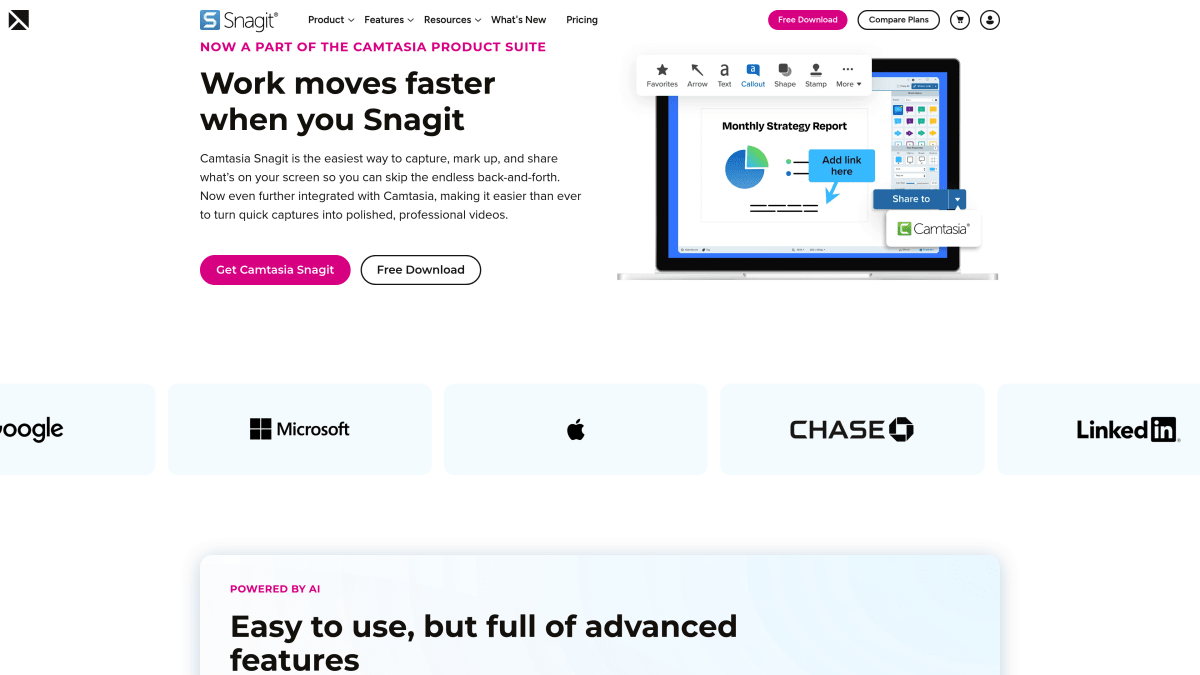
The answer is yes, and in 2026 you have more options than ever. Whether you want something free, something cheaper, or something more Mac-native, this guide covers the best Snagit alternatives for every use case.
Why People Look for Snagit Alternatives
Before we dive into the alternatives, let's understand what drives people away from Snagit:
The Price Problem
Snagit costs $63 for a perpetual license, but that's just the beginning:
- Annual maintenance: $25/year for updates (optional but recommended)
- Version upgrades: Often require new purchases every 2-3 years
- Per-seat licensing: Gets expensive for teams
Over 5 years, you might spend $150+ just to keep Snagit current. That's a lot for a screenshot tool.
The Mac Experience Problem
Snagit was built for Windows first. While the Mac version is functional, it often feels:
- Non-native: UI doesn't match macOS design language
- Bloated: Features you'll never use take up space
- Slower: Not optimized for Apple Silicon in the same way native apps are
The Feature Overlap Problem
Modern macOS has improved its built-in screenshot tools significantly. Many Snagit features now have free alternatives:
- Basic capture → macOS Screenshot (Cmd+Shift+4)
- Markup → Preview app
- Screen recording → QuickTime Player
So why pay $63 for features you can get elsewhere?
Quick Comparison: Snagit vs. Alternatives
| Tool | Price | Screen Recording | Cloud Upload | Annotations | Best For |
|---|---|---|---|---|---|
| ScreenSnap Pro | $39 once | ✅ (GIF) | ✅ | 15 tools | Content creators |
| Snagit | $63+ | ✅ (Video) | ✅ | Many | Enterprise |
| CleanShot X | Subscription | ✅ | ✅ | Many | Power users |
| Shottr | Free | ❌ | ❌ | Basic | Developers |
| Monosnap | Free/$5 | ✅ | ✅ | Basic | Quick sharing |
| Skitch | Free | ❌ | ❌ | Good | Simple markup |
| macOS Built-in | Free | ✅ | ❌ | Basic | Quick captures |
#1 ScreenSnap Pro: Best Overall Snagit Alternative
Price: $39 one-time | Rating: (5/5)
If you're coming from Snagit and want something that "just works" without the bloat or subscription, ScreenSnap Pro is your answer.
Why It's the Best Snagit Replacement:
What You Get (That Snagit Charges $63+ For):
- Beautiful screenshots. 500+ wallpapers that make any capture look professional
- GIF recording. Create animated tutorials without video editing
- Cloud sharing. Instant shareable links, no account required
- Full annotation suite. Arrows, shapes, text, blur, pixelate, and more (need a quick markup without installing anything? Try our free image annotation tool)
- One-time payment. Pay $39 once, own it forever
Where ScreenSnap Pro Wins vs. Snagit:
- 38% cheaper. $39 vs $63 (and no maintenance fees)
- Mac-native design. Built specifically for macOS, feels right at home
- Faster workflow. Quick Access Overlay means capture → edit → share in seconds
- No bloat. Only the features you actually use
Key Features:
- Quick Access Overlay for instant editing
- 15 annotation tools (arrows, shapes, text, numbering, blur)
- Blur and pixelate for privacy
- Keyboard shortcuts for power users
- No watermarks ever
Limitations:
- No scrolling capture (yet)
- Mac only (no Windows version)
Best For:
Content creators, marketers, indie developers, educators, and anyone who shares screenshots regularly and wants them to look professional without paying enterprise prices.
Coming from Snagit? See how ScreenSnap Pro stacks up against other alternatives in our CleanShot X comparison.
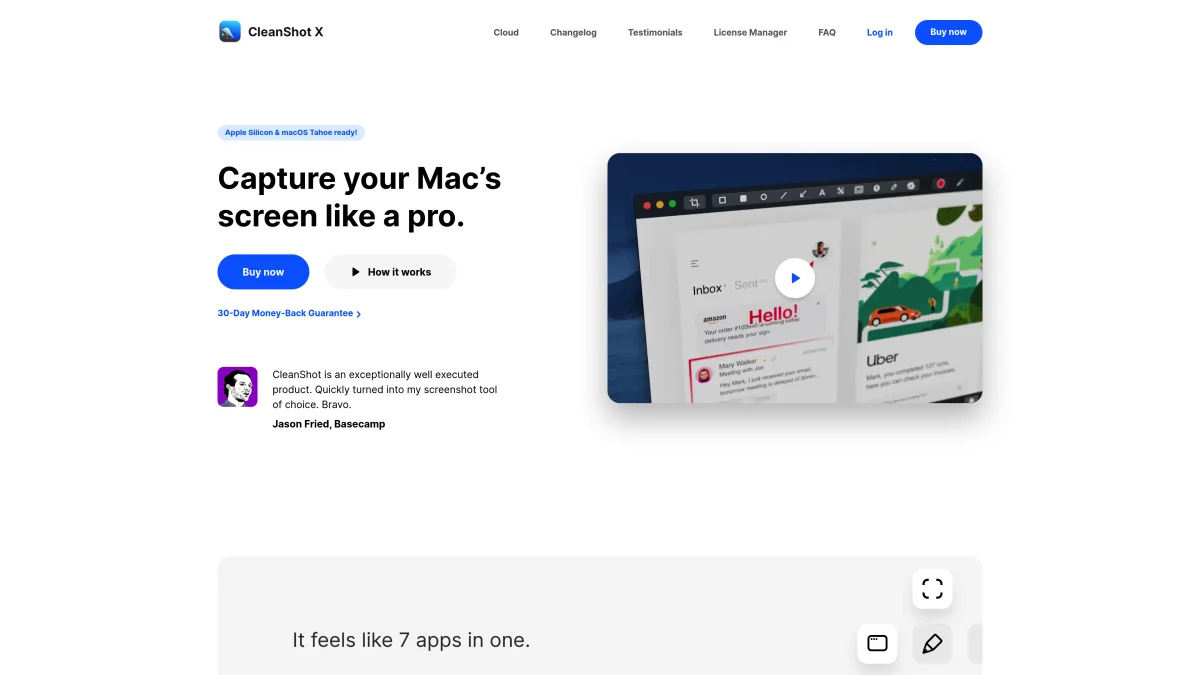
#2 CleanShot X: For Power Users Who Need Everything
Price: $29/year (subscription) | Rating: (5/5)
CleanShot X is the "other" premium screenshot app for Mac. It's feature-packed and highly regarded, but it requires a subscription.
Why Consider CleanShot X:
- Scrolling capture. Grab entire web pages or documents
- Self-destruct screenshots. Auto-delete after a set time
- Extensive customization. Tweak every aspect of the app
- OCR text recognition. Copy text from any image
Where CleanShot X Falls Short:
- Subscription required. $29/year adds up over time
- Feature overload. More features than most users need
- No one-time purchase. You never truly "own" it
Best For:
Power users who need scrolling capture and don't mind paying annually. If you use screenshots professionally every single day and need every feature imaginable, CleanShot X delivers.
The Math: CleanShot X vs. ScreenSnap Pro
| Timeframe | CleanShot X | ScreenSnap Pro | You Save |
|---|---|---|---|
| Year 1 | $29 | $39 | -$10 |
| Year 2 | $58 | $39 | $19 |
| Year 3 | $87 | $39 | $48 |
| Year 5 | $145 | $39 | $106 |
Over 5 years, ScreenSnap Pro saves you $106 compared to CleanShot X.
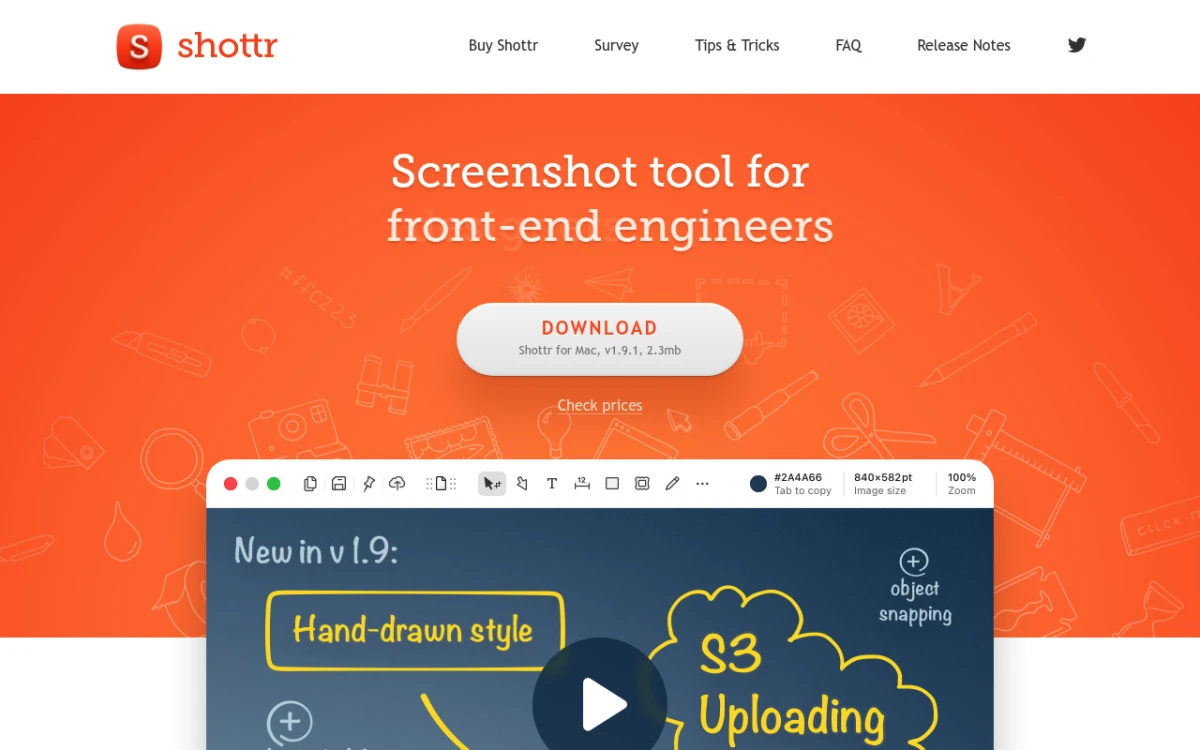
#3 Shottr: Best Free Snagit Alternative
Price: Free | Rating: (4/5)
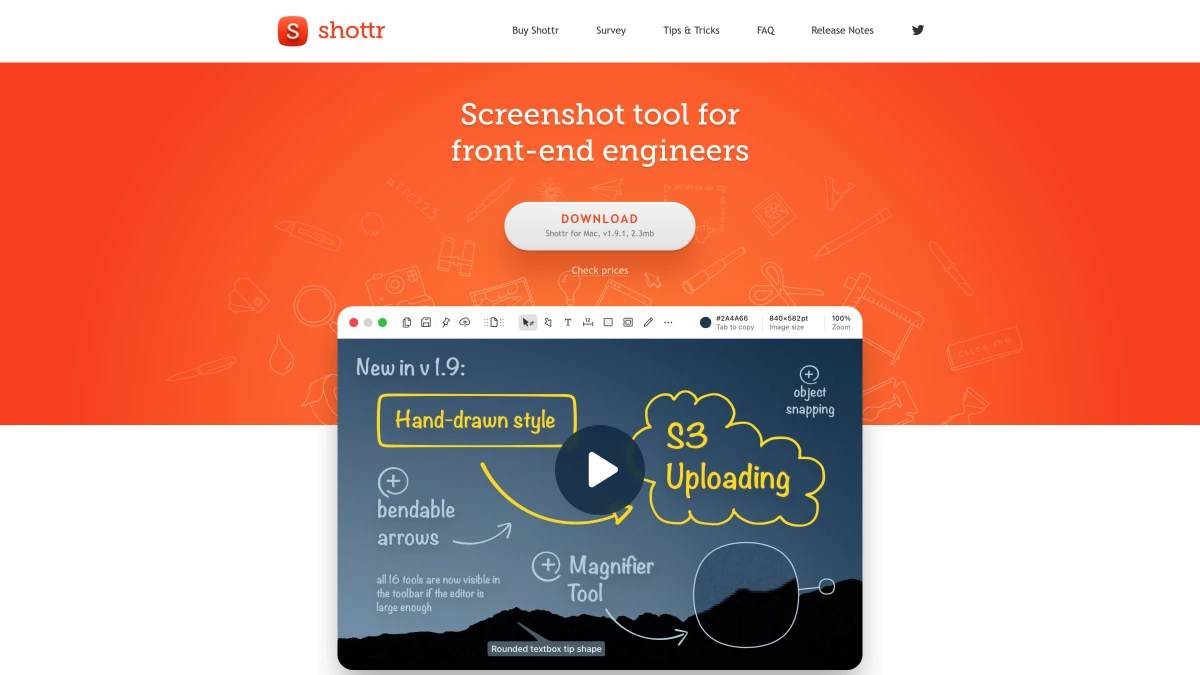
If your budget is zero, Shottr is the answer. It's completely free with no catch, no premium tier, no ads.
Why Shottr is Amazing for Free:
- Pixel measurements. Essential for UI/UX designers
- OCR text recognition. Copy text from screenshots
- Scrolling capture. Grab entire pages
- Color picker. Identify any color on screen
- Completely free. No premium tier or hidden costs
Where Shottr Falls Short:
- No cloud sharing. You'll need to upload manually
- No GIF recording. Screenshots only
- Minimal beautification. No backgrounds or fancy styling
- Basic annotations. Functional but not pretty
Best For:
Developers, designers, and anyone who needs precise measurements and OCR without spending a dime. If you can live without cloud sharing and pretty backgrounds, Shottr covers the basics well at no cost.
See our detailed ScreenSnap Pro vs Shottr comparison for a deeper look at free vs. premium tradeoffs.
#4 Monosnap: Best Free Alternative with Cloud Sharing
Price: Free (Basic) / $5/month (Pro) | Rating: (4/5)
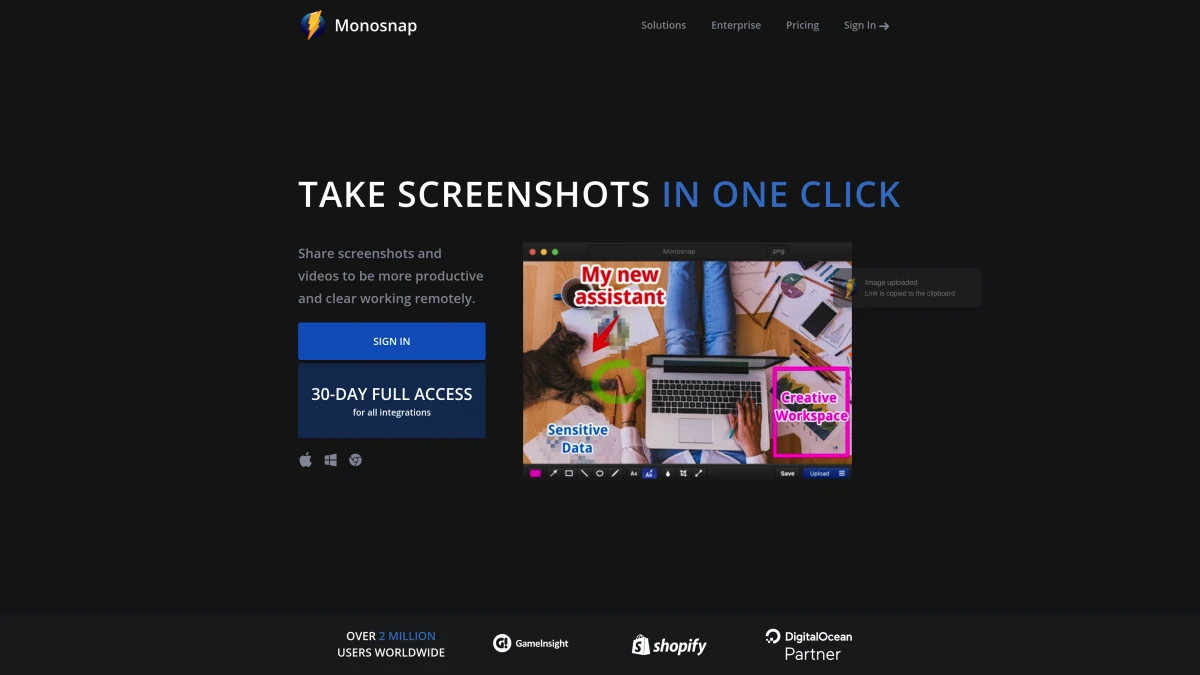
Monosnap bridges the gap between free tools and premium apps. The free tier is generous, and the Pro version is cheap.
Why Consider Monosnap:
- Free cloud storage. 2GB included in free tier
- Screen recording. Video and GIF capture included
- Cross-platform. Works on Mac, Windows, and Chrome
- External storage. Connect to AWS, Google Cloud, Dropbox
Where Monosnap Falls Short:
- Dated interface. Doesn't feel as modern as alternatives
- Limited free annotations. Pro required for full toolkit
- Storage limits. 2GB free, more requires subscription
Best For:
Users who need cloud sharing for free and don't mind a less polished interface. Great for teams on a budget who need basic screen recording.

Tired of plain screenshots? Try ScreenSnap Pro.
Beautiful backgrounds, pro annotations, GIF recording, and instant cloud sharing, all in one app. Pay $39 once, own it forever.
See pricing and features#5 Skitch: Best for Simple Annotations
Price: Free | Rating: (3/5)
Skitch (by Evernote) is old but still works. It's the simplest way to add arrows and annotations to screenshots.
Why Consider Skitch:
- Dead simple. Minimal learning curve
- Good annotation tools. Arrows, shapes, text, pixelate
- Free. No cost, no subscription
- Evernote integration. If you're an Evernote user
Where Skitch Falls Short:
- No longer actively developed. Last major update was years ago
- No cloud sharing. Beyond Evernote integration
- No screen recording. Screenshots only
- Limited features. Very basic compared to modern tools
Best For:
Users who want the simplest possible annotation tool and don't need advanced features. Good for occasional use.
#6 Greenshot: Best for Windows Switchers
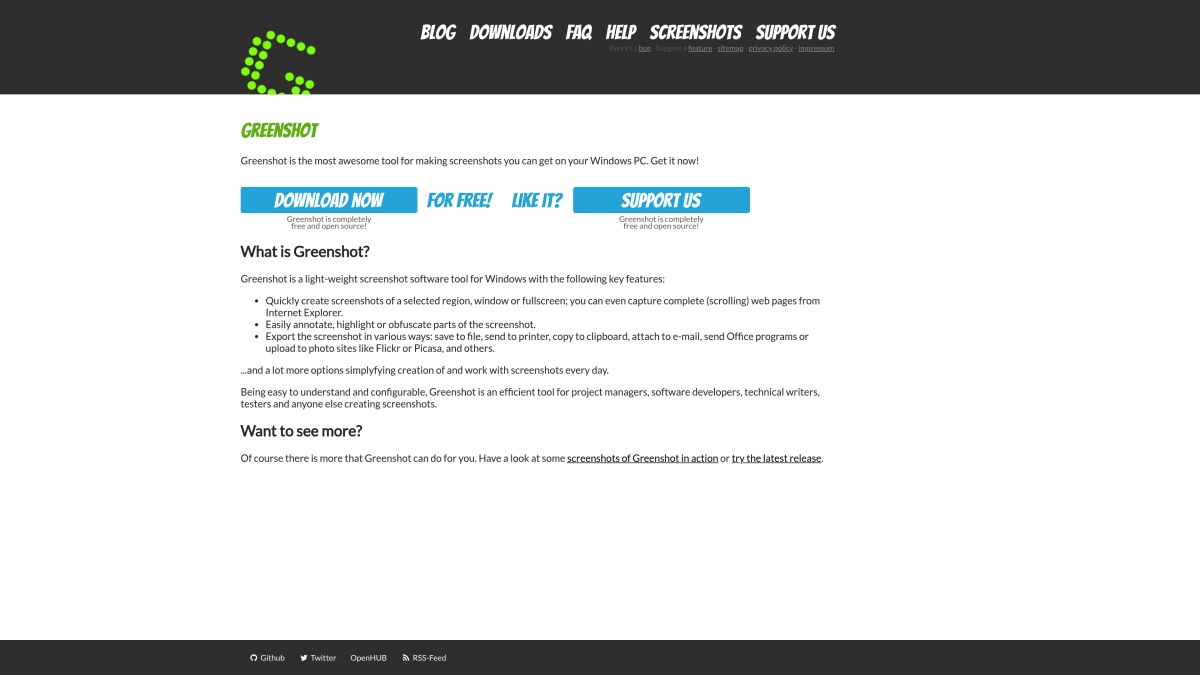
Price: Free | Rating: (3/5)
If you used Greenshot on Windows, you might want it on Mac too. It's available, but with limitations.
Why Consider Greenshot:
- Familiar interface. If you're coming from Windows
- Open source. Free and community-developed
- Basic capture and annotate. Gets the job done
Where Greenshot Falls Short:
- Mac version is limited. Not as feature-rich as Windows version
- Dated design. Doesn't feel native to macOS
- Less active development. Updates are infrequent
Best For:
Windows switchers who want familiarity. For everyone else, there are better native Mac options.
#7 macOS Built-in Screenshot: The Free Default
Price: Free | Rating: (3/5)
Before you download anything, remember: macOS has decent screenshot tools built in.
Keyboard Shortcuts to Know:
Cmd + Shift + 3: Capture entire screenCmd + Shift + 4: Capture selectionCmd + Shift + 4 + Space: Capture windowCmd + Shift + 5: Screenshot toolbar with options
Why the Built-in Tool Works:
- Already installed. Zero setup required
- Reliable. Apple-maintained
- Quick. Keyboard shortcuts are fast
- Basic markup. Available through Preview
Where It Falls Short:
- No cloud sharing. Manual upload required
- Basic annotations. Requires Preview for editing
- No GIF recording. Use QuickTime for video
- No beautification. Plain screenshots only
Best For:
Quick one-off captures when you don't need editing or sharing. It's always there as a backup.
Feature Comparison: What Really Matters?
Different users need different features. Here's how to choose:
For Content Creators & Marketers
You need screenshots that look professional without hours of editing.
Must-have features:
- Beautiful backgrounds
- Cloud sharing with instant links
- GIF recording for social media
Best choice: ScreenSnap Pro
For Developers & Designers
You need precision measurements and quick captures.
Must-have features:
- Pixel measurements
- OCR text recognition
- Color picker
Best choice: Shottr (free) or ScreenSnap Pro (if you need cloud sharing)
For Enterprise & Teams
You need consistency, collaboration, and video recording.
Must-have features:
- Full video recording
- Team collaboration
- Cross-platform support
Best choice: Snagit (if budget allows) or Monosnap Pro
For Casual Users
You just need to capture and share occasionally.
Must-have features:
- Easy to use
- Free or cheap
- Basic annotations
Best choice: macOS built-in or Skitch
The Real Cost of Snagit Over Time
Let's do the math on what Snagit actually costs compared to alternatives:
| Tool | Year 1 | Year 3 | Year 5 | 5-Year Total |
|---|---|---|---|---|
| ScreenSnap Pro | $39 | $0 | $0 | $39 |
| Shottr | $0 | $0 | $0 | $0 |
| Snagit | $63 | $25 | $25 | $163* |
| CleanShot X | $29 | $29 | $29 | $145 |
| Monosnap Pro | $60 | $60 | $60 | $300 |
*Snagit: Initial $63 + $25/year maintenance for updates
Winner: Shottr if you only need free basics, ScreenSnap Pro for best value with features.
FAQ
My Recommendation
After testing all the alternatives, here's my verdict:
For most Mac users: ScreenSnap Pro offers the best balance of features, price, and user experience. You get professional-quality output, cloud sharing, and beautiful backgrounds for a one-time $39 payment.
For developers on a budget: Shottr is a strong free pick. You get OCR, measurements, and scrolling capture, all features that would cost you $63+ with Snagit.
For enterprise users: Stick with Snagit if you need cross-platform support and full video recording. The price is justified when you need everything.
For power users: CleanShot X if you need scrolling capture and every feature imaginable, and don't mind paying annually.
Conclusion
Snagit is a capable tool, but it's overkill for most Mac users. At $63 plus ongoing maintenance fees, you're paying enterprise prices for features you may never use.
In 2026, you have excellent alternatives:
- ScreenSnap Pro. Best overall value ($39 one-time)
- Shottr. Best free option with pro features
- CleanShot X. Best for power users (subscription)
- Monosnap. Best free cloud sharing
The right choice depends on your specific needs and budget. But for most users switching from Snagit, ScreenSnap Pro offers everything you need at a lower price with none of the bloat.
Ready to make the switch? Try ScreenSnap Pro with a 30-day money-back guarantee.
Related Articles

Morgan
Indie DeveloperIndie developer, founder of ScreenSnap Pro. A decade of shipping consumer Mac apps and developer tools. Read full bio
@m_0_r_g_a_n_