Screen Studio for Windows: 7 Best Alternatives (2026)
Screen Studio is a macOS-only app. There is no official Screen Studio for Windows, and the developer has confirmed a Windows version is not on the roadmap. The closest Windows alternatives in 2026 are ScreenSnap Pro, Rapidemo, FocuSee, Canvid, and OBS Studio. Each offers some mix of auto-zoom, cursor polish, and fair pricing.
If you landed here hoping to download Screen Studio on your PC, the short answer is no, you can't. The good news? Several Windows tools now ship the same auto-zoom magic that made Screen Studio famous. A few even cost less.
Is Screen Studio Available for Windows?
No. Screen Studio is Mac-only and has been since 2022. Its own FAQ says there are no near-future plans to add Windows support. The official feature-request page at hub.screen.studio/p/windows-version has been marked "In Review" for over three years. There is no public date for a Windows port.
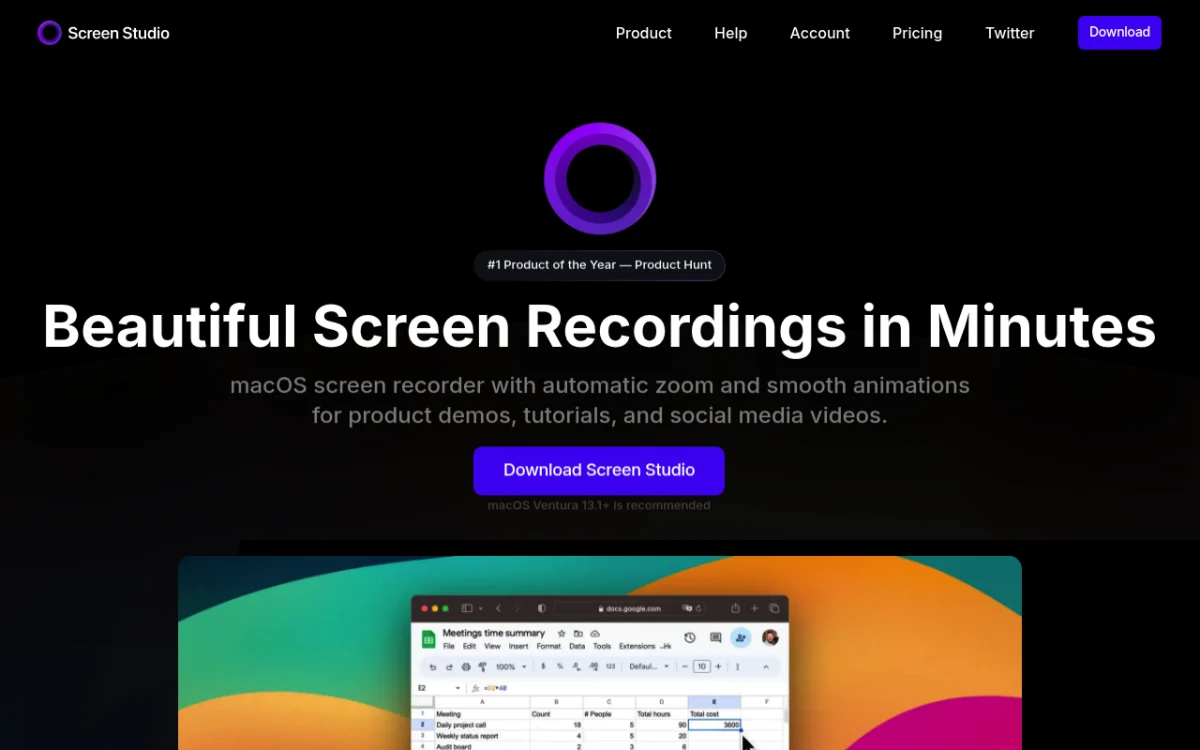
Why no Windows build? Screen Studio is built on Mac-only tech: Metal for graphics, AVFoundation for capture, and Apple's Cocoa stack for the editor. Porting that to Windows means a full rewrite. The team has said they'd rather keep polishing the Mac app than spread their small crew thin.
The good news: you don't need Screen Studio to make Screen-Studio-style videos on Windows. Several tools below nail the look.
What to Look for in a Screen Studio Alternative for Windows
Before the roundup, here's what actually matters when you're chasing the Screen Studio aesthetic.
Auto-zoom on clicks
This is the big one. Screen Studio zooms into the cursor when you click and pulls back when you stop. It's why the videos look so polished. ScreenSnap Pro builds zoom-ins from your pointer movement when you open a recording. Rapidemo, FocuSee, and Canvid zoom on clicks on their own. OBS and ShareX do not.
Smooth cursor motion
Real cursor paths jitter. Screen Studio smooths them into clean curves. Rapidemo, FocuSee, and Canvid do the same. Most other recorders show your raw cursor path.
A real Windows 10 and 11 desktop app
You want a real .exe that runs on Windows 10 and Windows 11. No web app, no VM tricks. Every tool below ships a Windows desktop app. Tella started in the browser, and its Windows app is still in beta.
Pricing model
One-time vs subscription matters more over five years than on day one. ScreenSnap Pro is one-time only. Rapidemo, FocuSee, and Canvid sell both a subscription and a one-time license. Tella is subscription only. OBS and ShareX are free.
Export quality
Look for 4K at 60 fps with no watermark. Rapidemo, FocuSee, Canvid, and OBS all get there. Tella does too on its paid plans. The catch is the free tiers: Rapidemo and Canvid lock export until you buy, FocuSee's trial allows one export, and Tella's trial exports HD at 30 fps.
Comparison Table: 7 Screen Studio Alternatives for Windows
| Tool | Auto-zoom | Cursor smoothing | Windows 10/11 | Pricing | Free tier | Best for |
|---|---|---|---|---|---|---|
| ScreenSnap Pro | Yes (follows cursor) | No | Desktop app | $34 one-time | No | Recording, editing and screenshots in one app |
| Rapidemo | Yes | Yes | Native | $199 once or $9/mo (yearly) | Record free, export paid | Closest to Screen Studio look |
| FocuSee | Yes | Yes | Native | From $49.99/yr | Trial (1 export) | Cross-platform teams |
| Canvid | Yes | Yes | Native | $75 once or $7/mo (yearly) | Trial, export locked | AI transcript editing |
| OBS Studio | No | No | Native | Free | Yes | Free power users |
| Tella | Yes | Yes | Browser + Windows app (beta) | From $13/mo (yearly) | 7-day trial | Polished demos with hosting |
| ShareX | No | No | Native | Free | Yes | Automation and power users |
7 Best Screen Studio Alternatives for Windows
1. ScreenSnap Pro: recorder, auto-zoom editor and screenshots in one app
Price: $34 one-time (2 seats) | Platforms: Windows 10/11, macOS | Rating: (4.5/5)
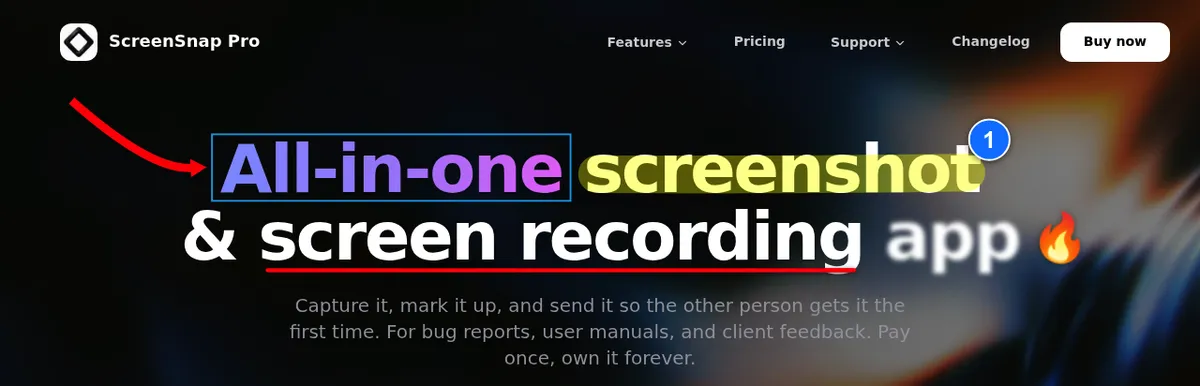
ScreenSnap Pro takes the top spot because it covers the most of what people want from Screen Studio, for one small price. It's a screen recorder with webcam, mic and system audio. Then it opens the clip in a built-in video editor, added in v5.0.0 (June 2026). That editor makes it a Windows screen recorder with auto zoom: it builds zoom-ins from your pointer movement, so the view follows your cursor the way Screen Studio's does. You can add or tweak zooms by hand, set the video on a background, place a webcam overlay, and cut dead air with one-click silence removal. Aspect presets cover 16:9, 1:1, 9:16 and more. Export an MP4 or a GIF.
The other half is screenshots, which Screen Studio doesn't do at all. The same app captures an area, a window or the full screen. It has 17 annotation tools, 500+ backgrounds, OCR, pinned screenshots and full-page website capture. One $34 license covers two seats in any mix of Windows and Mac, with lifetime updates, no watermark, and a 30-day money-back guarantee. If your day looks like "grab a screenshot, mark up a bug, record a 30-second demo, drop a GIF in Slack," this is the app built for it. You can also record screen as GIF on Windows right from the system tray.
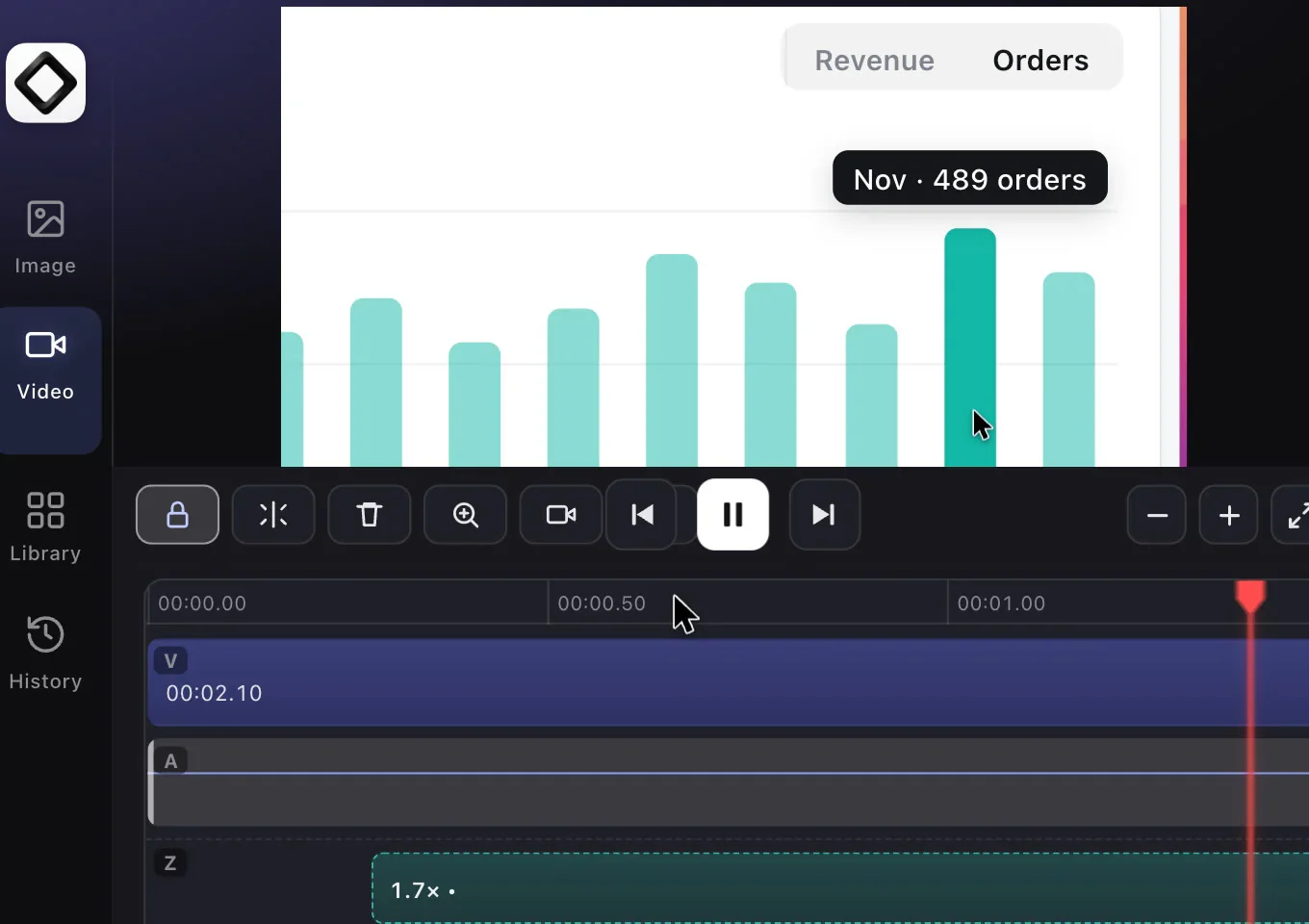
Honest trade-off: ScreenSnap Pro is not a Screen Studio clone. On Windows the pointer can end up baked into the video, and then you can't restyle or smooth it afterwards the way Screen Studio does. There are no captions or subtitles. Auto zoom also needs the pointer data the app saves with its own recordings, so for imported videos you place zooms by hand. If the smoothest cursor and animated subtitles matter most, Rapidemo is the closer copy.
2. Rapidemo: closest match to the Screen Studio look
Price: $199 one-time (1 year of updates) or $9/mo billed yearly | Platforms: Windows 10/11 | Rating: (4.5/5)
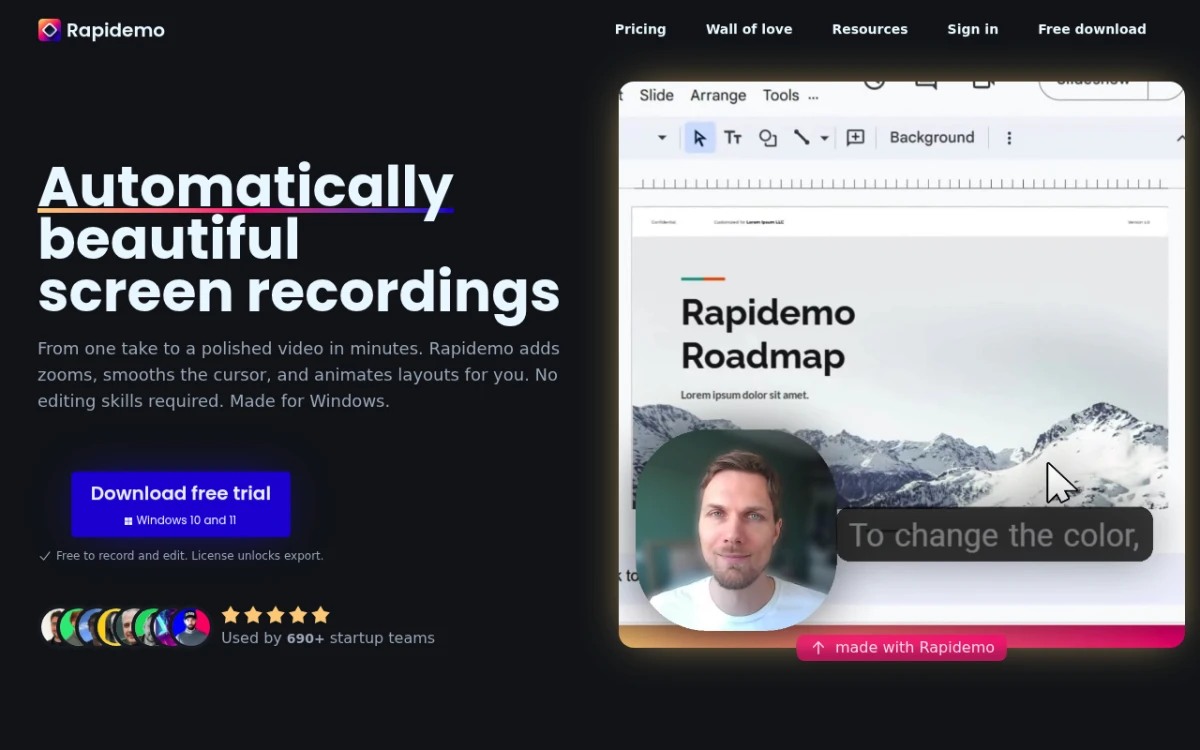
Rapidemo is the closest copy of the Screen Studio look on Windows. The app does auto-zoom on every click. It smooths your cursor path. It adds one-click animated subtitles. And it exports clean 4K at 60 fps. The editor uses a familiar timeline layout. Anyone who has watched a Screen Studio tutorial will feel at home in five minutes.
Pricing comes two ways. $199 once buys a license with a year of updates that you can keep using forever, and another year of updates is $99. Or you can subscribe for $19/month, or $9/month billed yearly. Every plan covers three Windows PCs. For context, Screen Studio itself costs $29/month or $9/month billed yearly, and it no longer sells one-time licenses.
Honest trade-off: Rapidemo's team is smaller than Screen Studio's. There are fewer templates and fewer integrations. It is also Windows-only, and the free download lets you record and edit but not export until you buy a license.
3. FocuSee: cross-platform with AI editing
Price: $49.99/yr or $19.99/mo (Standard), $199.99 lifetime for version 2.x | Platforms: Windows 10/11, macOS | Rating: (4/5)
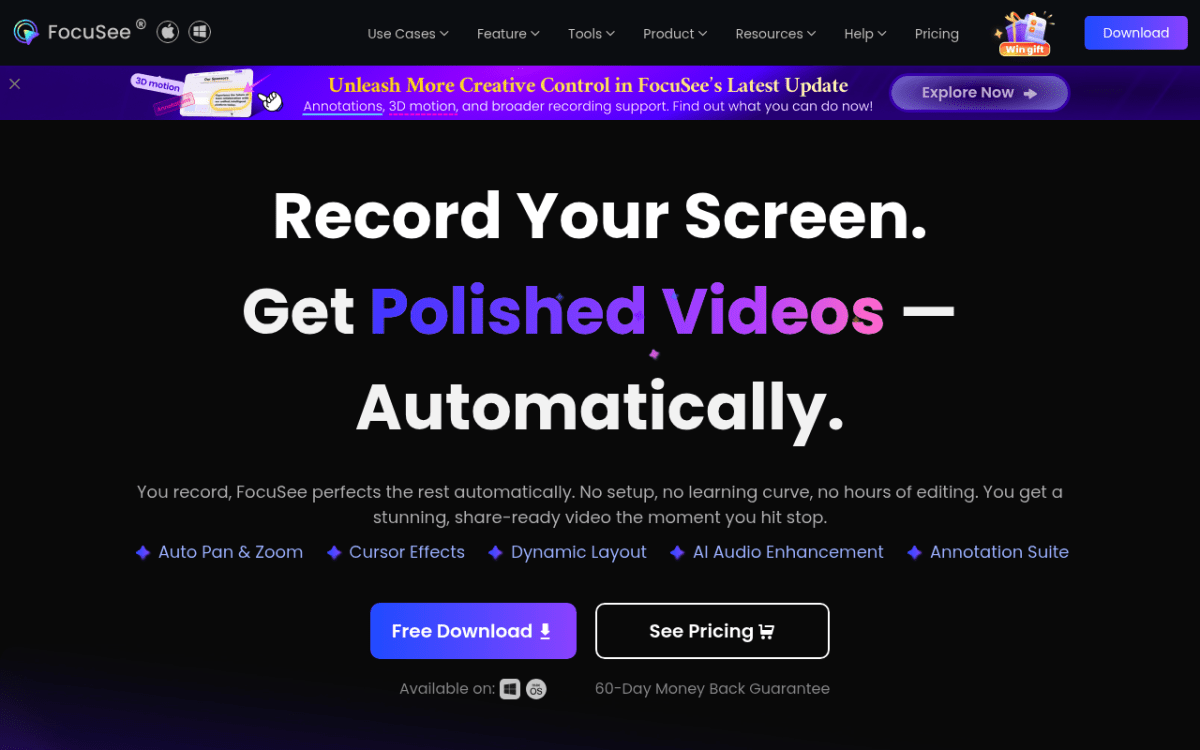
FocuSee from iMobie covers the auto-zoom and cursor-smoothing basics on both Windows and Mac. It also adds an AI editor that trims silences and filler words on its own. If your team is half on Windows and half on Mac, FocuSee gives you matching workflows and custom templates you can reuse.
The trial lets you explore the standard features and export one video, up to 4K. Paid plans remove that limit. Most plans are subscriptions, but a $199.99 lifetime license covers FocuSee 2.x if you'd rather pay once.
4. Canvid: auto-zoom plus transcript-based editing
Price: $7/mo billed yearly or $19 monthly (Pro), $75 one-time Desktop license | Platforms: Windows 10/11 (64-bit), macOS 15+ (Apple Silicon) | Rating: (4/5)
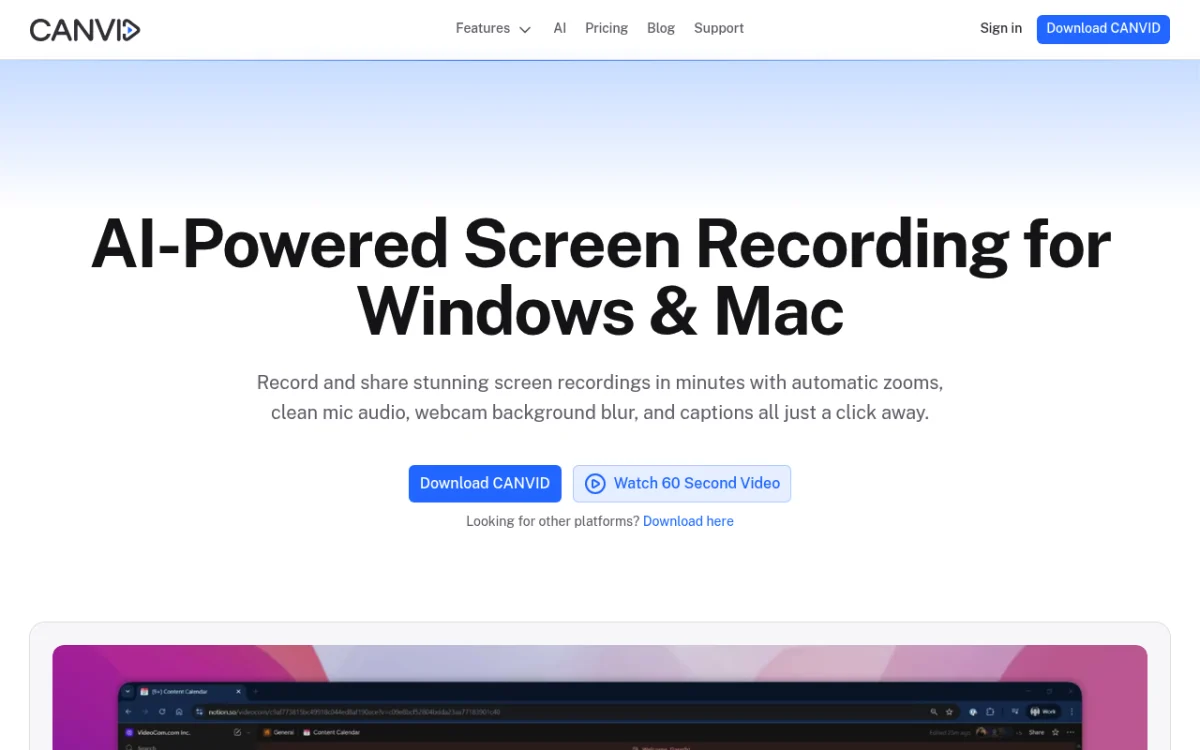
Canvid leans hard into AI editing. After you record, Canvid makes a time-stamped transcript. Its AI Speech Edit lets you pick a mistake in that transcript and type a fix or re-record just that part. Auto-zoom on clicks and cursor smoothing are built in.
It's a newer product. The template library is small, and the Mac build is more polished than the Windows one. But the transcript editing alone is worth a look if you write tutorial scripts before recording. The trial covers every feature, but exporting needs a license.
5. OBS Studio: best free pick
Price: Free, open source | Platforms: Windows 10/11, macOS, Linux | Rating: (4/5)
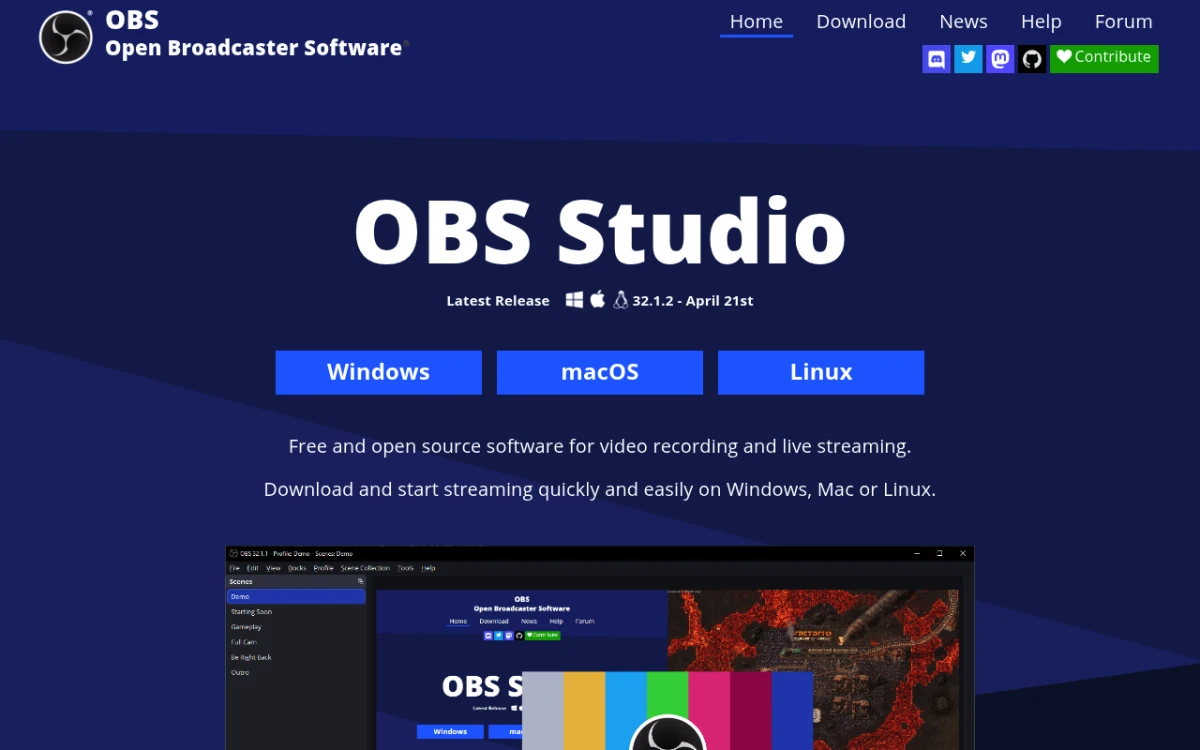
OBS Studio is the workhorse for streamers and creators who want zero-cost screen capture. It records 4K at 60 fps with no watermark. It handles multiple audio sources. And it runs on almost any hardware.
What it doesn't do is auto-zoom or cursor smoothing. You record raw footage in OBS. Then you edit it in DaVinci Resolve, Shotcut, or Premiere to get the Screen Studio look. That's a fine workflow if you already edit video, and free is hard to argue with. See our OBS Studio alternatives for Windows guide for more.
6. Tella: polished output, browser-first
Price: Pro $13/mo billed yearly or $26 monthly, Premium from $19/mo | Platforms: Browser, Chrome extension, Mac app, Windows app (beta) | Rating: (4/5)
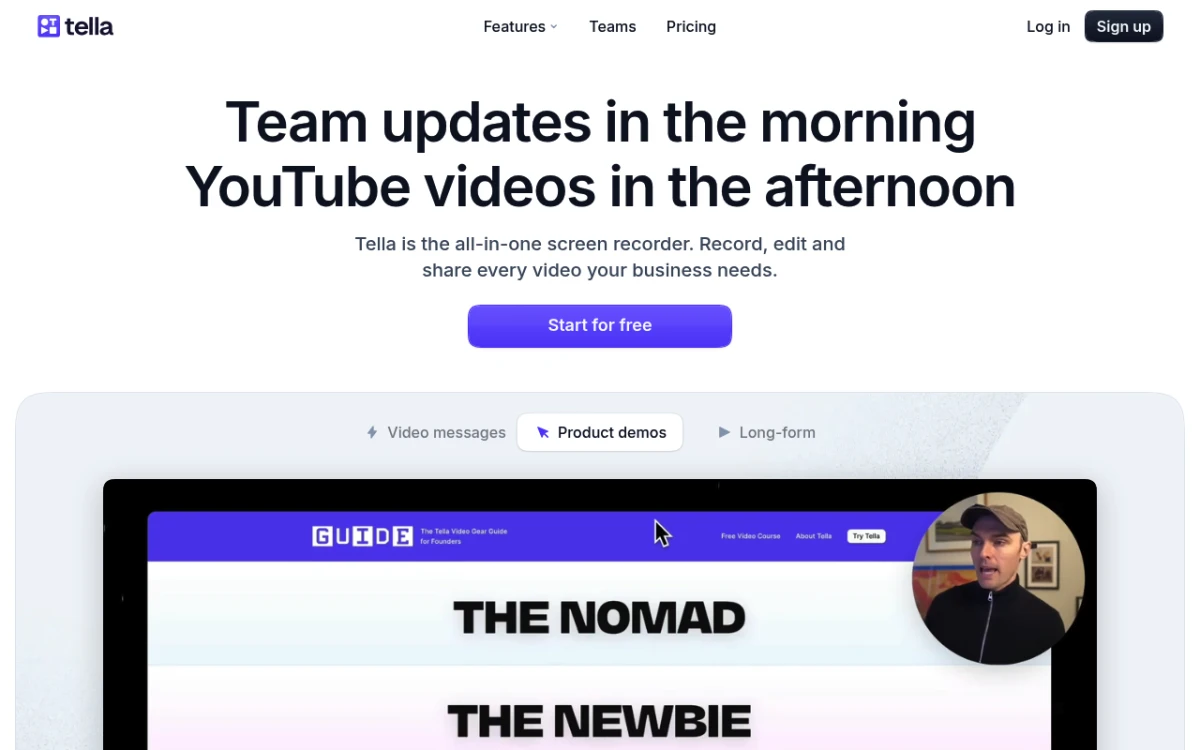
Tella records in the browser, applies smooth zoom presets, and hosts the final video for you. The output is polished. The workflow is fast: record, trim, share a link.
Subscription is the catch. At $13 to $26 per user each month, it adds up over a year, and there is no free plan, only a 7-day trial. But if you record a lot of customer demos that need hosting, the all-in-one workflow can be worth it. We compare it head to head in our Loom alternatives for Windows roundup.
7. ShareX: free power-user pick
Price: Free, open source | Platforms: Windows 10/11 (64-bit) | Rating: (4/5)
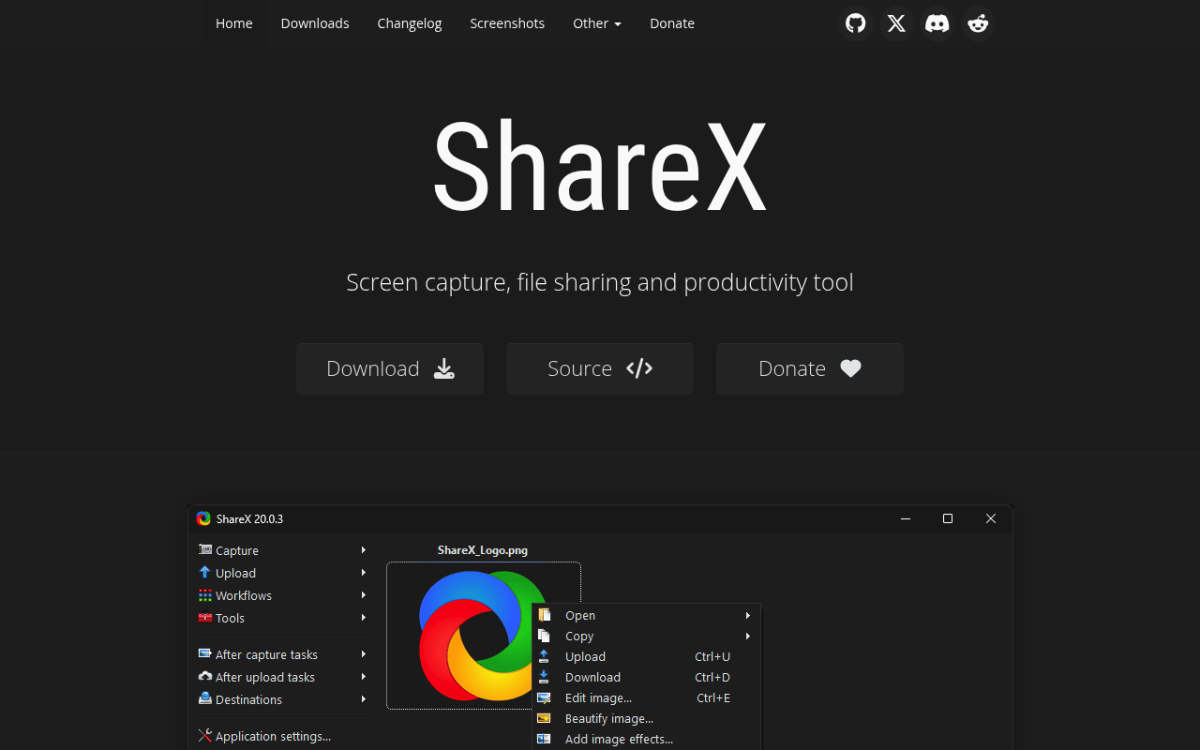
ShareX is the most flexible free Windows tool, period. It grabs screenshots, regions, full screen, scrolling pages, GIFs, and video. And it has a hotkey and a rule for every workflow you can imagine.
What ShareX doesn't have: auto-zoom, cursor smoothing, or a video editor. Its image editor got a modern rebuild in 2026, but there is no timeline for polishing a demo. It's a power-user tool, not a demo-video maker. We dig into the details in our ShareX review for Windows. For straight-up free screen recording on Windows, OBS and ShareX cover most needs between them.

Tired of plain screenshots? Try ScreenSnap Pro.
Beautiful backgrounds, pro annotations, GIF recording, and instant cloud sharing, all in one app. Pay $34 once, own it forever.
See pricing and featuresAlso worth knowing: Cursorful, the free browser option with real auto-zoom
Cursorful sits outside the seven above because it is a browser extension rather than a desktop app, but it is the only free way we found to get click-triggered zoom on Windows, so it does not belong in a footnote either.
Price: Free for non-commercial use, $79 one-time for Pro (launch price, list $119) | Platforms: Chrome, Edge and Brave on Windows, macOS and Linux | Rating: (4.5/5)
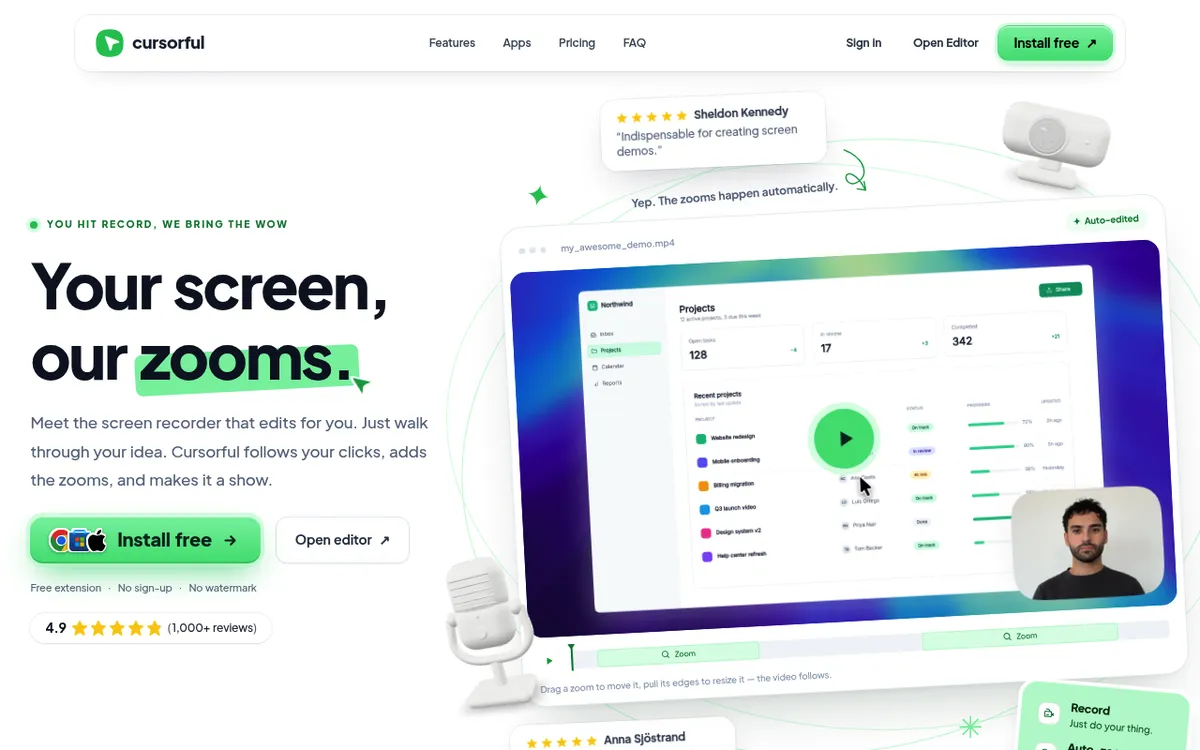
Cursorful answers the question the list above does not: what if you want the Screen Studio look, on Windows, without paying anything. The free tier includes the feature everyone comes here for. Automatic zoom and pan triggered by your clicks, with a timeline editor where you can add, move, or delete each zoom afterwards.
The free plan also covers unlimited exports, preset and custom backgrounds, hiding the browser chrome and bookmarks bar, and exporting the same recording in several aspect ratios for vertical and horizontal platforms. Rendering happens locally in the browser, so recordings do not leave your machine. There is no signup.
The two catches are real, so read them before you get attached. First, the free tier is licensed for non-commercial use only, which rules it out for client work and company demos unless you buy Pro. Second, and more limiting, the free version records the browser, not your whole desktop. If the thing you need to demo is a native Windows application, Cursorful in its free form cannot capture it. The $79 one-time Pro tier adds a macOS and Windows desktop app, commercial use for one user, microphone and camera support, and 4K exports, covering two devices.
Firefox is not supported and the vendor says it will not be, because of how Firefox handles extensions.
Best for: anyone demoing a web app who wants click-triggered zoom for free. If your work is browser-based and non-commercial, this is the cheapest way to get close to the Screen Studio look on Windows. If you need to record native desktop software, look at ScreenSnap Pro, Rapidemo or FocuSee instead.
Honest comparison: how close do they get to the Screen Studio look?
Four buckets:
- All-in-one pick: ScreenSnap Pro. One $34 payment gets a screen recorder with system audio, a video editor with cursor-follow auto zoom, and a 17-tool screenshot editor on Windows and Mac.
- Closest to the Screen Studio cursor look: Rapidemo, FocuSee, Canvid. All three ship auto-zoom and cursor smoothing out of the box. Rapidemo wins on cursor polish and subtitles. FocuSee wins on cross-platform parity. Canvid wins on AI transcript editing.
- Polished hosting: Tella (subscription).
- Free, manual editing: OBS Studio and ShareX. Free, no zoom magic, so pair with a video editor if you want the polish.
If you want one tool that records, edits with auto zoom, and handles screenshots too, get ScreenSnap Pro. If you only care about the closest copy of the Screen Studio cursor look, get Rapidemo. If your team is split across two OSes, FocuSee is a safe pick, and ScreenSnap Pro's two seats also cover one PC and one Mac. For more on editing the raw footage, see our guide to the best way to edit screen recordings on Windows.
Can you run Screen Studio on Windows with Bootcamp, Parallels, or Wine?
Short answer: not realistically.
Bootcamp is the opposite of what you need: it runs Windows on Mac hardware, not Mac on PC. Parallels and VMware can run macOS, but only legally on Apple hardware. Running macOS in a VM on a non-Apple PC breaks Apple's macOS license terms. It also won't give you working camera, microphone, or graphics drivers.
Wine and CrossOver translate Win32 calls to other OSes. They don't translate Apple's Cocoa, Metal, or AVFoundation. Screen Studio needs all three. There's no working Wine prefix for Screen Studio, and there won't be.
For native Windows screen capture, Microsoft's Game Bar and the Windows Graphics Capture API power most of the tools above. Use them, and don't try to force a Mac app onto Windows. Our full guide on how to record your screen on Windows covers the built-in options too.
Watch the workflow in action
If you want to see what auto-zoom on Windows actually looks like before you install anything, this short tutorial walks through the Rapidemo workflow end to end:
For more depth on Camtasia's editing workflow versus the lighter alternatives covered above, see our Camtasia alternatives for Windows roundup.
Frequently Asked Questions
The takeaway
There is no Screen Studio for Windows in 2026, and there probably won't be one soon. The honest workaround: pick the Windows tool that matches the part of Screen Studio you actually need.
- For one app that records, edits with auto zoom, and takes screenshots on Windows and Mac for $34 once: get ScreenSnap Pro.
- For the closest cursor look: Rapidemo (Windows only, one-time or subscription) or FocuSee (cross-platform).
- For free: OBS Studio for video, ShareX for screenshots and GIFs.
Pair the right two and you'll have a setup that's faster than Screen Studio for everyday work, and just as polished when you ship a demo. If your demos need clean sound too, our guide to screen recording with audio on Windows walks through system audio and mic setup.

Morgan
Indie DeveloperIndie developer, founder of ScreenSnap Pro. A decade of shipping consumer Mac apps and developer tools. Read full bio
@m_0_r_g_a_n_