Best Camtasia Alternatives for Windows (2026)
Camtasia is a great product. It is also subscription only now. The cheapest plan without watermarked exports costs $179.88 per year, and for most Windows users, that is simply too much. If you just need to record your screen, make a few cuts, add some callouts, and share the result, you are paying every year for a big editor you will barely use.
This is the honest guide to the best Camtasia alternative options for Windows in 2026. Nine tools, grouped by what they are actually good for. Some are free. Some are one-time buys, like ScreenSnap Pro at $34. Most cost far less than $180 a year.
The short answer: ScreenSnap Pro is the best all-round pick if you want to record, edit, and annotate in one app for a one-time $34. OBS Studio is the best free recorder. ActivePresenter is the one to get if you need quizzes and SCORM.
Why look for a Camtasia alternative
Camtasia has earned its reputation. The timeline editor is solid. The callouts look clean. Courses built in it feel polished. But in 2026, three problems keep pushing people toward something else.
The price keeps climbing. Camtasia 2026 is sold only as a yearly plan. Essentials costs $179.88 per year, Create is $249 per year, and Pro is $599 per year. The $39 Starter plan puts a watermark on your exports. TechSmith stopped selling one-time licenses in 2025, and a lot of long-time users are unhappy about it.
It is bloated for simple jobs. If you record two tutorials a month and trim a few seconds off each one, you do not need a full non-linear editor with transitions, quizzes, and SCORM export. You need a fast recorder and a simple editor.
The learning curve is real. Camtasia is not hard, but it is not quick either. For a new user, picking it up for a five-minute tutorial is overkill.
If any of those hit home, the list below has a better fit. For a wider roundup of capture tools, our free screen recorders for Windows guide covers the no-cost options in depth.
What Camtasia still does well
Let us be fair. Before we talk alternatives, here is where Camtasia is genuinely hard to beat.
- Timeline editor built in. Record and edit in one app, no handoff.
- Callouts and animations. Pre-built highlight boxes, zoom effects, cursor smoothing.
- Quiz and SCORM export. Drop in knowledge checks, ship to any learning management system.
- Polished output. Courses that look professional out of the box.
If you build full video lessons, and you need all four of those things, stay with Camtasia. Nothing on this list will match it feature-for-feature. The tools below are for people who need a subset, not the whole stack.
Camtasia alternatives for Windows: quick comparison
| Tool | Price | Editor | Windows | Best for |
|---|---|---|---|---|
| ScreenSnap Pro | $34 one-time | Yes (multi-track) | Yes + Mac | Record, edit, annotate, share |
| OBS Studio | Free | No | Yes | Streamers and power users |
| ActivePresenter | Free, or $249+ one-time | Yes | Yes | E-learning with quizzes |
| ShareX | Free | No (image editor only) | Yes | Captures plus workflow automation |
| CamStudio | Free | No | Yes | Simple, no-frills recording |
| Movavi | $19.95/mo, or $59.95/yr with Video Editor | Yes (separate app) | Yes | Simple editing with a timeline |
| ScreenPal | Free, or $4 to $10/mo | Yes (basic free, full paid) | Yes | Cloud hosting and quizzes |
| Snagit | $39/yr | Light | Yes | Screenshots with short video |
| Descript | Free, or $16 to $50/mo | Yes (text) | Windows 11 | Transcript-based editing |
The best all-in-one Camtasia alternative
1. ScreenSnap Pro: best for record, edit, and share in one app
Price: $34 one-time (lifetime updates, 2 seats in any mix of Windows and Mac, 30-day money-back guarantee)
Editor: Yes, multi-track timeline
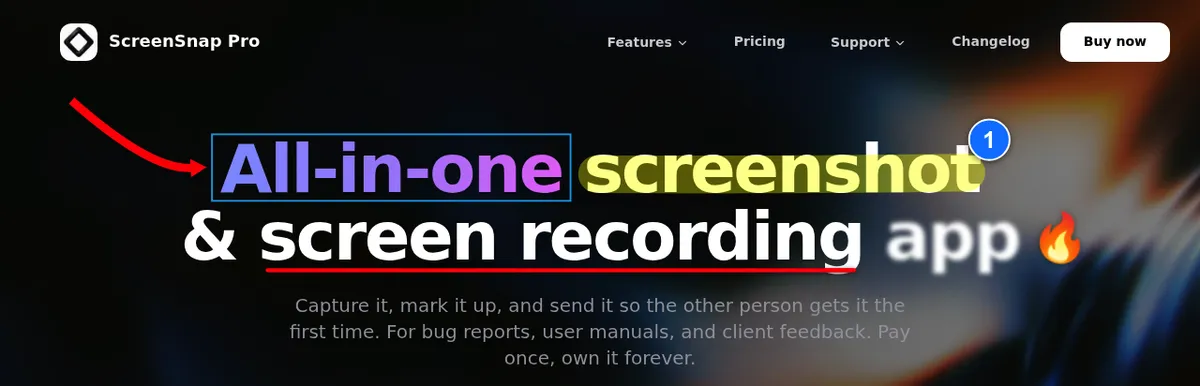
ScreenSnap Pro takes the top spot because it covers the parts of Camtasia most people actually use, for one payment instead of a yearly bill. You record, edit, and annotate in the same app.
Recording goes to MP4 at up to 60fps, with webcam and screen recording with audio from your mic and system. You can also record straight to GIF. Then the built-in video editor takes over. It has a multi-track timeline to trim, split, cut, and change speed, plus one-click silence removal and extra tracks for B-roll, music, and voiceover. Auto zoom follows your cursor, and you can add manual zooms on top. Add a background, place your webcam, pick an aspect preset, and export to MP4 or GIF. Projects reopen later, so you can come back and fix a cut.
It is a full screenshot tool too. You get area, window, full screen, and delayed capture, 17 annotation tools, 500+ backgrounds, OCR, and no watermarks. Quick cloud share links are there when you need to send a clip fast.
The honest limits: there are no quizzes, no SCORM export, and no captions. If you ship courses to an LMS, ActivePresenter Pro or Camtasia is still the better fit.
Best for: Marketers, developers, educators, and support teams who record tutorials, edit them, annotate screenshots, and share fast, all for one $34 payment.

Tired of plain screenshots? Try ScreenSnap Pro.
Beautiful backgrounds, pro annotations, GIF recording, and instant cloud sharing, all in one app. Pay $34 once, own it forever.
See pricing and featuresFree Camtasia alternatives
These cost nothing. That is the good news. The trade-off is they either lack an editor, look dated, or ask you to learn a slightly harder tool.
2. OBS Studio: best free power option
Price: Free, open-source
Editor: None
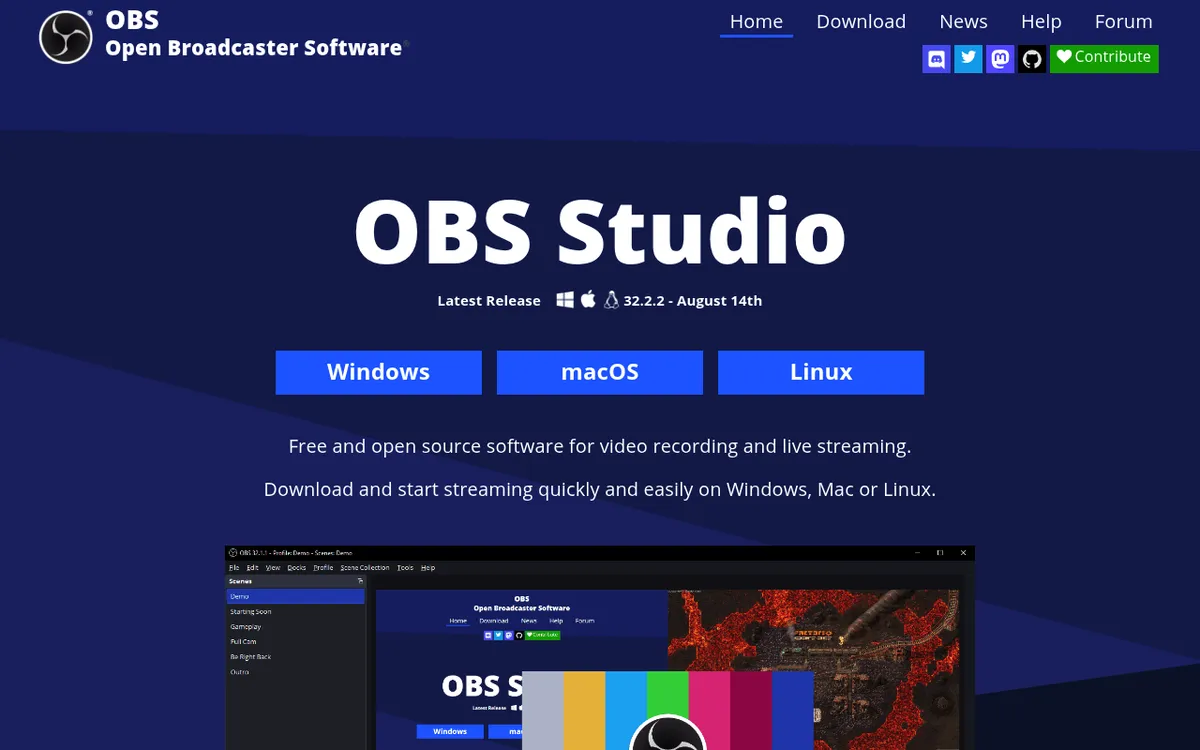
OBS Studio is a free, open-source recorder. It captures full screen, windows, or custom regions at any frame rate your PC can handle. It supports webcam overlays, multiple audio tracks, and scene switching. You can find a plugin for almost anything.
The catch: there is no editor. You record, then you have to trim and cut in another app (Clipchamp works fine and ships with Windows 11). OBS also has a learning curve. It opens on a blank scene, and nothing gets recorded until you add a Display Capture source. The first time you open it, the layout looks confusing. Stick with it for an hour and it clicks.
Best for: Anyone who wants pro recording quality and does not mind editing in a second tool. Also the right pick if you stream.
3. ActivePresenter Free: best free option with an editor
Price: Free for non-commercial use, or $249 one-time for Standard and $499 for Pro
Editor: Yes, full timeline
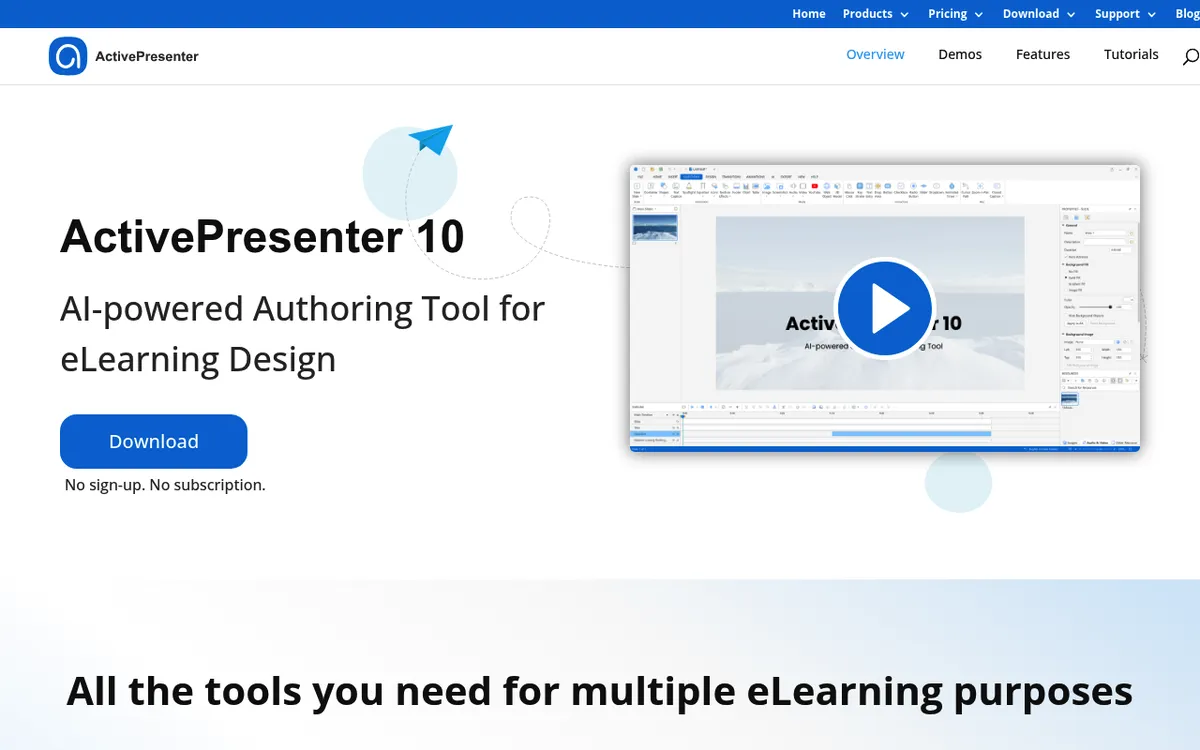
ActivePresenter is the closest free match to Camtasia's feature set. The free edition gives you screen recording, a real timeline editor for basic audio and video edits, and export to video, with no time limit. It is for non-commercial use only. Standard adds commercial use and advanced effects. Pro adds quizzes, SCORM and xAPI export, and the other e-learning features. You can try paid features in the free edition, but those exports get a watermark. If you build courses, this is the one to try first.
The interface is a little dense. The help docs are OK but not great. Expect a weekend of learning before you are fast with it. If you are shipping tutorials to a school or LMS, that time pays off.
Best for: Educators, trainers, and anyone building interactive lessons.
4. ShareX: best free for capture plus workflow
Price: Free, open-source
Editor: Image editor only, no video editor
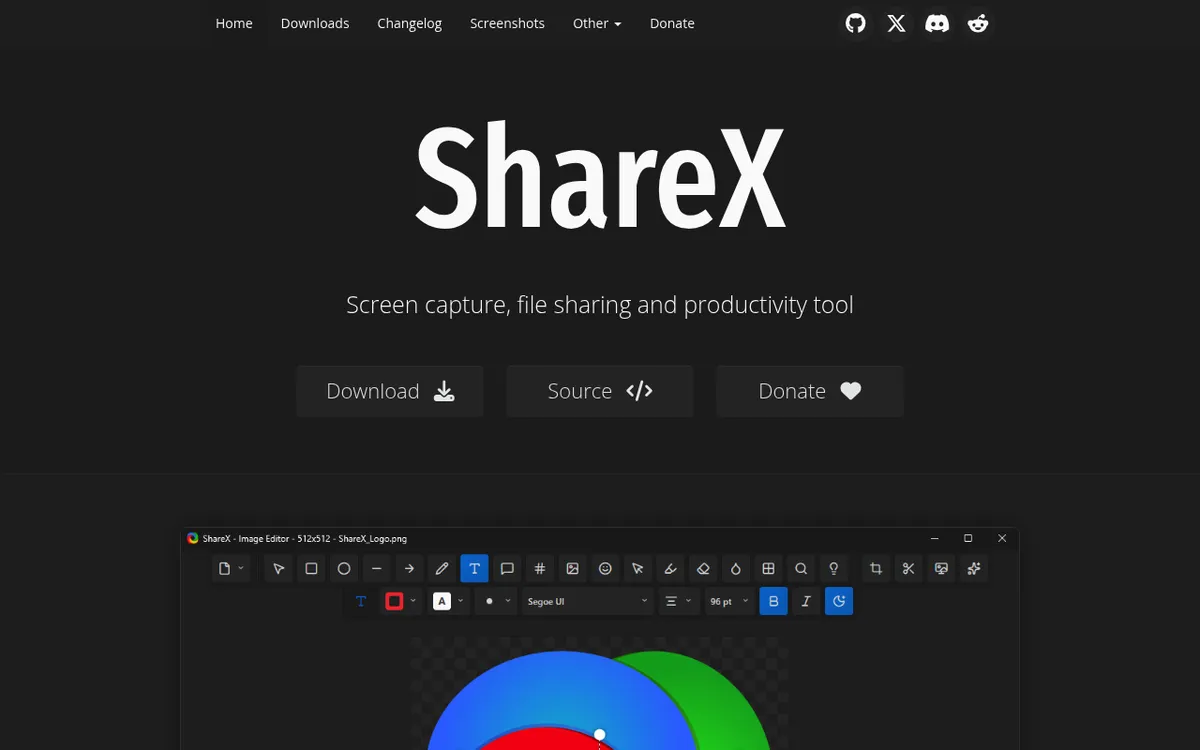
ShareX is mostly known as a screenshot tool, but it records screen video too (the ShareX review covers it in depth). It outputs MP4 or GIF, captures specific regions, and chains actions together so you can auto-upload every capture to a service you pick. It is Windows only and needs 64-bit Windows 10 or 11.
The video side is basic. There is no webcam overlay and no video editor in the stable release. The 2026 image editor is strong, but it only helps with screenshots. For quick bug-report recordings or short demos, it does the job. For a polished tutorial, it will not.
Best for: Developers and power users who want one tool for captures plus automation.
5. CamStudio: no-frills free option
Price: Free (donation supported)
Editor: None
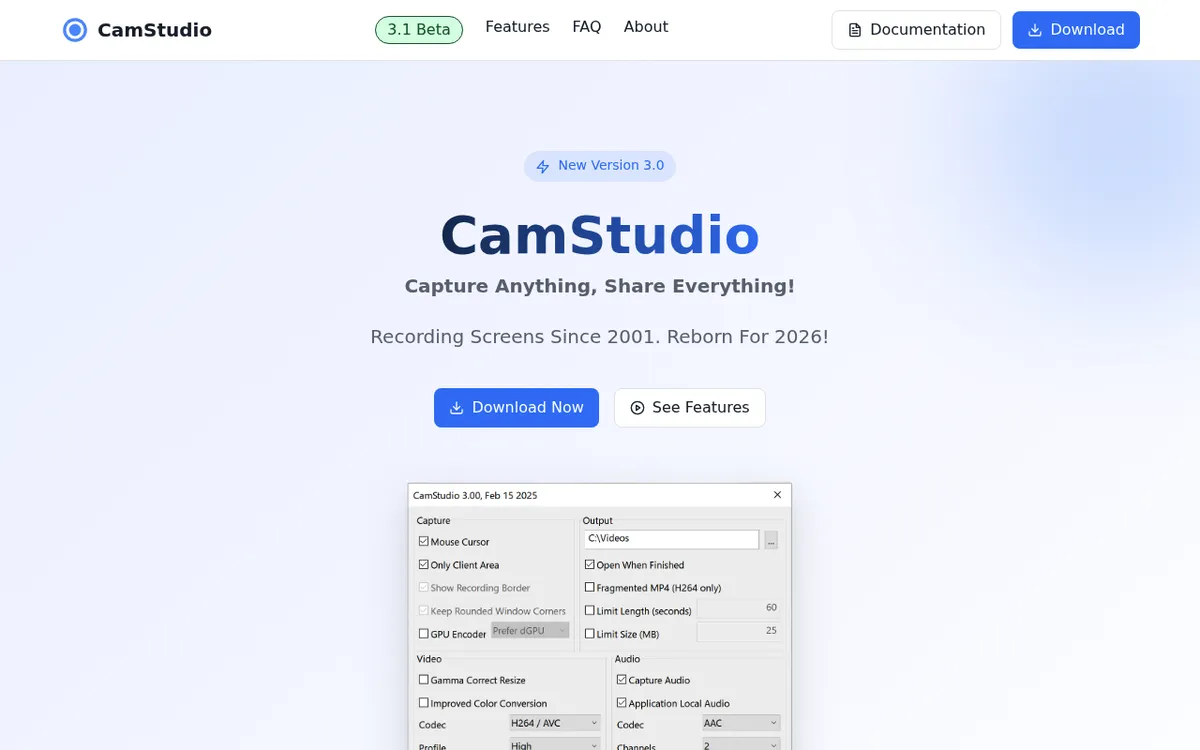
CamStudio is the old guard. It first shipped in 2001, and its site relaunched it with a rebuilt version 3 in 2025. It records full screen, a window, or a region to MP4 (H.264, H.265 or AV1), with hotkeys and limits by time or file size. That is about it. There is no editor.
Version 3 needs 64-bit Windows 10 or 11 and runs as a portable EXE with no installer. Microphone recording was switched off in 3.0 and is being reworked in the 3.1 Beta. One warning: from about 2013 to 2019, the installer came bundled with third-party offers. The site says version 3 is clean, but only download it from camstudio.org. If OBS Studio or ShareX feels like too much, it is worth a try.
Best for: Users who want a tiny, portable recorder with almost no settings.
Affordable paid Camtasia alternatives
These cost money, but far less than Camtasia's $179.88 a year. Each one fills a different gap.
6. Movavi Screen Recorder: best cheap option with a timeline
Price: $19.95 per month, or $59.95 per year bundled with Movavi Video Editor
Editor: Yes, in the separate Movavi Video Editor app
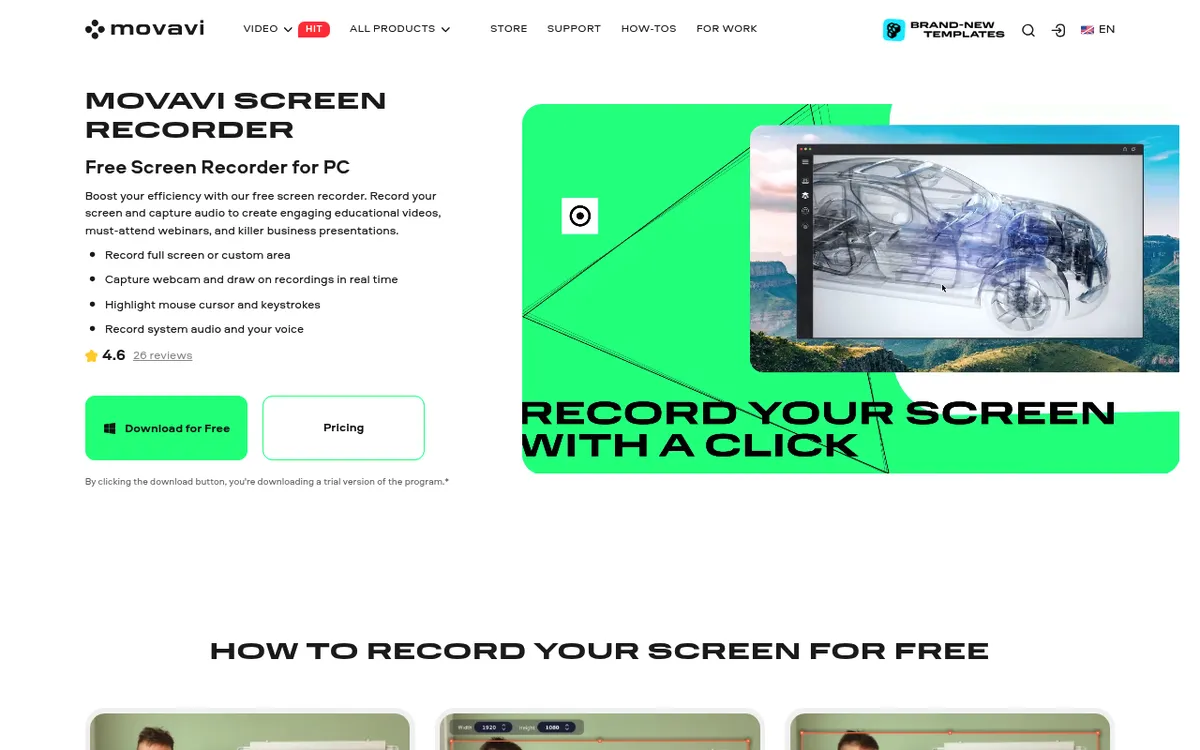
Movavi Screen Recorder is the middle ground. The recorder handles screen, webcam, and audio, at up to 4K. Pair it with Movavi Video Editor (sold together in a yearly bundle) and you get a timeline with transitions, titles, and basic effects. The interface is much friendlier than Camtasia.
It will not match Camtasia's polish on advanced features, but for 80 percent of tutorial work, it is enough. The recorder plus editor bundle costs $59.95 per year, about a third of Camtasia Essentials. The 7-day trial puts a watermark on your videos.
Best for: Users who want a light timeline editor without learning a pro tool.
7. ScreenPal: best cheap cloud option
Price: Free, or $4 to $10 per month billed annually ($8 per user for teams)
Editor: Basic on the free plan, full editor on paid plans

ScreenPal (formerly Screencast-O-Matic) is subscription-based but cheap. The free plan gets you 15-minute recordings with no watermark, basic editing, and 10 hosted videos. Paid plans unlock unlimited recording and hosting, the full editor, system audio, and AI captions. It runs on Windows, Mac, Chromebook, and mobile, and there is a browser recorder too.
If you need cloud hosting built in, want to embed clips on a site, or care about quick captions, it is a solid pick. If you prefer to own your files and skip subscriptions, the next section is better.
Best for: Teachers and trainers who want cloud hosting and light editing without a big up-front buy.
Premium Camtasia alternatives
These two come from big brands. Each one is built around a different way of working, so pick the one that matches yours.
8. Snagit: best for screenshots plus short video
Price: $39 per year (subscription only since Snagit 2025)
Editor: Light, trim only
Snagit is the classic TechSmith sibling to Camtasia. It is screenshot-first, but it also records your screen with webcam, mic, and system audio. It adds scrolling capture and a solid annotation library. You can trim parts out of a clip, but you cannot add transitions or stack multiple tracks.
If your work is 90 percent screenshots and 10 percent short screen recordings, Snagit is a good fit. If you tilt the other way, look at ScreenSnap Pro (one-time $34, with a full timeline editor) or Movavi (timeline included).
Best for: Support teams and tech writers who live in screenshots first.
9. Descript: best for transcript-based editing
Price: Free with a watermark, or $16 per month Hobbyist and $24 per month Creator (billed annually)
Editor: Yes, text-based
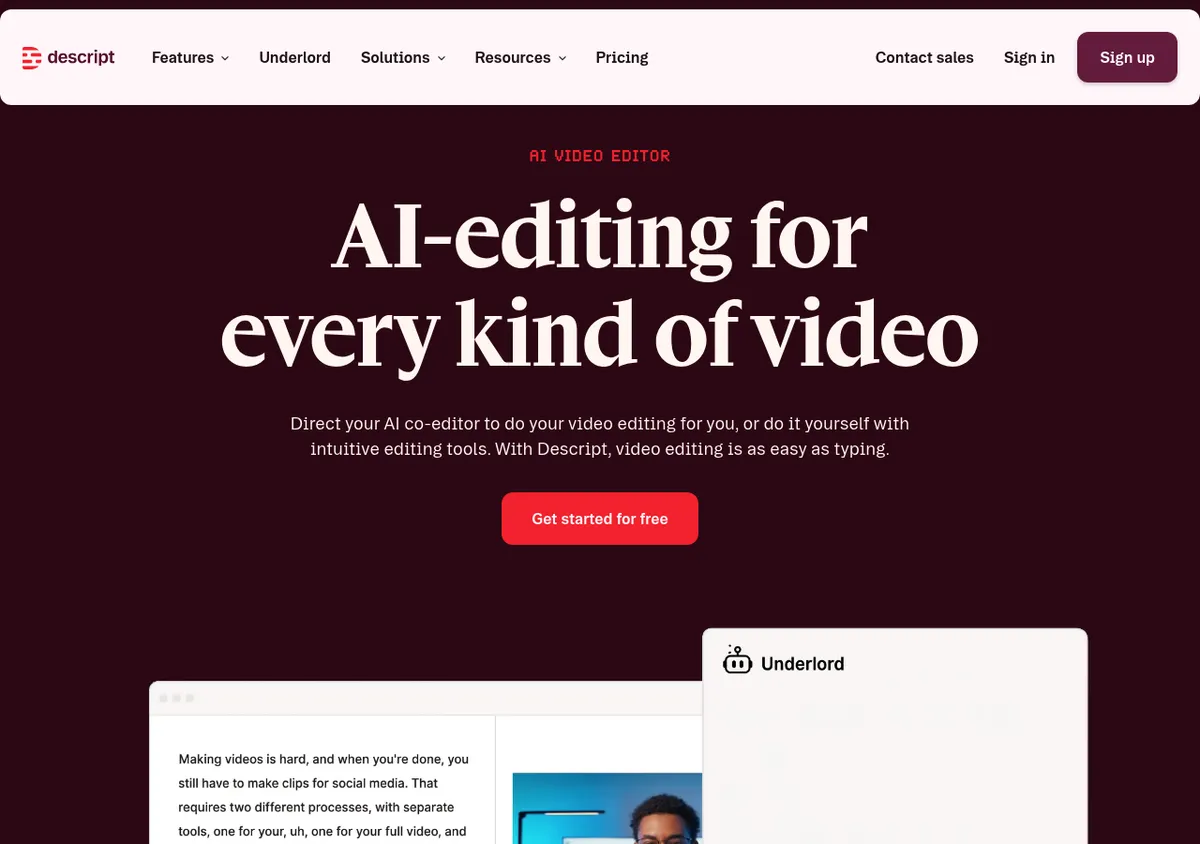
Descript is the odd one out. Instead of dragging clips on a timeline, you edit by editing a transcript. Delete a word in the text, the video cuts that word. It sounds strange, it works great for talking-head tutorials.
It also includes AI voice cloning, filler word removal, and auto-generated captions. The trade-off is subscription pricing, with no one-time license, and the desktop app needs Windows 11. For course creators who hate timeline editing, it is a different way to work.
Best for: Podcasters, trainers, and creators who prefer words over timelines.
How to pick the right Camtasia alternative
Skip the feature checklist for a second. Answer this question: what do I actually need to ship?
If you need to record, edit, and annotate in one app:
ScreenSnap Pro at $34 one-time covers screen, webcam, audio, GIFs, a multi-track editor with auto zoom, and 17 annotation tools. Or use OBS Studio (free) with Clipchamp for simple cuts.
If you need a timeline editor with transitions and effects:
Look at ActivePresenter (free, steeper learning curve) or Movavi (paid, friendlier interface). These are the closest feature matches to Camtasia's editor.
If you need full e-learning with quizzes and SCORM:
ActivePresenter Pro ($499 one-time) is the real contender. Or, if your courses are mostly talking-head, Descript at $24 per month.
If you mostly shoot screenshots with the occasional clip:
ScreenSnap Pro at $34 one-time, or Snagit at $39 per year.
If you need to embed videos on a site with hosting built in:
ScreenPal ($4 to $10 per month) handles that end-to-end.
And if what you really want is to capture as GIF for docs or Slack, many of the tools on this list cannot do that directly. ScreenSnap Pro and ShareX record to GIF natively. OBS Studio needs an extra conversion step.
So which one should you actually install?
If we had to pick one recommendation for each reader:
- Want to record, edit, annotate, and share for one price: ScreenSnap Pro.
- On a tight budget, do not mind learning curves: OBS Studio.
- Need a timeline editor for free: ActivePresenter Free.
- Need course features and can pay once: ActivePresenter Pro.
- Want a friendly timeline editor for about $60 a year: Movavi Screen Recorder plus Video Editor.
- Still want Camtasia-level polish, willing to pay: just stay with Camtasia. There is no shame in it.
For users who find themselves using Camtasia mostly to record a screen, cut it down, and annotate it, ScreenSnap Pro does that job for $34 one-time with lifetime updates. There are no quizzes and no SCORM, just a fast recorder, a multi-track editor with auto zoom, a clean annotation toolkit, and quick cloud share links. If you are curious how it compares against TechSmith's other product, our best screenshot tools for Windows roundup digs in further.
You can also read the official Camtasia system requirements on TechSmith's site if you want to check exactly what version you would be giving up.
Frequently Asked Questions

Morgan
Indie DeveloperIndie developer, founder of ScreenSnap Pro. A decade of shipping consumer Mac apps and developer tools. Read full bio
@m_0_r_g_a_n_