Consejos y tutoriales de captura
Consejos, tutoriales y guías para hacer mejores capturas en Mac. Comparativas, flujos de trabajo y trucos de productividad.
Camtasia Review 2026: Pricing, Pros, Cons and Who Should Buy It
Camtasia review 2026: subscription-only now, $39 to $599 a year. Every plan, the free watermarked editor, pros, cons and who should buy it.
Loom Pricing 2026: Plans, Free Limits & Real Team Costs
Loom pricing for 2026: Starter is free, Business is $15 to $18 and Business + AI $20 to $24 per user a month. See limits, team costs and discounts.
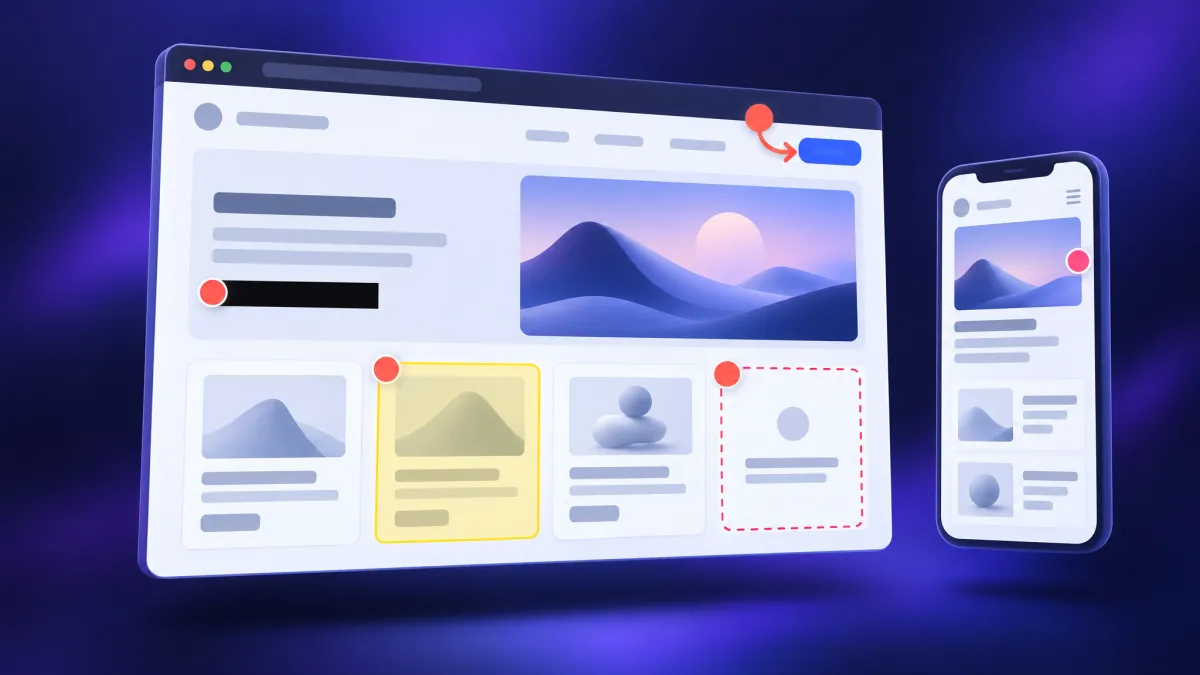
How to Annotate a Website: Notes, Feedback and Bug Reports
How to annotate a website for research, team review or bug reports: extensions, live comment tools, free built-ins and annotated full-page captures.
Herramientas gratis
Más de 50 herramientas de captura e imagen
Selector de color, compresor de GIF, redimensionador de imágenes, conversor de formato y más — todo gratis, directo en tu navegador.
Ver herramientas
Technical Documentation Examples: 10 Real Docs + Templates
10 technical documentation examples by type: API reference, README, runbook, user guide, release notes, bug report. Annotated teardowns plus templates.
GitHub Issue Template: Copy-Ready YAML Forms + config.yml
Set up a GitHub issue template: copy-ready YAML bug report and feature request forms, config.yml, a screenshot upload field, and troubleshooting fixes.
Software Design Document Template + Example (2026)
Write a software design document reviewers read: a copy-paste SDD template, a filled example, and annotated screenshots that show the current state.
Bug Bash: How to Run One (Agenda, Roles + Template)
What a bug bash is and how to run one: scope, roles, a 90-minute agenda, a 60-second bug filing standard with screenshots, and a free results template.
Test Case Template: Free Format and Examples (2026)
Copy a free test case template (Markdown and Sheets), learn what each field does, and see positive and negative examples with screenshot evidence.
ScreenSnap Pro
Captura y grabación de GIF para Mac
Anota, embellece y comparte capturas al instante. Graba GIF. Pago único — 39 $, sin suscripción.
Consigue ScreenSnap Pro
Pull Request Template: 8 Examples for GitHub and GitLab
Copy 8 pull request templates for features, bug fixes, UI changes and hotfixes, plus where to save them in GitHub, GitLab, Bitbucket and Azure DevOps.
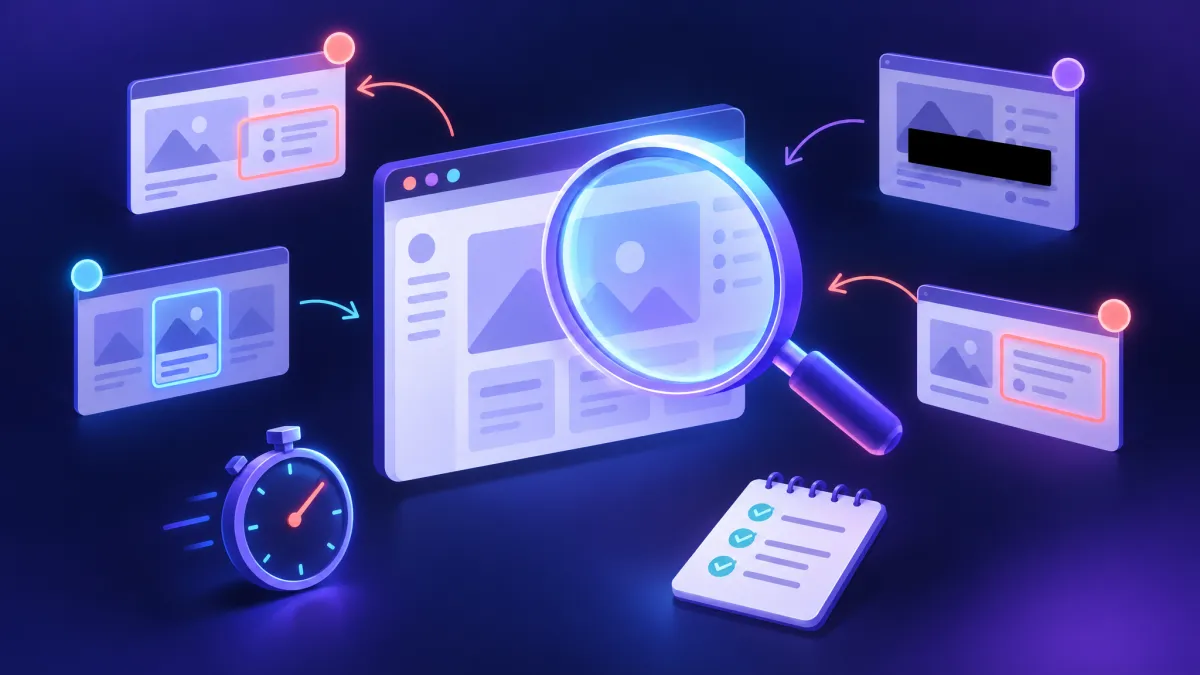
Exploratory Testing: Charters, Sessions and Templates
Learn exploratory testing step by step: write a charter, run a time-boxed session, capture evidence as you go, and turn your notes into a debrief report.

Protecting Sensitive Data and Visual Content in Remote Work
Learn how to protect screenshots, graphics and work data while working remotely. Practical guide to digital hygiene and network traffic protection.
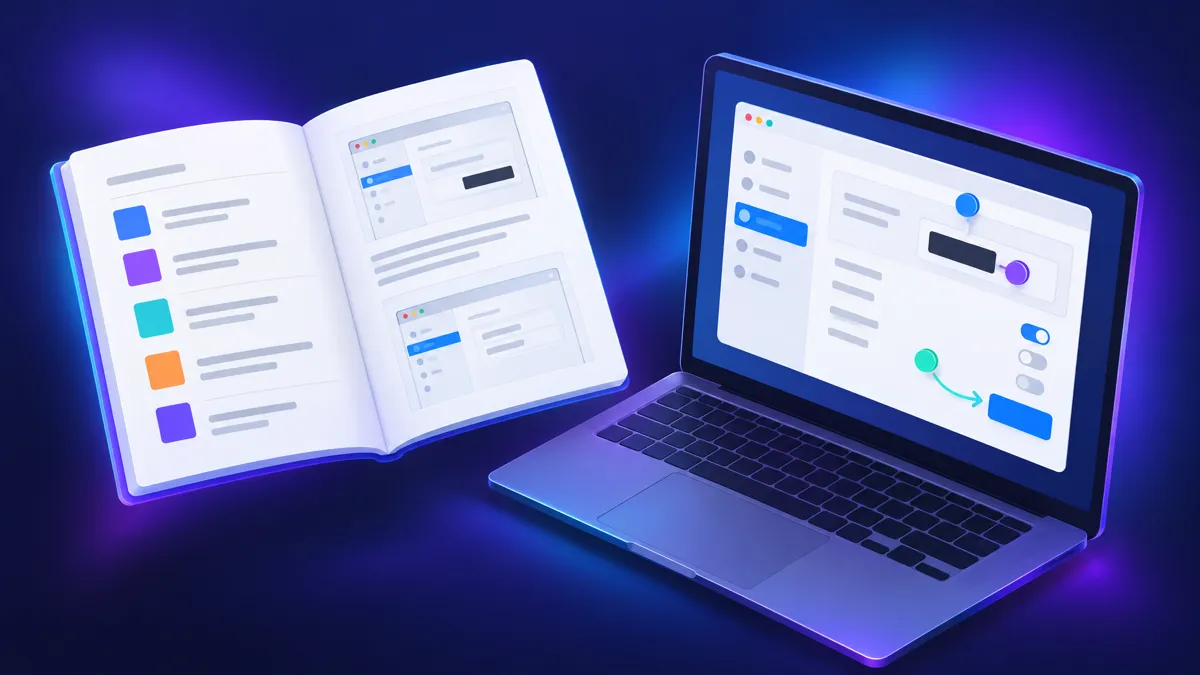
Software User Manual: How to Write One (+ Template)
Write a software user manual people actually use: a task-based structure, a copy-paste template, real examples, and screenshot rules that stay accurate.
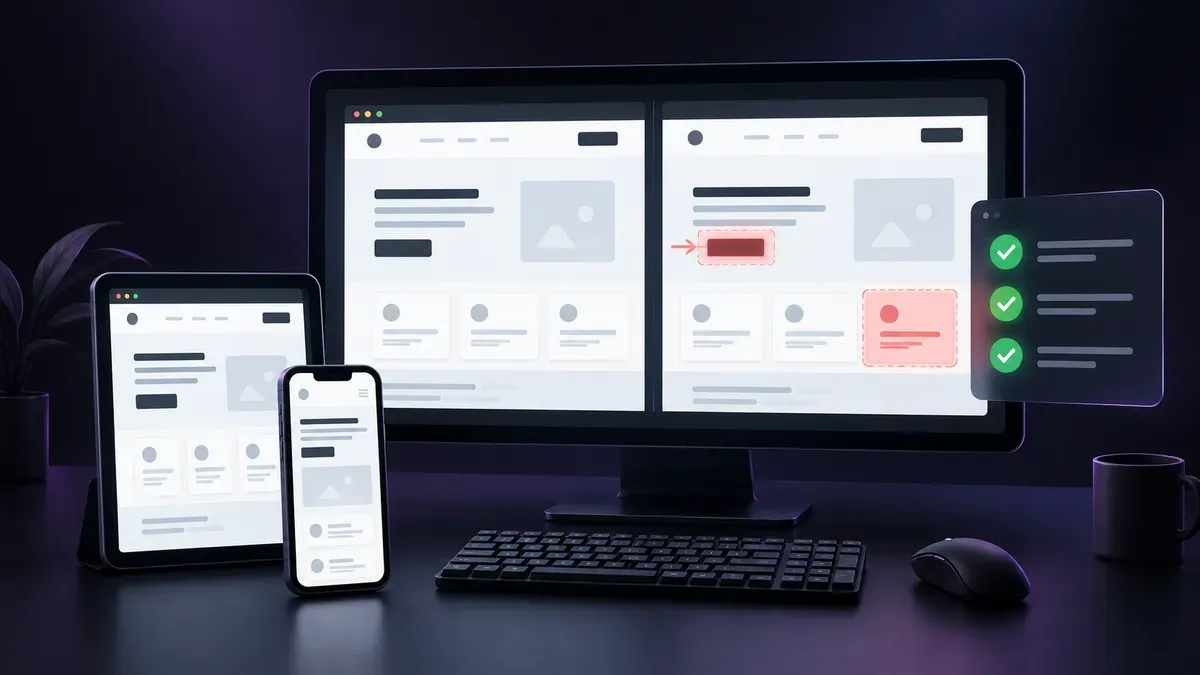
Visual Testing Checklist for Web Teams in 2026
Build reliable visual testing workflows with screenshot baselines, responsive and localized layout checks, and automated CI review gates.
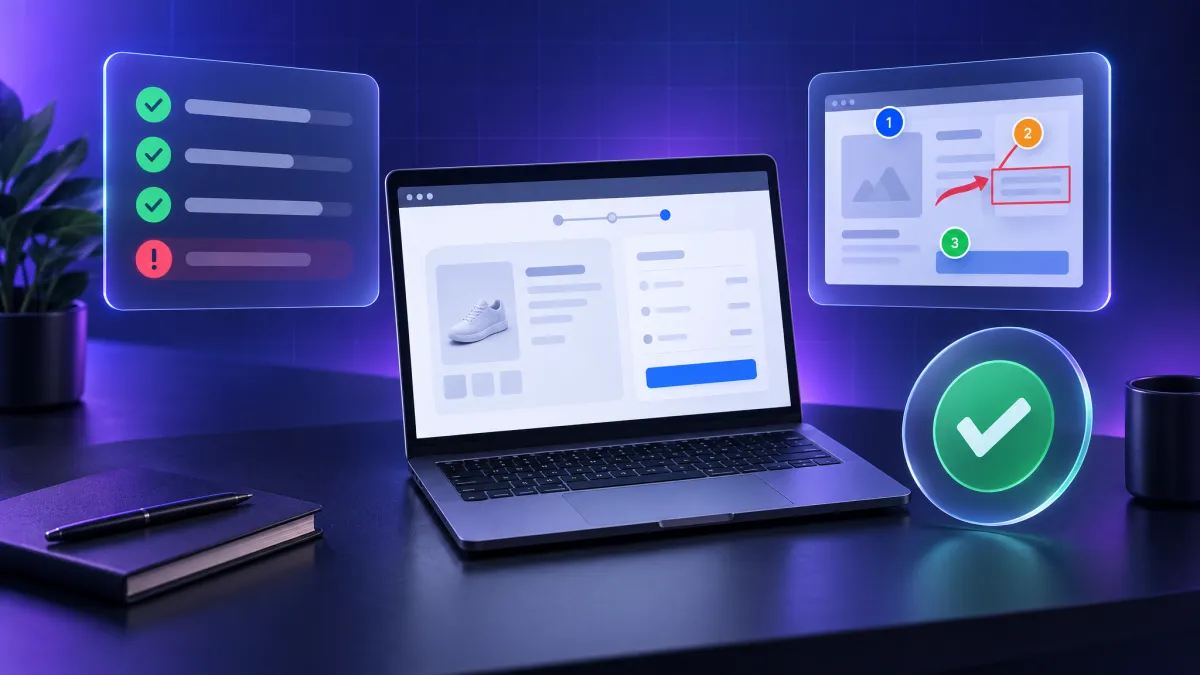
UAT Testing: User Acceptance Testing Guide + Templates
UAT testing explained: who runs it, how to plan and sign off user acceptance testing, plus copy-paste templates and worked failure-report examples.

Training Manual Template 2026: Format + Examples
A practical training manual template with structure, examples, and visuals. Build training docs employees actually read, with annotated screenshots.
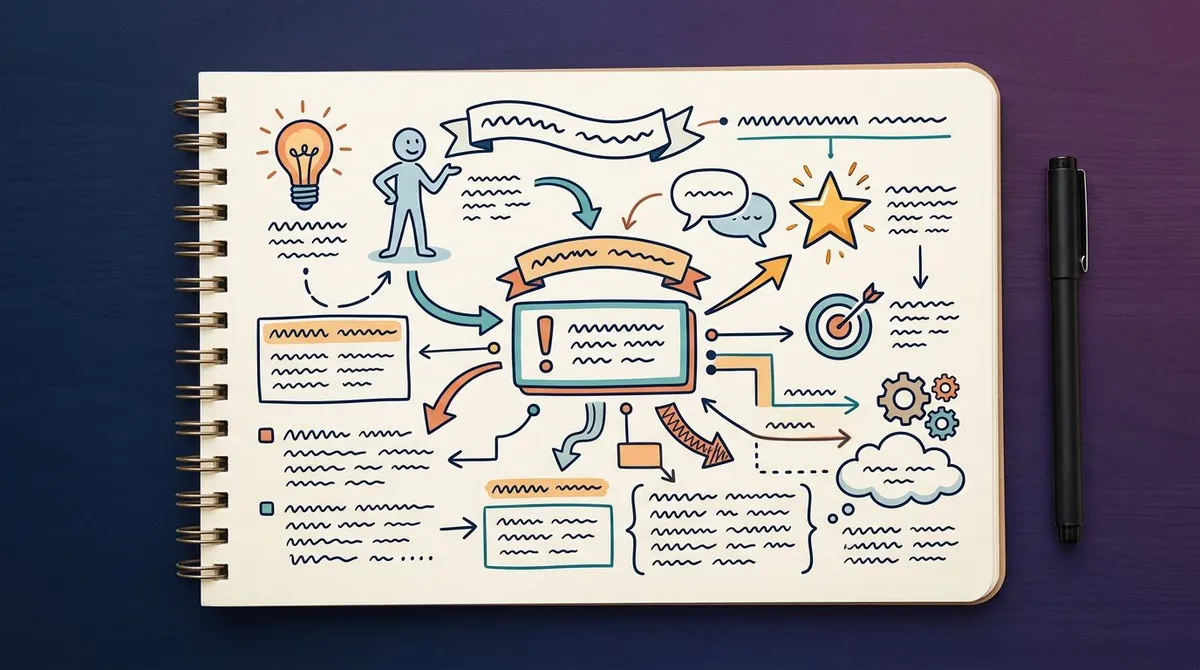
Visual Note-Taking Guide 2026: Sketchnotes Made Easy
Learn visual note-taking: sketchnote basics, layouts, digital tools, and how to mix screenshots with hand-drawn notes. No art skills required.

How to Evaluate a Software Development Partner for an Enterprise App
Explore what actually separates software partners once the slides are gone. Learn which questions, contract terms, and AI limits to check first.
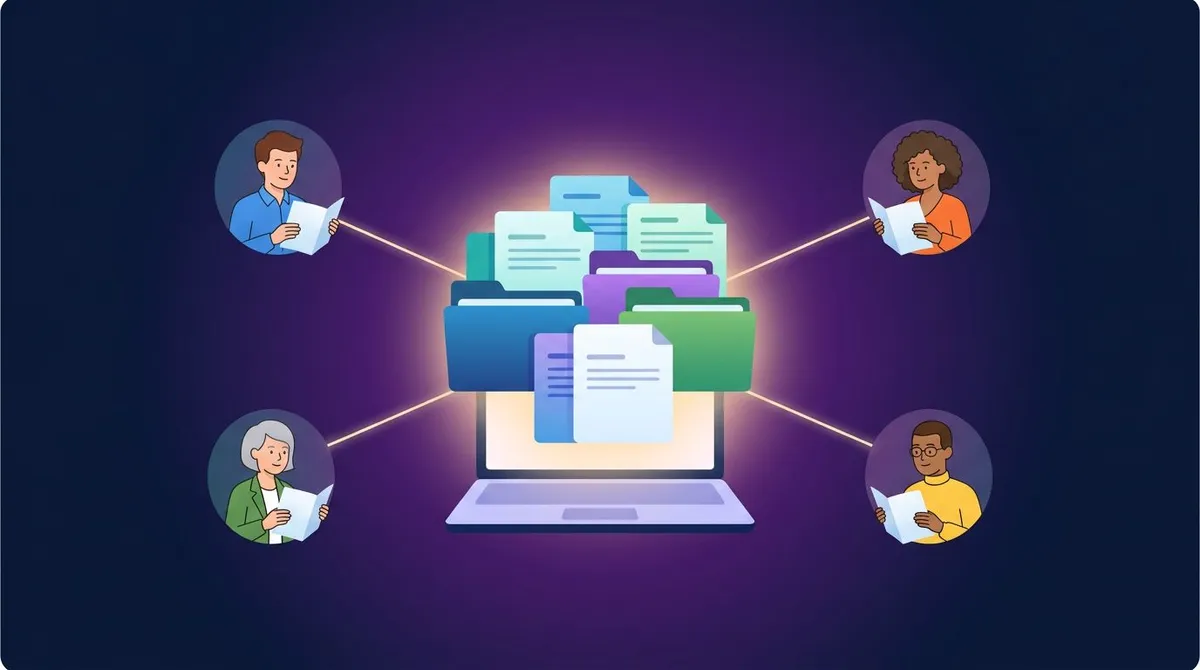
Internal Documentation Guide 2026: Structure + Tips
Build internal documentation your team actually reads: structure, ownership, templates, and visual docs with annotated screenshots and GIFs.
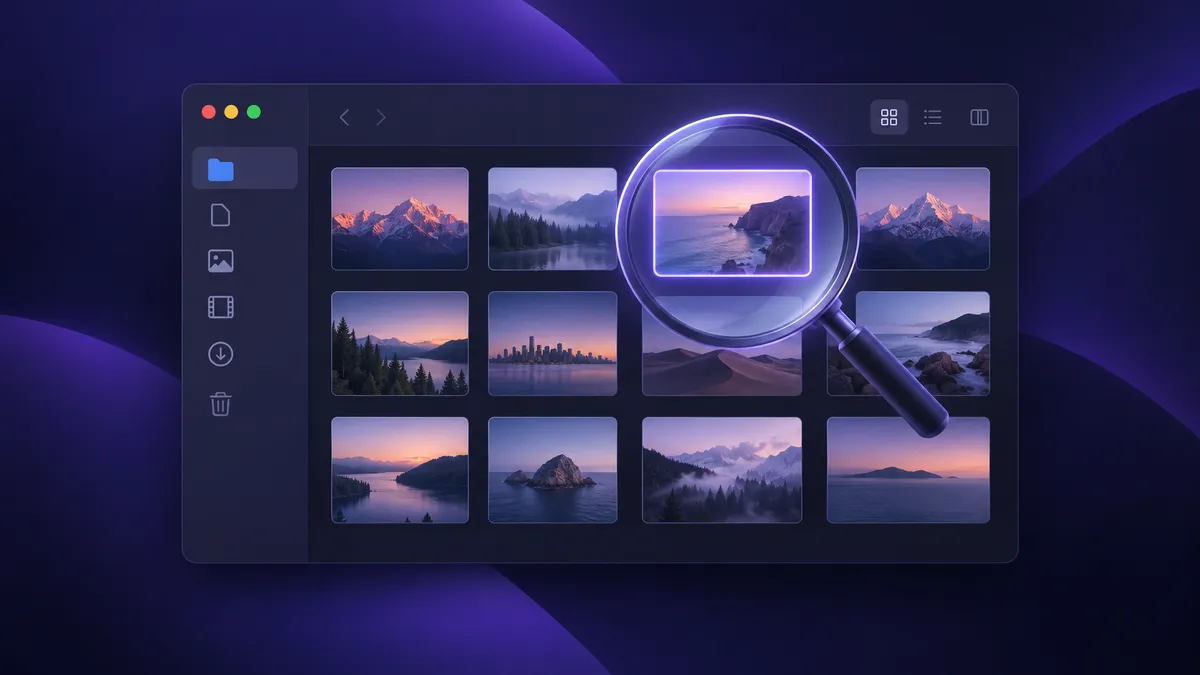
How to Find Screenshots on Mac Using Finder and Spotlight (2026)
Can't find a screenshot on your Mac? Search Finder for kMDItemIsScreenCapture:1, use Spotlight, save a Smart Folder, or list every capture in Terminal.
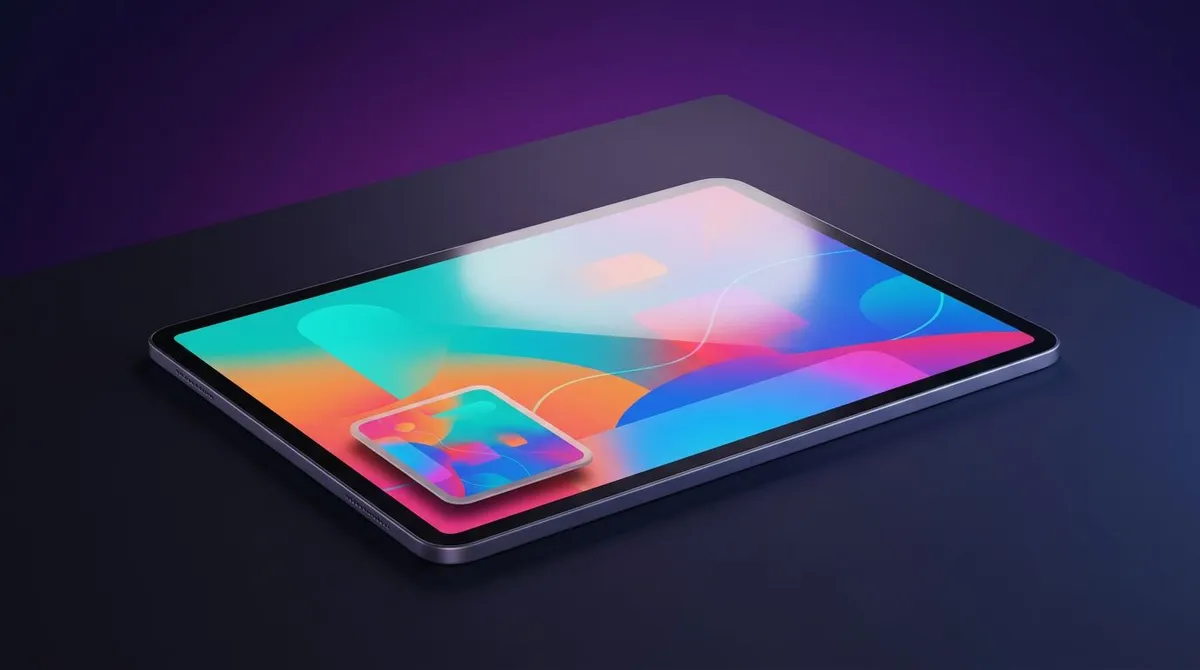
How to Screenshot on an iPad (2026): Every Model
Screenshot on any iPad with the top button plus volume or Home. Plus Apple Pencil, keyboard, AssistiveTouch, full page PDF, and fixes when it fails.
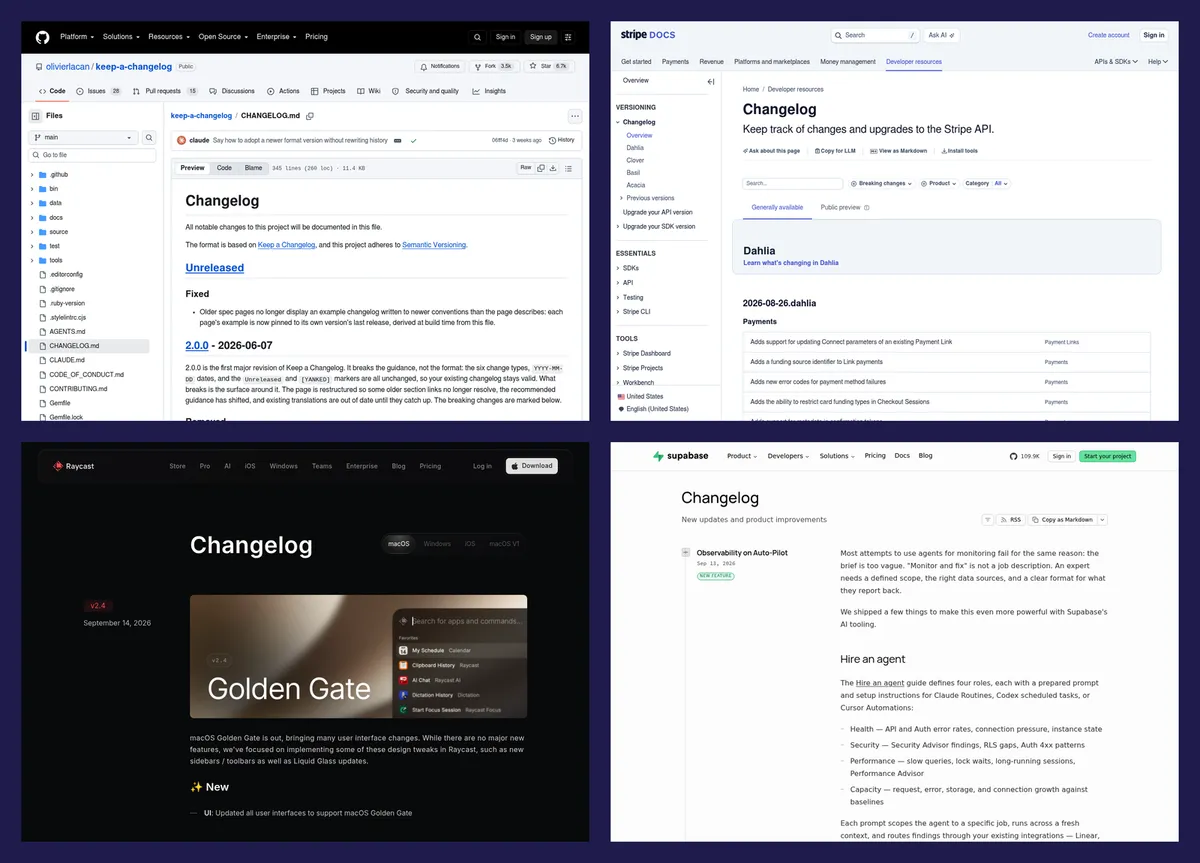
Changelog Examples 2026: 8 Great Ones + Template
Real changelog examples from top products, a keep-a-changelog style template, and the formatting rules that make release history readable.
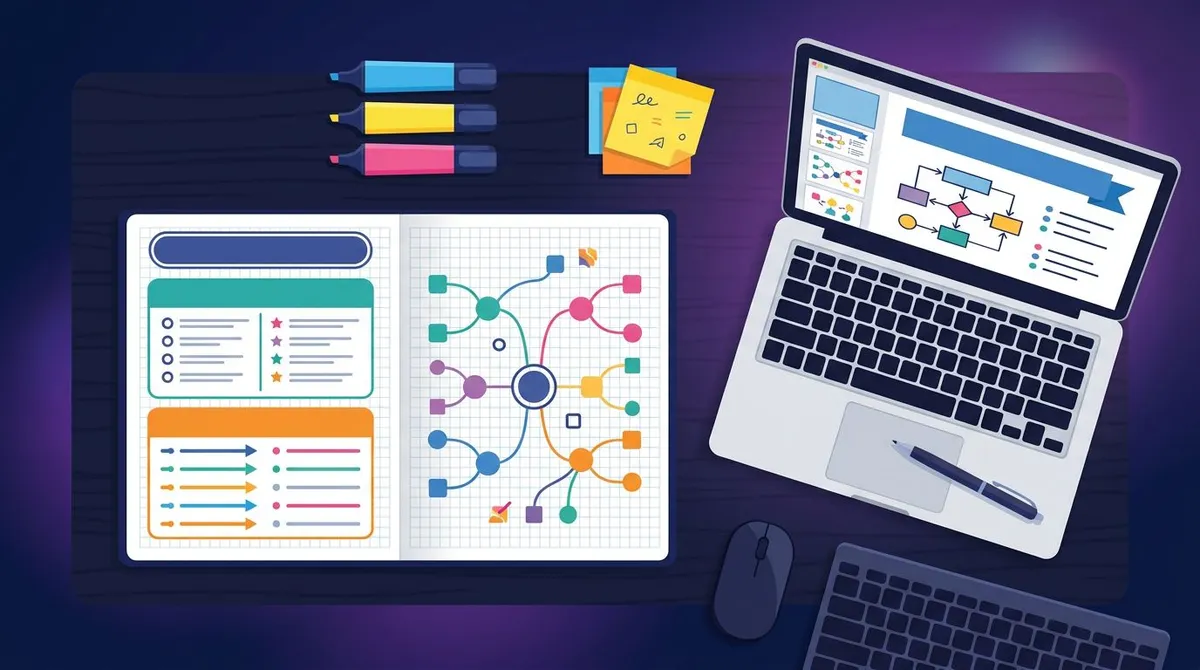
How to Make a Study Guide: 7 Steps + Templates 2026
Make a study guide that works: 7 steps, free templates, and visual methods. Turn slides and textbook pages into organized, searchable study notes.