Annotate · 17 tools
Point it out, blur the rest
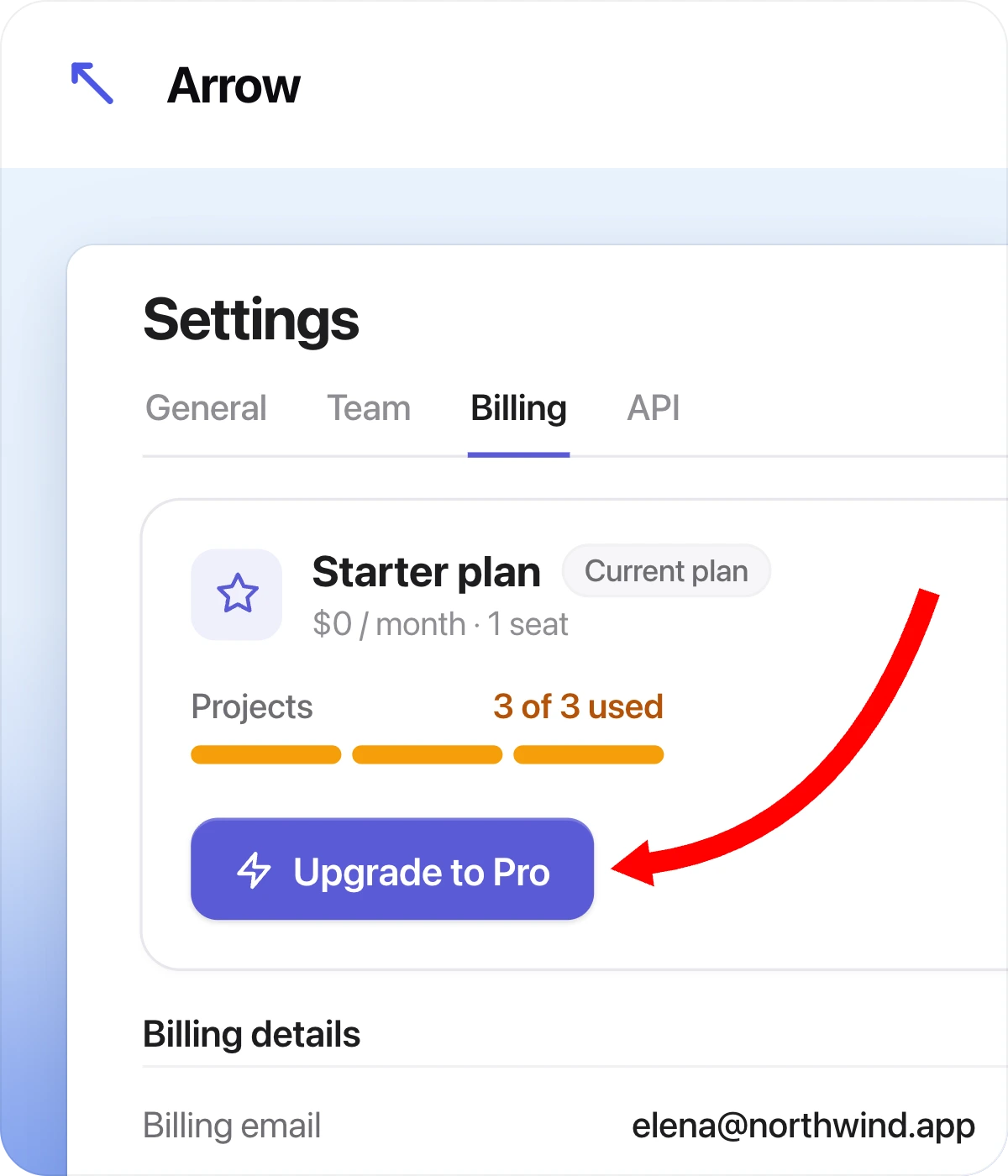
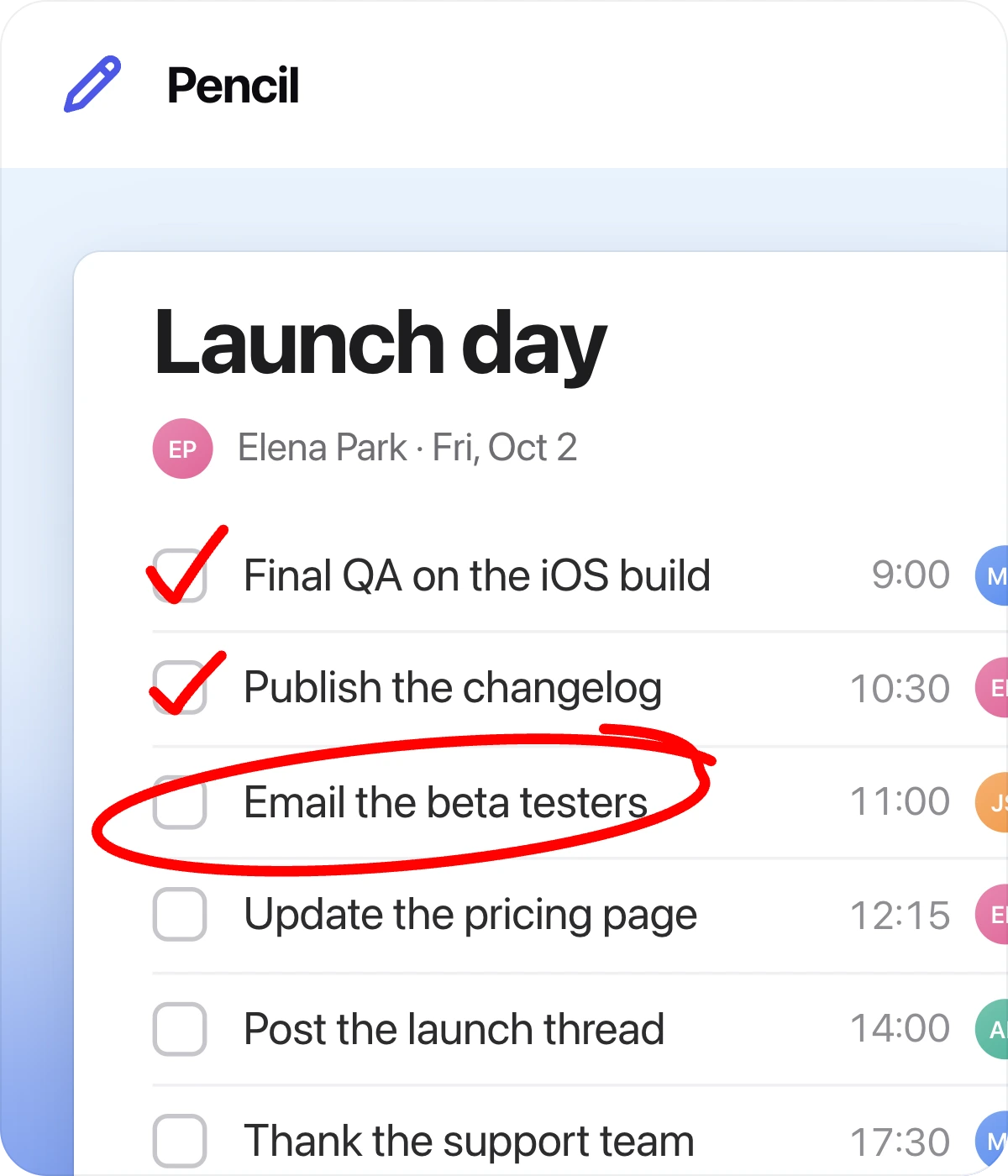
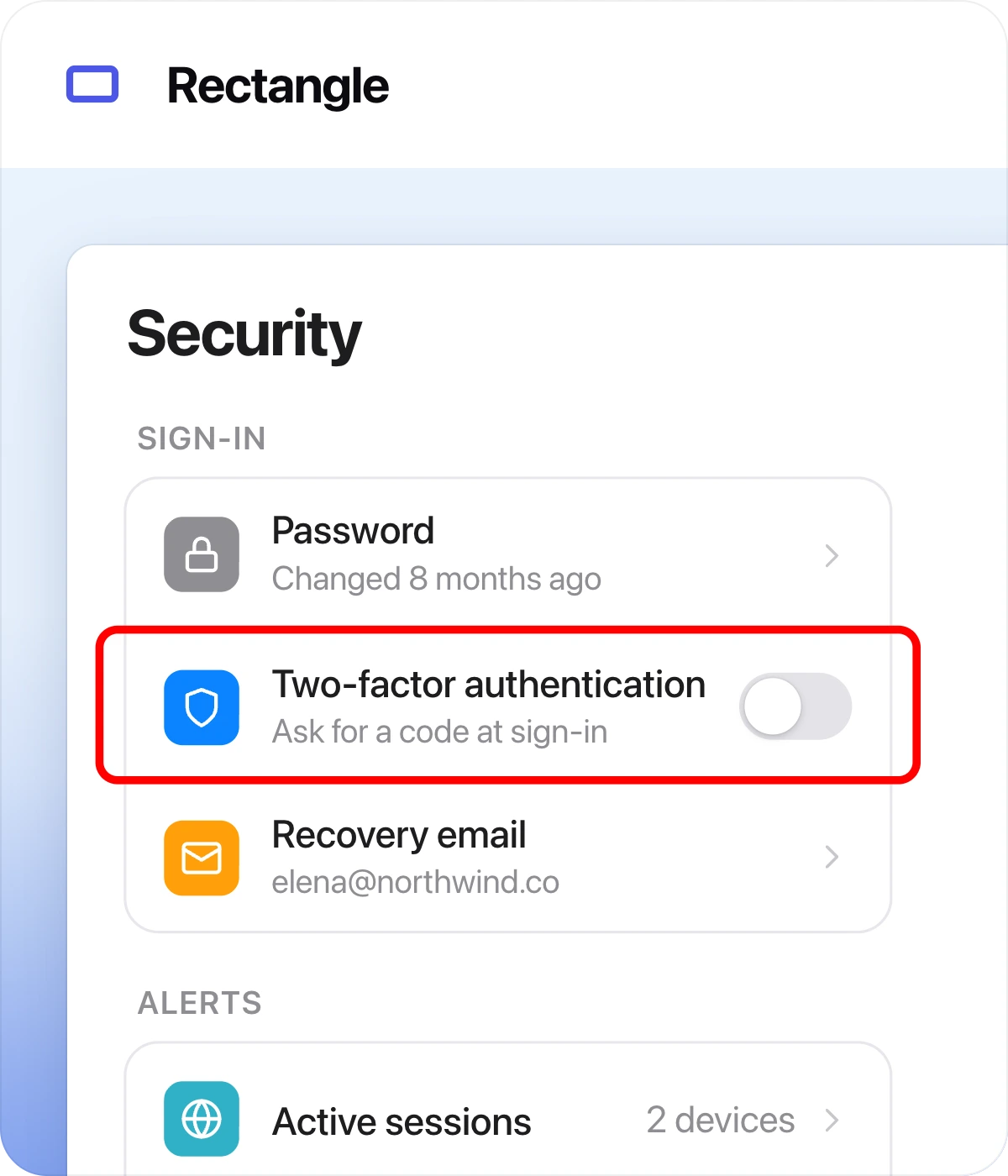
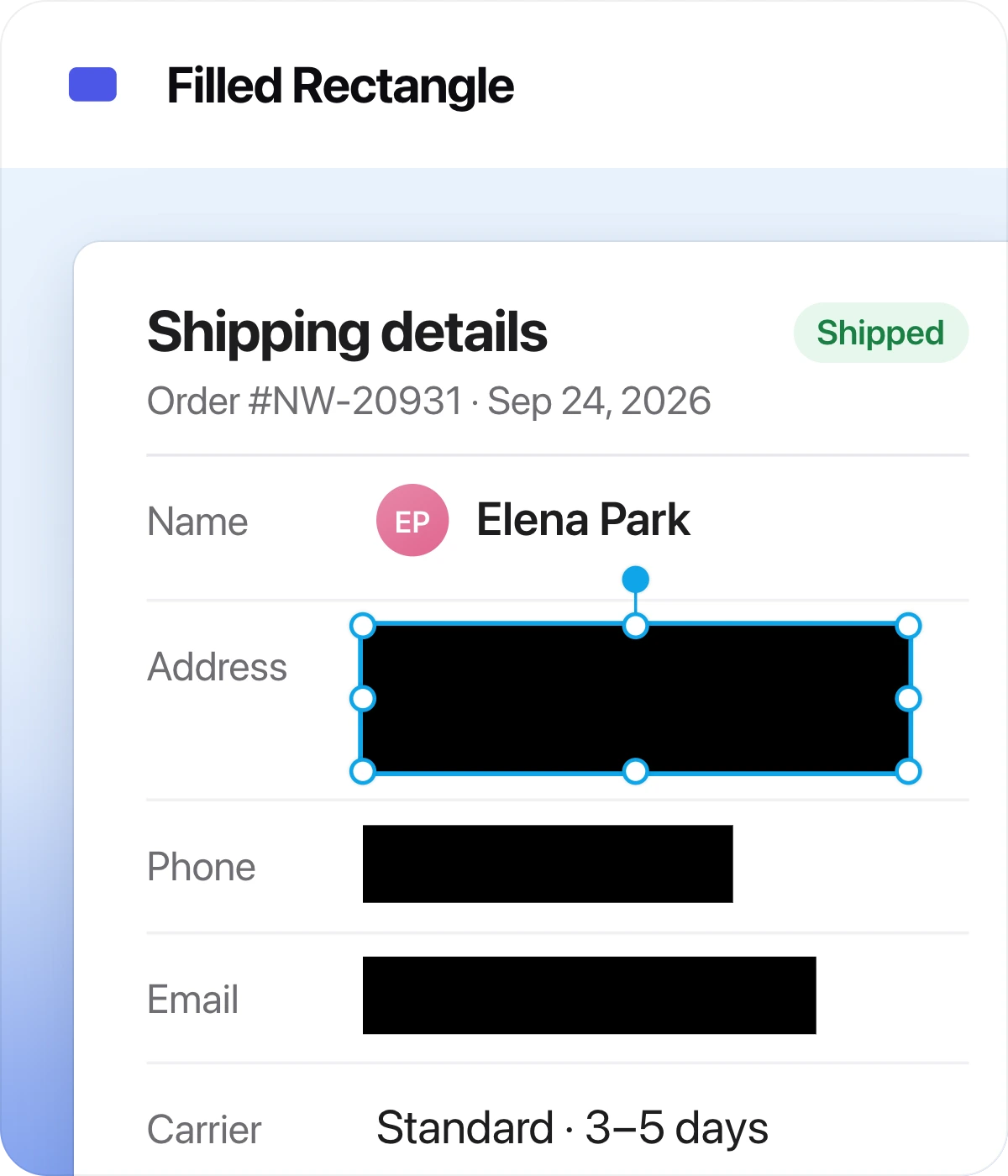
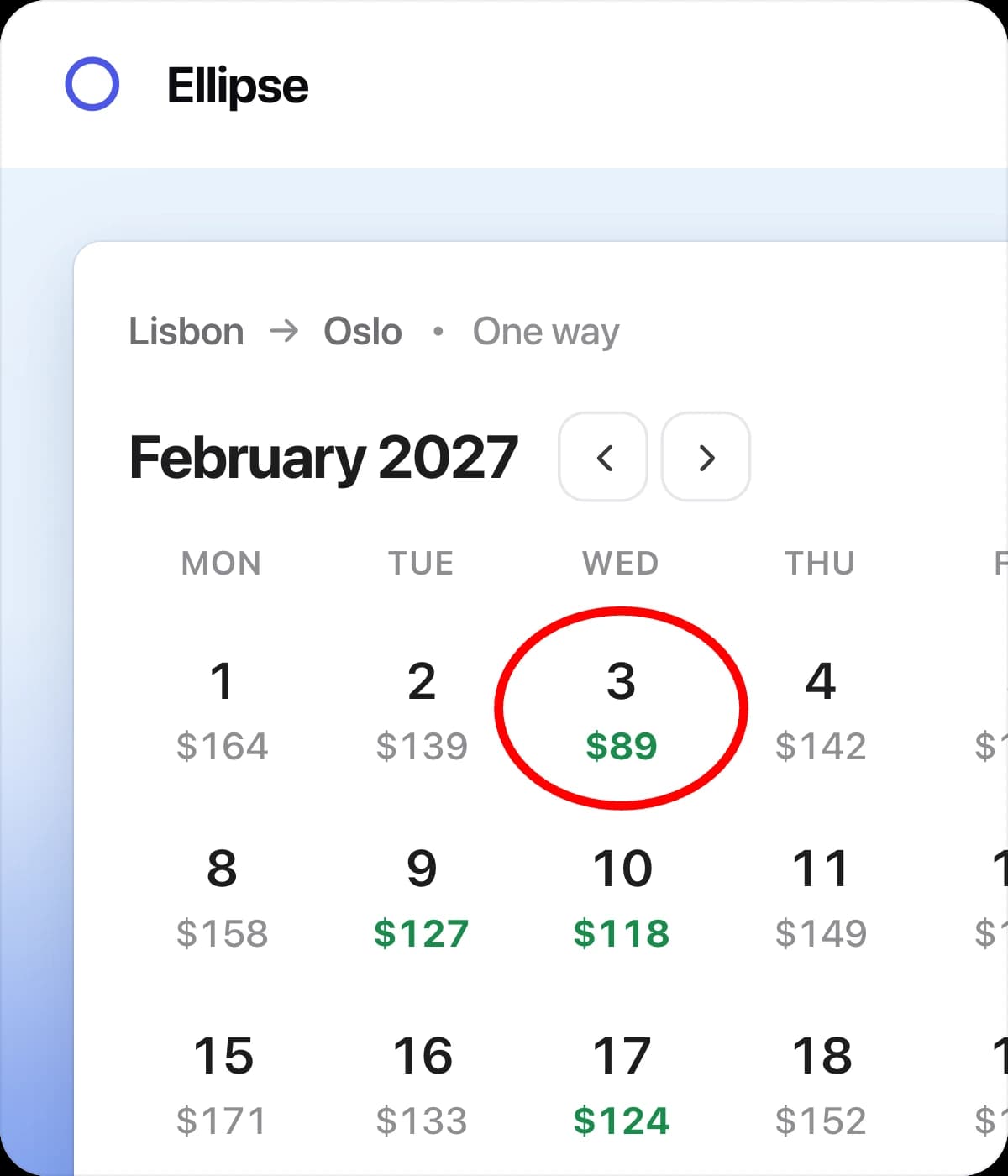
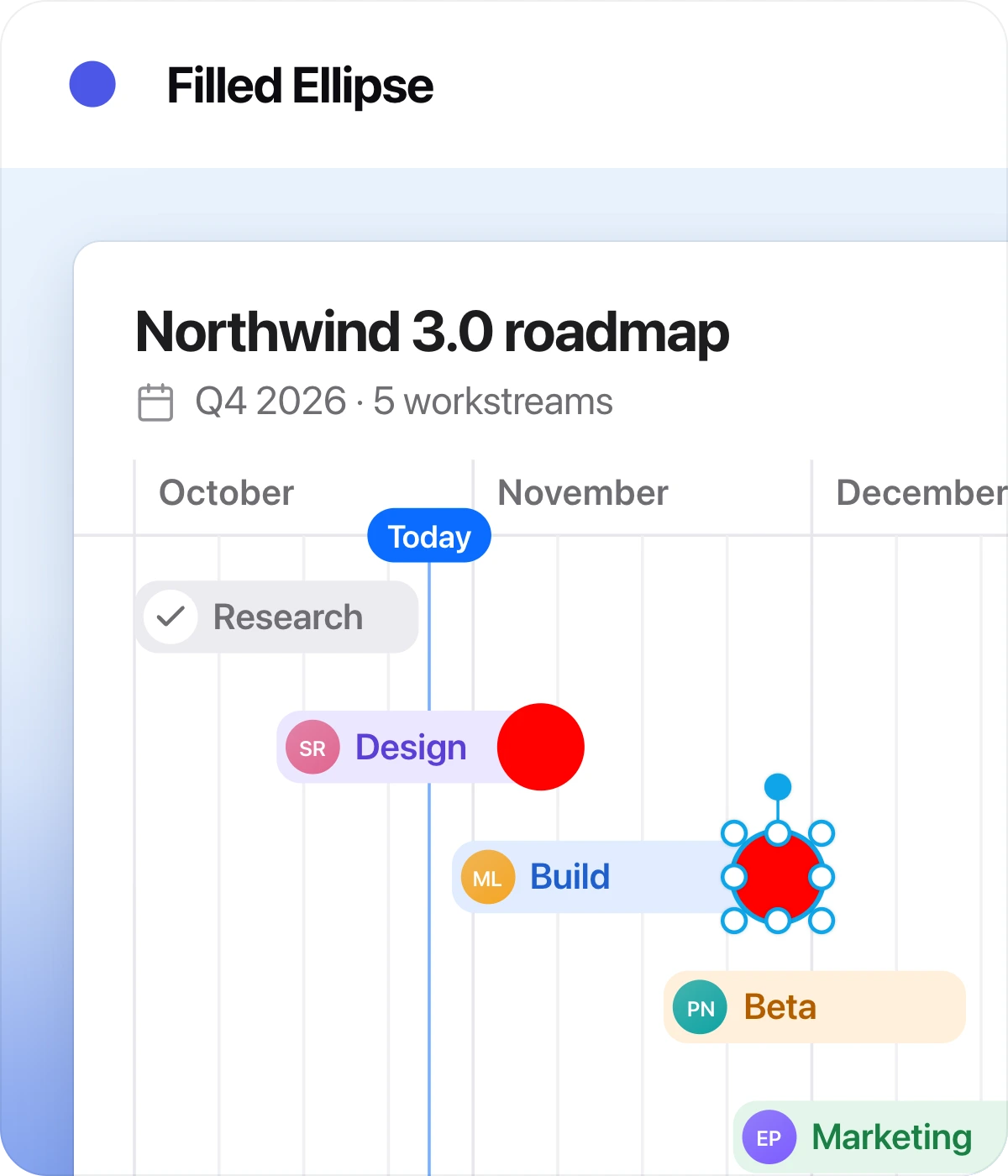
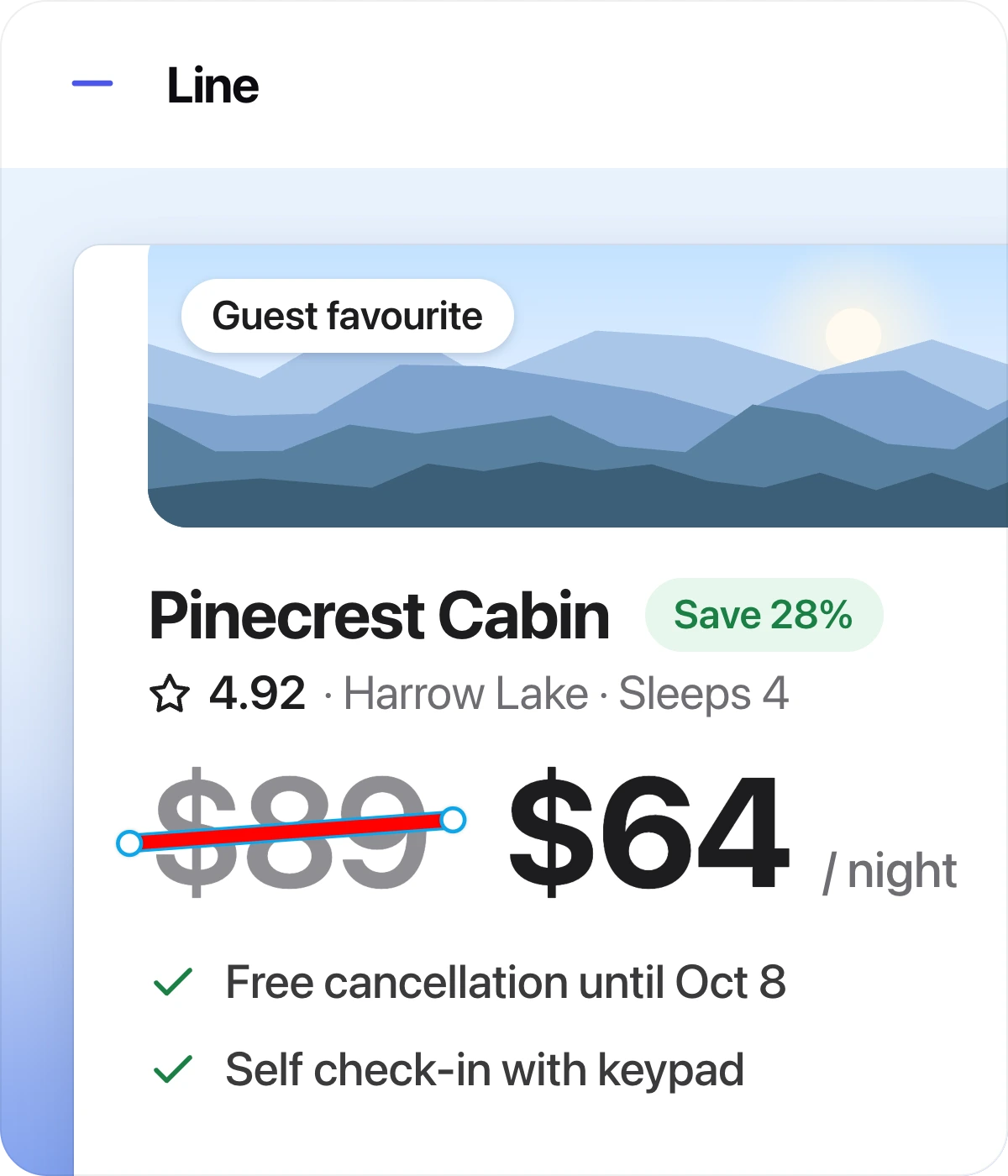
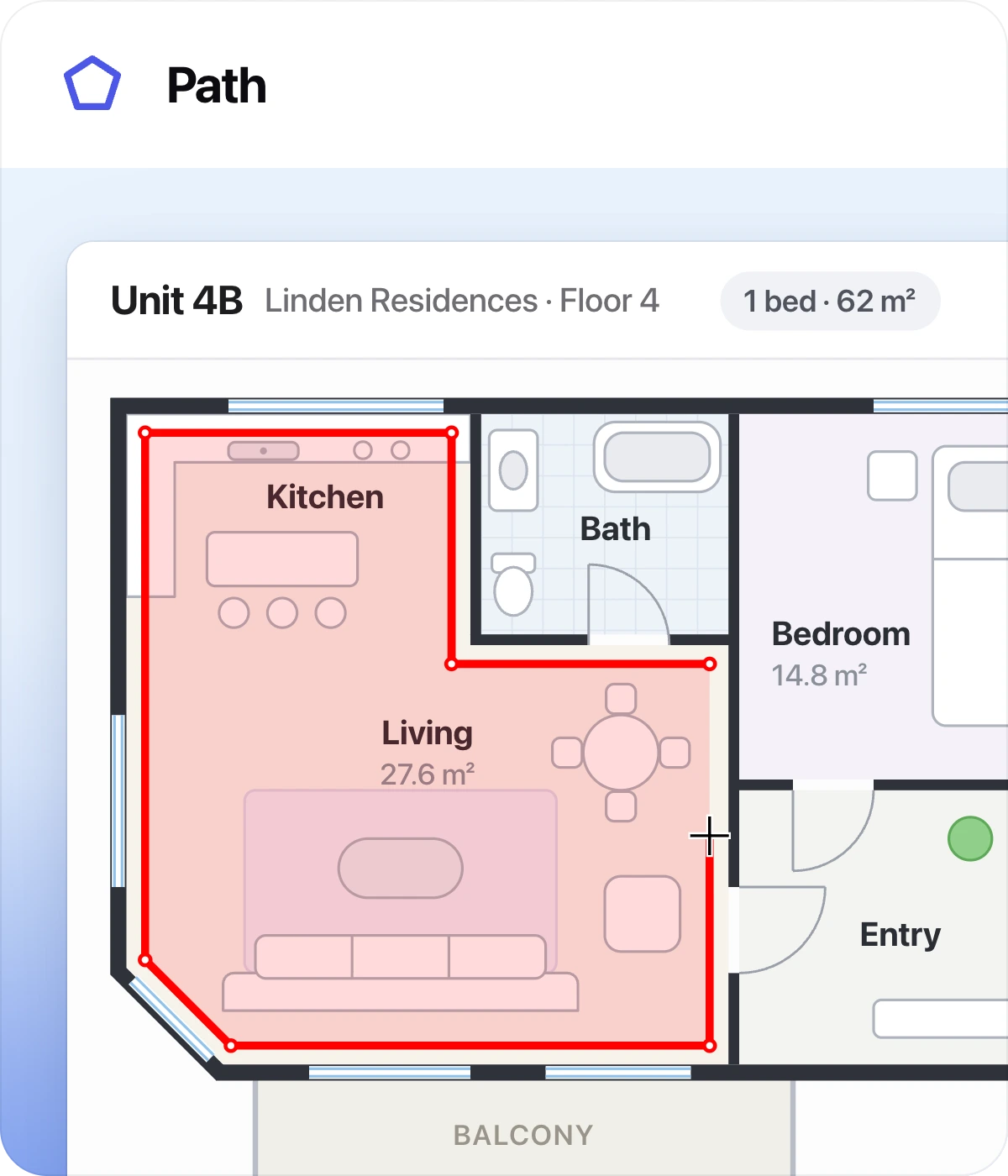
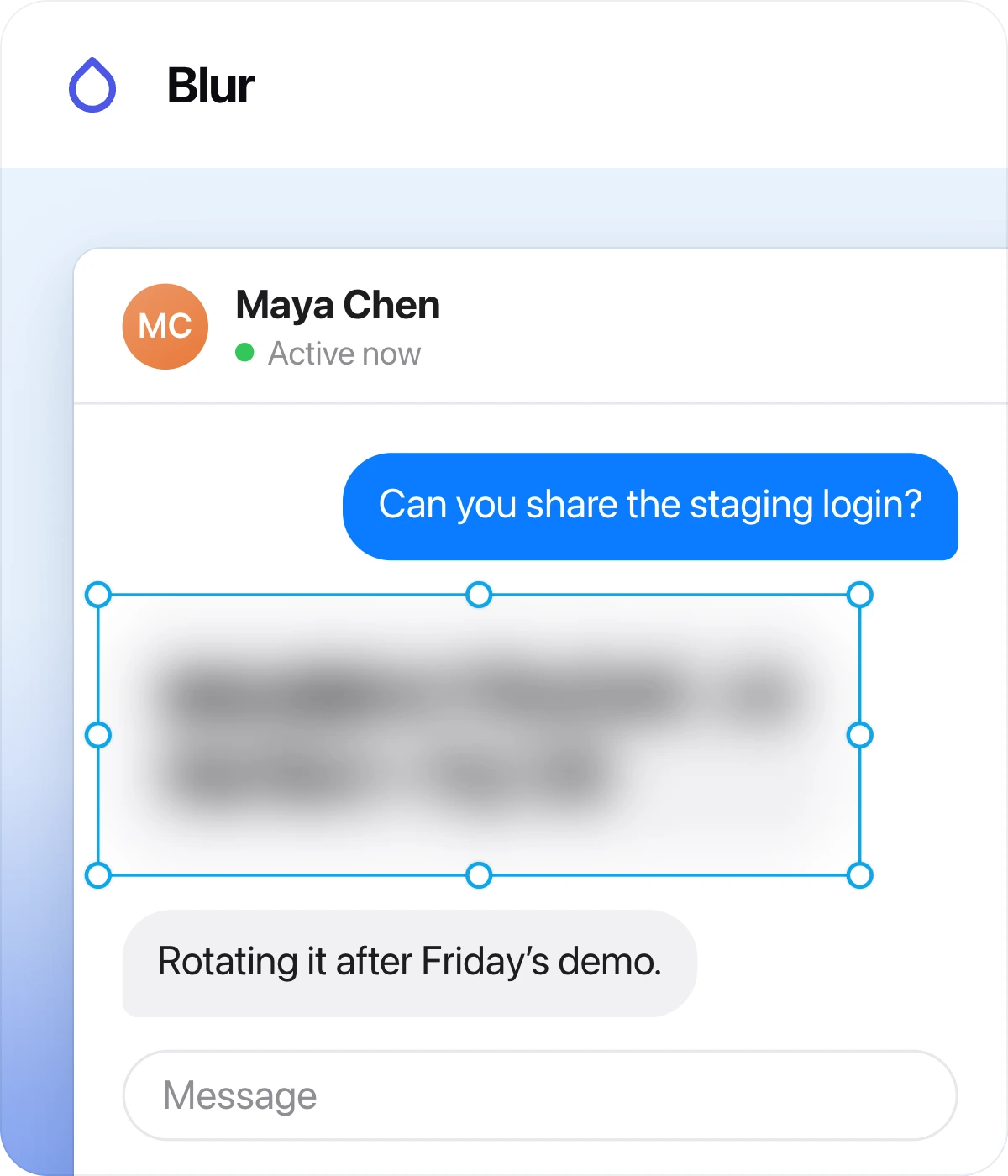
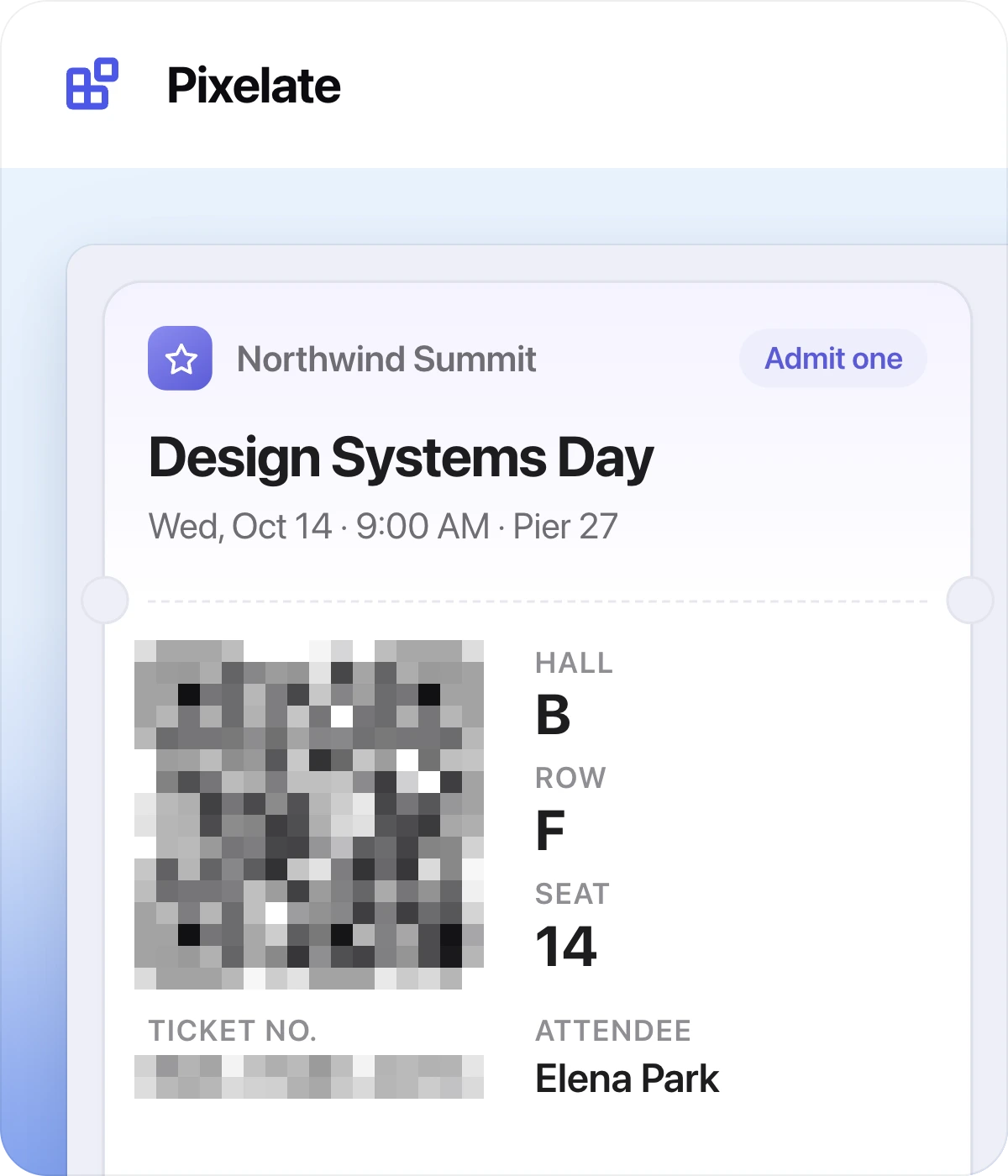
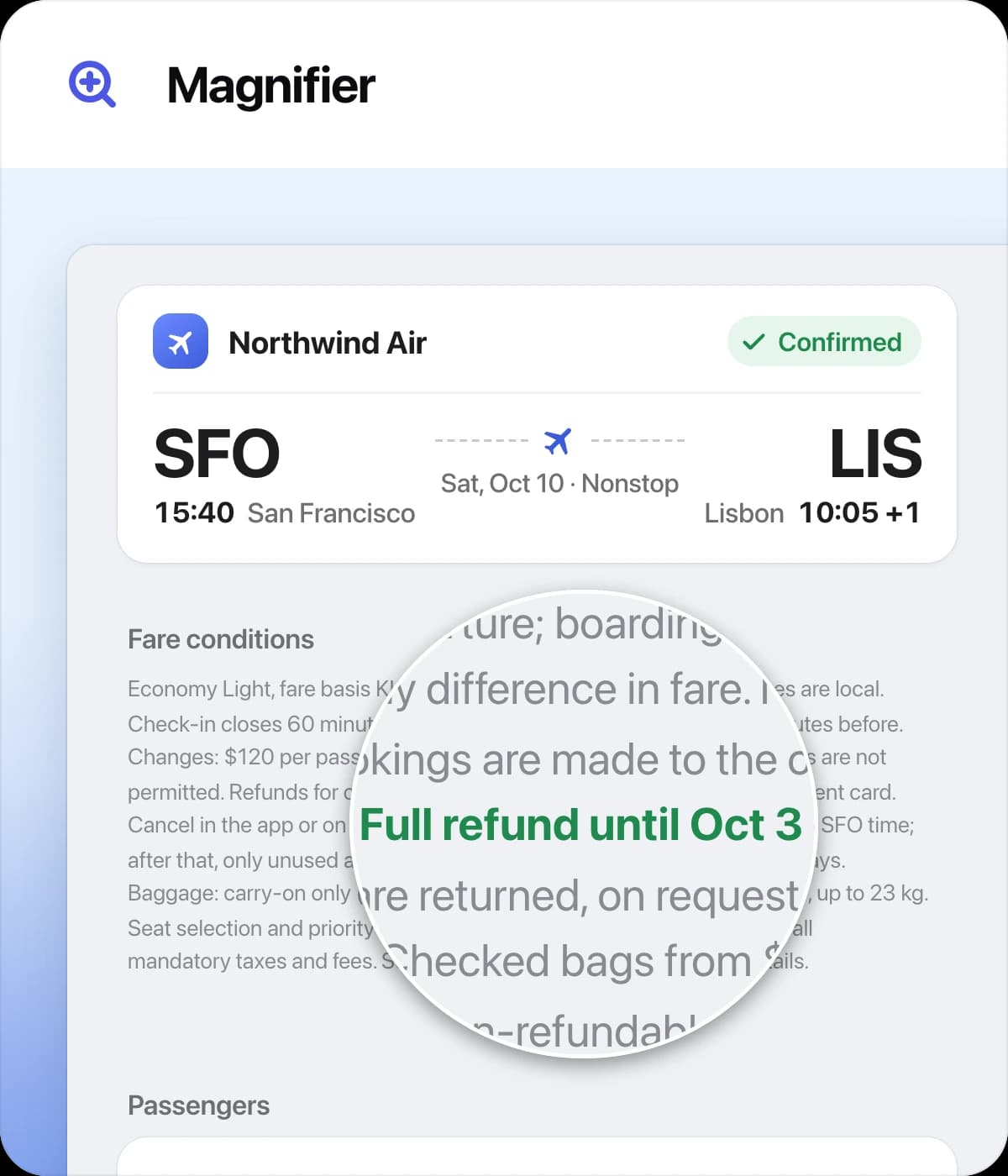
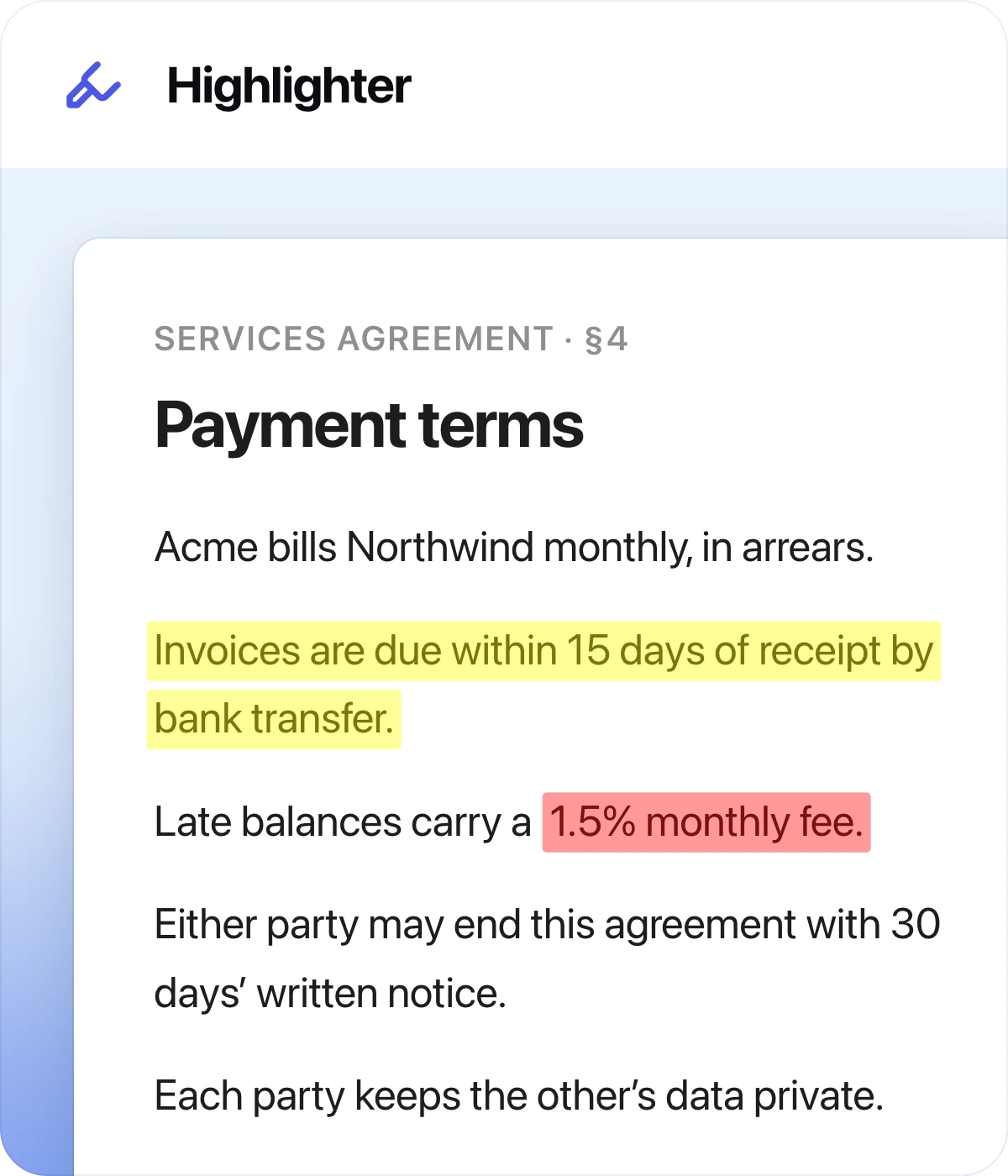
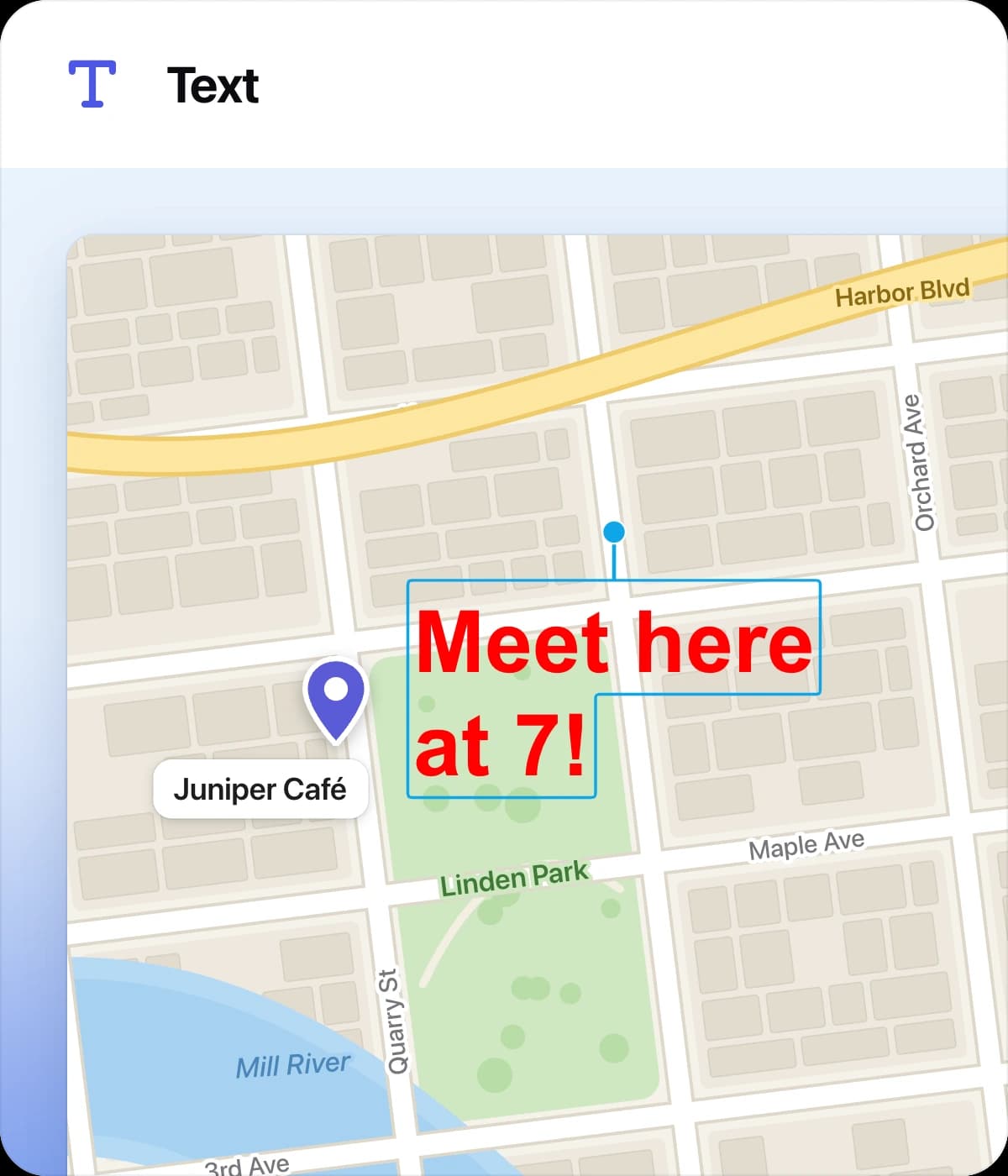
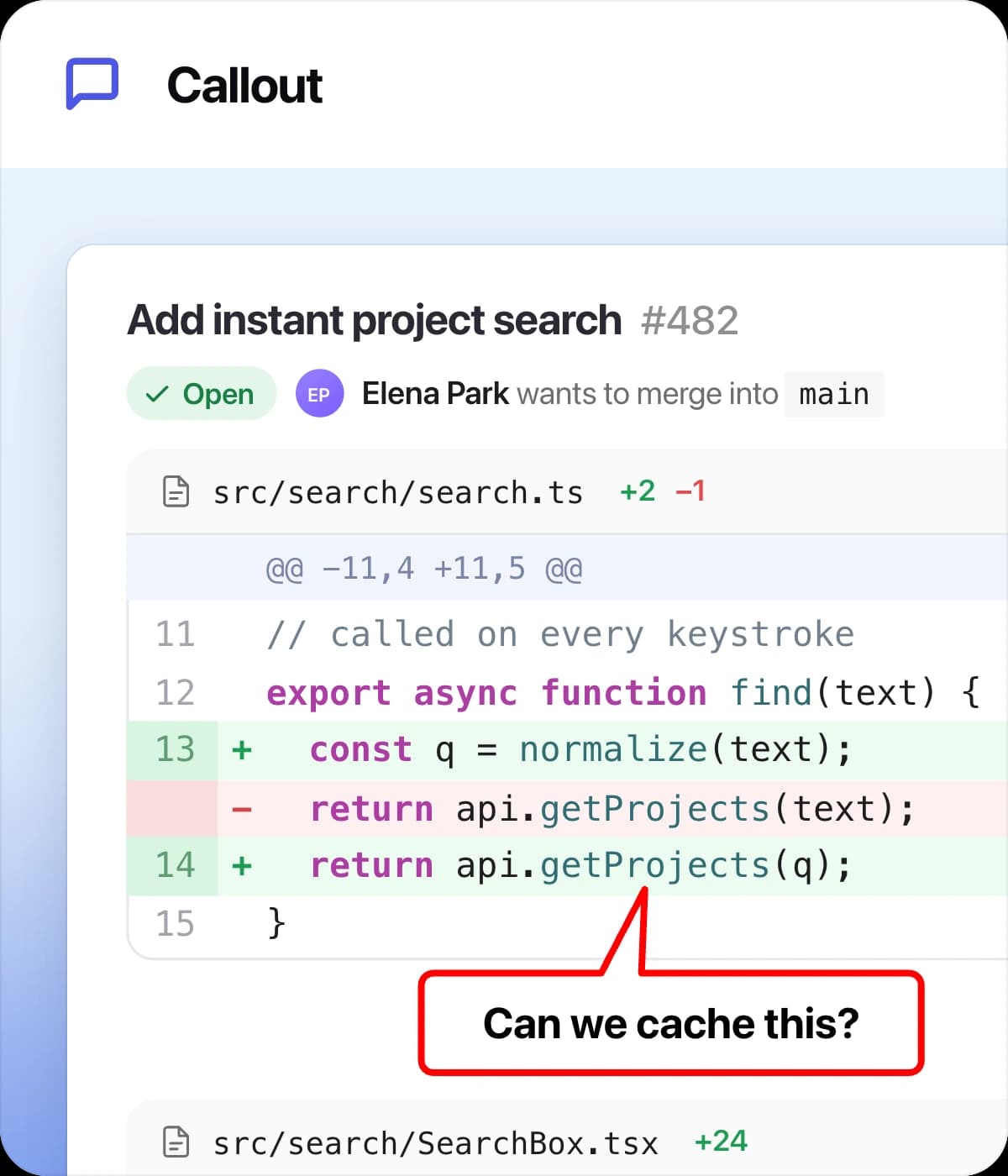
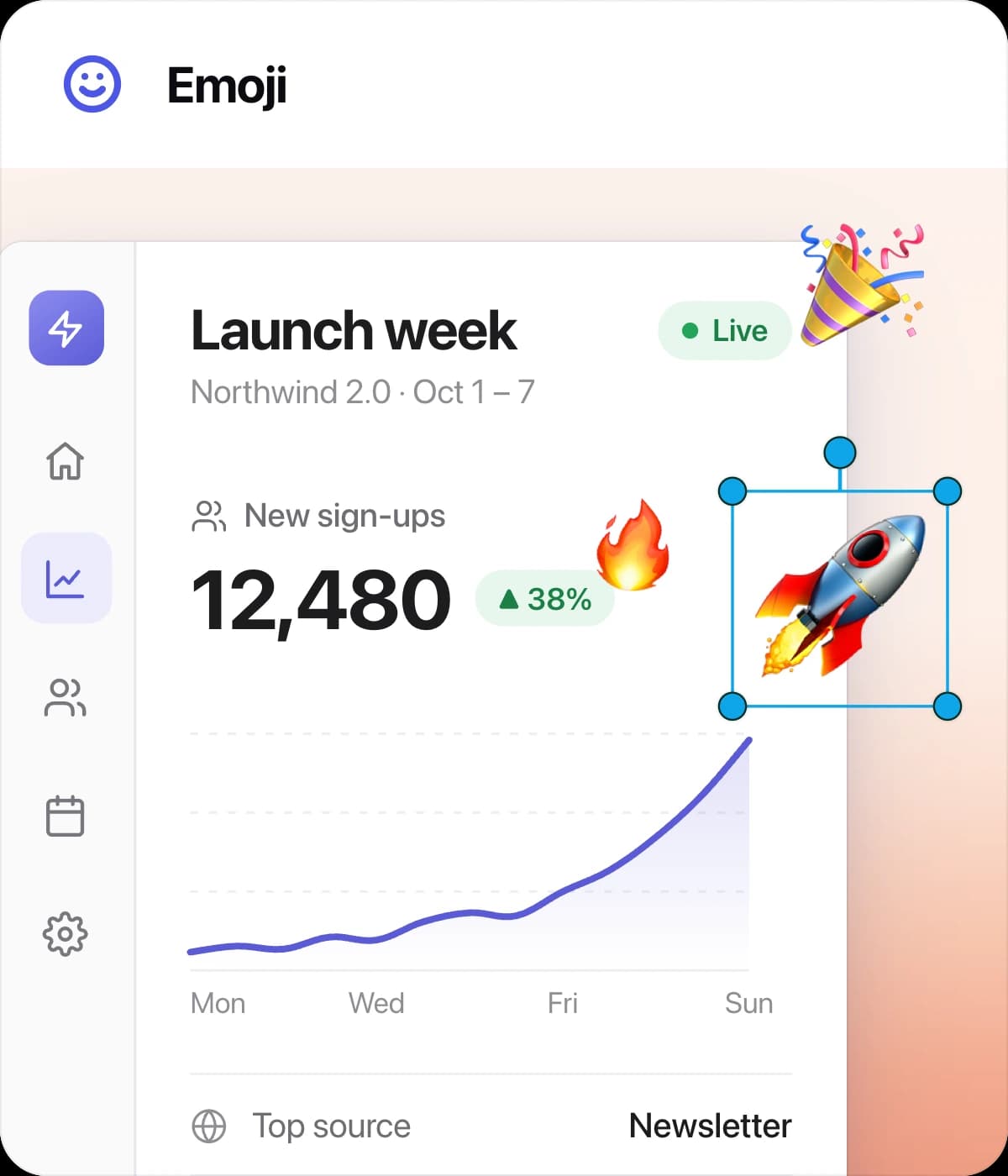
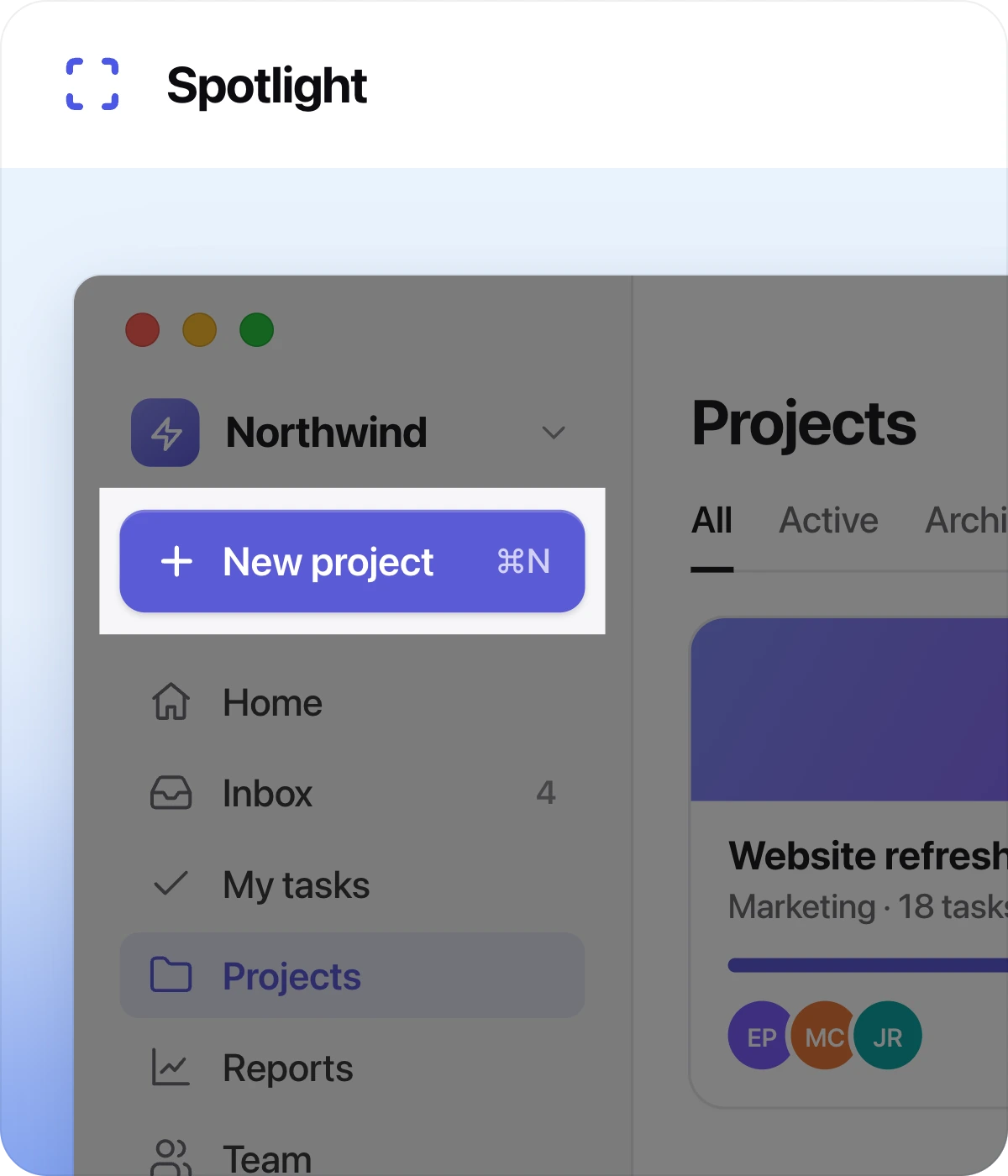
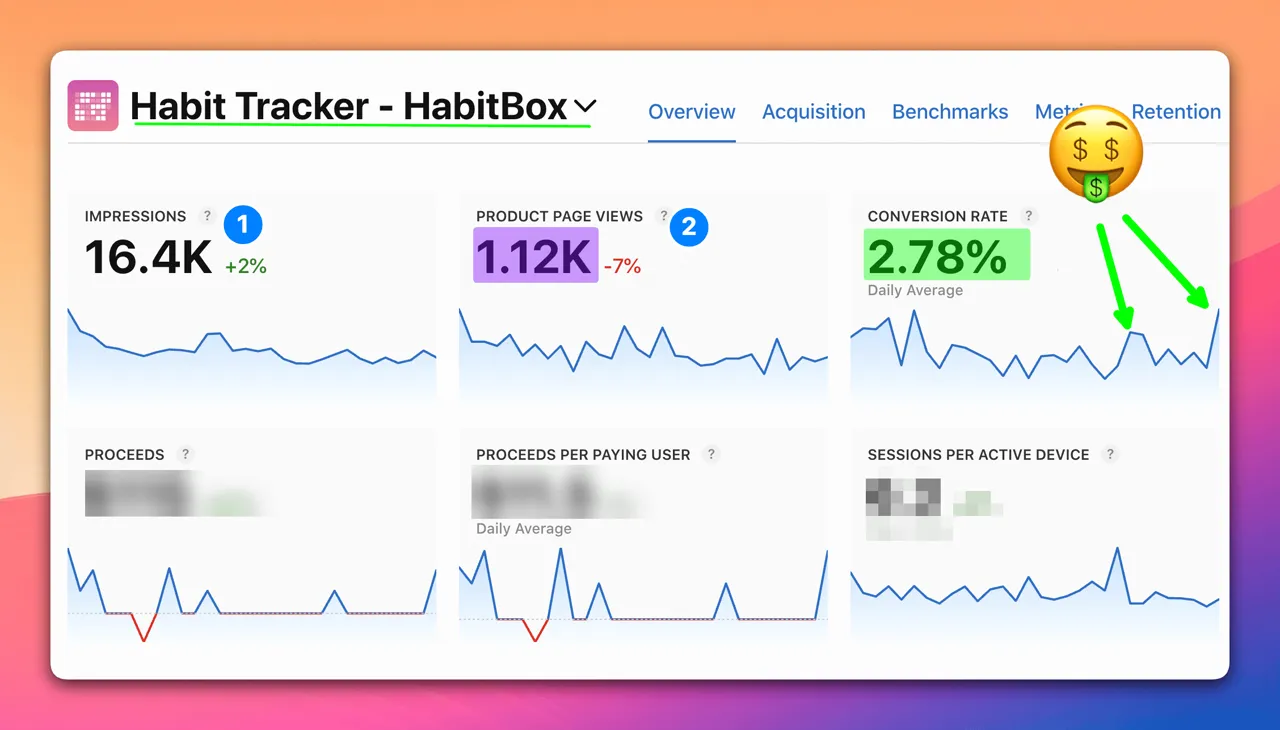
Arrows, text, callouts, and a highlighter. Spotlight one field, magnify the fine print, and blur or pixelate anything private before it goes out.
Capture it, mark it up, and send it so the other person gets it the first time. For bug reports, user manuals, and client feedback. Pay once, own it forever.
 MorganIndie developer · Maker of ScreenSnap Pro
Hey! I'm Morgan. After 15 years of building apps and sharing thousands of ugly screenshots, I built the tool I always wished existed. Now it's the app I use every day.
“ScreenSnap Pro replaced three different apps in my workflow. The backgrounds are gorgeous, annotations are fast, and cloud sharing just works.”
Verified customer reviews
Video reviews
A hands-on, 29-minute review of the latest version, from annotations and full-page website capture to screen recording.
Jump to
Adam's walkthrough of one of the very first versions, recorded in November 2025. A lot has been added since.
01 · Screenshots
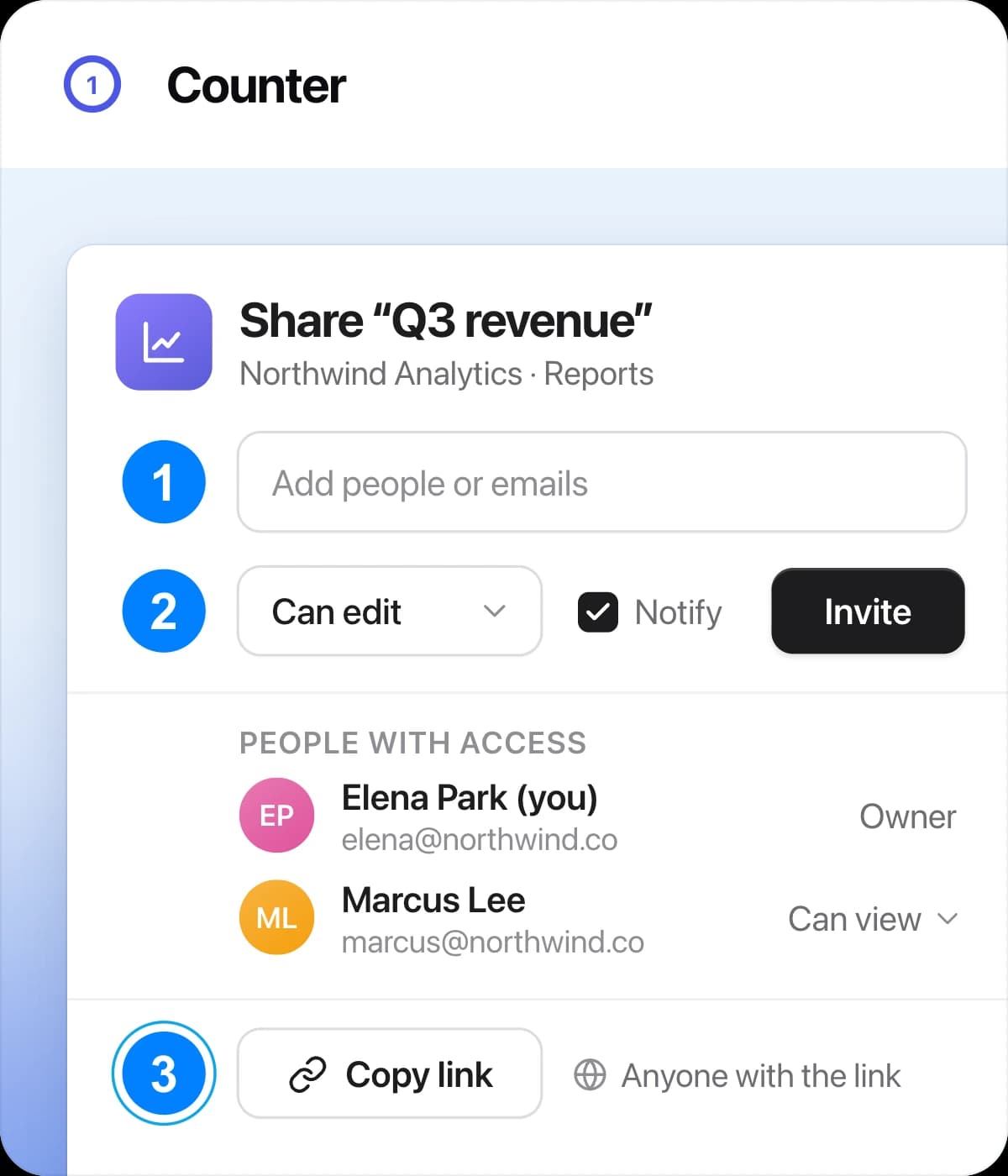
Circle the error, point to the setting, number the steps. No second app to open.
Annotate · 17 tools
Arrows, text, callouts, and a highlighter. Spotlight one field, magnify the fine print, and blur or pixelate anything private before it goes out.
Backgrounds · 500+
Going into a deck or a manual? Drop it on a wallpaper from 6 collections, then set the padding, rounded corners, and shadow.
Quick Access Overlay
No digging through folders for the file you just took. Want to tweak it first? Open it in the editor.
Text Extraction · OCR
Pull the text out of any capture: images, PDFs, even a paused video. It works in any language.
Pin Screenshot
Pin any capture above every other window, so your reference stays in view while you work.
Area, window, or full screen, with an optional delay timer.
Crop to what matters, or cut out the part you don’t need.
Give any capture breathing room and a soft, adjustable shadow.
Add an inset in a color auto-detected from the image, or pick your own.
Add film grain or a soft blur to the background, at any intensity.
Pixelate or blur anything sensitive in a capture.
Pick any pixel in a screenshot and copy its HEX code.
16:9, 1:1, 9:16, and more, without cropping your capture.
Save your look once, then restyle any capture in one click.
Paste a URL, pick a device, get a clean full-page screenshot.
02 · Screen Recording
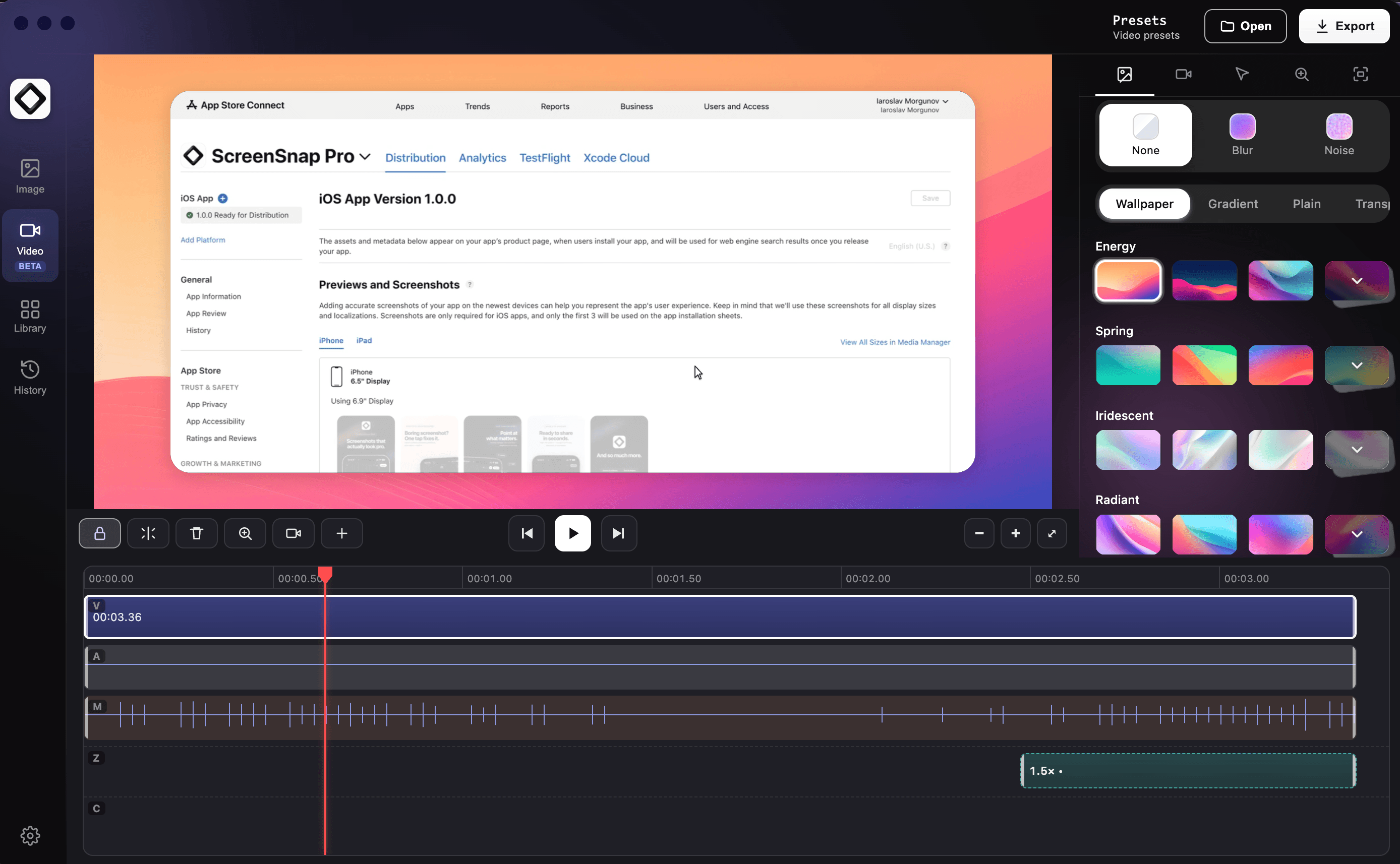
When a screenshot is not enough, record the walkthrough or bug repro, then zoom in on the part that matters.
Save a sharp MP4 video or a lightweight GIF.
Your face, your voice, and your computer's sound in one take.
Upload a recording and get a short link, just like a screenshot.
Built in
Turn a raw take into a polished video.
03 · Cloud Sharing
Capture once and a short link is ready to paste into a ticket, a team chat, or an email.
Quick Screenshot
Capture, upload, get link: all automatic. The fastest way to share what you see.
Short links, ready instantly. Drop them in Slack, Discord, email, or anywhere that accepts a URL.
Anyone with the link can open it, so share it where you mean to. Delete the upload any time to take the link down.
Blink and it's uploaded. Global CDN means your screenshots load fast everywhere.
Your choice
Don't need cloud? No problem. The app shines with or without it. Your choice. Your captures stay on your device unless you choose to upload them.
ScreenSnap Cloud
Off: captures stay on this computer
Works either way
04 · Website Capture
Capture the full page, just the first screen, or how it looks on a phone.
URL to image
ScreenSnap opens the page for you and saves it as one clean image.
Every section, from the header down to the footer, in one tall image.
Just what a visitor sees before they scroll.
See the page the way it looks on a phone, a tablet, or a desktop.
They are removed automatically, so every capture comes out clean.
Images that only load as you scroll are captured top to bottom.
Got questions about ScreenSnap Pro? Drop me a line at support@screensnap.pro.
I typically reply within a few hours, unless I'm asleep :)