Does Bumble Notify Screenshots? No, It Doesn't (2026)
No, Bumble does not notify anyone when you screenshot a profile or chat. Screenshots are silent, and Bumble works nothing like Snapchat here. The person you screenshot gets no alert, no badge, and no log. This is true for profiles, photos, and your private message history, and it holds on both iPhone and Android in 2026.
The confusion comes from one place: people assume dating apps copy Snapchat's screenshot alerts. They don't. Below is exactly what happens when you screenshot Bumble in every case, plus why the myth spread, how Bumble compares to Tinder and Hinge, and the etiquette worth following even when no one is watching.
At a glance: what Bumble does (and doesn't) notify
| What you screenshot | Does Bumble notify? | Does it log it? |
|---|---|---|
| A match's profile | ❌ No | ❌ No |
| A chat / conversation | ❌ No | ❌ No |
| Profile photos | ❌ No | ❌ No |
| A voice note or video call screen | ❌ No | ❌ No |
| A screen recording of any of the above | ❌ No | ❌ No |
| Snapchat (for comparison) | ✅ Yes | ✅ Yes |
The short version: Bumble has no screenshot detection of any kind. The action of capturing your screen is handled by your phone's operating system, not by the app. Bumble never receives a signal that a screenshot happened, so it has nothing to alert anyone about.
This stays the same whether you use the free app or pay for Bumble Boost or Bumble Premium. There is no setting, perk, or upgrade that turns on screenshot alerts or lets you see who captured your profile. It simply isn't a feature.
Does Bumble notify when you screenshot a profile?
No. Grabbing a screenshot of someone's Bumble profile (their photos, bio, prompts, or badges) sends no alert. The account owner has no way to know you saved their page.
People do this for all sorts of normal reasons:
- Saving a profile to ask a friend "should I swipe right?"
- Keeping a photo or bio detail to reference before a first date
- Remembering a name or a shared interest you want to bring up later
- Reporting a fake or abusive profile to someone you trust
None of these trigger a notification. Bumble's design is built around matching and chatting, not vanishing content, so there's no reason for it to track screen captures. That holds for both standard profiles and people you see through features like Bumble Travel mode.
Does Bumble notify screenshots of a chat?
No. As of 2026, Bumble does not send any alert when you screenshot a conversation. You can capture messages, shared photos, or a funny exchange without your match knowing.
This is the question most people actually care about, and the answer is reassuring if you like to save chats. Common reasons to screenshot a Bumble chat:
- Saving plans, an address, or a time you agreed on
- Keeping a screenshot of red-flag or harassing messages as evidence
- Sharing a sweet or hilarious line with a close friend
- Backing up a conversation before you unmatch
Bumble treats none of these differently. There's no "screenshotted" label, no read-style receipt for captures, and nothing in your match's notification feed. The same is true if you screen-record the chat instead of taking a still.
Does Bumble notify when you screenshot photos?
No. Profile photos work the same as everything else: no alert, no log. This includes the main grid of photos on a profile and any images shared inside a chat.
There's one practical thing to know: a screenshot only captures what's on your screen at that moment, at your screen's resolution. If you want a cleaner copy of a single photo to reference, a tighter capture often looks better than a full-screen grab. On a Mac, you can crop the screenshot down to just the part you need.
One privacy note that cuts both ways: because Bumble won't tell your match you saved their photo, it also won't tell you if they saved yours. Treat anything you send as something that could be kept. Save your most private stories and images for real life, not the chat thread.
Does Bumble detect screen recording?
No. Screen recording a Bumble profile, chat, or video call sends no alert. Whether you use your iPhone's built-in screen recorder or Android's built-in capture tool, Bumble does not tell the other person.
This applies to:
- iOS screen recording (swipe into Control Center and tap the record button)
- Android screen recording (built-in recorder or a third-party app)
- Mac screen recording with QuickTime or keyboard shortcuts if you use Bumble in a browser
- Third-party capture tools
Bumble does not use DRM or screen-recording blocks the way some streaming apps do, so your recording captures the screen normally. As with screenshots, the etiquette matters more than the tech here. Recording a private chat to share it widely is a trust issue even if no alert ever fires.

Tired of plain screenshots? Try ScreenSnap Pro.
Beautiful backgrounds, pro annotations, GIF recording, and instant cloud sharing, all in one app. Pay $34 once, own it forever.
See pricing and featuresThe "Bumble notifies screenshots" myth, explained
Here's where the confusion starts. A lot of people genuinely believe dating apps send screenshot alerts. The belief almost always traces back to Snapchat, which built its brand on disappearing messages and famously tells you when someone screenshots your snap or chat.
The truth: that behavior is specific to Snapchat (and a couple of niche apps). It is not how dating apps work. Snapchat's whole pitch was "this message vanishes," so a screenshot alert protects that promise. Bumble's pitch is the opposite: it wants you to build a lasting connection and keep chatting, so there's no vanishing content to protect.

There's also a technical reason the myth doesn't hold. On both iOS and Android, taking a screenshot is an action the operating system handles. The app running on screen does not automatically get told "the user just captured this." Apps that do offer alerts (like Snapchat) had to specifically build that detection in. Bumble simply hasn't, and given its model, it has little reason to.
If you ever see a popup when you screenshot, it's coming from your phone, not Bumble. Some Android skins (like Nothing OS or certain Samsung One UI features) show a screenshot toolbar or app-suggestion popup for any app. That's your device being helpful, not Bumble catching you.
Bumble vs Tinder vs Hinge vs Snapchat: screenshot notifications
Wondering how Bumble stacks up against the apps people most often compare it to? Here's the 2026 breakdown:
| App | Screenshots notified? | Screen recording notified? | Why |
|---|---|---|---|
| Bumble | ❌ No | ❌ No | No screenshot detection; not part of the app |
| Tinder | ❌ No | ❌ No | Same model, no tracking or flagging |
| Hinge | ❌ No | ❌ No | "Designed to be deleted" with no surveillance vibe |
| Snapchat | ✅ Yes | ✅ Yes | Built around vanishing messages; alerts protect that |
The pattern is clear: mainstream dating apps (Bumble, Tinder, and Hinge) do not notify screenshots of profiles, chats, or photos. Snapchat is the well-known outlier because disappearing content is its entire reason for existing. A few niche apps like Badoo have experimented with alerts, but the big dating platforms have not.
So if you've been nervous about screenshotting a Bumble match because you assumed it works like Snapchat, you can relax. It doesn't. Your captures stay private on Bumble's side.
Bumble screenshot etiquette: just because there's no alert
No notification doesn't mean anything goes. Dating involves real people sharing personal things, so a little care goes a long way. Here are sensible ground rules.
Do:
- Save details for your own use. A name, a meeting spot, or a shared interest you want to remember is fair game for your personal notes.
- Keep evidence of harmful behavior. Screenshots of harassment, threats, or scam attempts are exactly what Bumble's Safety Center asks you to report.
- Blur private details before sharing. If you show a screenshot to a friend, hide anything identifying. On a Mac you can blur or pixelate sensitive info like a last name, a workplace, or a phone number in seconds.
- Ask yourself how you'd feel. If it were your photo or message being passed around, would you be okay with it?
Don't:
- Post someone's profile to mock them. "Bumble screenshot" callout posts are a staple of social media, and they can genuinely hurt the person and damage your own reputation.
- Share private chats widely. Even though Bumble won't alert your match, forwarding a personal conversation breaks trust fast.
- Reshare photos off the app without consent. Someone choosing to share a photo with a match is not consent to post it publicly.
- Use screenshots to harass or "expose" anyone. In some places, sharing private images or messages without consent can cross legal lines.
The golden rule: treat a match's profile and messages the way you'd want yours treated. The lack of an alert is a convenience, not a license.
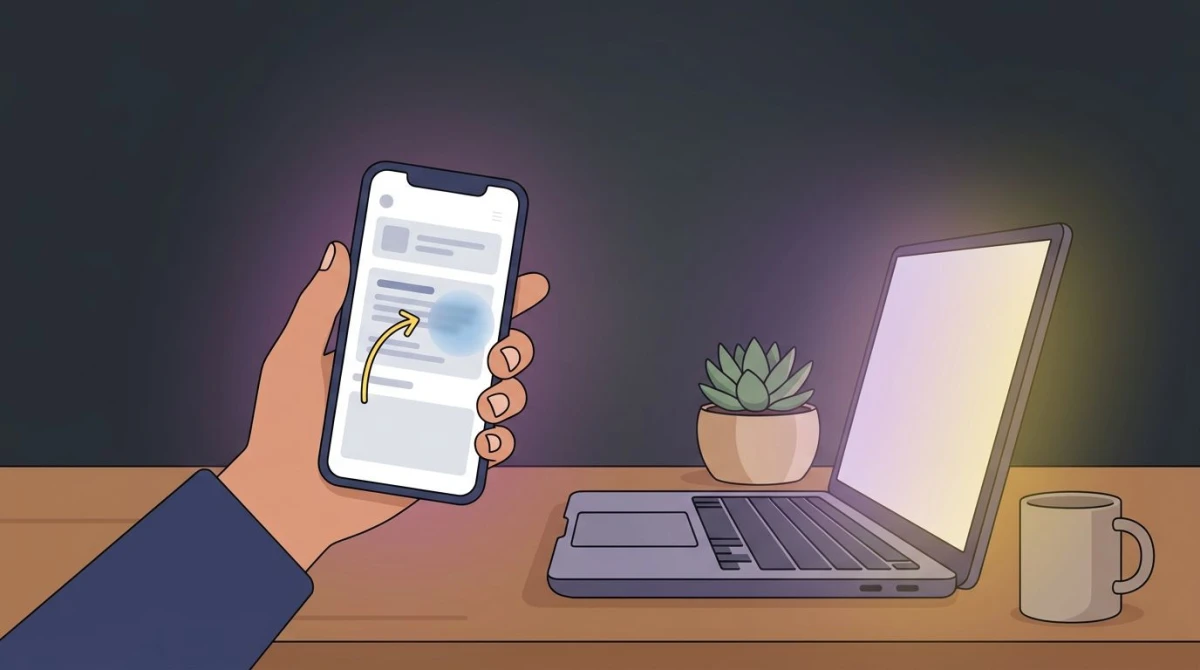
How to screenshot Bumble cleanly (and keep it private)
If you do save Bumble content, a few habits make the result more useful and more respectful.
On your phone
- iPhone: press the Side button and Volume Up at the same time. For a chat, scroll to the part you want before you capture, since a screenshot only grabs the visible screen.
- Android: press Power and Volume Down together. Some phones add a scrolling-capture option in the screenshot toolbar if you need a longer chat.
- Crop out the rest before sharing so you're only showing the relevant message, not the whole thread.
On a Mac (Bumble in a browser)
Bumble has a web version, and desktop captures are often sharper than phone grabs. Use ⌘ + Shift + 4 to select a specific area, or ⌘ + Shift + 3 for the full screen.
For more control (cropping tightly, adding a quick arrow, or blurring a name before you send a screenshot to a friend), a dedicated tool like ScreenSnap Pro speeds the whole thing up. You can capture, mark up, and share in one flow instead of bouncing between apps, with 17 annotation tools and a one-time $34 price rather than a subscription.
If you saved a profile photo and want to pull text out of it (say a username or a handle written in a bio), an OCR tool can grab that text for you instead of retyping it.
How other apps compare: the bigger picture
Bumble fits a clear pattern across social and messaging apps. Most platforms built for ongoing sharing don't notify screenshots, while apps built around vanishing content do.
- TikTok doesn't notify screenshots of videos, profiles, or DMs.
- Instagram doesn't notify screenshots of posts, Stories, Reels, or regular DMs.
- WhatsApp, Facebook, and X don't notify standard screenshots either.
- Snapchat remains the headline exception, alerting on snaps and chat captures.
Bumble sits firmly in the "no alert" group, right next to Tinder and Hinge. If you're mapping out which apps watch for captures, dating apps generally don't. Snapchat is the one to remember.
Frequently Asked Questions

Morgan
Indie DeveloperIndie developer, founder of ScreenSnap Pro. A decade of shipping consumer Mac apps and developer tools. Read full bio
@m_0_r_g_a_n_