Best Screenshot API 2026: 7 Free & Paid Tools Compared
A screenshot API lets you turn any website into an image with code, and no browser is needed on your end. Send a URL, get back a PNG or PDF. Developers use them for social cards, site monitoring, automated testing, and web archiving. (For desktop captures rather than remote URLs, a Mac/Windows app like ScreenSnap Pro is the local equivalent.)
Whether you want a managed service or prefer to self-host with Puppeteer, this guide covers the seven best screenshot API options in 2026 with real code and honest pricing.
Why use a screenshot API?
Before picking a tool, it helps to know why you'd want a website screenshot API at all. Here are the most common reasons:
- Social media cards. Make Open Graph images on the fly for blog posts, product pages, or user profiles
- Site monitoring. Grab visual snapshots on a schedule to spot layout breaks or downtime
- Automated testing. Take screenshots in CI/CD pipelines for visual regression checks
- Web archiving. Save page states for compliance, legal, or research needs
- PDF generation. Turn web pages into print-ready docs
If you're grabbing your own Mac or Windows screen (not websites), a local tool like ScreenSnap Pro handles that with quick markup and sharing. But for webpage screenshot capture at scale, you need an API.
SaaS vs self-hosted: which approach fits?
The first decision is whether to use a managed service or run your own browser infrastructure.
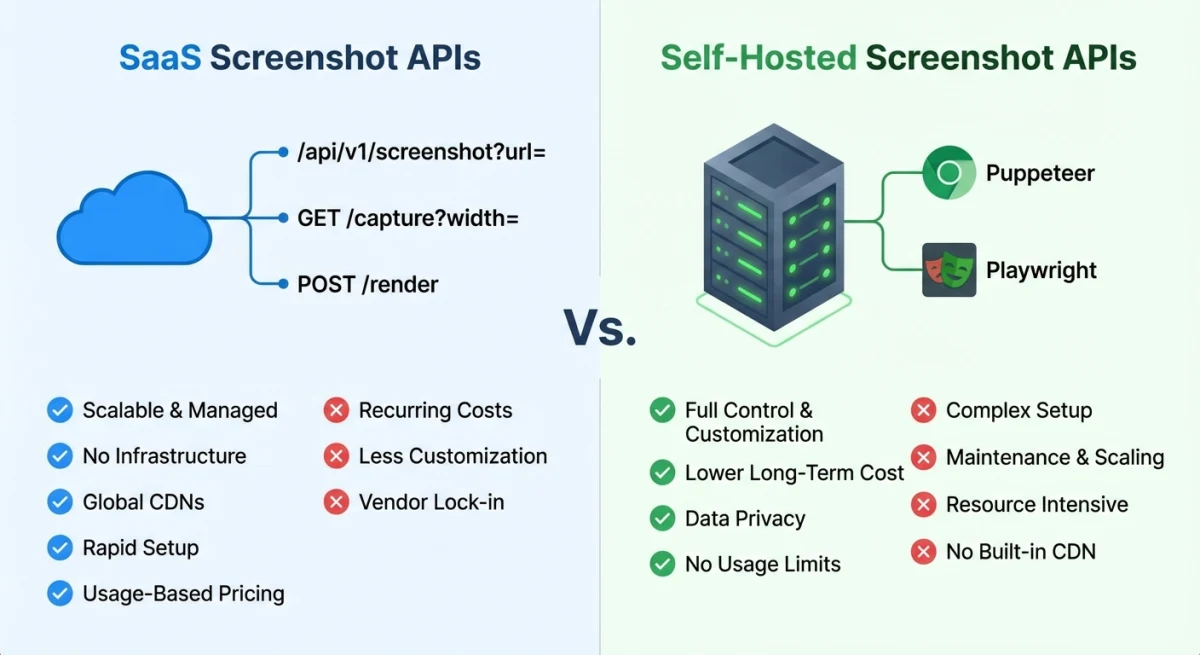
SaaS APIs (ScreenshotOne, Urlbox, ApiFlash) run the browsers for you. You pay per screenshot but skip all the DevOps work.
Self-hosted tools (Puppeteer, Playwright) give you full control and no per-shot cost, but you manage Chrome, memory, and scaling on your own. There's a middle option too: platforms like Apify run your own Puppeteer or Playwright code on managed cloud infrastructure, so you keep full control without maintaining Chrome, memory, or scaling yourself.
| Factor | SaaS API | Self-Hosted |
|---|---|---|
| Setup time | Minutes | Hours to days |
| Per-screenshot cost | $0.001 to $0.01 | $0 (infra cost only) |
| Scaling | Automatic | Manual (containers, queues) |
| Customization | Limited to API params | Full browser control |
| Maintenance | Zero | Ongoing |
| Best for | Low-to-mid volume, fast shipping | High volume, custom needs |
The 7 best screenshot APIs compared
1. ScreenshotOne
ScreenshotOne is built for developers who need a fast, solid screen capture API with no fuss.
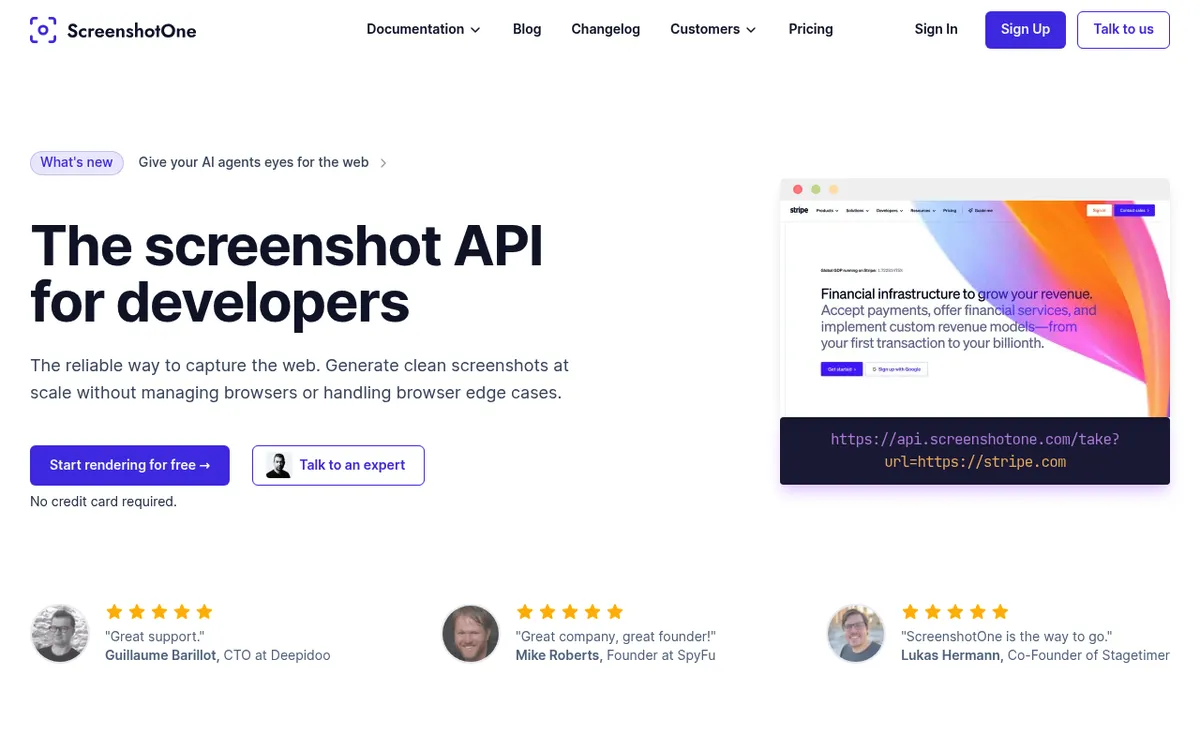
Every website screenshot in this section was captured live with the ScreenshotOne API, including this shot of ScreenshotOne's own homepage. One GET request, no headless browser to manage.
Key features:
- Full-page and element-specific captures
- Ad and cookie banner blocking built in
- Dark mode rendering
- Geolocation-based captures (render as if from any country)
- Response formats: PNG, JPEG, WebP, PDF
Code example (Node.js):
const url = 'https://api.screenshotone.com/take'
  + '?access_key=YOUR_KEY'
  + '&url=https://example.com'
  + '&full_page=true'
  + '&format=png'
  + '&block_ads=true';

const response = await fetch(url);
const buffer = await response.arrayBuffer();
Pricing: Free tier (100 screenshots/month, no credit card). Paid plans from $17/month for 2,000 screenshots. Growth is $79/month for 10,000.
Best for: Teams that want a polished API with sensible defaults and minimal setup.
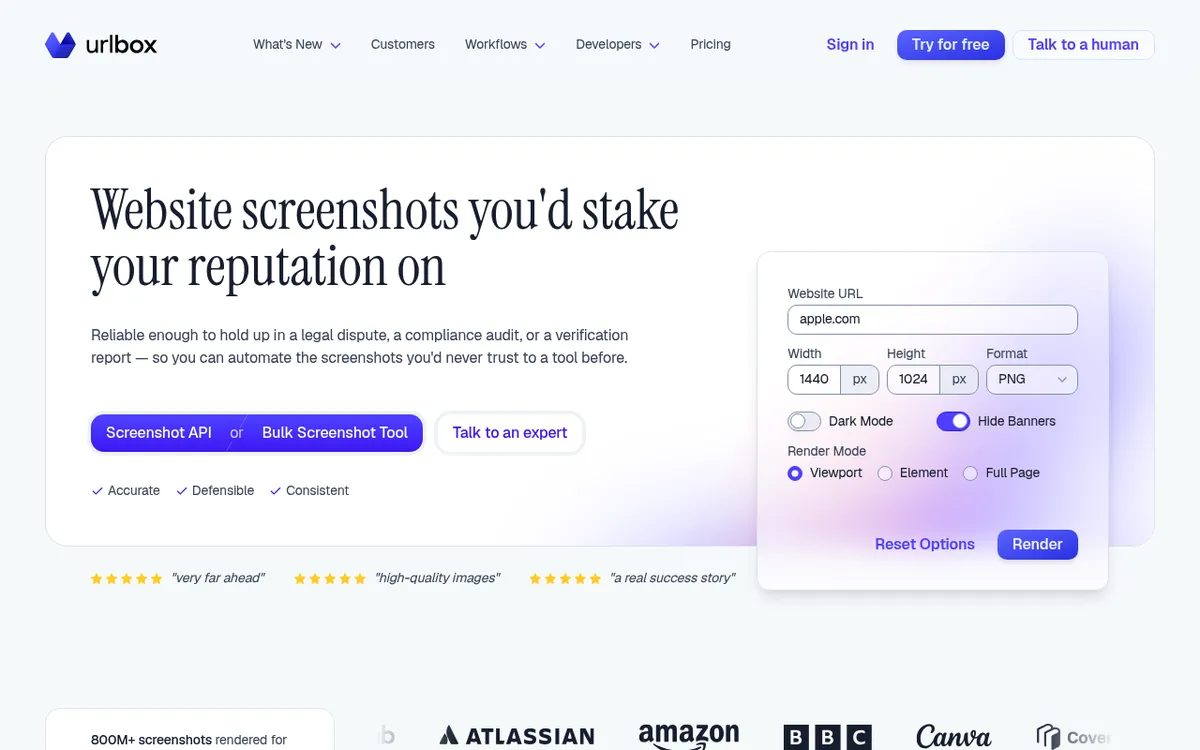
2. Urlbox
Urlbox is the premium pick for sharp, high-quality website captures. It handles tricky pages (SPAs, lazy-loaded content) better than most.
Key features:
- Retina (2x) rendering
- Full-page captures with automatic scroll-and-stitch
- Custom CSS/JS injection before capture
- Webhook delivery
- S3 direct upload
Code example (Python):
import requests

options = {
    'url': 'https://example.com',
    'full_page': True,
    'retina': True,
    'format': 'png',
    'width': 1920,
}
headers = {'Authorization': 'Bearer YOUR_SECRET_KEY'}

response = requests.post(
    'https://api.urlbox.com/v1/render/sync',
    json=options,
    headers=headers,
)
render_url = response.json()['renderUrl']

with open('screenshot.png', 'wb') as f:
    f.write(requests.get(render_url).content)
Pricing: No free plan, but a 7-day trial with no credit card needed. Plans from $19/month for 2,000 renders (Lo-Fi, for sites you own) or $49/month for 5,000 renders (Hi-Fi).
Best for: Teams needing pixel-perfect captures of complex, JavaScript-heavy pages.
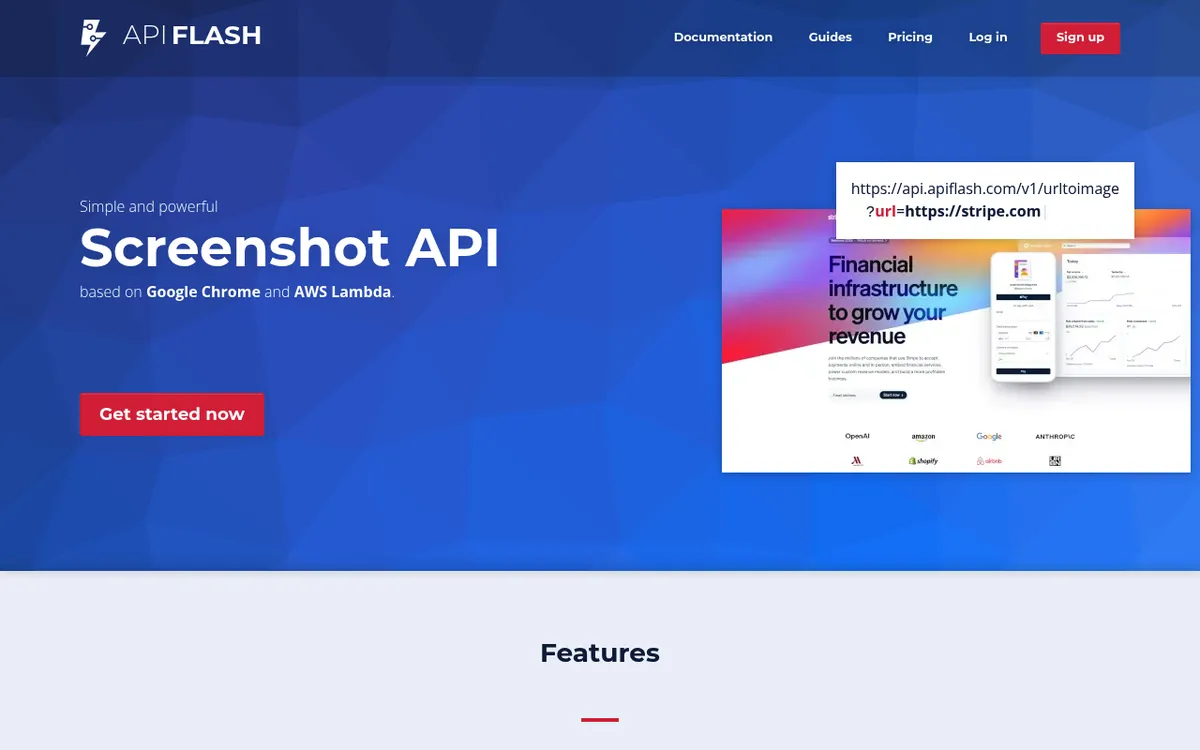
3. ApiFlash
ApiFlash runs on AWS Lambda, which makes it scale well. The API is simple: one endpoint does it all.
Key features:
- Built on Chrome and AWS Lambda
- Full-page and viewport captures
- Automatic page-load detection
- Ad blocking and cookie banner removal
- Export directly to your S3 bucket
Code example (Node.js):
const params = new URLSearchParams({
  access_key: 'YOUR_KEY',
  url: 'https://example.com',
  full_page: 'true',
  response_type: 'image',
});

const response = await fetch(
  `https://api.apiflash.com/v1/urltoimage?${params}`
);
const buffer = await response.arrayBuffer();
Pricing: Free tier (100 screenshots/month). Lite plan at $7/month for 1,000 screenshots.
Best for: Budget-conscious projects that need reliable captures without premium pricing.
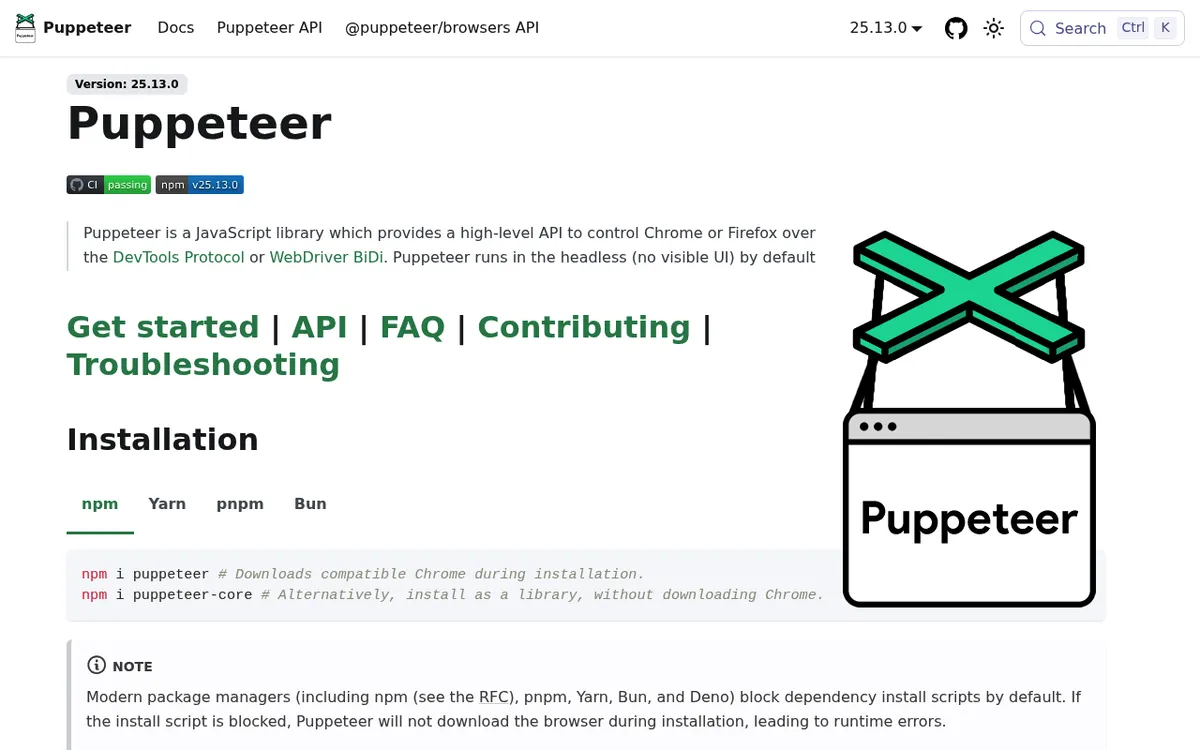
4. Puppeteer (self-hosted)
Puppeteer is Google's open source JavaScript library for controlling Chrome or Firefox, headless by default. It's a widely used automated screenshot tool for devs who want full control.
Key features:
- Chrome DevTools Protocol and WebDriver BiDi support
- Page interaction before capture (click, scroll, type)
- Network interception and request blocking
- PDF generation
- Free and open source
Code example (Node.js):
import puppeteer from 'puppeteer';

const browser = await puppeteer.launch();
const page = await browser.newPage();
await page.setViewport({ width: 1920, height: 1080 });
await page.goto('https://example.com', {
  waitUntil: 'networkidle0',
});
await page.screenshot({
  path: 'screenshot.png',
  fullPage: true,
});
await browser.close();
Pricing: Free (open source). You pay only for server infrastructure.
Best for: Developers comfortable with Node.js who need maximum flexibility and don't mind managing infrastructure.
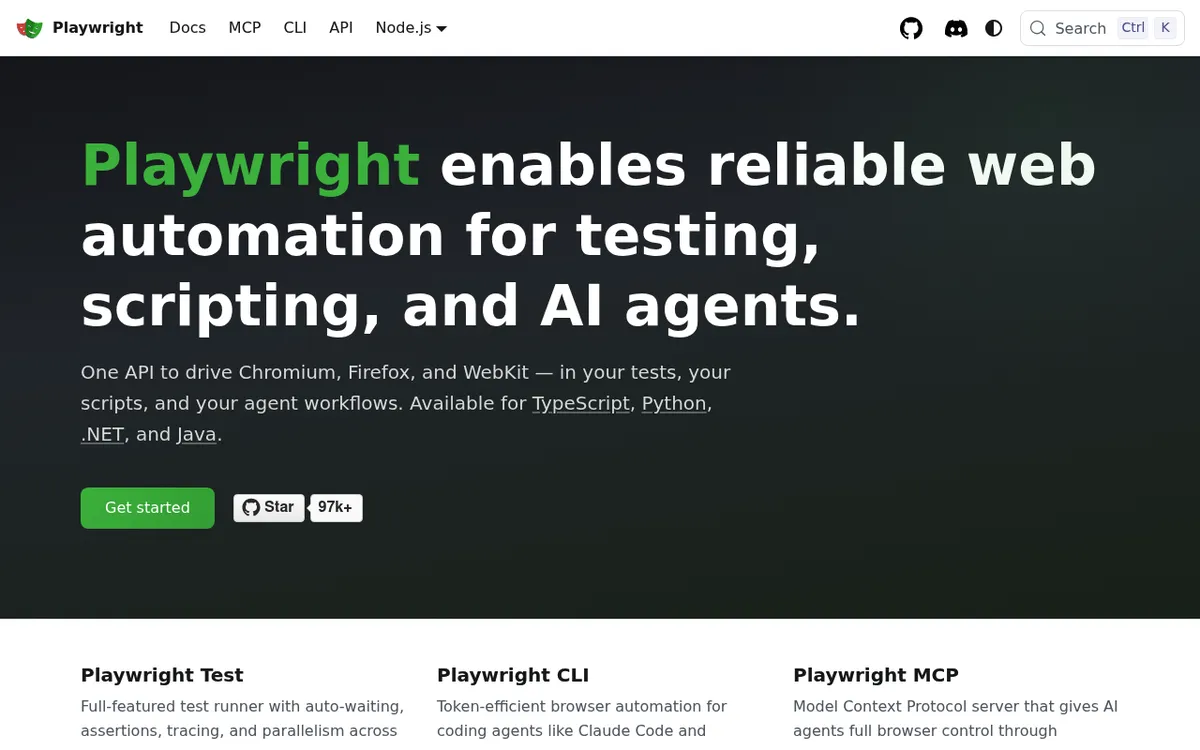
5. Playwright (self-hosted)
Playwright is Microsoft's take on Puppeteer, with multi-browser support and a cleaner API. Many teams now pick it for taking screenshots with code.
Key features:
- Supports Chromium, Firefox, and WebKit
- Built-in auto-waiting (no manual sleep calls)
- Network mocking and interception
- Parallelized test contexts
- Python, Node.js, Java, and .NET SDKs
- Playwright MCP and CLI let AI agents drive the browser
Code example (Python):
from playwright.sync_api import sync_playwright

with sync_playwright() as p:
    browser = p.chromium.launch()
    page = browser.new_page(viewport={'width': 1920, 'height': 1080})
    page.goto('https://example.com')
    page.screenshot(path='screenshot.png', full_page=True)
    browser.close()
Pricing: Free (open source). Infrastructure costs only.
Best for: Teams doing Playwright screenshot testing across multiple browsers, or Python/Java shops that don't want Node.js.
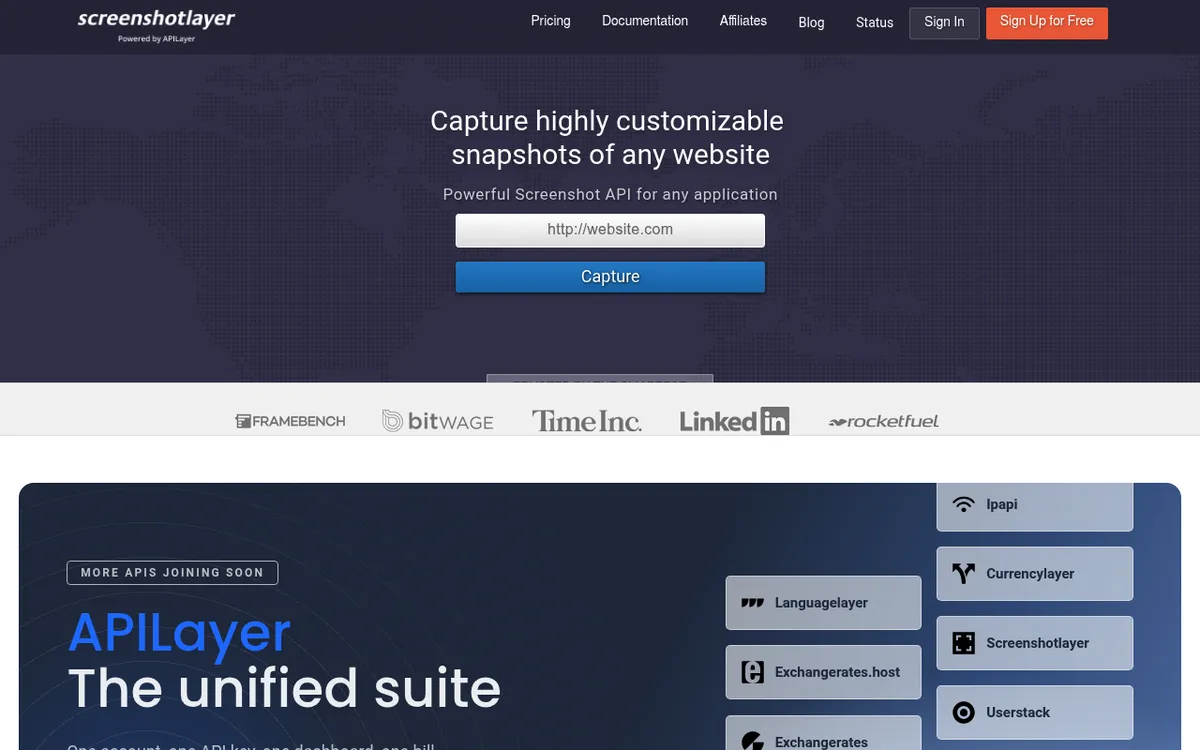
6. Screenshotlayer
Screenshotlayer is one of the older screenshot APIs, part of the APILayer family. It's simple but hasn't kept up with newer rivals.
Key features:
- Simple REST API
- Viewport customization
- Full-page captures
- CSS injection
- Multiple export formats
Code example (Node.js):
const url = 'https://api.screenshotlayer.com/api/capture'
  + '?access_key=YOUR_KEY'
  + '&url=https://example.com'
  + '&viewport=1920x1080'
  + '&fullpage=1';

const response = await fetch(url);
Pricing: Free tier (100 snapshots/month, non-commercial use only). Basic plan at $19.99/month for 10,000 snapshots. Professional is $59.99/month for 30,000.
Strengths: Dead-simple API with one endpoint. The free tier works fine for side projects.
Limits: The docs and dashboard feel dated next to ScreenshotOne and Urlbox. Running JavaScript before capture isn't well supported.
Best for: Quick prototyping if you already use other APILayer services.
7. BrowserStack Screenshots
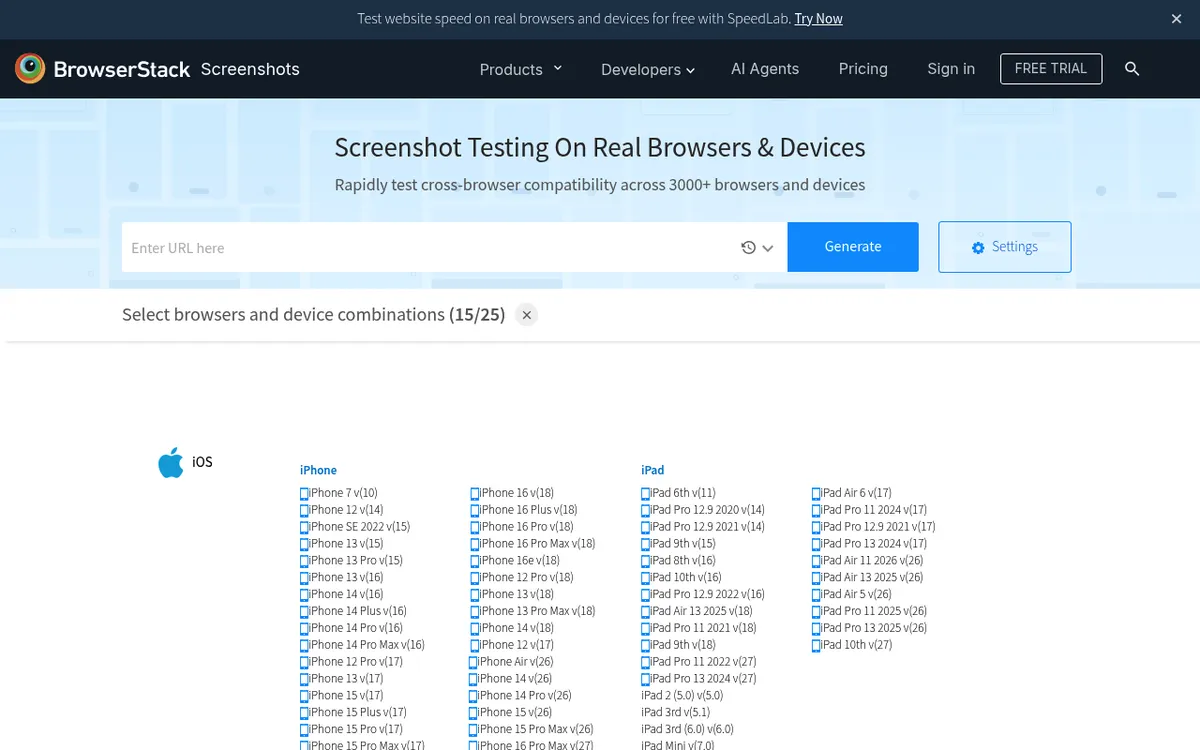
BrowserStack Screenshots is built for cross-browser testing, not general-purpose captures. You pick browser + OS combos and get shots of how your site looks on each.
Key features:
- 3,000+ browser and device combinations
- Real devices (not emulators) for mobile
- Results as a thumbnail grid, ZIP download, or share link
- Integrates with BrowserStack's testing suite
Pricing: Included in BrowserStack Live plans from $29/month billed yearly ($39 month to month). The Screenshots API needs an Automate plan.
Best for: QA teams doing cross-browser visual testing, not general-purpose screenshot capture.
Note: BrowserStack is a testing platform first, screenshot tool second. If you need shots for social cards or monitoring, the other tools on this list fit better. But for cross-browser QA, its device range is broad.
Quick pricing comparison
Prices below were checked on each vendor's pricing page in October 2026.
| API | Free Tier | Starting Price | Cost per 1K Screenshots |
|---|---|---|---|
| ScreenshotOne | 100/month | $17/month | ~$8.50 |
| Urlbox | 7-day trial | $19/month | ~$9.50 |
| ApiFlash | 100/month | $7/month | ~$7.00 |
| Puppeteer | Unlimited | $0 (+ infra) | Server cost only |
| Playwright | Unlimited | $0 (+ infra) | Server cost only |
| Screenshotlayer | 100/month (non-commercial) | $19.99/month | ~$2.00 |
| BrowserStack | None | $29/month | N/A (testing focus) |
On entry plans, the SaaS APIs run about $2 to $10 per thousand captures. At high volumes (50K+ per month), self-hosting with Puppeteer or Playwright gets much cheaper, provided your team has the time to manage it.
Security and authentication best practices
When you use a screenshot API, you're giving a service access to URLs, some of which may be private. Keep these security tips in mind:
Protect your API keys:
- Store keys in environment variables, never in source code
- Use separate keys for dev and production
- Rotate keys every few months, or right away if one leaks
- Most SaaS APIs let you set IP allowlists. Turn this on so only your servers can make calls
Be careful with internal URLs:
- Never pass internal network URLs (like
localhostor192.168.x.x) to a SaaS API, because it could expose private services - If you need to capture internal pages, use a self-hosted tool like Puppeteer behind your firewall
- Some APIs support signed URLs, which add a time-limited token so the link can't be reused
Rate limiting and abuse:
- Set rate limits on your own endpoints that trigger screenshot calls, which stops bad actors from burning through your quota
- Add a queue between your app and the API so bursts don't cause failures
- Log every API call with the URL and timestamp for audit trails
Auth for gated pages:
- SaaS APIs support cookie injection or custom headers, so use these for pages behind a login
- With Puppeteer or Playwright, you can fill in login forms directly in code
- For extra safety, create a read-only account just for screenshots so the API never has write access to your app

Tired of plain screenshots? Try ScreenSnap Pro.
Beautiful backgrounds, pro annotations, GIF recording, and instant cloud sharing, all in one app. Pay $34 once, own it forever.
See pricing and featuresScaling tips for high-volume screenshot capture
If you need tens of thousands of captures per month, planning ahead saves money and headaches:
For SaaS APIs:
- Use webhook delivery instead of waiting for a response, which frees up your server while the screenshot renders
- Cache results by URL + timestamp so you don't pay to re-capture the same page
- Batch requests during off-peak hours if timing isn't critical, since some APIs offer lower latency at night
- Monitor your usage dashboard weekly to catch spikes before they blow your budget
For self-hosted (Puppeteer/Playwright):
- Run Chrome in a Docker container with strict memory caps (512 MB per instance is a good start)
- Use a job queue like BullMQ or Celery to control how many browsers run at once
- Reuse browser instances across multiple pages instead of launching a new one each time, which cuts startup time by 2 to 3 seconds per shot
- Set up health checks that restart stuck Chrome processes (they hang sometimes)
- For 100K+ per month, spread the load across multiple servers with a load balancer
Cost math at scale:
At 100K screenshots per month:
- ApiFlash: $180/month (Large plan, 100K included)
- ScreenshotOne: ~$459/month (Scale plan: $259 for 50K, then $0.004 per extra shot)
- Urlbox: ~$795/month (Business plan: $495 base, then $3 per 1,000 renders)
- Self-hosted on a $20 VPS: handles 50K to 100K/month with good queue design
The break-even point where self-hosting wins is usually around 30K to 50K per month, but only if you have a developer who can set it up and keep it running.
How to choose the right screenshot API
Here's a practical decision framework:
Choose a SaaS API if:
- You need screenshots working in under an hour
- Your volume is under 50K screenshots/month
- You don't want to manage Chrome instances or containers
Choose Puppeteer if:
- You're already in a Node.js stack
- You need to interact with pages before capturing (login, click, scroll)
- Budget is tight but engineering time is available
Choose Playwright if:
- You need multi-browser captures (Chrome, Firefox, Safari)
- Your team uses Python, Java, or .NET
- You're combining screenshot capture with end-to-end testing
For capturing your own screen (annotating screenshots, recording quick GIFs, or grabbing screen recordings with audio), a desktop tool like ScreenSnap Pro is the better fit. Screenshot APIs solve a different problem: rendering remote web pages as images at scale.
Real-world implementation: generating social preview cards
One of the most popular use cases for a screen capture API is generating dynamic Open Graph images. Instead of designing a preview card for every blog post by hand, you create an HTML template and screenshot it programmatically.
Here's a practical workflow:
- Build an HTML template with dynamic fields (title, author, date, branding)
- Host it locally or on a staging server with query parameters for each field
- Call your screenshot API with the template URL to generate a 1200×630 image
- Cache the result in your CDN, regenerating only when the content updates
This approach works with any API on this list. SaaS options like ScreenshotOne make it one API call. With Puppeteer, you can render the HTML directly without hosting it:
await page.setContent(htmlTemplate);
await page.screenshot({ path: 'og-image.png' });
The result is consistent, branded preview cards across X (Twitter), LinkedIn, Slack, and Discord, all without any manual design work.
Handling common challenges
Screenshot APIs don't always work on the first try. Here are the issues devs hit most often:
Lazy-loaded content is missing. Many sites load images as you scroll. SaaS APIs handle this with scroll-and-capture modes. For Puppeteer, scroll the page with code before grabbing the shot:
await page.evaluate(async () => {
  await new Promise((resolve) => {
    let totalHeight = 0;
    const timer = setInterval(() => {
      window.scrollBy(0, 200);
      totalHeight += 200;
      if (totalHeight >= document.body.scrollHeight) {
        clearInterval(timer);
        resolve();
      }
    }, 100);
  });
});
Cookie banners block the view. Most SaaS APIs have banner-blocking built in. For self-hosted setups, use CSS injection (display: none on common consent pop-up selectors) or a browser ad-blocker extension.
Pages look different by region. Some sites change content based on where you are. ScreenshotOne and Urlbox offer proxy-based location settings. For self-hosted tools, route through a VPN or a proxy in the target country.
Chrome eats too much RAM. Each Chrome instance uses 50 to 300 MB of memory. At scale, you need process pooling, container caps, and job queues. This is the main reason teams move to SaaS: running Chrome at scale is a real pain.
Pages behind auth walls return blank screenshots. If you send a gated URL to a SaaS API without login cookies, you'll get a login page screenshot instead. Pass session cookies or auth headers with the request. For self-hosted tools, script the full login flow before capture.
Timeouts on slow pages. Heavy pages can take 10+ seconds to render. Bump the timeout setting in your API call (most default to 30 seconds). For Puppeteer, set timeout: 60000 in the goto() options. If a page still times out, try waiting for a specific element instead of full network idle.
Tips for getting better results from any screenshot API
No matter which take screenshot API you pick, these tips will get you better results:
- Set a clear viewport size. Defaults vary between services. Use
1920x1080for desktop and375x812for mobile to keep things consistent.
- Wait for the page to load fully. Use
waitUntil: 'networkidle0'in Puppeteer, or set delay options in SaaS APIs. JS-heavy pages need more time.
- Block ads and cookie pop-ups. Most SaaS APIs have a toggle for this. For self-hosted, use ad-blocker plugins or network filters.
- Use retina (2x) mode. Double the device scale for crisp images, especially if shots will show on high-DPI screens.
- Cache hard. If you make social preview cards, cache each shot and only redo it when the content changes. This saves money and speeds up your pages.
Need to change your captured shots to a different format? A free image format converter handles PNG, JPG, and WebP in seconds.
Beyond APIs: local screenshot workflows
Screenshot APIs handle server-side capture of web pages. But if you need to grab what's on your Mac or Windows screen right now (a bug in your local dev setup, a design comp, or terminal output), you want a local tool.
The built-in screenshot shortcuts on Windows and Mac cover the basics. For more power such as adding backgrounds, hiding private data, or sharing via cloud link, ScreenSnap Pro fills the gap at a one-time $34 price. It can also take a full-page capture of a website from its URL, which covers one-off page shots with no API key.
Many dev teams use both: an API for site captures at scale and a desktop tool for local screenshots.
For fast sharing during dev work (bug reports in Slack, code snippets for docs, or terminal output for issue trackers), see how to copy screenshots to the clipboard on Mac or use clipboard history on Windows. And if you need to pull text from screenshots with OCR (Mac, Windows), that's where local tools shine.
Frequently Asked Questions

Morgan
Indie DeveloperIndie developer, founder of ScreenSnap Pro. A decade of shipping consumer Mac apps and developer tools. Read full bio
@m_0_r_g_a_n_