Does Twitter (X) Notify Screenshots? No, It Doesn't (2026)
No, Twitter (now X) does not notify anyone when you screenshot a tweet, profile, or DM. Screenshots are completely silent. The person you captured gets no alert, no badge, and no log. This is true on iPhone, Android, and the web (confirmed in 2026).
So why does this question come up so often? Most people are carrying over a habit from Snapchat, the one big app that does tell users about screenshots. On X, that worry is unfounded. Below is exactly what happens (and doesn't) when you screenshot every part of the app.
At a glance: what X (Twitter) does and doesn't notify
| What you screenshot on X | Does it notify? | Does it log it? |
|---|---|---|
| A tweet (post) | ❌ No | ❌ No |
| Someone's profile | ❌ No | ❌ No |
| A direct message (DM) | ❌ No | ❌ No |
| A Space (live audio) | ❌ No | ❌ No |
| A screen recording of any of the above | ❌ No | ❌ No |
| Snapchat (for comparison) | ✅ Yes | ✅ Yes |
The short version: X is built around public sharing. Posts are made to be quoted, saved, and reshared. Adding screenshot alerts would fight the whole point of the platform. So there's no alert system anywhere in the app, including private DMs.
Does Twitter notify when you screenshot a tweet?
No. When you screenshot a tweet, the author has no way to know. There's no notification in their feed, no icon next to the post, and nothing in their analytics that flags a screenshot.
This holds no matter how you capture it:
- A built-in phone screenshot (the most common way)
- A Mac screenshot shortcut on the desktop site at x.com
- The Windows Snipping Tool or
Win + Shift + S - A screen recording during scrolling
People screenshot tweets all day for all kinds of reasons: to save a funny post, quote someone in a thread elsewhere, or keep a receipt of what was said before it gets deleted. None of that pings the original poster. The author only sees public engagement: likes, reposts, replies, bookmarks, and views. Screenshots never show up there.
This has been true since the Twitter days, and the 2023 rebrand to X didn't change it. If you want a cleaner capture without the cluttered interface, taking the screenshot on a Mac gives you a sharper, higher-resolution image than a phone grab.
Does X notify when you screenshot a profile?
No. Grabbing someone's X profile (their banner, bio, follower count, or post grid) sends no alert. The account owner can't tell you took a picture of their page.
This is handy for marketers tracking rival accounts, recruiters saving a candidate's bio, or anyone keeping a record of a public figure's stats over time. You can screenshot any public profile freely.
If an account is protected (private), you need to be an approved follower to see its posts at all. But once you can see the profile, the screenshot itself still triggers nothing. Protected accounts limit who can view, but not who can capture.
Does Twitter notify screenshots of DMs?
No. This is the question that worries people most, and the answer is still no. X does not alert the other person when you screenshot a direct message, whether it's text, images, or links. As of 2026, there is no screenshot detection in X DMs at all.
You can save a chat to remember an address, keep proof of an agreement, or hold onto a link someone sent without the sender knowing. Per X's own Direct Message guide, the app logs message edits for safety, but nothing in DMs notifies the other party about screenshots.
This is a key difference from Snapchat, which built its brand on screenshot alerts in chats. X took the opposite approach. Even its newer encrypted Chat feature only secures messages in transit. It doesn't watch your screen for captures.
Does X notify when you screenshot or record a Space?
No. Spaces (X's live audio rooms) send no notification when you screenshot the room or screen-record the conversation. The host sees who joined and who's speaking, but capturing the screen or recording the audio is never flagged.
Many people record Spaces to quote a speaker later, save a panel they couldn't fully attend, or keep notes from a live AMA. None of that alerts the host or the speakers. As always, recording a public conversation is silent on X's side, though sharing private audio still carries the social courtesy rules we cover below.

Tired of plain screenshots? Try ScreenSnap Pro.
Beautiful backgrounds, pro annotations, GIF recording, and instant cloud sharing, all in one app. Pay $39 once, own it forever.
See pricing and featuresDoes X detect screen recording?
No. Screen recording a tweet, a profile scroll, a DM thread, or a Space sends no alert. Whether you use your iPhone's Control Center recorder, Android's built-in capture, or QuickTime on a Mac, X does not tell anyone.
This applies to:
- iOS screen recording (swipe into Control Center and tap record)
- Android screen recording (built-in or third-party)
- Mac screen recording with keyboard shortcuts or QuickTime
- Desktop capture tools like OBS Studio
Some streaming apps (Netflix, Disney+) use DRM that blacks out recordings. X uses no such block. Your recording captures the full feed with no black frames and no hidden watermark tying it back to you.
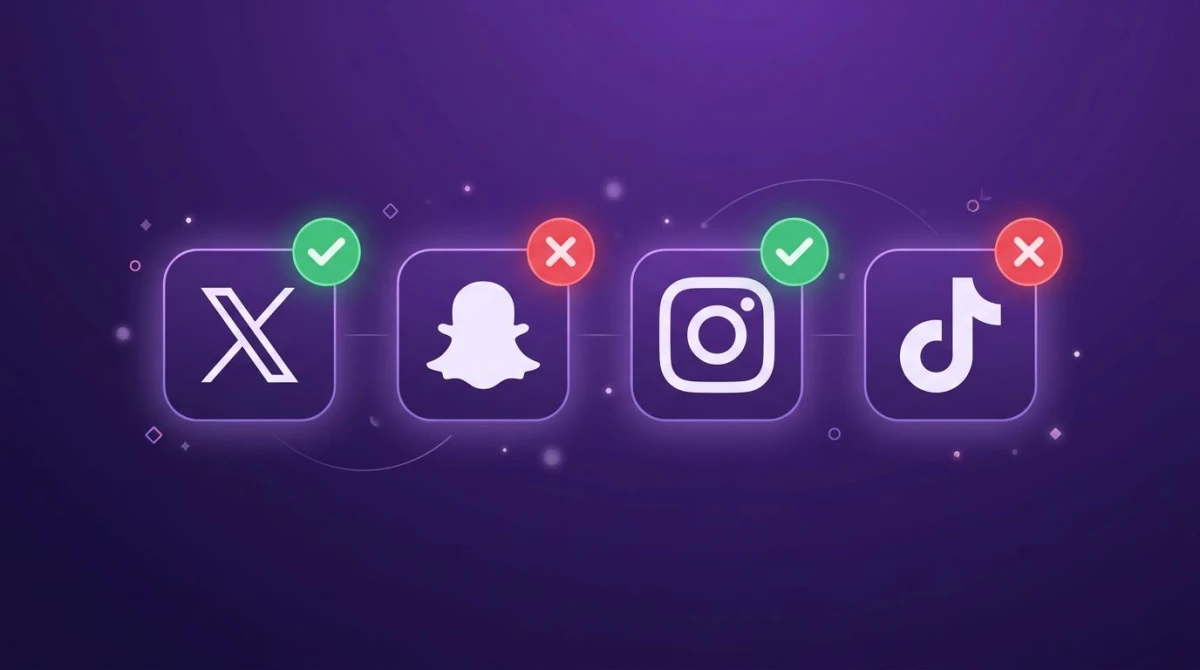
X (Twitter) vs Snapchat, Instagram, and TikTok: who actually notifies?
Wondering how X stacks up against the apps that do (or used to) notify? Here's the 2026 breakdown:
| Platform | Screenshots notified? | Screen recording notified? |
|---|---|---|
| X (Twitter) | ❌ No | ❌ No |
| Snapchat | ✅ Yes (always) | ✅ Yes |
| ❌ No (except "view once" DMs) | ❌ No (except "view once" DMs) | |
| TikTok | ❌ No | ❌ No |
A few notes on this table:
- Snapchat is the only major app that alerts users about screenshots in normal chats and Stories. If you screenshot a Snap, the sender knows instantly.
- Instagram doesn't notify for posts, Stories, or regular DMs. The one exception is disappearing "view once" or "allow replay" photos and videos sent in a DM, which do trigger a small alert. We break this down fully in does Instagram notify screenshots.
- TikTok sends no screenshot or screen-recording alerts anywhere, just like X. See does TikTok notify screenshots for the full picture.
The pattern is clear: apps built for disappearing content (Snapchat, Instagram's view-once) lean toward alerts. Apps built for public, permanent content (X, TikTok) don't bother. X falls firmly in the second camp.
Why do people think Twitter notifies screenshots?
If X has never sent screenshot alerts, why is this such a common search? A few reasons:
- Snapchat habit. Snapchat trained a generation to expect a screenshot alert. People assume every social app works the same way.
- General screenshot anxiety. Saving someone's post or DM can feel like you're being sneaky, so people brace for a "you got caught" notification that never comes.
- Confusion with other alerts. X does notify for likes, reposts, mentions, and new followers. It's easy to assume screenshots are on that list too. They aren't.
- Viral misinformation. Every so often a fake "Twitter now tells people when you screenshot" post goes around. It's never been true.
The reassuring takeaway: there is no hidden tracking. X's privacy and data pages describe the usage and device data the app collects, and screenshot detection is not part of it.
How to capture tweets the right way
A phone screenshot grabs a single frame at your screen's resolution, which is fine for a quick save but not always crisp or clean. Here are better ways to capture X content.
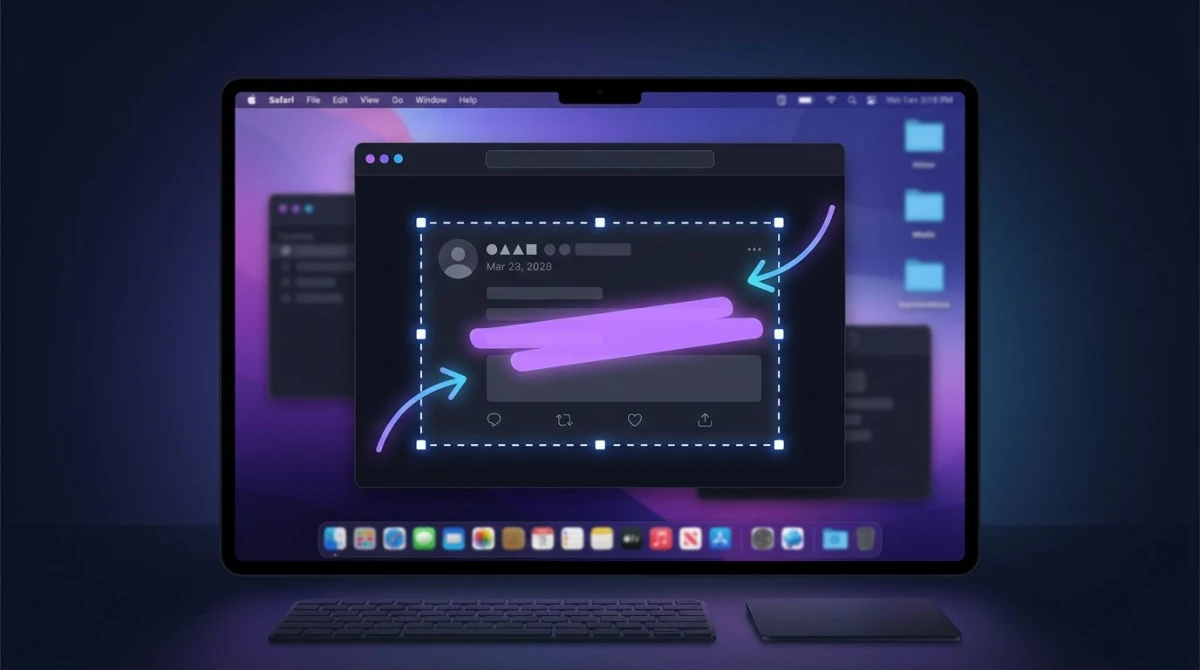
Screenshot X on a Mac for sharper images
Browsing X on a desktop browser gives you higher-resolution captures than mobile. On a Mac:
- Press
⌘ + Shift + 4to draw a box around just the tweet - Or press
⌘ + Shift + 3for the full screen - The image lands on your desktop, ready to crop or share
For a faster flow that covers grabbing, marking up, and sharing without bouncing between apps, a tool like ScreenSnap Pro handles the whole sequence in one place. You can edit the screenshot, add an arrow or highlight, and copy a share link in a couple of clicks.
Clean up before you share
Before posting a screenshot publicly, a little cleanup goes a long way:
- Crop out the interface so only the tweet shows. On a Mac,
⌘ + Shift + 4lets you pick just the area you want. - Blur private details. Handles, real names, or phone numbers in a DM. You can blur sensitive info before it ever leaves your machine.
- Add annotations to point out the part that matters. A quick arrow or box makes a screenshot far clearer in a thread or report.
- Shrink the file if you're putting it on a website: convert it to WebP for a much smaller file with no visible quality loss.
Screenshot etiquette on X: just because there's no alert...
X won't tell anyone you took a screenshot, but that doesn't mean a capture can't come back around. Screenshots get reshared, quote-tweeted, and traced socially all the time. The classic example: someone screenshots a now-deleted tweet, and it spreads further than the original ever would have.
A few ground rules keep you on the right side of it:
- Save for your own use freely. Receipts, references, and bookmarks are all fair game.
- Credit the author when you reshare. A handle or a quote-tweet link is the norm on X.
- Think before posting a DM. Even though the sender won't get an alert, sharing a private conversation publicly can break trust fast, and it's often screenshotted back.
- Don't screenshot to harass. Capturing someone's post purely to pile on is harmful, alert or no alert.
The golden rule still applies: treat someone's post the way you'd want yours treated. No notification doesn't mean no consequences.
Frequently Asked Questions

Morgan
Indie DeveloperIndie developer, founder of ScreenSnap Pro. A decade of shipping consumer Mac apps and developer tools. Read full bio
@m_0_r_g_a_n_