Best Loom Alternatives for Windows (2026)
A Loom alternative is any app that lets you record your screen (often with a webcam bubble and voice-over) and share the result as a link or a video file. For Windows users, the best picks cost less than Loom's $15 to $20 per user per month, and some cost nothing at all.
Loom put async video on the map. But for solo users, small teams, and anyone tired of subscriptions, the math stops making sense. $180 to $240 per user each year adds up fast, and the free tier caps clips at five minutes with only 25 videos saved.
This guide covers nine honest Loom alternatives for Windows 10 and 11. Some are free, some are subscription-based, and two are one-time buys you actually own. If you just need the core "record, get a link, ship it" flow, you'll find a cheaper fit here. If you also want the full free screen recorders for Windows picture, we cover that in a sister guide.
Why look for a Loom alternative
Loom is polished, but it has real limits.
Subscription cost. Business starts at $15 per user per month, and team features sit behind the $20-a-month Business AI tier. Over a year, that's $180 to $240 per person. For a five-person team, you're looking at $1,200 a year before AI add-ons.
The 5-minute free cap. The Starter plan limits each video to 300 seconds and caps storage at 25 videos. That's fine for quick replies, not for demos or onboarding.
You don't own the files. Recordings live on Loom's servers. Download them and you lose the nice share page. Leave Loom and you have to export every clip one by one before your account expires.
Privacy. Anything you record passes through Loom's cloud. For regulated industries or sensitive internal demos, that's a hard sell.
AI features are gated. Auto-titles, chapters, and summaries only come with the Business AI plan at $20 per user per month.
What to look for in a Loom alternative
Pick the tool that matches how you actually use video. Here are the features that matter most:
- Webcam overlay. A small circular webcam bubble in the corner makes videos feel personal. Non-negotiable for sales and onboarding.
- Instant shareable link. Loom's killer feature. After you stop recording, you get a URL to paste into Slack or email. A few free tools skip this step.
- System and mic audio. You want both the app's sound and your voice recorded cleanly. Some free tools only do one.
- Transcript and captions. Helpful for SEO, accessibility, and letting viewers skim.
- Storage and ownership. Local files you own forever, or cloud hosting you rent? Pick the one that fits your workflow.
- Pricing model. Monthly subscription, free forever, or one-time purchase. Check total cost over two years, not just the month-one price.
- Windows support. Some "cross-platform" tools feel second-class on Windows. Watch for native builds vs. Electron wrappers that lag.
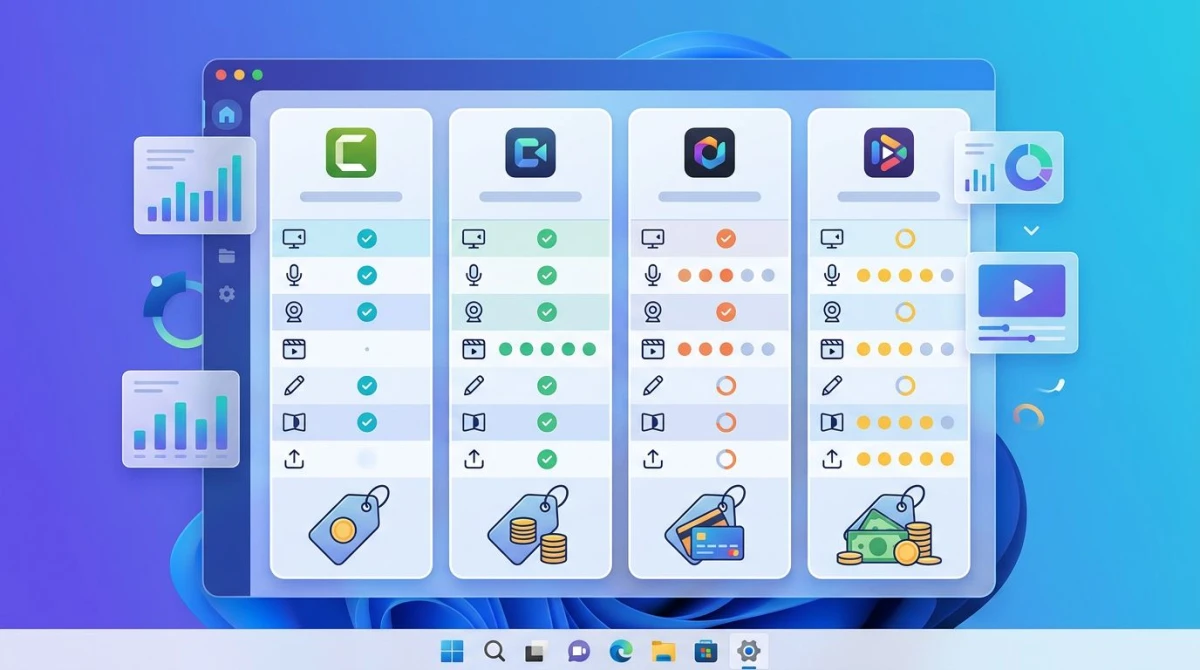
Comparison table: 9 Loom alternatives for Windows
Here's how the nine options stack up. Prices are as of April 2026.
| Tool | Price | Free Tier | Webcam | Share Link | Transcript | Windows |
|---|---|---|---|---|---|---|
| Loom | $15-$20/mo | 5 min, 25 videos | Yes | Yes | Paid tier | Yes |
| Cap | Free or $9/mo | Unlimited local | Yes | Yes (paid cloud) | Yes | Yes |
| OBS Studio | Free | Unlimited | Yes | No | No | Yes |
| ShareX | Free | Unlimited | No (screen only) | Yes (many hosts) | No | Yes |
| Tella | $15/mo | 7-day trial | Yes | Yes | Yes | Yes (browser) |
| Vidyard | $59/user/mo | 5 videos/mo | Yes | Yes | Yes | Yes |
| Descript | $16/mo | 1 hr/mo | Yes | Yes | Yes (best in class) | Yes |
| ScreenPal | $4-$15/mo | 15 min cap | Yes | Yes | Paid tier | Yes |
| ScreenSnap Pro | $39 one-time | N/A | Yes | Yes (optional) | No | Yes |
| Snagit | $63 one-time | 15-day trial | Yes | Yes (Screencast) | No | Yes |
Free and open-source Loom alternatives
If budget is the main driver, start here. These tools cost nothing to use and give you full control over your recordings.
1. Cap (open-source Loom clone)
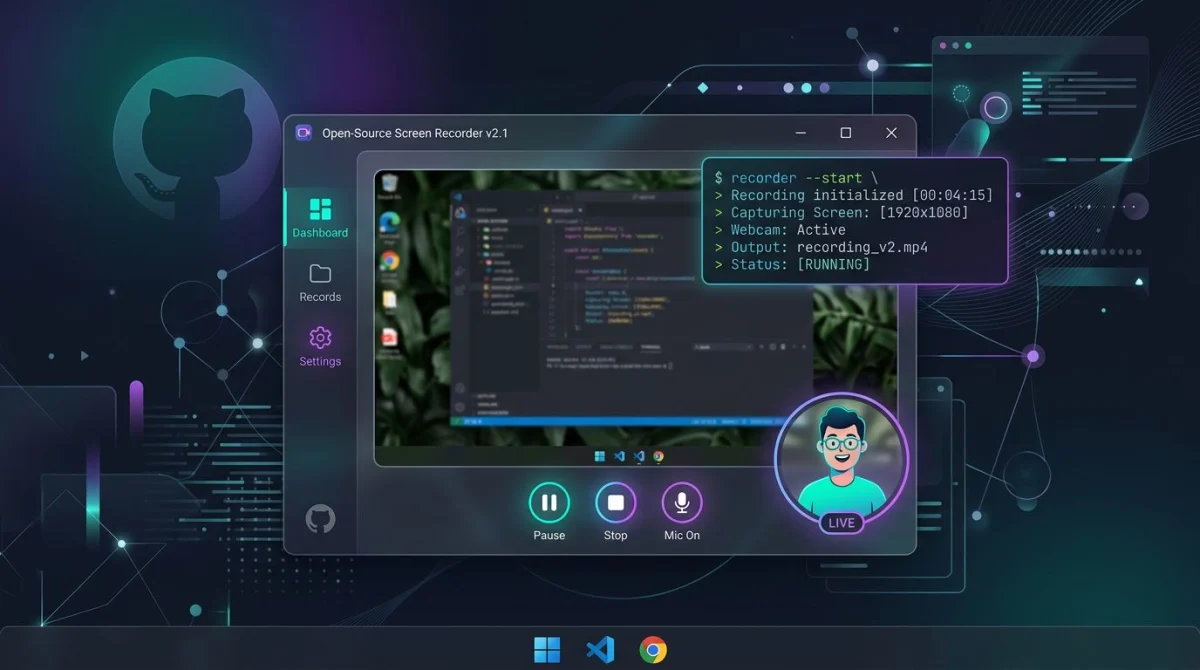
Cap is the closest thing to a true Loom clone for Windows. It's open-source, cross-platform, and free for local recording. Paid cloud plans start at $9 a month if you want instant share links like Loom's.
What's good:
- Native Windows build with smooth webcam overlay
- AI captions, titles, and chapters in paid tiers
- Local "Studio mode" for editing before export
- Self-host option for privacy-first teams
- Active development, one of the fastest-growing open projects in the space
What's not:
- The free tier does not include cloud share links. You get local files.
- The paid cloud tier is still a subscription, just a cheaper one.
- Editor is basic compared to Descript or Tella.
Best for: Loom users who want the same flow without the $15 price tag.
2. OBS Studio (free, full control)
OBS Studio is a free, open-source screen recorder. It's not a Loom clone. It's a broadcasting tool that also saves local MP4s.
What's good:
- Totally free, no watermark, no time limit
- Records screen, webcam, and system audio at once
- Scenes and sources let you build custom layouts
- Huge plugin library
What's not:
- Steep learning curve. First-run setup can take an hour.
- No instant share link. You get a local MP4 to upload somewhere else.
- Webcam overlay takes manual setup every time.
Best for: Power users and streamers who want full control and don't need cloud sharing.
3. ShareX (Windows-native, free)
ShareX is a Windows-only gem. It does screenshots, screen recordings, GIFs, OCR, and auto-upload to over 80 hosts.
What's good:
- Free and open-source forever
- Built-in GIF recorder (perfect for short demos)
- Hotkey-driven workflow is lightning fast
- Direct upload to Imgur, S3, Dropbox, and more, a rough "Loom link" replacement
What's not:
- No webcam overlay. Screen only.
- UI feels dated. The menu tree is deep.
- Mac and Linux users can't join you.
Best for: Windows power users who live by keyboard shortcuts. Read our full ShareX review for Windows if you want the deep dive.
Paid and subscription alternatives
These tools charge monthly but offer polish, transcripts, and team features that free options don't.
4. Tella
Tella is a browser-based recorder built for creators. Think "Loom with better editing." It costs $15 a month and leans hard into templates, animated zooms, and auto-cut for filler words.
What's good:
- Clean web app with no install needed
- Auto-edit features save real time
- Animated zoom effects look great in demos
- Strong on transcripts and AI titles
What's not:
- Browser-only. No offline recording.
- Price matches Loom, so you're not saving money, just swapping for better editing.
- Free tier is a 7-day trial, not forever.
Best for: Marketers and founders who polish every video before sending.
5. Vidyard
Vidyard is Loom's enterprise-leaning rival. It targets sales teams with CRM integrations and deep viewer analytics.
What's good:
- Free plan includes 5 videos a month
- Deep analytics: who watched, for how long
- Salesforce, HubSpot, and LinkedIn integrations
- Works as a browser extension or desktop app
What's not:
- Paid plans start at $59 per user per month. That's steep.
- Overkill for solo users or small teams.
- Free tier has watermark and feature limits.
Best for: B2B sales teams already in Salesforce or HubSpot.
6. Descript
Descript is less a screen recorder and more an all-in-one video editor with recording built in. Its killer trick: edit your video by editing the text transcript.
What's good:
- Transcript-based editing is genuinely useful
- Remove filler words with one click
- Strong transcription accuracy
- Screen recorder includes webcam
What's not:
- Free tier caps at 1 hour per month
- Paid plans start at $16 a month
- Learning curve, because it's a full editor, not a quick-share tool
Best for: Podcasters, YouTubers, and anyone who cuts videos weekly.
7. ScreenPal
ScreenPal (the app formerly known as Screencast-O-Matic) is a budget-friendly all-rounder. Plans run $4 to $15 a month.
What's good:
- Free tier allows 15-minute recordings (much longer than Loom's 5 minutes)
- Built-in editor with captions and trim
- Cloud hosting with share links
- Works on Windows, Mac, iOS, and Android
What's not:
- Free tier adds a watermark
- Interface feels aimed at teachers and casual users
- Transcripts only in paid tiers
Best for: Teachers, trainers, and small businesses on a tight budget.

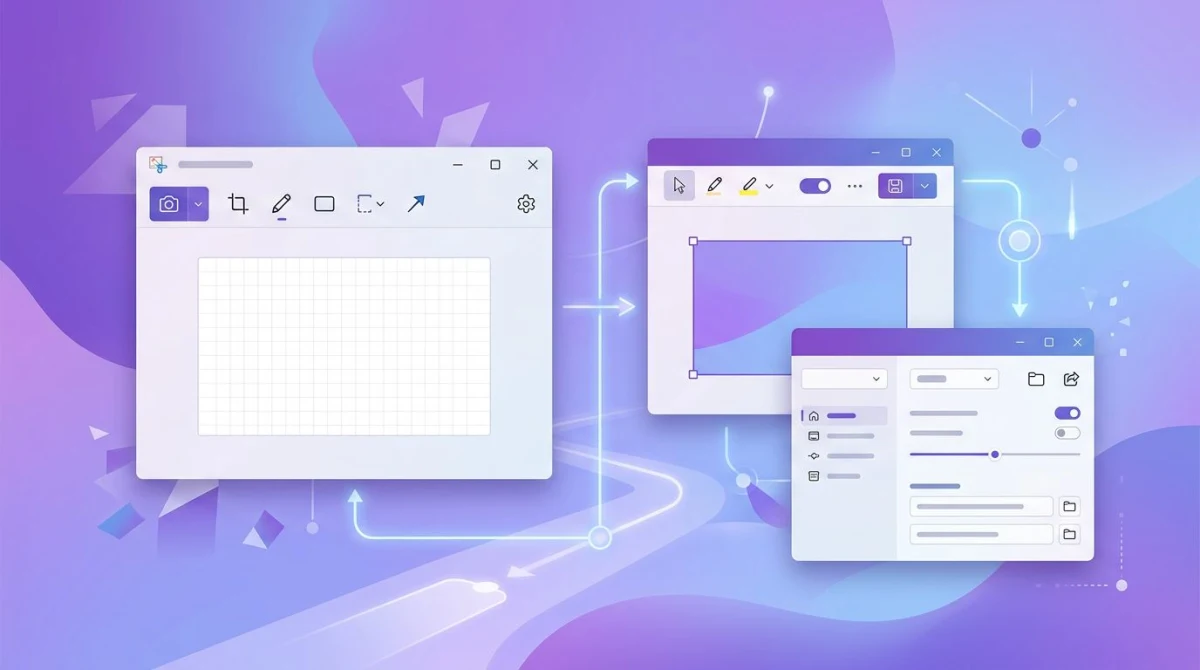
Tired of plain screenshots? Try ScreenSnap Pro.
Beautiful backgrounds, pro annotations, GIF recording, and instant cloud sharing, all in one app. Pay $39 once, own it forever.
See pricing and featuresOne-time purchase Loom alternatives
Here's where the math changes. Pay once, own forever, no recurring bill.
8. ScreenSnap Pro
ScreenSnap Pro is a one-time-purchase screen recorder and screenshot app for Windows and Mac. $39 buys a license for two computers, lifetime updates included.
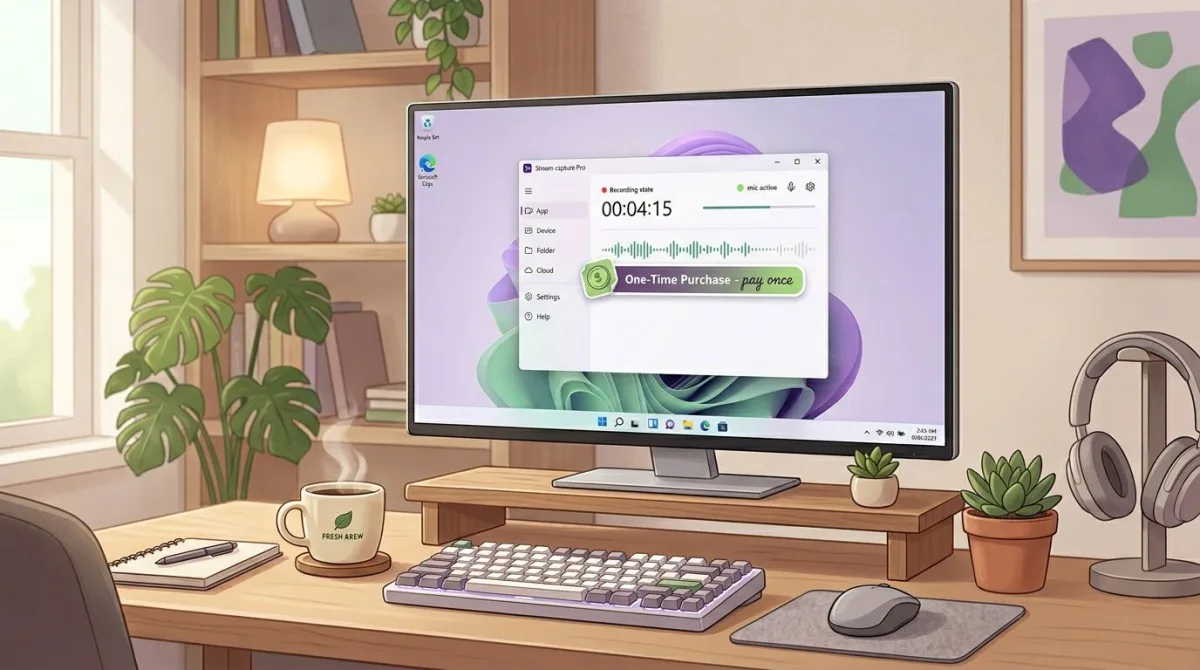
What's good:
- Records screen, webcam, microphone, and system audio all at once
- Optional cloud upload generates shareable links (like Loom)
- Also makes GIFs directly, great for quick GIFs instead of full videos
- 15 annotation tools for marking up screenshots
- 500+ gradient backgrounds for polished visuals
- No subscription, no watermark, no team dashboard fees
What's not:
- No team analytics or viewer reactions (Loom's dashboard is still its edge)
- No transcript or auto-captions
- Not a full video editor, since it's a recorder first
The math: Loom Business = $180 a year per user. ScreenSnap Pro = $39 one time, forever. Over two years that's a $321 gap per seat. For a three-person team, you save over $420 in year one alone.
Best for: Solo pros, small teams, and anyone who just needs the "record and share" flow minus the subscription bill. If you need team dashboards and viewer comments, stay with Loom. For everyone else, this covers the core use case for a fraction of the long-term cost.
9. Snagit
Snagit is TechSmith's workhorse capture tool. $62.99 one-time, with an optional Screencast sharing platform that adds a subscription.
What's good:
- Powerful annotation and screenshot tools
- Long-form video recording with webcam
- Optional Screencast cloud hosting for share links
- Trusted brand with 25+ years of history
What's not:
- $62.99 base price is over 60% more than ScreenSnap Pro
- Maintenance renewals cost extra for ongoing updates
- Feels heavy for users who just want to record and share
Best for: Technical writers, trainers, and documentation teams who need deep annotation.
How each alternative compares to Loom
Every tool above trades something off. Here's the quick mental map:
| Need | Best pick |
|---|---|
| Cheapest total cost | OBS Studio or ShareX (free) |
| Closest Loom-clone feel | Cap |
| Best editing | Descript |
| Best team polish | Tella or Vidyard |
| Lowest lifetime cost (paid) | ScreenSnap Pro ($39 once) |
| Deepest annotation | Snagit |
| Best for teachers | ScreenPal |
Who should stay with Loom
Honestly? Some people. Loom earns its price if:
- You run a sales or CS team that tracks viewer analytics
- You rely on viewer reactions, emoji responses, or comments
- Your team uses Loom's workspace dashboard daily
- You need Loom's SSO, admin controls, or compliance features
For those teams, switching costs more in workflow friction than the subscription saves.
Who should switch
You're a good candidate for a cheaper alternative if:
- You're a solopreneur recording bug reports, client updates, or quick demos
- You're a small team where each seat costs real money
- You're privacy-conscious and want recordings to stay local or on your own cloud
- You're tired of subscriptions and want to own your tools
- You mostly need the "record and share" flow, not dashboards or AI summaries
If any of those fit, the one-time-purchase options or Cap's free tier will likely save you hundreds over two years.
How to export your existing Loom videos before switching
Before you cancel Loom, grab your recordings. Loom lets you download videos one at a time, and there's no bulk export on most tiers.
Steps:
- Log into Loom on your Windows PC.
- Open each video in your library.
- Click the three-dot menu in the top-right corner.
- Choose Download.
- Save the MP4 to a folder like
C:\Users\you\Videos\Loom-Backup\.
Loom deletes Starter-plan videos that sit unused for 45 days, so pay attention to dates. If you're on a paid plan, export everything before your next renewal, because some ex-users report downloads locked after cancellation.
For a proper workflow going forward, check our how to screen record on Windows guide, which covers capture basics with any of the tools above. If you need to record screen with audio on Windows, we have a dedicated walkthrough too.
FAQ
The bottom line
Loom is a great product with a pricing model that hurts small teams. The good news: in 2026 you have real options. Free tools like OBS and Cap cover the basics. One-time buys like ScreenSnap Pro ($39) or Snagit ($63) replace the subscription bill entirely. Subscription tools like Descript and Tella beat Loom on editing polish.
The right pick depends on whether you need a team dashboard or just a way to record and share. If it's the latter, you can walk away from a $180-a-year bill today. Your recordings, your rules.

Morgan
Indie DeveloperIndie developer, founder of ScreenSnap Pro. A decade of shipping consumer Mac apps and developer tools. Read full bio
@m_0_r_g_a_n_