Bandicam Review 2026: Worth It? (+ Alternatives)
Our short bandicam review for 2026: Bandicam is still one of the best high-FPS game recorders on Windows. It captures up to 4K at 480 FPS with low system load thanks to NVENC, VCE, and Quick Sync. But the free version stops each recording at 5 minutes, a license costs $33.26/year or $53.90 one-time for one PC, and it is built mainly for Windows (the new Mac version is a separate App Store app with a subscription). For tutorials, editing, and sharing across Mac and Windows, ScreenSnap Pro is the best alternative. For high-FPS gaming on a budget, OBS Studio is the free pick.
Bandicam has been around since 2008. It built its name on one thing: recording fast-paced games smoothly without killing your frame rate. That niche still matters in 2026, but the screen recorder landscape has changed a lot.
This honest bandicam review breaks down what still works, what feels dated, and which bandicam alternatives make more sense for tutorials, team videos, and cross-platform teams. If you're weighing your options, we also compare other free Windows screen recorders in our roundup of free Windows screen recorders.
What is Bandicam?
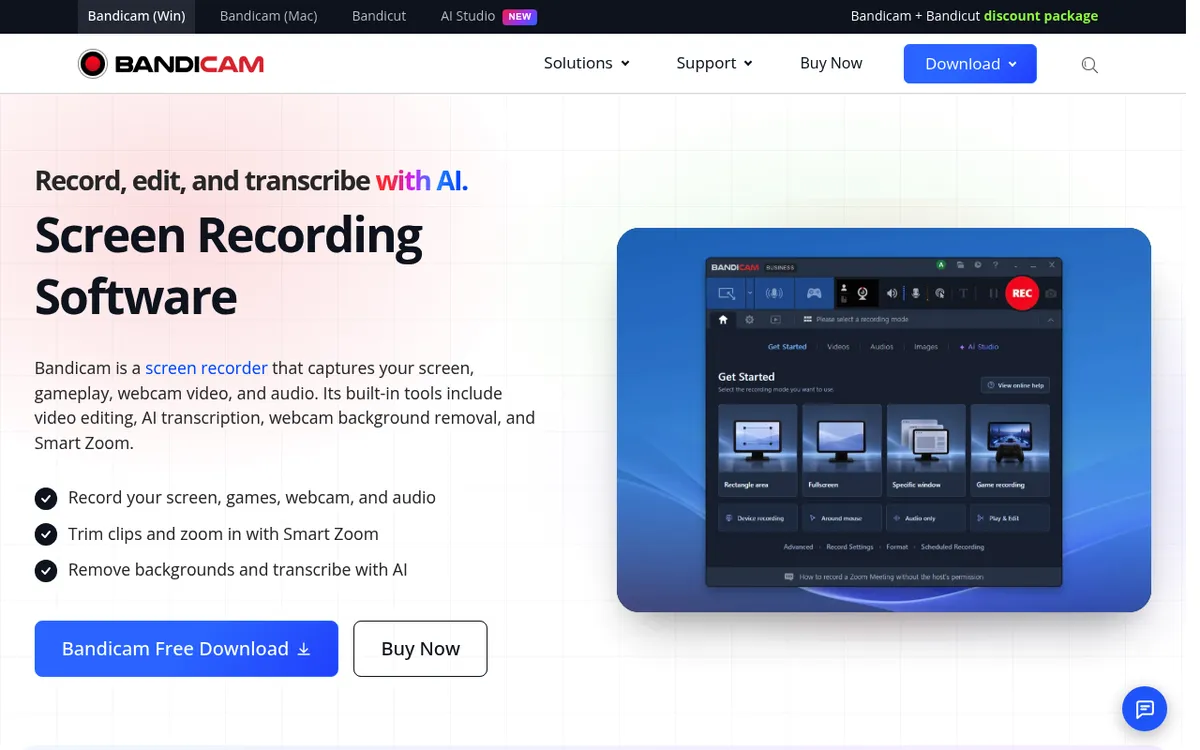
Bandicam is a Windows screen recorder from Korean developer Bandisoft. It has three separate modes that each target a different job:
- Screen Recording Mode. Capture any part of your desktop, a window, or the full screen
- Game Recording Mode. Hook into DirectX/OpenGL/Vulkan for high-FPS gameplay capture
- Device Recording Mode. Grab external sources like a capture card, webcam, or smartphone via HDMI
Most tools only do one of these well. Bandicam does all three in the same app, which is part of its staying power. The game mode is the headline feature because it uses your GPU's hardware encoder (NVIDIA NVENC, AMD VCE, or Intel Quick Sync) to avoid the FPS drops that plague CPU-based recorders. If you have already recorded a clip and just need it at a different rate, the free FPS converter changes a video's frame rate in the browser without re-recording anything.
Key facts to keep in mind:
- Built for Windows (Windows 7, 8, 10, and 11, 64-bit)
- Not free long-term. The free version has heavy limits
- Annual or one-time license. A one-time license only gets updates within Bandicam 2027
- A separate Mac app on the Mac App Store, sold as a subscription, and no Linux build
If you're on Mac, skip to the alternatives section, since most of this review covers the Windows app. If you want the official source, visit bandicam.com for the latest feature list.
Bandicam pricing in 2026
Here's where the honest part of this bandicam review starts. The free version is a trial in disguise.
Free version limits
Bandicam 2027's free version lets you test everything, but with hard limits:
- A 5-minute cap per recording, after which the recorder stops automatically
- A Bandicam watermark on anything you edit and export inside the app, including burned-in subtitles
Plain recordings no longer carry a watermark. Older versions (Bandicam 2024 and 2025) were stricter, with a 10-minute cap plus a watermark on every recording.
For a 30-second clip you'll share on Discord, the free version is fine. For any real tutorial, gameplay highlight reel, or client work, the 5-minute cap makes it unusable. It's a demo, not a free tool.
Paid licenses
Bandicam sells annual and one-time licenses. These are the prices on the official buy page as of October 2026, shown as limited-time discounts:
| License | Price | PCs covered | Commercial use |
|---|---|---|---|
| Personal (annual) | $33.26/year | 1 PC | No |
| Personal (one-time, Bandicam 2027) | $53.90 | 1 PC | No |
| Business & Education (annual) | $49.46/year | 1 PC | Yes |
| Business & Education (annual) | $95.92/year | 2 PCs | Yes |
All paid licenses remove the 5-minute cap and the watermark. A one-time license keeps working forever, but it only gets updates within the same title (Bandicam 2027). An annual license gets every new version while it's active. Monetized YouTube channels need a Business license. Compared to true one-time tools, that feels like a soft subscription.
For comparison, ScreenSnap Pro is $39 one-time for 2 computers (any mix of Mac and Windows), and all updates are free for life.
What Bandicam does well
Let's give Bandicam credit where it's earned. After testing it on Windows 11 with a mid-range gaming rig, here's what stood out.
Hardware-accelerated game capture
This is the reason most people still use Bandicam. The game mode hooks directly into your GPU and uses NVENC, VCE, or Quick Sync to encode video on the graphics card. That means:
- Up to 4K resolution at 480 FPS (hardware permitting)
- Low system load, since the GPU does the encoding (Bandicam publishes no CPU or RAM figures)
- No visible stutter in fast-paced games like competitive shooters or racing sims
Most free alternatives (OBS aside) can't match this out of the box. If you're making clips for YouTube gaming channels, this is the real draw.
Separate audio tracks
Bandicam records microphone and system audio on different tracks by default. For gameplay editing later, that's gold. You can duck game audio under commentary without re-recording or using a noise gate. Many free tools only give you one mixed track.
Real-time drawing and overlays
You can draw, highlight, and drop shapes on the screen while recording. It's useful for quick software tutorials, although the tools feel dated next to modern options. Bandicam also supports webcam overlay, FPS counters, and logo watermarks (your own, not theirs).
Lightweight and stable
The installer is small, the app uses little RAM, and it rarely crashes. For something that has been updated for over 15 years, the codebase holds up well.
Where Bandicam falls short
Now the hard part. Bandicam's weaknesses show up fast the moment you step outside gaming.
Windows-first lock-in
This is the biggest issue in 2026. Teams today are mixed: some people use Macs, some Windows, some Linux. Bandicam is built for Windows. A Bandicam for Mac app is now on the Mac App Store, but it's a separate app with its own 5-minute free limit, and Pro is bought separately through Apple as a subscription. There's no Linux build. If you share a license with a teammate on a MacBook, they're out of luck.
Only a basic editor
Bandicam 2027 (September 2026) added built-in trimming, Smart Zoom, and AI subtitles, so you can record and trim in one app. But there's still no multi-track timeline. For polished tutorials or marketing videos, you'll need Bandicut or a separate editor like DaVinci Resolve, CapCut, or Camtasia. Tools like ScreenSnap Pro and Camtasia include both record and timeline editing in the same app.
The free version's 5-minute cap kills casual use
Every free recording stops at 5 minutes, and anything you edit inside Bandicam gets a watermark on export. There's no legal way to lift the cap or remove the bandicam watermark from edited exports without buying a license. If you only need quick throwaway clips, this pushes you to other tools. For sharing, check our guide on how to screen record on Windows with no watermarks.
Dated interface
The UI looks like Windows XP-era software with a fresh coat of paint. Buttons are small, menus are deep, and settings can overwhelm new users. Compared to modern apps with clean panels and one-click defaults, Bandicam feels like work to learn.
No cloud sharing
When you finish a recording, Bandicam saves it to your drive. It can upload to YouTube, but that's it. No instant link to copy, no team workspace, no web preview. You upload to Drive or wherever by hand. Modern screen recording tools make this a one-click step, which matters for async teams.

Tired of plain screenshots? Try ScreenSnap Pro.
Beautiful backgrounds, pro annotations, GIF recording, and instant cloud sharing, all in one app. Pay $39 once, own it forever.
See pricing and featuresWho Bandicam is for
Bandicam makes sense for a narrow but real audience:
- Windows gamers making gameplay clips or full let's-play videos
- Esports highlight editors who need clean 1080p/4K capture
- Driver and hardware reviewers recording benchmarks with precise FPS data
- Capture card users who want one app for webcam + HDMI device + screen
If that's you, and you can live with a Windows-first app plus a separate editor, Bandicam is still a safe buy at $53.90 one-time or $33.26/year.
Who should look elsewhere
You should skip Bandicam and pick an alternative if:
- You use a Mac or switch between Mac and Windows
- You want to record tutorials, demos, or onboarding videos and share the link fast
- You need editing inside the same app
- You work asynchronously with a team on Slack, Loom-style
- You only need short recordings and don't want to pay for a pro license
- You make GIFs more often than videos
For these jobs, a different tool will save you both money and steps.
Best Bandicam alternatives in 2026
Here's a quick comparison of the strongest bandicam alternatives this year, then a short note on each.
| Tool | Platform | Price | Best for |
|---|---|---|---|
| ScreenSnap Pro | Windows, Mac | $39 one-time | Capture, edit, and share in one app |
| OBS Studio | Windows, Mac, Linux | Free | Streamers and power users |
| ShareX | Windows | Free | Power users and devs |
| Camtasia | Windows, Mac | From $39/year ($179.88/year without watermark) | Polished tutorials with editing |
| ScreenPal | Windows, Mac, Chromebook, mobile | Free; paid $4 to $10/mo | Cloud-first creators |
| Snagit | Windows, Mac | $39/year | Screenshots + short clips |
ScreenSnap Pro
ScreenSnap Pro is the top pick for users who want the opposite of Bandicam's gaming focus. It puts a screen recorder, a video editor, screenshots, and GIFs in one app on Mac and Windows, which covers almost every job on the "look elsewhere" list above.
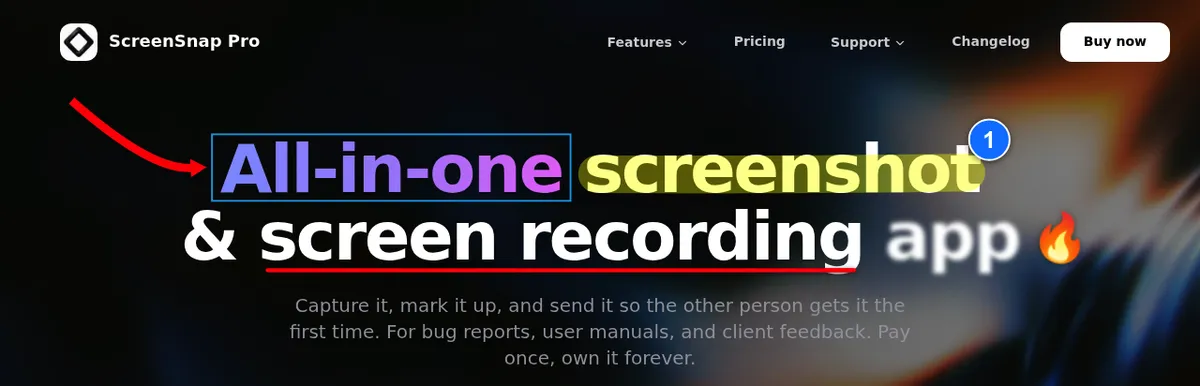
Key traits:
- $39 one-time for 2 computers, in any mix of Mac and Windows, with lifetime updates and a 30-day money-back guarantee
- No watermark and no recording time limits
- Screen + webcam + microphone + system audio, saved as MP4 at up to 60fps
- Built-in video editor with a multi-track timeline (trim, split, cut, speed), one-click silence removal, auto zoom that follows your cursor, and webcam overlay, with MP4 or GIF export
- GIF recording direct from screen, no video conversion
- 17 annotation tools, 500+ backgrounds, OCR, and pinned screenshots
- Optional cloud share links for quick sharing
Downsides: it's not built for 4K/240 FPS game capture, since it records at up to 60fps. There's no live streaming and no Linux build. If high-FPS gaming is your core workflow, OBS or Bandicam are still the better picks.
Pick it if: you record tutorials, bug reports, UX reviews, or social content and want to capture, edit, and share from one app.
OBS Studio
OBS Studio is the free, open-source heavy hitter. It does everything Bandicam does plus live streaming, multi-scene layouts, and custom plugins. Performance on modern GPUs is excellent with NVENC.
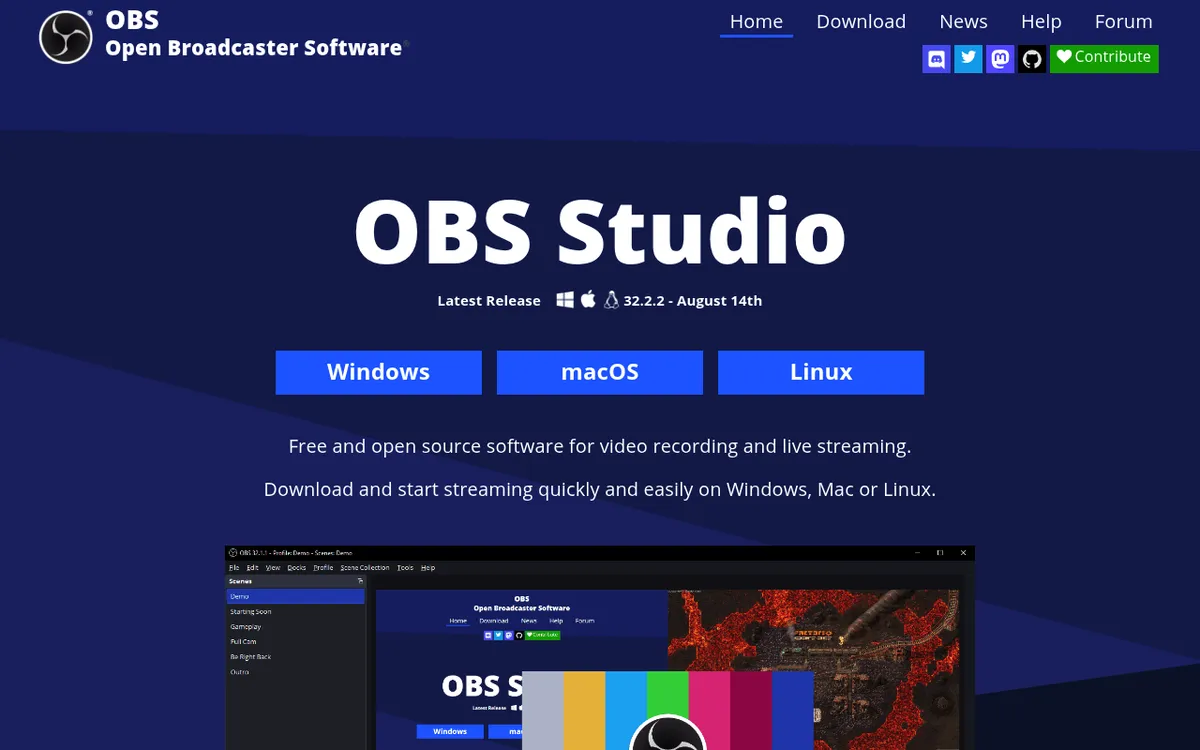
Downsides: the learning curve is steep. First-run settings can confuse new users. Expect to spend an hour reading guides before your first clean recording. There's no built-in editor either.
Pick it if: you want pro features for free and don't mind a setup weekend.
ShareX
ShareX is the Windows power user's dream. It records screen and GIFs, captures screenshots, and automates sharing to dozens of destinations. It's open-source and completely free. See our full ShareX review for a hands-on walkthrough.
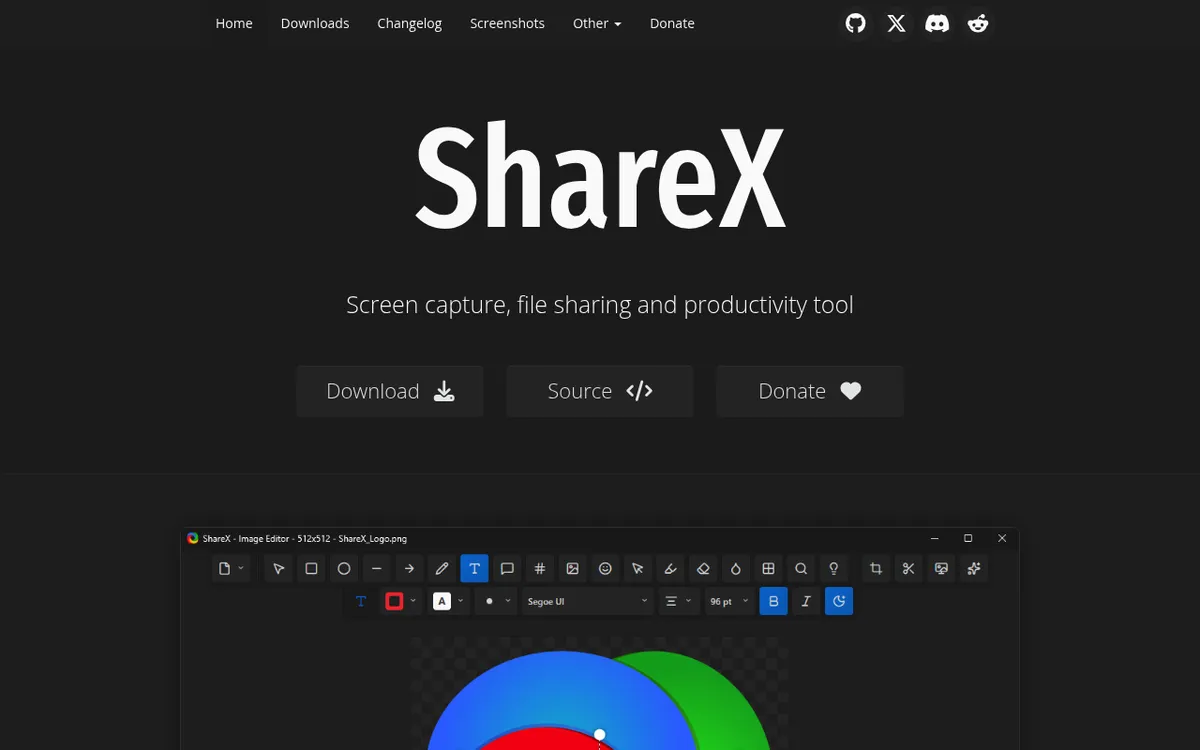
Downsides: the UI is busy, and some features need separate downloads (FFmpeg). It's Windows-only, so it won't help Mac teammates.
Pick it if: you're on Windows, love customization, and want a free tool that never pushes you to pay.
Camtasia
Camtasia is the classic record-plus-edit combo. You capture your screen, then polish the result with a proper timeline, transitions, callouts, and music. Output is tutorial-grade.
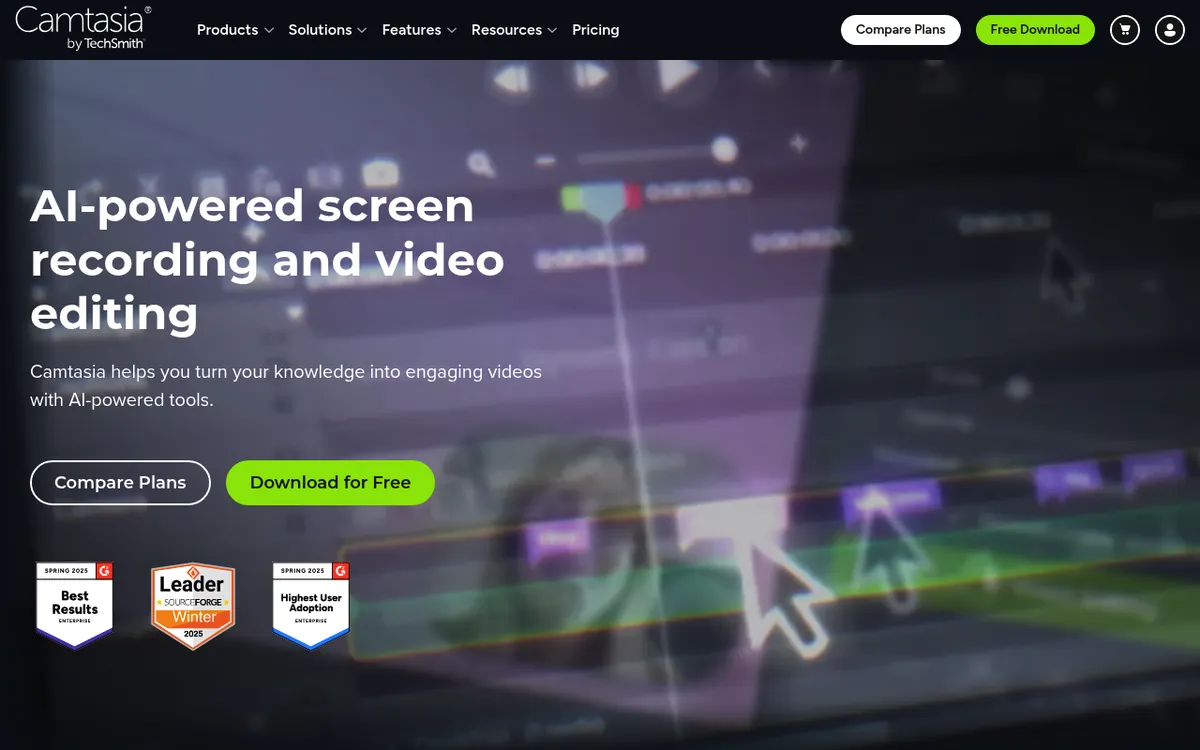
Downsides: it's subscription only since Camtasia 2025, with yearly plans only. The $39/year Starter plan watermarks editor exports, so expect to pay $179.88 per year (Essentials) for clean exports.
Pick it if: you make long-form tutorials or training videos and want one app end to end.
ScreenPal
ScreenPal (formerly Screencast-O-Matic) is cloud-first. It records in your browser, a Chrome extension, or a desktop app, then hosts the video for you with a shareable link.

Downsides: the free plan caps recordings at 15 minutes and hosts only 10 videos. System audio, automatic captions, and the full editor need a paid plan ($4 to $10/mo billed annually). The desktop recorder feels limited next to Bandicam or OBS.
Pick it if: you want browser-first recording and don't mind the freemium gates.
Snagit
Snagit (by TechSmith, same company as Camtasia) focuses on screenshots and short screen clips. Its annotation tools are strong and it has a clean library for organizing captures.
Downsides: Snagit is not built for long videos or game capture. Since Snagit 2025 it's subscription only at $39/year, which can feel pricey over time for casual users.
Pick it if: your main job is screenshots with short explainer clips mixed in. Our ShareX vs Snagit write-up digs deeper.
Verdict: is Bandicam still worth it in 2026?
Yes, but only for a specific user.
If you play Windows games, want clean high-FPS capture, and are happy paying $53.90 once (or $33.26/year) and editing in another app, Bandicam is still one of the best tools for that job. It does its niche well and has for years.
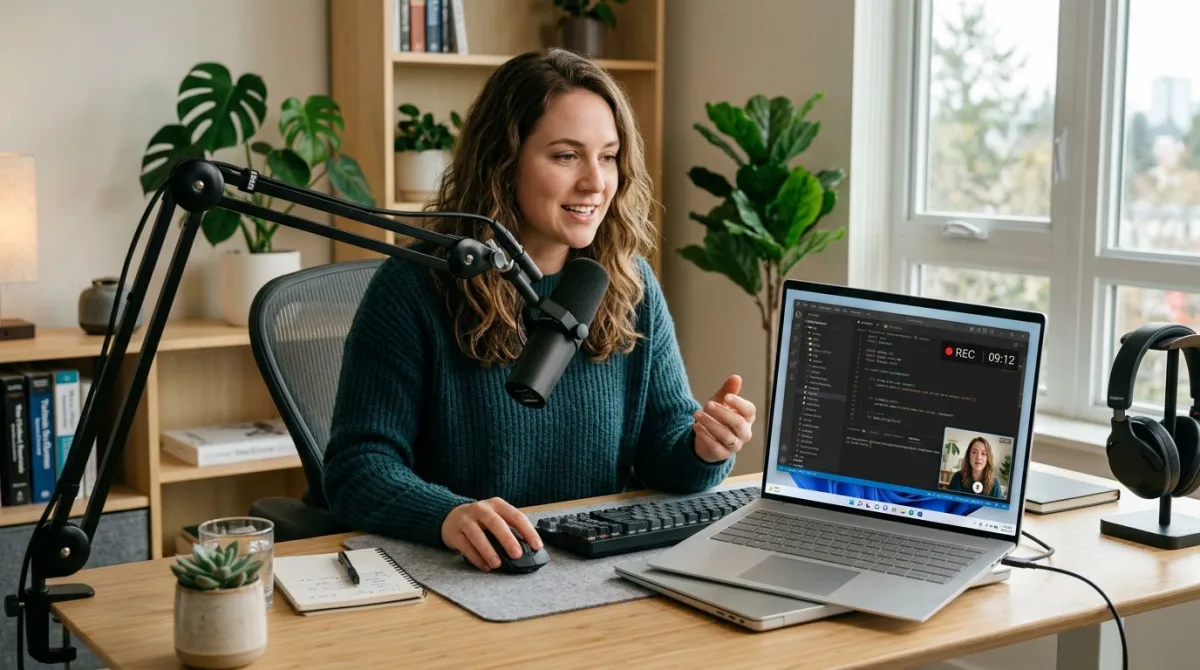
If you want to record screen with audio for tutorials, meetings, or async updates, Bandicam feels old. You'll want something built for sharing and cross-platform teams. For that, ScreenSnap Pro, ShareX, or OBS are all better fits depending on your budget and skill level.
Our honest score: 6.5/10. A strong recorder trapped inside a dated workflow and a Windows-first world.
If you'd rather record screen with audio on Windows in a modern app, ScreenSnap Pro does it in two clicks. You can polish the clip in its built-in editor, then copy an optional quick-share link when you're done. It's a screen recorder for Windows with no watermark and no session limits, and the same license works on your Mac. For $39 one-time, that's hard to beat outside of free tools like OBS.
Frequently Asked Questions

Morgan
Indie DeveloperIndie developer, founder of ScreenSnap Pro. A decade of shipping consumer Mac apps and developer tools. Read full bio
@m_0_r_g_a_n_