Does BeReal Notify Screenshots? Yes, and It Names You (2026)
Yes. BeReal notifies you when someone screenshots your post, and it shows exactly who did it. Unlike most social apps, BeReal tracks screenshots of your BeReal and links each one to a username. There's no anonymous capture here. If a friend screenshots your daily post, you can see that it happened and find out who.
But that's only true for posts. Screenshots of profiles, profile pictures, and RealMojis send no signal at all. The rules also change between iPhone and Android, and the whole thing expires after 24 hours. Here's exactly how BeReal's screenshot detection works in 2026, what triggers it, and what slips through.
At a glance: what BeReal does (and doesn't) flag
| What you screenshot | Does BeReal flag it? | Can the owner see who? |
|---|---|---|
| Someone's BeReal post | ✅ Yes | ✅ Yes (username shown) |
| Your own BeReal post | ✅ Yes (counter on your post) | ✅ Yes |
| A RealMoji reaction | ❌ No | ❌ No |
| A user's profile or profile picture | ❌ No | ❌ No |
| A post inside Memories | ❌ No | ❌ No |
| A screen recording of a post | ⚠️ Not reliably | ⚠️ Usually no |
| Snapchat (for comparison) | ✅ Yes | ✅ Yes |
The short version: BeReal's whole brand is built on being authentic and a little private. So it treats your daily post like a semi-private moment among friends. Screenshot it, and the app keeps a short, named record. Everything outside that one post type is fair game with no alert.
Does BeReal notify when you screenshot a post?
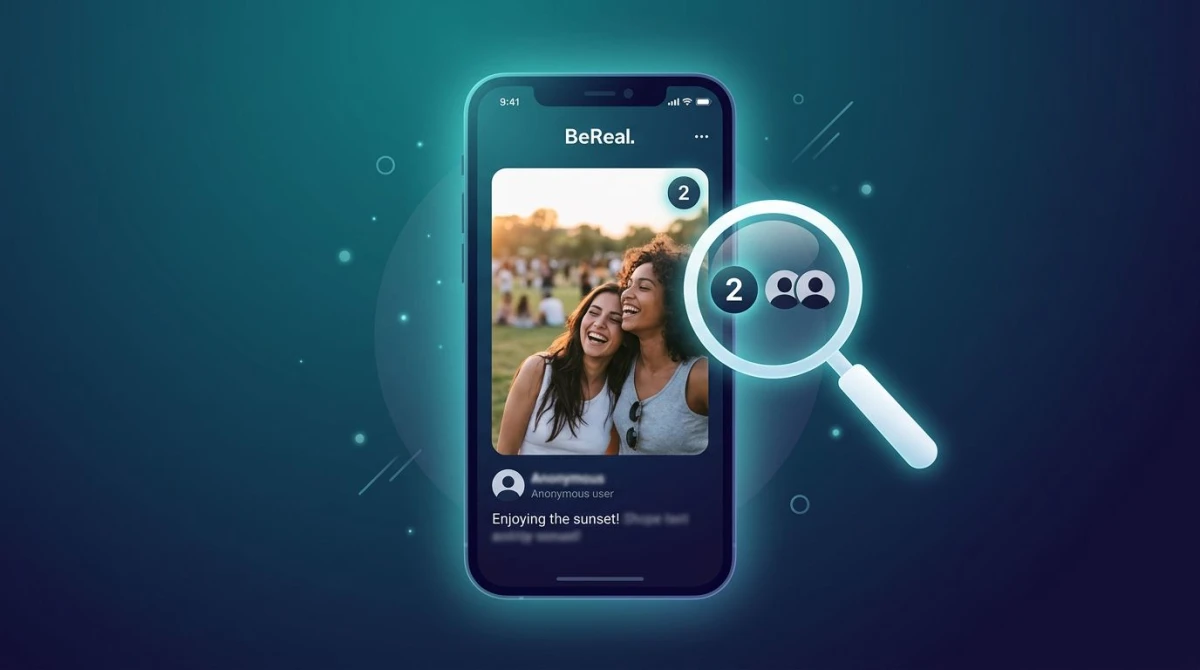
Yes. This is the one case where BeReal clearly tracks screenshots. When someone captures your BeReal post, the app does not send a buzzing push notification to your phone. Instead, it adds a small screenshot counter to the post itself.
Open the BeReal app and look at your post. If anyone screenshotted it, you'll see a small icon with a number, and that number is the count of screenshots taken. Tap it, and you can dig into who did it. So while there's no loud "ping," the record is right there on the post, tied to real usernames.
This applies to:
- Your own daily BeReal that friends captured
- A friend's post that you screenshotted (they'll see your name)
- Posts shown in your main feed
The key thing that makes BeReal different: it names names. On Snapchat you get an alert but the app was built for vanishing chats. BeReal logs the screenshot right on the public-to-friends post and lets the owner pull up a list. That's a bigger deal for most users than a notification they'd swipe away.
Can people see who screenshotted their BeReal?
Yes, though how they see it depends on the phone. This is the part most guides get wrong, so here's the exact split for 2026.
On Android: Tap the screenshot counter on the post. BeReal shows the list of usernames directly. No extra steps. You see who grabbed your post in seconds.
On iPhone: Tap the same counter, and BeReal shows a notice like "One of your friends took a screenshot!" with the names blurred. To reveal them, the app prompts you to share your BeReal to another platform (Snapchat, Instagram, X, or similar). Once you go through that share flow, the usernames unblur.
It's a quirky, slightly pushy design: BeReal nudges iPhone users to share the app's content elsewhere before it hands over the names. But the data is there either way. Someone determined to see who screenshotted their post can always find out.
Does BeReal notify screenshots of profiles or profile pictures?
No. Screenshotting someone's BeReal profile or their profile picture sends no alert and adds no counter. The account owner has no way to know you saved their page or photo.
This is the same gap you'll find on most apps. Profiles are treated as public-facing, so capturing one is silent. If you want to save a friend's profile picture or note their username and bio, you can do it freely. BeReal only watches the daily post, not the static profile around it.
So the rule is simple: the post is tracked, everything else on a person's profile is not.
Does BeReal notify when you screenshot a RealMoji?
No. RealMojis (those quick selfie reactions friends leave on your post) are not covered by screenshot detection. You can screenshot a RealMoji and the person who made it won't be told.
There's one catch worth knowing. If the original BeReal post is visible in the background when you capture the RealMoji, then you've effectively screenshotted the post too. In that case the post's screenshot counter ticks up, and the post owner sees it. So a clean close-up of just the RealMoji is silent, but a wider shot that includes the post behind it counts as a post screenshot.
If you only want the reaction and not a flagged post capture, frame tightly on the RealMoji or crop the post out afterward.
Does BeReal detect screen recording?
Not reliably. BeReal's screenshot system is built to catch still screenshots of posts, not screen recordings. In practice, screen recording a BeReal post usually does not add to the screenshot counter or alert the owner.
That said, this is the one area where behavior has been inconsistent over the app's life. Some users report no flag at all when recording; a few have claimed odd edge cases. BeReal has never officially marketed screen-recording detection the way Snapchat has. So the honest answer is: recording is far less likely to be flagged than a screenshot, but it isn't a guaranteed-silent loophole the way capturing a profile is.
If you need a reliable copy of a post and don't want to risk the counter, recording on a separate device (or capturing on desktop, covered below) sidesteps the whole detection layer.

Tired of plain screenshots? Try ScreenSnap Pro.
Beautiful backgrounds, pro annotations, GIF recording, and instant cloud sharing, all in one app. Pay $34 once, own it forever.
See pricing and featuresHow to see who screenshotted your BeReal
Want to check whether anyone saved your post? Here's the step-by-step for both platforms.
On Android
- Open the BeReal app and go to your feed.
- Find your most recent post (detection only lasts 24 hours; more on that below).
- Look for the small screenshot counter icon near the timestamp.
- Tap the counter to see the list of usernames who screenshotted your post.
On iPhone
- Open BeReal and find your recent post.
- Tap the screenshot counter icon near the timestamp.
- You'll see "One of your friends took a screenshot!" with the names blurred.
- Follow the prompt to share your BeReal to another app (Instagram, Snapchat, X).
- After sharing, the usernames unblur and you can see who did it.
Either way, the window is short. If your post is older than a day, the screenshot info is gone, so check the same day if you're curious.
How to screenshot BeReal without it showing (the honest options)
Because post screenshots are tracked and named, plenty of people want a quieter way to save a BeReal. There's no magic toggle that hides your name, but a few approaches genuinely sidestep the counter.
Capture on desktop instead of the app
BeReal is mobile-first, but content viewed outside the native app, whether on a desktop browser or a mirrored screen, isn't fed through the same in-app screenshot tracking. A clean desktop capture avoids the post counter entirely.
On a Mac, the built-in shortcuts handle the basics: press ⌘ + Shift + 4 to select a region, or ⌘ + Shift + 3 for the full screen. If you want to crop tightly to just the photo, add a caption, or blur a face or username before you share it anywhere, a dedicated tool like ScreenSnap Pro lets you grab, annotate, and copy a shareable link in one pass, with no bouncing between apps. It's a one-time $34 purchase with 17 annotation tools and 500+ backgrounds, which makes the clean-up step fast when you're saving social content regularly.
Use a second phone or camera
The oldest trick still works: photograph the screen with another device. The BeReal app has no idea a second camera exists, so nothing gets logged. The quality is lower, but the capture is completely silent.
Screenshot only the parts that aren't tracked
Remember the rules above. Profiles, profile pictures, and standalone RealMojis aren't flagged. If what you actually want is someone's profile photo or a reaction rather than the daily post, you can capture those directly with zero detection.
BeReal vs Snapchat vs Instagram vs TikTok: screenshot notifications compared
How does BeReal stack up against the other apps people ask about most? Here's the 2026 breakdown.
| App | Screenshots notified? | Shows who did it? | What's tracked |
|---|---|---|---|
| BeReal | ✅ Yes | ✅ Yes (username) | Posts only, not profiles or RealMojis |
| Snapchat | ✅ Yes | ✅ Yes | Snaps, Stories, and chats (not profiles) |
| ⚠️ Rarely | ⚠️ Only DMs | Only vanishing photos/videos in DMs | |
| TikTok | ❌ No | ❌ No | Nothing is flagged |
BeReal and Snapchat are the two apps that genuinely tell you who captured your content. The difference is what they cover. Snapchat flags snaps, Stories, and chats, all the vanishing stuff, but leaves profiles alone. BeReal flags only the daily post and names the person right on it.
Instagram is far more relaxed: it only alerts for disappearing photos and videos sent in DMs. Regular posts, Stories, and Reels are all silent. And TikTok notifies nobody for anything: videos, profiles, DMs, and Lives are all free to capture without a trace.
So if you're screenshotting across apps, BeReal is the one to be most mindful of. It's the only platform here that puts your username on a list the moment you save someone's main post.
Why does BeReal track screenshots at all?
BeReal's entire pitch is honesty. One unfiltered photo a day, shared with close friends, gone tomorrow. That model only works if people trust that their post stays inside the circle.
Screenshot tracking reinforces that trust. By showing who saved a post and capping the info at 24 hours, BeReal signals that your daily moment isn't meant to be quietly archived and passed around. It's a social nudge more than a hard lock. You can still screenshot; you just can't do it invisibly.
That's a deliberate contrast with TikTok and Instagram, which are built for wide public reach and treat screenshots as a non-event. BeReal wants the opposite: small, real, and a little protected.

The 24-hour rule you need to know
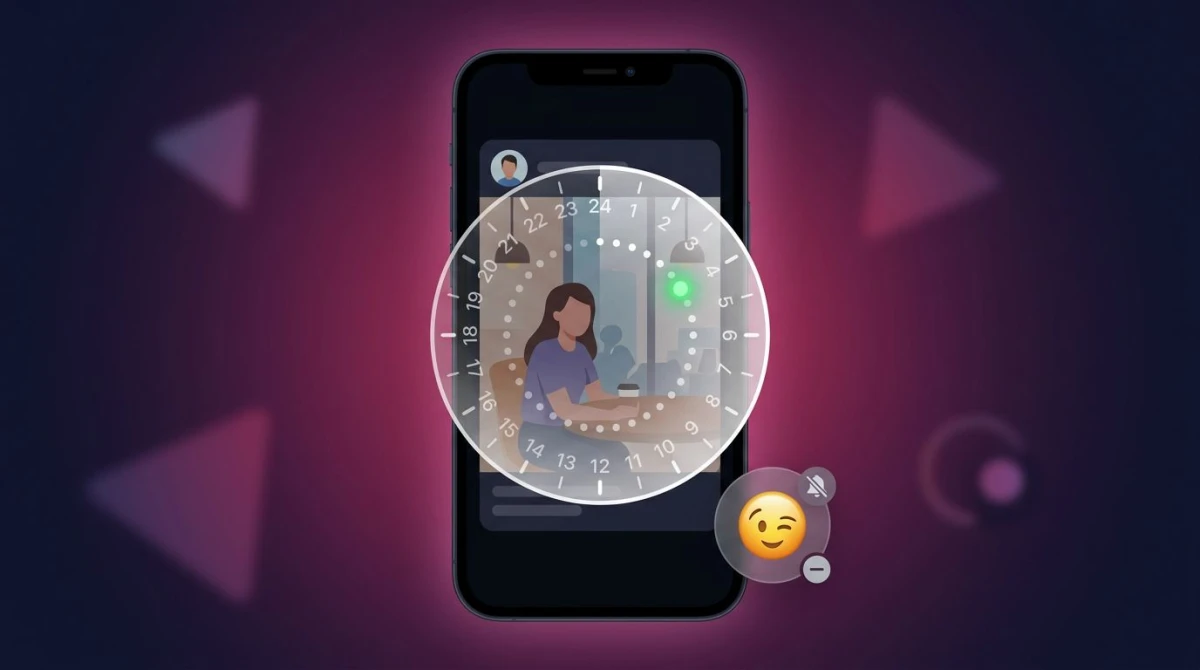
Here's the catch that surprises people: BeReal's screenshot info disappears after about 24 hours. The counter and the username list only live as long as the post is fresh.
That cuts both ways:
- If you want to know who screenshotted your post, check the same day. Once the post ages out, the data is gone for good; there's no archive of who saved it.
- If you screenshotted someone's post, your name is only visible to them for that 24-hour window. After that, the record clears.
This expiry fits BeReal's whole "in the moment" philosophy. Nothing is meant to stick around, neither the post nor the trail of who saved it. So if screenshot accountability matters to you, the action happens in that first day or not at all.
Tips for capturing and saving BeReal content the smart way
If you save BeReal posts often, whether for memories, group chats, or just to keep a funny moment, keep these in mind:
- Decide if you mind being named. Screenshotting a friend's post is normal and most people don't care. But if you'd rather stay off the list, capture on desktop or with a second device.
- Crop before you share. Got a screenshot with a username or location you don't want public? Blur or pixelate it before posting anywhere.
- Ask before reposting. BeReal is built around a small circle of friends. Sharing someone's unfiltered daily photo to a wider audience without asking can feel like a real breach, alert or not.
- Save your own Memories. Your past BeReals live in the Memories tab. You can revisit and save your own posts there freely, with no tracking on your own content.
- Capture cleanly on Mac. For sharper saves than a phone screenshot, grab BeReal on a Mac through a browser and use the area-select shortcut to crop out the app interface.
- Mind the etiquette. No notification doesn't mean no impact, so treat a friend's BeReal the way you'd want yours treated.
Frequently Asked Questions

Morgan
Indie DeveloperIndie developer, founder of ScreenSnap Pro. A decade of shipping consumer Mac apps and developer tools. Read full bio
@m_0_r_g_a_n_