Does Telegram Notify Screenshots? Secret Chats Only (2026)
Telegram doesn't notify screenshots in regular chats, but Secret Chats do alert the other person (and block screenshots on mobile).
So the honest answer is: it depends on the chat type. In a normal cloud chat, group, or channel, you can screenshot freely and nobody finds out. Switch to a Secret Chat (Telegram's end-to-end encrypted mode) and the rules flip. The other person gets a "took a screenshot" alert, and on phones the app tries to block the capture outright. Here's exactly what happens in each case, confirmed for 2026.
At a glance: does Telegram notify screenshots?
| What you screenshot | Does Telegram notify? | Notes |
|---|---|---|
| Regular cloud chat (1-on-1) | ❌ No | No alert, no log |
| Group chat | ❌ No | No alert to anyone |
| Channel post | ❌ No | Public by design |
| Secret Chat message | ✅ Yes | Other person sees a "took a screenshot" alert |
| Self-destruct media (in Secret Chat) | ✅ Yes | Same alert; mobile blocks the capture |
| Screen recording (any chat) | ❌ Mostly no | No reliable detection |
The pattern is simple once you see it. Telegram only watches for screenshots where it has promised extra privacy: Secret Chats. Everything stored in Telegram's cloud (your normal chats, groups, and channels) gets no screenshot tracking at all. That's the core distinction most people miss.
This matters because the two chat types look almost identical in the app. A Secret Chat just has a small lock icon next to the name. If you don't see that lock, you're in a regular cloud chat, and screenshots are completely silent.
Does Telegram notify screenshots in regular chats?
No. When you screenshot a normal one-on-one Telegram chat, the other person gets no notification. There's no alert, no system message, and no log on Telegram's side. This is the default for the vast majority of conversations on the app.
Regular chats are what Telegram calls "cloud chats." They use server-side encryption and live on Telegram's servers, so you can open them from any device. They're built for sync and ease of use, not maximum secrecy. That's why they include no screenshot detection.
That means you can freely capture:
- Text messages and replies
- Photos, videos, and files sent in the chat
- Voice message waveforms
- Links, locations, and contact cards
- The chat header with the person's name and photo
People screenshot regular Telegram chats all the time to save addresses, order numbers, payment details, or a funny exchange. None of it triggers an alert. The same is true whether you use the iPhone app, Android app, Telegram Desktop, or the web version at web.telegram.org.
Does Telegram notify screenshots of groups and channels?
No. Group chats and channels follow the same rule as regular cloud chats: Telegram sends no screenshot notification to anyone. This holds whether the group has 5 members or 50,000.
Channels are essentially broadcast feeds meant for public or semi-public sharing. Screenshotting a channel announcement, a forwarded post, or a poll result tells no one. Admins can see subscriber counts and view counts on posts, but never who screenshotted what.
Groups work the same way. Members and admins get zero alerts when you capture the conversation. This is why screenshots of Telegram group chats spread so easily across other platforms: nothing stops them, and no trace is left behind.
If you compare this to Instagram, which also doesn't notify screenshots of posts or DMs, you'll notice a theme: most mainstream apps treat regular messaging as screenshot-friendly. The exceptions are the encrypted, disappearing-by-design modes.
Does Telegram notify screenshots in Secret Chats?
Yes. This is the one place Telegram actively notifies the other person. When you screenshot inside a Secret Chat, Telegram inserts a service message into the conversation (something like "Username took a screenshot!") so both people know it happened.
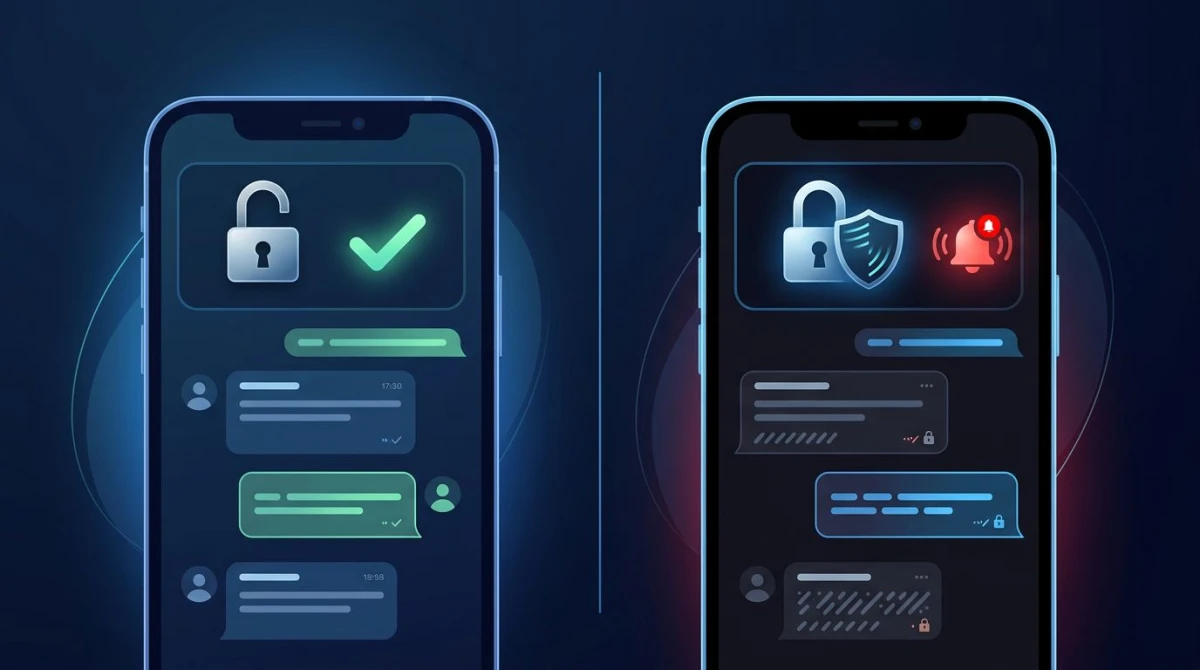
Secret Chats are Telegram's end-to-end encrypted mode. Unlike cloud chats, they aren't stored on Telegram's servers. They only exist on the two phones in the conversation. Screenshot alerts are part of that stricter privacy promise.
On top of the alert, Telegram tries to stop the screenshot from working at all on mobile:
- On Android: the app blocks the capture entirely. You'll see a message like "Can't take screenshot due to security policy," and no image lands in your gallery.
- On iPhone (iOS): the capture goes through but often saves as a black screen, and the sender still gets the notification.
Telegram is upfront that this isn't foolproof. Per the official Telegram FAQ, the company says: "We will make every effort to alert you about screenshots taken in your Secret Chats, but it may still be possible to bypass such notifications." It also notes there's no sure way to detect screenshots on some systems, naming certain Android and older devices. So the alert is a strong signal, not an absolute guarantee.
One more nuance: Telegram Desktop and the web client don't support Secret Chats the same way the mobile apps do. Secret Chats are a mobile-app feature, which is part of why the screenshot protections are tied to phones.

Tired of plain screenshots? Try ScreenSnap Pro.
Beautiful backgrounds, pro annotations, GIF recording, and instant cloud sharing, all in one app. Pay $34 once, own it forever.
See pricing and featuresDoes Telegram notify screenshots of self-destruct media?
Yes, if that media lives inside a Secret Chat. Telegram's self-destruct timer lets you send a photo or video that vanishes after the recipient views it. If they try to screenshot it before it disappears, the same Secret Chat protections kick in: an alert fires, Android blocks the capture, and iOS tends to save a black frame.

Here's the part that trips people up. Telegram also offers a self-destruct timer for media in regular cloud chats, not just Secret Chats. The timed deletion works in a similar way. But the screenshot detection is strongest inside Secret Chats. If you need the alert and the mobile block, send the disappearing media from a Secret Chat, which is where the full set of protections applies.
The self-destruct clock starts the moment the recipient opens the message. Once it runs out, the media is gone from both devices. Pairing a short timer with a Secret Chat is the closest Telegram gets to a true Snapchat-style "view once and it's gone, and I'll know if you snap it" experience.
Does Telegram notify when you screen record?
Mostly no, and you shouldn't rely on it either way. Screen recording is harder for any app to detect than a single screenshot, and Telegram offers no dependable screen-recording alert, not even in Secret Chats. In regular chats, recording is completely silent.
In Secret Chats, the detection is built around the system's screenshot event, not a live recording. On some devices, the screen flags that black out screenshots can also interfere with a recording. But there's no consistent "started recording" alert you can count on. Treat screen recording as undetected.
This is a useful reminder that screenshot alerts protect against casual capture, not a determined person with a second camera or recording software. If something is truly sensitive, the safest move is not to send it.
Telegram vs Snapchat, WhatsApp & Facebook Messenger
How does Telegram's approach compare to the other big messaging apps? Here's the 2026 breakdown for the modes most people ask about.
| Platform | Regular chats | Disappearing / encrypted mode |
|---|---|---|
| Telegram | ❌ No alert | ✅ Secret Chats alert + block on mobile |
| Snapchat | ✅ Always alerts | ✅ Always alerts (it's the whole model) |
| ❌ No alert | ⚠️ Blocks screenshots of View Once media (no alert) | |
| Facebook Messenger | ❌ No alert | ✅ Alerts in disappearing/vanish mode |
A few things stand out. Snapchat is the only app that alerts on every screenshot by default. Its whole identity is built on vanishing messages, so the alert is always on. Telegram and Messenger only notify inside their special privacy modes. WhatsApp takes a different path: instead of warning you, it blocks the screenshot of a View Once photo or video on the device. No alert is sent to the sender.
So Telegram sits in the middle. It's screenshot-friendly by default like WhatsApp and Messenger, but its Secret Chat mode is closer to Snapchat, with an active alert plus a mobile block. The key is knowing which mode you're in before you assume anything.
How to screenshot Telegram (and what to know first)
Taking a Telegram screenshot is the same as capturing anything else on your device. The only question is whether an alert will fire. Here's how to do it on each platform, plus the one check that saves you from an awkward notification.
Before you capture: check for the lock icon
Open the chat and look at the name at the top. If there's a small green lock icon next to it, you're in a Secret Chat, so assume a screenshot will alert the other person (and may be blocked on mobile). No lock means a regular cloud chat, where screenshots are silent.
On iPhone
- Open the Telegram chat you want to capture.
- Press the Side button + Volume Up at the same time (or Home + Side on older models).
- The screenshot saves to Photos. In a Secret Chat, expect a black frame and an alert to the sender.
On Android
- Open the chat.
- Press Power + Volume Down together.
- The image saves to your gallery, unless it's a Secret Chat, where Android blocks it with a "security policy" message.
On Mac and Windows (Telegram Desktop)
Since Secret Chats are mobile-only, desktop screenshots of your regular Telegram chats are always silent. On a Mac, use the built-in Mac screenshot shortcuts like ⌘ + Shift + 4 to grab just the chat area. On Windows, Win + Shift + S opens the snipping toolbar.
If you often capture Telegram chats on a Mac (for support tickets, bug reports, or saving instructions), a dedicated tool speeds up the part that comes after the capture. ScreenSnap Pro lets you grab a region, add arrows and highlights to point out the important message, blur sensitive details like phone numbers, and share a link in one flow. You can also edit the screenshot without opening a separate image app.
Protect your own Telegram chats
Want to stop others from screenshotting you? Move sensitive conversations into a Secret Chat (tap the contact's name → Start Secret Chat). You'll get the screenshot alerts, the mobile block, and a self-destruct timer for anything you don't want lingering.
Frequently Asked Questions

Morgan
Indie DeveloperIndie developer, founder of ScreenSnap Pro. A decade of shipping consumer Mac apps and developer tools. Read full bio
@m_0_r_g_a_n_