Does Facebook Notify Screenshots? (Messenger Too) in 2026
No. Facebook and regular Messenger chats don't notify screenshots. The one exception is Messenger's end-to-end-encrypted disappearing messages, which do alert the other person. Screenshot a post, a Story, a profile, a Marketplace listing, or a normal chat, and nobody finds out. Turn on disappearing messages in an encrypted thread, though, and both people get a "screenshot taken" alert. Here's every case spelled out for 2026.
The mix-up is fair. Facebook and Messenger have so many parts (feed, Stories, Reels, Marketplace, group chats, secret encrypted chats) that one blanket answer was never going to fit. The good news is the rule underneath is simple. Once you know it, you'll never have to ask again.
At a glance: what Facebook and Messenger notify
Here's the full picture before we break down each case.
| What you screenshot | Does it notify the other person? |
|---|---|
| A Facebook post (feed, Group, Page) | ❌ No |
| A Facebook Story | ❌ No |
| A profile or profile photo | ❌ No |
| A Marketplace listing or chat | ❌ No |
| A regular Messenger chat | ❌ No |
| Messenger encrypted disappearing message | ✅ Yes |
| Screen recording of any normal content | ❌ No |
The pattern: if the content is meant to stick around, Facebook stays quiet. The moment you screenshot something built to vanish, like a disappearing message inside an encrypted chat, Messenger flags it for both people. That one case is the whole story, so we'll spend the most time there.
Does Facebook notify when you screenshot a post?
No. Screenshotting a Facebook post sends no alert to anyone. This covers posts in your news feed, posts inside Groups, posts on Pages, the comments under them, and any photos attached to a post. The person who shared it has no way to know you captured it.
This holds whether the account is public or private. If you can see the post, you can screenshot it, and the poster won't know. Facebook has never built screenshot alerts into its main feed. The app is made for sharing content widely, and a "you've been screenshotted" warning would work against that.
So if you're a marketer saving competitor posts for a swipe file, or you just want to keep a funny status update, you're in the clear. The same goes for screenshots of photos in an album or a shared link.
Does Facebook notify when you screenshot a Story?
No. Facebook Stories work exactly like Instagram's main Stories here: you can screenshot a photo, video, or text Story and the person who posted it gets nothing. There's no camera icon next to your name and no entry in their viewer list flagging the capture.
This trips people up because Snapchat does alert on Stories, and the two features look almost identical. But they behave in opposite ways. A Facebook Story screenshot is completely silent.
It's worth knowing that Meta tested story screenshot alerts on Instagram back in 2018 and dropped them after users pushed back. That test never reached Facebook Stories, and neither app has brought it back since. For the full breakdown of the Instagram side, see our guide on whether Instagram notifies screenshots.
Does Facebook notify when you screenshot a profile or Marketplace listing?
No, on both counts.
Screenshot someone's profile (cover photo, bio, friend count, or profile picture) and they won't know. This is handy when you want to show a friend who isn't on Facebook, keep a record of an account before it changes, or do a bit of background research.
Marketplace is the same. Screenshotting a listing, the price, the item photos, or the seller's profile sends no alert. And because Marketplace chats run through regular Messenger threads, screenshotting your chat with a buyer or seller is also silent. That's useful for keeping proof of what was agreed: a price, a pickup time, a promise the seller made.
One warning that has nothing to do with alerts: watch out for fake payment screenshots. A common Marketplace scam is a buyer sending a faked "payment sent" screenshot to rush you into handing over the item. Always check that the money actually landed in your account before you ship or meet.

Tired of plain screenshots? Try ScreenSnap Pro.
Beautiful backgrounds, pro annotations, GIF recording, and instant cloud sharing, all in one app. Pay $34 once, own it forever.
See pricing and featuresDoes Messenger notify screenshots of regular chats?
No. Standard Messenger chats (text, photos, voice clips, GIFs, reactions) don't notify the other person when you screenshot them. This is true for one-on-one chats and group chats alike, as long as the thread isn't an encrypted chat with disappearing messages turned on (more on that next).
Most of your Messenger history falls into this bucket. Those messages are stored on Meta's servers and stay in your thread until someone deletes them. So the app treats them as content that sticks around, and it doesn't flag captures.
That said, end-to-end encryption is now the default for personal one-on-one chats on Messenger, which Meta rolled out to everyone in late 2023. Encryption by itself does not trigger screenshot alerts. The alert only kicks in when you also turn on disappearing messages. That mix is the trigger, not encryption alone.
The one exception: encrypted disappearing messages
This is the case that makes the whole article worth writing. Messenger does notify the other person when you screenshot a disappearing message inside an end-to-end-encrypted chat. Both people in the chat see a note in the thread saying a screenshot was taken.
Here's how it works. In an end-to-end-encrypted chat, you can turn on disappearing messages, a timer (say, 24 hours) after which each message auto-deletes once it's seen. When that mode is on, Messenger watches for screenshots. If you capture one of those vanishing messages, the app posts a "screenshot taken" notice to both sides of the chat. Meta added this on top of its encrypted messaging to back up the promise that disappearing content really does disappear. Mark Zuckerberg called out the feature when it shipped.
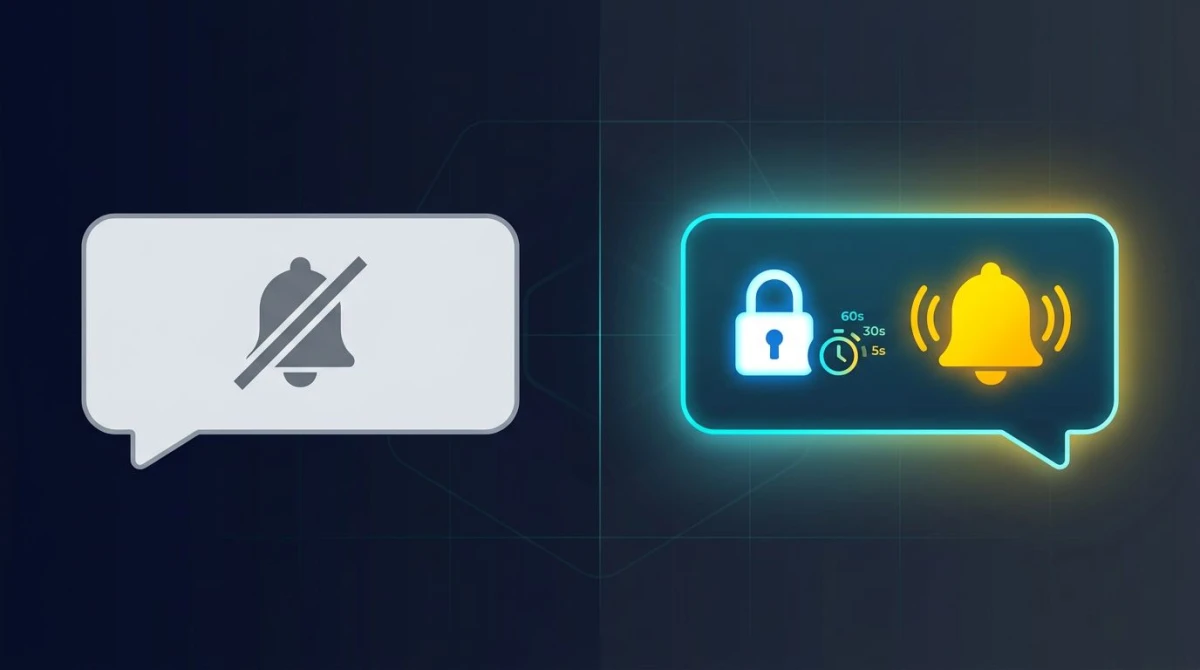
A few things to keep straight:
- It's the disappearing-message setting that matters, not encryption. A normal encrypted chat with no timer acts like any other chat, with no alert.
- Both users are notified, not just the sender. The screenshot notice shows up for everyone in the thread.
- You can check whether you're in this mode: open the chat, tap the name at the top, and look for Disappearing messages. If there's a live timer, assume any screenshot will be flagged.
- Screen recording of a disappearing message is treated the same way and gets flagged too.
To set it up yourself (or to check a chat you're already in): tap the person's name at the top of an encrypted chat, pick Disappearing messages, and choose a length like 24 hours. From then on, both people get an alert whenever one of them screenshots.
This mirrors how Instagram works, where only View Once photos and Vanish Mode messages notify the sender. Meta uses the same rule across its apps: content that sticks around is fair game, content built to vanish is protected.
How Facebook and Messenger compare to other apps
If you bounce between apps, the rules are different on each one. Here's how Facebook and Messenger stack up against the apps people most often mix them up with.
| Platform | Screenshots notified? | Where it applies |
|---|---|---|
| Facebook / Messenger | ⚠️ Only one case | Encrypted disappearing messages only |
| Snapchat | ✅ Yes | Snaps, Stories, and chats |
| ⚠️ Only one case | View Once photos & Vanish Mode DMs | |
| Telegram | ⚠️ Only one case | Secret Chats & disappearing media |

Snapchat is the outlier. It alerts on almost everything: Snaps, Stories, and chats all flag screenshots, which is why it has the loudest reputation for this. (Snapchat's own support docs spell this out; profiles, settings, and the Snap Map are the exceptions there.)
Instagram and Telegram act much like Facebook: silent by default, with alerts saved for content built to vanish. On Instagram that's View Once and Vanish Mode DMs; on Telegram it's Secret Chats and self-destructing media. Meanwhile apps built purely for public content, like TikTok, send no screenshot alerts at all: not for videos, not for profiles, not for DMs.
The takeaway: "disappearing" is the keyword across the board. If a message has a timer or a single-view label, assume it's watched. If it just sits in your history, it isn't.
How to screenshot Facebook content cleanly
Since most Facebook and Messenger content is safe to capture, the real question is how to grab it well, especially if you're saving posts for research, building a report, or keeping proof from a Marketplace deal.
On your phone
Use your device's built-in shortcut:
- iPhone (Face ID): press the side button and volume up together.
- iPhone (Touch ID): press the side/top button and home button together.
- Android: press power and volume down together (varies slightly by brand).
The capture saves straight to your photos. None of these methods sends anything to Facebook.
On a Mac
Browsing Facebook in a browser gives you sharper, larger captures than a phone screen. Use the standard Mac screenshot shortcuts:
⌘ + Shift + 4: drag to select just the post or chat you want.⌘ + Shift + 3: grab the whole screen.⌘ + Shift + 4then Space: capture a single window.
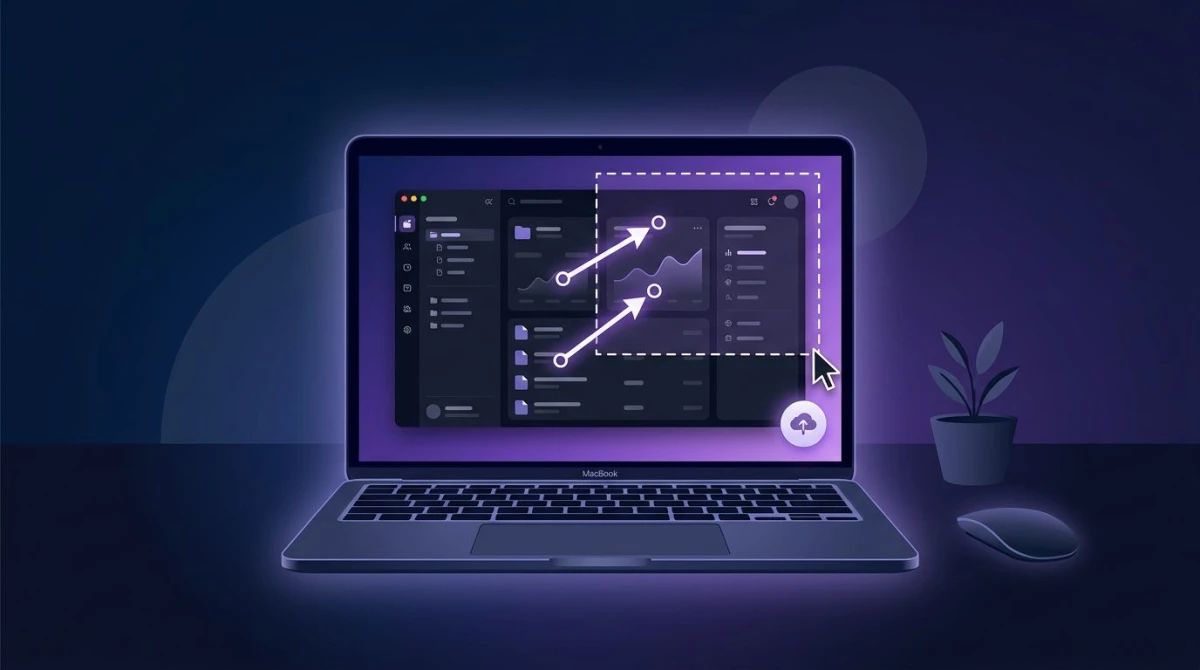
For anything beyond a quick grab (logging a Marketplace scam, building a competitor swipe file, putting a chat into a report), a dedicated tool speeds things up. ScreenSnap Pro lets you capture a region, add arrows and callouts, and share a cloud link in one pass, without bouncing between apps. It's a one-time $34 buy rather than a monthly plan, with 17 markup tools and 500+ backgrounds built in.
Clean up before you share
A couple of finishing touches make captured content more useful:
- Hide private details. Before posting a chat screenshot anywhere, blur names, phone numbers, or addresses so you don't expose someone.
- Crop out the clutter. You rarely need the whole window, so crop to just the post or message that matters.
- Pull text out of a screenshot. If you need the caption or message text as copy you can edit, OCR tools can lift it from the image with no retyping.
- Shrink the file for the web. Putting a screenshot on a site or in a doc? Our free image format converter turns it into a lighter WebP with no visible quality loss.
A quick word on etiquette
Facebook won't tell anyone you screenshotted their content, but that doesn't make everything fair to share. Saving a post for your own use is one thing; reposting someone's private chat or personal photo in public is another. A good rule: if you'd feel uneasy having the same screenshot taken of your own messages, think twice before you share it.
For Marketplace and business chats, screenshots are genuinely useful as records. Keep them for your own protection, and you're on solid ground.
Frequently Asked Questions

Morgan
Indie DeveloperIndie developer, founder of ScreenSnap Pro. A decade of shipping consumer Mac apps and developer tools. Read full bio
@m_0_r_g_a_n_