Image Color Changer: Free Online Color Replacement (2026)
An image color changer swaps any color in a photo or graphic with a new one. No editing software needed. Upload your image, click the color you want to replace, pick a new shade, and download.
How to change the color of an image
- Upload your image: drag and drop a PNG, JPG, or WebP file.
- Pick source and target colors: click the color you want to change. Then choose a replacement.
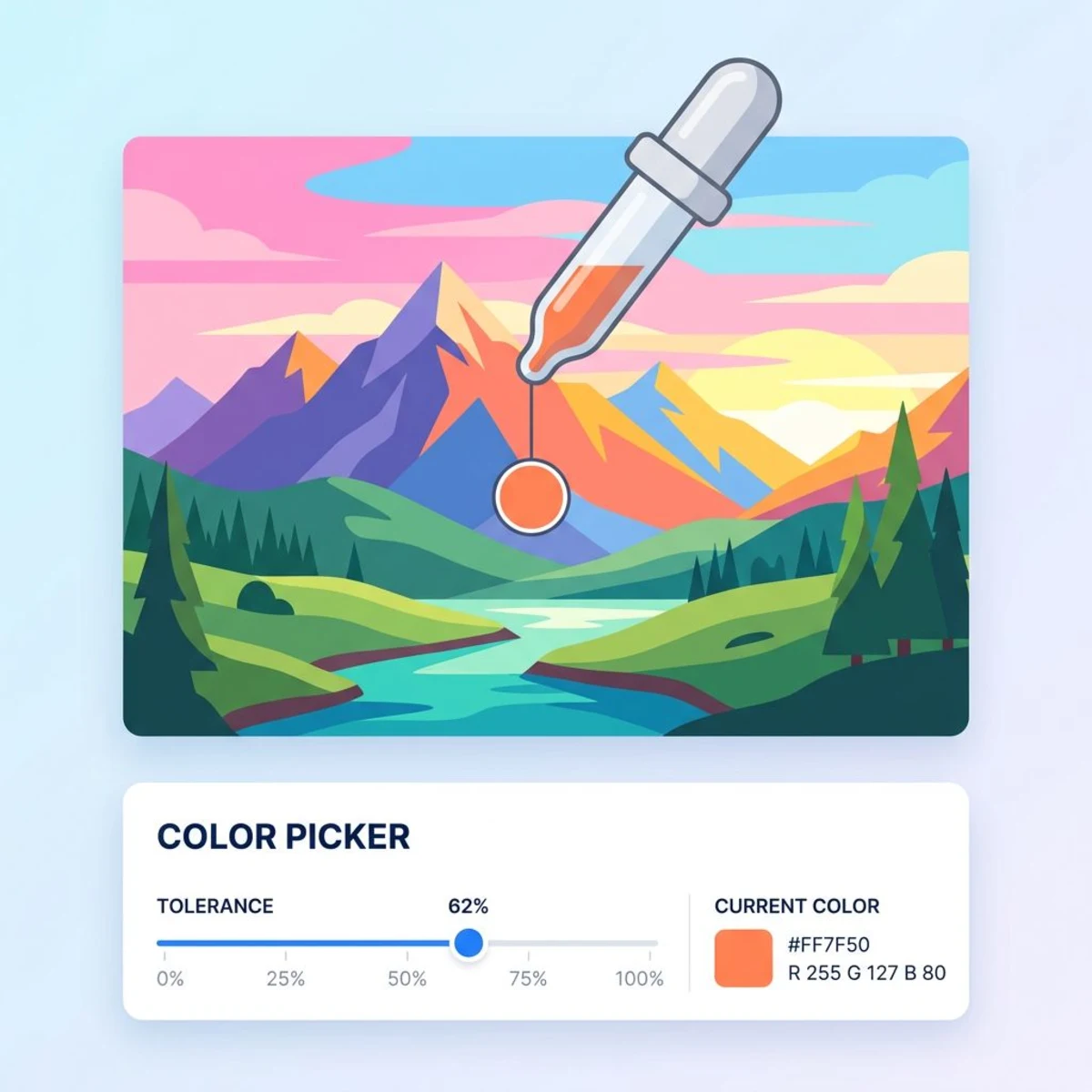
- Adjust tolerance: move the slider to control how wide a color range gets swapped. Download when it looks right.
Low tolerance targets an exact shade. Higher settings capture similar tones, which is great when colors vary slightly.
Common use cases for an image color changer
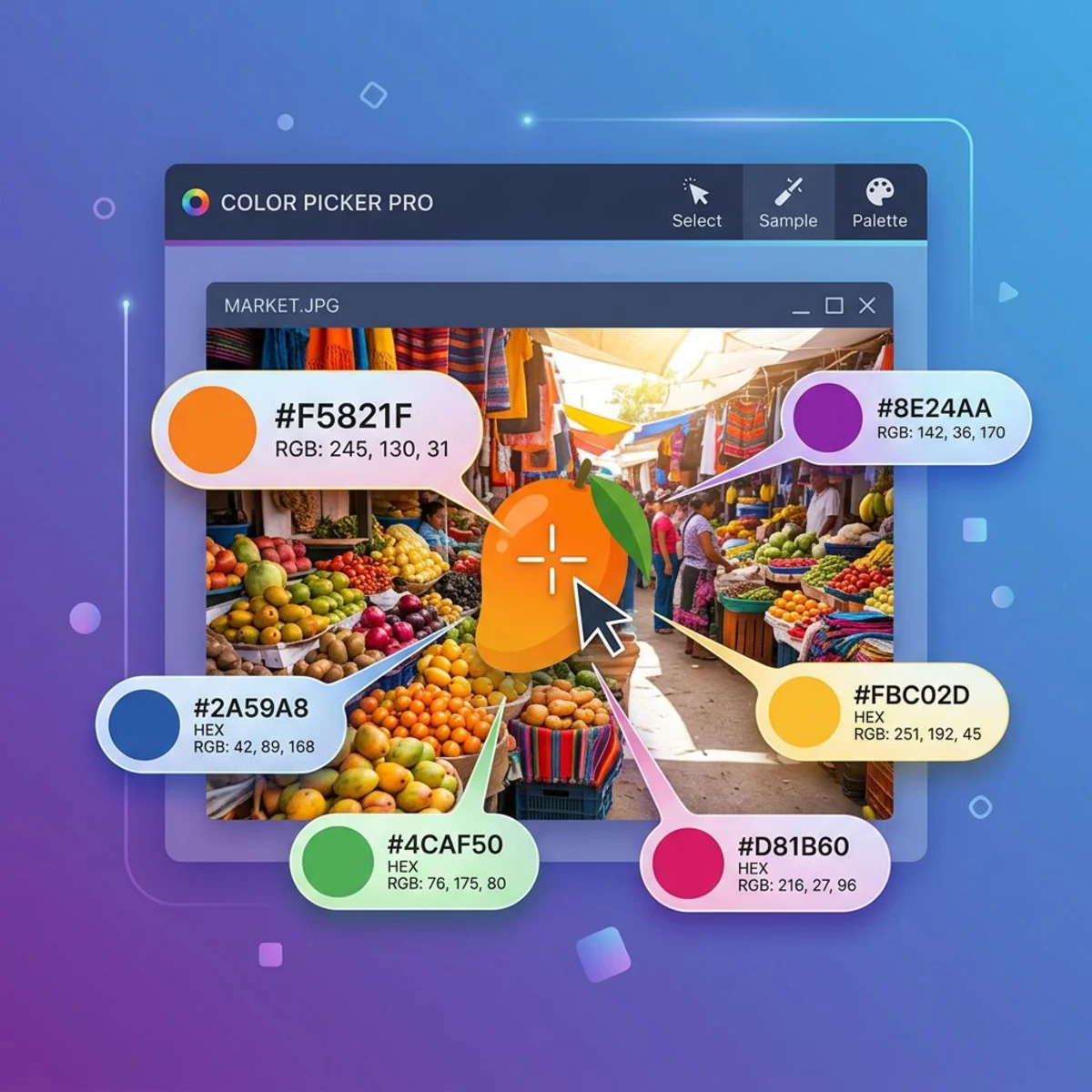
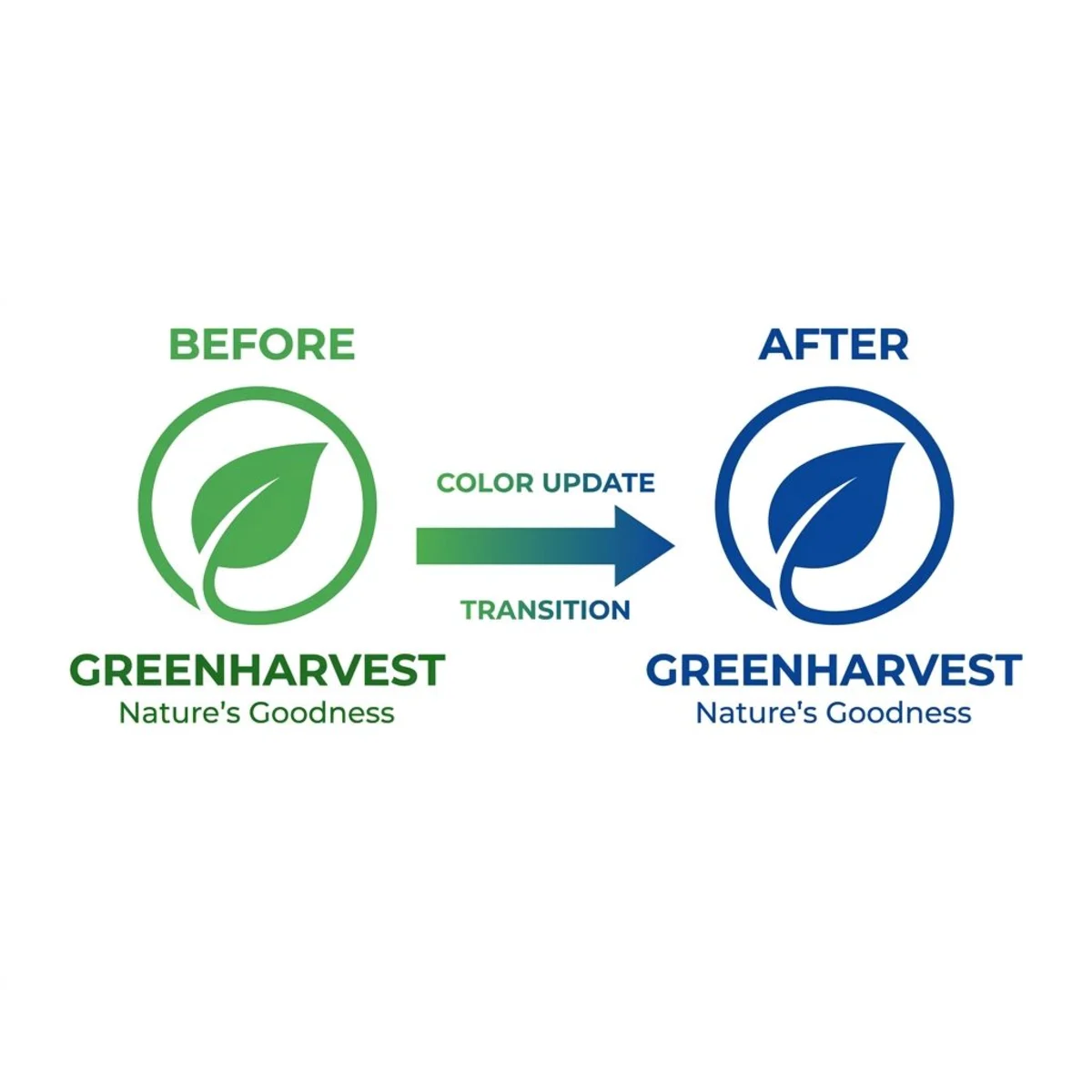
Logo recoloring. Need your logo in new colors for a campaign or dark background? A color swap is far faster than opening the source file. Use our Color Picker to grab the exact hex code.
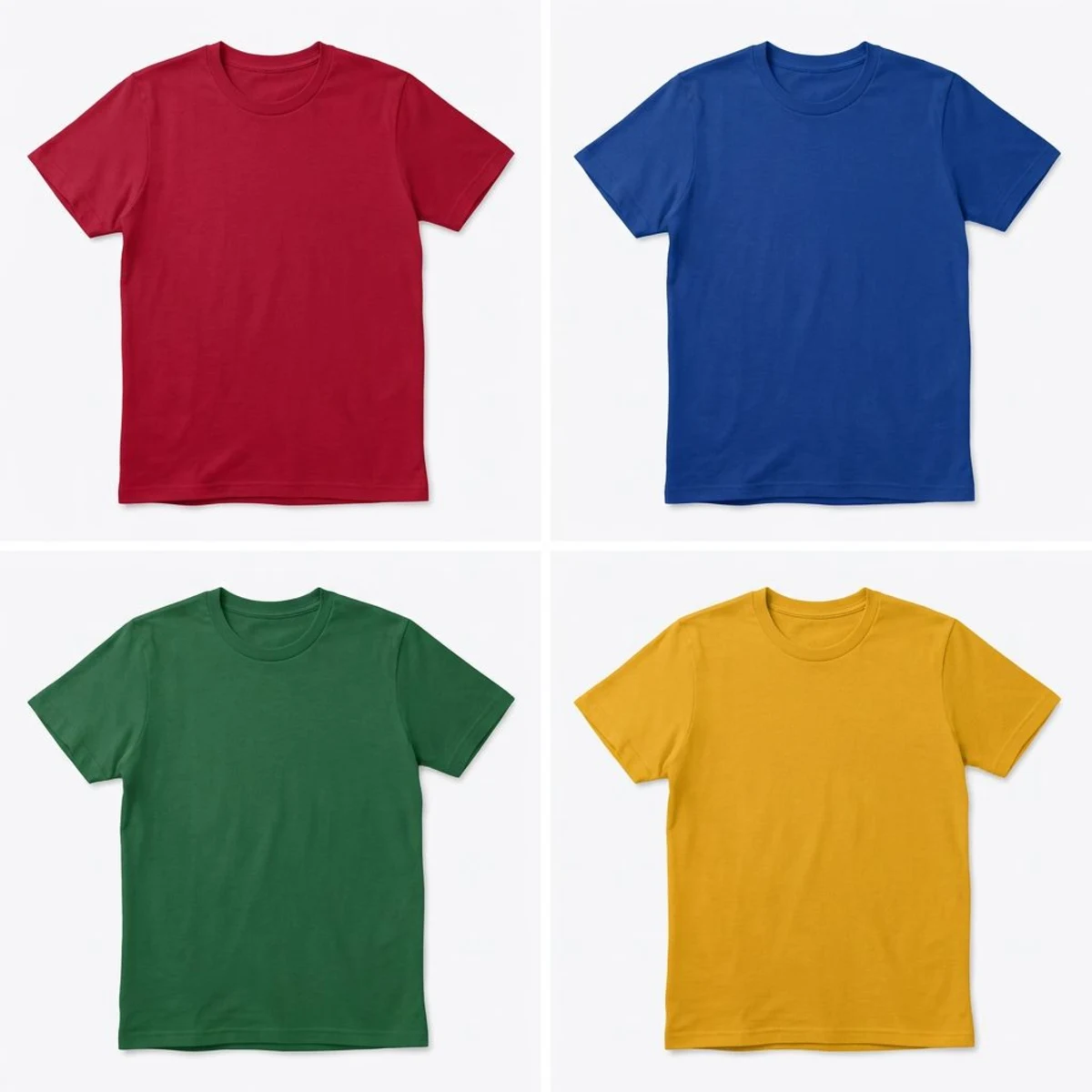
Product photography. E-commerce sellers shoot one product and recolor the image online for each color variant. This cuts photo shoots and keeps visuals consistent.
Design mockups. Swap hues across mockups to test color schemes fast. Pair it with the Color Palette Extractor to pull a palette from any reference image.
Social media graphics. Refresh posts by changing accent colors to match new branding. Need to remove backgrounds or add polished backgrounds to screenshots? Those tools pair well with color swaps.

Tired of plain screenshots? Try ScreenSnap Pro.
Beautiful backgrounds, pro annotations, GIF recording, and instant cloud sharing, all in one app. Pay $39 once, own it forever.
See pricing and featuresTips for better results
- Use images with distinct colors. Solid, well-separated colors swap more cleanly than gradients.
- Start with low tolerance. Raise it slowly until the swap covers the right area without bleeding.
- Convert formats after editing. Need a specific format? Use the Image Format Converter.
- Check accessibility. Make sure new colors meet WCAG contrast guidelines with our Color Contrast Checker.
Work with screenshots often? ScreenSnap Pro lets you capture, annotate, and beautify them in one workflow.
Free vs paid image color changer tools
| Feature | Free browser tools | Photoshop / Affinity | ScreenSnap Pro tool |
|---|---|---|---|
| Cost | Free | $23 to 55/mo | Free |
| Signup required | Sometimes | Yes | No |
| Batch recolor | Rarely | Yes | No |
| Tolerance slider | Sometimes | Yes | Yes |
| Privacy (local processing) | Varies | Yes (desktop) | Yes |
| Learning curve | Low | High | Low |
For quick, one-off swaps, a free browser tool does the job. Paid editors are better for complex edits like gradient recoloring or batch work.
Frequently Asked Questions

Morgan
Indie DeveloperIndie developer, founder of ScreenSnap Pro. A decade of shipping consumer Mac apps and developer tools. Read full bio
@m_0_r_g_a_n_