Placeholder Image Generator | Free Online Tool
A placeholder image is a temp graphic that fills space in a layout before real content is ready. Designers use them in wireframes, mockups, and prototypes to mark where final images will go, often beside actual screenshots from a tool like ScreenSnap Pro once the UI is ready.
Our free Placeholder Image Generator is a dummy image generator that creates custom images with any size, color, and text. No signup needed, and it runs in your browser.
How to generate placeholder images
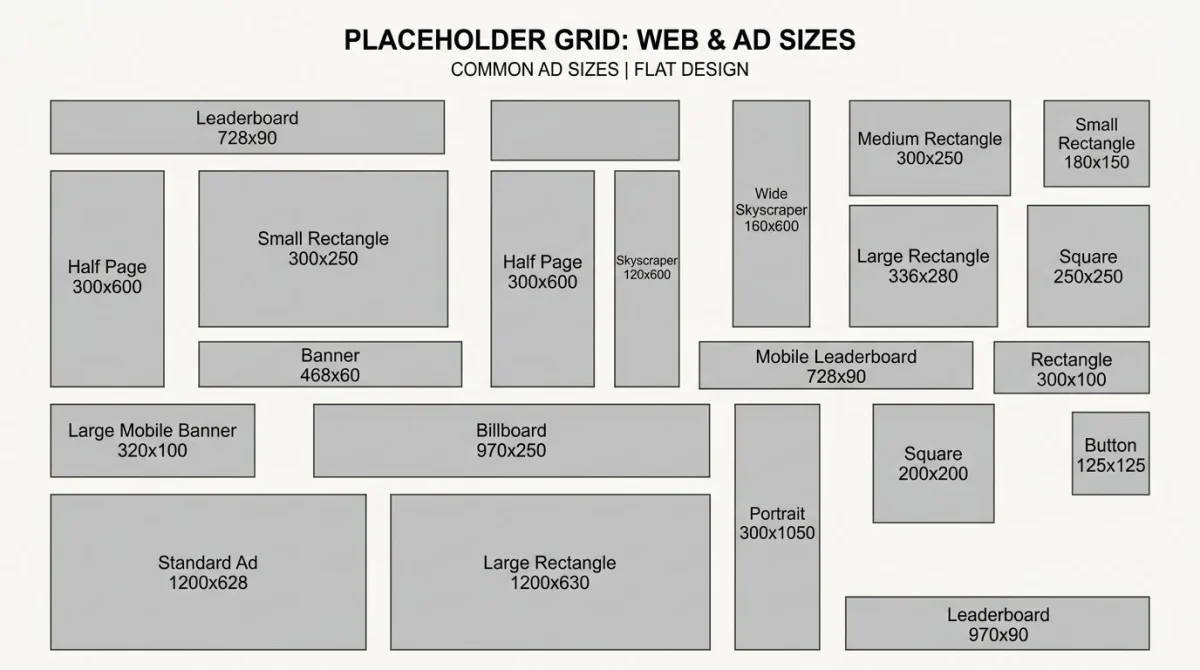
- Set the size: Enter width and height in pixels, or pick a preset (300x250, 728x90, 1200x630).
- Choose colors: Pick background and text colors with hex codes or the picker.
- Add text: Type custom text, or leave blank to show the dimensions.
- Pick a format: Download as PNG, JPG, or SVG. Copy the URL to embed.
Need hex values? Our Color Picker grabs colors from any image.
Common placeholder image sizes
Each project needs its own sizes. Here are the most used:
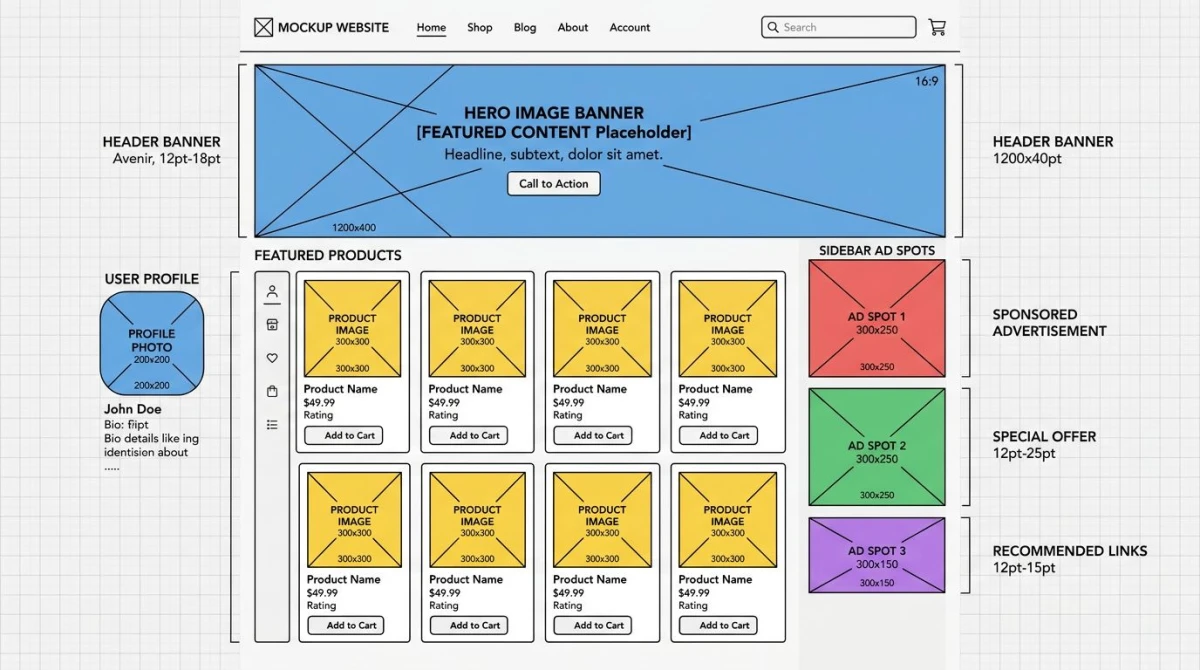
| Use Case | Size | Ratio |
|---|---|---|
| Social media preview | 1200x630 | 1.91:1 |
| Blog hero banner | 1200x675 | 16:9 |
| Profile photo | 400x400 | 1:1 |
| Product thumbnail | 600x600 | 1:1 |
| Banner ad (leaderboard) | 728x90 | 8:1 |
| Medium rectangle ad | 300x250 | 6:5 |
| App store screenshot | 1290x2796 | ~9:19.5 |
For the full list, check our social media image sizes guide. Building app store assets? See App Store screenshot sizes for current specs.

Tired of plain screenshots? Try ScreenSnap Pro.
Beautiful backgrounds, pro annotations, GIF recording, and instant cloud sharing, all in one app. Pay $39 once, own it forever.
See pricing and featuresUsing placeholder images in code
Add a photo placeholder image right in HTML or CSS with a URL. Many devs use services like placehold.co for quick builds:
<img src="https://placehold.co/600x400" alt="Placeholder" />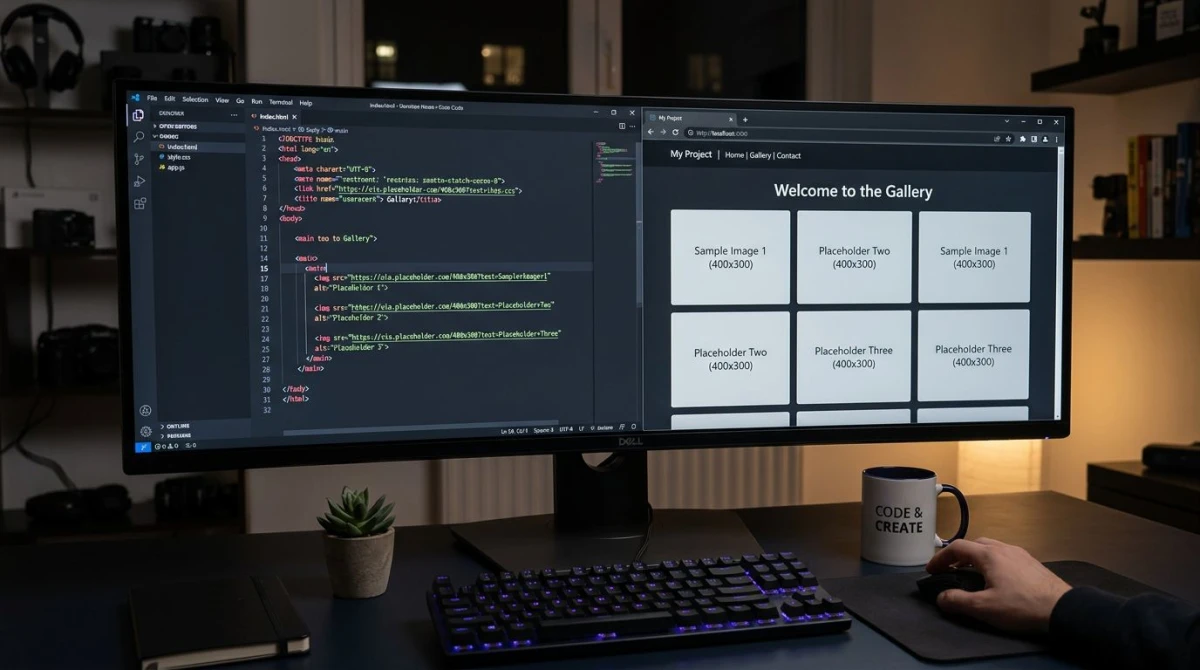
You can also set a placeholder image CSS background:
.hero {
  background-image: url('https://placehold.co/1200x630/222/fff');
  background-size: cover;
}
When your real images are ready, swap the URLs. Need to resize images first? Our Image Resizer handles that for free.
Profile and headshot placeholder images
A profile placeholder image is a default avatar shown when a user hasn't uploaded a photo, sometimes called a placeholder image person silhouette. The classic gray shape works, but you can make branded ones with custom colors and initials.
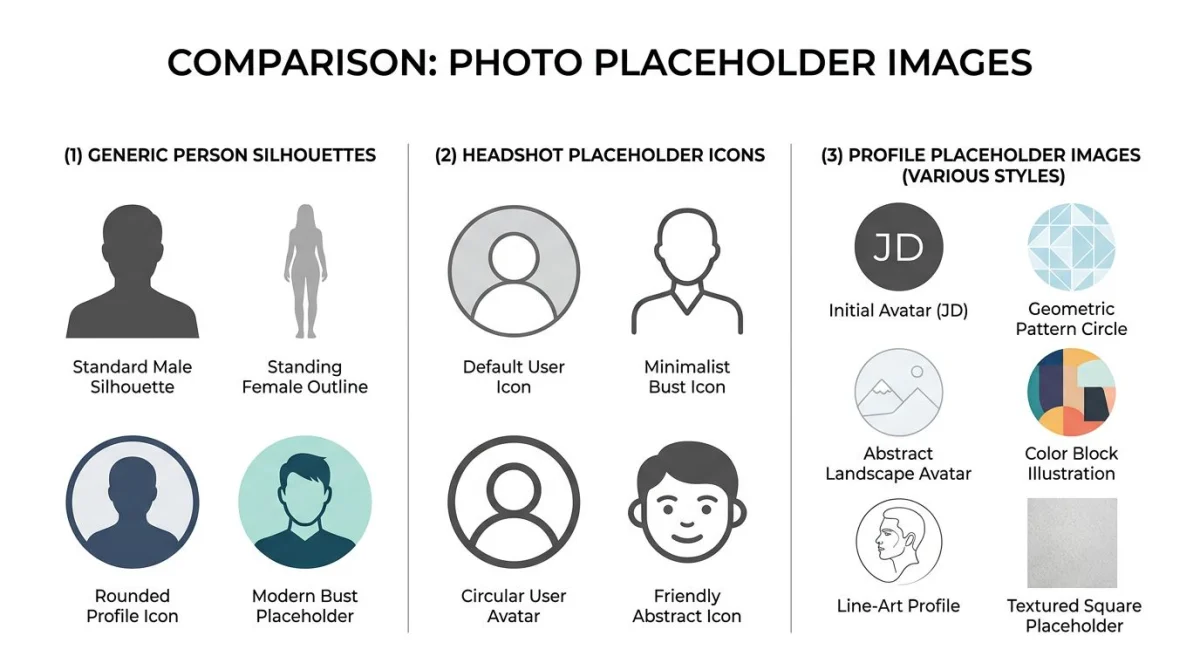
For headshot placeholder images, use a 1:1 ratio (200x200 or 400x400). Match your app's colors so the placeholder feels like part of the design.
Need to grab colors from a live design? The Color Palette Extractor pulls the main shades from any image.
Placeholder image tips for designers
- Match your grid. Set sizes to your actual layout columns so spacing stays right.
- Use real aspect ratios. A 16:9 placeholder in a 4:3 slot hides layout bugs you'll find later.
- Label them. Add text like "Hero Image" or use an image placeholder icon so your team knows what goes where.
- Test at all sizes. Drop placeholders at many widths to catch breakpoints early. ScreenSnap Pro makes it easy to capture and annotate screenshots of layouts at each viewport size.
Frequently Asked Questions

Morgan
Indie DeveloperIndie developer, founder of ScreenSnap Pro. A decade of shipping consumer Mac apps and developer tools. Read full bio
@m_0_r_g_a_n_