How to Record a Terminal Session (2026 Guide)
When you want to record a terminal, you have two main choices. You can capture the session as plain text that replays in a real shell. That's great for docs and tutorials. Or you can capture it as video, which is better for demos, bug reports, and non-tech viewers. This guide covers both paths, the top tools, and when to use each.
Quick comparison: text-based vs video terminal recording
| Approach | Best tool | File size | Copy-paste from playback | Best for |
|---|---|---|---|---|
| Pure text capture | asciinema | ~10 KB / minute | Yes | Docs, web embeds, GitHub READMEs |
| Unix builtin | script | ~5 KB / minute | Yes | CI logs, audits, no-install needs |
| Animated GIF | agg (asciinema) | ~500 KB / minute | No | READMEs, blog posts, social |
| Native video | QuickTime / OBS | ~10 MB / minute | No | Tutorials with cursor + UI |
| Screen recorder app | ScreenSnap Pro | ~10 MB / minute | No | Polished demos with annotations |
| Programmatic GIF | terminalizer | ~500 KB / minute | No | Branded, themed terminal GIFs |
If you only need the keystrokes and output, go text. If you need to show the rest of your screen (browser, app, cursor moves), go video.
Pure-text terminal recording (lightweight, replayable)
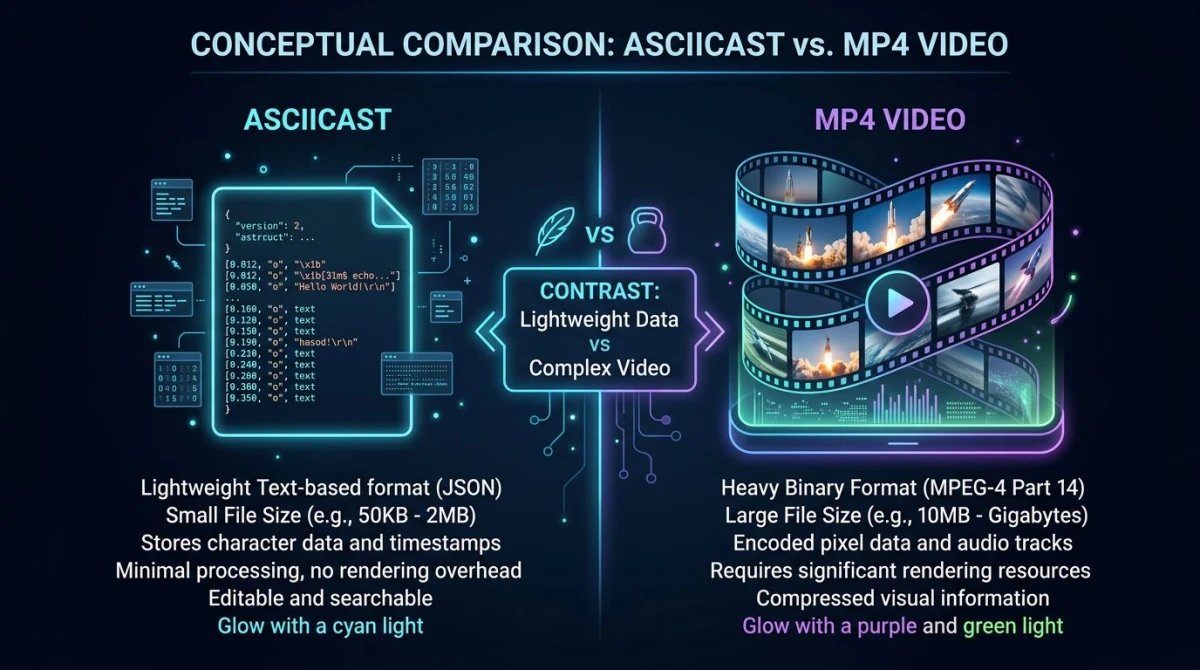
Text recordings store the session as a tiny JSON file. On playback, the characters appear at the same speed you typed them, but the output is still real text. Viewers can pause, copy a command, and paste it into their own shell.
asciinema (the modern standard)
asciinema is the top tool for recording terminal sessions in 2026. It's free, open source, and the CLI is on GitHub.
Install it:
# macOS
brew install asciinema

# Linux / any Python
pip install asciinema
Record a session:
asciinema rec demo.cast
# ...run commands...
exit  # or Ctrl-D when you're done
Play it back locally:
asciinema play demo.castTo share, upload to asciinema.org:
asciinema upload demo.castYou'll get a public URL. Embed it on a webpage with the official player:
<script src="https://asciinema.org/a/12345.js"
        id="asciicast-12345" async></script>
The result is a real, scrubbable terminal in the browser. Viewers can copy any command straight from the player.
`script` (the Unix builtin, no install needed)
Every Unix system ships with script. It's older and less polished than asciinema. But it works on any server you can SSH into, with zero setup.
Record:
script --timing=timing.log session.log
# ...run commands...
exit
Replay it:
scriptreplay --timing=timing.log session.logThis is the right tool when you need to capture a CI build, audit a production change, or send a log to a teammate without asking them to install anything.
ttyrec (older, mostly historical)
ttyrec was the popular choice in the 2000s. It still ships in some package managers. It records to a binary format and replays with ttyplay. Most teams have moved to asciinema for the cleaner format and free hosted player. Know it exists, but reach for asciinema first.
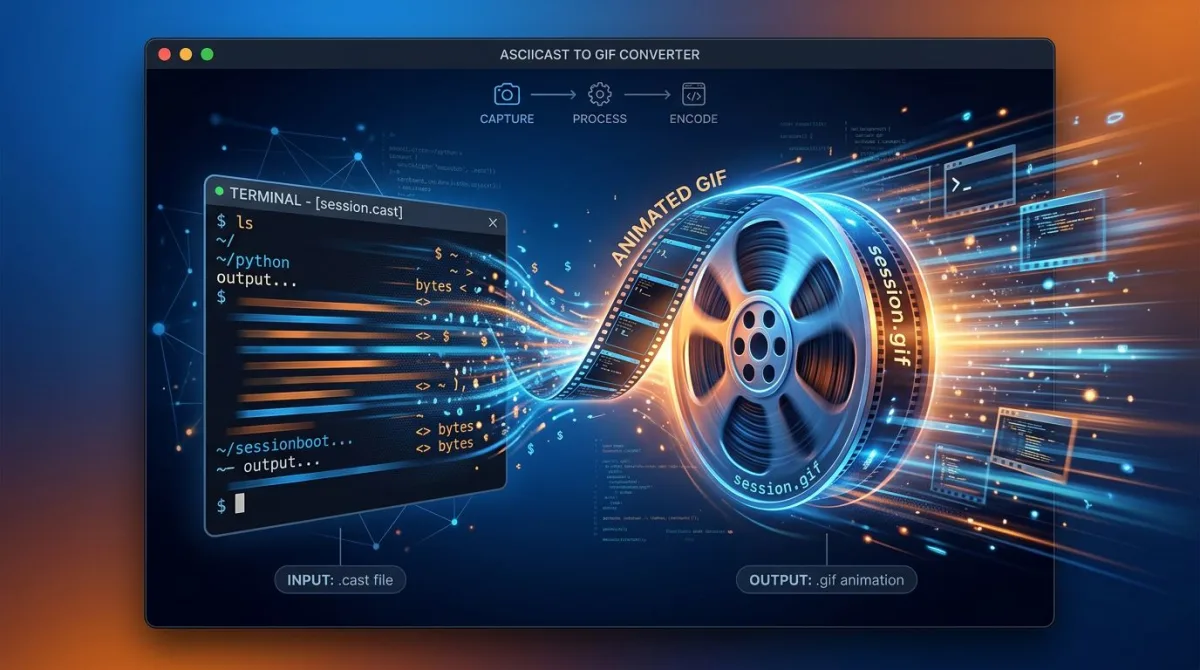
Convert asciinema to GIF with `agg`
Sometimes you need a GIF: for a GitHub README, a tweet, or a doc that doesn't allow embedded scripts. Use agg, the official asciinema GIF generator.
# Install
cargo install --git https://github.com/asciinema/agg

# Convert
agg demo.cast demo.gif
agg gives you sharp text, theme support, and tunable speed. The GIF stays small because it's drawn from text, not pixels.
Visual / video screen recording of a terminal
Sometimes text isn't enough. You need to show the cursor, a window switch, a mouse hover, a browser tab. That's a job for video.
macOS QuickTime / Cmd+Shift+5
The fastest path on Mac. Press Cmd + Shift + 5, choose Record Selected Portion, drag the box around your terminal, and hit Record. Free, no install, MOV output. Good for quick share-with-coworker clips.
OBS Studio
OBS Studio gives you full control: scenes, multi-source, custom sizes, and live overlays. It's overkill for a single terminal demo. But it's hard to beat when you need a webcam feed and a slide overlay alongside the terminal in a tech talk.
ScreenSnap Pro
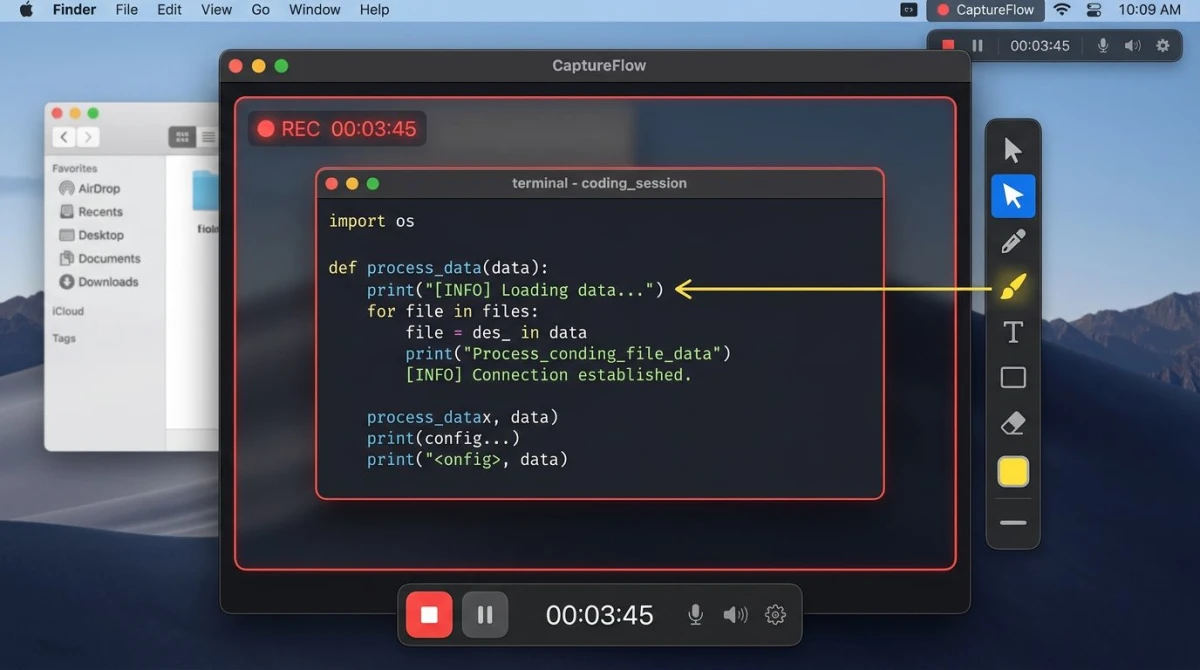
For a polished demo with a visible cursor, callouts, and instant cloud sharing, ScreenSnap Pro handles the whole flow on Mac and Windows. It's a one-time $34 buy (no subscription). It ships with 17 annotation tools, so you can drop arrows, highlights, and step counters right onto the recording. The cloud upload gives you a shareable link in one click. Handy when a teammate just wants to see the terminal flow without spinning up your repo.
For deeper recording context on each platform, see our guides on recording GIFs on Mac, recording the screen as a GIF on Windows, and the best screen recorders for Mac.
terminalizer (programmatic GIFs)
terminalizer is an npm tool. It records the terminal and renders to GIF or animated SVG.
npm install -g terminalizer
terminalizer record demo
terminalizer render demo
The win is theming: you control the window chrome, fonts, colors, and frame timing in a YAML file. It's great for brand-matched terminal GIFs in marketing or product docs.
When text wins vs when video wins
Text-based wins when:
- File size matters (docs site, low bandwidth, mobile readers).
- Viewers want to copy commands from the playback.
- The audience is technical and lives in the terminal already.
- You want the recording embedded inline on a webpage.
Video wins when:
- You need to show GUI context (browser tab, app window, file explorer).
- The audience includes non-developers (a PM, a customer, a stakeholder).
- You want voiceover, cursor highlights, or step-by-step annotations.
- The deliverable is a YouTube tutorial or a sales demo.
A common pattern: record asciinema for the doc. Then make a short video clip for marketing. Same content, two surfaces.

Tired of plain screenshots? Try ScreenSnap Pro.
Beautiful backgrounds, pro annotations, GIF recording, and instant cloud sharing, all in one app. Pay $34 once, own it forever.
See pricing and featuresCommon workflows
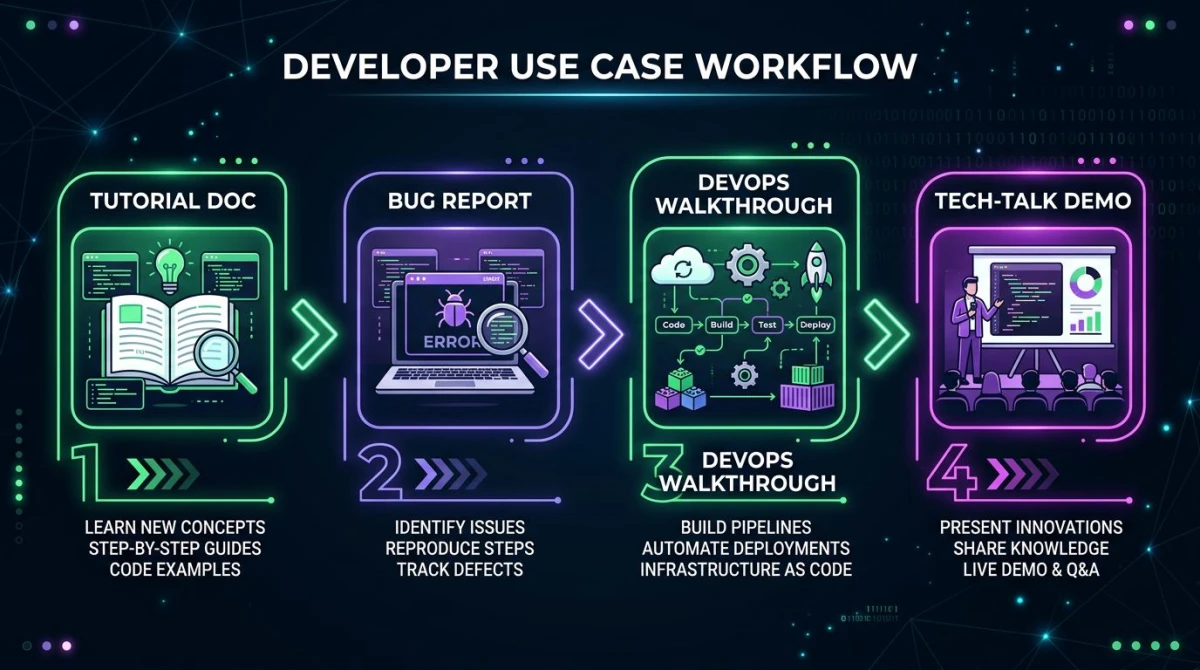
CLI tutorial for tech docs
asciinema, hands down. Record once, embed on the docs page, viewers copy commands directly. Tiny file, no video pipeline.
Bug report
You have two good options. For a CLI-only bug, script makes a clean log you can paste into a GitHub issue. For a bug with both a terminal and a UI, a quick video clip with a tool like ScreenSnap Pro captures the full context. Terminal, error dialog, and what you clicked to trigger it.
DevOps automation walkthrough
asciinema with a cast embedded on the runbook page. Engineers can pause at each step, copy the command, and run it in their own session.
Tech-talk demo
Pre-record the terminal part with terminalizer to control timing and theming. Or use a screen recorder for live demos. ScreenSnap Pro is a good pick when you also want webcam and system audio in the final cut.
CI and automation use cases
Beyond docs and demos, terminal recordings shine in CI diagnostics. Wrap your build in script:
script --return --quiet --command "make ci-build" build.logIf the build fails, you have a full replay-ready log of every byte of output. That's gold for flaky tests and for after-the-fact audits.
For visual regression workflows, pair the build log with screenshot diffs. See visual regression testing for the full pipeline. And if you build screenshot APIs into the same flow, our screenshot APIs guide covers the providers worth evaluating.
Troubleshooting
asciinema records nothing: make sure your shell is interactive. Run asciinema rec from a real terminal, not from a script that already pipes stdin/stdout.
Playback runs too fast or too slow: add -i 2 on record to cap long pauses, or -s 2 on play to run at 2x speed.
script timing file missing on macOS: macOS ships a different script than GNU Linux. Install GNU util-linux via Homebrew (brew install util-linux) for the --timing flag, or use asciinema instead.
GIF is huge: that's why text wins for docs. If you must ship a GIF, use agg over a screen-record-to-GIF. The result is sharper and about 10x smaller.
Windows users: asciinema runs in WSL. For native Windows recording, PowerShell's Start-Transcript captures session text, and the Xbox Game Bar (Win + G) records video.
Frequently Asked Questions
Wrapping up
Pick the format that matches the audience. If you're writing for developers and the session lives in a shell, asciinema gives you the smallest file, best embed, and best copy-paste flow. If you need to show a cursor, a window switch, or a UI element, a video recorder is the right tool.
For polished video demos with annotations, cursor highlights, and instant cloud sharing on both Mac and Windows, ScreenSnap Pro is worth a look. $34 once, no subscription. The 17-tool annotation kit makes it easy to mark up the recording before you share.

Morgan
Indie DeveloperIndie developer, founder of ScreenSnap Pro. A decade of shipping consumer Mac apps and developer tools. Read full bio
@m_0_r_g_a_n_