ShareX vs Greenshot: Which Free Tool Is Better? (2026)
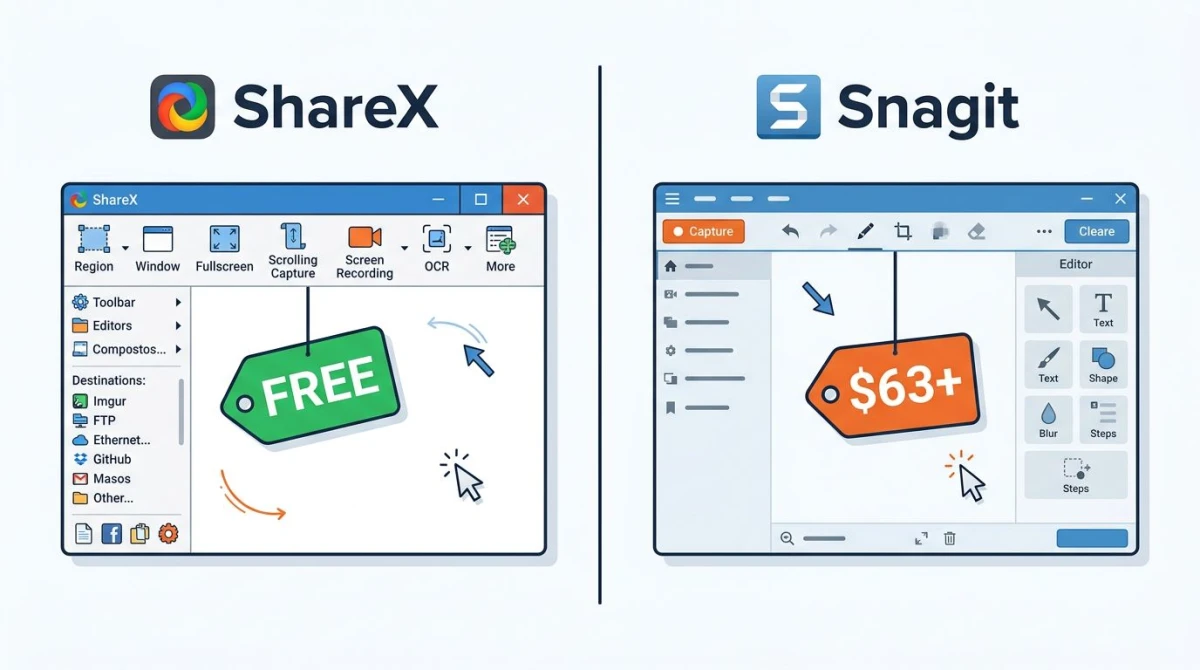
ShareX vs Greenshot is the classic free Windows screenshot debate. ShareX is the power-user pick: screen capture, video recording, GIFs, and 70+ cloud upload targets. Greenshot is the simple pick: fast captures, a clean editor, and almost zero learning curve. Neither tool fits every workflow, and there's a $49 middle ground most guides skip. Here's how they really compare in 2026.
ShareX vs Greenshot at a glance
Before we go deep, here's the quick version. Both tools are free and open source. Both run on Windows only. But the feature gap is huge.
| Feature | ShareX | Greenshot |
|---|---|---|
| Price | Free | Free |
| Platform | Windows (also Microsoft Store) | Windows (Mac version abandoned) |
| Screen capture | Full, window, region, scrolling | Full, window, region |
| Screen recording | Yes (MP4, WebM) | No |
| GIF recording | Yes | No |
| Audio capture | System + mic | No |
| Annotation tools | Moderate (editor after save) | Clean built-in editor |
| OCR | Yes | Yes (add-on) |
| Cloud uploads | 70+ destinations | Imgur, FTP, a few others |
| Automation | Workflows, hotkeys, scripts | Basic hotkeys |
| Learning curve | Steep | Flat |
| Install size | ~20 MB | ~5 MB |
The short answer: pick ShareX if you want power and features. Pick Greenshot if you just want fast screenshots. Keep reading for the full breakdown, plus a third option worth knowing.
Screen capture compared
Both tools handle the basics well. Press a hotkey, select a region, and the screenshot lands in your clipboard or editor. The differences show up in the small details.
ShareX capture modes:
- Full screen
- Active window
- Region (freehand, rectangle, or fixed-size)
- Scrolling capture (for long web pages or docs)
- Auto-capture on a timer
- Custom region presets
- Screen color picker
Greenshot capture modes:
- Full screen
- Active window
- Region (rectangle only)
- Last region used (hotkey)
- Internet Explorer only for scrolling (a relic you can skip)
If you need full page screenshots on Windows, ShareX handles them. Greenshot can't do modern scrolling capture outside of IE. That alone rules Greenshot out for many workflows.
For region selection, both tools feel snappy. ShareX adds a magnifier lens and exact pixel coords, which is handy for designers. Greenshot keeps it simple with crosshairs and dimensions.
Winner: ShareX. More modes, better scrolling, designer-friendly region tools.
Hotkeys and defaults
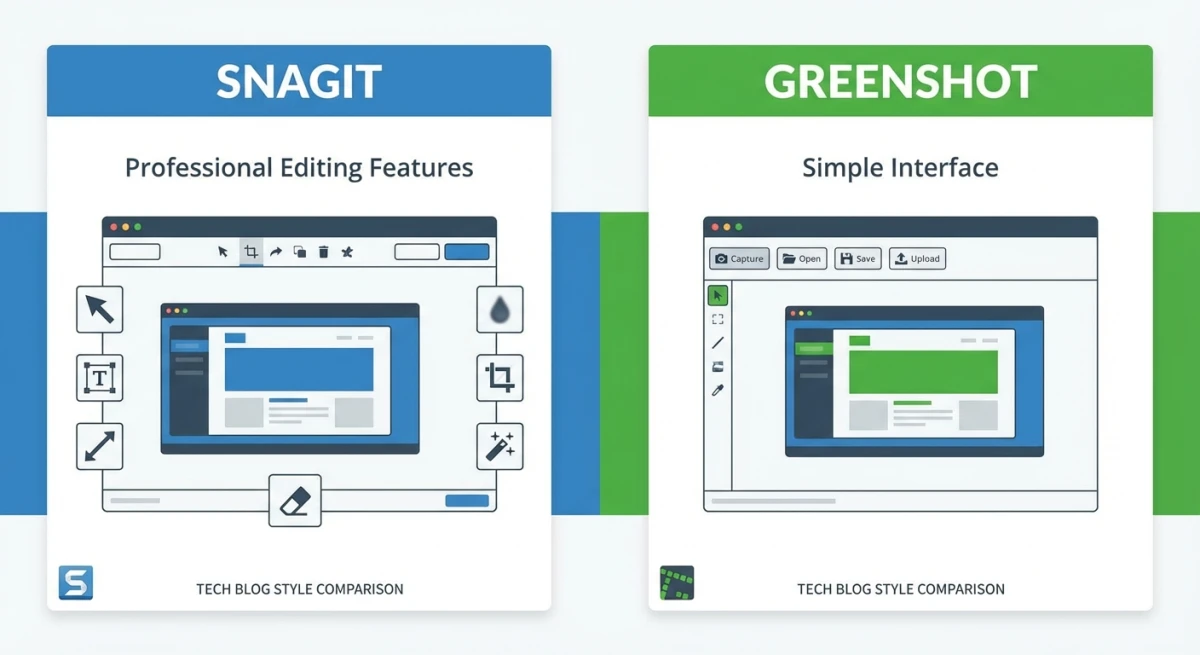
Greenshot replaces the Print Screen key by default. Press it, pick a region, and the built-in editor pops open. That's the whole workflow.
ShareX lets you bind any hotkey to any action. You can map Print Screen to "capture region + save + upload to Imgur + copy URL" in one go. Or keep it simple and map it to "region capture only." It's infinitely flexible, which is also why it takes time to set up.
Annotation and editing
This is where the two tools feel very different.
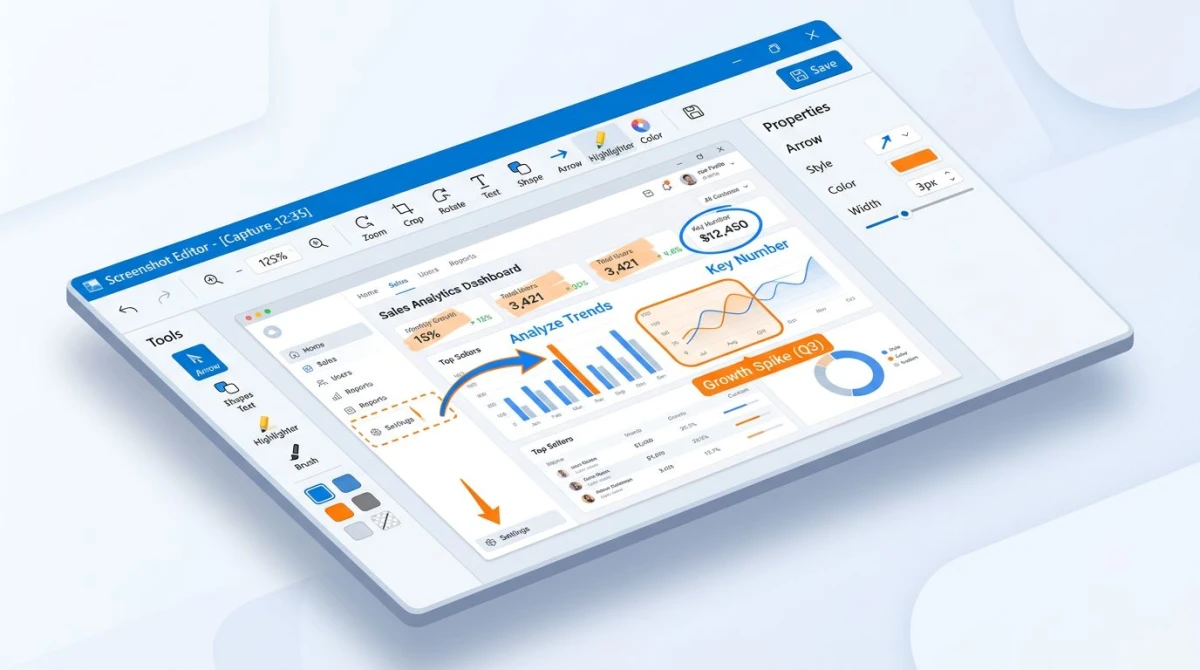
Greenshot's editor opens right after every capture (if you want). It includes:
- Arrows and lines
- Rectangles and ellipses
- Text boxes with custom fonts
- Highlighter
- Obfuscate (pixelate for sensitive info)
- Crop tool
- Counter (numbered steps)
The UI is dated but clear. Every tool does exactly what you'd expect. No hidden panels, no nested menus.
ShareX's editor (Greenshot-based, actually) has similar tools but lives a layer deep. You save first, then open the editor from the history menu. It supports:
- All the basics (arrows, shapes, text)
- Effects (blur, pixelate, drop shadow, border)
- Step tool for numbered callouts
- Emoji and stickers
- Basic shape fills and outlines
Ironically, ShareX uses Greenshot's image editor under the hood. So the actual drawing experience is similar. ShareX just wraps it in more friction.
If you want quick markup and move on, Greenshot wins. If you need pro-level screenshot annotation with effects, ShareX edges ahead, but only if you're willing to dig through menus.
Winner: Greenshot. The editor pops up right after capture, with zero extra clicks.
Screen recording and GIF capture
Here's where Greenshot falls off a cliff.
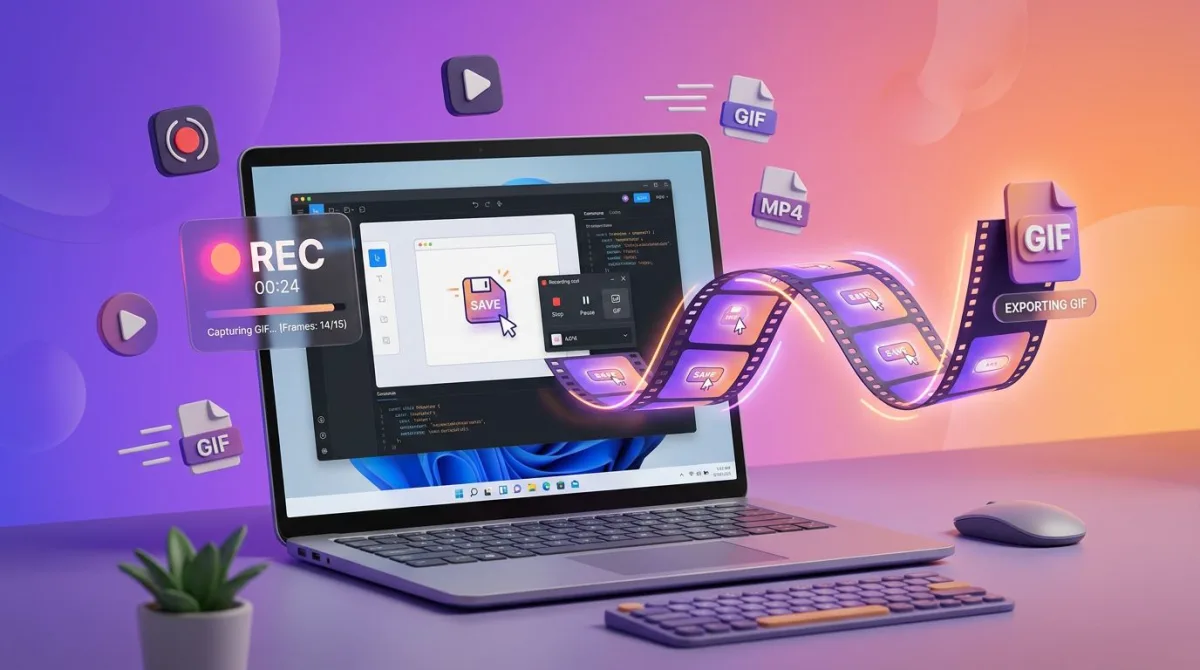
Greenshot has no video or GIF features. Period. It's a screenshot tool and nothing else. If you want to record GIFs on Windows or grab a quick screen video, you need a second app.
ShareX covers a lot:
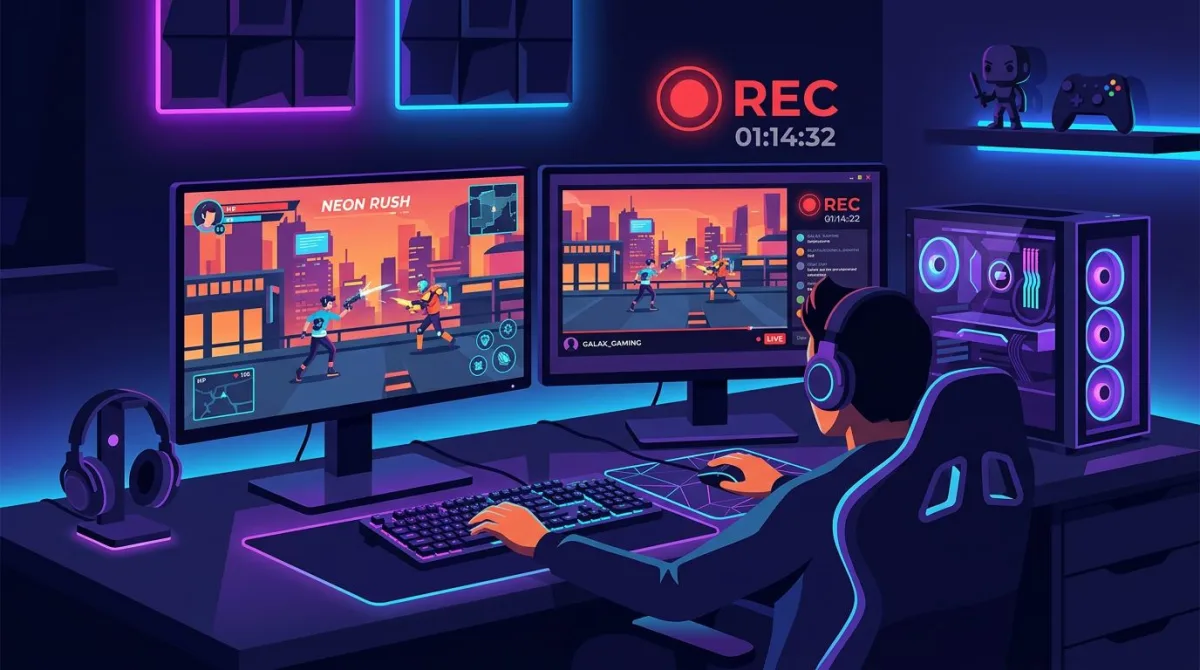
- Screen recording (MP4 with FFmpeg, built-in)
- GIF recording (custom frame rate, loop settings)
- Region, window, or full-screen recording
- System audio + microphone capture
- Cursor highlight and click effects
- Auto-stop after set duration
ShareX's recorder uses FFmpeg (downloaded on first use) to handle encoding. Quality is good: 1080p at 30-60 fps with configurable bitrate. GIFs come out clean, though file sizes can balloon on longer clips.
There's no built-in video editor. You can't trim clips in ShareX. For that, you'd need a free Windows screen recorder with editing, or post-process in another app.
Still, ShareX's recording is "good enough" for bug reports, Slack GIFs, and short tutorials. Greenshot doesn't even try.
Winner: ShareX. By default, because Greenshot has nothing to offer here.
Cloud sharing and upload
Both tools upload to the cloud. But the scale is night and day.
ShareX supports 70+ destinations out of the box, including:
- Imgur, Flickr, Photobucket
- Dropbox, Google Drive, OneDrive
- Amazon S3, Backblaze B2, custom FTP/SFTP
- YouTube, Twitch (for video)
- Discord, Slack, Telegram, Twitter
- Pastebin, Gist, Hastebin (for text)
- Custom uploader via JSON config
You can chain actions together. Example: capture region → save locally → upload to S3 → shorten URL via Bitly → copy to clipboard → show toast. All in one hotkey press.
Greenshot supports:
- Imgur (direct)
- Microsoft Office apps (Word, PowerPoint, Outlook)
- Save to file
- Copy to clipboard
- Send via email
- FTP/WebDAV (with plugins)
Greenshot's sharing is functional but basic. For Imgur uploads, it works great. For anything else, you're exporting files manually or hunting for a third-party plugin.
If you share screenshots to the same five places every day, Greenshot is fine. If you work across tools and need things automated, ShareX is in a different league.
Winner: ShareX. Massive lead on upload destinations and automation.

Tired of plain screenshots? Try ScreenSnap Pro.
Beautiful backgrounds, pro annotations, GIF recording, and instant cloud sharing, all in one app. Pay $49 once, own it forever.
See pricing and featuresEase of use
This is where Greenshot hits back hard.
Install Greenshot, press Print Screen, drag a region, and the editor opens. Mark it up, hit save or copy. Done. The whole app is maybe five menu items deep. You can learn everything in 10 minutes.
ShareX is the opposite. Open the main window and you're met with a left sidebar of 20+ options: capture, upload, workflows, tools, after-capture tasks, after-upload tasks, destinations, hotkeys, history. Settings are nested three levels deep. The docs are thorough but dense.
ShareX isn't hard because it's buggy. It's hard because it does everything. Every feature has five configurable options. That's powerful for pros and overwhelming for newcomers.
Our take: If you're coming from the basic Windows snipping tool, Greenshot is the gentler jump. If you're tech-savvy and patient, ShareX pays back the setup time ten-fold.
Winner: Greenshot. Flat learning curve wins every time for casual users.
Performance and system resources
Both tools are lightweight compared to commercial apps like Snagit or Camtasia. But between the two, there's still a gap.
Greenshot:
- Install size: ~5 MB
- Memory at idle: 15-25 MB
- Boots in under a second
- No background services
ShareX:
- Install size: ~20 MB
- Memory at idle: 40-70 MB
- Boots in 1-2 seconds
- Background service for hotkeys and auto-upload
Neither will slow down a modern PC. But on older hardware or low-RAM laptops, Greenshot's lighter footprint is a real plus. If you only take a screenshot once in a while, ShareX's background process is overkill.
For battery life on laptops, Greenshot is quieter too. It wakes up only when you press the hotkey. ShareX has a few more timers running.
Winner: Greenshot. Lighter, faster to boot, quieter in the background.
Security and privacy
Both tools are open source, which matters for trust. Their code is on GitHub, and anyone can audit it.
ShareX is developed by ShareX Team and published under the GPL-3.0 license. It doesn't phone home and doesn't collect usage data by default. All cloud uploads are opt-in per destination.
Greenshot is also GPL. Its Imgur uploader has been flagged by some users in the past for occasional uploads going to default Imgur folders. That is configurable, but a gotcha if you don't read settings carefully.
Both tools respect your data and work fully offline. You can even carry ShareX as a portable install on a USB drive, which is handy for restricted work machines.
For general security, read Microsoft's guide to verifying downloaded software on Windows before installing either one.
Which should you choose?
After testing both side by side, here's our clean take:
Choose Greenshot if:
- You take screenshots a few times a day, max
- You don't need video or GIF recording
- You want the lightest, fastest tool possible
- You've tried ShareX and found it too complex
- You mainly share to Imgur, email, or Word/PowerPoint
Choose ShareX if:
- You need screen recording or GIF capture
- You upload to many places (S3, Drive, Slack, etc.)
- You want to automate screenshot workflows
- You're comfortable tinkering with settings
- You need scrolling capture or OCR on Windows
Neither is ideal if:
- You want a clean, polished UI that just works
- You need beautiful backgrounds for social-ready screenshots
- You work on both Mac and Windows
- You want one tool that combines ShareX's features with Greenshot's simplicity
That last case is more common than you'd think. Most free tools force a tradeoff: simple but limited, or powerful but painful. For a middle ground, see the best screenshot tools for Windows roundup.
The third option: ScreenSnap Pro
If you've tried both tools and neither clicks, there's a third path: pay a small one-time fee and skip the tradeoffs.
ScreenSnap Pro is $49 one-time, no subscription. It includes:
- Screen capture (region, window, full screen)
- Screen recording (MP4, with system audio + mic)
- GIF recording (straight to GIF, no conversion)
- 500+ gradient backgrounds for polished captures
- 17 annotation tools (arrows, shapes, blur, pixelate, magnifier, spotlight, counter, text, and more)
- OCR text extraction from any screenshot
- Optional cloud upload (can be disabled)
- No watermarks, ever
- Works on Mac AND Windows (two-computer license)
It's not free, but it combines ShareX's recording power with Greenshot's clean UI. Compared with Snagit, which is now a $39-per-year subscription, a one-time price works out cheaper the longer you keep using it. The Snagit vs Greenshot breakdown covers that gap in detail.
The real pitch: you pay once, own it forever. No subscription, no nagware, no "lite" version trying to upsell you. If you work across Mac and Windows, your license covers both.
For folks who want the annotation polish of Greenshot plus the recording range of ShareX plus beautiful exports for social sharing, ScreenSnap Pro is the best single-tool answer in 2026. Also handy for Mac users looking at ShareX or Greenshot on Mac: the Mac versions don't really exist, but ScreenSnap Pro is a real cross-platform option.
Frequently Asked Questions
The bottom line
ShareX vs Greenshot isn't really a fair fight on features. ShareX wins on almost every spec sheet. But Greenshot wins on the thing that matters most for casual users: being easy to use without setup.
- Want the lightest, simplest free screenshot tool? Greenshot.
- Want a free tool that also records video and GIFs? ShareX.
- Want polish, beautiful exports, and no subscription headaches? ScreenSnap Pro at $49 one-time.
For Windows power users on a zero budget, ShareX is hard to top on features. For casual folks who only want fast screenshots, Greenshot does its job and stays out of the way. And if neither quite fits, the $49 middle path is there when you're ready.
Either way, you have way better options than the default Windows Snipping Tool, and now you know which one to pick.

Morgan
Indie DeveloperIndie developer, founder of ScreenSnap Pro. A decade of shipping consumer Mac apps and developer tools. Read full bio
@m_0_r_g_a_n_