8 Best PicPick Alternatives for Windows (2026)
The best PicPick alternatives for Windows in 2026 are ScreenSnap Pro for screenshots, recording, and video editing in one app, ShareX for free power users, Greenshot for minimal workflows, Snagit for business docs, Snipaste for pin-to-screen, Lightshot for instant share links, Flameshot for open-source fans, and the built-in Snipping Tool for basics. Each fixes a different gap in PicPick.
Why look for a PicPick alternative
PicPick is a hidden gem for Windows screenshots. It also records video, and version 7.5 (May 2026) gave it a fresh look. So why do people search for a replacement?
Three pain points show up. No Mac support: PicPick is Windows only, with no Mac build planned. Commercial license costs: free for personal use, but work use needs the Professional plan at about $30 per user per year. No video editor: the recorder saves clips straight to a file, with no built-in way to trim, cut, or zoom.
Our PicPick review for Windows covers the tradeoffs.
Quick comparison table
| Tool | Price | Commercial use OK? | Recording | GIF | Cloud share | Mac | Best for |
|---|---|---|---|---|---|---|---|
| ScreenSnap Pro | $49 one-time | Yes | Yes + editor | Yes | Yes | Yes | All-in-one capture, record, edit |
| ShareX | Free | Yes | Yes | Yes | Yes | No | Free power users |
| Greenshot | Free | Yes | No | No | Imgur | Old app | Minimal capture |
| Snagit | $39/yr | Yes | Yes | Yes | Screencast | Yes | Business docs |
| Snipaste | Free / Pro | With PRO | No | No | No | Yes | Pin-to-screen |
| Lightshot | Free | Yes | No | No | prntscr | Yes | One-click share |
| Flameshot | Free | Yes | No | No | No | Yes | Open-source fans |
| Snipping Tool | Free | Yes | Win 11 | 30s export | No | No | Built-in basics |
1. ScreenSnap Pro: best all-around upgrade from PicPick
Price: $49 one-time | Platform: Windows + Mac | Rating: (4.8/5)
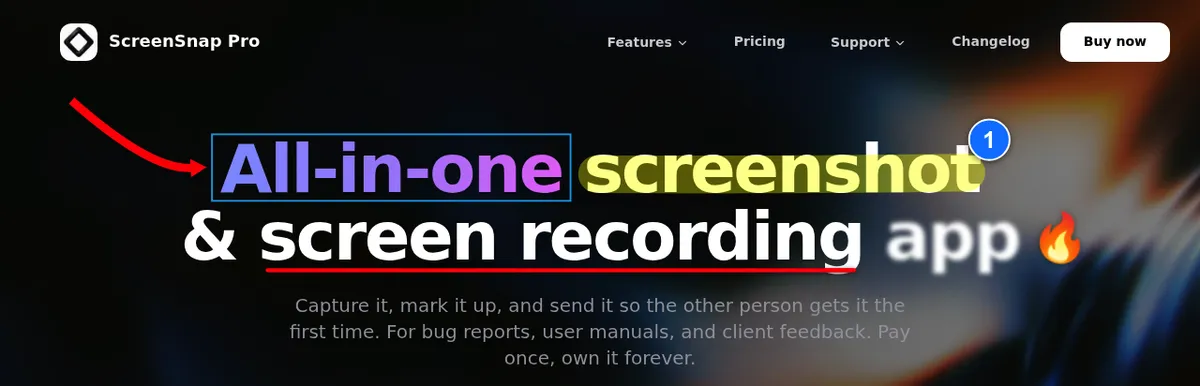
ScreenSnap Pro fills the three gaps PicPick leaves open: Mac support, a video editor, and a one-time price. It records MP4 video with webcam, mic, and system audio, and it records GIFs directly. A built-in video editor (since v5.0.0) lets you trim, split, and speed up clips, cut silences in one click, and add auto zoom. For images you get 17 annotation tools, OCR, pinned screenshots, Scrolling Capture in any app, 500+ backgrounds, optional cloud share links, and full-page website capture from any URL.
PicPick's commercial license runs ~$30 per seat per year. ScreenSnap Pro is $49 one time with lifetime updates, and one license covers 2 seats in any mix of Mac and Windows.
Pick this if you want PicPick's all-in-one feel plus a video editor, pinned screenshots, full-page website capture, and Mac support, all at a one-time price.
Skip if you need a $0 free tier forever.
See features and price on the ScreenSnap Pro pricing page.
2. ShareX: best free power-user alternative
Price: Free, open-source | Platform: Windows | Rating: (4.5/5)
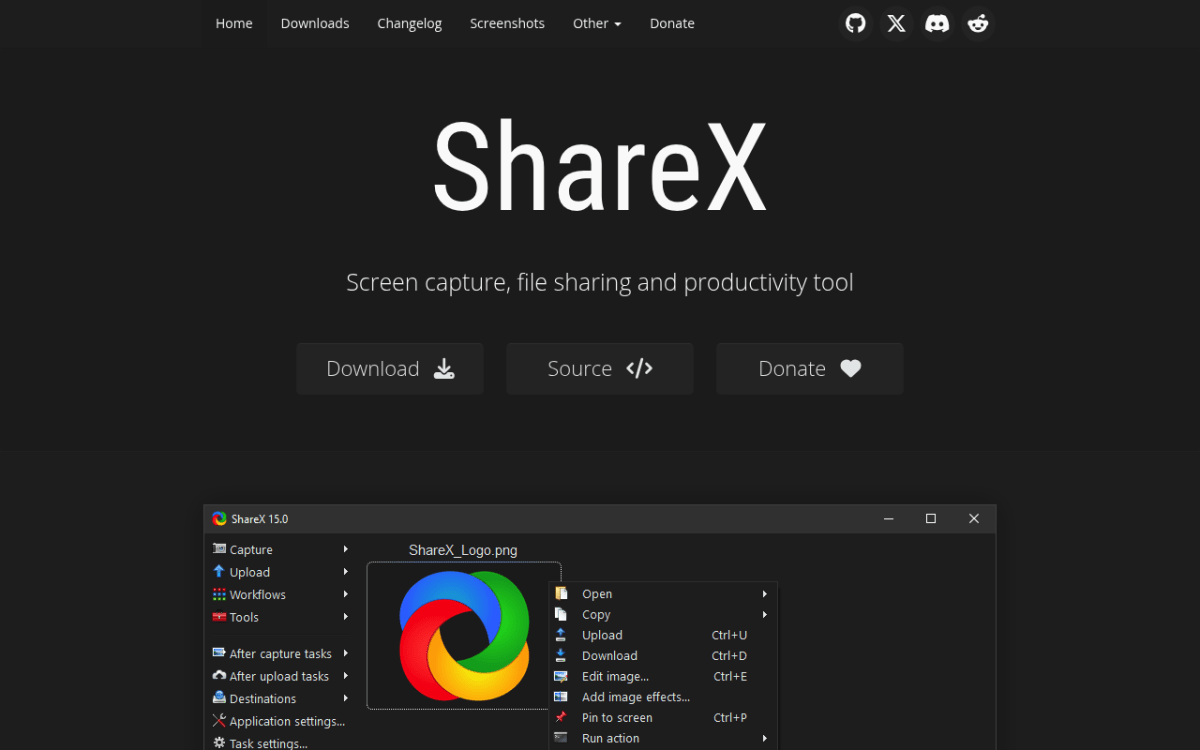
ShareX is the most-loved free PicPick replacement. It captures images, GIFs, and video, with dozens of upload destinations: Imgur, Dropbox, S3, FTP. Workflows chain capture, watermark, upload, and copy link in one keystroke.
The catch is the UI. Hundreds of options across a dozen tabs; the first hour feels like reading a config file. The image editor got a modern rebuild in 2026, but the main window did not. Current versions need 64-bit Windows 10 or 11.
Pick this if you want PicPick's feature range plus automated upload workflows, and you are Windows-only.
Skip if you want a clean interface or you need Mac support.
Our ShareX review for Windows covers setup.
3. Greenshot: best minimal free alternative
Price: Free, open-source | Platform: Windows (old $1.99 Mac app, last updated 2020) | Rating: (4.3/5)
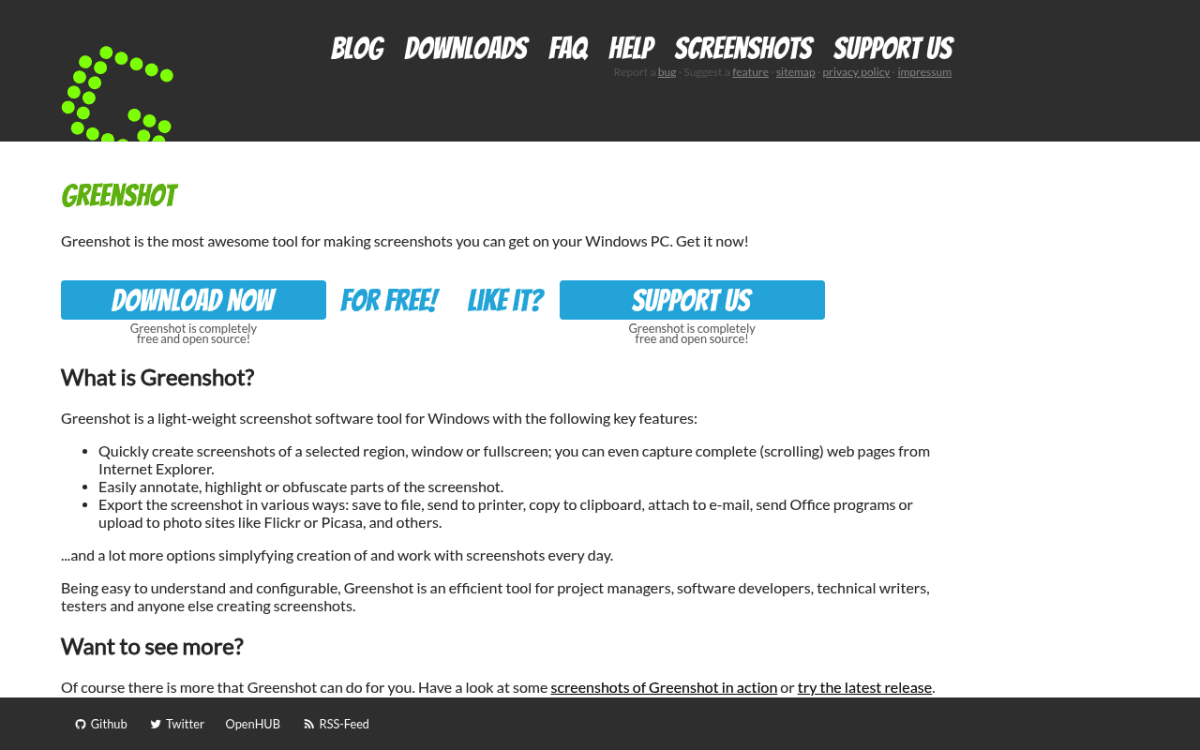
Greenshot is the opposite of ShareX. One job (capture, edit, save or share), done fast. The editor covers arrows, text, highlight, blur, crop. It is still maintained: version 1.3.323 shipped in October 2026.
No recording or GIF. Greenshot uses almost no RAM, starts instantly, and is easy to learn.
Pick this if you want a minimal, fast, free screenshot tool and you have a separate solution for video.
Skip if you need recording, GIFs, or a deep annotation toolkit.
For side-by-side, see ShareX vs Greenshot or the full Greenshot review for Windows.

Tired of plain screenshots? Try ScreenSnap Pro.
Beautiful backgrounds, pro annotations, GIF recording, and instant cloud sharing, all in one app. Pay $49 once, own it forever.
See pricing and features4. Snagit: best paid alternative for teams
Price: $39/yr (subscription only) | Platform: Windows + Mac | Rating: (4.4/5)
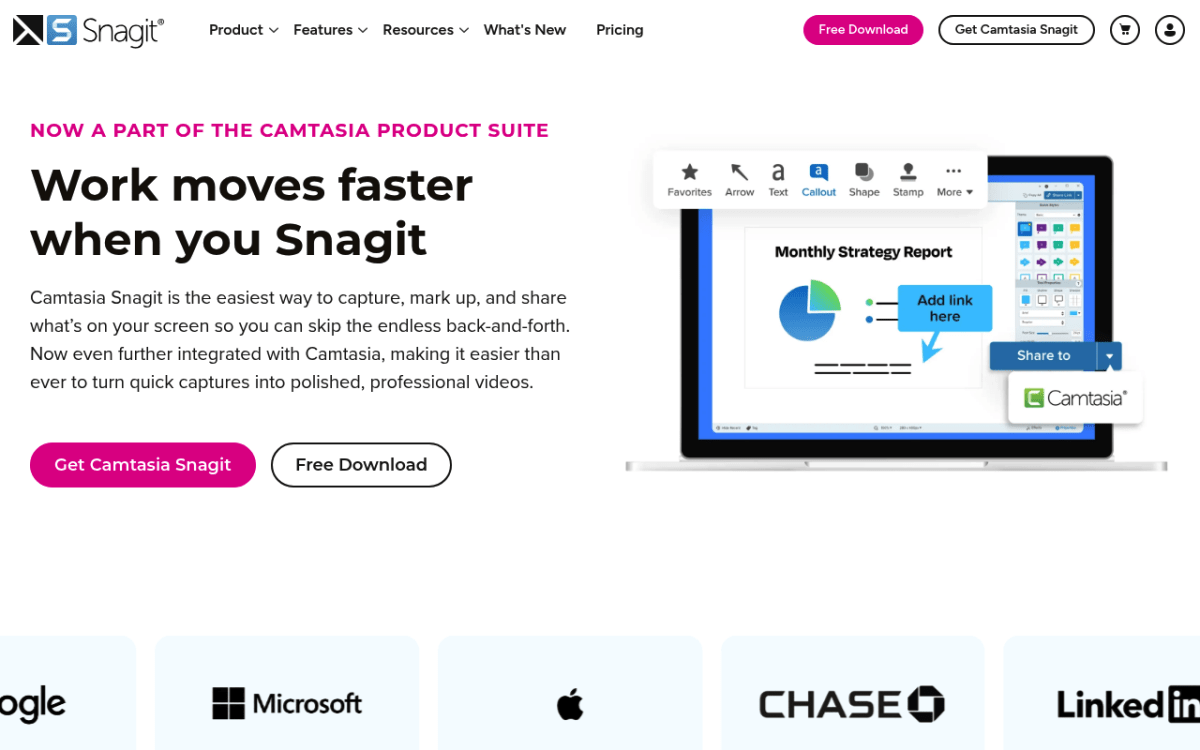
Snagit by TechSmith is the polished, business option. It adds scrolling capture, smart move, text grab, video, and clean templates for support tickets and SOPs.
The downside is the subscription. At $39 per year per seat ($48 on the Business plan) it adds up. Annotations feel cleaner than PicPick's, and team licensing is mature.
Pick this if you produce documentation all day and your employer pays for tools.
Skip if you balk at subscriptions or only screenshot a few times a week.
See current rates in our Snagit pricing guide.
5. Snipaste: best for pin-to-screen workflows
Price: Free (PRO from $8.99) | Platform: Windows + Mac + Linux | Rating: (4.2/5)
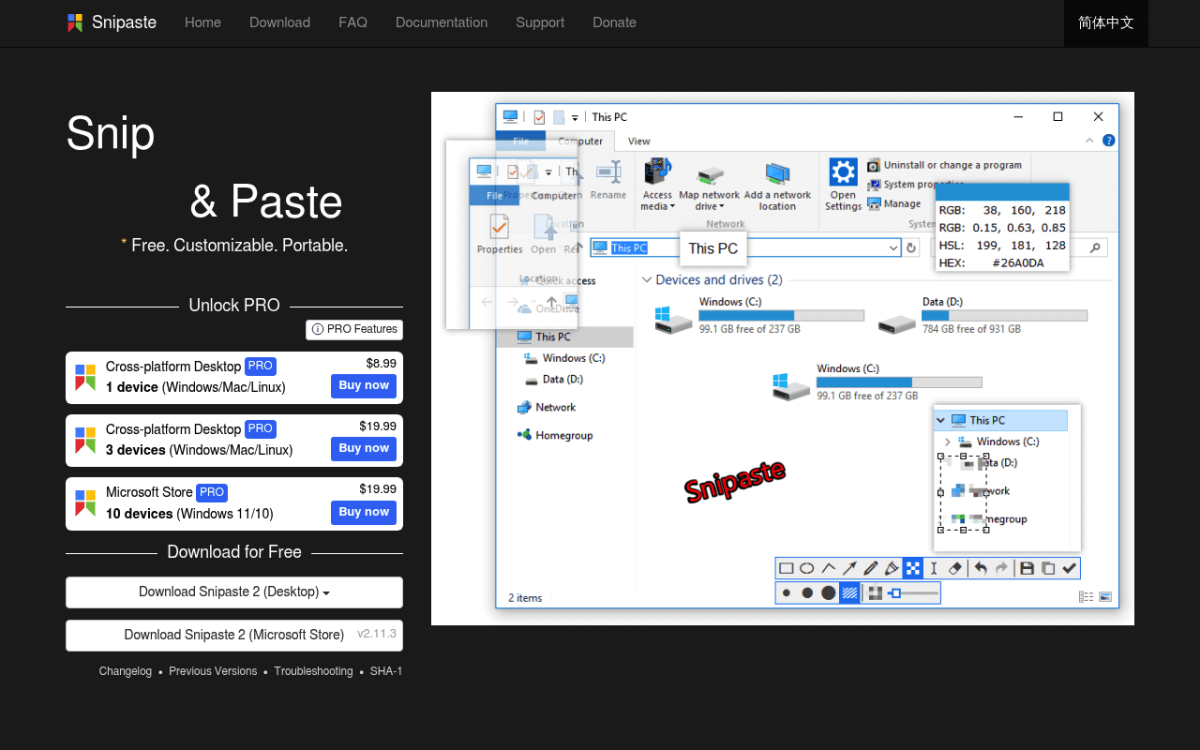
Snipaste has one trick PicPick does not: you can pin a screenshot on top of every window. Copy a design spec, pin it next to your editor, stop alt-tabbing.
The free tier covers capture, pin, and a basic editor for personal use. Work use of Snipaste 2 needs a PRO license, from $8.99 for one device or $19.99 for three. No recording.
Pick this if you reference UI mocks or color codes while you work.
Skip if you need video or GIF recording.
6. Lightshot: best for instant share links
Price: Free | Platform: Windows + Mac | Rating: (4/5)
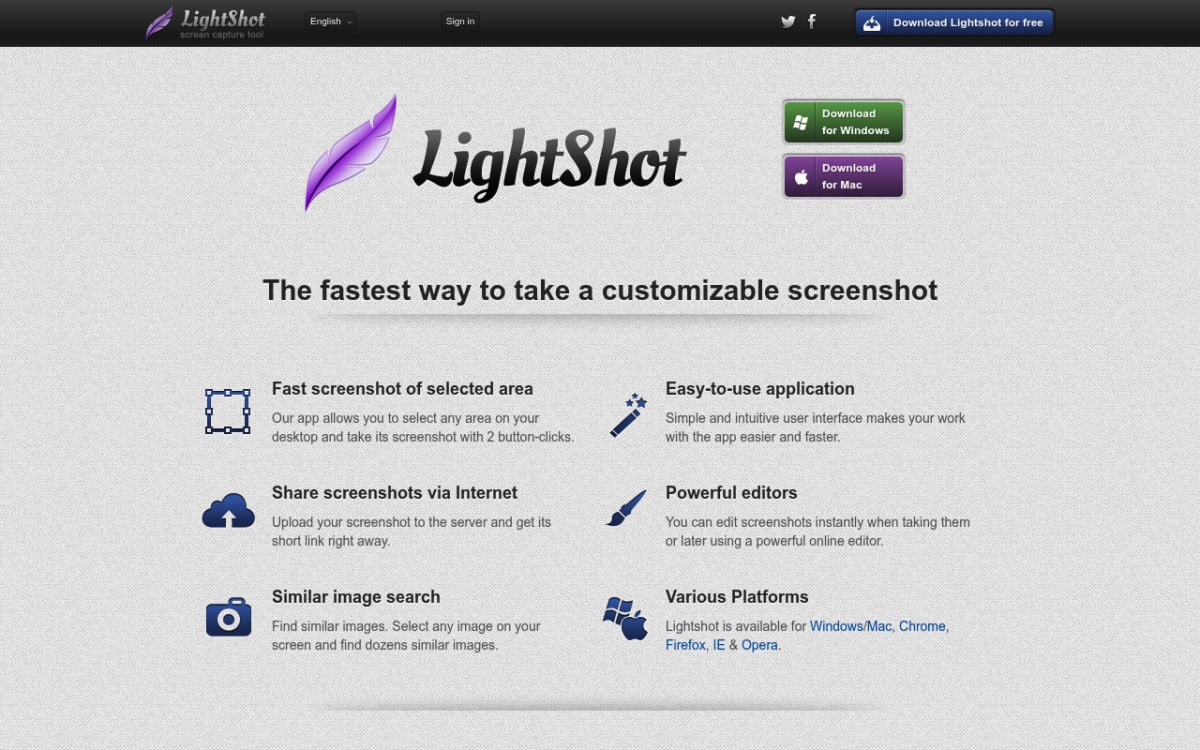
Lightshot replaces Print Screen with a region capture, a tiny annotation bar, and a one-click upload to prntscr.com. The link copies to your clipboard.
No recording, basic editor, and shares live on a public host. Treat it like a bug-report tool, not a team archive.
Pick this if you send screenshots to people outside your tools all day.
Skip if you handle sensitive content or need a real editor.
Full walkthrough in our Lightshot review for Windows.
7. Flameshot: best open-source alternative
Price: Free, open-source | Platform: Linux + Mac + Windows | Rating: (4.1/5)
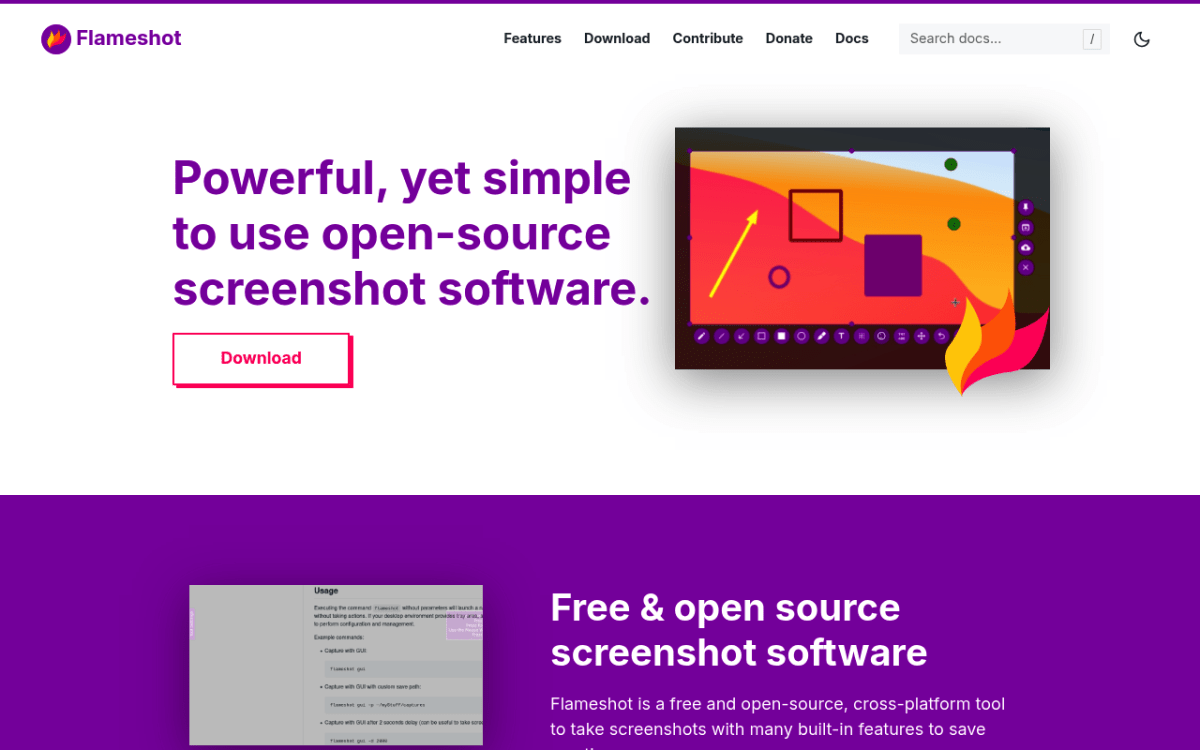
Flameshot is loved on Linux for in-place annotation. You capture, a toolbar appears on the screenshot, you draw, you copy or save. Since v13 the official builds have no Imgur upload, so captures stay on disk or the clipboard.
A few rough edges on Windows: multi-monitor, hotkey conflicts, DPI scaling. If you live in open-source, those are easy tradeoffs.
Pick this if you prefer open-source tools and want fast on-canvas annotation.
Skip if you want a polished, no-quirks Windows experience.
Setup notes in our Flameshot for Windows review.
8. Windows Snipping Tool: best built-in option
Price: Free, built in | Platform: Windows | Rating: (3.8/5)
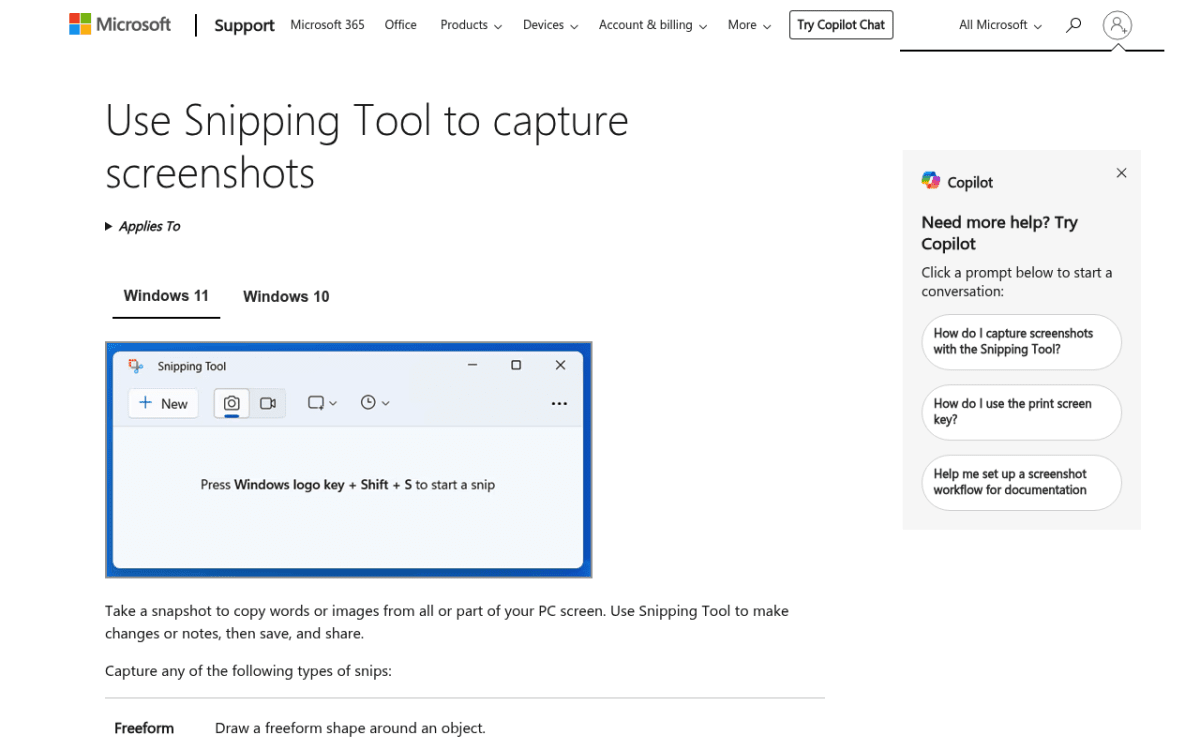
The Snipping Tool ships with Windows 11. Hit Win + Shift + S and the capture overlay appears. Windows 11 added screen recording in 2023.
The editor is bare: pen, highlighter, and simple shapes, but no text boxes or blur. No cloud share and no scrolling capture. GIF export only keeps the first 30 seconds of a recording. For a quick image to a coworker, it is enough.
Pick this if you only screenshot a couple of times a week and want zero installs.
Skip if you want anything past basic capture.
A quick tutorial that walks through every feature:
How to choose the right PicPick alternative
Match the pain that pushed you away from PicPick to the tool that fixes it.
- Screenshots + recording + video editing, cross-platform: ScreenSnap Pro.
- Free + power, Windows-only: ShareX.
- Free + simple: Greenshot.
- Paid team tool: ScreenSnap Pro for one-time pricing on Mac and Windows, Snagit for polish.
- Just quick captures: Snipping Tool or Lightshot.
For a wider view, see best screenshot tools for Windows or the sibling best Snipping Tool alternatives for Windows.
Frequently asked questions

Morgan
Indie DeveloperIndie developer, founder of ScreenSnap Pro. A decade of shipping consumer Mac apps and developer tools. Read full bio
@m_0_r_g_a_n_