Snagit Pricing 2026: Full Cost Breakdown & Alternatives
# Snagit Pricing in 2026: Is the New Subscription Model Worth It?
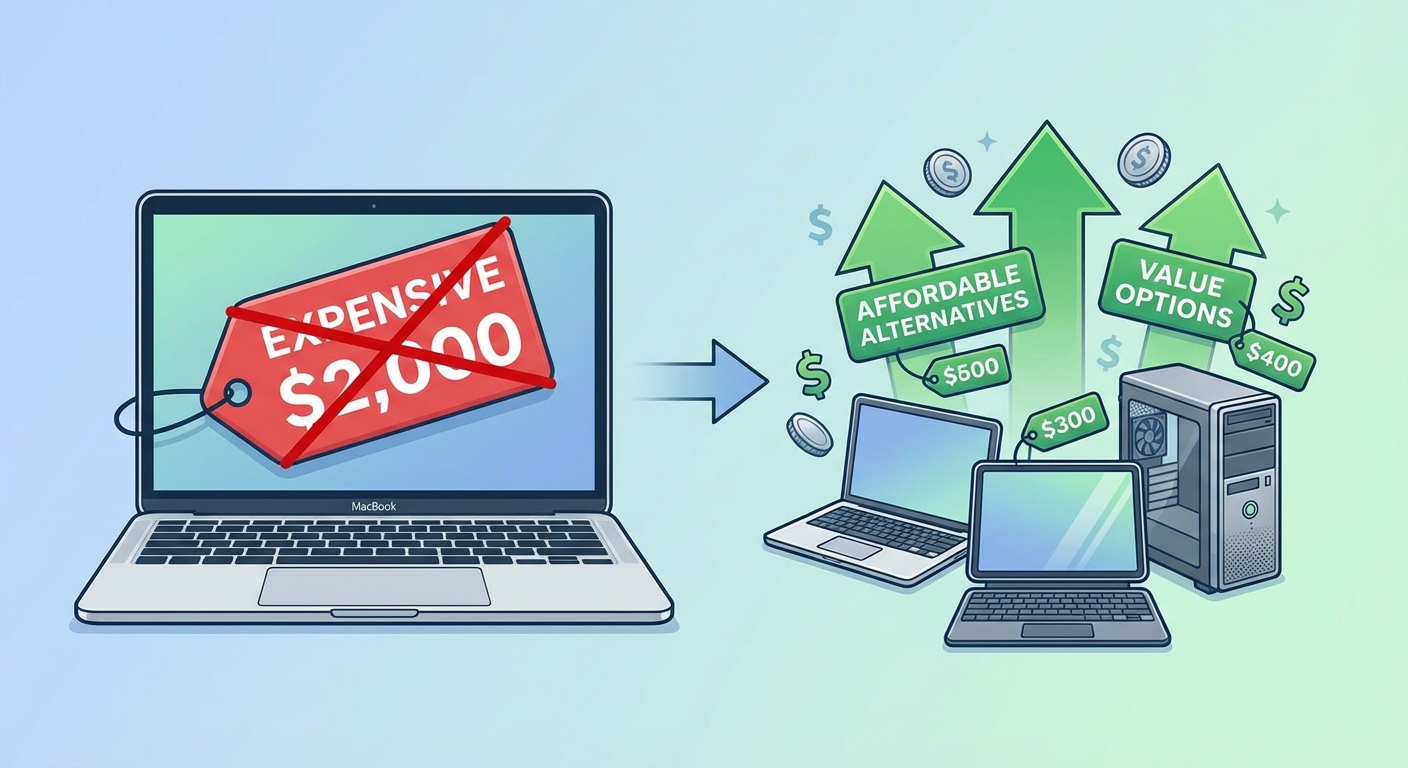
The Snagit price changed dramatically in 2025 when TechSmith moved to subscription-only licensing. If you're researching the current cost of Snagit, you might be surprised to learn you can no longer buy it outright, and that one-time alternatives like ScreenSnap Pro are still on the table for Mac and Windows users.
In this guide, I'll break down exactly what Snagit costs in 2026, what changed with the subscription model, and whether one-time alternatives like ScreenSnap Pro or CleanShot X offer better value for your money.
Snagit pricing at a glance
Here's what Snagit costs in 2026:
| License Type | Annual Cost | Notes |
|---|---|---|
| Individual | $39/year | Personal use, non-transferable |
| Business | $48/year | Transferable, team management |
| Student | $20/year | Requires .edu email |
| Educator | $39.36/year | Institutional verification |
| Legacy Maintenance | ~$25/year | Existing customers only, until 2030 |
All plans require annual renewal. If you stop paying, you lose access to the software.
This is a significant shift from the old model where you paid $63 once and owned Snagit forever.
What changed in 2025 (the subscription shift)

In early 2025, TechSmith announced that Snagit 2025 and all future versions would be subscription-only. Here's what that means:
No more perpetual licenses
You can no longer purchase Snagit and own it forever. Every license is now a rental that expires when you stop paying.
According to TechSmith's official FAQ, existing perpetual license holders can continue using their purchased versions (like Snagit 2024), but won't receive updates unless they subscribe.
User backlash
The announcement sparked significant pushback in the Snagit community. Many long-time users felt betrayed after years of supporting the product with perpetual purchases. Common complaints included:
- Having to pay indefinitely for software they'd already bought
- Losing access to their tools if they cancel
- Annual billing only, with no monthly payment option
Legacy customer protection
TechSmith offered some concessions for existing customers with active maintenance agreements:
- Guaranteed pricing until 2030. Maintenance customers pay roughly $25/year instead of $39
- Access to subscription features. As long as maintenance stays active
- Can revert to 2024. If you cancel, you keep access to the last perpetual version you owned
For new customers, however, there's no path to ownership.
What you get for your Snagit subscription
To be fair, Snagit remains a capable screenshot tool. Your subscription includes:
Core capture features
Snagit excels at capturing content in multiple ways:
- Region capture. Select any area of your screen with pixel precision
- Window capture. Click any window to capture it with or without shadow
- Fullscreen capture. Grab everything visible on your display
- Scrolling capture. Capture entire web pages, documents, and long lists that extend beyond your screen
- Panoramic capture. Stitch together multiple captures for wide content
- Menu capture. Capture dropdown menus and tooltips with timed delay
Video and recording capabilities
Unlike screenshot-only tools, Snagit includes video recording:
- Screen recording. Record your screen with system audio
- Webcam overlay. Add a picture-in-picture video of yourself
- Audio narration. Record your voice while capturing
- GIF creation. Convert recordings to animated GIFs
- Video trimming. Basic editing to cut unwanted sections
For more complex video needs, TechSmith pushes you toward their more expensive Camtasia software. If you mainly need GIF recording for quick demos, simpler tools may suffice.
Annotation and editing tools
Snagit's annotation toolkit is comprehensive:
- Arrows and lines. Point to specific elements
- Shapes. Rectangles, circles, speech bubbles
- Text and callouts. Add explanations and labels
- Blur and highlight. Obscure sensitive information or draw attention
- Stamps and stickers. Pre-made icons and graphics
- Step tool. Number steps in tutorials automatically
- Smart Move. Rearrange elements in screenshots (AI-powered)
2025+ subscription additions
The subscription model brought some new features:
- AI-powered noise removal. Clean up background noise in audio recordings
- Smart Redact. Automatically detect and blur phone numbers, emails, and faces
- Simplified UI graphics. Strip complex screenshots to simplified wireframe versions
- Continuous updates. New features delivered as they're ready, not just annual releases
What's NOT included
Despite the subscription cost, several features require additional purchases or aren't available:
- Cloud storage. No dedicated Snagit cloud; use Dropbox, Google Drive, or Screencast.com (separate subscription)
- Mobile capture. TechSmith Fuse app only transfers photos from phone to desktop
- Team collaboration. Requires Screencast.com subscription for sharing and feedback
- Priority support. Included, but complex issues may still take time
For a full feature comparison with alternatives, check our best screenshot apps for Mac guide.
Hidden costs to consider
The $39/year price doesn't tell the full story. Here are additional costs you might encounter:
Cloud storage and sharing
Snagit doesn't include cloud storage. To share screenshots via links (instead of file attachments), you'll need:
- Screencast.com. TechSmith's sharing platform (free tier: 2GB, limited features)
- Third-party storage. Dropbox, Google Drive, or iCloud (separate subscriptions)
Compare this to ScreenSnap Pro, which includes cloud sharing in the one-time price.
Complementary software
Power users often pair Snagit with:
- Camtasia ($180/year): For professional video editing
- TechSmith Assets. Stock images and templates (included with some plans)
Opportunity cost
Every year you pay $39 for Snagit, you could have put that toward owning software outright. After three years of Snagit ($117), you could have bought:
- ScreenSnap Pro ($39) + CleanShot X ($29) + Shottr ($12) = $80 total
- And you'd own all three forever
Is Snagit free? (trial options)
Snagit is not free. However, TechSmith offers:
- 15-day free trial. Full functionality, no credit card required
- No free tier. Unlike competitors, there's no permanently free version
If you need a free screenshot tool, consider Shottr (free with $12 upgrade) or the built-in macOS Screenshot app.

Tired of plain screenshots? Try ScreenSnap Pro.
Beautiful backgrounds, pro annotations, GIF recording, and instant cloud sharing, all in one app. Pay $39 once, own it forever.
See pricing and featuresSnagit vs one-time purchase alternatives
If the subscription model doesn't sit right with you, several excellent alternatives offer one-time pricing:
ScreenSnap Pro ($39 one-time)
ScreenSnap Pro is our recommended alternative for Mac users who want to pay once and own their software forever.
What you get:
- GIF screen recording (no video, but perfect for demos)
- 500+ wallpapers for beautiful screenshots
- 15 annotation tools (arrows, shapes, blur, pixelate, etc.)
- Instant cloud sharing with shareable links
- Lifetime updates included
Where it beats Snagit:
- Cheaper than Snagit by Year 2 ($39 once vs $78 and climbing)
- No recurring payments ever
- Mac-native design that feels right on macOS
- Beautiful screenshot backgrounds built-in
Limitations vs Snagit:
- No scrolling capture
- Mac only (no Windows version)
CleanShot X ($29 one-time + $29/year optional)
CleanShot X offers a hybrid model: pay once for the app, then optionally renew for updates.
Pricing breakdown:
- $29 one-time for the Mac app
- 1 year of updates included
- $29/year optional renewal (keep using without renewing, just no new features)
Strengths:
- Scrolling capture
- OCR text recognition
- 1GB cloud storage included
- Very polished interface
Considerations:
- Updates stop after Year 1 unless you renew
- Cloud features require account
For a detailed comparison, see our CleanShot X alternatives guide.
Shottr (Free / $12 one-time)
Shottr is the budget pick for developers who need fast, lightweight captures.
What you get for free:
- Region and window capture
- Basic annotations
- OCR text recognition
- Scrolling capture
- Color picker and measurement tools
$12 unlocks:
- Removes occasional upgrade prompts
- Commercial use license
- Supports indie development
Limitations:
- No cloud upload
- No GIF recording
- No video capture
- Minimal backgrounds/beautification
Learn more in our comprehensive Snagit alternatives for Mac comparison.
Total cost of ownership (3-year comparison)
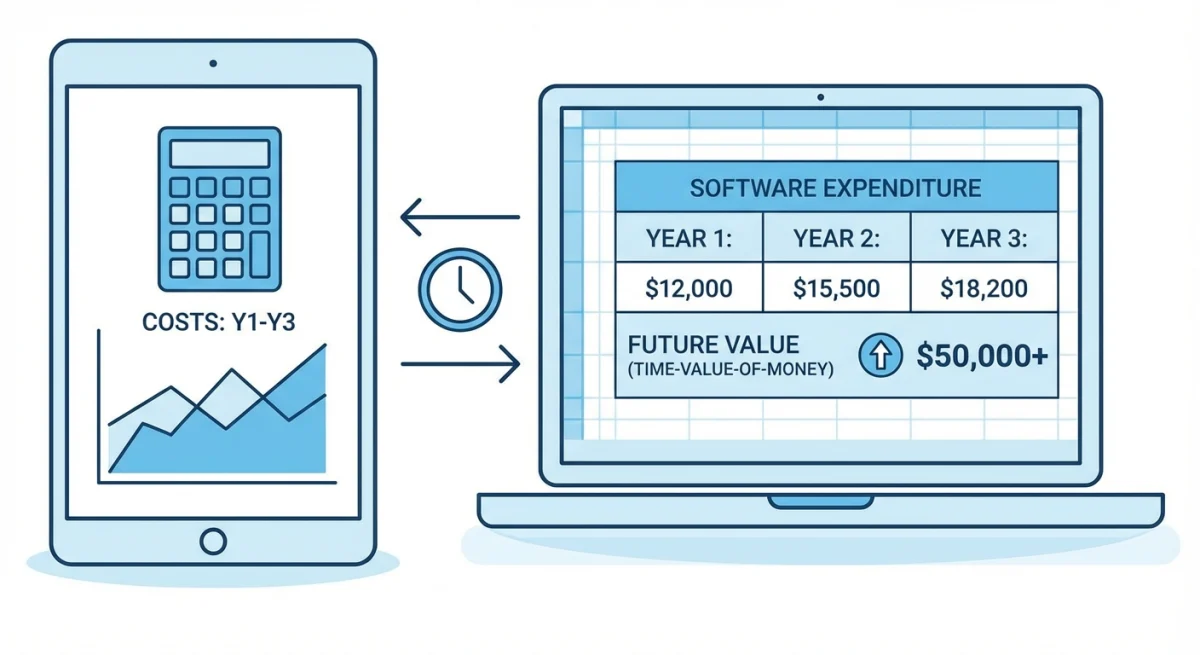
Let's do the math on what you'll actually spend over three years:
| Tool | Year 1 | Year 2 | Year 3 | 3-Year Total |
|---|---|---|---|---|
| Snagit Individual | $39 | $39 | $39 | $117 |
| Snagit Business | $48 | $48 | $48 | $144 |
| ScreenSnap Pro | $39 | $0 | $0 | $39 |
| CleanShot X (with updates) | $29 | $29 | $29 | $67 |
| CleanShot X (no renewal) | $29 | $0 | $0 | $29 |
| Shottr | $12 | $0 | $0 | $12 |
What the numbers reveal
Over three years, Snagit costs 3x more than ScreenSnap Pro and nearly 10x more than Shottr.
Let's put this in perspective:
- 5-year Snagit cost: $195 (Individual) or $240 (Business)
- 5-year ScreenSnap Pro cost: $39 (still just the one-time payment)
- Savings by switching: $156-$201
For enterprise users or teams with existing TechSmith investments, the subscription might make sense, especially if someone else is paying. But for individual Mac users, the one-time alternatives deliver similar (or better) value at a fraction of the cost.
Breaking even
If you're a legacy Snagit user paying ~$25/year for maintenance, the value equation shifts slightly. At that price point, Snagit costs $75 over three years, which is closer to competitive with CleanShot X ($67 with updates).
However, TechSmith only guarantees this pricing until 2030. After that, you'll likely face full subscription rates.
Snagit feature comparison table
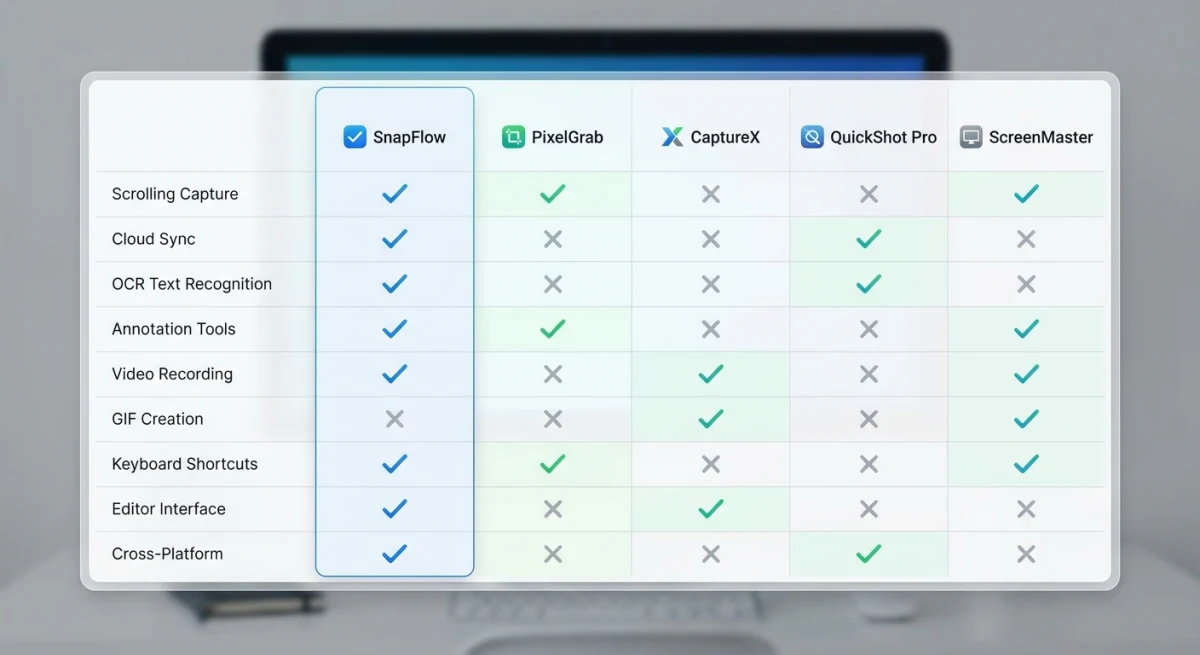
Here's how Snagit stacks up against the leading alternatives across key features:
| Feature | Snagit | ScreenSnap Pro | CleanShot X | Shottr |
|---|---|---|---|---|
| Price | $39/year | $39 once | $29 once | $12 once |
| Pricing Model | Subscription | One-time | One-time + optional | One-time |
| Platform | Mac + Windows | Mac | Mac | Mac |
| Screen Recording | Video + GIF | Video + GIF | Video + GIF | ❌ |
| Scrolling Capture | ✅ | ❌ | ✅ | ✅ |
| OCR Text Recognition | ✅ | ❌ | ✅ | ✅ |
| Cloud Sharing | Via Screencast | Built-in | Built-in (1GB) | ❌ |
| Beautiful Backgrounds | ❌ | 500+ gradients | Basic | ❌ |
| Annotation Tools | Extensive | 15 tools | Extensive | Basic |
| Blur/Pixelate | ✅ | ✅ | ✅ | ✅ |
| Templates | Advanced | ❌ | Basic | ❌ |
| Lifetime Updates | ❌ (subscription) | ✅ | 1 year (then optional) | ✅ |
Key takeaway: Snagit wins on cross-platform support and video recording. But if you're Mac-only and don't need full video, alternatives match or exceed Snagit's features at a fraction of the cost.
Who should still consider Snagit?
Despite the subscription concerns, Snagit remains a good choice in specific scenarios:
Snagit makes sense if:
- You need Windows support. ScreenSnap Pro and CleanShot X are Mac-only
- Video recording is essential. Snagit does full video; most alternatives cap at GIF
- Your company pays. Enterprise IT budgets often prefer subscriptions for tax reasons
- You have legacy maintenance. $25/year is reasonable compared to alternatives
- You need advanced templates. Snagit's template system is more robust
Consider alternatives if:
- You're an individual paying out-of-pocket. Subscription fatigue is real
- You only need screenshots. Full video is overkill for most use cases
- You want Mac-native design. Snagit was built for Windows first
- You value ownership. Pay once, use forever beats perpetual rent
The verdict
Snagit pricing in 2026 comes down to one question: Do you want to rent or own your screenshot tool?
At $39/year, Snagit offers comprehensive features, but you're locked into paying forever. Miss a renewal, and your workflow breaks.
For most Mac users, I recommend:
- ScreenSnap Pro ($39 one-time): Best balance of features and value
- CleanShot X ($29 + optional updates): Most features, hybrid pricing
- Shottr ($12 one-time): Best free/budget option
All three let you pay once and own your tools forever, something Snagit no longer offers.
Ready to break free from subscriptions? Get ScreenSnap Pro for $39 one-time, with a 30-day money-back guarantee.
Frequently Asked Questions

Morgan
Indie DeveloperIndie developer, founder of ScreenSnap Pro. A decade of shipping consumer Mac apps and developer tools. Read full bio
@m_0_r_g_a_n_