Free Emoji Maker Online: Design Custom Emojis (2026)
TL;DR: Drop in face parts, pick colors, and export a custom emoji as PNG, all in your browser. Free, private, no signup needed.
Want to create your own emoji for Slack, Discord, or social media? This free emoji maker lets you design custom emojis in your browser. Pick eyes, mouths, and hats, then export as PNG. No signup, no watermarks. (If you ever need to capture the result in context, our screenshot app ScreenSnap Pro makes that one keystroke.)
Tools like Kapwing need accounts and add watermarks. Our emoji maker runs in your browser, so creations stay private and export fast.
How to Use This Emoji Maker
It takes under a minute:
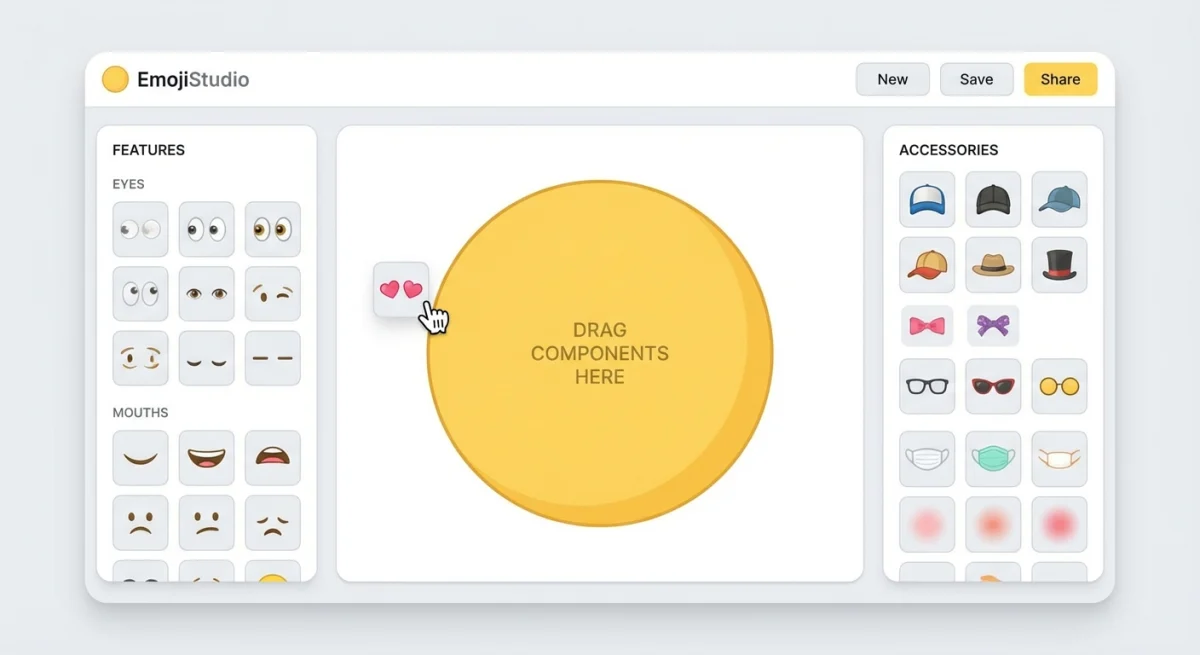
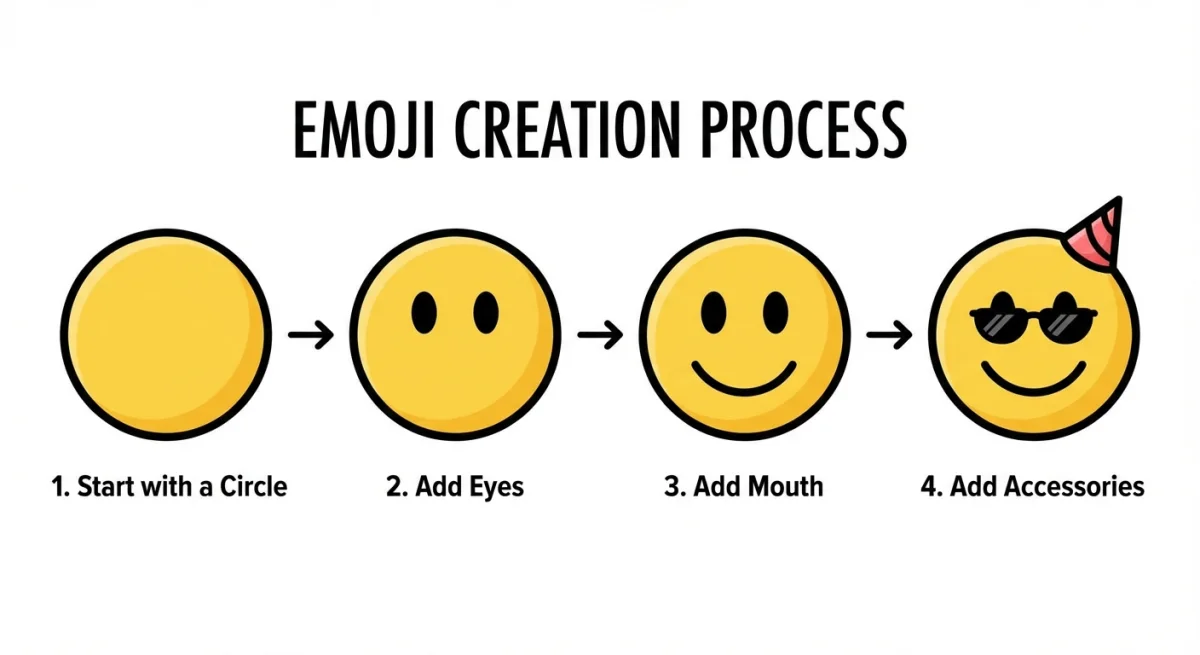
- Pick a base. Choose a face shape and color.
- Add features. Drag in eyes, mouths, and brows. Resize and rotate each piece.
- Accessorize. Drop in hats, glasses, or hair.
- Set the background. Transparent, solid, or gradient.
- Export. Download PNG at 128px, 256px, or 512px.
Try the randomize button for quick ideas you can tweak.
Platform Size Requirements
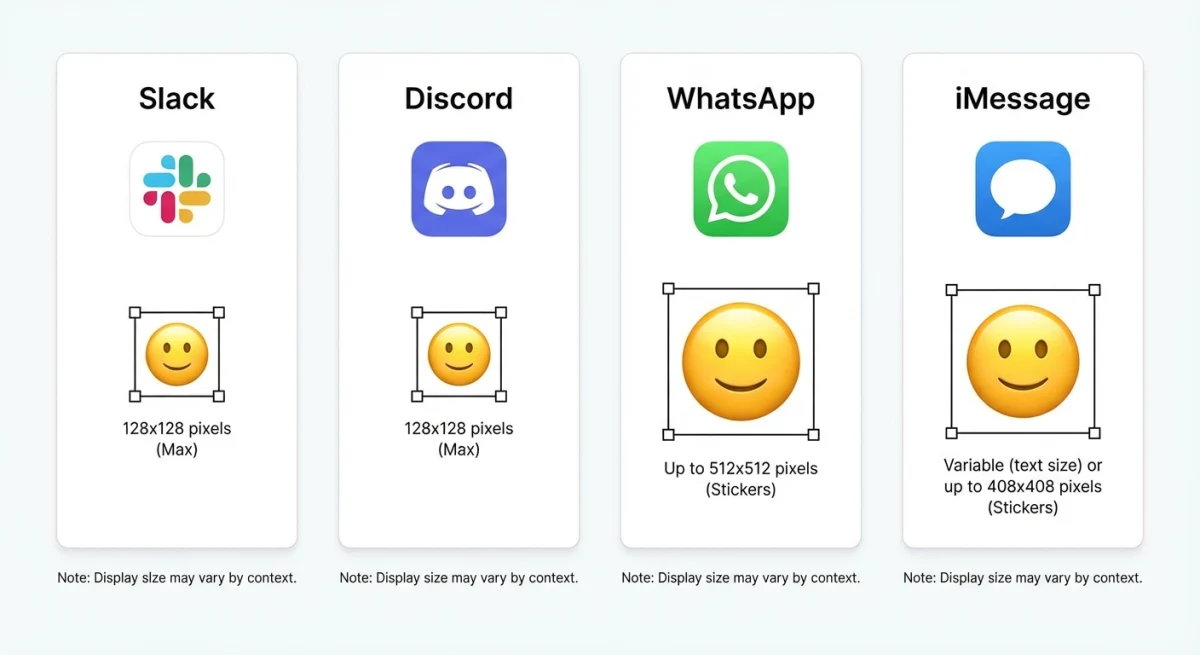
Our tool includes presets so you get the right size every time:
| Platform | Size | Max File Size | Best Format | Notes |
|---|---|---|---|---|
| Slack | 128×128 px | 128 KB | PNG (transparent) | Name with colons: :my-emoji: |
| Discord | 128×128 px | 256 KB | PNG or GIF | Nitro unlocks animated + cross-server use |
| 512×512 px | 100 KB | PNG (transparent) | Sticker packs need 3+ stickers | |
| Social media | 256 to 512 px | Varies | PNG | Use 512px for sharp retina display |
For a full walkthrough on Discord's upload process, check out Discord's custom emoji guide.
Need to resize an existing image? Our social media image resizer and transparent background maker can help.

Tired of plain screenshots? Try ScreenSnap Pro.
Beautiful backgrounds, pro annotations, GIF recording, and instant cloud sharing, all in one app. Pay $39 once, own it forever.
See pricing and featuresCreative Uses for Custom Emojis
Team Slack/Discord. Make inside-joke emojis and team mascots. Custom emojis make workspaces feel personal and boost engagement in channels.
Branding. Turn your logo into emoji-style icons for social posts and community channels. Branded emojis help your audience recognize you instantly in busy feeds.
Content creation. Add custom emojis to annotated screenshots with tools like ScreenSnap Pro. They work great as visual callouts in tutorials and documentation.
Personal use. Make emojis that look like you or friends. Use them in chats, bios, or as profile pictures.
Marketing campaigns. Create limited-edition emojis for product launches, seasonal events, or community milestones. Share them in your Discord or Slack to drive conversation.
Tips for Better Custom Emojis
Keep these best practices in mind when designing:
- Use bold outlines. Emojis display at tiny sizes. Thick lines and high contrast help details stay visible at 128px.
- Limit your color palette. Three to four colors keep the design clean and readable. Too many colors turn into a muddy blob at small sizes.
- Test at actual size. Your design looks great full-screen, but zoom out to 128×128 before exporting. If details disappear, simplify.
- Stick with transparent backgrounds. A transparent PNG blends into any chat theme, whether dark mode, light mode, or custom. Solid backgrounds can look out of place.
- Keep text minimal. One or two letters work. Full words are unreadable at emoji scale. Let the visuals do the talking.
Frequently Asked Questions

Morgan
Indie DeveloperIndie developer, founder of ScreenSnap Pro. A decade of shipping consumer Mac apps and developer tools. Read full bio
@m_0_r_g_a_n_