Nimbus Screenshot Review 2026: Is FuseBase Worth $60/Year?
Nimbus Screenshot used to be one of the most popular Chrome screenshot extensions. Then it rebranded to FuseBase, moved to a $60/year plan, and lost a chunk of its user base. Is it still worth using in 2026, or is a desktop app like ScreenSnap Pro the smarter pick?
In this review, we cover what Nimbus does, what changed with the FuseBase rebrand, and whether the $60/year price makes sense. We also list the best free and one-time alternatives, including desktop Mac tools that work outside the browser.
What is Nimbus Screenshot?
Nimbus Screenshot started as a free Chrome extension for taking screenshots and recording your screen. It launched around 2012 and grew to millions of users. The core appeal was simple: capture a full page, mark it up, and share it, all from the browser.
In 2024, the makers rebranded Nimbus to FuseBase. The old Nimbus extension was pulled from the Chrome Web Store and replaced with a new one called "Nimbus Extension." The switch confused many users. Reddit threads and G2 reviews are full of people who lost access to old features or couldn't find the extension they'd used for years.
FuseBase is now more than a screenshot tool. It's pitched as a "client collaboration platform" with workspaces, portals, and project tools. Screenshots are just one part of a bigger product.
Quick facts
- Name: Nimbus Screenshot → FuseBase
- Type: Browser extension (Chrome, Firefox, Edge)
- Chrome Web Store rating: 4.3 stars
- Price: Free tier (limited) / Pro at $60/year
- Platform: Browser-only, no native Mac or Windows app
Nimbus Screenshot features
Despite the rebrand, the core screenshot features still exist. Here's what you get:
Screen capture
- Full-page scrolling capture. Grabs entire web pages
- Visible area. Captures what's on screen right now
- Selected area. Drag to pick a region
- Window capture. Grabs a specific browser window
- Timed capture. Set a delay before capturing
The full-page capture is the standout. It scrolls and stitches the page into one tall image. For long dashboards and articles, this works well.
Screen recording
Nimbus can record your screen to video:
- Record a browser tab or full desktop
- Webcam overlay (picture-in-picture)
- Audio capture from mic
- Export to MP4 or upload to FuseBase cloud
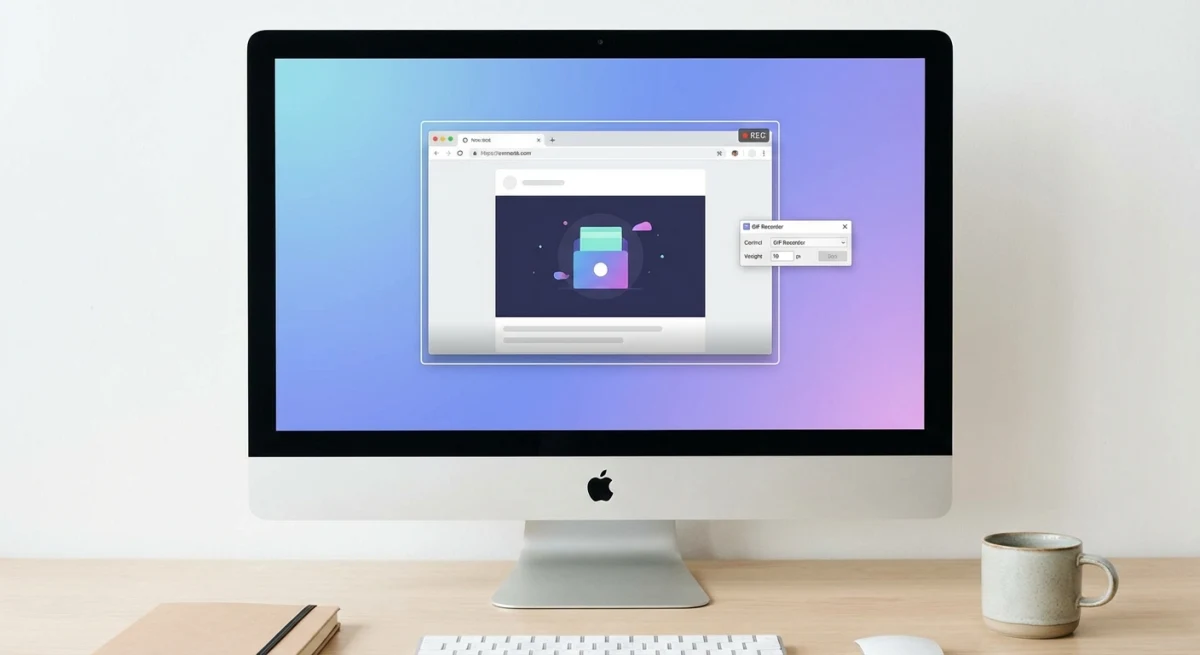
The recording feature is basic. It works for quick demos. For polished screen recordings, you'll want a dedicated tool. On Mac, QuickTime or ScreenSnap Pro's GIF recording are better for short clips.
Annotation tools
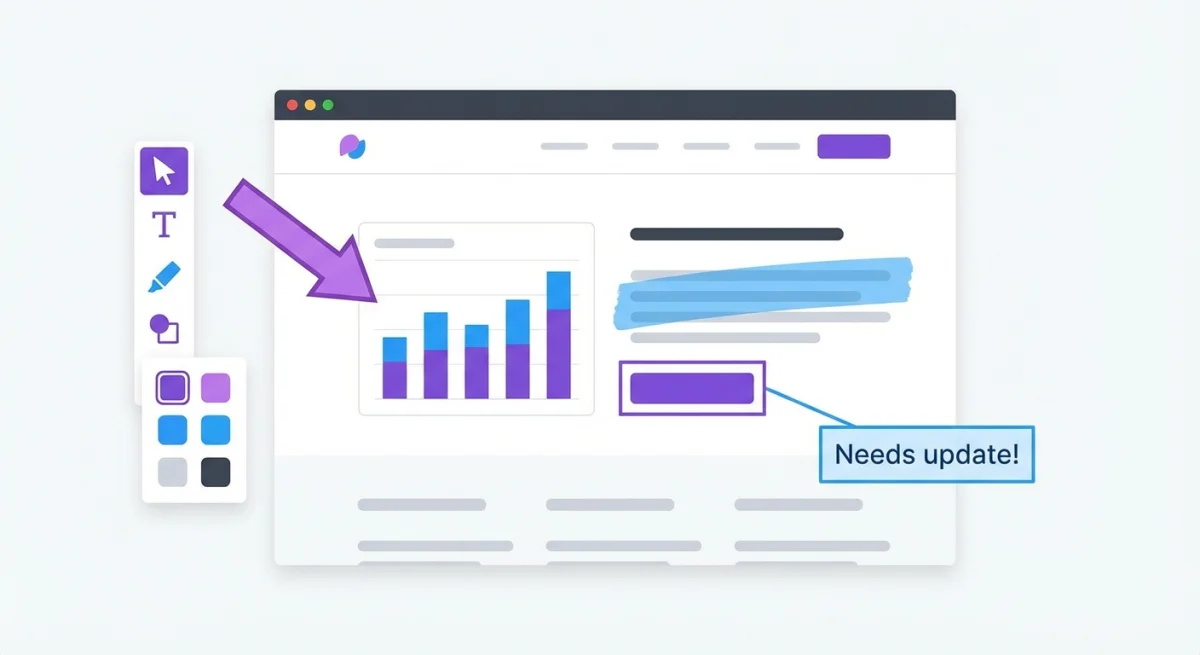
After capture, Nimbus opens an editor with:
- Text boxes
- Arrows and lines
- Shapes (rectangles, circles)
- Pen tool for freehand drawing
- Blur tool (paid only)
- Highlighter
- Crop and resize
The blur tool is locked behind the Pro plan. This is a key limitation, because most users need blur for hiding private info in screenshots.
Cloud sharing
Captures upload to FuseBase's cloud. You get a shareable link. This works like cloud screenshot sharing, but the free tier limits how many screenshots you can store.
FuseBase pricing: is $60/year worth it?
Here's where Nimbus/FuseBase loses most people.
| Plan | Price | What you get |
|---|---|---|
| Free | $0 | Basic capture, 100 screenshots, no blur |
| Pro | $60/year | Unlimited captures, blur tool, cloud storage, no watermark |
| Business | $100/year | Team features, custom branding |
$60/year for a screenshot extension. Let that sink in. For a tool that only works inside your browser.
Compare that to one-time alternatives:
| Tool | Price | Platform | Blur | Cloud |
|---|---|---|---|---|
| Nimbus Pro | $60/year | Browser only | ✅ | ✅ |
| ScreenSnap Pro | $34 once | Mac, Windows (all apps) | ✅ | ✅ |
| CleanShot X | $29 once | Mac (all apps) | ✅ | Paid add-on |
| Shottr | Free | Mac (all apps) | ✅ | ❌ |
| GoFullPage | Free | Chrome only | ❌ | ❌ |
After six months with Nimbus Pro, you've spent more than CleanShot X costs. Keep paying and you soon pass ScreenSnap Pro's one-time $34 too. After a year, you've paid $60 for fewer features than $29 gets you on Mac.
The math doesn't work unless you need FuseBase's team workspaces and client portals. For screenshots alone, it's overpriced.
Nimbus pros and cons
What it does well ✅
- Full-page scrolling capture. Reliable and fast
- Cross-browser. Works in Chrome, Firefox, and Edge
- Screen recording. Basic but functional
- Shareable links. Quick cloud sharing
- No install needed. Just add the extension
Where it falls short ❌
- $60/year. Expensive for a browser extension
- Blur locked behind paywall. A basic feature that should be free
- Browser-only. Can't capture apps, menus, or your desktop
- Confusing rebrand. FuseBase name and feature changes upset users
- Old extension removed. Many users lost saved screenshots
- No GIF recording. Video only, no lightweight GIF option
- No Mac-native features. No menubar icon, no Retina optimization
- Limited free tier. 100 screenshots then you're stuck

Tired of plain screenshots? Try ScreenSnap Pro.
Beautiful backgrounds, pro annotations, GIF recording, and instant cloud sharing, all in one app. Pay $34 once, own it forever.
See pricing and featuresWhat users say about Nimbus in 2026
The FuseBase rebrand shook up the user base. Here's what we found across Reddit and G2:
On the rebrand:
"They removed the old Nimbus extension and replaced it with something I didn't sign up for. My saved screenshots were gone."
Reddit user, r/chrome
On pricing:
"It used to be free for what I needed. Now they want $60/year? For screenshots? Hard pass."
G2 review
On the product itself:
"The full-page capture is still one of the best. But everything else about FuseBase feels bloated."
Chrome Web Store review
The pattern is clear: users like the capture features but hate the pricing shift and the confusing rebrand.
Best Nimbus Screenshot alternatives
If you're leaving Nimbus, here are the best replacements sorted by type.
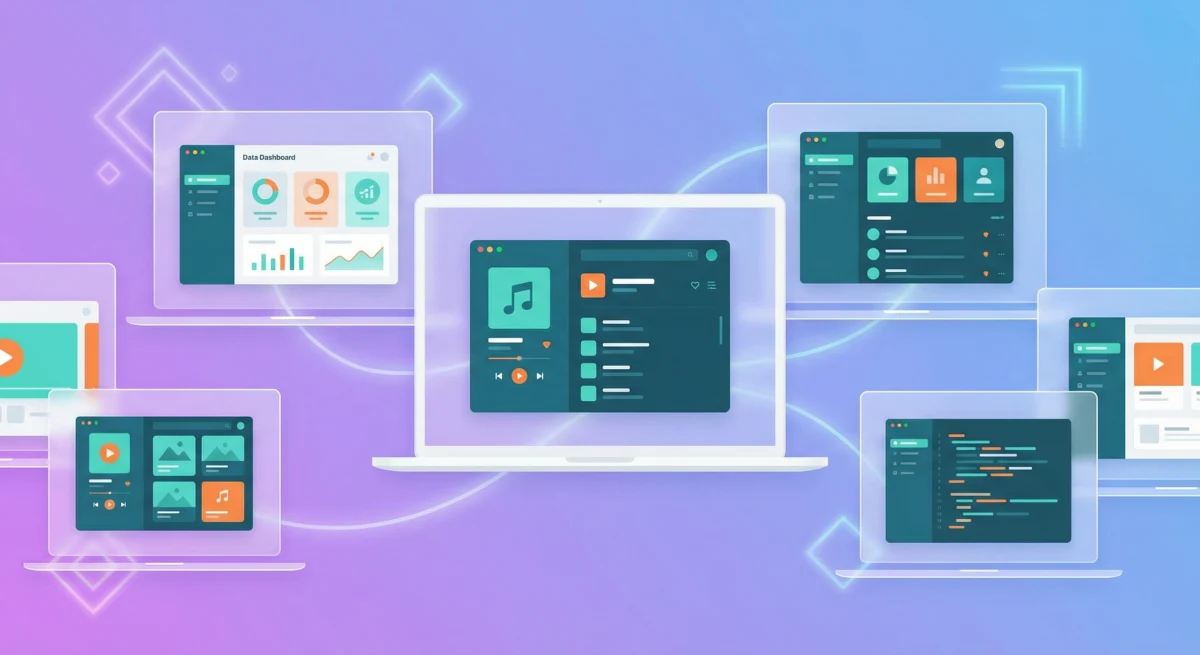
For Mac users: desktop apps
These capture anything on your screen, not just browser tabs.
ScreenSnap Pro. $34 one-time
The best all-around pick for Mac users. You get 17 markup tools (such as blur, pixelate, magnifier, counters, arrows and text), GIF recording, 500+ wallpaper backgrounds, cloud sharing, and OCR text extraction. Works in every app, not just Chrome. One payment, no monthly bills. No watermarks.
CleanShot X. $29 one-time
Strong alternative with scrolling capture, a capture history panel, and cloud sharing (paid add-on). Feels polished on macOS. See our CleanShot X comparison.
Shottr. Free
Light, fast, and free. Has blur, OCR, pixel measurements, and scrolling capture. No cloud sharing or GIF recording. See our Shottr comparison.
For Chrome users: browser extensions
If you must stay in the browser:
GoFullPage. Free
One-click full-page screenshots. No markup tools, but dead simple. Captures as PNG or PDF.
Awesome Screenshot. Free / $6-8/mo
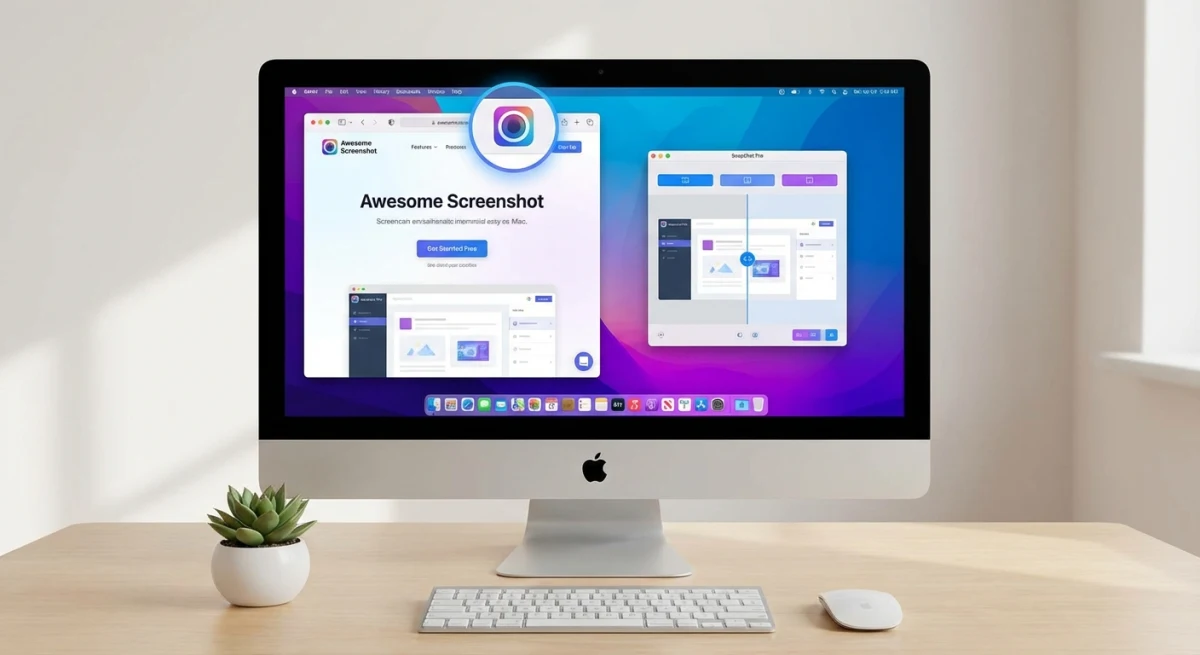
Full-page capture, basic markup, screen recording, and cloud sharing. Free tier is generous. More polished than Nimbus. See our Awesome Screenshot review.
Lightshot. Free
Quick area capture with basic markup and instant upload. Cross-platform. Simple and fast. See our Lightshot alternatives guide.
Comparison table
| Feature | Nimbus | ScreenSnap Pro | CleanShot X | Shottr | GoFullPage |
|---|---|---|---|---|---|
| Price | $60/yr | $34 once | $34 once | Free | Free |
| Platform | Browser | Mac, Windows (all apps) | Mac (all apps) | Mac (all apps) | Chrome |
| Full-page capture | ✅ | ❌ | ✅ | ✅ | ✅ |
| Blur tool | Paid only | ✅ | ✅ | ✅ | ❌ |
| GIF recording | ❌ | ✅ | ✅ | ❌ | ❌ |
| Video recording | ✅ | ❌ | ✅ | ❌ | ❌ |
| Backgrounds | ❌ | ✅ (150+) | ✅ | ❌ | ❌ |
| Cloud sharing | ✅ | ✅ | Paid add-on | ❌ | ❌ |
| OCR | ❌ | ✅ | ❌ | ✅ | ❌ |
| Works offline | ❌ | ✅ | ✅ | ✅ | ❌ |
Switching from Nimbus: quick tips
Making the move? Here's how to set up fast:
- Export your old screenshots. If you still have access to your Nimbus/FuseBase account, download all captures before canceling. There's no bulk export, so you'll need to save them one by one.
- Pick your keyboard shortcuts. Set up a global shortcut in your new tool.
⌘ + Shift + 4style combos work well. See our Mac screenshot shortcuts guide. - Set a save folder. Create a dedicated Screenshots folder so your captures don't pile up on the Desktop. Change your screenshot location in System Settings.
- Learn blur and markup. The main feature you'll use daily. ScreenSnap Pro and Shottr both have blur built in. No paywall. Learn to mark up screenshots like a pro.
- Try GIF recording. Nimbus only did video. GIFs are better for quick demos. See how to record GIFs on Mac.
Verdict: should you use Nimbus in 2026?
For most users: no.
Nimbus was a great free extension. FuseBase at $60/year is a different product aimed at teams who need client portals and workspaces. If you just want screenshots, you're paying too much for too little.
Keep Nimbus/FuseBase if:
- You use FuseBase's team workspaces and client portals
- You need the same tool across Chrome, Firefox, and Edge
- Your company pays for it
Switch to something else if:
- You're on Mac and want to capture more than browser tabs
- You don't want to pay $60/year for screenshots
- You need blur, GIF recording, or backgrounds
- You want a tool that works offline
For Mac users, ScreenSnap Pro at $34 one-time gives you everything Nimbus does, plus blur, counters, GIF recording, gradient backgrounds, and OCR. No monthly cost. No browser lock-in. Works in every app.
For a wider look, check our full list of the best screenshot apps for Mac or read about editing screenshots on Mac.
Frequently Asked Questions

Morgan
Indie DeveloperIndie developer, founder of ScreenSnap Pro. A decade of shipping consumer Mac apps and developer tools. Read full bio
@m_0_r_g_a_n_