Best Screenshot Apps for Mac (2026): 8 Tested and Ranked
Short answer: ScreenSnap Pro is the best screenshot app for Mac for most people. For a one-time $39 you get screenshots, 17 annotation tools, a screen recorder and a video editor in one app. macOS Screenshot (Shift-Cmd-5) is fine for a quick grab, and you only need a third-party app once you start annotating, sharing, or recording. For a free upgrade, Shottr is the lightest. The eight apps below are ranked on what each one actually does better than the built-in tool.
Taking screenshots on a Mac is easy. Taking great screenshots? That requires the right tool, such as ScreenSnap Pro.
Maybe you document bugs, share tutorials, or send notes to clients. Either way, the built-in macOS screenshot tool probably isn't cutting it anymore.
In this guide, I've tested and compared the best screenshot apps for Mac in 2026, from free options to pro tools. That way you can find exactly what fits your workflow. Every app here was run against the same set of captures, so the comparisons are like for like. If you want the wider market instead of a head-to-head, our price-sorted directory of 10 Mac screen capture tools lists everything including the recording-focused options.
Quick Comparison: Best Mac Screenshot Apps 2026
| App | Price | Cloud Upload | GIF Recording | Backgrounds | OCR | Scrolling | Best For |
|---|---|---|---|---|---|---|---|
| ScreenSnap Pro | $39 once | ✅ | ✅ | 500+ | ✅ | ✅ | Content creators |
| CleanShot X | From $35 once | ✅ | ✅ | Limited | ✅ | ✅ | Power users |
| Shottr | Free / $12 | S3 only | ❌ | Basic | ✅ | ✅ | Developers |
| Snagit | $39/year | ✅ | ✅ | ❌ | ✅ | ✅ | Enterprise |
| Xnapper | Free / $29.99 once | ❌ | ❌ | ✅ | ✅ | ❌ | Quick beautification |
| Lightshot | Free | ✅ | ❌ | ❌ | ❌ | ❌ | Basic needs |
| Monosnap | Free tier | ✅ | ✅ | ❌ | ❌ | ❌ | Quick sharing |
| macOS Built-in | Free | ❌ | ❌ | ❌ | ❌ | ❌ | Quick captures |
What to Look for in a Screenshot App
Before diving into each app, here's what actually matters when choosing a screenshot tool:
Must-Have Features
- Capture flexibility. Full screen, window, region, and timed captures.
- Annotation tools. Arrows, text, shapes for pointing things out (our free image annotation tool covers those in the browser when you only need them now and then).
- Easy sharing. Whether that's quick copy-paste or cloud links.
Nice-to-Have Features
- Cloud upload. Get shareable links instantly without file attachments.
- GIF recording. Create quick demos and tutorials.
- Beautiful backgrounds. Make screenshots presentation-ready.
- OCR text recognition. Copy text from any image.
- Scrolling capture. Capture entire web pages.
Pricing Model Matters
Screenshot apps follow different pricing models:
- One-time purchase. Pay once, own forever.
- Subscription. Ongoing payments for continued access.
- Free with limitations. Basic features free, pay for more.
I'll be upfront: subscription pricing for a screenshot app feels like overkill to most users. Unless you need constant updates, a one-time payment makes more sense.
Free is not automatically the safe choice either. Skitch for Mac is still free to download and has not shipped an update since 2016. That is what an abandoned free app eventually looks like.
#1: ScreenSnap Pro, the Best Pick for Content Creators
Price: $39 one-time (lifetime updates, 2 seats) | Platform: macOS, Windows
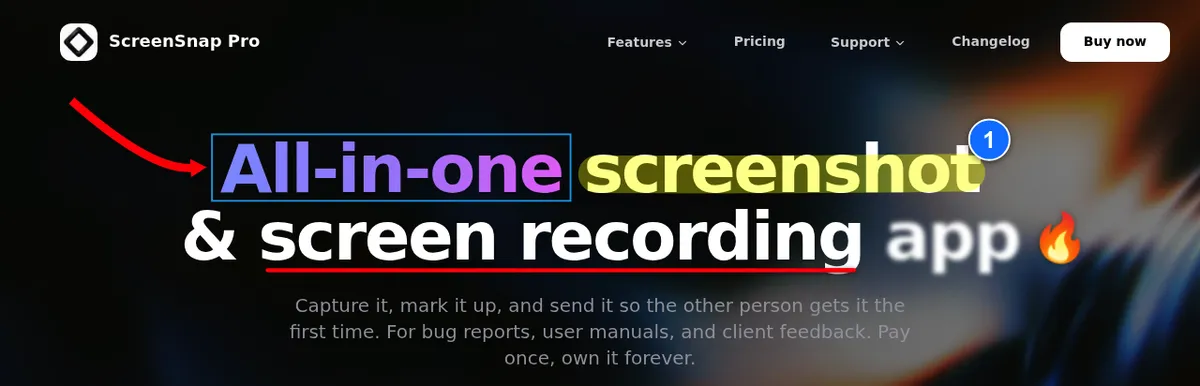
ScreenSnap Pro is the screenshot app I wish existed years ago. It focuses on what most users actually need: capturing screenshots, making them look professional, and sharing them instantly. It takes the top spot because it covers the most ground for one price. Screenshots, markup, screen recording and video editing all live in one app.
What Makes It Stand Out
Beautiful Backgrounds
With 500+ wallpapers, plus padding and shadow, you can transform plain screenshots into polished visuals. No Figma, no Photoshop, just click and apply.
Quick Share Links
Take a screenshot, hit upload, and you've got a link ready to paste into Slack or a ticket. Cloud upload is optional, and the links are made for quick sharing.
Pin Screenshot
Pin a capture so it floats above every other window. It's the simplest way to keep a reference always on top on Mac without installing a separate window manager.
GIF Recording, Screen Recording and a Video Editor
Create quick tutorials or bug reports with the built-in GIF recorder, or record your screen to MP4 at up to 60fps with webcam, mic and system audio. Since v5.0.0 (June 2026), a built-in video editor takes it from there. Trim, split, cut and speed up clips on a multi-track timeline. Remove silences in one click. Add auto zoom that follows your cursor, plus backgrounds and a webcam overlay. Then export to MP4 or GIF. Of the other apps here, only CleanShot X also ships a full video editor.
One-Time Payment
$39 once and it's yours forever, with lifetime updates. One license covers 2 seats in any mix of Mac and Windows, and there's a 30-day money-back guarantee. No subscriptions, no renewal reminders.
Key Features
- Area, window, full-screen and delayed capture, plus Area to Editor.
- Quick Access Overlay for instant editing.
- 17 annotation tools (arrows, shapes, text, callouts, counter, magnifier, spotlight, highlighter, blur, pixelate and more), plus emoji.
- Privacy blur for sensitive information.
- OCR to copy text from any capture.
- Scrolling Capture for long pages, PDFs and chats in any app window.
- Full-page website capture from a URL.
- Keyboard shortcuts for power users.
- No watermarks ever.
Limitations
- No captions or subtitles in the video editor.
- No browser extension or team workspaces.
- Needs macOS 15 or later.
Verdict
Best for: Content creators, marketers, indie developers, and anyone who shares screenshots or short demo videos regularly. If you want polished screenshots without design tools, plus a recorder in the same app, this is it. See ScreenSnap Pro pricing.
#2: CleanShot X, the Best Pick for Power Users
Price: From $35 one-time (Pro plan $10 per user/month, billed yearly) | Platform: macOS
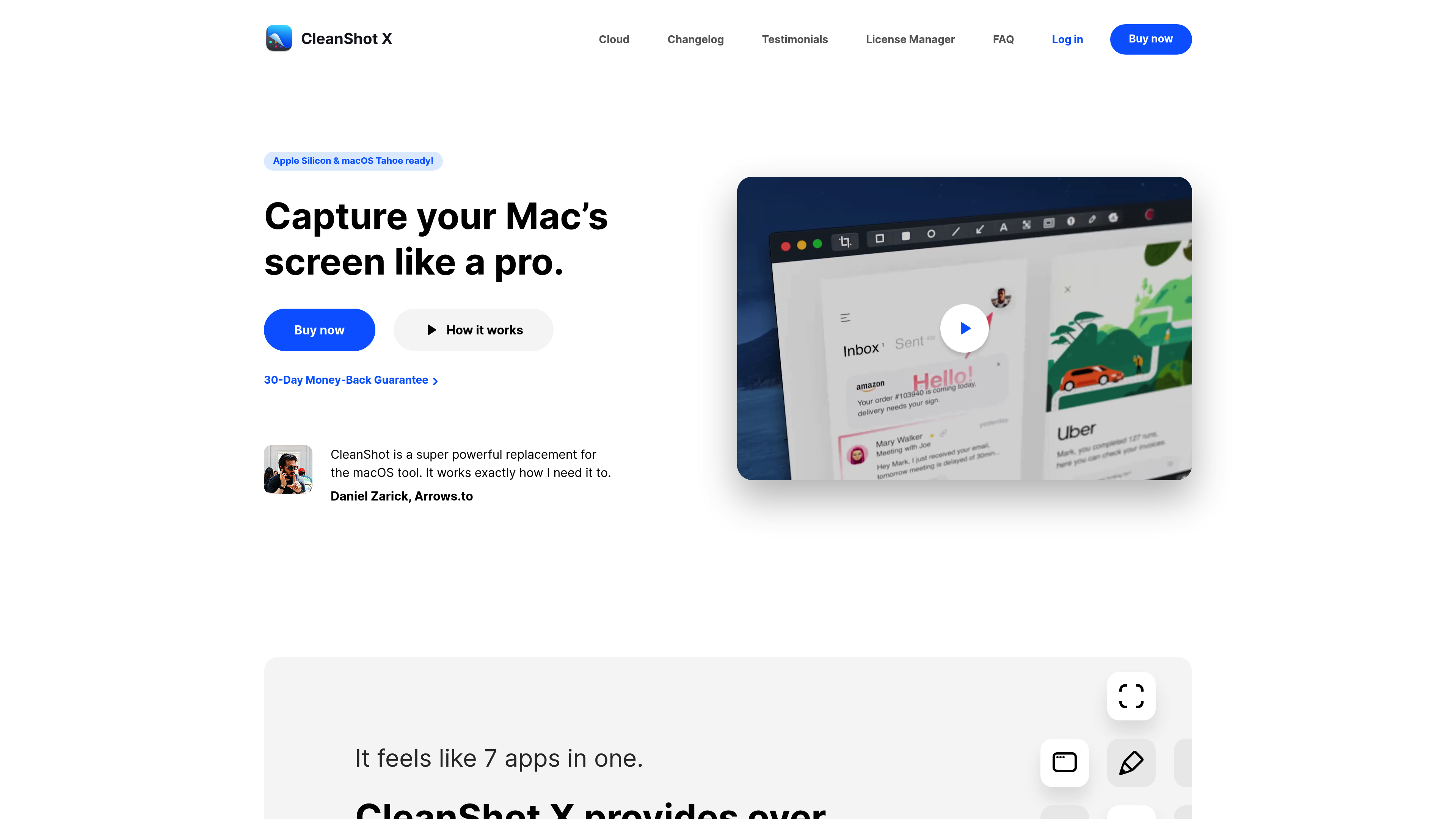
CleanShot X has been the dominant screenshot app for Mac users for years, and for good reason. It's packed with features that power users love.
What Makes It Stand Out
Feature-Complete
If a screenshot feature exists, CleanShot X probably has it. Scrolling capture, OCR, annotations, cloud upload, GIF recording, screen recording: it's all there. Version 5.0 (September 2026) also added Studio Mode and a video editor with Smart Zooms that follow your cursor.
Polish and Refinement
The app feels native to macOS. Every interaction is smooth, every feature is well-thought-out.
Cloud Integration
Their cloud service works seamlessly. Screenshots upload quickly and you get clean, short links.
Key Features
- Scrolling capture for long web pages.
- OCR to grab text.
- Screen recording with audio.
- Video editor with Smart Zooms (since 5.0).
- Annotation tools.
- Pin screenshots on screen.
- Quick access overlay.
Limitations
- Costs add up over time. The $35 Basic license includes 1 year of updates (renewal is $19/year) and 1 GB of Cloud storage. Unlimited Cloud needs the Pro plan at $10 per user/month, billed yearly.
- Feature bloat: many users only need 20% of what it offers.
- Learning curve: so many features can be overwhelming.
Verdict
Best for: Power users who need every feature and don't mind paying for update renewals or a Cloud plan. If you use screenshots heavily in your daily workflow and want the most complete toolset, CleanShot X delivers.
Considering CleanShot X? Read our detailed CleanShot X vs ScreenSnap Pro comparison.
#3: Shottr, the Best Free Option for Developers
Price: Free (Basic license $12 one-time, needed for commercial use) | Platform: macOS
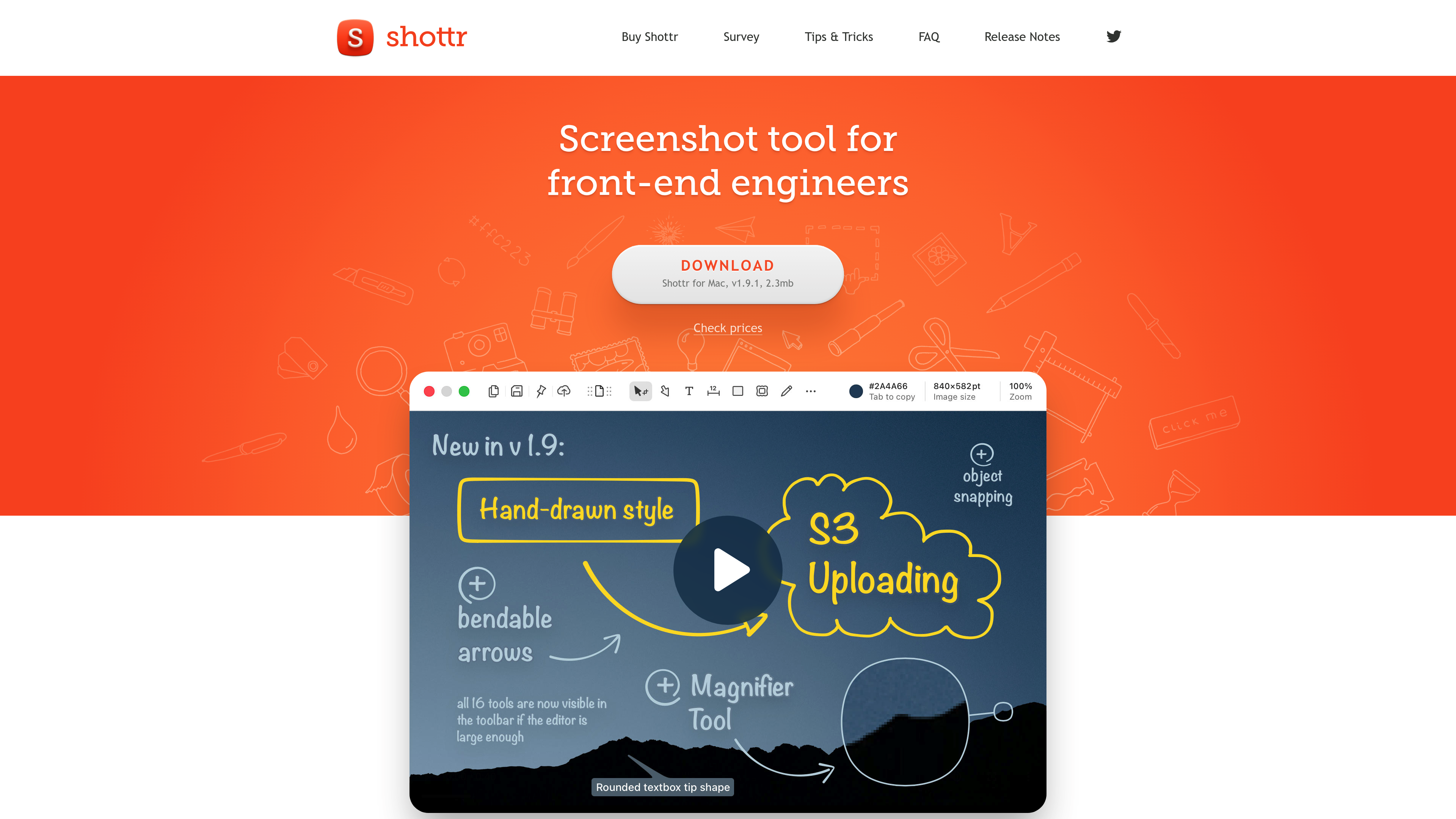
Shottr is the developer's secret weapon. It's free to use, surprisingly powerful, and built by a developer who clearly understands developer needs.
What Makes It Stand Out
Pixel-Perfect Measurements
Measure distances between elements, get exact pixel dimensions, overlay rulers, all essential for UI/UX work.
OCR That Actually Works
Copy text from any screenshot. It's fast and accurate, even with tricky fonts.
Scrolling Capture
Grab entire web pages or long documents in a single screenshot.
Cheap to Own
You can download it and use it for free. After 30 days it starts asking you to consider upgrading, and commercial use needs a $12 one-time license. There's no subscription.
Key Features
- Pixel measurements and rulers.
- OCR to grab text.
- Scrolling capture.
- Basic annotations.
- Gradient backgrounds with shadows.
- Color picker.
- QR code reader.
Limitations
- No built-in share links (S3 upload needs your own bucket).
- No screen or GIF recording.
- Fewer styling options than Xnapper or ScreenSnap Pro.
- Minimal/utilitarian design.
Verdict
Best for: Developers, UI/UX designers, and anyone who needs precise measurements. If aesthetics don't matter and you want powerful features for free (or $12 for work use), Shottr is unbeatable.
See how it stacks up: ScreenSnap Pro vs Shottr: Which One is Right for You?
#4: Snagit, the Best Pick for Enterprise
Price: $39/year (subscription only) | Platform: macOS, Windows
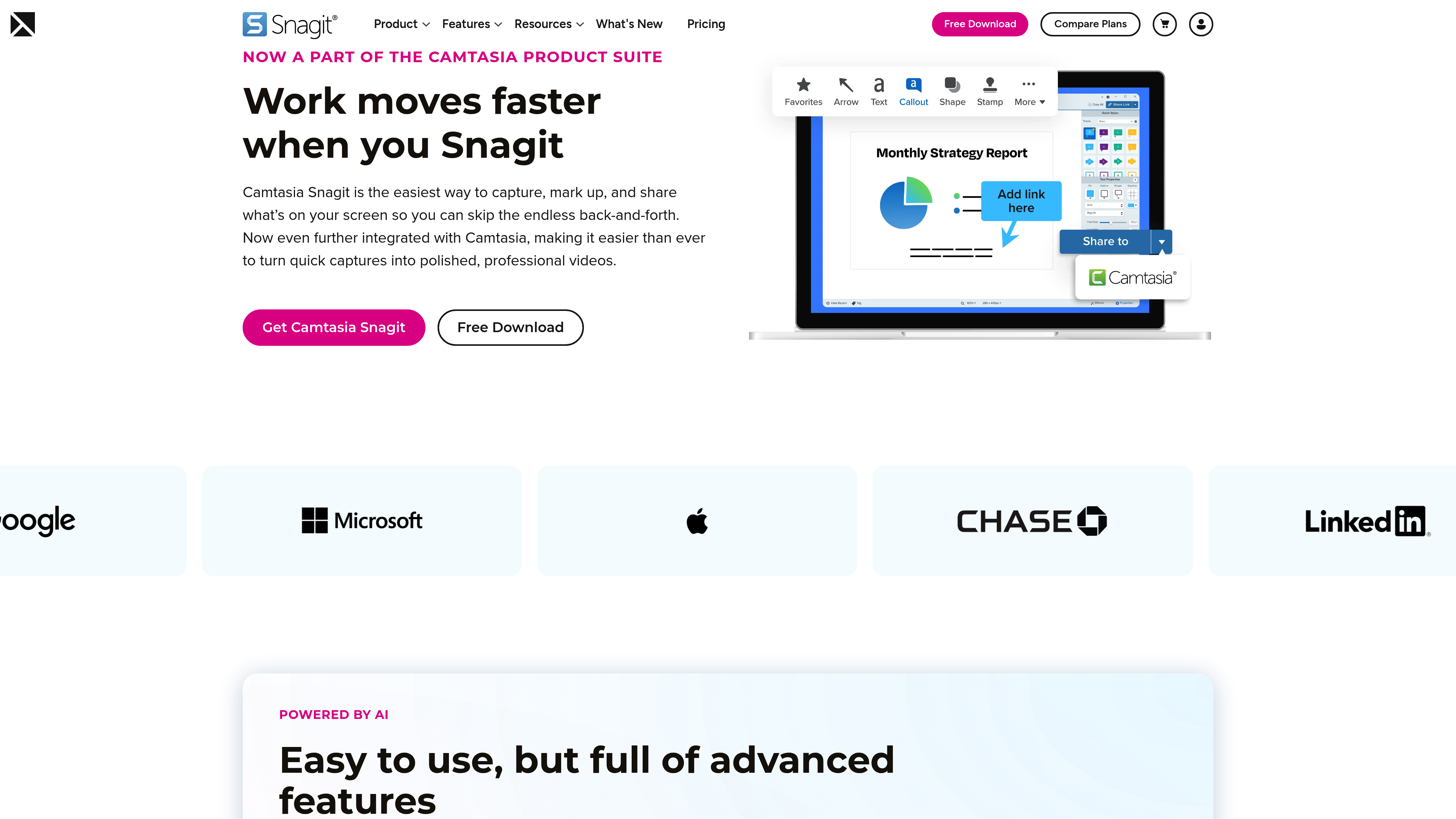
Snagit is the enterprise standard. It's been around forever, it works on both Mac and Windows, and IT departments love it. TechSmith now sells it as Camtasia Snagit.
What Makes It Stand Out
Cross-Platform
If your team uses both Mac and Windows, Snagit ensures everyone has the same tool.
Video Recording
Full screen recording with webcam overlay, audio narration, and basic editing.
Templates and Stamps
Pre-built elements for creating consistent documentation.
Key Features
- Screen recording with audio.
- Scrolling capture.
- OCR to grab text.
- Templates and stamps.
- Works with popular tools.
Limitations
- Subscription only. $39 per user per year, and there's no one-time license since Snagit 2025.
- Heavy. Uses more system resources than competitors.
- Dated design. Interface feels stuck in 2015.
- Mac version is weaker. Windows version gets more attention.
Verdict
Best for: Enterprise teams that need cross-platform consistency and don't mind the price. If your company is buying, Snagit is a safe, proven choice.
Looking to switch? Check out Best Snagit Alternative for Mac in 2026.

Tired of plain screenshots? Try ScreenSnap Pro.
Beautiful backgrounds, pro annotations, GIF recording, and instant cloud sharing, all in one app. Pay $39 once, own it forever.
See pricing and features#5: Xnapper, the Best Pick for Quick Beautification
Price: Free with a watermark, $29.99 one-time to remove it | Platform: macOS
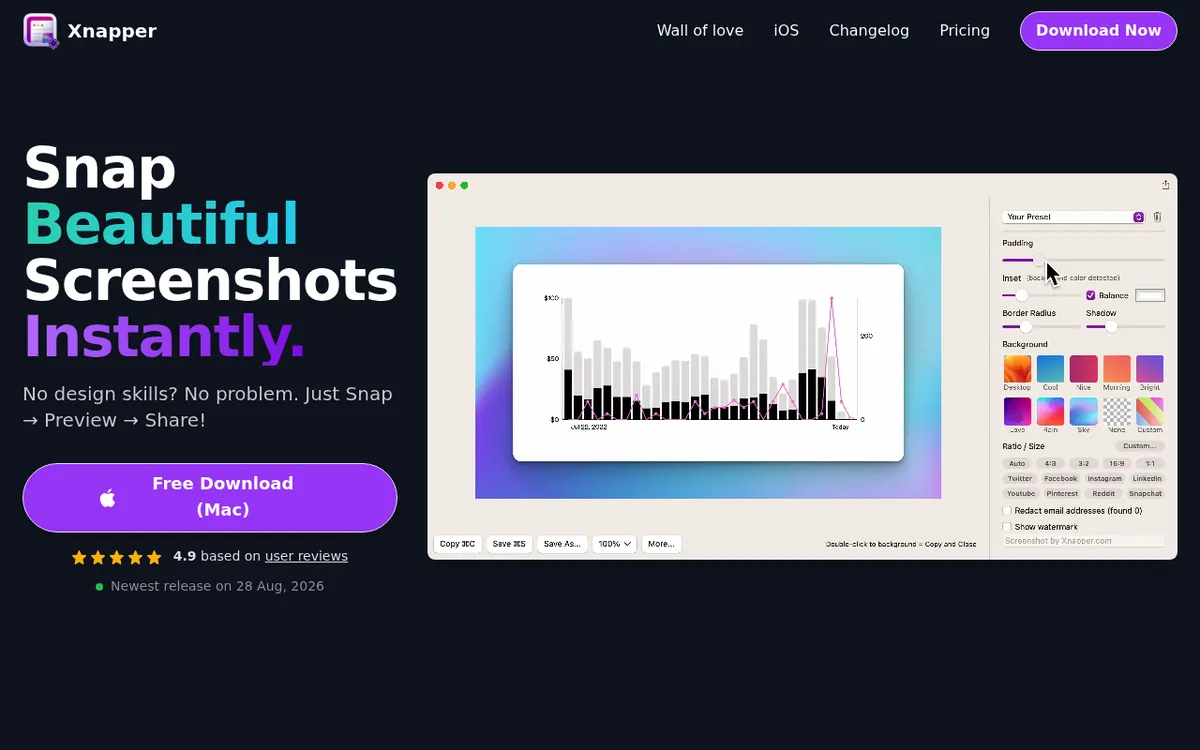
Xnapper does one thing well: it makes screenshots beautiful with minimal effort.
What Makes It Stand Out
Automatic Beautification
Screenshots are automatically centered with padding and backgrounds applied. It's the fastest way to make a screenshot shareable.
Simple and Focused
No feature bloat. Capture, beautify, share. That's it.
Try Before You Pay
It's free to use with a watermark. A one-time $29.99 Basic license removes it on one Mac and includes 1 year of updates.
Key Features
- Automatic background application.
- Padding and rounded corners.
- Quick capture shortcuts.
- Multiple background options.
- One-click redaction of emails, API keys and other sensitive text.
- On-device OCR text selection.
Limitations
- No cloud sharing in the Mac app (still listed as coming soon).
- No GIF recording.
- Limited annotation tools.
- No scrolling capture.
Verdict
Best for: Users who only need beautified screenshots and nothing else. If your workflow is "screenshot → make pretty → share," Xnapper is efficient.
#6: Lightshot, the Best Free Basic Tool
Price: Free | Platform: macOS, Windows
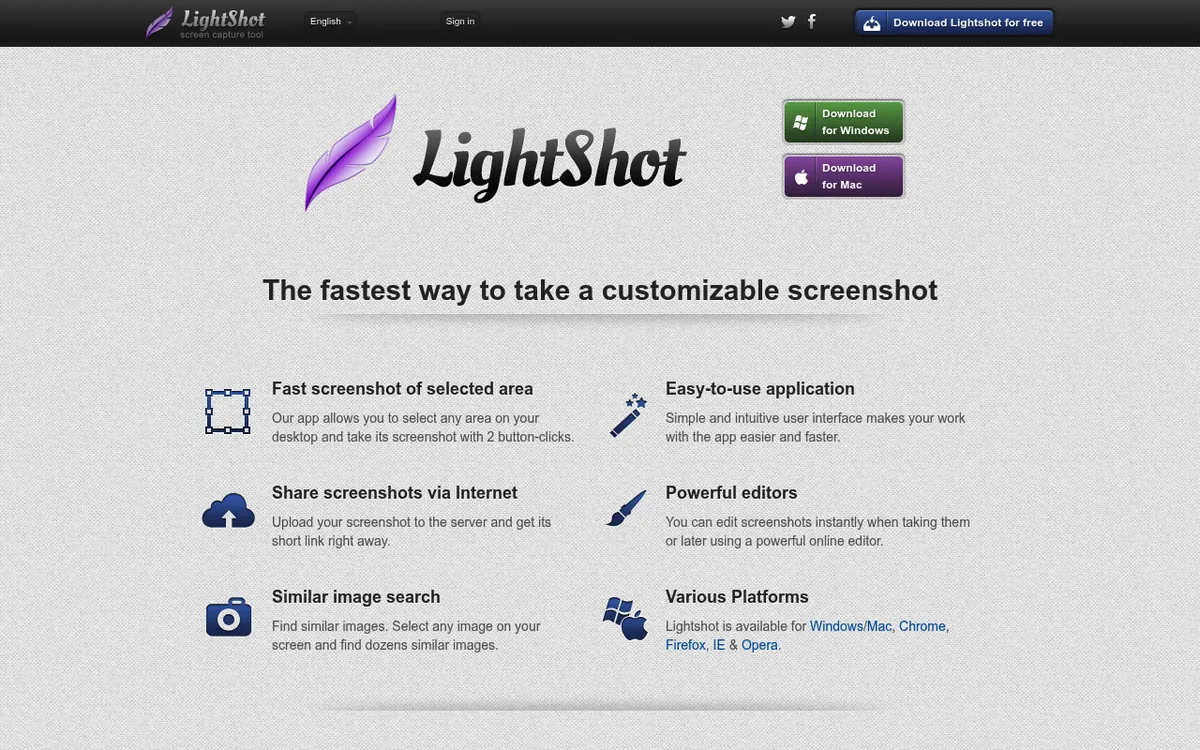
Lightshot is the "good enough" option. It's free, cross-platform, and handles the basics well.
What Makes It Stand Out
Simple Cloud Sharing
Take a screenshot, upload to their servers, get a link. No account needed.
Cross-Platform
Works on Mac and Windows with the same interface.
Truly Free
No premium tier nagging you to upgrade.
Key Features
- Quick region capture.
- Basic annotations.
- Cloud upload to prnt.sc.
- Similar image search.
Limitations
- Basic annotation tools only.
- No GIF recording.
- No backgrounds or beautification.
- Privacy concerns (every upload to prnt.sc is public to anyone with the link, and uploads can't be made private).
Verdict
Best for: Users with basic needs who want quick sharing. If you just need to capture → annotate → share occasionally, Lightshot works.
#7: Monosnap, the Best Free Tool with Cloud
Price: Free tier for non-commercial use, paid plans from $3/month | Platform: macOS, Windows
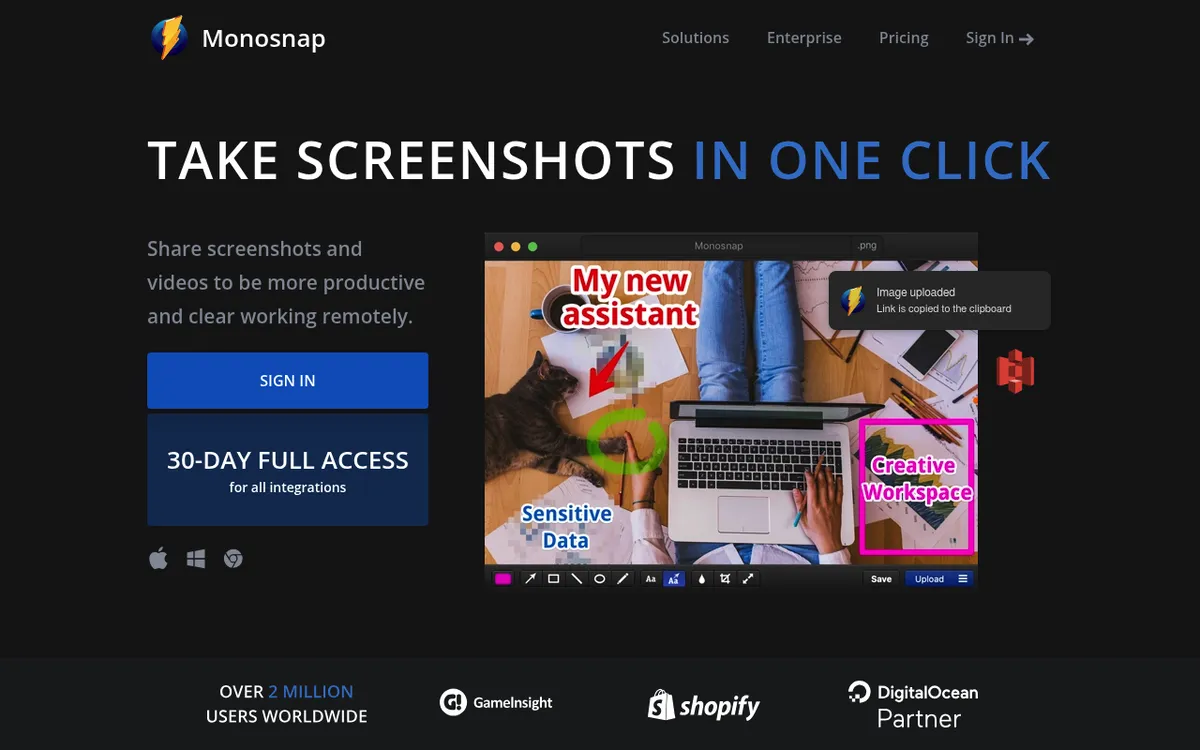
Monosnap offers a solid free tier with cloud storage included, making it a good option for casual users.
What Makes It Stand Out
Free Cloud Storage
2GB free storage for screenshots. Share links without paying.
Screen Recording
Basic screen recording included in the free tier, with videos capped at 5 minutes.
Third-Party Integrations
Paid plans upload to Dropbox, Google Drive, S3, and more. New users get 30 days of full access to all integrations.
Key Features
- Cloud storage (2GB free).
- Screen recording.
- Basic annotations.
- Third-party cloud integration (paid plans).
Limitations
- Free tier is for non-commercial use only (commercial plans start at $10/month).
- Dated interface.
- Limited beautification options.
Verdict
Best for: Users who want free cloud storage for screenshots. If you share screenshots often but don't want to pay, Monosnap's free tier is generous.
#8: macOS Built-in Screenshot, the Best Pick for Quick Captures
Price: Free (built into macOS) | Platform: macOS
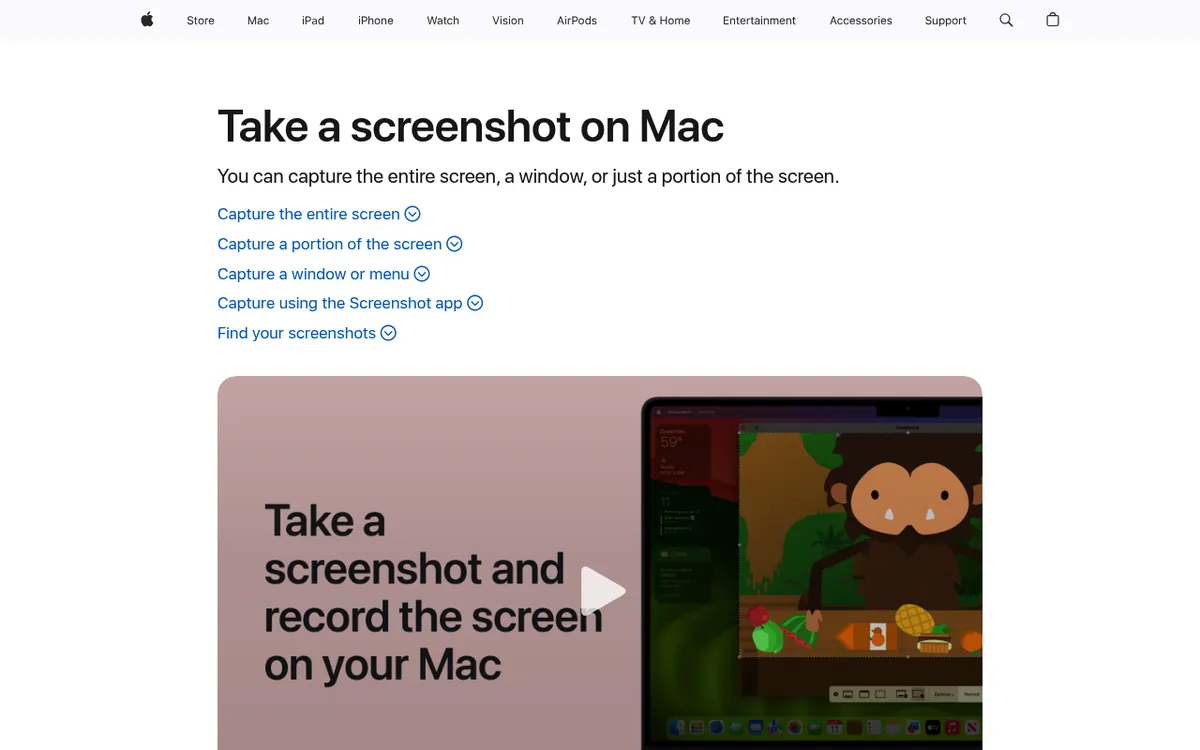
Every Mac comes with screenshot tools built in. For quick, no-frills captures, they work.
Keyboard Shortcuts
- ⌘ + Shift + 3. Full screen capture.
- ⌘ + Shift + 4. Region selection.
- ⌘ + Shift + 4 + Space. Window capture.
- ⌘ + Shift + 5. Screenshot toolbar.
What It Does Well
- Always available.
- No installation required.
- Basic markup from the floating thumbnail.
- Screen recording (⌘ + Shift + 5).
Limitations
- No instant sharing.
- No cloud upload.
- No beautification.
- Basic annotations only.
- No GIF recording.
Verdict
Best for: Quick captures when you don't need to share or annotate. Good for taking a quick screenshot and pasting into a document.
Feature Comparison Matrix
Capture Features
| Feature | ScreenSnap Pro | CleanShot X | Shottr | Snagit |
|---|---|---|---|---|
| Region capture | ✅ | ✅ | ✅ | ✅ |
| Window capture | ✅ | ✅ | ✅ | ✅ |
| Timed capture | ✅ | ✅ | ✅ | ✅ |
| Scrolling capture | ✅ | ✅ | ✅ | ✅ |
| GIF recording | ✅ | ✅ | ❌ | ✅ |
| Video recording | ✅ | ✅ | ❌ | ✅ |
| Video editor | ✅ | ✅ | ❌ | Basic |
Editing Features
| Feature | ScreenSnap Pro | CleanShot X | Shottr | Snagit |
|---|---|---|---|---|
| Arrows/shapes | ✅ | ✅ | ✅ | ✅ |
| Text annotations | ✅ | ✅ | ✅ | ✅ |
| Blur/pixelate | ✅ | ✅ | ✅ | ✅ |
| Highlight | ✅ | ✅ | ✅ | ✅ |
| Background gradients | ✅ (500+) | Limited | Basic | ❌ |
| OCR text recognition | ✅ | ✅ | ✅ | ✅ |
Sharing Features
| Feature | ScreenSnap Pro | CleanShot X | Shottr | Snagit |
|---|---|---|---|---|
| Cloud upload | ✅ | ✅ | S3 only | ✅ |
| Shareable links | ✅ | ✅ | S3 only | ✅ |
| Direct copy | ✅ | ✅ | ✅ | ✅ |
Which Screenshot App Should You Choose?
Choose ScreenSnap Pro if:
- You share screenshots regularly and want them to look professional.
- You hate subscriptions and prefer one-time payments.
- You want quick share links instead of file attachments.
- You create tutorials or demos with GIFs or screen recordings and want to edit them in the same app.
- You work on both Mac and Windows.
Choose CleanShot X if:
- You need every possible feature (OCR, scrolling capture, webcam overlay).
- Paying again for update renewals or a Cloud plan doesn't bother you.
- You're a power user who'll use 80%+ of the features.
Choose Shottr if:
- You're a developer or designer who needs pixel measurements.
- You need OCR text recognition.
- You want powerful features for free.
- Aesthetics don't matter for your screenshots.
Choose Snagit if:
- You're in an enterprise environment.
- You need cross-platform (Mac + Windows) consistency.
- Your company is paying.
Choose macOS Built-in if:
- You rarely take screenshots.
- You don't need to share them online.
- Simple captures are enough.
The Bottom Line
There's no universally "best" screenshot app, because it depends on your workflow.
Most people share screenshots often and want them to look good without fiddling with design tools. For them, ScreenSnap Pro offers the best balance of features, looks, and value at $39 one-time. A screen recorder and video editor are included. See ScreenSnap Pro pricing.
If you need the absolute most features and don't mind paying for renewals, CleanShot X is the power user's choice.
If you're a developer on a budget, Shottr is free for personal use and surprisingly capable.
Whatever you choose, stop settling for the basic macOS screenshot tool. Your screenshots deserve better.
Frequently Asked Questions

Morgan
Indie DeveloperIndie developer, founder of ScreenSnap Pro. A decade of shipping consumer Mac apps and developer tools. Read full bio
@m_0_r_g_a_n_