8 Best Greenshot Alternatives for Windows (2026)
Greenshot was great. Past tense. Version 1.2 shipped in 2017, and the next one, 1.3, took until 2025 and was mostly fixes. The Mac build is unmaintained, and the Windows app still cannot record your screen. If you used it for years and now feel stuck, you are not alone. A lot of users are shopping for a Greenshot alternative that does more in 2026.
This guide ranks the 8 best Greenshot alternatives for Windows that are actively maintained. We cover free open-source picks, the built-in Windows option, and paid tools, all with honest pros and cons.
Quick answer: The best Greenshot alternatives for Windows in 2026 are ScreenSnap Pro for screenshots, screen recording, and video editing in one app at a one-time price, ShareX for free open-source power, and PicPick for the closest free Greenshot-style experience. All three still add new features.
Why people are leaving Greenshot in 2026
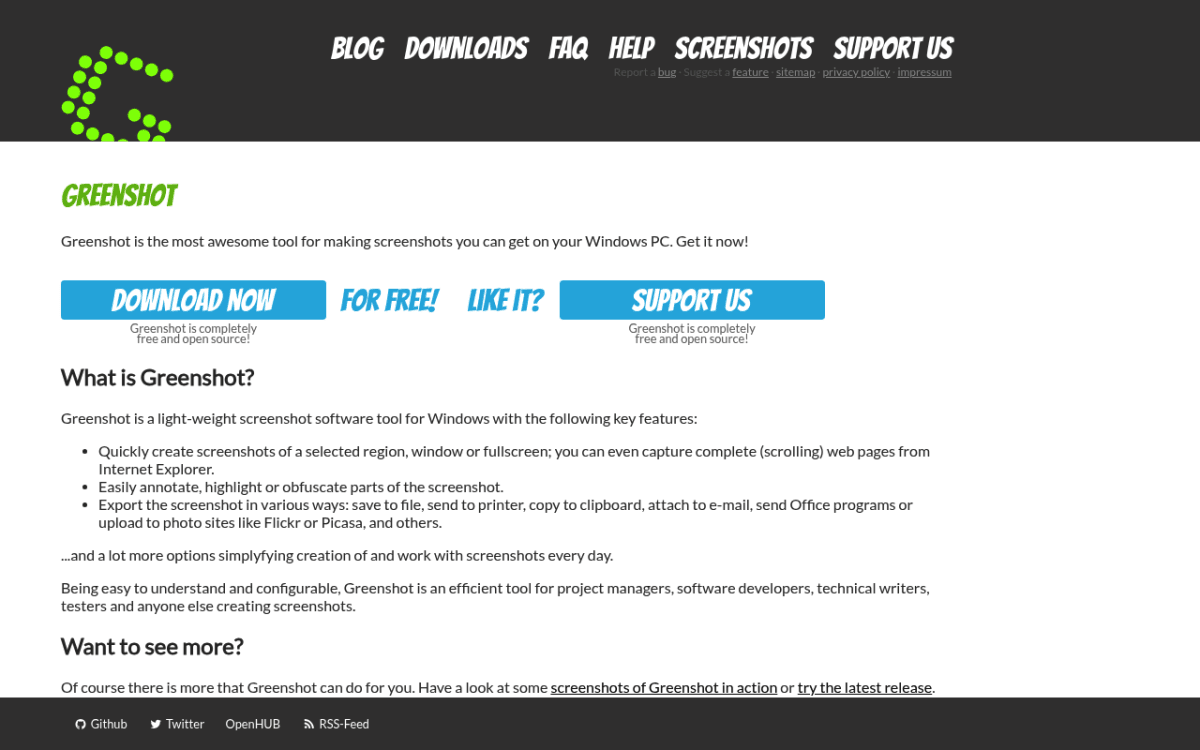
Greenshot still works. Press Print Screen, drag a region, mark it up, save. For a lot of users that was enough for a decade. So why the exodus?
The short answer is that the rest of the world moved on and Greenshot did not. Here are the specific gaps users keep flagging when they shop for a replacement. For the full breakdown, see our full Greenshot review.
- Slow releases. Version 1.2.10 shipped in September 2017. Version 1.3 took until May 2025, and it mostly fixed bugs, display scaling, and security holes. The core feature set has barely changed.
- Mac version is dead. The Mac App Store build has not been touched in years. If you work across both platforms, you need a new tool.
- No scrolling or full-page capture. Modern docs, chat threads, and dashboards do not fit on one screen. Greenshot cannot follow them.
- No GIF or video recording. A core demand in 2026, fully missing.
- No cloud sharing. You get Imgur and FTP uploads. No instant link to a hosted screenshot, no team library.
- Dated annotation toolkit. Arrows, text, shapes, blur, and numbered steps, and that is about it. No auto redaction, no backgrounds, no emoji.
- Security and codebase concerns. The C# codebase is old, and it needed several security fixes in 2025 and 2026. Many corporate IT teams flag tools like that.
If any of those hit home, one of the eight tools below will likely fit better.
The 8 best Greenshot alternatives for Windows
We ranked these by how well they replace Greenshot for the typical user. ScreenSnap Pro leads because it keeps Greenshot's fast capture and adds recording and video editing. Free tools fill the middle, and Snagit closes the list as the team pick.
1. ScreenSnap Pro: Best all-in-one Greenshot replacement
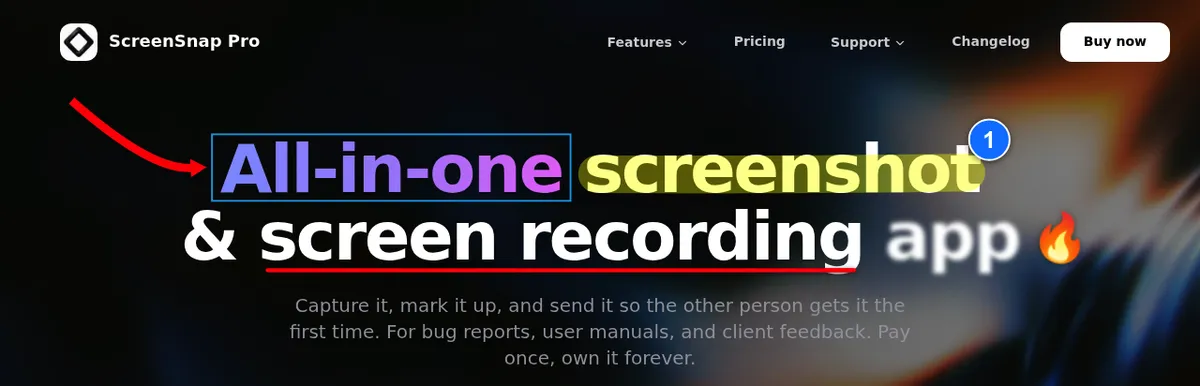
ScreenSnap Pro is the maintained, modern take on what Greenshot used to be: fast capture and a clean editor. It also adds what Greenshot never had: screen recording, a built-in video editor, and optional share links. ScreenSnap Pro ships updates often, runs on Mac and Windows, and costs $49 once instead of a subscription.
Pros:
- $49 one-time price, no subscription, lifetime updates
- Screen recording to MP4 at up to 60fps with webcam, mic, and system audio, plus direct GIF recording (a Greenshot gap)
- Built-in video editor: trim, split, and speed on a timeline, one-click silence removal, and auto zoom that follows the cursor
- Scrolling Capture: scroll through any app window (long PDFs in Acrobat, Slack threads, Excel sheets) and get one long screenshot
- Full-Page Website Capture: grab any URL as a first-screen or full-page shot, with infinite-scroll and lazy-loaded content handled
- 17 annotation tools plus emoji, including blur, pixelate, magnifier, spotlight, and a step counter
- 500+ backgrounds with padding and shadow for polished social or doc screenshots
- OCR text extraction, pin screenshot, and a quick-access overlay
- Optional cloud share links for quick sharing
- One license covers 2 seats, in any mix of Mac and Windows
- No watermarks
Cons (the honest list):
- No free tier: you need a license to save, record, or share
- No team workspaces
- No Linux build
- No browser extension
- Not open source
Best for: Greenshot users who want screenshots, screen recording, and video editing in one maintained app, without paying every month.
Pricing: $49 one-time, 30-day money-back guarantee.
Rating: (4.5/5)
2. ShareX: Best free open-source power tool
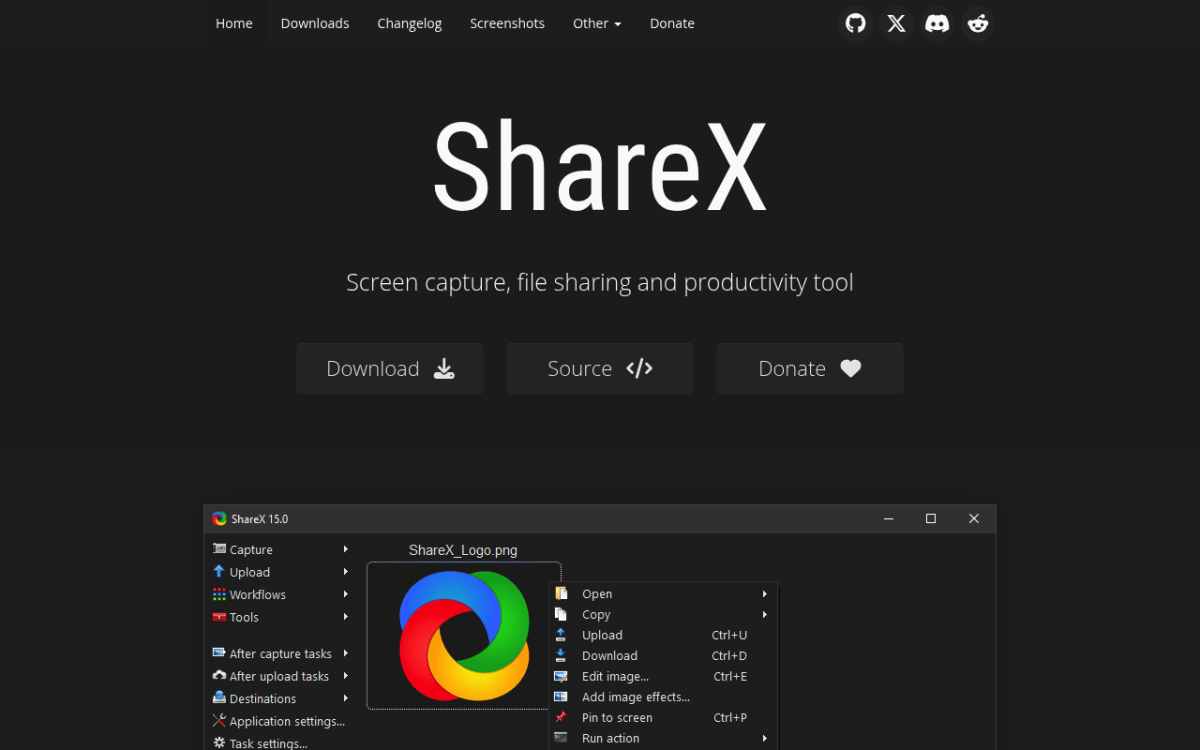
ShareX is the most powerful free screenshot tool on Windows. Full stop. It is open source, actively maintained, and packs more features than most paid tools. The trade-off is a busy UI and a steep learning curve.
Pros:
- Completely free, open source, regular updates
- 70+ upload destinations (Imgur, Dropbox, Google Drive, S3, FTP) plus custom uploaders
- Workflow automation that chains capture, edit, upload, and copy URL into one hotkey
- Scrolling capture, screen recording, and GIF recording
- OCR built in
- New 2026 image editor with 18 annotation tools and a background beautifier
- The deepest feature set on Windows, period
Cons:
- Busy main window with menus three levels deep, though the new image editor looks modern
- Windows only (64-bit Windows 10 or 11)
- No timeline video editor for your recordings
- Setup time before it feels smooth
Best for: Technical users who want maximum control and do not mind spending an afternoon on setup. Read our ShareX deep dive and the head-to-head ShareX vs Greenshot for more.
Pricing: Free.
Rating: (4.5/5)
3. PicPick: Closest free Greenshot-style replacement
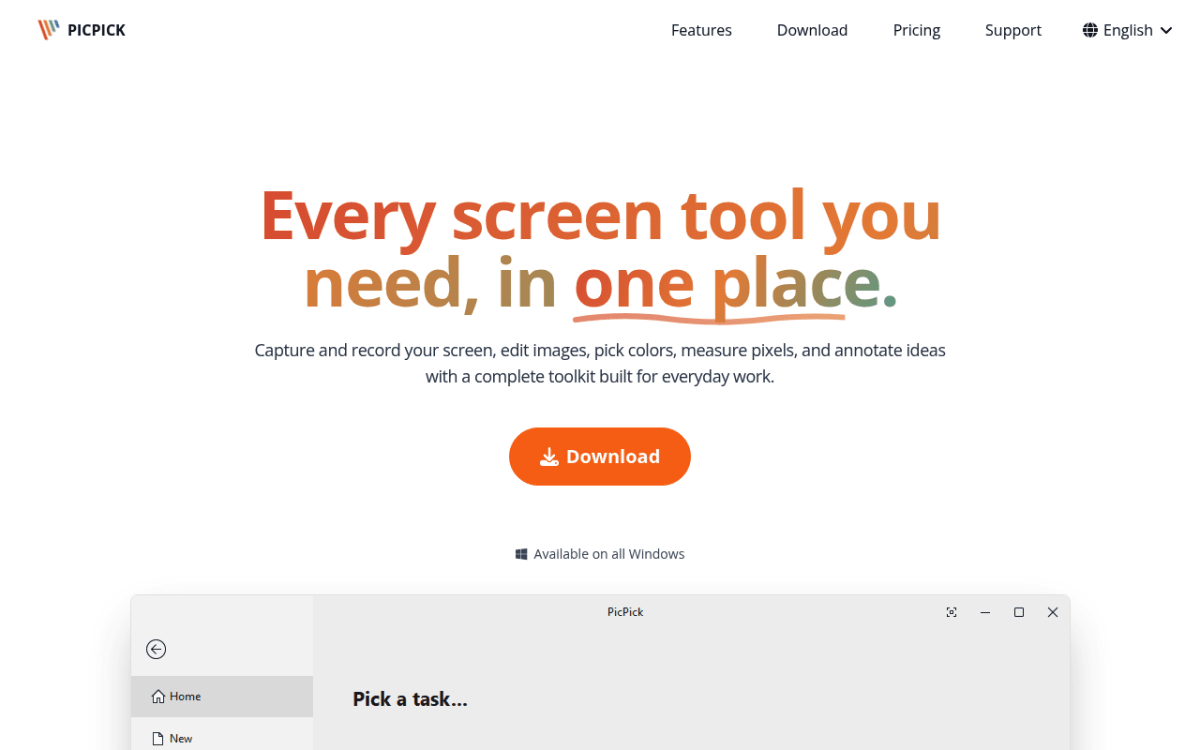
PicPick feels the most like Greenshot did at its peak. A small, fast app that lives in the system tray, a clean editor, and a focused annotation set. The bonus is a set of design tools (pixel ruler, color picker, magnifier, protractor) that Greenshot never had.
Pros:
- Free for personal use
- Familiar tray-based workflow for Greenshot users
- Scrolling capture (something Greenshot lacks)
- Screen recorder that saves MP4 or GIF
- Design extras: color picker, pixel ruler, magnifier, protractor
- Lightweight install
Cons:
- Paid license required for commercial use (Pro is $30/year or $79 lifetime at current sale prices)
- Free version shows ads and has no auto updates
- Windows only
- UI looks a bit dated next to newer tools
Best for: Designers and developers who liked Greenshot's simplicity but want measurement and color tools. See our PicPick review for the full walkthrough.
Pricing: Free for personal use. Pro for business use is $30/year or $79 lifetime (sale prices).
Rating: (4/5)
4. Snipaste: Best for pinning and reference workflows
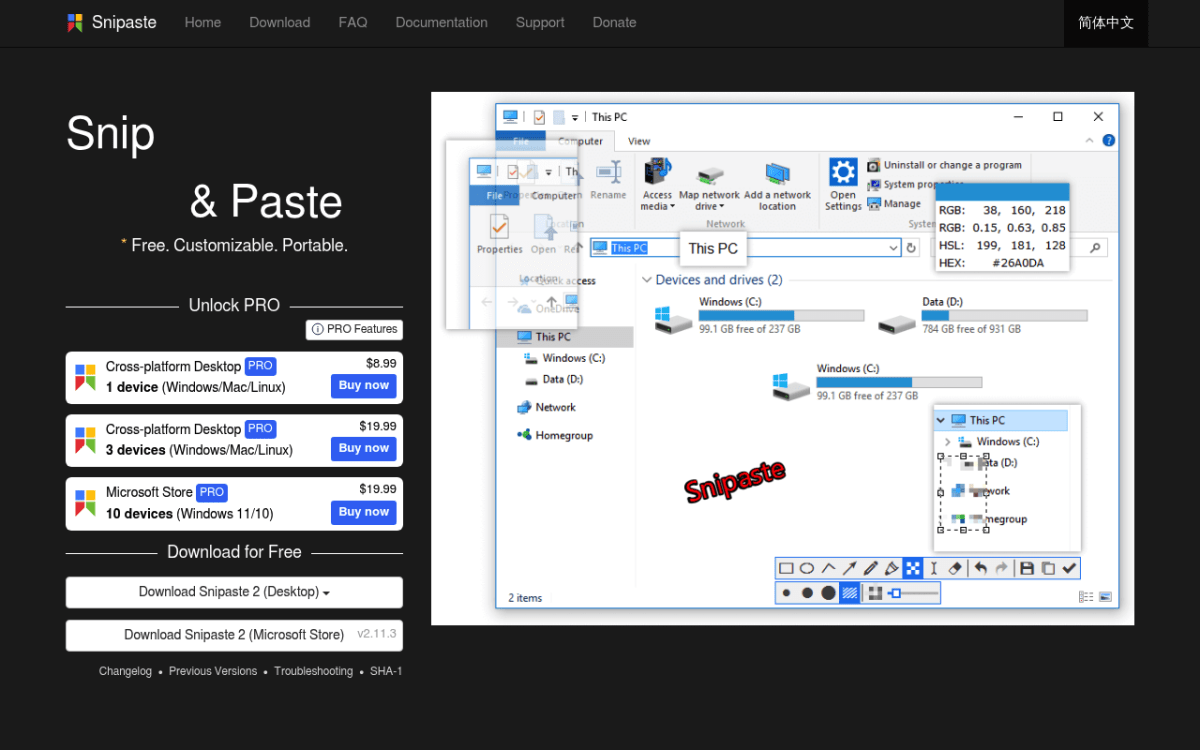
Snipaste does one thing better than anything else on this list: it pins screenshots as floating windows on your desktop. Press a hotkey, paste a region, and it stays on top of every other app. Great for comparing code, UI states, or design references.
Pros:
- Free for personal use
- Pin screenshots as always-on-top windows
- Fast, clean modern UI
- Solid built-in annotation
- Cross-platform (Windows, Mac, Linux)
Cons:
- No scrolling capture in the free version
- No cloud sharing
- PRO features cost extra (from $8.99 for one device), and business use of Snipaste 2 needs a license
Best for: Developers comparing two states of code or UI, and designers who keep visual references on screen while they work.
Pricing: Free for personal use. PRO from $8.99.
Rating: (4/5)
5. Windows Snipping Tool: Best built-in free option
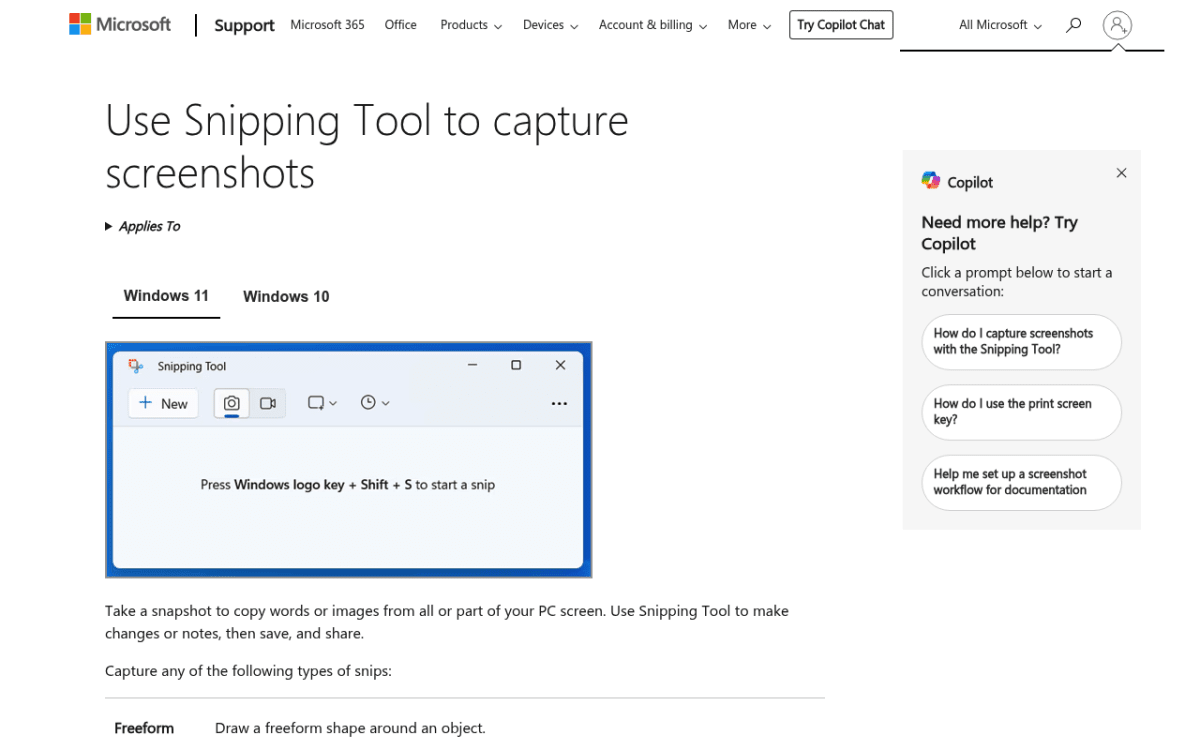
The default tool gets dismissed a lot, but it has improved in Windows 11. Press Win + Shift + S and you get a rectangle, window, full-screen, or freeform grab. Microsoft also added screen recording, OCR through Text Actions, and a Quick Redact option that hides email addresses and phone numbers.
Pros:
- Free, built-in, no install
- OCR text copy and Quick Redact for emails and phone numbers
- Screen recording, and recent versions export short GIFs (up to 30 seconds)
- Backed by Microsoft (no abandonment risk)
Cons:
- Basic annotation: pen, highlighter, simple shapes, and arrows, but no text boxes, step numbers, or blur
- No scrolling capture
- No library or organization
- Minimal sharing options
Best for: Light users who take occasional screenshots and do not need third-party features. See the official Microsoft Snipping Tool docs for setup, and our guides on Windows screenshot shortcuts and fixing Snipping Tool when it stops working.
Pricing: Free.
Rating: (3.5/5)
6. Lightshot: Best for speed and quick sharing
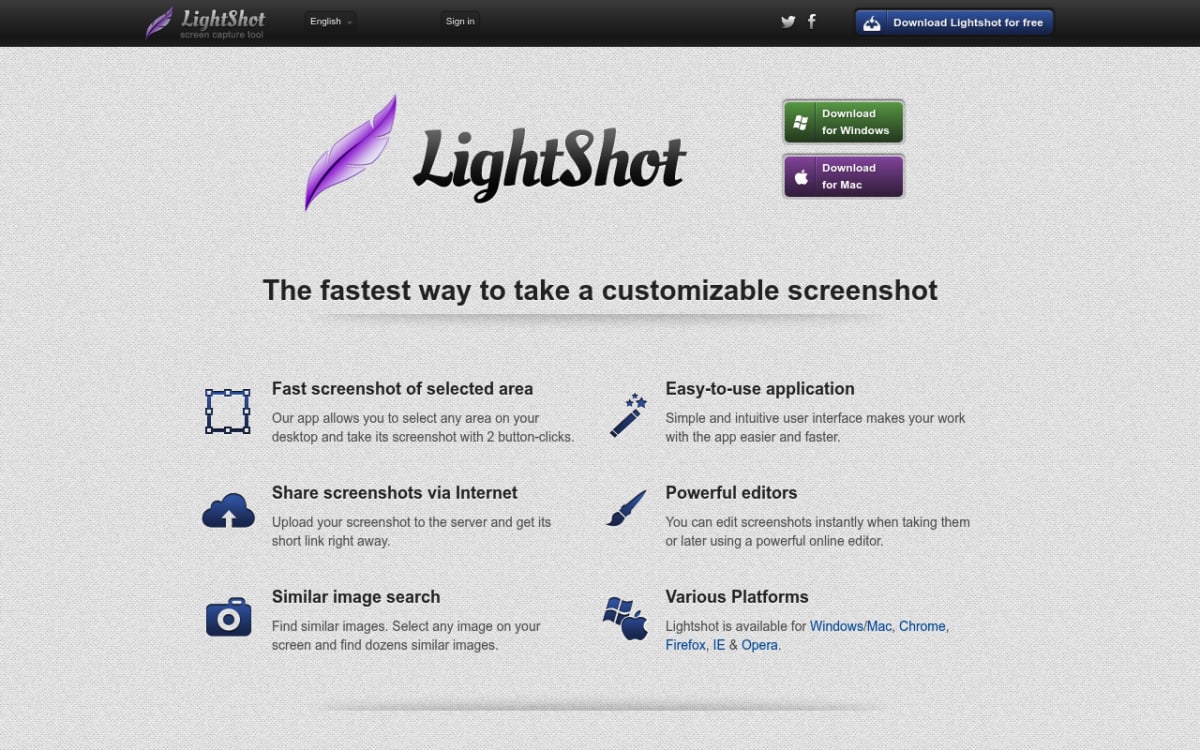
Lightshot is the speed pick. Press a hotkey, drag, mark it up, and you get a hosted link in seconds. It is the fastest path from "see something" to "send a link to a teammate."
Pros:
- Ultra-fast capture-to-share flow
- Instant cloud upload to prnt.sc
- Free, light install
- Windows and Mac
Cons:
- Every upload is public to anyone with the link, and you cannot make it private (a privacy risk for sensitive content)
- Basic editing
- Ads in the free flow
- No annotation history
Best for: Fast sharing of non-sensitive content. Skip it if you ever screenshot client data. Full walkthrough in our Lightshot review.
Pricing: Free.
Rating: (3.5/5)
7. Flameshot: Best modern open-source cross-platform pick
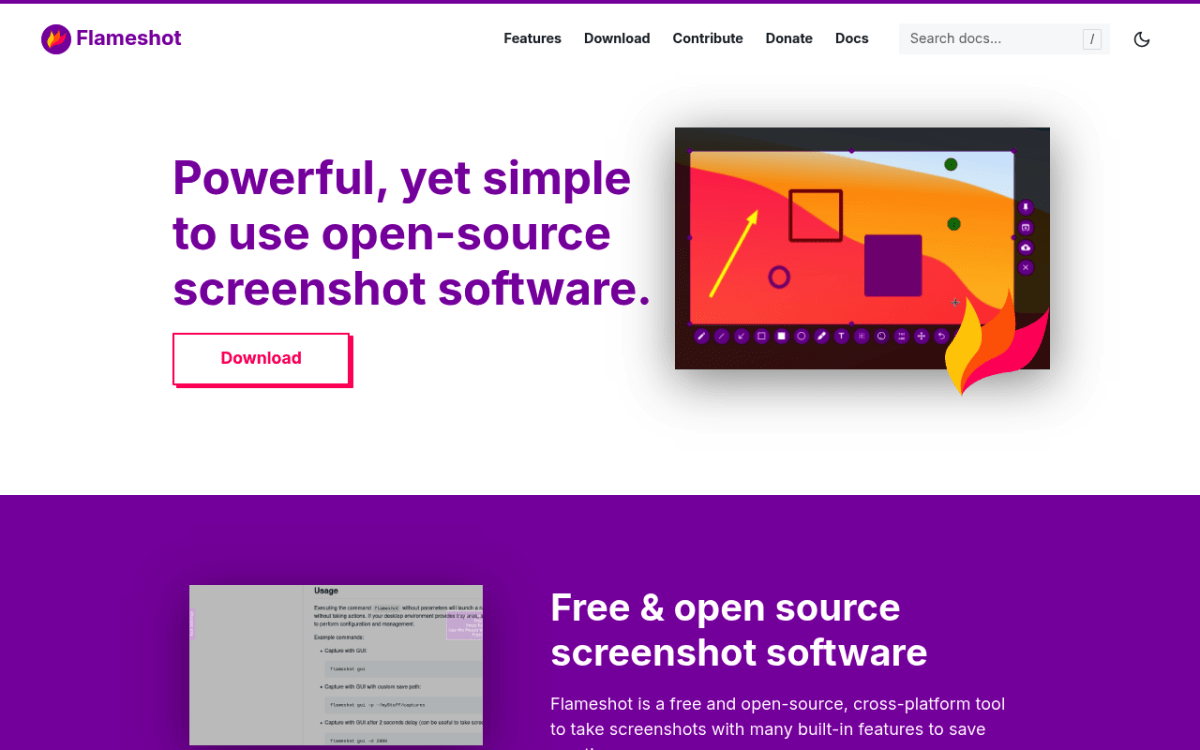
Flameshot is the most modern-looking open-source option. Its in-overlay annotation toolbar lets you draw, blur, and add text without leaving the capture. Linux is where it shines most, but Windows works fine.
Pros:
- Free and open source
- Modern in-overlay annotation toolbar
- Cross-platform (Windows, Mac, Linux)
- Clean, no-clutter UI
Cons:
- Less polished on Windows than on Linux
- No scrolling capture
- No built-in cloud upload in official builds (Imgur was dropped in version 13)
- No screen recording or GIF capture
Best for: Users who want an open-source feel and may switch operating systems later. See our Flameshot for Windows review for the trade-offs.
Pricing: Free.
Rating: (4/5)
8. Snagit: Best for teams and pro documentation
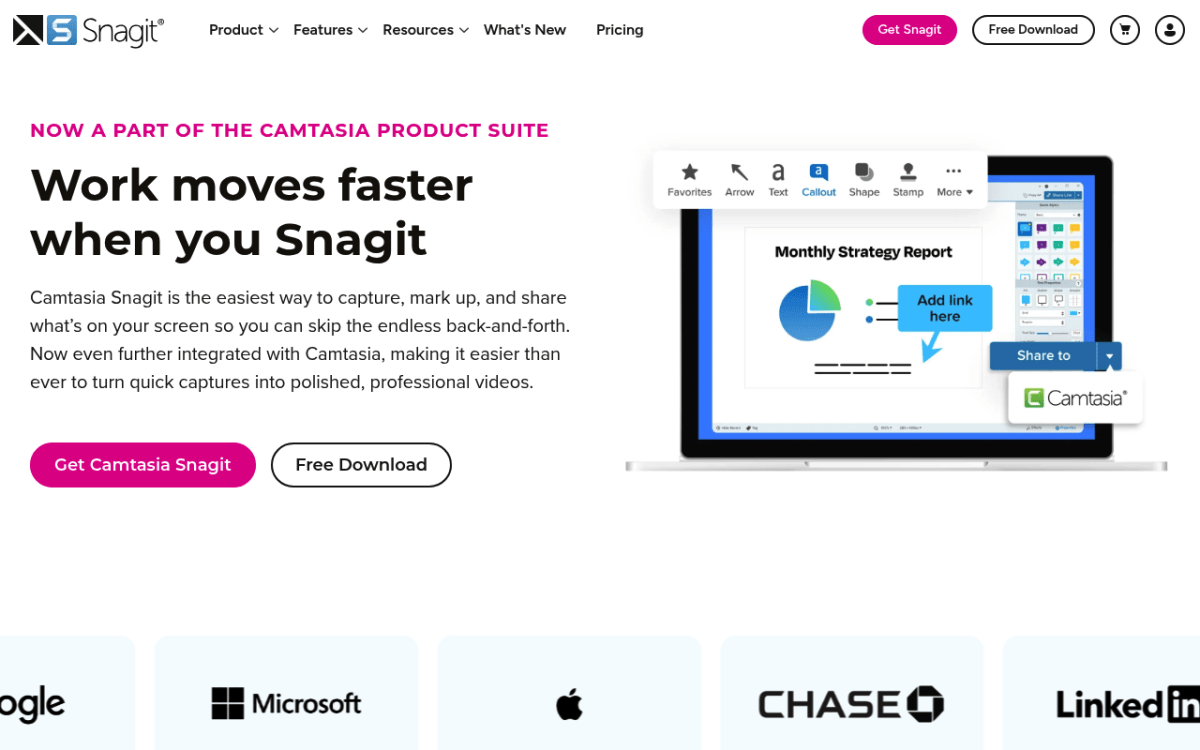
Snagit from TechSmith is the heavyweight pro option. Templates, image-to-video, brand themes, batch capture, and scrolling capture. It is built for teams creating SOPs, training docs, and product walkthroughs.
Pros:
- Industry-standard for team documentation
- Advanced annotation, templates, and brand kits
- Scrolling capture and image-to-video
- Strong library and search
- Mac and Windows
Cons:
- $39/year subscription (TechSmith moved to subscription in 2025)
- Heavy install, overkill for casual use
- Steep learning curve for basic captures
Best for: Corporate teams creating SOPs, training material, and customer-facing docs. Head-to-head: Snagit vs Greenshot.
Pricing: $39/year subscription.
Rating: (4/5)
Greenshot alternatives comparison table
Quick scan of how the 8 tools stack up on the features that matter most.
| Tool | Price | Open Source | Scrolling Capture | GIF / Video | Cloud Sharing | Annotation | Best For |
|---|---|---|---|---|---|---|---|
| ScreenSnap Pro | $49 one-time | No | Yes | Yes, plus video editor | Share links | 17 tools + emoji | All-in-one Greenshot replacement |
| ShareX | Free | Yes | Yes | Yes | 70+ targets | Deep | Power users |
| PicPick | Free / $30 per year | No | Yes | Yes | Drive, Dropbox, FTP | Strong | Designers, devs |
| Snipaste | Free / PRO $8.99 | No | No (free) | No | No | Strong | Pin and reference |
| Snipping Tool | Free | No | No | Video, 30s GIF | No | Basic | Light, built-in use |
| Lightshot | Free | No | No | No | Yes (public) | Basic | Speed |
| Flameshot | Free | Yes | No | No | No | Strong | Open-source cross-platform |
| Snagit | $39/year | No | Yes | Yes | Built-in | Pro-grade | Teams and docs |

Tired of plain screenshots? Try ScreenSnap Pro.
Beautiful backgrounds, pro annotations, GIF recording, and instant cloud sharing, all in one app. Pay $49 once, own it forever.
See pricing and featuresHow to choose the right Greenshot alternative
The shortlist depends on what you actually do with screenshots. Pick by use case:
- "I want Greenshot's simplicity but maintained" → ScreenSnap Pro or PicPick. Both feel familiar; ScreenSnap Pro adds recording, a video editor, and share links, PicPick adds design tools.
- "I want maximum free features" → ShareX. Free, open source, deeper than most paid tools.
- "I just need basic captures, nothing fancy" → Windows Snipping Tool. It is already on your machine.
- "I need scrolling or full-page capture" → ScreenSnap Pro. Scrolling Capture stitches long PDFs, Slack threads, and Excel sheets into one image as you scroll. Built-in Full-Page Website Capture handles any URL, including infinite-scroll pages. ShareX is the free option for scrolling capture. See our guides on scrolling screenshots on Windows and full-page screenshots on Windows.
- "I need GIF or video too" → ScreenSnap Pro or Snagit. Both bundle screenshots and recordings. ScreenSnap Pro also edits the video (trim, silence removal, auto zoom) for $49 once.
- "I work on a team that builds docs" → Snagit. Templates, brand themes, and library features make this worth the subscription.
- "I want open source" → ShareX (Windows-only) or Flameshot (cross-platform).
- "I want cloud sharing built in" → ScreenSnap Pro for quick share links you can delete anytime, Lightshot for fast public links, Snagit for team libraries.
- "I want to pin a screenshot on top while I work" → Snipaste. Nothing else does it as cleanly.
For a broader Windows roundup see our best screenshot tools for Windows guide, and for the parallel listicle on Snipping Tool replacements see the best Snipping Tool alternatives.
Migrating from Greenshot: what you'll miss and what you'll gain
Switching always loses a little muscle memory. Here is the honest trade.
What Greenshot did well that you will miss at first:
- Lightweight install and tray-based capture flow. ScreenSnap Pro and PicPick get closest. ShareX feels heavier.
- Imgur upload as a built-in destination. ShareX still has it, and Lightshot gives you its own prnt.sc links. ScreenSnap Pro replaces it with its own quick share links.
- Office export plugin. Snagit has the best direct-to-Office workflow today. ScreenSnap Pro lets you copy or drag images straight into any app.
What you will gain in the move:
- Faster updates. Greenshot took eight years to get from 1.2 to 1.3. Most tools on this list have shipped meaningful updates in the last 12 months.
- GIF and screen recording. ScreenSnap Pro, ShareX, PicPick, and Snagit add this on top of screenshots. ScreenSnap Pro also has a timeline video editor.
- Cloud sharing with shareable links. ScreenSnap Pro, Lightshot, and Snagit all generate instant URLs.
- Modern annotation. Polished arrows, callouts, backgrounds, and quick redaction. Most tools here have some of these.
- Scrolling capture. ScreenSnap Pro, ShareX, PicPick, and Snagit all scroll-capture long PDFs and Slack threads. ScreenSnap Pro also captures full web pages straight from a URL.
If you also need to compress or convert the resulting screenshots before sharing, our free image compressor handles that without an install.
Frequently asked questions
The bottom line
Greenshot earned its reputation a decade ago and the basic flow still works. But in 2026, a more actively developed tool is worth the small switch cost.
ScreenSnap Pro is the best pick for most Greenshot users: $49 once, screenshots and screen recording in one app, a built-in video editor, and updates that actually ship. ShareX is the free power pick, PicPick is the closest Greenshot-feel replacement, and the Windows Snipping Tool is fine for light use. For the deeper critique of why Greenshot stalled, see our full Greenshot review.

Morgan
Indie DeveloperIndie developer, founder of ScreenSnap Pro. A decade of shipping consumer Mac apps and developer tools. Read full bio
@m_0_r_g_a_n_