Best Mac Apps for Developers in 2026: 10 Picks
The best Mac apps for developers cover ten jobs rather than one. ScreenSnap Pro handles screenshots and screen recordings, Raycast is the launcher, Warp is the terminal and PageDog watches pages. Tower handles Git, OrbStack runs containers, TablePlus opens databases, Bruno tests APIs, Rectangle snaps windows and Proxyman debugs the network. Pick one per category and your dock stays short.
Most lists for this topic are a pile of names with no prices and no limits. This one gives every app a licence model and a named weakness, because the real 2026 buying question is not "is this good" but "am I renting it forever".
How we picked the best Mac apps for developers
Four filters, applied to every entry:
- Runs natively on Apple Silicon. No Rosetta shims, no Intel-only builds. Apple has been shipping Macs with Apple silicon since 2020, so a tool that still needs translation in 2026 is a tool that stopped being maintained.
- Earns its dock space in daily work. If you would not open it on a normal Tuesday, it is not on the list.
- Honest licence model. One time, subscription or free, stated in full, including what happens when you stop paying.
- A named limitation. Every entry gets one. A list where nothing has a downside is a list nobody edited.
1. ScreenSnap Pro: screenshots and recordings for bug reports and docs
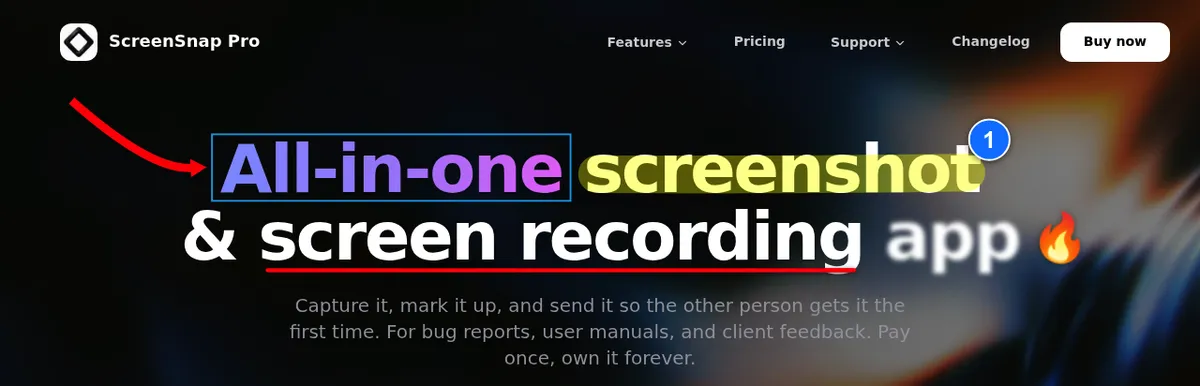
What it does. ScreenSnap Pro is a screenshot app and screen recorder in one. It captures an area, a window, the full screen or a long scrolling page in any app, opens the shot in an editor with 17 annotation tools, and records the screen to MP4 at up to 60fps or straight to GIF. A built in video editor cleans up the recording before anyone sees it.
The job it does in a day. A layout breaks on staging. You grab the area, number each broken element with the counter tool, blur the API token in the corner, and paste the result into the ticket. Later a reviewer asks how a race condition shows up. You record 40 seconds with mic and system audio, cut the silences in one click, let auto zoom follow the cursor, and attach the MP4 to the pull request. A delayed capture catches the tooltip that vanishes when you press a key, and OCR pulls text out of an error dialog that will not let you select it.
Why it is first. Whatever your stack, you spend part of every week showing someone what the screen did. The built in ⌘ + Shift + 4 shortcut takes the picture and stops there, with nothing for blurring secrets, numbering steps or editing a recording on a timeline. ScreenSnap Pro puts screenshots, recording and a multi-track video editor in one app, and it passes the licence test this list cares about: you pay once and keep it.
Price and licence. One time purchase at $39, with lifetime updates. One licence covers two seats in any mix of Mac and Windows, and there is a 30-day money-back guarantee. Optional cloud links are there for quick sharing.
The limitation. There is no Linux build, so a teammate on a Linux workstation cannot use the same tool. It has no captions, live streaming or team workspaces. It also needs macOS 15 or later. Cloud share links are for quick handoffs, so keep anything that must last in your repo or docs.
2. Raycast: the launcher that swallows five smaller utilities
What it does. Raycast replaces Spotlight with a keyboard launcher that also handles clipboard history, snippet expansion, window snapping and script running from the same text field.
The job it does in a day. You hit one hotkey, type three letters of a repo name, and the editor opens on the right project. Later you paste a ticket ID you copied forty minutes ago out of clipboard history, then run a one line script that starts your local database. None of it costs a trip to the dock.
Price and licence. The individual plan is free with no time limit. Raycast Pro adds AI models, cloud sync and longer clipboard history at $10 per month, or $8 per month billed annually.
The limitation. Raycast becomes a dependency quickly. Extensions live in its own store, so the muscle memory you build does not move with you if you switch launchers, and several of the features people quote as reasons to use it sit behind Pro. Raycast 2.0 also needs macOS Tahoe and an Apple Silicon Mac, so older machines stay on version 1.
3. Warp: a terminal that treats output as blocks
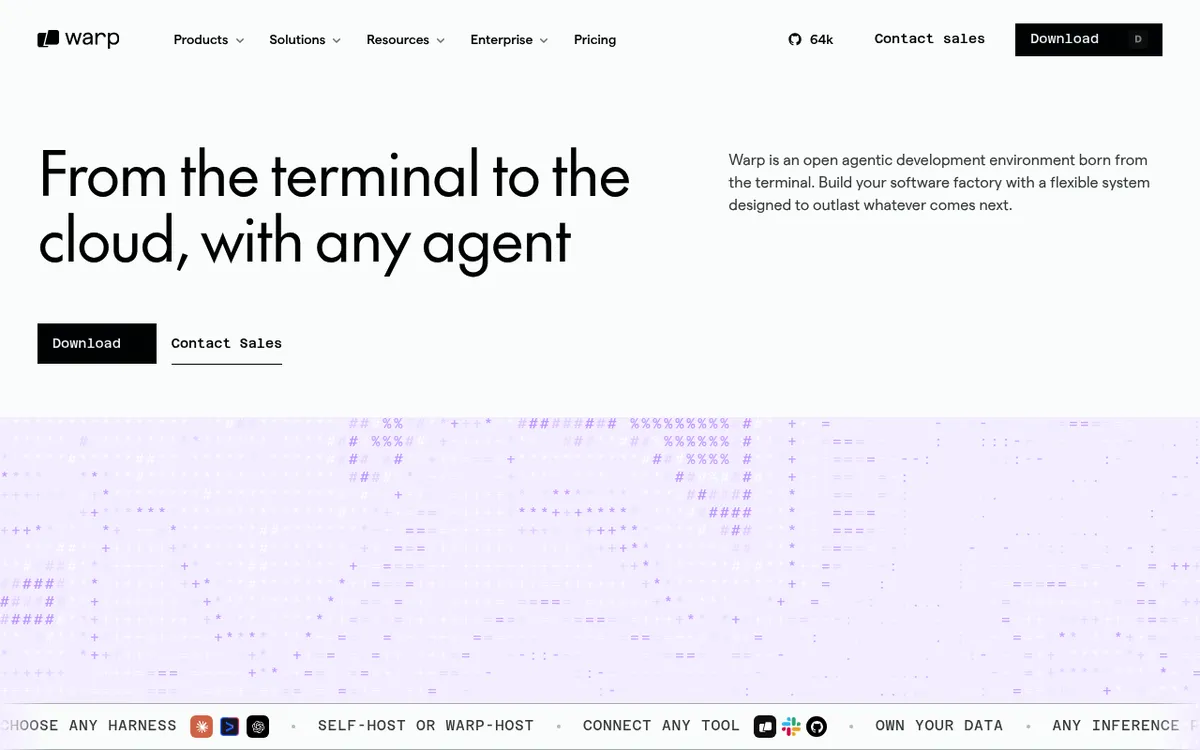
What it does. Warp is an open source terminal that groups each command and its output into one selectable block, adds an AI agent, and gives you an editor style input line instead of a bare prompt.
The job it does in a day. A migration script prints 400 lines. In Warp you click the block, copy exactly that output, and paste it into a ticket without dragging a selection through a scrollback buffer. Command search finds the docker run invocation you used last Tuesday. When the sequence matters more than the text, recording the terminal session is usually clearer than a paste.
Why this one over iTerm2. Blocks and command search change how you read output. iTerm2 refines a terminal you already know instead: free, open source under GPL v2, lighter on memory, and with no cloud backend at all, which keeps it the right pick if you want zero telemetry. Its optional AI chat needs a separate plugin and your own API key.
Price and licence. Warp's client is open source under AGPL v3 and has a free tier. The Build plan is $20 per month, or $18 per month billed annually. Max is $200 per month. iTerm2 is free.
The limitation. Sign in is optional now, but Drive sync, hosted agents and team features still run through Warp's backend, and its AI features send data to a hosted service. It is also a heavier process than iTerm2, which you notice on an 8GB Mac.
4. PageDog: the app that watches a page so you stop re-checking it
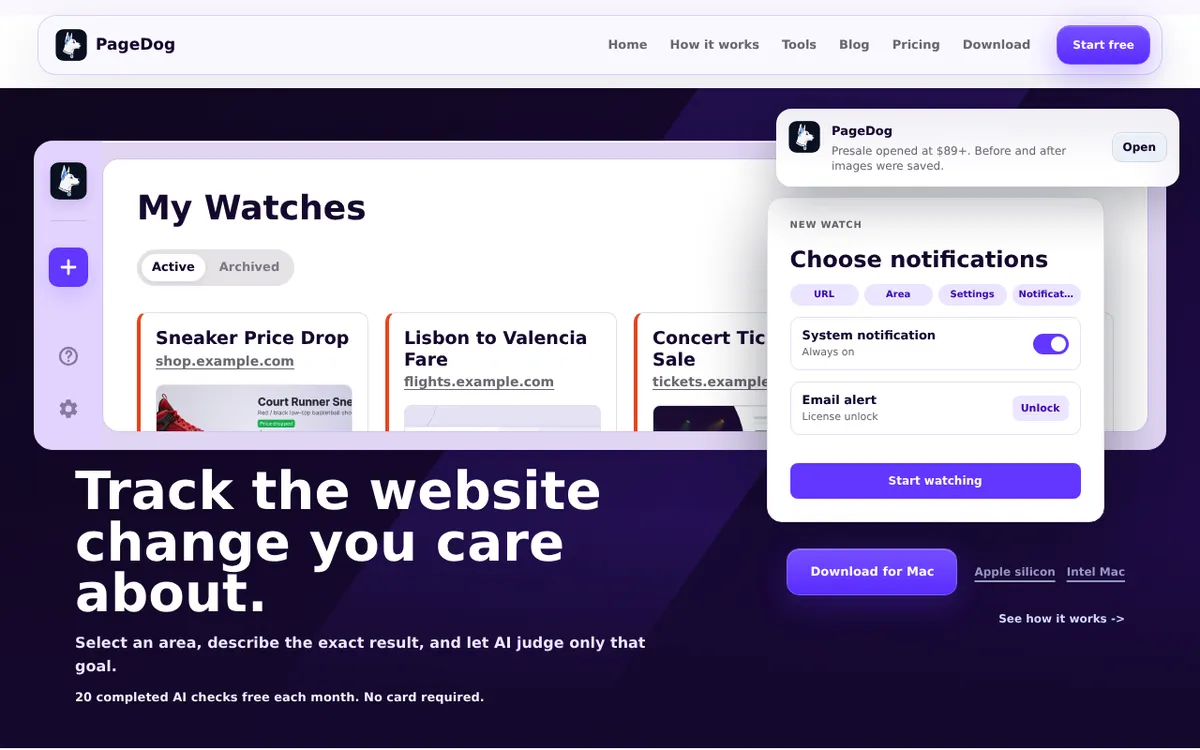
What it does. PageDog is an AI website change monitor for Mac. You select a region of a page, state in plain language which change matters, and on each scheduled check a hosted AI judges whether it happened. You get told about the change you described, not every byte that moved.
The job it does in a day. Three that come up constantly:
- Watch a staging URL after a deploy. You ship, then point a check at the staging page with the goal "the pricing table shows four tiers instead of three". Instead of refreshing a tab for ten minutes, you get told whether the thing you shipped actually changed the page.
- Watch a vendor changelog or status page. Set the goal to "a breaking change or a deprecation notice is published" on a payments or auth provider's changelog. The point is that a breaking API change reaches you before a customer reports it.
- Watch a dependency's docs page. Libraries quietly rewrite the recommended config and never mention it in release notes. A check on the docs page catches the rewrite that invalidated your setup.
Why running locally changes what it can watch. Because the checks run on your own Mac inside a browser session that stays on the machine, PageDog can watch pages that sit behind a login: an internal dashboard, a staging environment behind basic auth, a vendor portal you are signed into. Hosted crawlers such as Visualping, Distill and changedetection.io cannot reach any of those without being handed credentials first. For the judgement call it sends selected crops, the visible text and the page structure to a hosted AI, while the browser session and browsing history stay local.
Price and licence. Subscription with a usable free tier: 20 AI checks a month at no cost, Pro at $10 per month, Max at $90 per year.
The limitation. Mac only, so there is nothing to give a teammate on Windows or Linux. Checks also run only while your Mac is awake and the app is open, so a closed laptop over a long weekend checks nothing. If you want pixel level diffs enforced automatically on every commit, that is visual regression testing in a pipeline, a different tool class. And for a one off comparison of two saved versions of a page's text, a free text compare tool is enough.
5. Tower: the Git client for history you have to explain
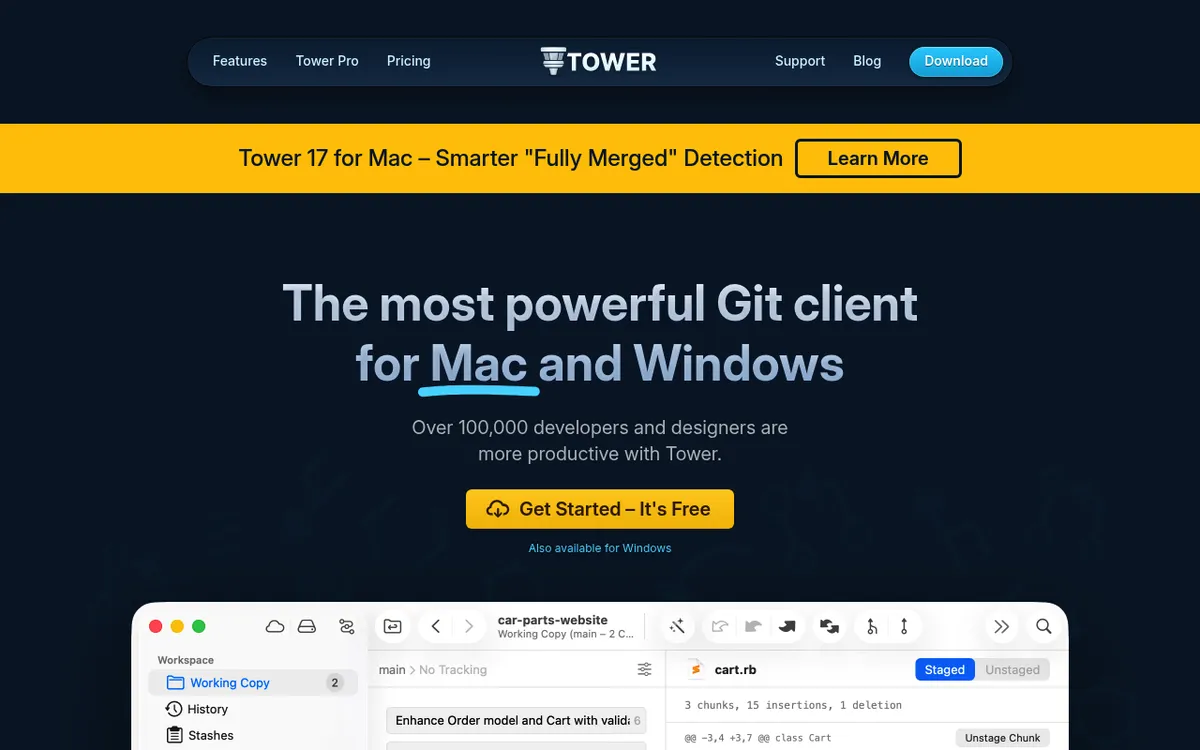
What it does. Tower is a Git client for Mac and Windows with interactive rebase, line by line staging, conflict resolution and a visual history graph.
The job it does in a day. You have nine untidy commits on a feature branch. Tower lets you drag them into order, squash the three "fix typo" ones, and rewrite the messages in a list instead of counting HEAD~ offsets. When a merge conflict spans four files, the side by side view shows which hunk came from where.
Price and licence. Subscription. Basic is 59 euros per year and Pro is 99 euros per year, billed annually, and access ends when the subscription lapses.
If the subscription is the blocker. Fork is $59.99 once with a free evaluation, and it covers most of the same ground for a single payment. It is the cheaper long run choice if you rarely need new features.
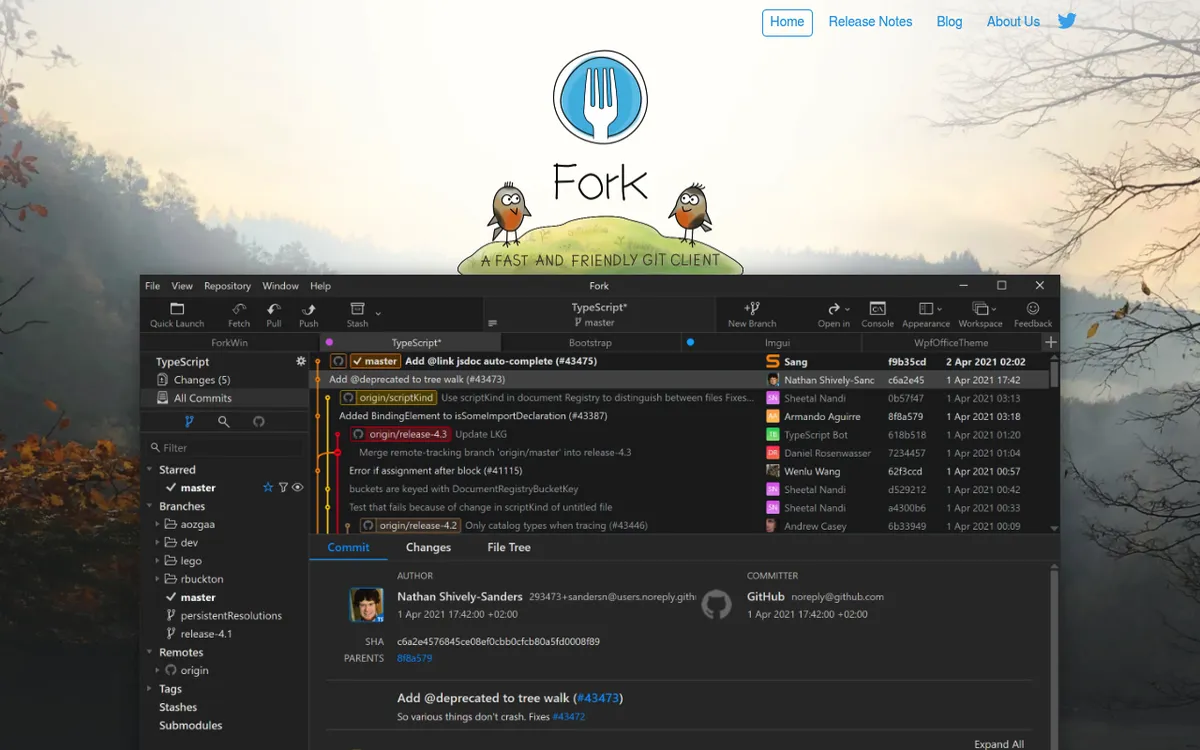
The limitation. The subscription is the trade off, plainly stated: stop paying and you stop having the app.
6. OrbStack: containers without the fan noise
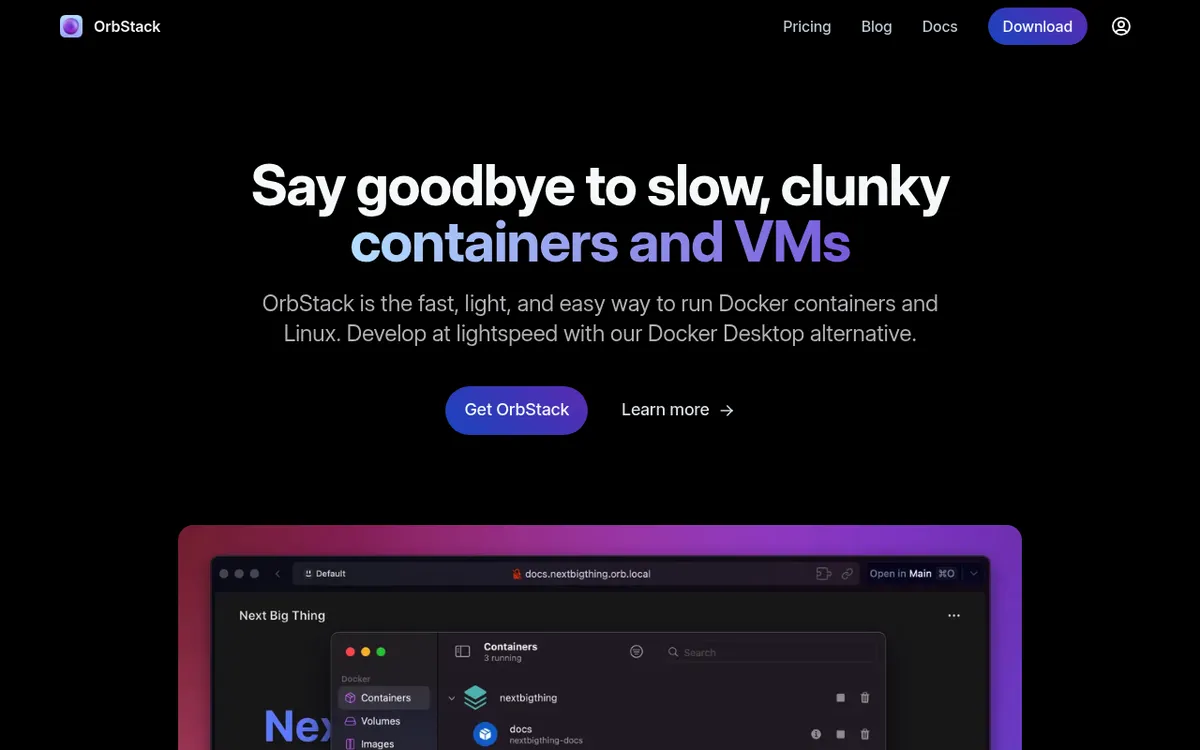
What it does. OrbStack runs Docker containers and Linux machines on Apple Silicon and Intel Macs with a much smaller footprint than the standard desktop runtime.
The job it does in a day. docker compose up on a five service stack starts in seconds rather than a minute, the fans stay quiet, and file sync between the Mac and the container does not stall on a node_modules folder.
Price and licence. Free for personal use. Commercial use is $8 per user per month billed yearly ($96 per year), or $10 per user per month billed monthly.
The standard alternative. Docker Desktop is the reference implementation, free on its Personal tier, with paid tiers starting at $9 per user per month billed annually. Companies with more than 250 employees or more than $10 million in annual revenue need a paid plan for commercial use. If your team documents everything against Docker Desktop, matching them beats the speed gain.
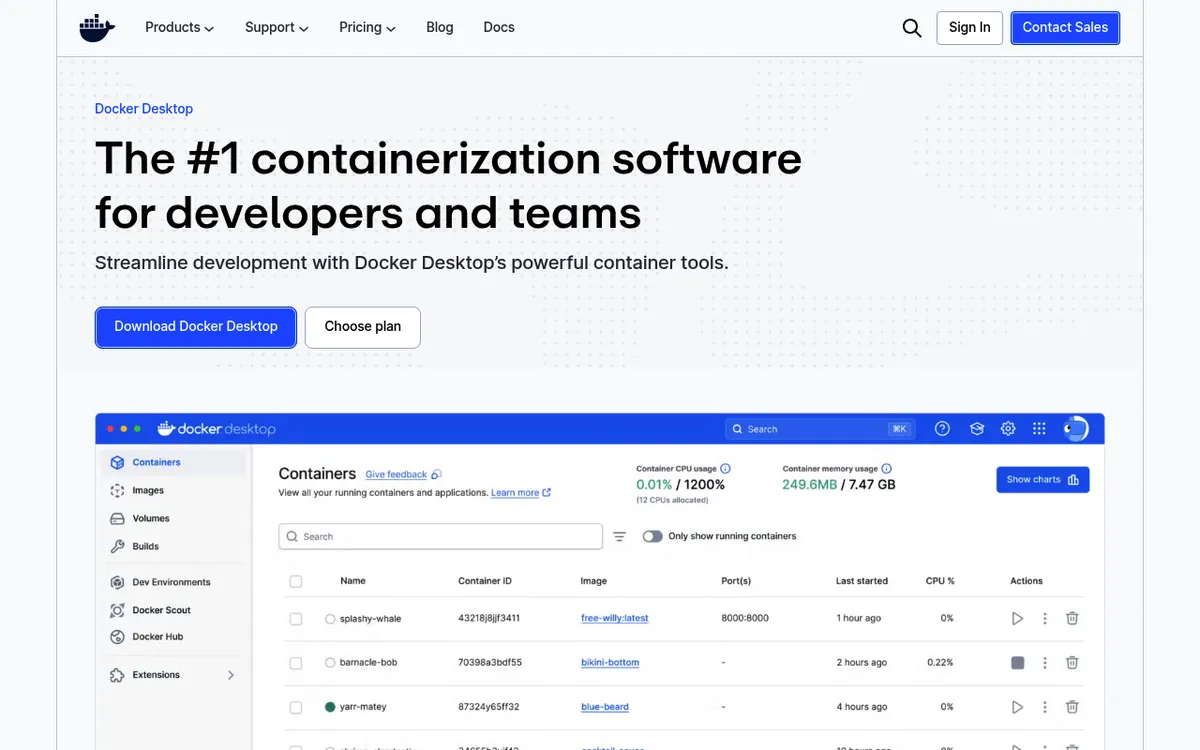
The limitation. OrbStack is Mac only, so a Linux or Windows teammate cannot mirror your setup exactly. It is also a much smaller project than Docker, which matters on the day you file a bug and wait.

Tired of plain screenshots? Try ScreenSnap Pro.
Beautiful backgrounds, pro annotations, GIF recording, and instant cloud sharing, all in one app. Pay $39 once, own it forever.
See pricing and features7. TablePlus: one window for every database you touch
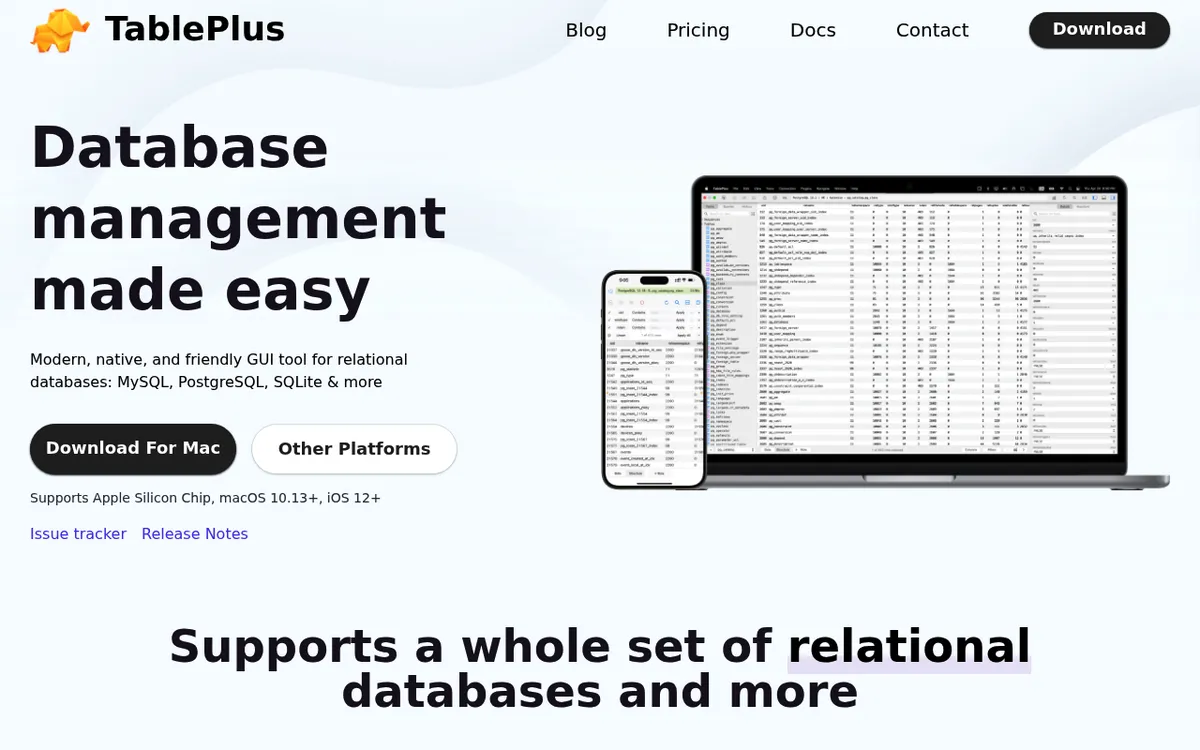
What it does. TablePlus is a native database client that talks to Postgres, MySQL, SQLite, Redis, SQL Server and roughly a dozen others from a single window.
The job it does in a day. Open a staging Postgres over SSH, run a query, edit a row inline the way you would edit a spreadsheet cell, and keep the change inside a transaction you can still cancel. Tabs and per connection colours are the reason you do not run a DELETE against production because the window looked like staging.
Price and licence. One time purchase. $99 for one device, $129 for two, each including a year of updates. After that year the app keeps working and only new versions need a renewal.
The limitation. The free version caps how many tabs and filters you can have open at once, which is enough to evaluate the app and not enough to work in.
8. Bruno: the API client that keeps requests in your repo
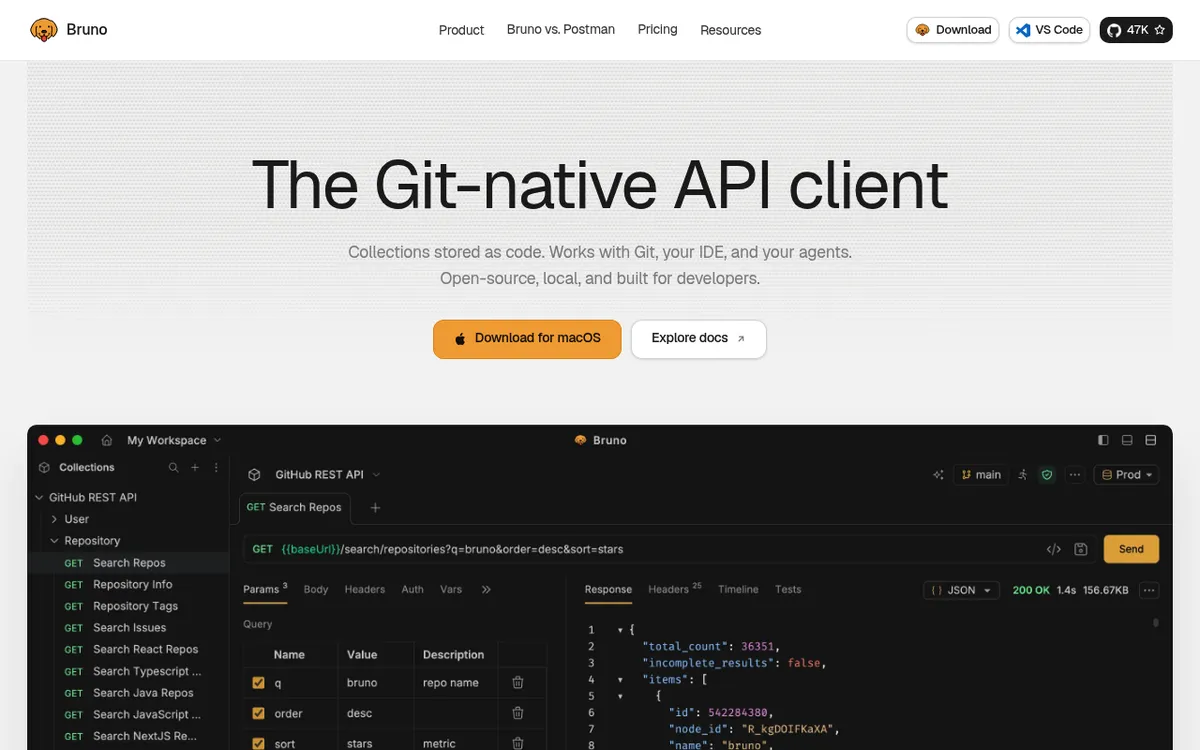
What it does. Bruno is an open source API client that stores collections as plain text files inside your repository instead of syncing them to a vendor cloud.
The job it does in a day. You add three endpoints to a collection, commit them next to the code that serves them, and a reviewer sees the request change in the same pull request as the handler change. Nobody has to be invited to a workspace first.
The licence model difference, which is the actual choice. Bruno is open source and free, with Pro at $6 per user per month and Ultimate at $11 per user per month, billed annually. Postman has a free tier, a single user Solo plan at $9 per month and a Team plan at $19 per user per month, both billed annually, and its collections live in Postman's cloud by default. One approach puts your API contract in Git. The other puts it in a SaaS account.
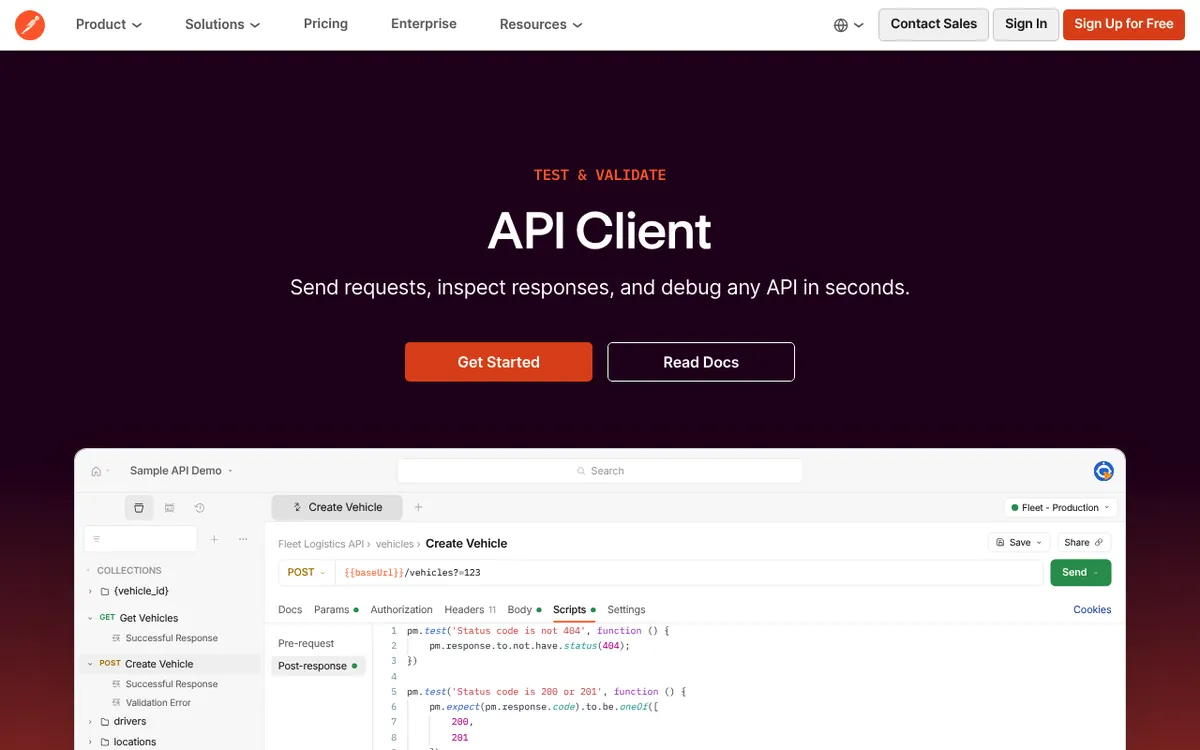
The limitation. Bruno's ecosystem is younger and thinner. It now has local mock servers in beta, but hosted mocks, monitors and the large public API directory are genuine Postman strengths that Bruno does not match today.
9. Rectangle: window snapping by keyboard
What it does. Rectangle snaps windows to halves, thirds, quarters and full screen using keyboard shortcuts.
The job it does in a day. Editor on the left half, terminal bottom right, browser top right, set in three keystrokes. Then set again the same way after you unplug the external display and macOS scatters everything.
Price and licence. Free and open source. Rectangle Pro is a separate paid app, $9.99 once, for people who want custom layouts and per app rules.
The limitation. It moves windows and does nothing else, which is the point but also the ceiling. Recent macOS releases added their own window tiling for halves and quarters, so Rectangle's remaining value is the shortcut coverage and the sizes the system does not offer.
10. Proxyman: see every request your machine makes
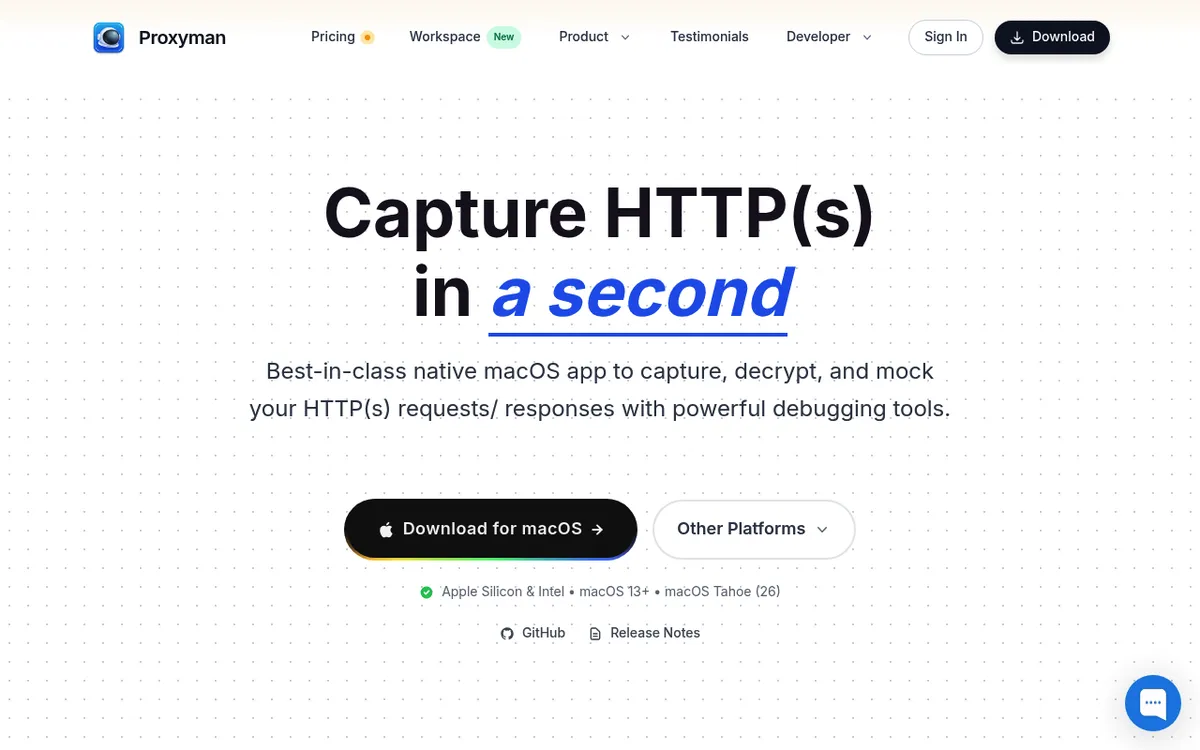
What it does. Proxyman is a native HTTP debugging proxy that shows every request from your Mac, a simulator or a phone on the same network, including HTTPS bodies once you trust its certificate.
The job it does in a day. The mobile app says "something went wrong" and the logs say nothing. You open Proxyman, find the 422, read which field the server rejected, then use a map local rule to return a fixed JSON body and confirm the client handles it.
Price and licence. Perpetual licence. $89 for one device and $99 for two, each with a year of updates included. Team plans start at five seats, either $99 per seat once or $12 per seat per month billed yearly.
The limitation. Reading HTTPS means installing a root certificate and enabling SSL proxying per domain. That is fiddly, and it is something you should switch off again when you are done rather than leave running.
Mac developer apps compared: price model, Apple Silicon and limits
Price model matters more than price: a $99 perpetual licence and a $9 monthly subscription look similar in year one and very different in year four.
| App | Category | Price model | Apple Silicon | One-line limitation |
|---|---|---|---|---|
| ScreenSnap Pro | Screenshots and recording | One time, $39, lifetime updates | Yes | No Linux, no captions or live streaming |
| Raycast | Launcher | Free, optional subscription ($8 to $10 per month) | Native | Key features sit behind Pro |
| Warp | Terminal | Free tier, subscription from $18 per month | Native | Cloud features need Warp's backend, heavier than iTerm2 |
| iTerm2 | Terminal | Free, open source | Native | No block based output, AI needs a plugin |
| Tower | Git client | Subscription, from 59 euros per year | Native | Access ends when you stop paying |
| Fork | Git client | One time, $59.99 | Native | Smaller team, slower feature pace |
| OrbStack | Containers | Free personal, commercial from $8 per user per month | Native | Mac only, smaller project than Docker |
| Docker Desktop | Containers | Free for individuals and small companies, from $9 per user per month | Native | Heavier on RAM and battery |
| TablePlus | Database client | One time, $99 to $129, one year of updates | Native | Free version caps tabs and filters |
| Bruno | API client | Open source free, Pro $6 per user per month | Native | Thinner ecosystem than Postman |
| Postman | API client | Free tier, Solo $9 per month, Team $19 per user per month | Native | Collections default to a vendor cloud |
| Rectangle | Window manager | Free, open source | Native | Overlaps recent built in macOS tiling |
| Proxyman | Network debugging | One time, $89 to $99, one year of updates | Native | HTTPS needs a trusted root certificate |
| PageDog | Page monitoring | Free tier, $10 per month or $90 per year | Native | Mac only, needs your Mac awake |
What we left out and why
Xcode. It is not a recommendation, it is a requirement. If you build for Apple platforms you already have it, and if you do not, nothing here replaces it. A mandatory 20GB download is padding in a "best apps" list.
Slack, Notion and Figma. Useful software, not developer tools. They appear on lists like this because they are recognisable, not because they do a developer's job. The same goes for dictation and AI writing add ons.
Anything abandoned or Intel only. Several apps that were staples five years ago now run through translation or have not shipped a release in two years. A tool without a native Apple Silicon build in 2026 is telling you something about its maintenance, and Apple's own silicon documentation has been public since the transition began.
Every editor. Cursor, Zed and the rest change fast enough that a list published today is stale in a quarter, and editor choice is more personal than any other tool on a developer's Mac.
Second tools in a category you already solved. If Fork works for you, Tower is not an upgrade, it is a second subscription. The value of this list is one tool per job.
Frequently Asked Questions
The short version
Your dock does not need to be long. It needs one tool per job, each chosen with its price model and its weakness visible up front rather than discovered in month seven.
Start with the free ones, add paid tools as specific problems appear, and read the licence model before the feature list. If you buy one tool first, make it the one that shows up in every ticket and pull request: ScreenSnap Pro, at $39 once with lifetime updates. A perpetual licence you never think about again and a subscription you forget to cancel feel identical on day one and nothing alike two years later.

Morgan
Indie DeveloperIndie developer, founder of ScreenSnap Pro. A decade of shipping consumer Mac apps and developer tools. Read full bio
@m_0_r_g_a_n_