Does WhatsApp Notify Screenshots? No, But It Blocks (2026)
No, WhatsApp doesn't notify anyone when you screenshot chats or status. The exception: View Once photos and videos, where WhatsApp blocks screenshots entirely. There's a real difference between notifying and blocking, and WhatsApp uses blocking, so the sender never gets an alert. You just can't capture the image.
That one distinction trips up almost everyone who searches this. So here's exactly what happens when you screenshot WhatsApp in every situation, on both iPhone and Android, confirmed for 2026.
At a glance: what WhatsApp notifies vs. blocks
Before the details, here's the full picture for every content type.
| What you screenshot | Does WhatsApp notify? | Can you even capture it? |
|---|---|---|
| A regular chat | ❌ No | ✅ Yes |
| Status updates (Stories) | ❌ No | ✅ Yes |
| A profile photo (fullscreen) | ❌ No | ⚠️ Blocked on most phones |
| Normal photos and videos in chat | ❌ No | ✅ Yes |
| View Once photo or video | ❌ No | 🚫 Blocked |
| Screen recording of a regular chat | ❌ No | ✅ Yes |
| Screen recording of View Once media | ❌ No | 🚫 Blocked |
The short version: WhatsApp is a private messenger, not a vanishing-media app like Snapchat. For everyday content, it sends zero screenshot alerts. The only place it steps in is View Once, and even there it prevents the capture rather than telling the other person.
Does WhatsApp notify screenshots of chats?
No. When you screenshot a normal WhatsApp conversation, the other person gets no alert. There's no icon, no banner, and nothing logged on WhatsApp's side. This is true whether you:
- Capture a single text message or a whole thread
- Screenshot a chat on iPhone (side button + volume up) or Android (power + volume down)
- Use a Mac screenshot shortcut on WhatsApp Web or the desktop app
- Screen-record the chat while scrolling
People screenshot WhatsApp chats constantly to save an address, keep a record of a deal, or share a funny exchange. None of it pings the sender. WhatsApp has never built screenshot detection for regular messages, and there's no sign that's changing.
This fits what WhatsApp is for. It's an end-to-end encrypted messenger built for private one-to-one and group chats. An "X took a screenshot" alert on every chat would feel nosy, and it isn't part of the app.
Does WhatsApp notify when you screenshot a status?
No. WhatsApp Status updates (the Stories-style posts that vanish after 24 hours) work just like regular chats for screenshots. If you capture someone's status photo, video, or text post, they are not notified.
The status owner can see a viewer list showing who watched their status and when. But that list only shows views. It does not flag screenshots. Taking a picture of a status looks identical to simply watching it.
This is a common point of confusion because Snapchat and Instagram Stories have trained people to expect alerts. WhatsApp Status does not send them. You can screenshot any status you're allowed to see without the poster knowing.
Does WhatsApp notify screenshots of profile photos?
No notification, but here's a twist most people miss. In 2024, WhatsApp rolled out profile photo screenshot blocking. When you open someone's profile picture in fullscreen and try to capture it, the screenshot comes out as a blank or black image, and you may see a pop-up like "Can't take a screenshot due to app restrictions."
The goal isn't to alert the other person. It's to stop scammers from grabbing profile photos and using them to impersonate people. So again, this is blocking, not notifying. The contact never learns you tried.
A couple of details worth knowing, per WhatsApp's own profile photo screenshot blocking help page:
- It applies to the fullscreen profile photo, not the small thumbnail in your chat list.
- It's live for most Android users and rolling out on iPhone.
- You still can't save or forward profile photos, because WhatsApp removed that back in 2019.
View Once: the one case WhatsApp actually blocks screenshots
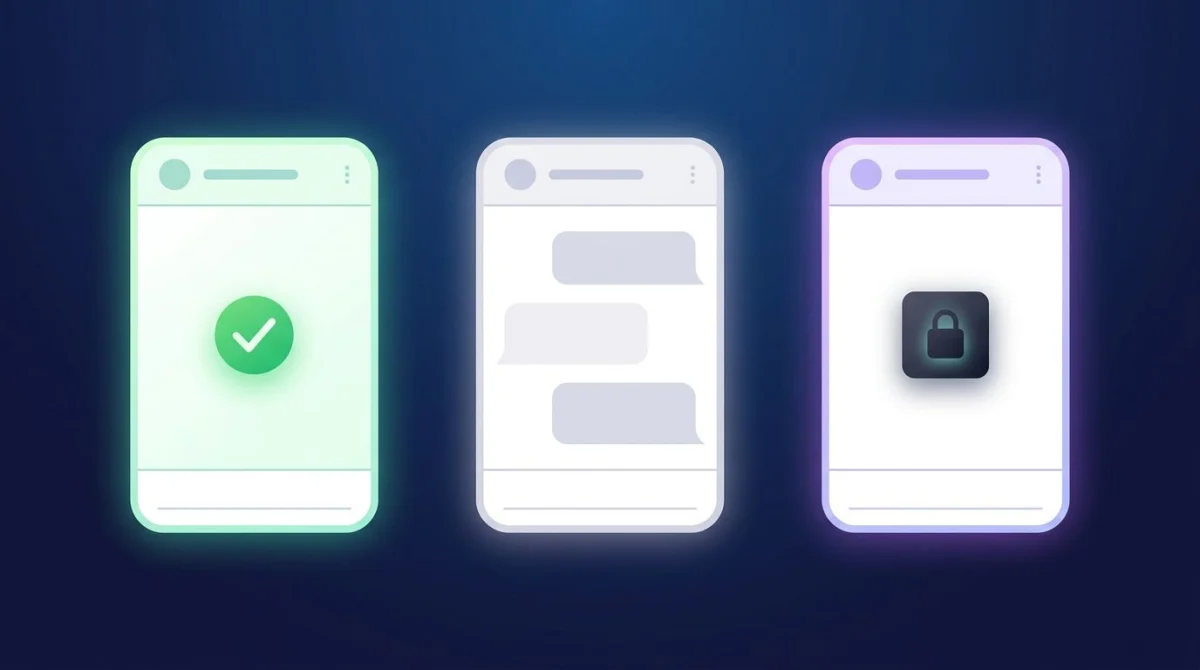
This is the heart of the question, so let's be precise. View Once lets someone send a photo or video that disappears the moment you open it. It's WhatsApp's most private media type, and it's the one place screenshots are handled differently.
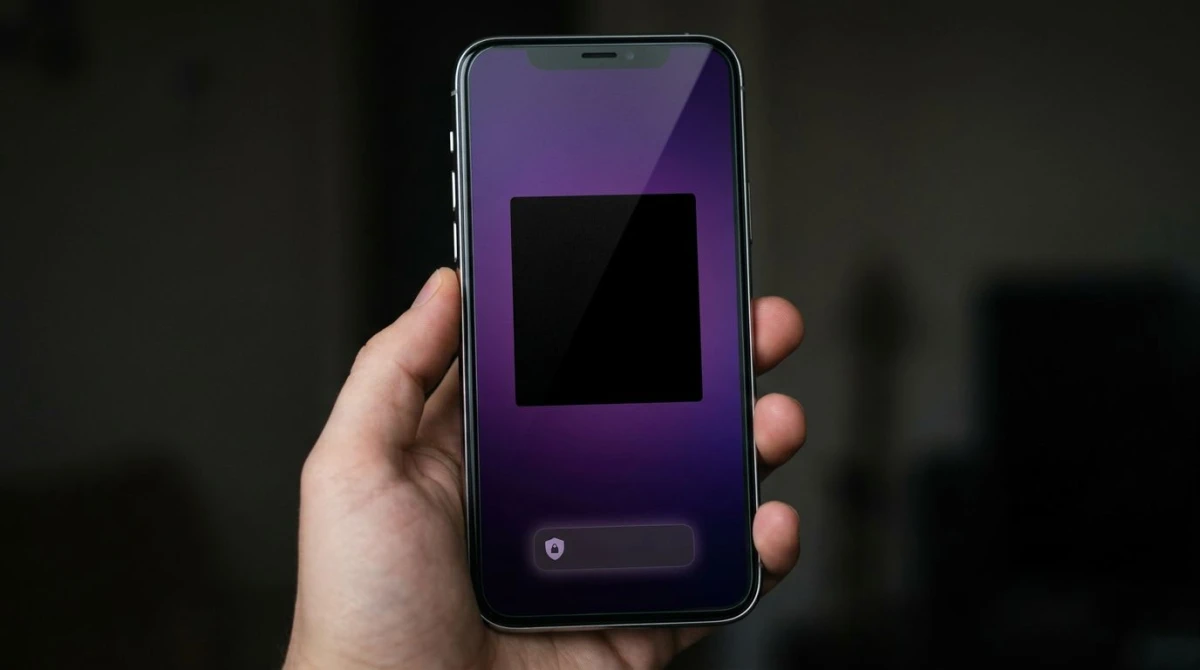
When you receive a View Once item and try to screenshot or screen-record it, WhatsApp blocks the capture. It does not send the sender a "screenshot taken" alert the way Snapchat does. The block is the protection.
What you actually see depends on your phone:
- On iPhone: WhatsApp restricts View Once media at a system level, similar to how Netflix and other streaming apps stop screen capture. Your screenshot comes out as a black or blank frame instead of the photo.
- On Android: WhatsApp uses a secure-window flag that prevents the screenshot outright, often with a message like "Can't take screenshot due to security policy."
Either way, you don't get the image, and the sender isn't notified. Per WhatsApp's official About View Once page, View Once media also can't be forwarded, saved, starred, or backed up. Screenshot blocking is one piece of a broader lockdown.
Why people think View Once "notifies" screenshots
The myth comes from two places. First, Snapchat habits: people assume any vanishing-media feature must alert on screenshots. Second, the Android block itself: because WhatsApp detects and blocks the attempt on Android, some users assume detection means the sender finds out. It doesn't. WhatsApp's stance is that View Once is protected by blocking. There is no official screenshot alert sent to the person who shared it.
The one thing that always works
Screenshot blocking only stops your phone from capturing the screen. It can't stop a second device. The classic workaround (photographing your screen with another phone or a camera) captures View Once media every time and is completely undetectable. WhatsApp has no way to know an external camera exists.
If you're the one sending something sensitive, keep that in mind: View Once raises the effort, but it can't make a photo truly uncapturable.

Tired of plain screenshots? Try ScreenSnap Pro.
Beautiful backgrounds, pro annotations, GIF recording, and instant cloud sharing, all in one app. Pay $39 once, own it forever.
See pricing and featuresDoes WhatsApp detect screen recording?
For regular content, no. Screen-recording a normal chat, a status, or standard media sends no alert and is never logged. Use your iPhone's Control Center recorder, Android's built-in recorder, or QuickTime on a Mac. WhatsApp doesn't flag any of it.
View Once is the exception again. WhatsApp blocks screen recording of View Once media the same way it blocks screenshots: on iPhone you record a black frame, and on Android the secure-window flag stops the capture. And opening a View Once item while recording still burns your single view, so you lose the content and capture nothing useful.
There's no screen-recording notification anywhere in WhatsApp. The protection is always a block, never an alert.
WhatsApp vs Snapchat vs Telegram vs Instagram: screenshot notifications
WhatsApp is on the relaxed end of the spectrum. Here's how the big messaging apps compare in 2026.
| Platform | Notifies screenshots? | How it handles private media |
|---|---|---|
| ❌ No (chats & status) | Blocks View Once screenshots (no alert) | |
| Snapchat | ✅ Yes (chats, snaps, stories) | Notifies the sender on every screenshot |
| Telegram | ⚠️ Secret Chats only | Notifies and blocks in Secret Chats |
| ❌ No (posts, stories, DMs) | Notifies only for disappearing DM photos |
The takeaway: Snapchat is the only major app that alerts on regular screenshots. Telegram notifies you, but only inside Secret Chats. Normal Telegram chats are silent. Instagram, like WhatsApp, stays quiet except for one vanishing-media edge case. WhatsApp's twist is that it leans on blocking (View Once, profile photos) instead of notifying anyone.
If you want the deep dives, we've broken down whether Instagram notifies screenshots and whether TikTok notifies screenshots the same way.
How to save WhatsApp content the right way
Since most WhatsApp screenshots are private and safe, here's how to capture and keep them cleanly.
Screenshot a WhatsApp chat on your phone
- iPhone: press the side button + volume up at the same time.
- Android: press power + volume down (or swipe down three fingers on some phones).
The capture saves to your camera roll or gallery. For a long conversation, take several screenshots as you scroll, because WhatsApp's mobile app has no built-in full-thread export to an image.
Capture WhatsApp Web or Desktop on a Mac
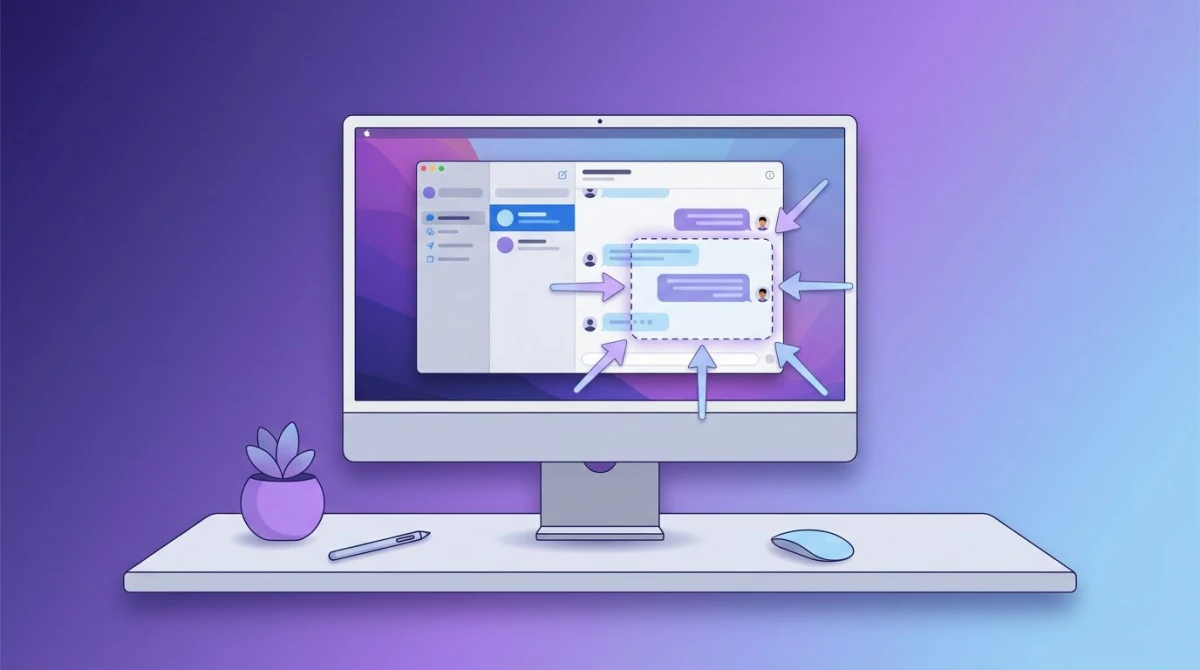
Browsing WhatsApp on a bigger screen gives you sharper, more readable captures than a phone. On a Mac, use ⌘ + Shift + 4 to grab a specific area or ⌘ + Shift + 3 for the full screen.
When you screenshot conversations often, whether for support tickets, bug reports, or saving a quote, bouncing between capture, markup, and sharing apps gets slow. A tool like ScreenSnap Pro keeps it in one place: grab the chat, blur a phone number or name, add an arrow, and copy a share link without leaving the window. It's a $39 one-time purchase with 15 annotation tools, so there's no subscription to babysit.
Save a View Once item you're allowed to keep
If someone sends you a View Once photo they're fine with you keeping, the honest options are limited by design:
- Ask them to resend it as a normal photo, which is easiest and fully above board.
- Photograph your screen with a second device, which works on any phone, but only do this with the sender's consent.
Don't rely on shady "View Once unlock" apps. Many are scams or malware, and they break WhatsApp's terms.
Screenshot etiquette: just because there's no alert
WhatsApp won't tell anyone you screenshotted a chat, but that doesn't make everything fair game. A few ground rules.
Do:
- Save your own conversations. Addresses, order confirmations, and instructions are all normal to keep.
- Capture proof when it matters. A payment promise or an agreement is reasonable to document.
- Blur private details before sharing a screenshot publicly. Crop out phone numbers, last names, and profile photos that aren't yours to share.
Don't:
- Forward private chats to embarrass someone, because WhatsApp staying silent doesn't make it kind.
- Screenshot a View Once photo with a second camera without the sender's OK. It was sent as View Once for a reason.
- Repost someone's status as if it's your own.
The golden rule: treat other people's messages the way you'd want yours treated. No alert doesn't mean no impact.
Will WhatsApp ever notify screenshots of regular chats?
It's very unlikely. WhatsApp is built on private, encrypted messaging, and a screenshot alert on every chat would clash with that. Meta has instead leaned toward blocking a few high-risk things (View Once media and profile photos) rather than telling users about everyday screenshots.
That pattern tells you the direction. Expect WhatsApp to prevent capture where privacy really matters (impersonation, disappearing media) and to stay silent everywhere else. A Snapchat-style "someone screenshotted your chat" alert isn't on the roadmap, and nothing WhatsApp has shipped suggests it's coming.
Frequently Asked Questions

Morgan
Indie DeveloperIndie developer, founder of ScreenSnap Pro. A decade of shipping consumer Mac apps and developer tools. Read full bio
@m_0_r_g_a_n_