How to Compare Two Texts: Diff Tools & Workflows (2026)
Need to text compare two documents and spot every change? Our free diff checker highlights additions, deletions, and edits side-by-side, right in your browser. No sign-ups. No file uploads. No limits. (Need to share the diff with a teammate? Capture it with ScreenSnap Pro and drop a link in chat.)
Unlike Diffchecker or text-compare.com that send content to a server, our text diff tool runs entirely client-side. Your code, contracts, and private documents never leave your device.
How to Text Compare Two Documents
- Paste your texts. Drop the original in the left panel and the modified version in the right. You can also upload
.txtfiles. - Choose your view. Pick side-by-side diff or unified inline view.
- Review differences. Additions show in green, deletions in red. Changes highlight at the word or character level.
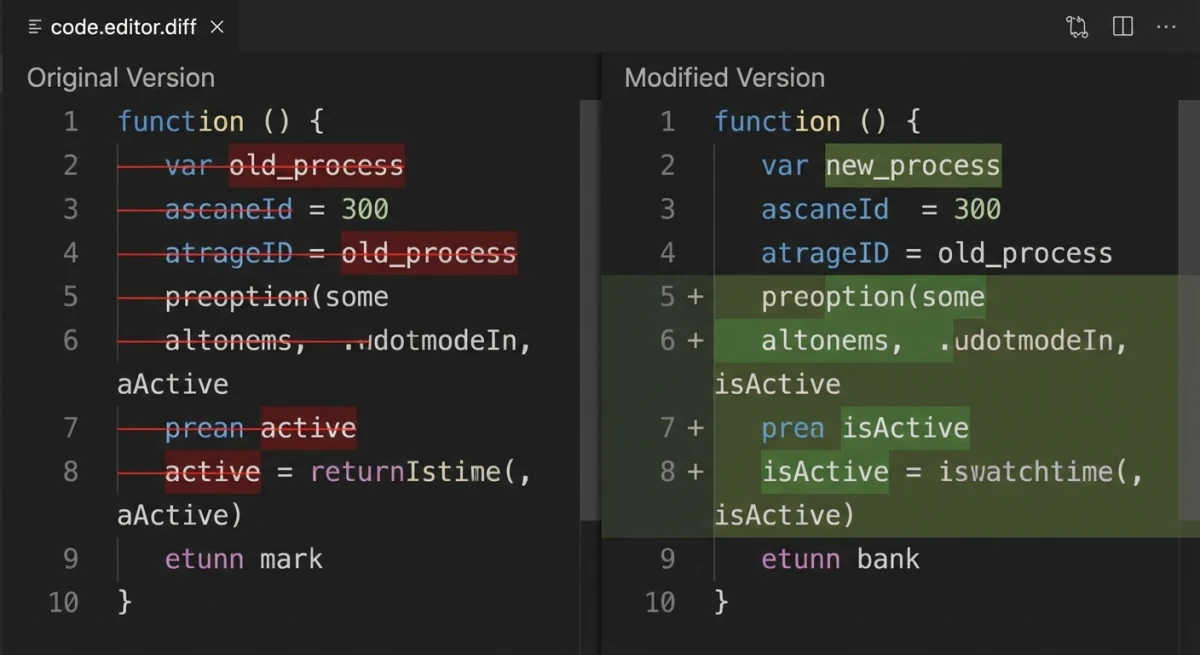
Toggle word-level vs. character-level diffing, or ignore whitespace and case when you only care about real content changes.

Tired of plain screenshots? Try ScreenSnap Pro.
Beautiful backgrounds, pro annotations, GIF recording, and instant cloud sharing, all in one app. Pay $39 once, own it forever.
See pricing and featuresWhen to Use a Text Compare Tool
A diff checker saves time in more situations than you'd expect:
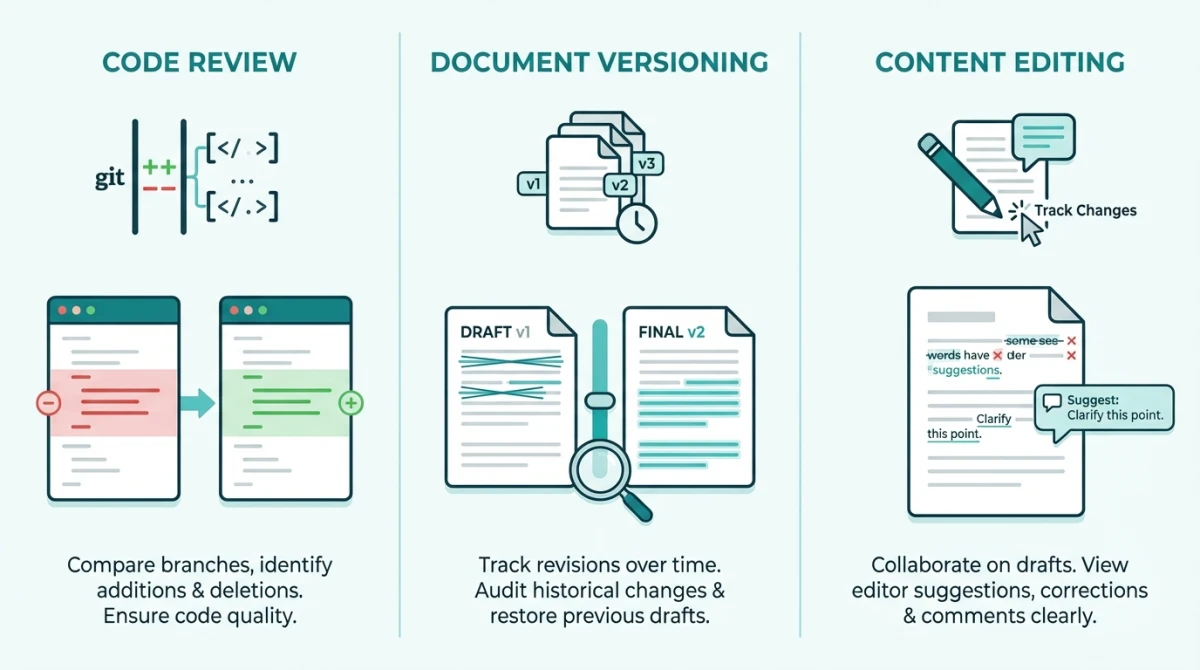
Code review. Compare two versions of a function, config file, or API response. Syntax highlighting supports JSON, HTML, CSS, JavaScript, and Python. For sharing code snippets as images, see our code to image tools roundup.
Document versioning. Track changes between contract drafts or policy updates without relying on Word's track changes.
Content editing. Compare article drafts to see what was added or removed. Much faster than reading both versions by hand.
Config debugging. Paste the working and broken configs side by side. Take a screenshot of the diff to share with your team.
Bug reports. Compare expected vs. actual output when filing issues. Pair it with a bug report template for maximum clarity.
Export and Share Your Diffs
Save your results in multiple formats:
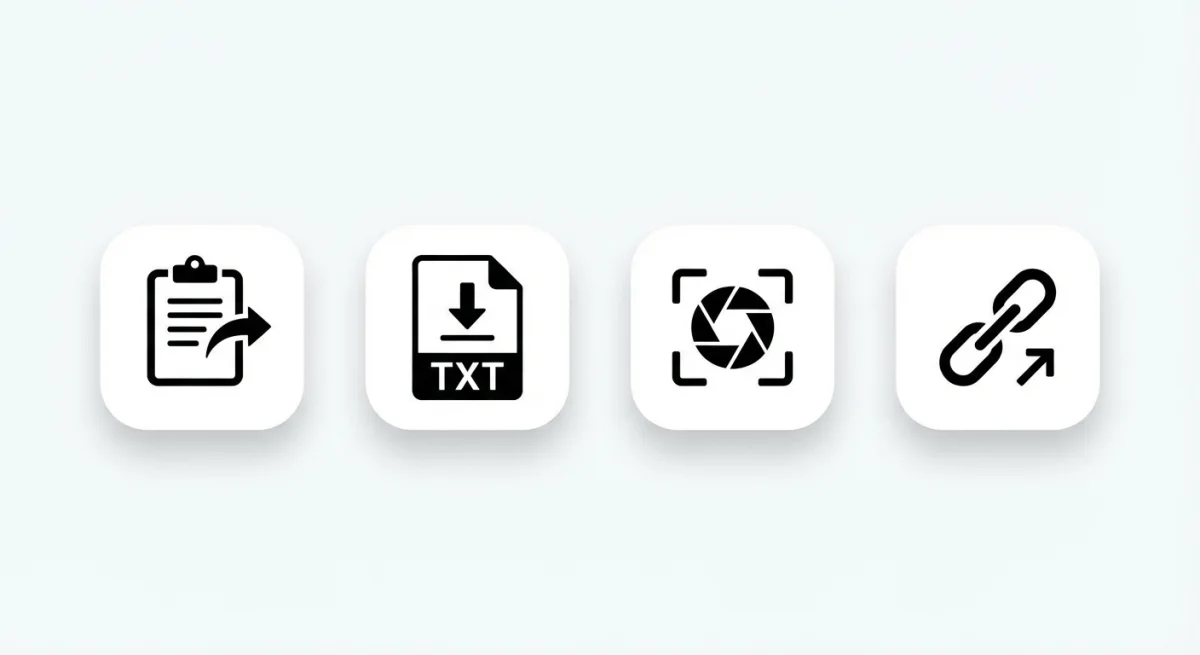
- Copy diff. Grab the highlighted comparison as formatted text for Slack, email, or docs.
- Download as text. Save as a
.txtfile with+and-markers (unified diff format). - Screenshot the diff. Export as PNG. Annotate the screenshot with ScreenSnap Pro before sharing.
Need to pull text from an image first? Our extract text from image tool handles OCR. You can also copy text from any screenshot on Mac.
Frequently Asked Questions

Morgan
Indie DeveloperIndie developer, founder of ScreenSnap Pro. A decade of shipping consumer Mac apps and developer tools. Read full bio
@m_0_r_g_a_n_