7 Best Tango Alternatives (2026): Tested and Priced
The best Tango alternative depends on how many people write your docs and how much of each guide you rewrite anyway. ScreenSnap Pro is the top pick if you write the steps yourself: it captures, annotates, and records your screen on Mac and Windows for a one-time $34, with no per-seat bill. Scribe is the closest like-for-like swap if you want generated written steps, and Guidde is the pick if you want AI video walkthroughs instead. Tango's own free tier stops at 5 shared workflows, and its paid plans bill per user every month, which is the reason most people start looking.
This guide covers 7 Tango alternatives, what each one replaces, and what it costs. Prices were checked on the vendors' own pricing pages on 2026-10-11.
Quick comparison
| Tool | Best for | Pricing model | Auto-generates steps |
|---|---|---|---|
| ScreenSnap Pro | Screenshots and recordings you write around | $34 one-time | No |
| Scribe | The closest direct swap | Per seat, monthly or yearly | Yes |
| Guidde | AI video walkthroughs | Per creator, monthly or yearly | Yes, as video |
| Trainual | Onboarding and SOP libraries | Quote only, plus a setup fee | No |
| Supademo | Interactive product demos | Per creator, monthly or yearly | Yes, as a clickable demo |
| Loom | Talking through a process once | Per user, monthly or yearly | No |
| Notion plus a capture tool | Full control, lowest cost | Per seat, monthly | No |
Why people leave Tango
Tango turns a browser session into a written, screenshotted how-to guide. It does that well. The friction is almost never the capture quality. It is these three things:
The free tier is a demo, not a plan. Tango Free gives you 5 shared workflows. A single software rollout burns through that in an afternoon.
Paid pricing is per seat, per month. As of 2026-08-24, Tango's pricing page lists Pro Personal at $22 per user per month for 1 to 2 users and Pro Team at $15 per user per month for 3 or more, both billed annually. Enterprise is custom. The cost scales with headcount, so a team that doubles pays double, even if the documentation workload does not change.
Desktop capture sits behind the paid tier. The free plan captures in the browser. If your process lives in a desktop app, you are on a paid plan from day one.

None of that makes Tango a bad tool. It makes it a tool priced for organizations that document constantly. If you document in bursts, or one person does all of it, the math stops working.
1. ScreenSnap Pro: pay once for the screenshots and recordings
ScreenSnap Pro is a screenshot app and screen recorder for Mac and Windows. It covers the part of a Tango guide that you still do by hand: the images, the markup, and the walkthrough video.
Pricing: $34 one time for a license with 2 seats, in any mix of Mac and Windows. Updates are included for life, and there is a 30-day money-back guarantee. There is no subscription.
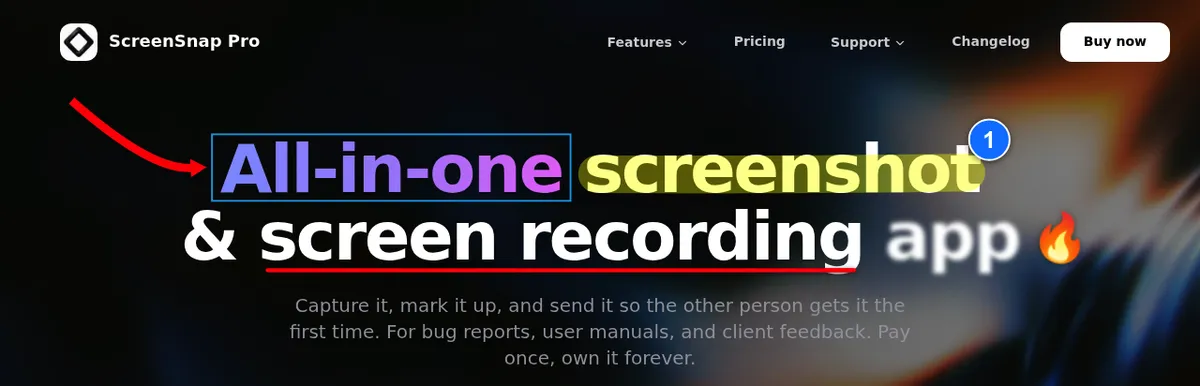
Why it is first: the main reason people leave Tango is the per-seat monthly bill, and most generated guides get rewritten anyway. ScreenSnap Pro removes the bill and does the hands-on work well. It is the only tool on this list that puts screenshots, a screen recorder, and a video editor in one app for one payment.
What it does: it takes area, window, full-screen, and delayed shots, plus full-page captures of a website from its URL. The editor has 17 annotation tools, including arrows, callouts, a step counter, a highlighter, a spotlight, blur, and pixelate, plus emoji. It adds 500+ backgrounds with padding and shadow, extracts text with OCR, and exports with no watermark. It also records your screen to MP4 at up to 60fps with webcam, mic, and system audio, or straight to GIF. The built-in video editor handles trim and split, one-click silence removal, and auto zoom that follows your cursor.
What it does not do: it is a different category, so be clear on this. ScreenSnap Pro does not auto-generate step-by-step guides. It has no AI voiceover, no shared team workspace, and no document library. If the reason you use Tango is that it writes the guide for you, this will not replace it.
Where this fits: a lot of teams find that the auto-generated guide needs heavy editing anyway. The screenshots come out with the wrong region captured, sensitive data visible, or no emphasis on the button that matters. If you are rewriting the steps by hand regardless, you are paying a monthly per-seat fee for capture. Pairing a capture tool with a doc you already own is cheaper and gives you more control over how each image looks. Our guide to annotating screenshots properly walks through the technique.
Where it does not fit: if one person documents 40 processes a month and the auto-generated draft is genuinely good enough, Tango or Scribe will save more time than they cost.
2. Scribe: the closest like-for-like swap
Scribe does the same core job as Tango. You record a process, and it produces a written guide with numbered steps and a screenshot for each one.
Pricing (checked 2026-10-11 on Scribe's pricing page): Basic is free and works in the browser only. Pro Personal is $35 per seat monthly, or $25 billed yearly, starting at 1 seat. Pro Team is $29 per seat monthly, or $23 billed yearly, but it starts at 5 seats. Enterprise is custom.
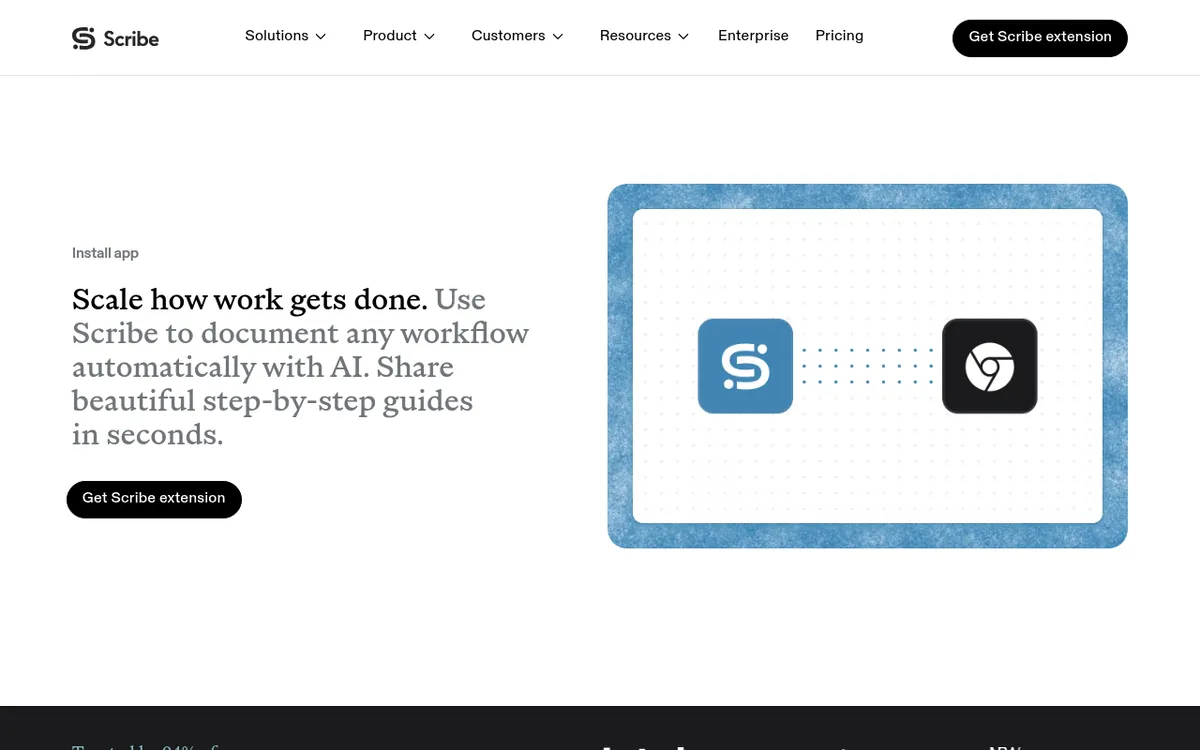
Where it beats Tango: the free browser tier is less restrictive for casual use. Scribe also added Autocapture in 2026, which records work without you pressing start or stop and turns it into a shareable SOP in one click.
Where it does not: Pro Team's 5-seat minimum means a team of three pays for five. Seat for seat, it also costs more than Tango: $23 against $15 on the yearly team rates. And it is still a per-seat subscription, so if that model is what pushed you away from Tango, Scribe is a lateral move rather than an escape. Our full breakdown of Scribe alternatives covers that in more detail.
3. Guidde: AI video instead of written steps
Guidde records a workflow and produces a narrated video walkthrough, with an AI voiceover reading steps you can edit. It is the right tool when people would rather watch two minutes than read twelve steps.
Pricing (checked 2026-10-11 on its pricing page): Free covers up to 25 how-to videos, for web apps only. Pro is $29 per creator monthly or $19 billed yearly. Business is $59 monthly or $39 yearly and adds desktop capture. Enterprise is custom. Viewers do not need a paid seat.
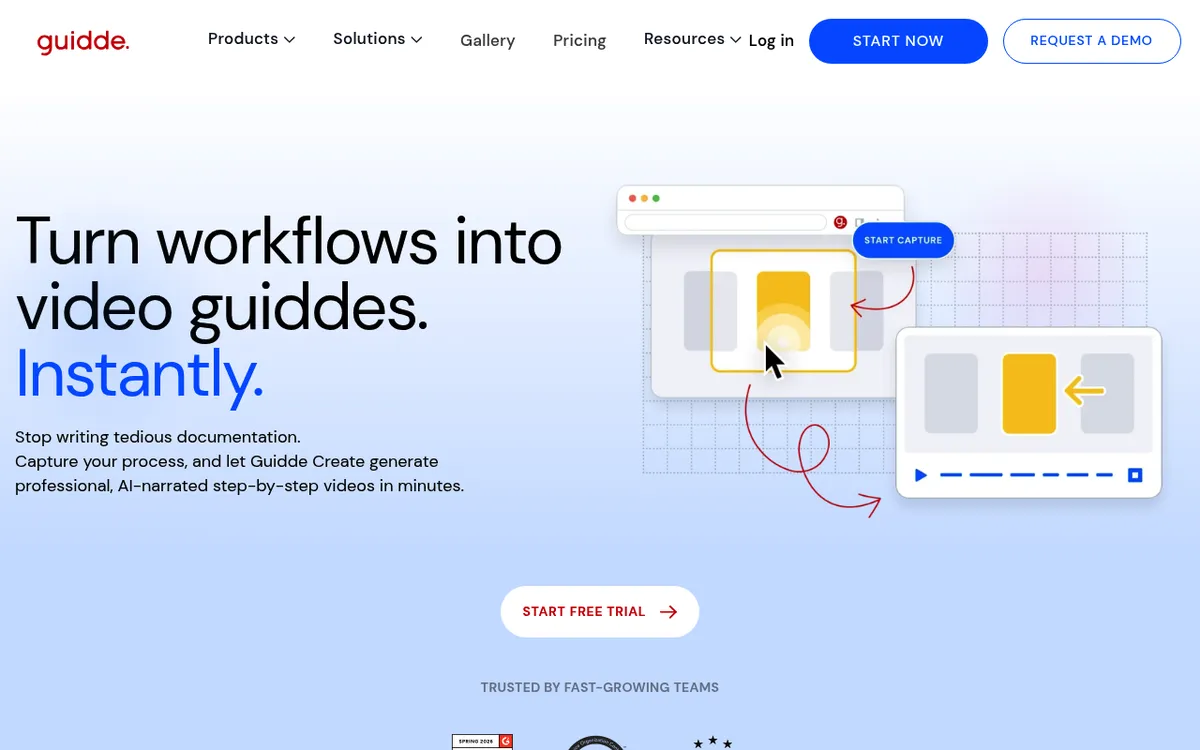
Where it beats Tango: video is far better for anything with timing, drag interactions, or judgment calls that a still screenshot cannot show.
Where it does not: written guides are searchable, skimmable, and easy to correct when one step changes. A video needs re-recording. If your processes change often, that maintenance cost adds up. We compare the video-first tools in our guide to Guidde alternatives.

Tired of plain screenshots? Try ScreenSnap Pro.
Beautiful backgrounds, pro annotations, GIF recording, and instant cloud sharing, all in one app. Pay $34 once, own it forever.
See pricing and features4. Trainual: for onboarding, not one-off guides
Trainual is a training and SOP platform rather than a capture tool. You build a structured library of processes and policies, assign them to roles, and track who has completed what.
Pricing: Trainual does not publish prices. Its pricing page lists four plans (Core, Pro, Premium, and Enterprise) and quotes by team size after a demo. New customers also pay a one-time $1,000 implementation fee. No free plan or trial is listed.
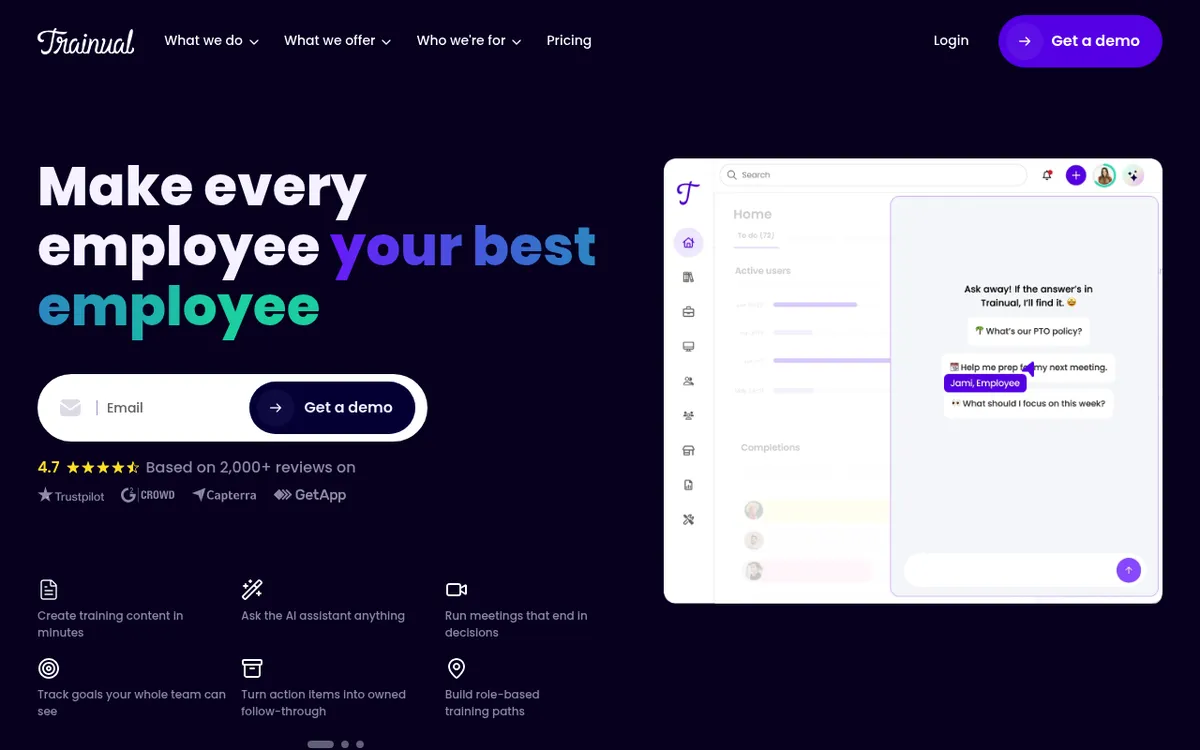
Where it beats Tango: completion tracking, role assignment, and org-wide structure. Tango gives you documents. Trainual gives you a system that knows whether people read them.
Where it does not: it has basic built-in screen recording, but it does not offer auto-generated step-by-step capture the way Tango does. Many teams run Trainual as the library and something else as the capture tool, which means paying for both.
5. Supademo: interactive demos
Supademo turns a recorded flow into a clickable, interactive demo instead of a static document. The reader clicks through the real interface rather than reading about it.
Pricing (checked 2026-10-11 on Supademo's pricing page): Free covers 1 creator and 5 interactive demos, with Supademo branding. Scale is $38 per creator per month billed yearly, or $50 monthly. Business starts at $199 a month billed yearly, and Enterprise is custom. Paid plans come with a 14-day trial and no credit card.
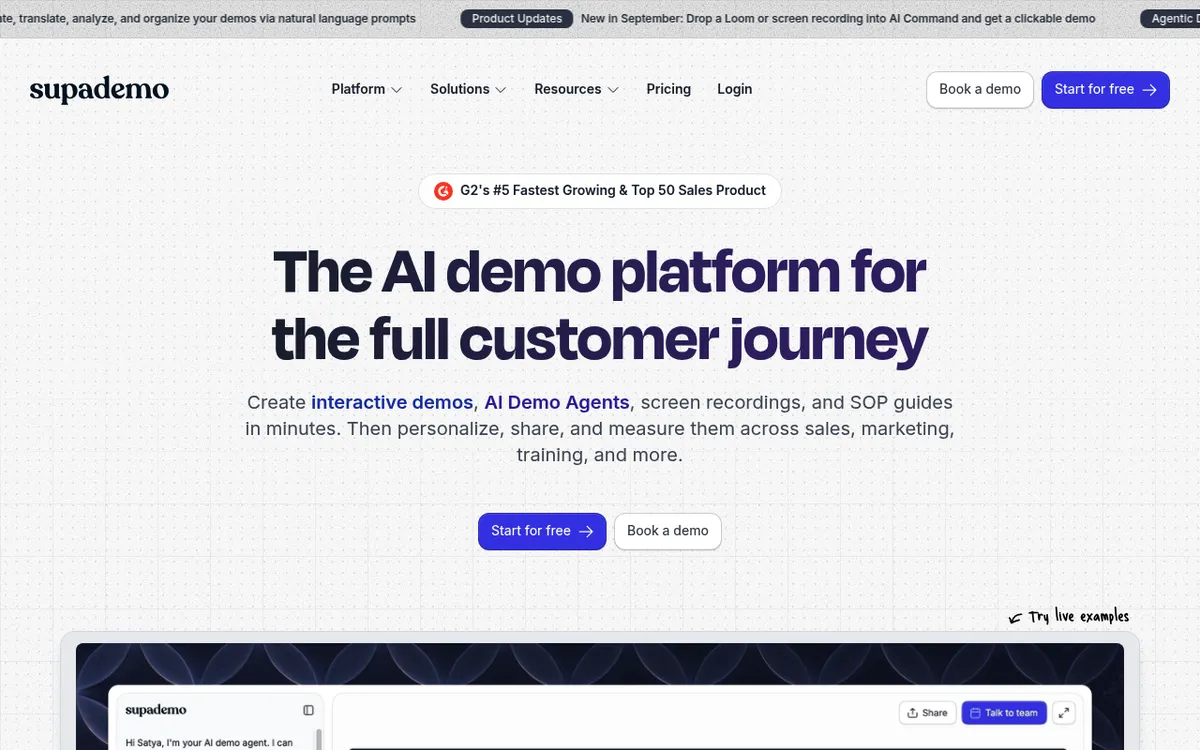
Where it beats Tango: for product onboarding and sales demos, letting someone try the click themselves beats describing it.
Where it does not: it is aimed at product-led onboarding, not internal SOPs. For "how do I file an expense report", an interactive demo is more work to build than it is worth.
6. Loom: talk through it once
Loom records your screen and voice, and you send a link. There is no structure and no generated steps, which is exactly the point.
Pricing (checked 2026-10-11 on Loom's pricing page): Starter is free, with 25 videos per person, recordings of up to 5 minutes, and 720p quality. Business is $15 per user per month billed yearly, or $18 monthly, and removes those limits and the Loom branding. Business + AI is $20 billed yearly, or $24 monthly. Enterprise is custom.

Where it beats Tango: it is the fastest way to explain something once, to one person. Setup is a click.
Where it does not: Loom videos are hard to search, hard to update, and pile up quickly. It is a communication tool that people mistake for a documentation tool. If you want the recording without the subscription, see our free Loom alternatives.
7. Notion plus a capture tool: the DIY route
Most teams already pay for Notion, Confluence, or a wiki. Pair it with a capture tool and you have process documentation without a third subscription.
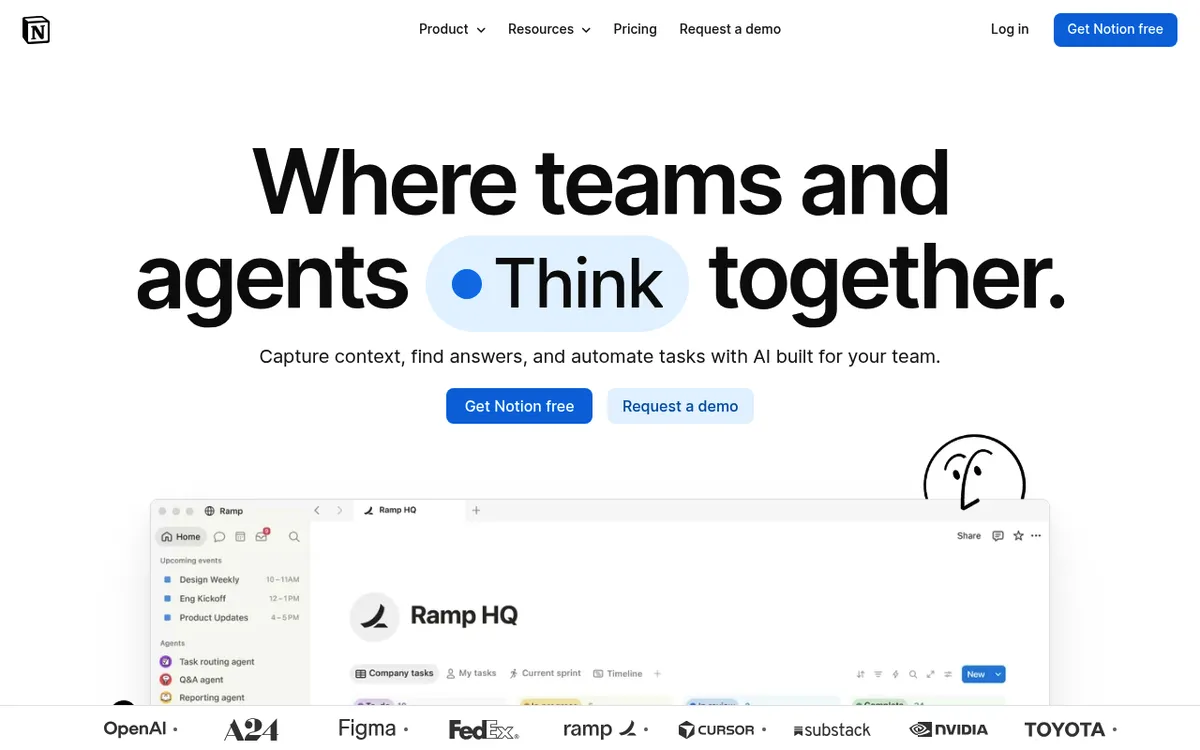
Where it beats Tango: the docs live where everything else already lives, so people actually find them. You control the structure, the templates, and the level of detail. And you are not adding a new per-seat cost on top of the wiki you already pay for.
Where it does not: you write the steps. For a 30-step process, that is real work that Tango would have done for you. This route trades time for money and control.

How to pick
Work down this list and stop at the first match:
- You already rewrite the generated steps, or one person does all the docs. Stop paying for generation. Use ScreenSnap Pro for the screenshots and recordings, with the wiki you already have.
- You need generated written steps and have the budget. Use Scribe. It is the closest swap, but its seat prices run above Tango's and Pro Team needs 5 seats.
- Your processes are visual or fiddly. Use Guidde or Supademo. Some things cannot be explained in stills.
- You need to track who read what. Use Trainual. That is a different problem and needs a different tool.
- You document a few times a year. Use Notion plus a capture tool. A monthly subscription for occasional work is the worst value on this list.
If the monthly bill is the main reason you are leaving, ScreenSnap Pro keeps the capture side for a one-time $34 and drops the subscription. For a wider view of the category, our process documentation guide covers the writing side, and best process documentation tools compares the platforms. If your docs are mostly screenshots of software, technical documentation screenshots covers how to shoot them consistently.
Frequently Asked Questions

Morgan
Indie DeveloperIndie developer, founder of ScreenSnap Pro. A decade of shipping consumer Mac apps and developer tools. Read full bio
@m_0_r_g_a_n_