Best Imgur Alternatives for Screenshots | 2026 Guide
Imgur has been the go-to free image hosting site for over a decade. Upload a screenshot, get a link, share it. Simple — though dedicated screenshot apps like ScreenSnap Pro hand you that link the moment you capture, no upload step required.
But Imgur has changed. It deletes old images, compresses uploads, and pushes you toward its social feed. If you share screenshots for work — bug reports, design reviews, docs — Imgur's public-by-default links and ad-heavy pages aren't ideal.
Good news: there are better options. Some are built for screenshots. Some offer privacy controls. Some let you capture, annotate, and share in one step — no manual upload needed.
Here are the best Imgur alternatives for screenshot sharing in 2026.
Why screenshot sharers need Imgur alternatives
Imgur works for memes and casual sharing. For screenshots, it falls short:
- Public by default. Every upload goes to a public URL. Anyone with the link can see it. Fine for memes, risky for work screenshots with private info.
- Compression. Imgur compresses images, especially PNGs over 5MB. Screenshots with fine text can look blurry after upload. If you need to reduce file size on your own terms, try our free image compressor before uploading.
- No annotation. You upload a raw image. Want to add an arrow or blur something? You need a separate tool first.
- Ad-heavy viewer. People who open your link see ads, related posts, and a cluttered page. Not great for professional sharing.
- Image deletion. Imgur deletes images that haven't been viewed in a while. Shared links can break months later.
- No direct integration. You take a screenshot, save it, open Imgur, upload, copy the link. That's 5 steps for every share.
Screenshot-specific tools cut this down to 1-2 steps and solve the privacy and quality issues.
Quick comparison
| Tool | Price | Platform | Annotations | Cloud sharing | Privacy | Best for |
|---|---|---|---|---|---|---|
| ScreenSnap Pro | $39 once | Mac | ✅ 15 tools | ✅ Instant links | Private links | Mac users who share often |
| Gyazo | Free / $5/mo | All | Basic | ✅ | Links expire (free) | Quick GIF + image sharing |
| Lightshot | Free | All | Basic | ✅ | Public links | Fastest basic sharing |
| Droplr | $6/mo | Mac/Win | ✅ | ✅ | Private, team controls | Business teams |
| ImgBB | Free | Web | ❌ | ✅ | Public/unlisted | Free Imgur replacement |
| Postimages | Free | Web | ❌ | ✅ | Public/unlisted | No-account uploads |
| ShareX | Free | Windows | ✅ Advanced | ✅ (via hosts) | Depends on host | Windows power users |
1. ScreenSnap Pro — best all-in-one for Mac
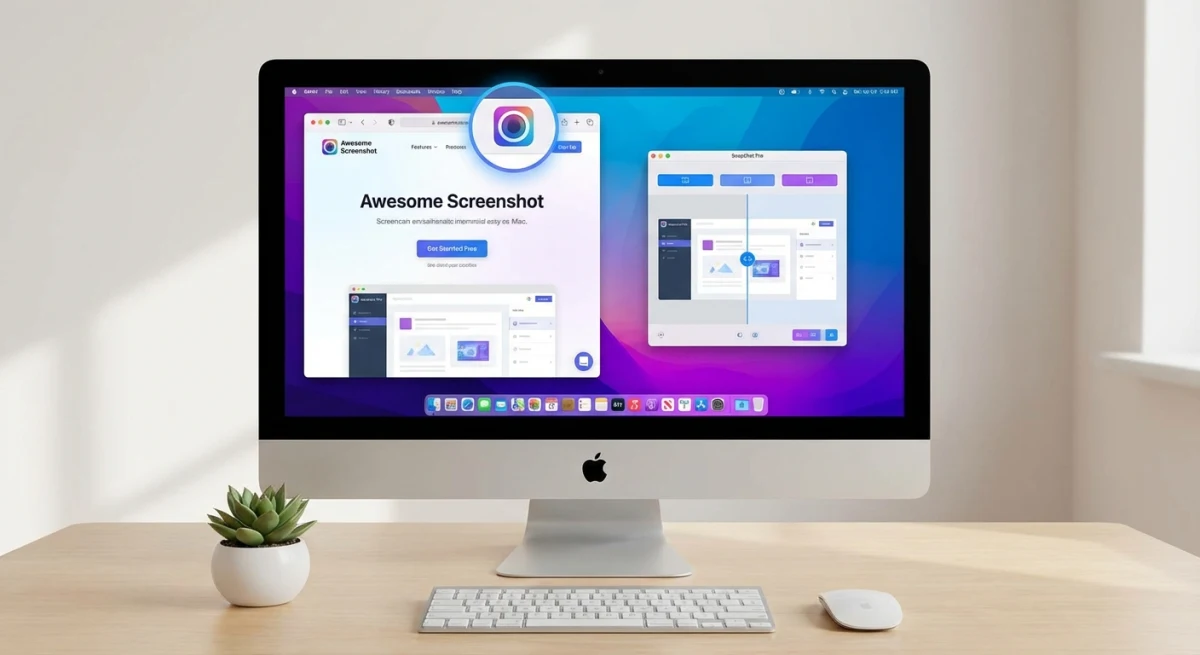
ScreenSnap Pro replaces the entire Imgur workflow. Instead of: screenshot → save → open Imgur → upload → copy link, you get: screenshot → annotate → share. One tool, one step.
Why it beats Imgur for screenshots:
- Capture + annotate + share in one flow. No switching apps.
- 15 annotation tools — arrows, text, blur, pixelate, counters, emoji. Mark up screenshots before sharing.
- Instant cloud links — capture and get a shareable URL in seconds. See our cloud sharing guide.
- Gradient backgrounds — make screenshots look polished. 500+ wallpapers.
- Private links — your images aren't public on a social feed.
- No compression — images stay sharp. Important for screenshots with code or small text.
- Works offline — cloud sharing is optional. Your screenshots always save locally.
Pricing: $39 one-time. No subscription. No ads. No watermarks.
The biggest win over Imgur: you never leave your workflow. Capture, mark up, share — done. No browser tabs, no upload forms.
2. Gyazo — fast capture and share
Gyazo is a screenshot tool built around quick sharing. Take a screenshot, and Gyazo uploads it and copies the link — all in one action.
Key features:
- One-click capture to cloud link
- GIF recording (up to 7 seconds free)
- Basic annotation (Pro only)
- Cross-platform (Mac, Windows, Linux)
- History dashboard
Pricing: Free (limited) / Pro at $4.99/month.
vs Imgur: Much faster workflow. No manual upload. But the free tier limits you to 10 recent images — older ones get an ad overlay. Pro removes the limits but adds a monthly cost.
vs ScreenSnap Pro: Gyazo's annotation tools are weaker (Pro only, basic set). No blur, no backgrounds, no counters. But it works on all platforms, not just Mac.
3. Lightshot — simplest quick share
Lightshot is as simple as it gets. Press a shortcut, select an area, and upload to prnt.sc. You get a short link right away.
Key features:
- Area selection + instant upload
- Basic arrows, text, and shapes
- Short links (prnt.sc/xxxxx)
- Cross-platform (Mac, Windows)
- Browser extension available
Pricing: Free.
vs Imgur: Faster and simpler. No account needed. The link is ready in seconds.
Downsides: Links are public and guessable (short sequential URLs). No blur or advanced tools. No cloud management — you can't delete old uploads easily. See our Lightshot alternatives guide for more.
4. Droplr — best for business teams
Droplr is a screenshot sharing tool aimed at teams. Capture, annotate, share — with controls for who can see what.
Key features:
- Screenshot and screen recording capture
- Annotation editor (arrows, text, blur)
- Custom short links (your brand domain)
- Link expiration and password protection
- Team dashboard with shared library
- Analytics (who viewed your link, when)
Pricing: $6/month per user. 7-day free trial.
vs Imgur: Night and day for professional use. Private links, brand domains, view tracking. The price makes it a team tool, not a personal one.
Best for: Companies where screenshots go to clients or external stakeholders. The custom domain and password protection matter here.

Tired of plain screenshots? Try ScreenSnap Pro.
Beautiful backgrounds, pro annotations, GIF recording, and instant cloud sharing — all in one app. Pay $39 once, own it forever.
See what it does5. ImgBB — closest free Imgur replacement
ImgBB is a free image upload site that works a lot like Imgur used to — before the ads and social features took over.
Key features:
- Free, no account needed
- Drag-and-drop upload
- Direct image links (not wrapped in a viewer page)
- Set images to auto-delete after a period
- Embed codes for forums and blogs
- API for developers
Pricing: Free. Pro at $9/month for more storage and features.
vs Imgur: Cleaner pages, direct links, and auto-delete options. Still no annotation or privacy controls — it's just an image host.
Best for: Free Imgur replacement when you don't need annotation or capture tools.
6. Postimages — no account, no limits
Postimages is another free image host. Its main appeal: no account needed and no upload limits.
Key features:
- Upload without signing up
- No file size limits (within reason)
- Direct links, hotlinks, and thumbnails
- Optional image resizing on upload
- Permanent hosting (no auto-delete)
Pricing: Free.
vs Imgur: No account, no compression, no social feed. Just upload and get a link. The interface is dated but functional.
Downsides: No annotation. No privacy controls. Public links only.
7. ShareX — most powerful (Windows only)
ShareX is a free, open-source screenshot tool for Windows. It's highly customizable with dozens of upload destinations.
Key features:
- 15+ capture modes (region, window, scrolling, OCR)
- Built-in editor with blur, pixelate, and shapes
- Upload to Imgur, ImgBB, or custom hosts
- Workflow automation (capture → annotate → upload → copy link)
- GIF and video recording
- Completely free and open source
Pricing: Free (Windows only).
vs Imgur: ShareX can upload to Imgur, but also to any other host. The built-in editor means you can annotate before sharing. It combines capture, annotation, and upload in one workflow.
For Mac users: ShareX doesn't run on Mac. See our ShareX for Mac alternatives guide.
Screenshot tool vs image host: which do you need?
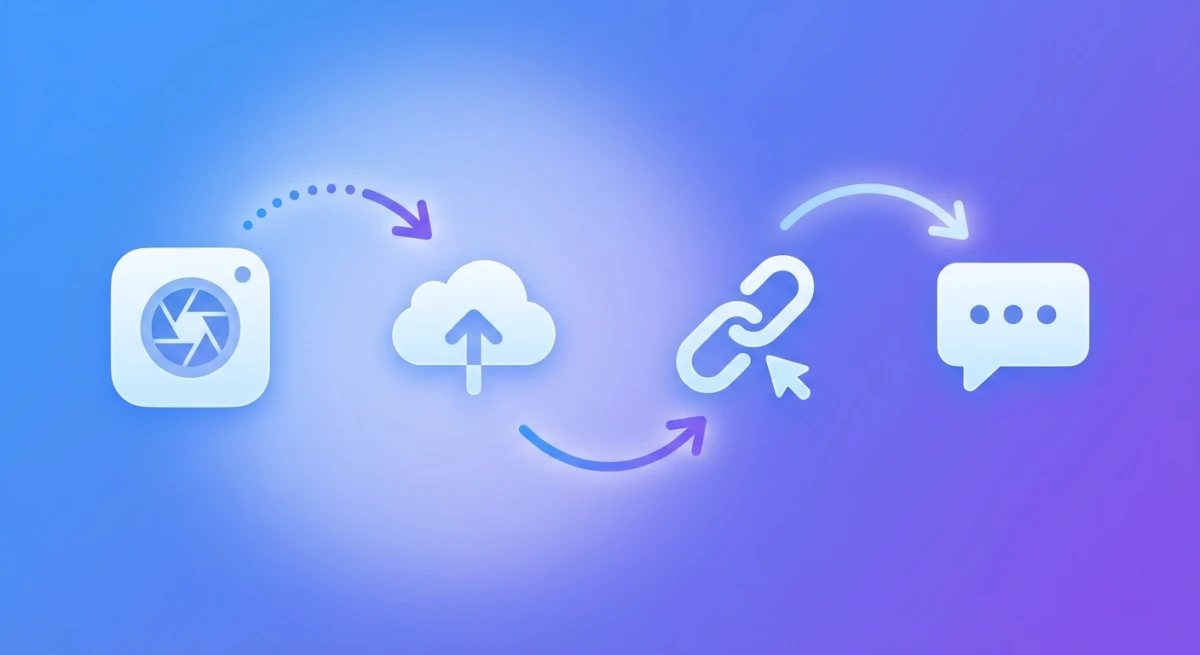
The tools above fall into two groups:
Screenshot tools (ScreenSnap Pro, Gyazo, Lightshot, Droplr, ShareX):
- Capture + annotate + share in one flow
- Built-in cloud hosting
- Faster workflow — no manual upload step
- Usually include annotation tools
Image hosts (ImgBB, Postimages, Imgur):
- Upload-only — you bring the image
- No capture or annotation features
- Free, no install needed
- Better for sharing photos or existing images
If you take and share screenshots regularly: use a screenshot tool. The integrated workflow saves minutes every day. Over a week, that adds up.
If you rarely share and just need a quick upload: an image host is fine. But consider that even the free screenshot tools (Lightshot, Shottr) are faster than the upload workflow.
Privacy matters: public vs private links
This is the biggest gap between Imgur and better alternatives.
| Tool | Default privacy | Can you set private? | Link expiration |
|---|---|---|---|
| Imgur | Public | Hidden (still accessible) | No (but may delete old images) |
| ScreenSnap Pro | Private | Yes (signed URLs) | Optional |
| Gyazo | Public (free) | Yes (Pro) | No |
| Lightshot | Public | No | No |
| Droplr | Private | Yes + passwords | Yes |
| ImgBB | Public | No | Optional auto-delete |
| Postimages | Public | No | No |
If you share screenshots with code, emails, names, or other private info, public links are a risk. Anyone who guesses or finds the URL can see your image. Tools with private links or password protection are safer.
For sensitive screenshots, always blur or pixelate private info before sharing — no matter which tool you use.
Which tool should you pick?
Here's a quick guide based on what you need:
- Mac user, shares screenshots daily → ScreenSnap Pro ($39 once). Capture, annotate, share in one step.
- Cross-platform, quick sharing → Gyazo (free tier or $5/month).
- Simplest possible workflow → Lightshot (free). Area select → instant link.
- Business team with clients → Droplr ($6/month). Custom links, passwords, analytics.
- Free Imgur clone, no frills → ImgBB or Postimages. Upload, get link.
- Windows power user → ShareX (free). A deep feature set with customizable upload destinations.
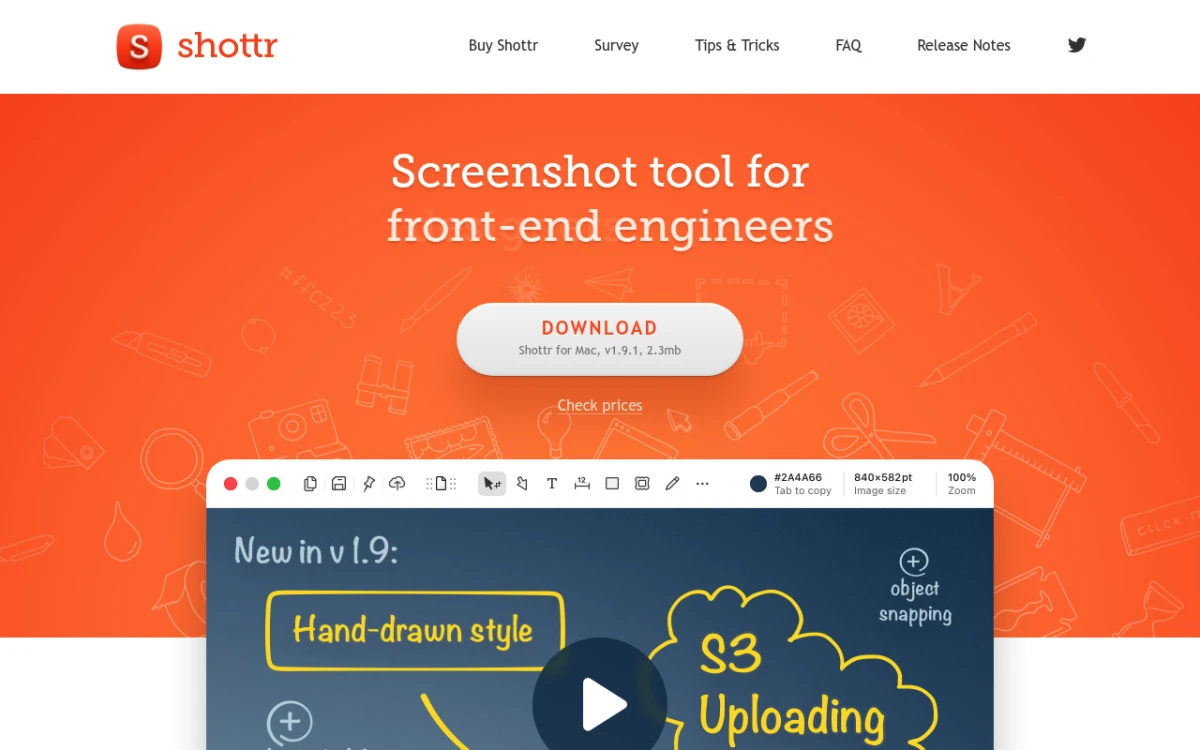
- Budget-conscious Mac user → Shottr (free) for capture, then ImgBB for hosting.
For a broader look at Mac screenshot tools, see our best screenshot apps for Mac roundup. Or if you need help with the sharing workflow, check our cloud screenshot sharing guide.

Tips for sharing screenshots at work
If you share screenshots often for bug reports, design feedback, or docs, these habits help:
- Annotate before sharing. A screenshot with an arrow pointing to the bug is worth a hundred words. Don't make people guess what they're looking at. Blur sensitive info like emails and API keys before hitting share.
- Use consistent tools. Pick one screenshot tool and stick with it. Your team gets used to the format, the links look the same, and you build a muscle memory for the shortcuts.
- Name your files. If you save screenshots locally too, use clear names:
login-bug-2026-02-19.pngbeatsScreenshot 2026-02-19 at 3.42.12 PM.png. Some tools let you set naming patterns. - Set link expiration for sensitive content. If the screenshot shows internal dashboards or customer data, use a tool with link expiration (Droplr, ScreenSnap Pro). The link dies after a set time.
- Crop tight. Don't share full-screen captures when you only need one button or one error message. Crop your screenshots to the relevant area. Smaller images load faster and focus attention.
- Add context. When pasting a screenshot link in Slack or Jira, add one sentence of context. "Login button is misaligned on mobile Safari" + screenshot link is far more useful than a bare link.
Frequently Asked Questions

Morgan
Indie DeveloperIndie developer, founder of ScreenSnap Pro. A decade of shipping consumer Mac apps and developer tools. Read full bio
@m_0_r_g_a_n_