Screenshot Black Screen? 7 Causes and Fixes (2026)
# Screenshot comes out black? 7 causes and how to fix each one
A black screenshot almost always means the app drew its window through the GPU, or through a protected video path that the capture API cannot read. The fix is to turn off hardware acceleration in that one app, turn off HDR, or capture a different way. On a Mac, the usual cause is a missing Screen Recording permission.
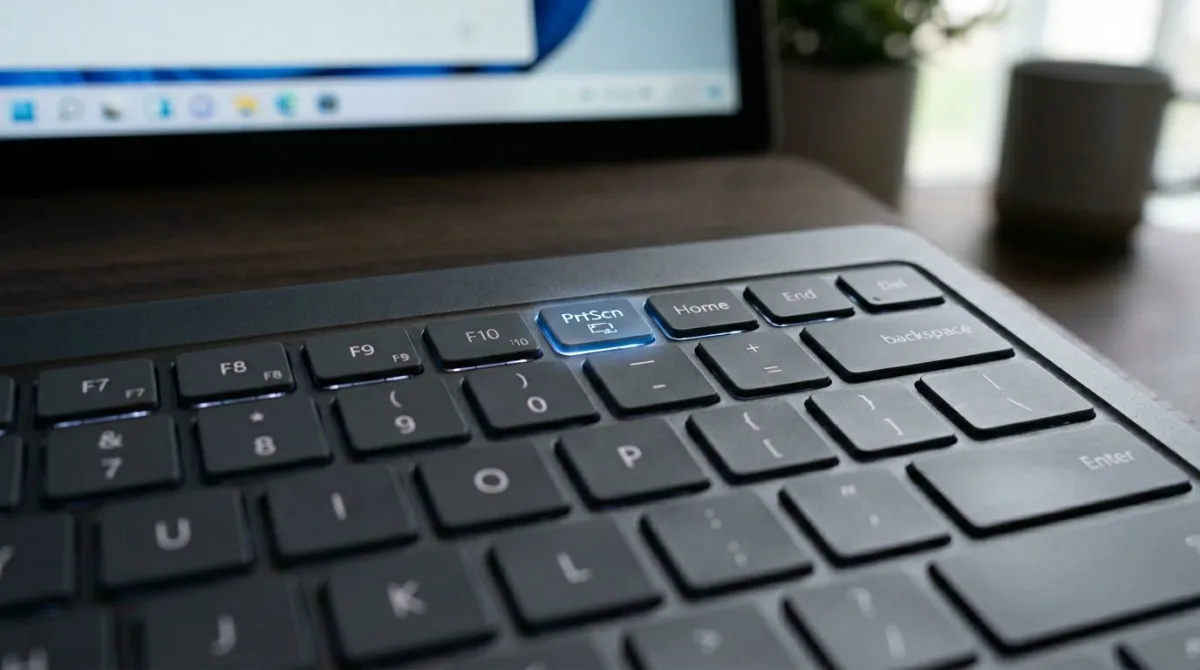
The screenshot black screen problem is specific: the capture fires, the file saves, and the image is a black rectangle. A shortcut that does nothing is a different fault. If nothing happens when you press the keys, start with Win+Shift+S is not working, Print Screen is not working, Snipping Tool not working or screenshots not working on Mac instead.
Which cause is yours
| What you see | Likely cause |
|---|---|
| One app is black, everything else is fine | 1. Hardware acceleration |
| Only the video is black | 2. Protected content and DRM |
| Very dark or washed out, not pure black | 3. HDR and Auto HDR |
| Black on a Mac, or only the wallpaper | 4. Screen Recording permission |
| Black on a laptop with two graphics chips | 5. Hybrid GPU mismatch |
| Black only while a game runs | 6. Full screen exclusive mode |
| Black over RDP, Citrix or a virtual machine | 7. No attached display |
1. Hardware acceleration in the app
Symptom: Chrome, Edge, Firefox, Discord, Teams, Spotify or VLC captures as a black box. The rest of the desktop is fine.
Why: the app hands its window to the GPU and never writes those pixels into the desktop surface that the Desktop Duplication API reads.
Fix on Windows 11: turn acceleration off in that app, then relaunch it. Chrome and Edge: Settings, System, "Use graphics acceleration when available". Firefox: Settings, General, Performance. Discord: Settings, Advanced. Teams: only the classic client has that switch, under Settings, General. VLC: Tools, Preferences, Input and Codecs, hardware decoding set to Disable.
Fix on macOS: the same toggles exist in Chrome, Firefox, Discord and VLC. Safari has none, so capture a region with Shift + Cmd + 4.
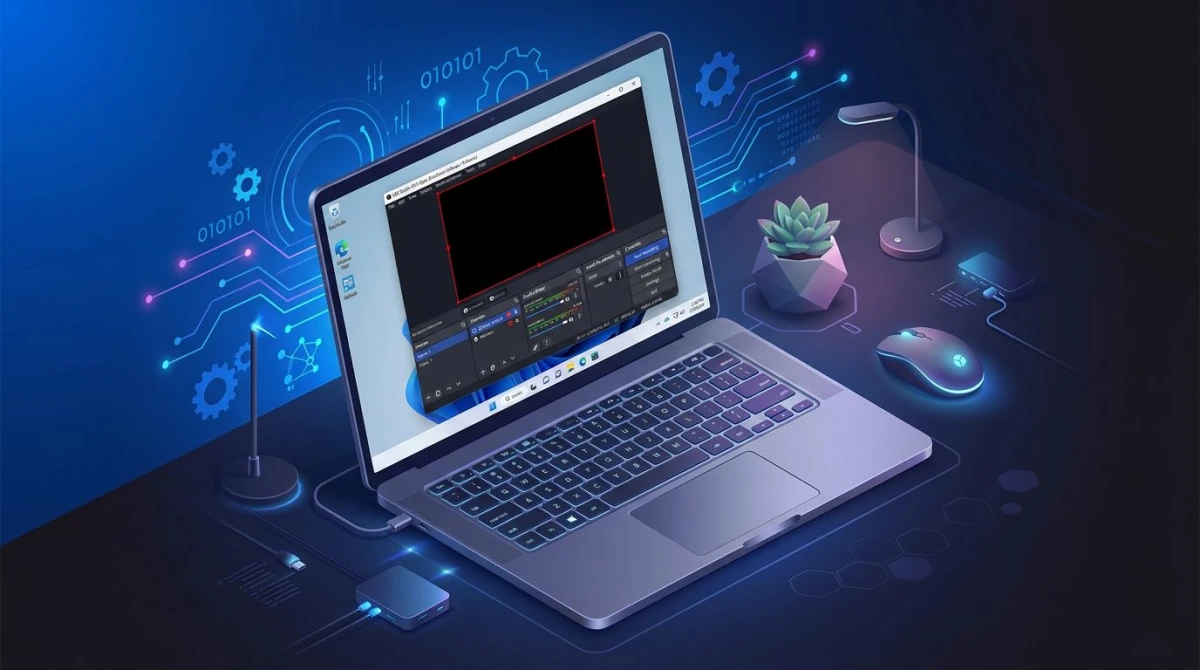
If you are recording rather than screenshotting, OBS captures a black screen for the same reason.
2. Protected content and DRM
Symptom: the player is black on Netflix, Disney+, Prime Video or Apple TV. The page around it looks normal.
Why: this is deliberate. Streaming services use protected media paths and HDCP so licensed video never reaches a readable buffer. No setting on your machine changes it, and we do not publish a way around it.
What to do instead: use the platform's own share or clip feature, or an official press kit image. For video you own, take a snapshot in VLC, pull a frame with our video thumbnail generator, or capture a frame from a YouTube video.
3. HDR and Auto HDR
Symptom: the shot is not pure black. It is crushed, murky and much darker than the screen looked.
Why: HDR content carries a wider brightness range than a standard PNG holds. Saved without tone mapping, highlights clip and shadows collapse.
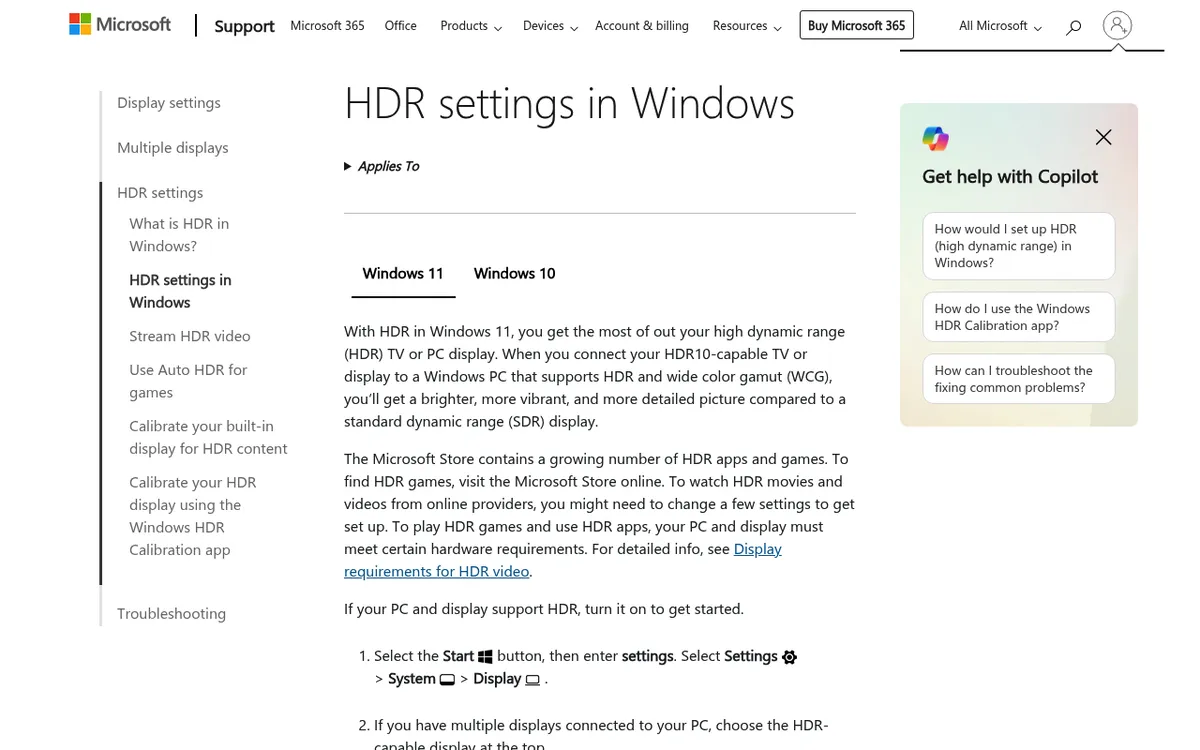
Fix on Windows 11: press Win + Alt + B to toggle HDR off on the primary display, capture, then toggle it back. That shortcut needs Xbox Game Bar enabled. Settings, System, Display, HDR does the same job for any display. Microsoft covers both in its HDR settings guide, and Auto HDR has its own switch.
Fix on macOS: on an XDR display, extended dynamic range does the same to bright content. Turn off HDR playback in the app, or see color-accurate screenshots on Mac.
4. Missing Screen Recording permission on macOS
Symptom: every capture from one app is black, or it returns your wallpaper with no windows on it.
Why: macOS gates screen access behind a privacy permission. Without it, the app gets a blank frame rather than an error.
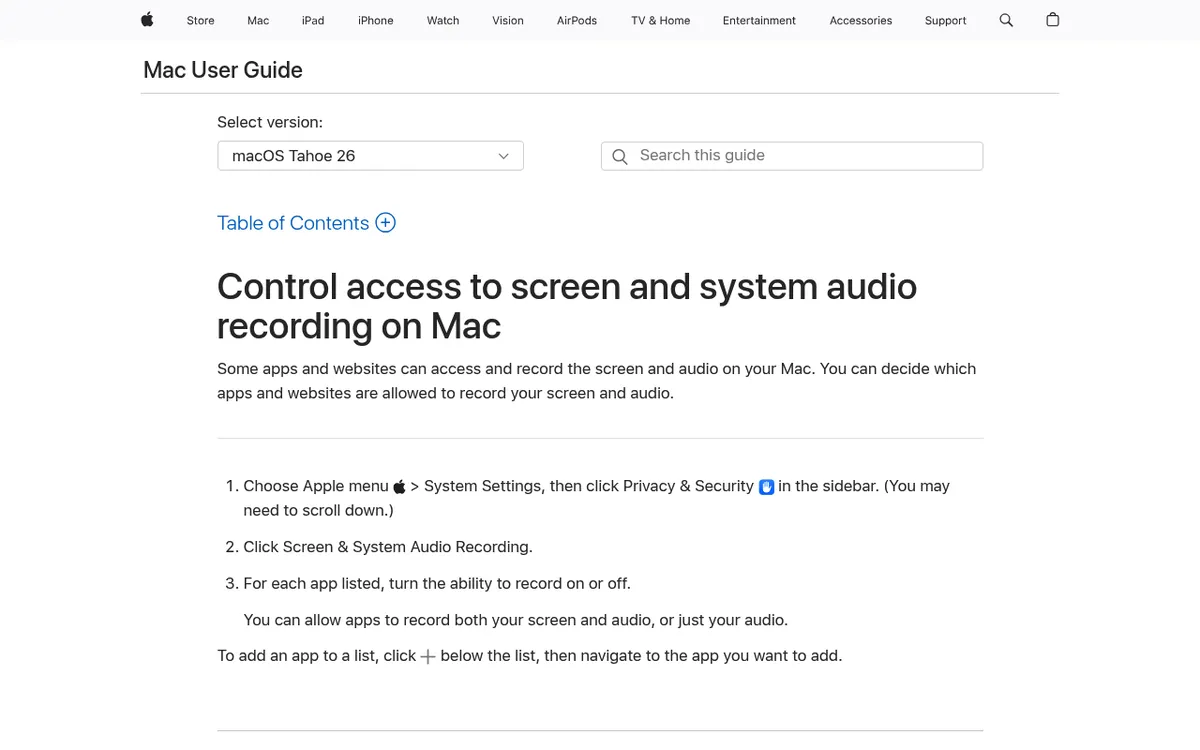
Fix on macOS: open the Apple menu, System Settings, Privacy & Security, then Screen & System Audio Recording, and switch your capture app on. Now quit the app fully and open it again, because the permission only applies to a fresh launch. That relaunch is the step everyone skips. Apple documents the panel in Control access to screen and system audio recording.
On Windows 11: there is no equivalent prompt. The one screen no tool can capture is the UAC consent dialog, which runs on a secure desktop.

Tired of plain screenshots? Try ScreenSnap Pro.
Beautiful backgrounds, pro annotations, GIF recording, and instant cloud sharing, all in one app. Pay $39 once, own it forever.
See pricing and features5. Hybrid and multi GPU laptops
Symptom: black captures on a laptop with integrated and discrete graphics, often only when the discrete card is busy.
Why: the capture tool runs on one GPU while the target app renders on the other, and neither reads the other's frame buffer.
Fix on Windows 11: open Settings, System, Display, Graphics. Add the capture tool and the target app, then set both to the same preference. Power saving pins both to the integrated chip, which usually works.
Fix on macOS: Apple silicon has one shared GPU, so this does not apply. On older Intel Macs, turn on automatic graphics switching in Settings, Battery.
6. Full screen exclusive mode in games
Symptom: the game is black in every capture, while menus and the desktop are fine.
Why: exclusive full screen hands the display to the game engine and skips the desktop compositor.
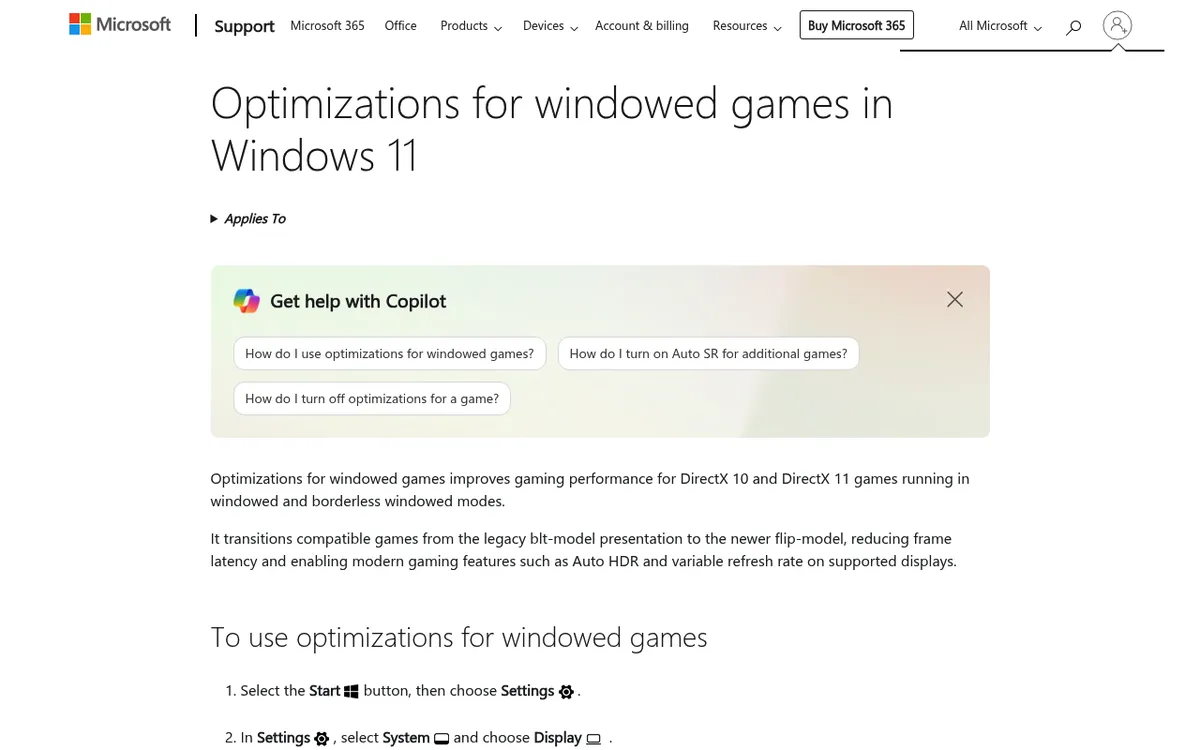
Fix on Windows 11: switch the game to borderless windowed in its video options, which is what Microsoft's optimizations for windowed games are built around. Or capture with Xbox Game Bar, which hooks the game directly.
Fix on macOS: most Mac games run windowed, so press Shift + Cmd + 5 and pick the window rather than the display.
7. Remote desktop, virtual machines and virtual displays
Symptom: black captures over RDP, Citrix or Parallels, or from a scheduled script.
Why: a locked, minimised or disconnected session has no attached display to read, and a headless session has nothing to duplicate.
Fix: keep the remote window open and unlocked while capturing, or run the capture tool inside the remote machine. For virtual machines, install the guest tools so the guest gets a display driver.
Still getting a black screen screenshot? Two checks first
Is the file actually black? Some viewers fail on HDR and HEIC previews and render a black frame for a good image. Open the same file in a second app, such as a browser tab.
Did it save at all? A missing file looks a lot like a black one when you are in a hurry. Confirm where Windows saves screenshots or where macOS saves screenshots. A few security suites also include anti screen capture protection, so check those settings if nothing else fits.
Black screenshots on your phone
On iPhone and Android, a black screenshot is almost always app level protection, not a fault. Streaming and banking apps mark their windows as secure, and Android has a system flag for it. No phone setting changes that.
How to get the shot you actually need
Black captures are an operating system and GPU problem, not a "buy a better app" problem. Switching tools will not defeat DRM or undo HDR clipping. Fix the cause first.
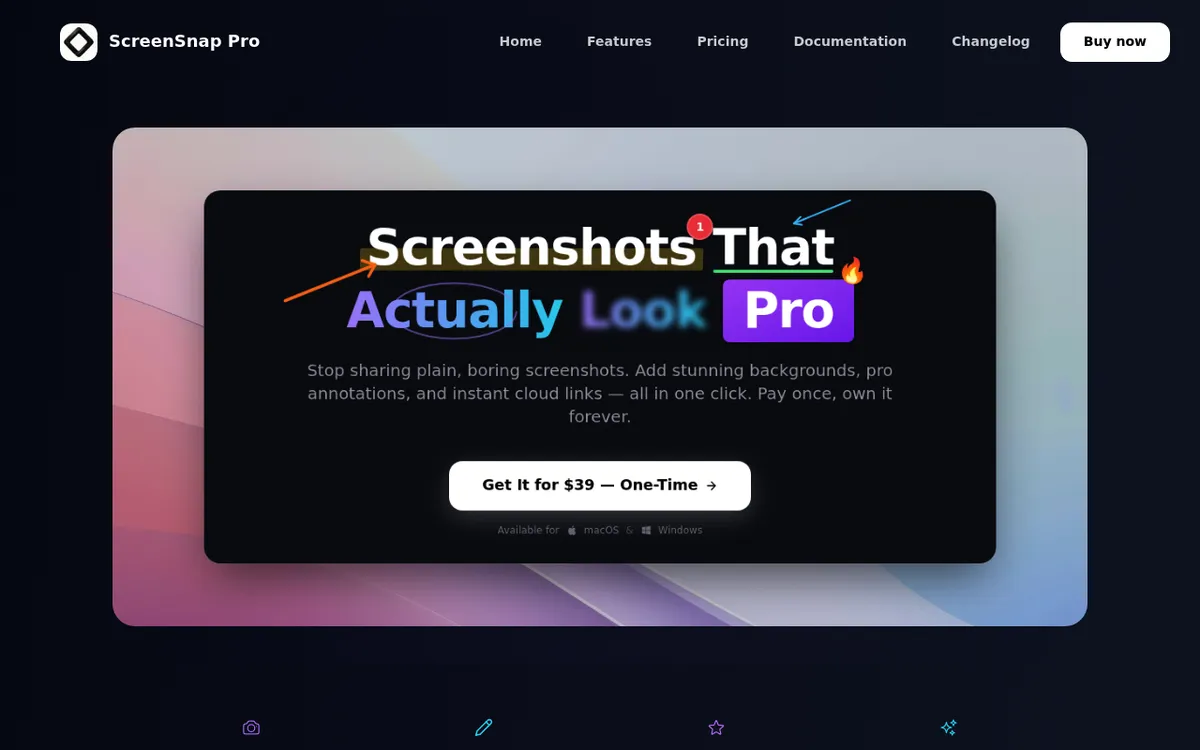
Once the cause is fixed, the workflow still matters. ScreenSnap Pro captures a region, a window or the full screen and annotates in place with 15 tools, so a bug report gets its arrows and blur without a trip through a separate editor. Optional cloud links make sending a repro quick. It is $39 one-time on Mac and Windows, no subscription. See what is included.
Frequently asked questions

Morgan
Indie DeveloperIndie developer, founder of ScreenSnap Pro. A decade of shipping consumer Mac apps and developer tools. Read full bio
@m_0_r_g_a_n_