Best Loom Alternatives for Mac (2026): 9 Picks
The best Loom alternative Mac users can grab in 2026 is ScreenSnap Pro ($39 one-time) if you want webcam recording, a built-in video editor, share links, and screenshots in one app. After that, pick Screen Studio for polished demos, Tella for browser-based async video, CleanShot X for fast quick-record and sharing, or QuickTime Player for zero-cost basics. Skip Loom's $15/month plan if any of these fit.
We picked these tools because they run well on a Mac. Each one works on Apple Silicon Macs, and several use Apple's ScreenCaptureKit API for smooth, low-CPU capture on macOS 13 and later. That matters when you record three demos a day on a MacBook Air and want the fans to stay quiet.
Why look for a Loom alternative on Mac
Loom works on Mac, but a few real pain points push people to look elsewhere:
- Subscription fatigue. Loom Business is $15 per seat per month. That's $180 a year, forever, for each person on your team.
- 5-minute cap on Loom Free. The free plan stops you mid-demo. Zight's free plan has the same cap, but most tools here don't.
- You don't own your recordings. Videos live on Loom's servers. If your account lapses, your library goes too.
- The Loom desktop app is built around the cloud. Every recording uploads to Loom's servers, and most editing happens in Loom's web app. Several Mac options let you edit on your own machine first.
- Privacy and on-device recording. Regulated industries (health, legal, finance) often can't ship raw screen video to a third-party cloud.
If any of those hit home, this guide is for you. We tested every tool below on macOS Sequoia, and the ones that still support it on Sonoma too, on both M-series and Intel Macs.
Loom alternative Mac picks at a glance
| Tool | Price | Mac Support | Webcam Bubble | Instant Share Link | Editing | Best For |
|---|---|---|---|---|---|---|
| ScreenSnap Pro | $39 one-time | macOS 15+, plus Windows | Yes | Yes (optional) | Strong (timeline, auto zoom) | Record, edit, share, plus screenshots |
| Screen Studio | $9/mo billed yearly | Mac only | Yes | Yes (up to 30 min) | Strong (auto-zoom) | Polished product demos |
| Tella | $13/mo billed yearly | Mac app + browser | Yes | Yes | AI editing | Async messaging with polish |
| CleanShot X | $35 one-time | Mac only | Yes | Yes (1 GB Cloud on Basic) | Medium (Smart Zooms) | Fast record-and-share |
| QuickTime Player | Free | Built in | No | No | Basic trim | Bare-bones screen capture |
| Zight | Free or $9.95/mo | Mac app | Yes | Yes | Light | Cloud-first sharing |
| OBS Studio | Free | Apple Silicon + Intel | Yes | No | None | Streamers and power users |
| Vidyard | Free or $59/mo | Mac app + extension | Yes | Yes | Light | Sales and outbound video |
| Descript | Free or $16/mo | macOS 14+ app + browser | Yes | Yes | Heavy AI | Edit-by-text workflow |
The 9 best Loom alternatives for Mac (2026)
1. ScreenSnap Pro: the $39 Swiss Army knife for Mac creators
- Price: $39 one-time, with lifetime updates. One license includes 2 seats, in any mix of Mac and Windows. 30-day money-back guarantee.
- Platforms: macOS 15 Sequoia or later (Apple Silicon and Intel builds) and Windows 10 and 11.
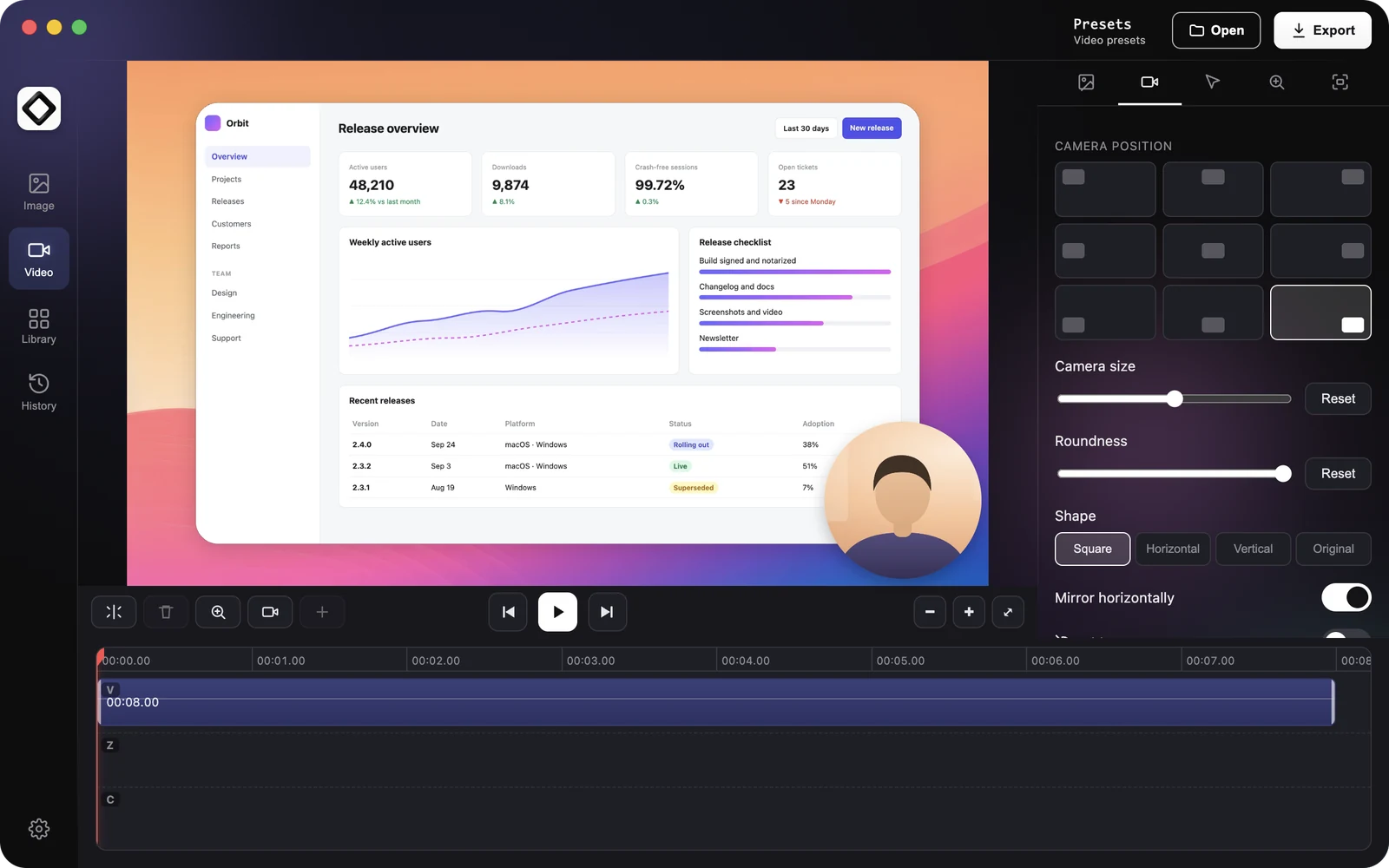
- Why it beats Loom on Mac: One purchase covers the whole Loom loop. It's a screen recording app for Mac that records your screen to MP4 at up to 60 fps with webcam, mic, and system audio. Polish it in the built-in video editor. Then click Create Link for a quick share link, or keep the file on your Mac. Videos only upload when you create a link. You also get GIF recording and screenshots with 17 annotation tools. Loom is built around async video and charges $180 a year per seat.
- The video editor: Added in version 5.0 (June 2026). It has a multi-track timeline (trim, split, cut, speed), cursor-follow auto zoom plus manual zoom, and one-click silence removal. You can add B-roll, music, and voiceover tracks, move and reshape the webcam overlay, set a background, and pick an aspect preset. Export to MP4 or GIF. Projects save as you go, so you can reopen them later.
- Limitations: Honest call: this is not a Loom clone. No team workspace, viewer analytics, or comments. No AI summaries, transcript editing, or captions. Share links are for quick sharing, not a permanent video library.
- Best for: Solo creators and small teams who record webcam walkthroughs, polish them, and send a link, and who also take a lot of screenshots. Devs, designers, and PMs who want one app for everything visual.
It takes the top spot because it covers record, edit, and share, plus a full screenshot tool, for one payment. You'll also get 500+ backgrounds, pinned screenshots, full-page website capture from a URL, and OCR text extraction in the same app. That last one alone has saved us hours of retyping text from PDFs and locked content.
See ScreenSnap Pro pricing: $39 once, with a 30-day money-back guarantee if it isn't the right fit.
2. Screen Studio: polished cinematic demos
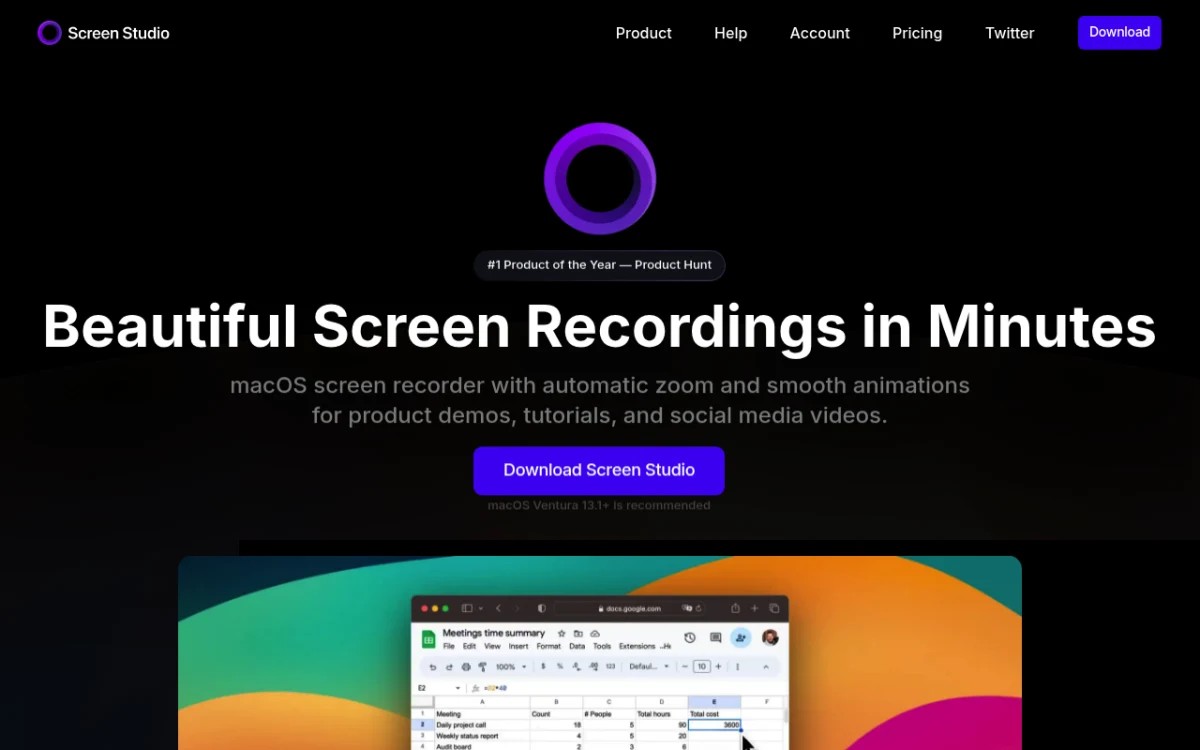
- Price: $9/month billed yearly ($108/year) or $29 month to month. New buyers can no longer get a one-time license.
- Platforms: Mac-only. Apple Silicon native.
- Why it beats Loom on Mac: Screen Studio adds auto-zoom on cursor, mouse smoothing, and broadcast-grade export up to 4K at 60 fps. Recordings look like polished marketing videos with zero editing skill required. Loom can't touch this output quality. It also makes share links now, at 1080p and 60 fps.
- Limitations: Subscription only for new buyers. Share links cap at 30 minutes per video. No Windows version.
- Best for: Product demos, landing-page videos, marketing tutorials. We have a deeper breakdown in our Screen Studio vs Loom comparison.
If you want the Screen Studio output style but with more flexibility on price, we also list a few options in our Screen Studio alternatives for Mac roundup.
3. Tella: browser-based async video with polish
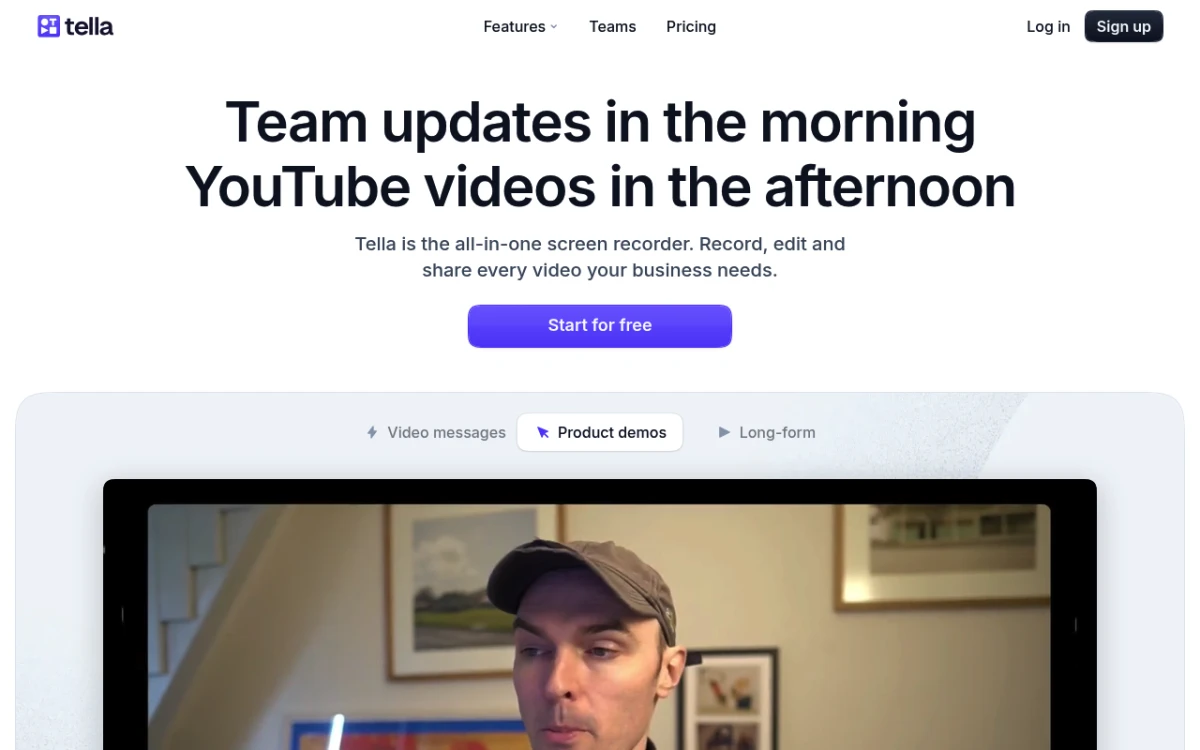
- Price: Pro is $13/month billed yearly ($156/year) or $26 month to month. Premium is $19/month billed yearly. No free plan, just a 7-day free trial of Pro.
- Platforms: Mac app (macOS 13.1 or later, Apple Silicon and Intel), web browser, and a Windows app in beta.
- Why it beats Loom on Mac: Tella has multi-layout templates (split-screen, picture-in-picture, side-by-side). Instant share links like Loom, but with built-in AI editing that trims filler words and silence. The polish is closer to Screen Studio while keeping the share workflow Loom users expect.
- Limitations: Subscription pricing. No native screenshot tool. Cloud-first design, so recordings live on Tella's servers.
- Best for: Founders, marketers, and customer-success teams who want async messaging that doesn't look amateur.
4. CleanShot X: fast record-and-share for the Setapp crowd
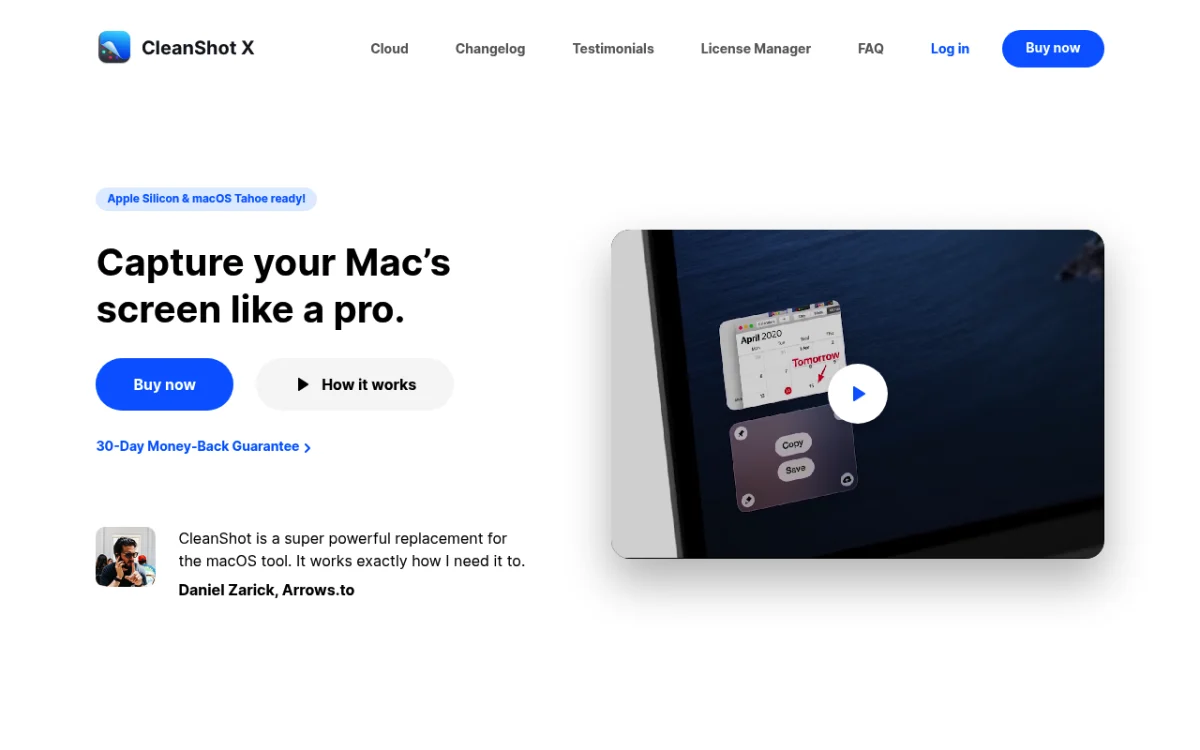
- Price: CleanShot Basic is $35 one-time with 1 year of updates (renew for $19/year) and 1 GB of CleanShot Cloud. CleanShot Pro is $10 per user/month billed yearly, with unlimited Cloud.
- Platforms: Mac-only (macOS 13 or newer). Apple Silicon native.
- Why it beats Loom on Mac: CleanShot X has a fast hotkey-driven workflow. Record a quick clip, drop it on someone's screen via a link. Version 5.0 (September 2026) added a video editor with Smart Zooms that follow the cursor. Also does scrolling captures and OCR. Already lives on a lot of Mac dev laptops via Setapp.
- Limitations: Unlimited Cloud needs the Pro subscription. Less suited for long-form recordings, since it's built for short clips.
- Best for: Mac devs and designers who already use it for screenshots and want recording in the same app. We compare it to other Mac options in our best CleanShot X alternative guide.
5. QuickTime Player: free and built-in
- Price: Free. Ships with every Mac.
- Platforms: Mac-only. Built-in.
- Why it beats Loom on Mac: QuickTime Player is zero cost and zero install. Records the full screen or a region with mic audio. For about 80% of Loom use cases (quick screen clip, send it over), this is enough.
- Limitations: No webcam bubble. No instant share link. No annotation. No auto-zoom. Exports .mov files only, not MP4. System audio capture needs a workaround (BlackHole or similar virtual driver).
- Best for: Anyone on a tight budget. Students. One-off captures where polish doesn't matter. Walk through it step by step in our how to screen record on a MacBook guide.
QuickTime uses Apple's native capture stack, so it stays light on CPU. That alone makes it worth keeping in your toolkit.
6. Zight (formerly CloudApp): cloud-first sharing
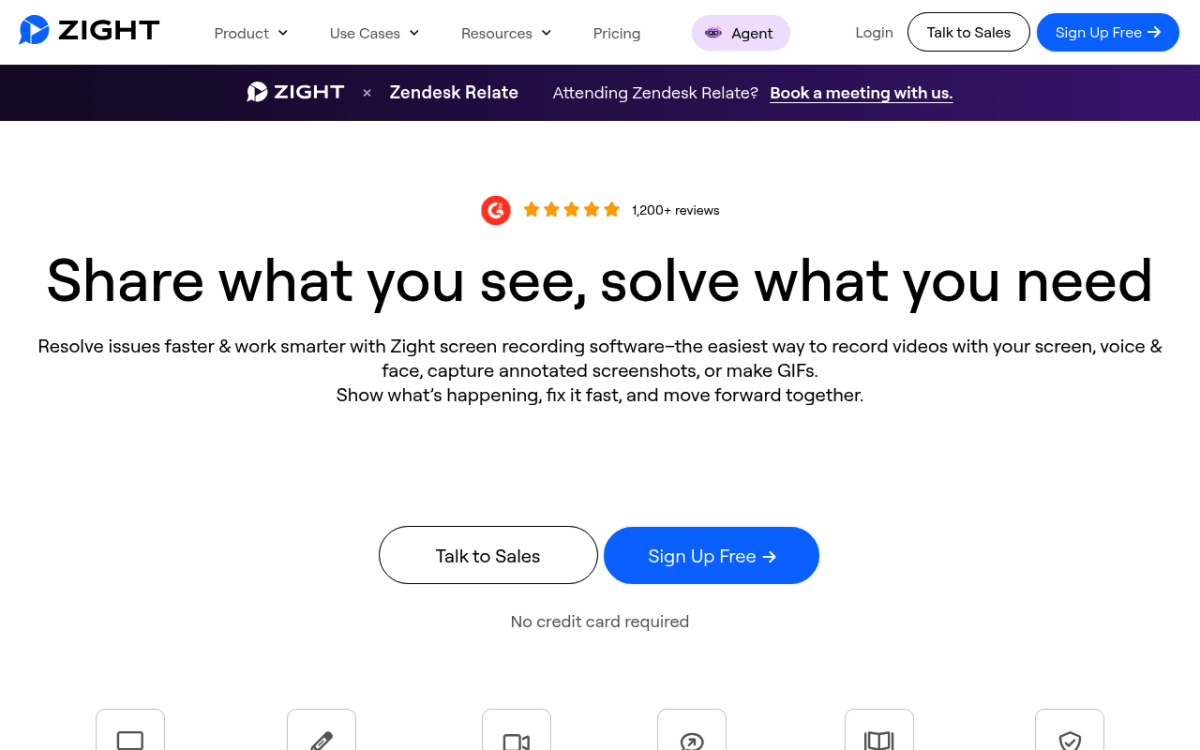
- Price: Free plan (recordings up to 5 minutes at 720p). Create is $9.95 per user/month billed yearly or $12.95 monthly. Collaborate is $12 per user/month billed yearly.
- Platforms: Mac app, Windows app, Chrome extension, iOS app.
- Why it beats Loom on Mac: Zight is built around the cloud-share workflow. Record, get a link, paste it in Slack. Includes screenshots, GIFs, and recording in one app, which puts it closer to ScreenSnap Pro in scope, but on a subscription model.
- Limitations: Paid plans are subscription only. The free plan caps recordings at 5 minutes and 720p, the same kind of limit that pushes people off Loom. Recordings live on Zight's servers.
- Best for: Teams that want a centralized cloud library and don't mind subscriptions. Similar pitch to Droplr (which Zight now overlaps with).
7. OBS Studio: free, open source, power-user
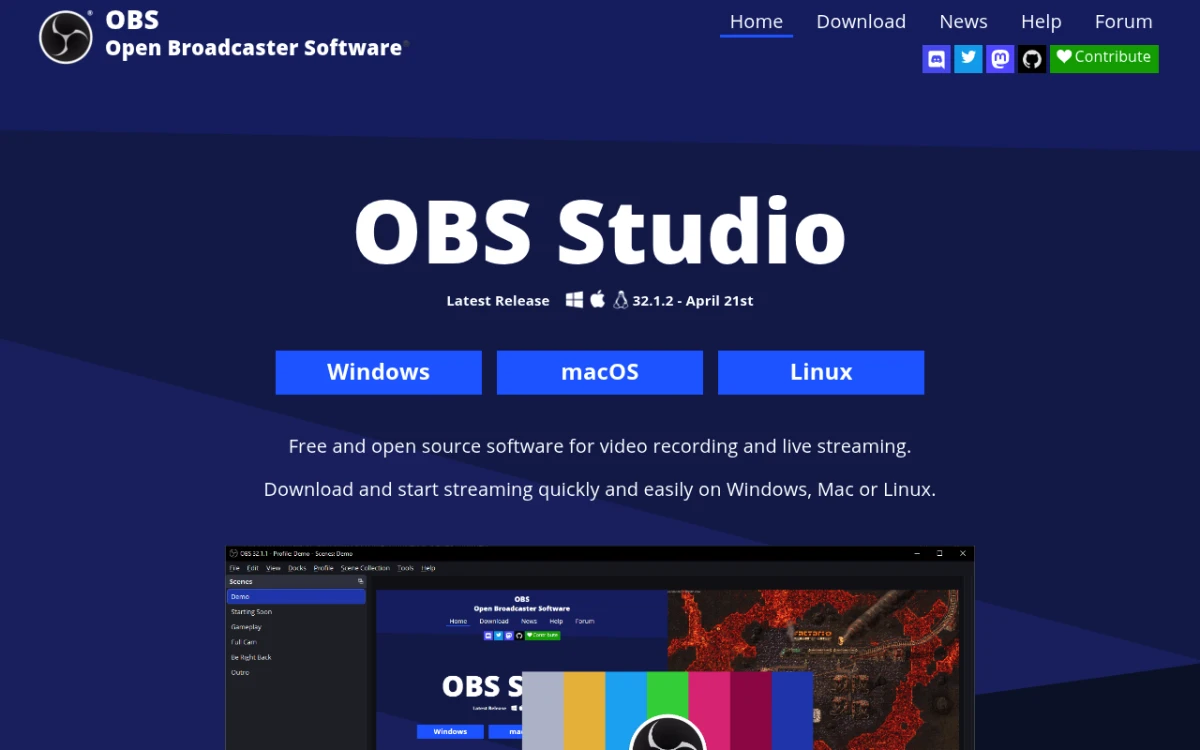
- Price: Free. Open source.
- Platforms: Mac (Apple Silicon and Intel, macOS 13 or newer), Windows, Linux.
- Why it beats Loom on Mac: OBS Studio gives you total control. Multiple scenes, sources, overlays, audio filters. Can stream to Twitch and YouTube in the same session. The native Mac build uses ScreenCaptureKit on macOS 13+, so quality is excellent.
- Limitations: Steep learning curve. No instant share link. No built-in editing. You'll watch a tutorial before recording your first clip.
- Best for: Streamers, advanced creators, and anyone doing live demos. Overkill for most async video.
8. Vidyard: sales-focused video on Mac
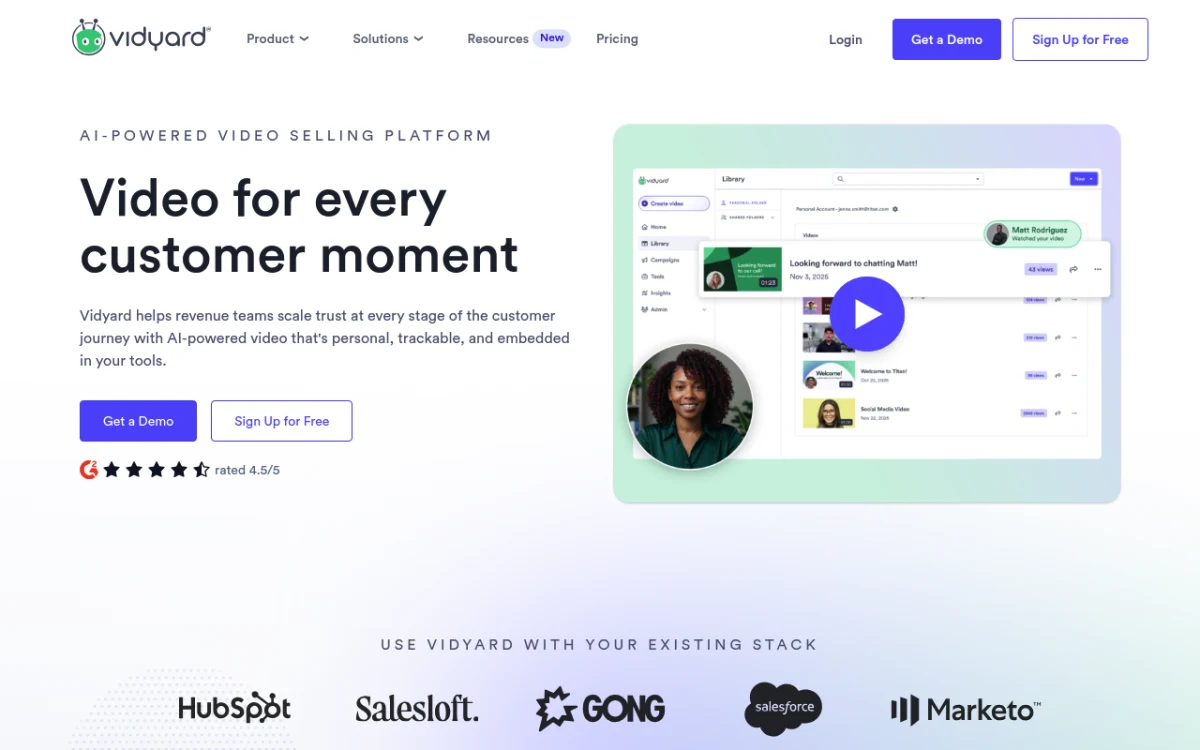
- Price: Free plan (5 videos a month, up to 30 minutes each). Starter is $59 per seat/month billed yearly or $89 monthly.
- Platforms: Chrome and Edge extension, Mac app (macOS 10.15 or later), Windows app, and iOS and Android apps.
- Why it beats Loom on Mac: Vidyard is built for sales outreach. View tracking, viewer alerts, CRM hooks (HubSpot, Salesforce, Salesloft). The free plan's 30-minute recordings give more head room than Loom's 5-minute cap for prospecting clips.
- Limitations: Not built for tutorials or polished demos. Editing is light. CRM integrations need the Teams plan, which is priced through sales.
- Best for: SDRs, account execs, and customer-success teams sending personalized video at scale. We do a deeper feature-by-feature breakdown in Loom vs Vidyard.
9. Descript: edit-by-text and AI cleanup
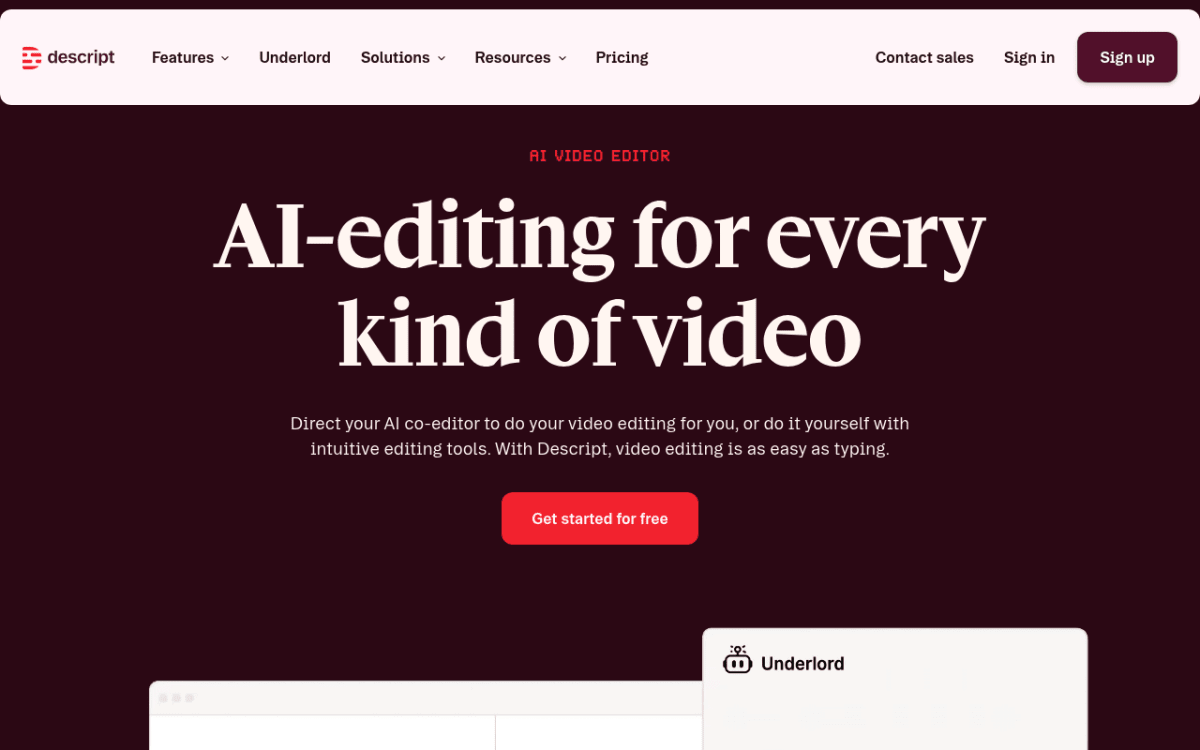
- Price: Free plan (60 media minutes a month, 720p, watermarked exports). Hobbyist is $16/month and Creator is $24/month, billed yearly.
- Platforms: Mac (macOS 14 Sonoma or later), Windows 11, and a browser app.
- Why it beats Loom on Mac: Descript records, then lets you edit the video by editing the transcript. Filler-word removal in one click. Studio Sound cleans bad audio. AI voice cloning if you flub a line.
- Limitations: Subscription. AI features eat your monthly AI credits fast. Heavier app than Loom, so not great for quick 30-second clips.
- Best for: Podcasters, course creators, and anyone who heavily edits before publishing. If most of your video time is post-production, Descript saves hours per video.
How to pick: a decision flow
Skim by use case:
- "I want to record with my webcam, edit, and send a link, with no subscription." → ScreenSnap Pro. $39 once, and you get screenshots and GIFs in the same app.
- "I want polished demo videos for my landing page." → Screen Studio. Worth the subscription if demos are your job.
- "I want fast async messaging with a Mac app." → Tella or CleanShot X. Pick Tella for AI editing, CleanShot X for one-time pricing.
- "I'm allergic to subscriptions." → ScreenSnap Pro ($39) or CleanShot X Basic ($35). Both one-time. ScreenSnap Pro includes lifetime updates; CleanShot Basic includes one year.
- "I just need basic screen recording, no frills." → QuickTime Player. Free. Already on your Mac.
- "I do heavy post-edit and care about audio." → Descript. Edit-by-text is a different way of working.
- "I'm in sales and need view tracking." → Vidyard. Built for the sales motion.
- "I'm a streamer or do live demos." → OBS Studio. Free and powerful.
Mac permissions cheat sheet
Every screen recorder on macOS needs a few specific permissions before it'll capture anything. Here's the short version, with the menu paths.
- Screen Recording permission. Open System Settings → Privacy & Security → Screen & System Audio Recording. Toggle on the app you just installed. Apple has the official permission guide if you get stuck.
- Camera permission. Same Privacy & Security pane, then Camera. Toggle the app on for webcam bubbles.
- Microphone permission. Same pane, then Microphone. Required for voiceover.
- Accessibility permission (optional). Some apps need this for global hotkeys. Privacy & Security → Accessibility.
- Restart the app. macOS often won't apply new permissions until you quit and relaunch.
A few extra things worth knowing:
- ScreenCaptureKit vs legacy capture. macOS 13 Ventura introduced ScreenCaptureKit, Apple's native screen recording API. Apps that use it (Screen Studio, CleanShot X, OBS on macOS 13+) have better quality and lower CPU than older apps that rely on the legacy capture path.
- Apple Silicon vs Intel. If you're on an M-series Mac, prefer apps with "Universal" or "Apple Silicon native" binaries. Rosetta 2 works, but native is cooler and quieter.
- System audio capture. macOS does not let apps capture system audio out of the box. Most tools above include a small driver to do it. QuickTime does not, so you'll need BlackHole or a similar virtual audio driver.

Tired of plain screenshots? Try ScreenSnap Pro.
Beautiful backgrounds, pro annotations, GIF recording, and instant cloud sharing, all in one app. Pay $39 once, own it forever.
See pricing and featuresCloud vs local recording: a privacy quick take
Loom is cloud-first. So are Tella, Vidyard, and Zight. Your recording uploads to a third-party server the moment you hit stop. That's great for instant share links. It's less great if you record customer data, internal roadmaps, or anything covered by HIPAA or SOC 2 controls.
Local-first options keep the file on your Mac until you choose to share it: ScreenSnap Pro (cloud is off until you turn it on), Screen Studio, QuickTime, OBS, CleanShot X (without Cloud). Pick one of these if privacy is non-negotiable.
Cloud-first options save the file straight to the vendor's servers: Loom, Tella, Vidyard, Zight, Descript. Pick one of these if instant share links are non-negotiable.
The honest middle ground: ScreenSnap Pro and CleanShot X let you choose cloud sharing per recording. In ScreenSnap Pro, nothing uploads until you click Create Link. You get instant links when you want them, and on-disk-only when you don't.
Pricing math: a year with each tool
Loom Business is $180/year/seat. Here's what you'd pay for one year on each Mac alternative, using yearly billing where there's a choice:
- ScreenSnap Pro: $39 total, once. Updates for life, and the license covers 2 seats.
- QuickTime Player: $0.
- OBS Studio: $0.
- CleanShot X Basic: $35 up front, then an optional $19/year for updates. (CleanShot Pro with unlimited Cloud is $120/year.)
- Screen Studio: $108/year.
- Zight Create: $119.40/year.
- Tella Pro: $156/year.
- Descript Hobbyist: $192/year. (Creator is $288/year.)
- Vidyard Starter: $708/year.
The one-time tools (ScreenSnap Pro and CleanShot X Basic) are paid once, so the gap with Loom's $180 per seat grows every year. Screen Studio used to belong in that group, but new buyers now get a subscription. Every extra year you keep Loom is money you didn't need to spend.
A small caveat for teams: the per-seat math gets steeper if you have 10 or 20 people. Ten seats of Loom Business is $1,800 a year. Each ScreenSnap Pro license includes 2 seats, so ten people need five licenses: five times $39, paid once, with updates included. That's still far less than a single year of Loom for the same team. Just note that ScreenSnap Pro has no shared team workspace, so each person keeps their own recordings.
What we tested on (and how we tested it)
A quick word on how we shortlisted the tools above:
- Hardware. A 16-inch MacBook Pro with the M3 Pro chip, plus an older Intel-based MacBook Air for the Apple Silicon vs Intel notes.
- OS. macOS Sequoia (15.x) and Sonoma (14.x), both fully patched. ScreenSnap Pro needs macOS 15 or later, so it ran on Sequoia only.
- Workload. Three real recording tasks: a 30-second async clip for a teammate, a 90-second product walkthrough, and a 5-minute tutorial with webcam overlay.
- What we watched. CPU load (Activity Monitor), final file size, time from "stop recording" to "shareable link," and how the export looked on a 4K external monitor.
That's also why the article leans toward tools that run light on a Mac. In our runs, apps that lean on ScreenCaptureKit ran cooler than ones on older capture paths. Battery life on the MacBook Air made the difference real.
Mac-only roundups worth bookmarking
A few more guides for Mac users shopping for capture and recording tools:
- Best screen recorder for Mac: broader roundup beyond async video.
- Screen record with audio on Mac: system audio plus mic, with or without BlackHole.
- Best screenshot apps for Mac: sister category to recording.
- Screencast on Mac: how-to for educators and trainers.
Frequently Asked Questions
Final pick
If you want one tool that records, edits, and shares video and also handles screenshots on a one-time license, ScreenSnap Pro is the easiest call at $39. It comes with a 30-day money-back guarantee, so check the pricing and put it to work on your own recordings. If you only record polished product demos, get Screen Studio. If you want async messaging with cloud share links and AI editing, Tella is the closest spiritual successor to Loom on Mac.
Most of these picks cost less than a year of Loom, and the one-time ones keep saving money every year after.

Morgan
Indie DeveloperIndie developer, founder of ScreenSnap Pro. A decade of shipping consumer Mac apps and developer tools. Read full bio
@m_0_r_g_a_n_