Anki Image Occlusion: Slides to Flashcards Fast (2026)
Image occlusion is a flashcard format that hides parts of an image so you have to recall what is underneath, like a cloze deletion for pictures. Anki 23.10 and later includes an Image Occlusion note type natively, so you no longer need an add-on to mask a diagram or a lecture slide.
Most guides stop at "draw a box over the label". The step that decides whether your deck is still usable in week six happens before Anki sees the picture: how you capture the slide. A downscaled, JPG-compressed, badly cropped screenshot is why masks look shifted and label text turns to mush.
Built-in image occlusion vs the Image Occlusion Enhanced add-on
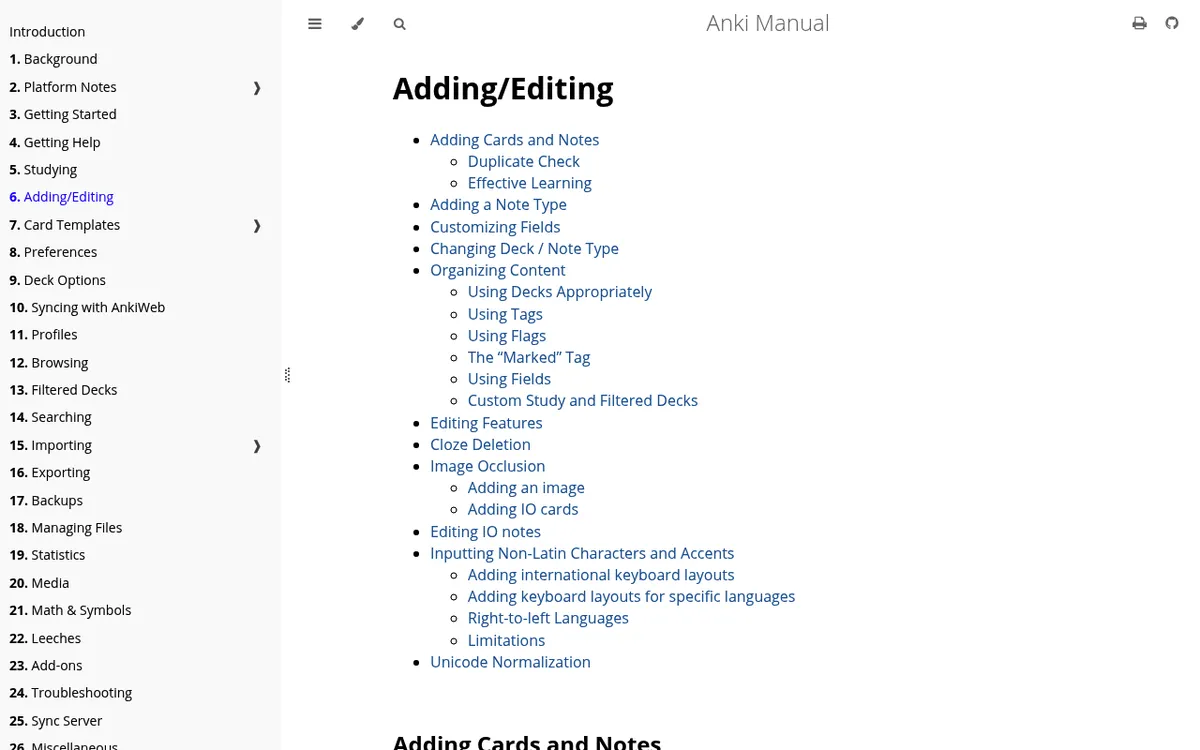
The Anki manual documents Image Occlusion as a built-in note type from Anki 23.10 onward. You get rectangle, ellipse and polygon shape tools, two card modes, and fields called Header, Back Extra and Comments. The manual also confirms you can group shapes, and that grouped shapes produce a single card instead of one card each.
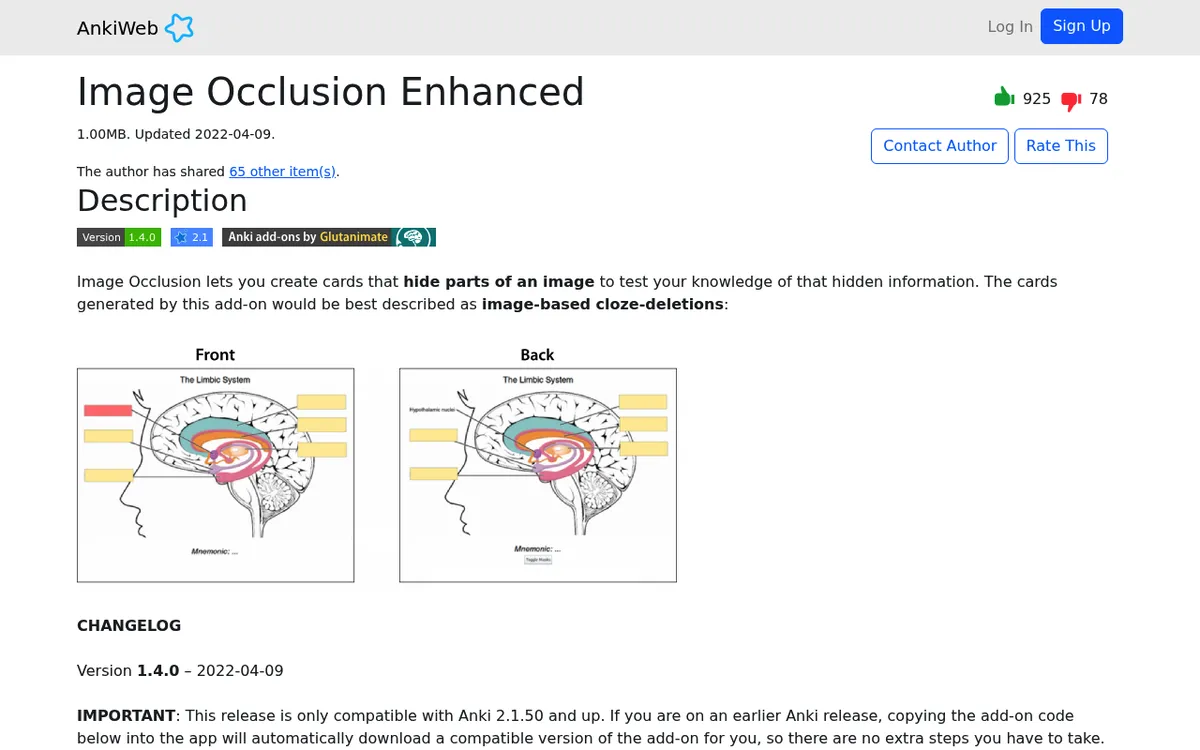
The whole first page of Google still points at the older add-on. Its AnkiWeb listing shows version 1.4.0, last updated 9 April 2022, and states compatibility with Anki 2.1.50 and up.
| Situation | What to use |
|---|---|
| You installed Anki in the last two years | Built-in Image Occlusion note type |
| You are starting a fresh anatomy or histology deck | Built-in |
| You have old decks already built with the add-on | Keep the add-on so those notes still render |
| You rely on the add-on's field layout or mnemonics field | Keep the add-on |
Practical rule: build new cards with the built-in tool, and leave the add-on in place only as a reader for legacy notes.
Capture the slide or diagram properly
This is where card quality is won or lost. Six rules:
- Capture at native resolution. Put the slide on screen at 100% zoom and capture it there. Scaling a small capture up inside Anki is what makes mask edges look fuzzy.
- Use region capture, not full screen. A full-screen grab pulls in your dock, taskbar and browser chrome, and every one of those pixels is dead weight in your collection.
- Crop before you occlude, never after. Masks are stored as coordinates on the image, so changing the image afterwards makes every mask drift. Here is how to crop a screenshot on Mac and on Windows.
- Save as PNG. Line drawings, tables and small text survive PNG cleanly. JPG smears thin lines into artefacts at exactly the sizes flashcards use.
- Watch Retina and HiDPI scaling. A Retina region capture is saved at 2x, which is good. Trouble starts when you shrink that file to save space and the masks stop lining up.
- One slide per card image. Long stitched images make poor occlusion cards, and scrolling capture is not something ScreenSnap Pro does. Capture each slide separately.
Apple documents the macOS shortcuts on its take a screenshot on Mac page: Shift + Command + 4 for a region and Shift + Command + 5 for the capture toolbar. On Windows, Microsoft's Snipping Tool guide covers Win + Shift + S.
Can't find the file you captured? See where screenshots go on Mac or where screenshots go on Windows.
Build the card: masking strategy that actually tests you
Open Anki, choose the Image Occlusion note type, add your image, then draw shapes over the parts you want to recall.
- Hide All, Guess One covers every label at once and reveals one per review. Use it for maps, cross sections and anything where seeing the neighbours gives the answer away.
- Hide One, Guess One hides a single label and leaves the rest visible. Use it when the surrounding labels are context you genuinely need.
- One mask per fact. If a label reads "left anterior descending artery", that is one mask, not three.
- Group masks that share an answer. Two arrows pointing at the same structure should be grouped so they generate one card.
- Fill the Back Extra field. Put the readable label text plus the source (lecture number, slide number, textbook page) there. Future you will want to know where the card came from.
Typing out slide text is the slowest part. Run OCR on the capture instead and paste the result: our guide to extracting text from a screenshot covers the workflow, and if the slides arrived as a PDF, see OCR a PDF on Mac or OCR software for Windows.
For diagrams that need an arrow or a callout before you mask them, see annotating screenshots on Mac or editing screenshots on Windows.
ScreenSnap Pro sits on the capture side of this workflow rather than the flashcard side. It does region capture at native resolution, cropping, 17 annotation tools for arrows and labels, blur for anything identifiable in a clinical image, OCR to pull slide text straight into Back Extra, and no watermark on the output. It costs $34 once, runs on Mac and Windows, and one license covers two computers, which matters if you study on a laptop and a desktop. See what it includes.

Tired of plain screenshots? Try ScreenSnap Pro.
Beautiful backgrounds, pro annotations, GIF recording, and instant cloud sharing, all in one app. Pay $34 once, own it forever.
See pricing and featuresImage occlusion on mobile: AnkiDroid and iOS
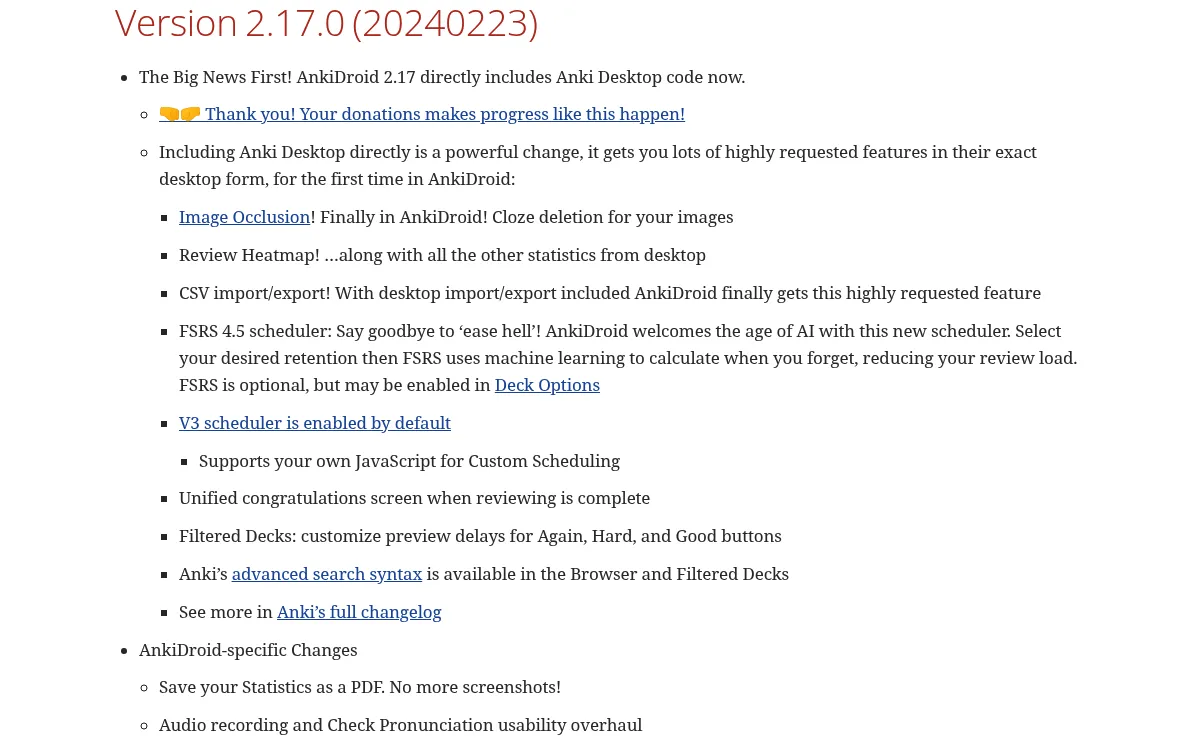
AnkiDroid gained the feature in version 2.17.0, released 23 February 2024, listed in the changelog as "Image Occlusion! Finally in AnkiDroid!" That build pulled in the desktop code, so you can review and create occlusion cards on Android. Drawing precise masks on a phone screen is fiddly, so most people still author on desktop and review on mobile.
AnkiMobile on iOS reviews built-in occlusion notes, and recent versions can create them too: pick the Image Occlusion note type on the Add screen, then tap the two squares. On both platforms the images travel through AnkiWeb media sync, not through the deck file, so a sync that stops early leaves you with grey boxes and no picture. Run a full sync on desktop before you leave the house.
Troubleshooting Anki image occlusion
Masks look shifted or misaligned. The image changed after the masks were drawn. Cropping, resizing or re-exporting the file moves the coordinates. Recapture, crop, then occlude in that order.
The image is too blurry to read. You captured a scaled-down view of the slide or saved as JPG. Recapture at 100% zoom as PNG.
Cards are not generating. Check the note type is Image Occlusion, that at least one shape exists, and that the shapes are not stacked in one group by accident, because a group yields a single card.
The add-on will not load. Image Occlusion Enhanced targets Anki 2.1.50 and up and has not been updated since 2022. On a current Anki release, switch to the built-in note type instead of fighting the add-on.
Images missing on the phone after sync. Media sync did not finish. Sync desktop to completion, then sync the phone again, and check the media sync log in Anki's preferences.
Collection is getting huge. Anatomy decks bloat fast. Keep PNG for line art and text, but for photographic slides you can compress the image before adding it.
Frequently asked questions
Where to go from there
Anki handles the recall side well. Your job is to feed it clean, correctly cropped, native-resolution images with labels you can read at 2am.
Still deciding where your notes live before they become cards? Compare the options in our study notes app roundup. If the slides come from a lecture you are allowed to record, lecture recording software covers capturing the session itself.

Morgan
Indie DeveloperIndie developer, founder of ScreenSnap Pro. A decade of shipping consumer Mac apps and developer tools. Read full bio
@m_0_r_g_a_n_