Markup Hero Review: Features & Alternatives (2026)
Markup Hero is a screenshot markup tool that runs in your browser. You capture, mark up, and share, all through a Chrome extension. It works on Mac, Windows, Linux, and Chromebooks. But is it the best pick for your workflow, or would a native app like ScreenSnap Pro suit you better?
In this review, we cover Markup Hero's features, pricing, honest pros and cons. We also compare it to Mac-native tools like ScreenSnap Pro and CleanShot X.
What is Markup Hero?
Markup Hero is a browser-based markup tool made for quick sharing. You install a Chrome extension. Then you capture, mark up, and share, all without leaving the browser. Each markup gets a unique URL.
The tool is popular with remote teams and Chromebook users. Its Chrome extension has over 100,000 installs. The whole workflow is simple: capture, mark up, share.
For developers and remote workers who share visual feedback (bug reports, design notes, docs), Markup Hero is a light option. No heavy desktop app needed.
Markup Hero features
Screenshot capture
Markup Hero grabs screenshots from the Chrome extension menu. You can capture the visible tab, a selected area, or the full screen. Captures open right away in the editor, with no extra steps.
Keyboard shortcuts work out of the box. You can't change the key combos, though. For quick grabs during work, the extension menu is fast enough.
Scrolling screenshots
Markup Hero can capture full scrolling pages. It grabs entire web pages that go beyond your screen. This is useful for long articles, dashboards, or design mockups.
This is a feature many Mac users want. Markup Hero does it well compared to basic built-in tools.
Annotation tools
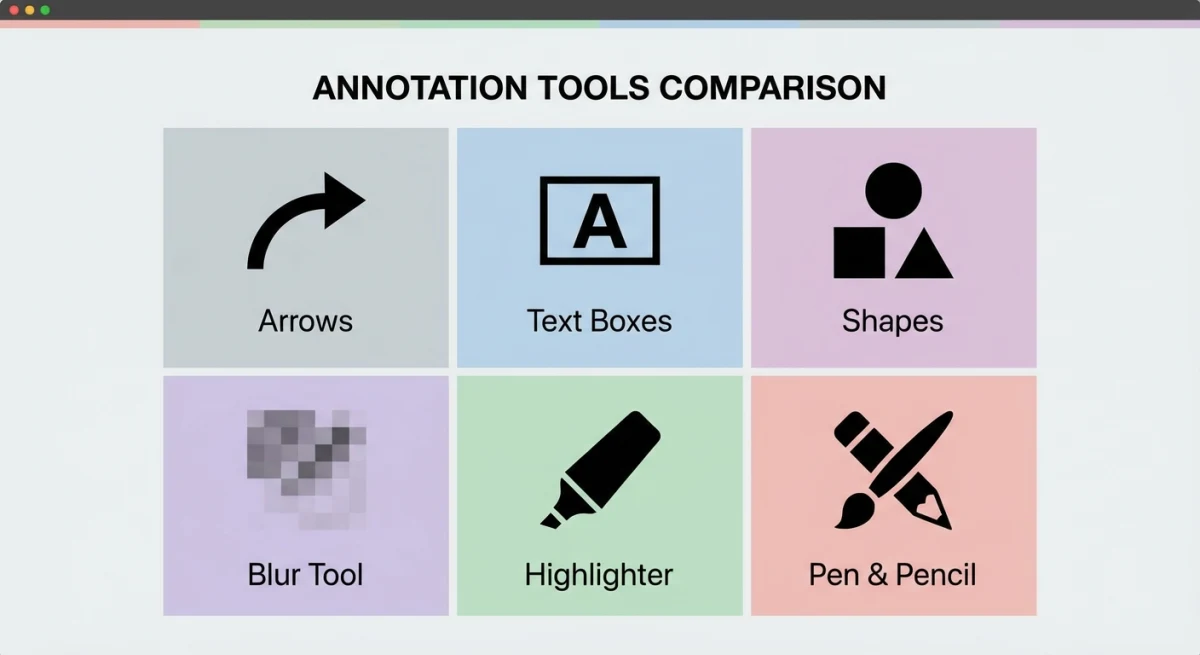
The markup toolset includes:
- Text. Scalable text boxes with font size control
- Arrows. Point to specific elements
- Shapes. Rectangles, circles, and lines
- Pen tool. Freehand drawing
- Highlighter. Draw attention without covering content
- Crop. Trim screenshots to the relevant area
- Colors. 11 color options for each tool
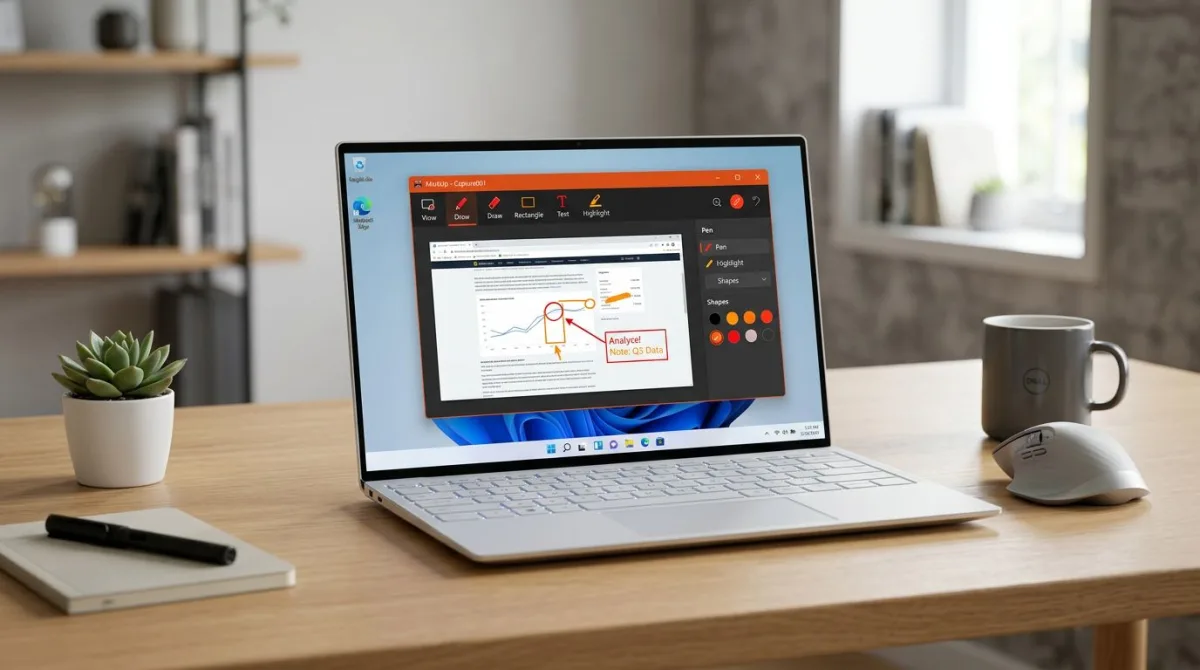
The text tool is well done. You can scale text to fit one or many lines. Drag a corner to change font size on the fly. It's more flexible than most free tools.
That said, the toolkit is lighter than what desktop apps offer. There's no blur or pixelate tool for hiding private info. This is a must-have for many users.
PDF annotation
You can also upload and mark up PDFs and existing images. This is handy for reviewing docs, marking up design files, or adding notes to shared assets.
Cloud sharing
Every markup gets a unique URL. No need to attach files to emails. Just send the link. Your teammate sees the marked-up screenshot right away.
This is one of Markup Hero's best features. The cloud sharing flow is fast. Links work for anyone, with no account needed.
Integrations
Markup Hero plugs into Slack, Google Docs, and other tools. Paste a markup link into a chat or doc. It shows a preview of the marked-up image.
The Slack plugin works well for remote teams. Paste a link instead of dragging a file. The image previews right in the channel. Google Docs works the same way: embed visual notes in your docs.
History and organization
Every capture saves to your Markup Hero dashboard. You can search old markups, tag them, and re-edit past work. This helps when you need to pull up an old bug report or update a doc screenshot.
The dashboard works like a light image library. But it's all cloud-based. There's no local backup option. If you lose access, you lose your images.
Markup Hero pricing
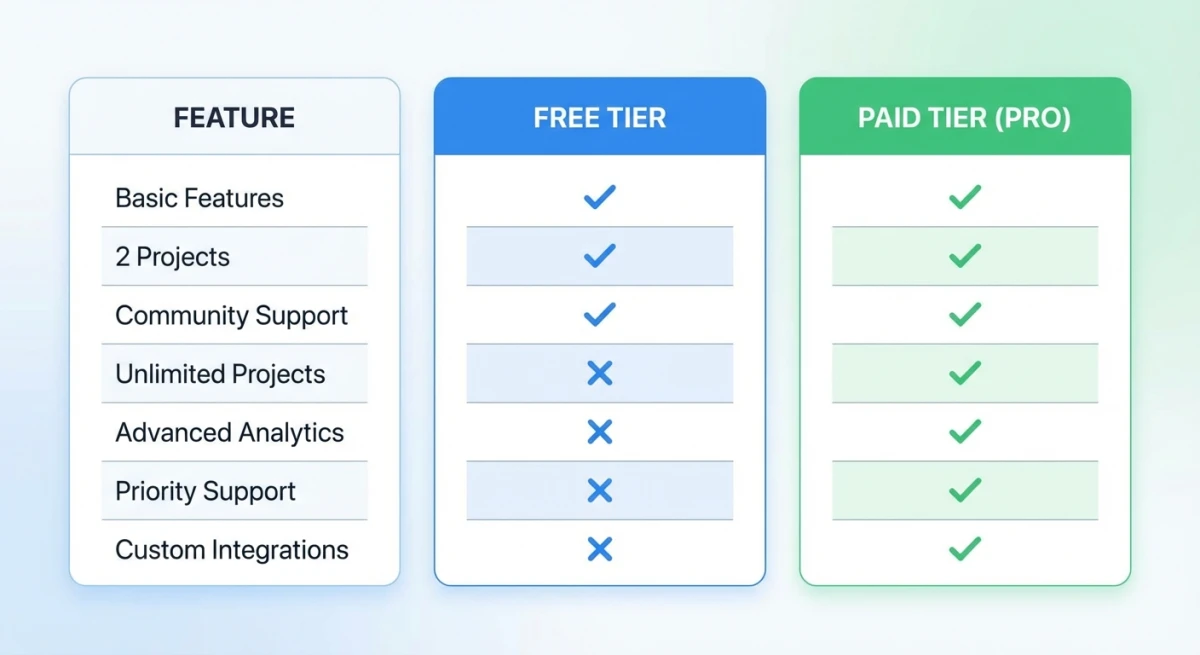
Markup Hero uses a freemium model with two tiers:
| Plan | Price | Limits |
|---|---|---|
| Free | $0 | Limited annotations per month, basic tools |
| Superhero | $4/month | Unlimited annotations, all tools, priority support |
The free tier works for light use, meaning a few screenshots here and there. If you mark up images every day, you'll hit the limits fast. Then you'll need the paid plan.
Is $4/month worth it?
At $4/month ($48/year), Markup Hero seems cheap. But it adds up. Compare it to one-time buys:
- ScreenSnap Pro: $39 one-time (Mac, 15 annotation tools + GIF recording)
- CleanShot X: $29 one-time (Mac, extensive feature set)
- Shottr: Free (Mac, basic but capable)
After five months, Markup Hero costs more than ScreenSnap Pro for life. After seven months, it beats CleanShot X too. The monthly plan makes sense for cross-platform users. But Mac-only users should think about the long-term cost.
Pros and cons
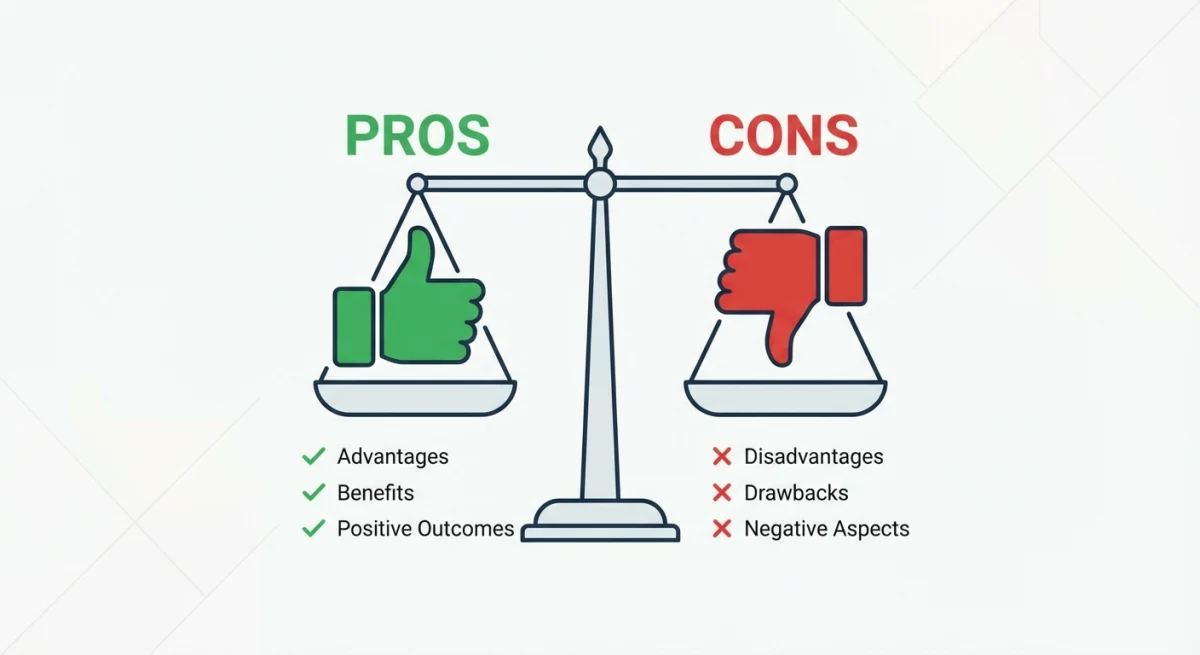
What Markup Hero does well
- Cross-platform. Works on any OS with Chrome
- Instant sharing. Unique URLs, no file attach needed
- No install. Just add the Chrome extension
- Scrolling captures. Grabs full-page content
- Free tier. Try before you pay
- Clean look. Modern and easy to use
Where it falls short
- Needs Chrome. No standalone app
- Fewer tools. No blur, pixelate, or counter
- Monthly cost. $4/month adds up vs one-time buys
- No GIF recording. Stills only, no screen recording
- Needs internet. Cloud-based, no offline use
- Fixed shortcuts. Can't change key bindings
- Not Mac-native. No Retina tuning, no menubar icon

Tired of plain screenshots? Try ScreenSnap Pro.
Beautiful backgrounds, pro annotations, GIF recording, and instant cloud sharing, all in one app. Pay $39 once, own it forever.
See pricing and featuresWho should use Markup Hero?
Best for
- Cross-platform teams who need markups on Windows, Mac, Linux, and Chromebooks
- Chrome-first users who live in the browser
- Remote workers who share screenshots via links often
- Light users who need quick markups and can stay on the free tier
Not ideal for
- Mac power users who want native speed and menubar access
- Privacy-focused users who want local-only storage
- Heavy editors who need blur, pixelate, counters, and more
- Budget-minded users who'd rather pay once
If you're on Mac and want deep macOS hooks, a native app is better. Markup Hero is built for reach across platforms, not for one OS.
For devs who make code screenshots or edit screenshots a lot, the lack of tools is a real blocker. A desktop app with blur and counters handles these tasks much faster.
Want to share marked-up images without a subscription? You can turn screenshots into PDFs for easy sharing, with no cloud service needed.
Markup Hero alternatives for Mac
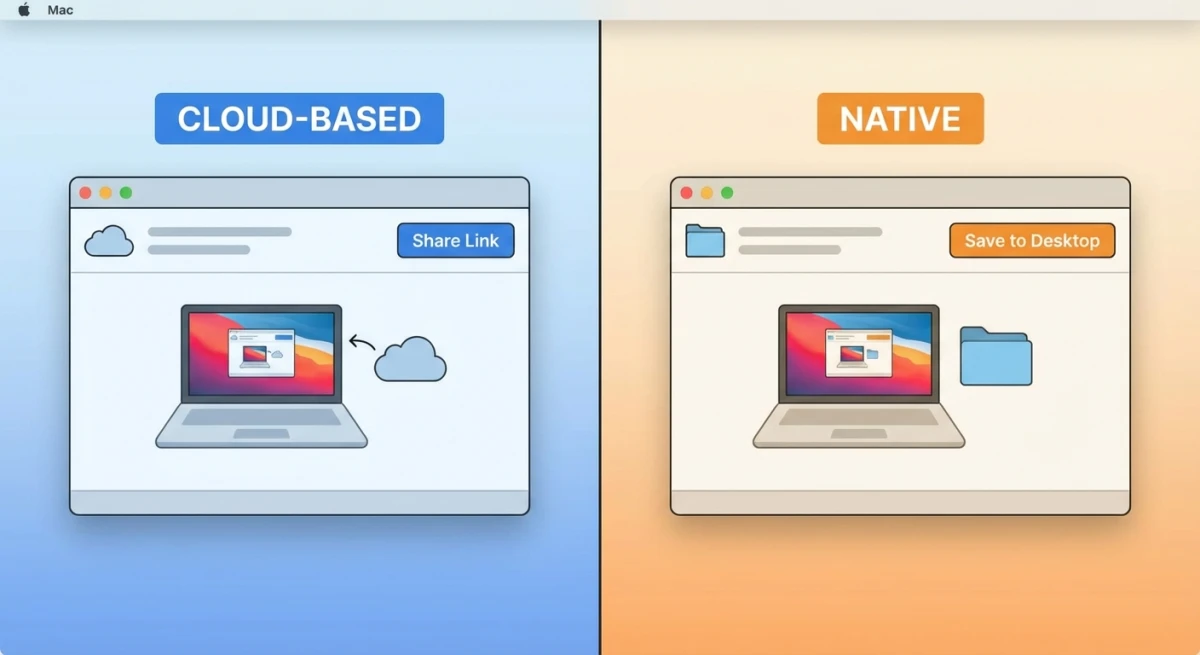
ScreenSnap Pro
ScreenSnap Pro is a Mac-native screenshot and GIF tool. It has 15 markup tools: blur, pixelate, highlighter, counter, emoji, and more. All the things Markup Hero lacks.
Why it beats Markup Hero:
- $39 one-time. No monthly bill, updates for life
- 15 markup tools vs Markup Hero's basic set
- GIF recording. Capture demos as GIFs, not just stills
- Nice backgrounds. 500+ gradients for polished images
- OCR text grab. Copy text from any image
- Works offline. No internet needed
- Mac-native. Menubar icon, Retina sharp
If you're on Mac and want strong markup tools with no monthly cost, ScreenSnap Pro is the best fit. It covers all of Markup Hero's features and adds blur, counters, GIFs, and backgrounds on top.
CleanShot X
CleanShot X is a popular Mac option at $29 one-time. It has scrolling capture, screen recording, and cloud sharing. Cloud storage needs an extra paid add-on, though.
CleanShot X also has a capture history panel. You can search and re-edit old screenshots, which is close to what Markup Hero's dashboard offers, but stored locally too.
Read our full CleanShot X comparison to see how it stacks up.
Shottr
Shottr is a free Mac screenshot tool. It's light and fast. It covers basic markup needs: text, arrows, shapes, and blur. No cloud sharing. No GIF recording. But for simple tasks, it's hard to beat at zero cost.
See our ScreenSnap Pro vs Shottr head-to-head for a full look.
Greenshot
For Windows users, Greenshot remains a solid free option. If you're on Mac and came from Greenshot on Windows, check our guide to Greenshot alternatives for Mac.
| Tool | Platform | Price | Annotation Tools | GIF Recording | Cloud Sharing |
|---|---|---|---|---|---|
| Markup Hero | Cross-platform | $4/mo | Basic (no blur) | ❌ | ✅ Built-in |
| ScreenSnap Pro | Mac | $39 one-time | 15 tools (blur, pixelate, counter) | ✅ | ✅ Optional |
| CleanShot X | Mac | $29 one-time | Advanced | ✅ Video | ✅ Paid add-on |
| Shottr | Mac | Free | Basic (blur included) | ❌ | ❌ |
| Greenshot | Windows | Free | Basic | ❌ | ❌ |
Verdict: is Markup Hero worth it?
Markup Hero fills a specific niche well. If you work across multiple operating systems and need a fast way to capture, annotate, and share screenshots via a link (all from your browser), it's a solid choice. The free tier lets you test the waters, and $4/month is reasonable for cross-platform teams.
But if you're mainly on Mac, you're paying monthly for fewer features than native apps offer at a one-time price. ScreenSnap Pro gives you more tools, GIF recording, backgrounds, and offline use, all for $39 once.
The bottom line: Pick Markup Hero if you need cross-platform, browser-based sharing. Pick a Mac-native tool like ScreenSnap Pro if you want more tools, better speed, and no monthly bill.
Want help with markup on Mac? Check our guide to marking up screenshots like a pro. Or browse the best screenshot apps for Mac for more options.
Tips for getting the most out of Markup Hero
If you do stick with Markup Hero, these tips help you work faster:
- Learn the keyboard shortcuts.
Alt + Shift + 1captures the visible area.Alt + Shift + 5grabs a selected region. Muscle memory saves time. - Use tags in the dashboard. Tag screenshots by project or client. This makes finding old markups much easier than scrolling through a flat list.
- Share via links, not files. The link system is Markup Hero's best feature. Paste links in Slack, email, or docs. Skip file attachments.
- Try the PDF markup. If you review contracts or design specs, upload the PDF to Markup Hero. Mark it up and share the link. Faster than emailing PDFs back and forth.
- Combine with a local tool. Use Markup Hero for sharing and a Mac tool like macOS shortcuts for quick local captures. Many users run both.
Frequently Asked Questions

Morgan
Indie DeveloperIndie developer, founder of ScreenSnap Pro. A decade of shipping consumer Mac apps and developer tools. Read full bio
@m_0_r_g_a_n_